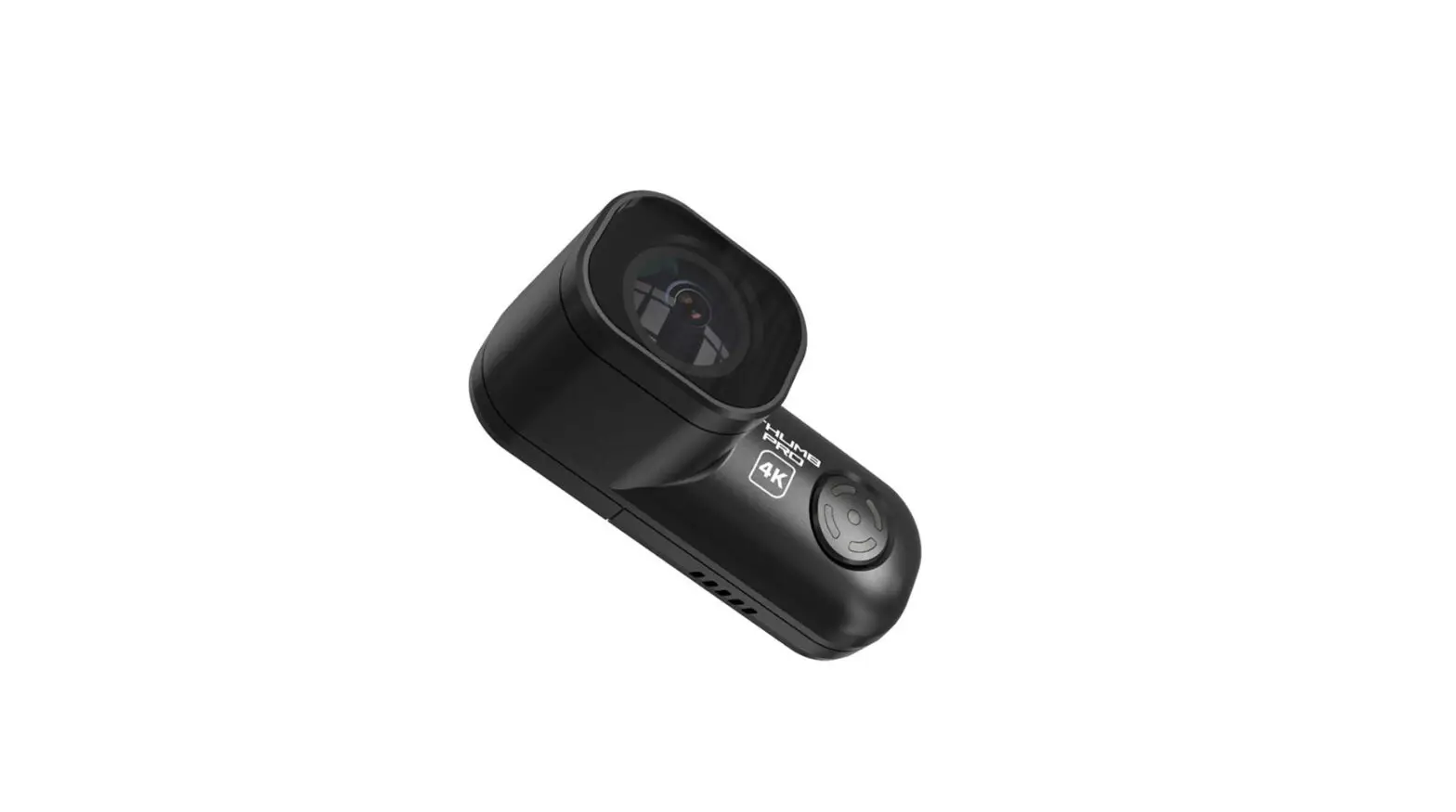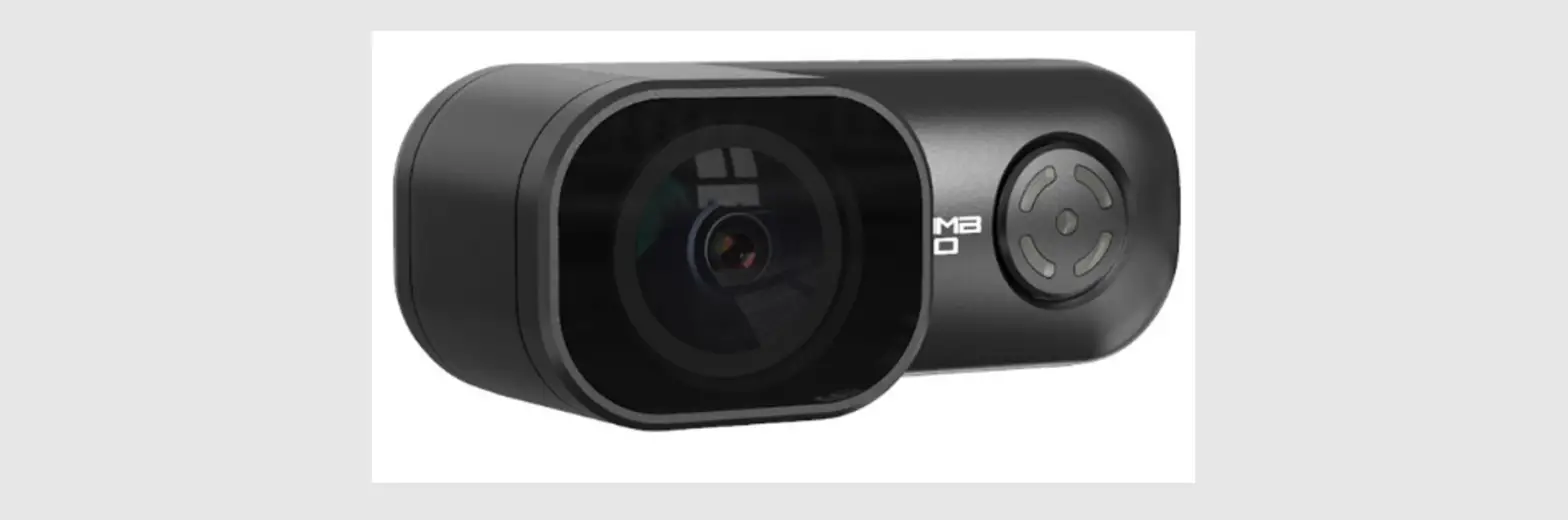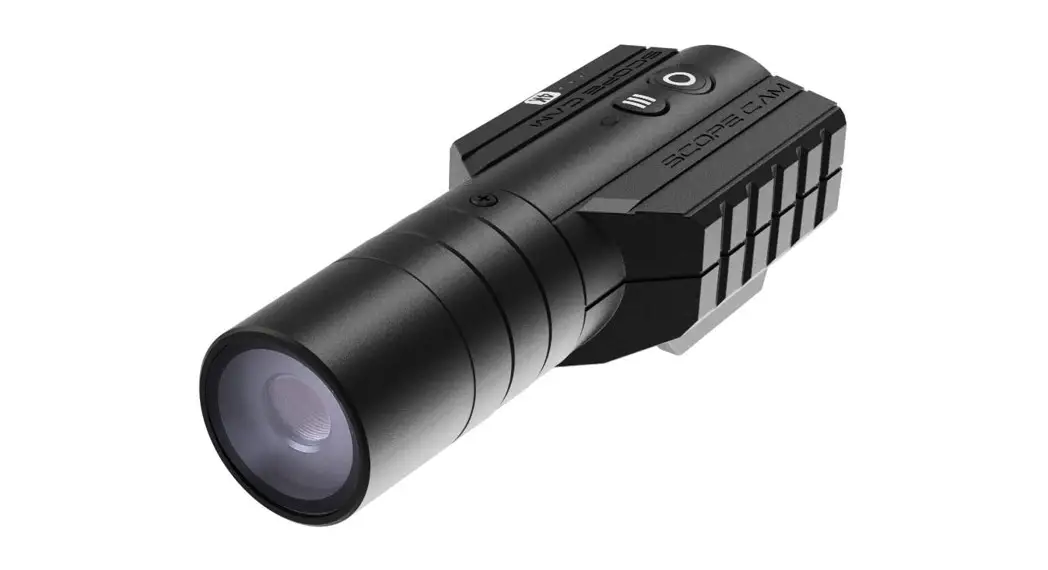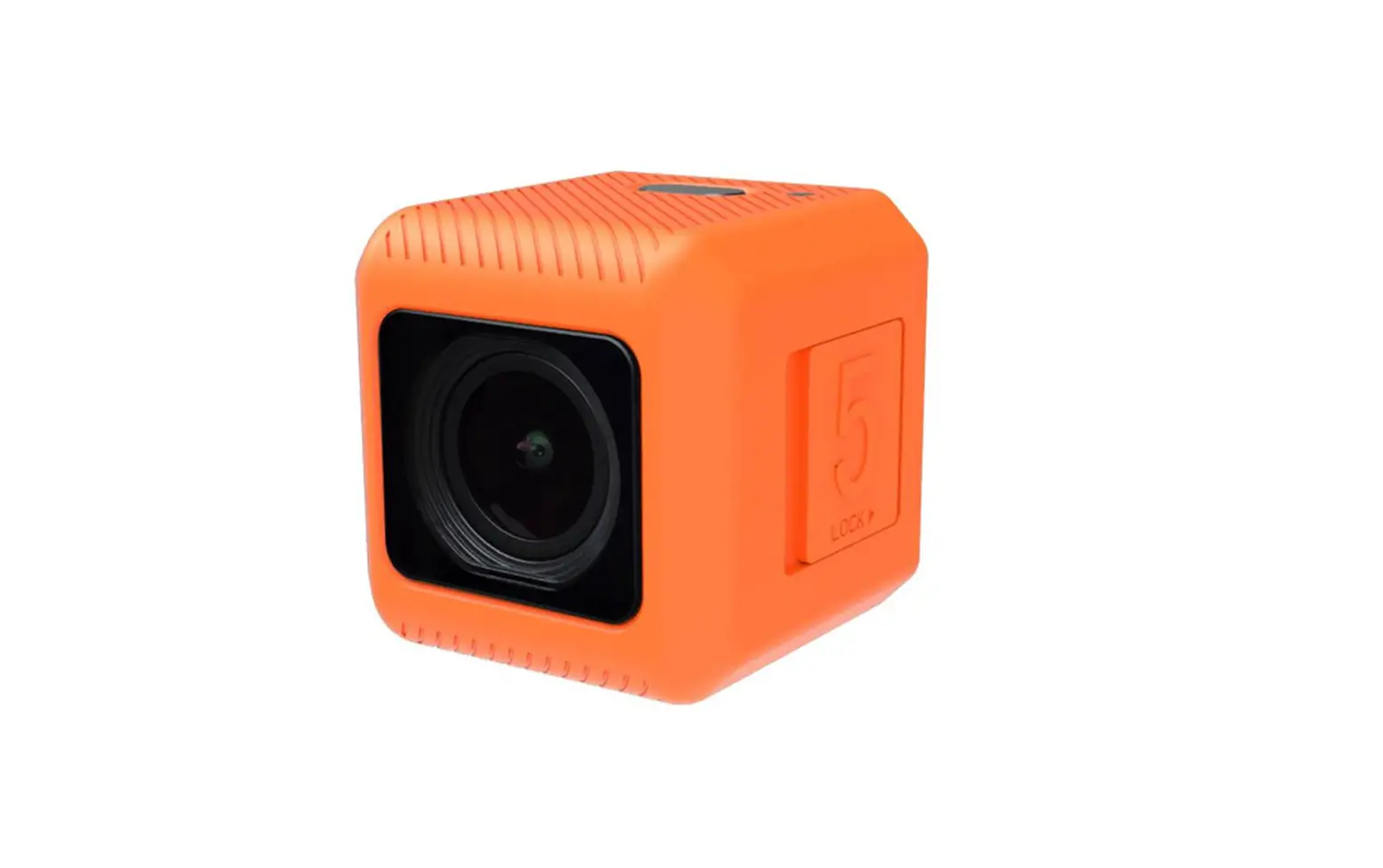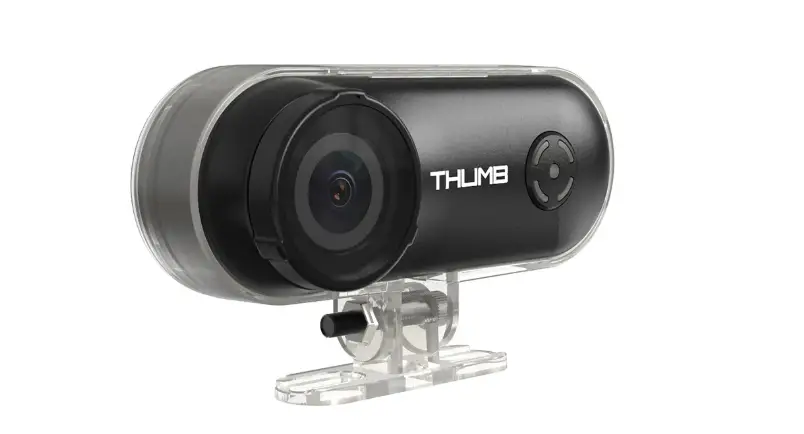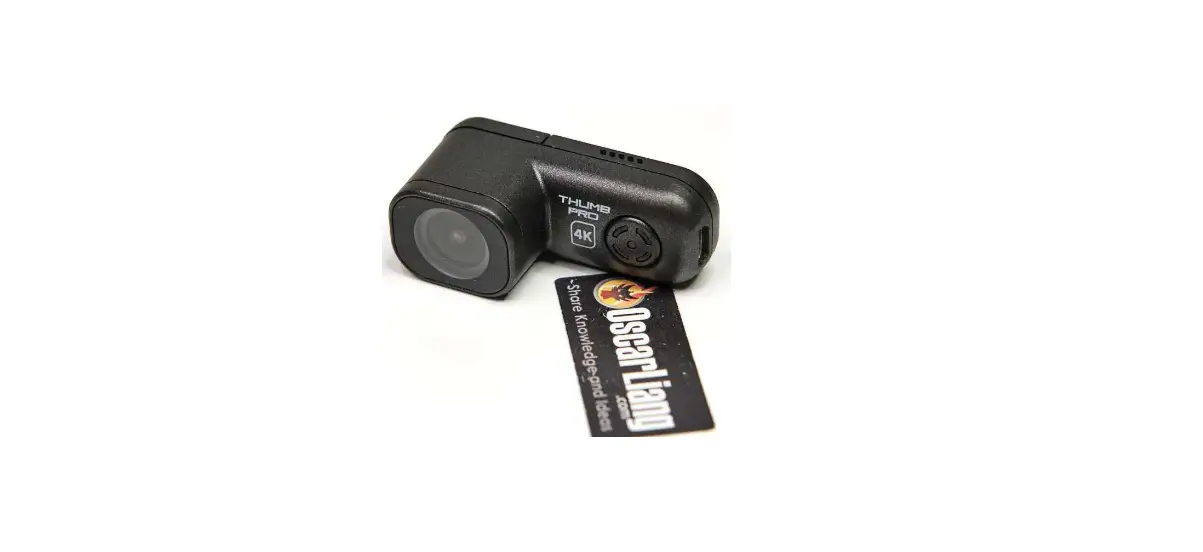

OSCAR RunCam Thumb Pro 4K Camera
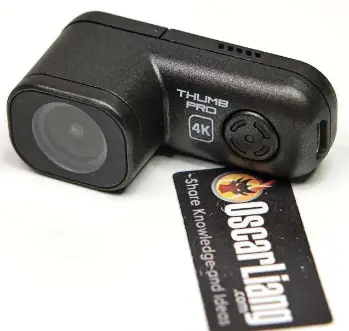
Function indication
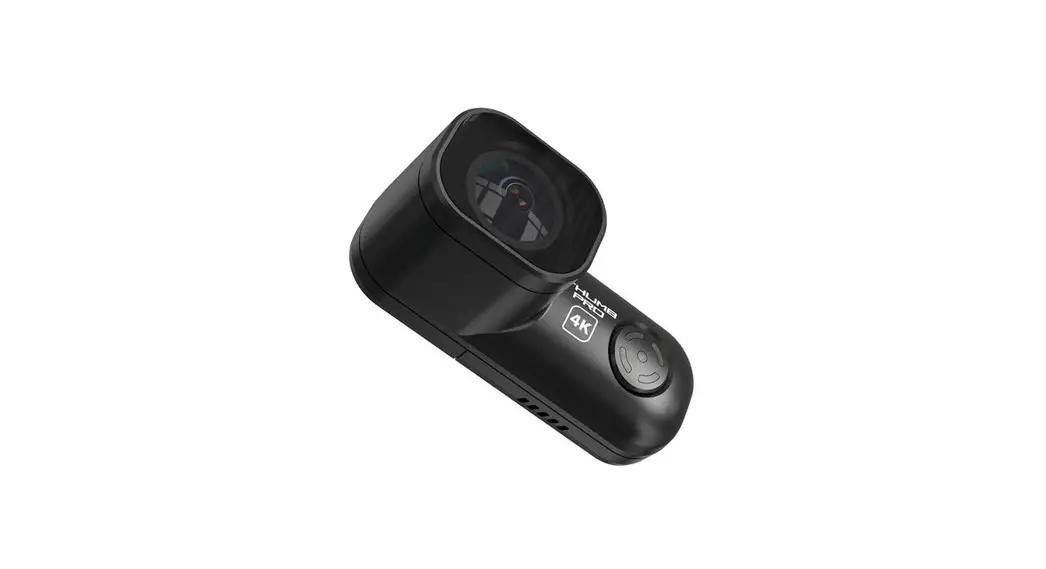
- Detachable lens protection cover
- Button (power/shutter button)
- Indicator light(Red/Green)
- MicroUSB
- 1.25mm 4P

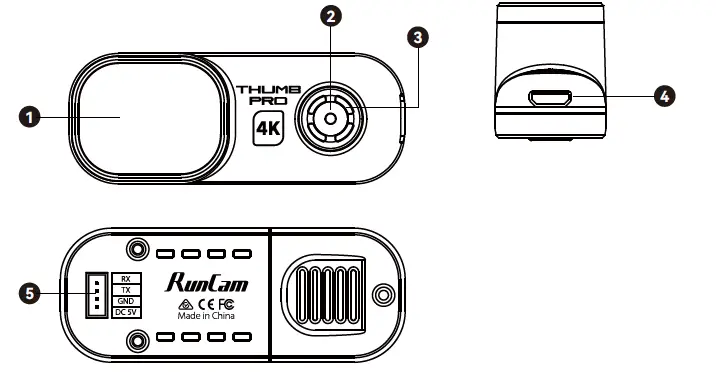
Power supply connection and flight controller connection.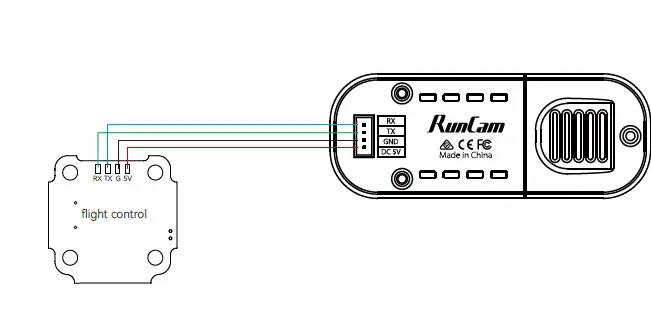
Camera basic operations
| Power on/off | Automatically turn on when powered on, the red light is always on Cut the power or long press the button to power off |
| Start/Stop recording | Click the shutter button to start recording, the red light flashes slowly / Click the shutter button again to stop recording, the red light is always on |
| Mode switch | Double-click the shutter button quickly to switch between the recording mode (the red light is always on) and the parameter settings mode (the green light is always on) |
| Parameter settings mode | Scan the QR code in the Runcam APP to configure |
| Remote control mode | Thumb Pro Connect ThumbPro to flight controller for operations |
| SD card error | Red light keeps flashing fast |
Micro SD Card
U3 card is recommended (4K@30FPS/2.7K@60FPS/1080P@120FPS requires U3 or above) Supports up to 256G microSD card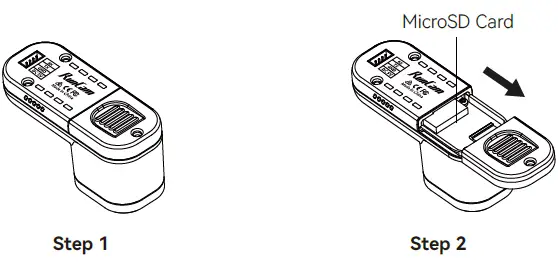
Computer Connection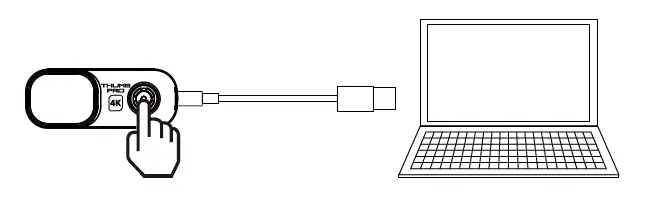
Firmware Update
To ensure optimal performance of the camera, please use the latest firmware version. Check the link below to update for reference: https://www.runcam.com/download/ThumbPro Firmware upgrade status (Red and green lights flashing fast; when the upgrade is completed, the camera automatically shuts down.)
Android and IOS APP
Search“RunCam”on Google play and Apple Store, or download on our website http://www.runcam.com/download
Technical Support
Please visit: https://support.runcam.com
Video Bitrate and Codec
| Resolution | Video Quality | Codec | ||
| High | Medium | Low | ||
| 4K@30fps | 60Mbps | 50Mbps | 40Mbps |
H.264 |
| 2.7K@60fps | 60Mbps | 50Mbps | 40Mbps | |
| 1440P@60fps | 40Mbps | 30Mbps | 20Mbps | |
| 1080P@120fps | 60Mbps | 50Mbps | 40Mbps | |
| 1080P@60fps | 45Mbps | 30Mbps | 22Mbps | |
Flight Controller UART Control
Preparation
- Firmware: BetaFlight Firmware (3.2.0),CleanFlight Firmware(2.1.0) ,
- KISS Firmware (1.3-RC30) or INAV Firmware (1.7.3).
- Any available UART interface on the Flight Controller

- Connect the Runcam Thumb PRO with the UART interface of the Flight Controller

- Make the Flight Controller recognize the Runcam Thumb PRO
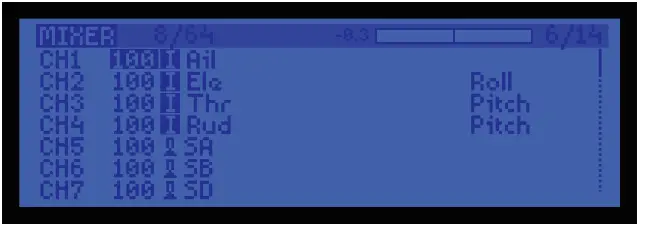
- Instructions of the functions of the camera and assigning transmitter channels to them
- Assign the channel to the switch of the controller

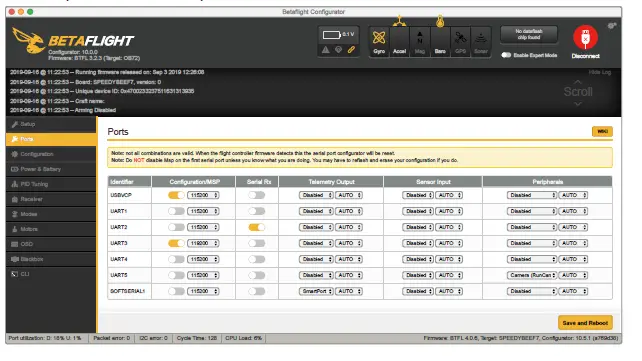
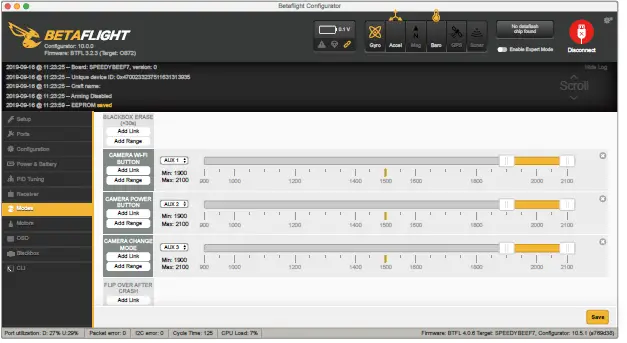
Specifications
| Mode | Runcam Thumb Pro |
| Resolution | 4K@30fps\2.7K@60fps\1440P@60fps\ 1080P@120fps\1080P@60fps |
| Sensor | IMX577(12MP) |
| F.O.V | OLD VERSION 145°,NEW VERSION 155° |
| Video Format | MP4 |
| Gyro | Bulit-in |
| Communication Interface | Micro USB |
| Micro SD Card Capacity | 256G Max |
| USB Power Input/ Terminal Power Supply | DC 5.0V |
| Remote Control | Uart |
| Power Consumption | 500mA@5V Max |
| Dimension | 54mm*25.5mm*21mm |
| Net Weight | 16g |
 RunCam - download