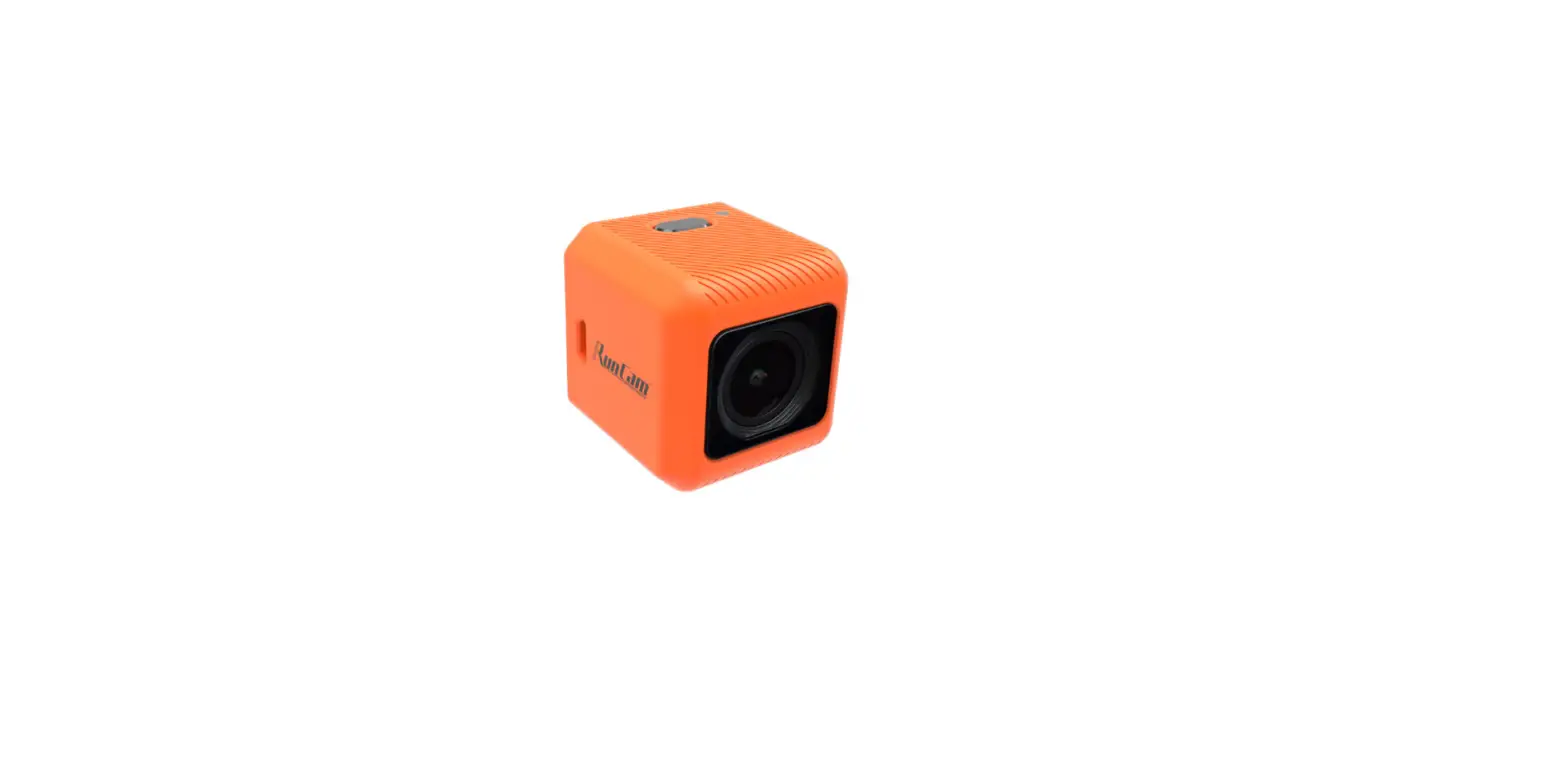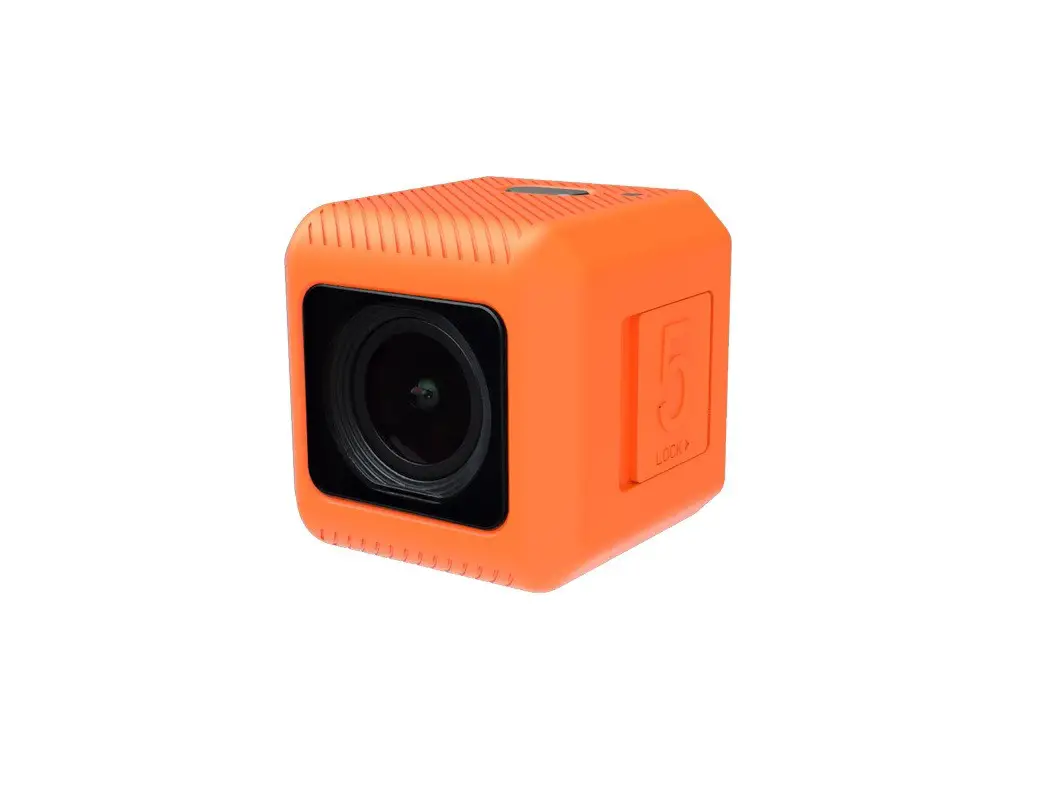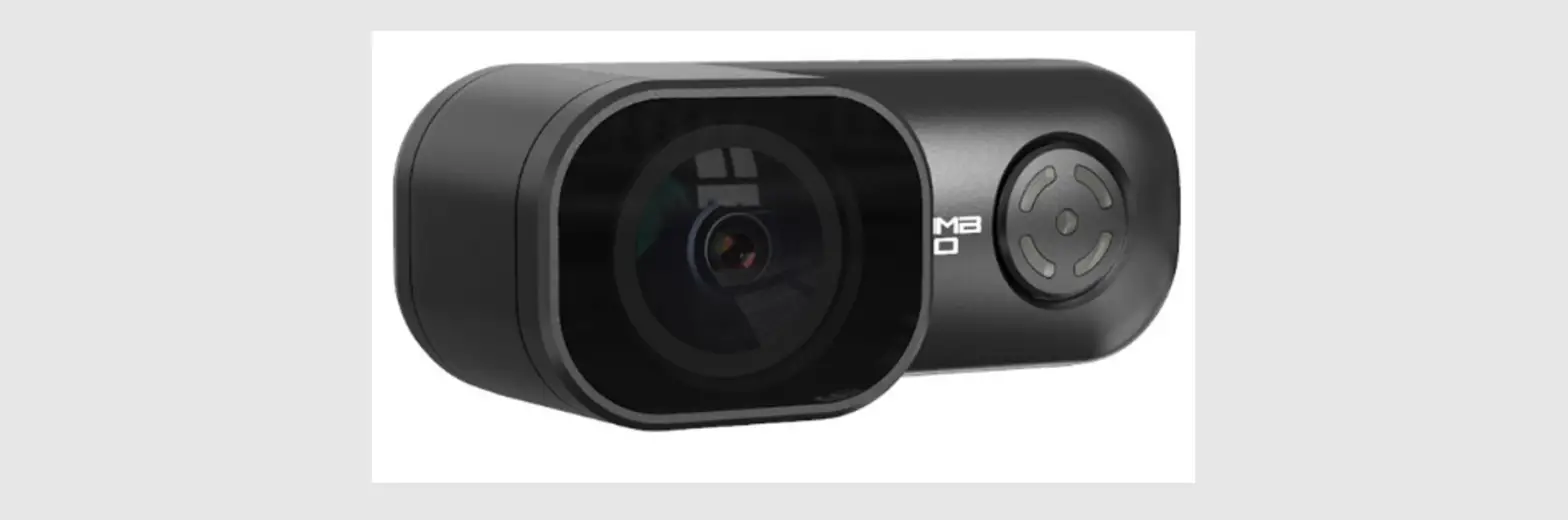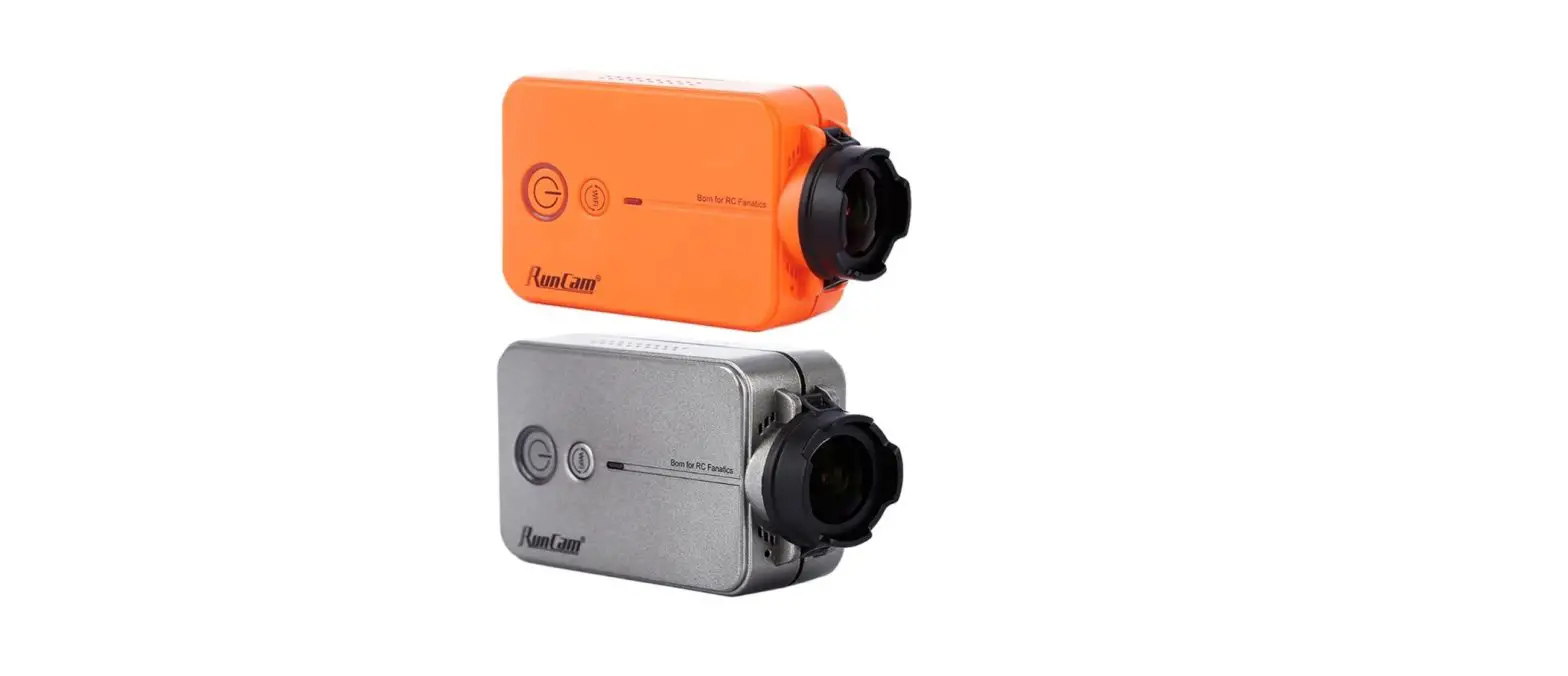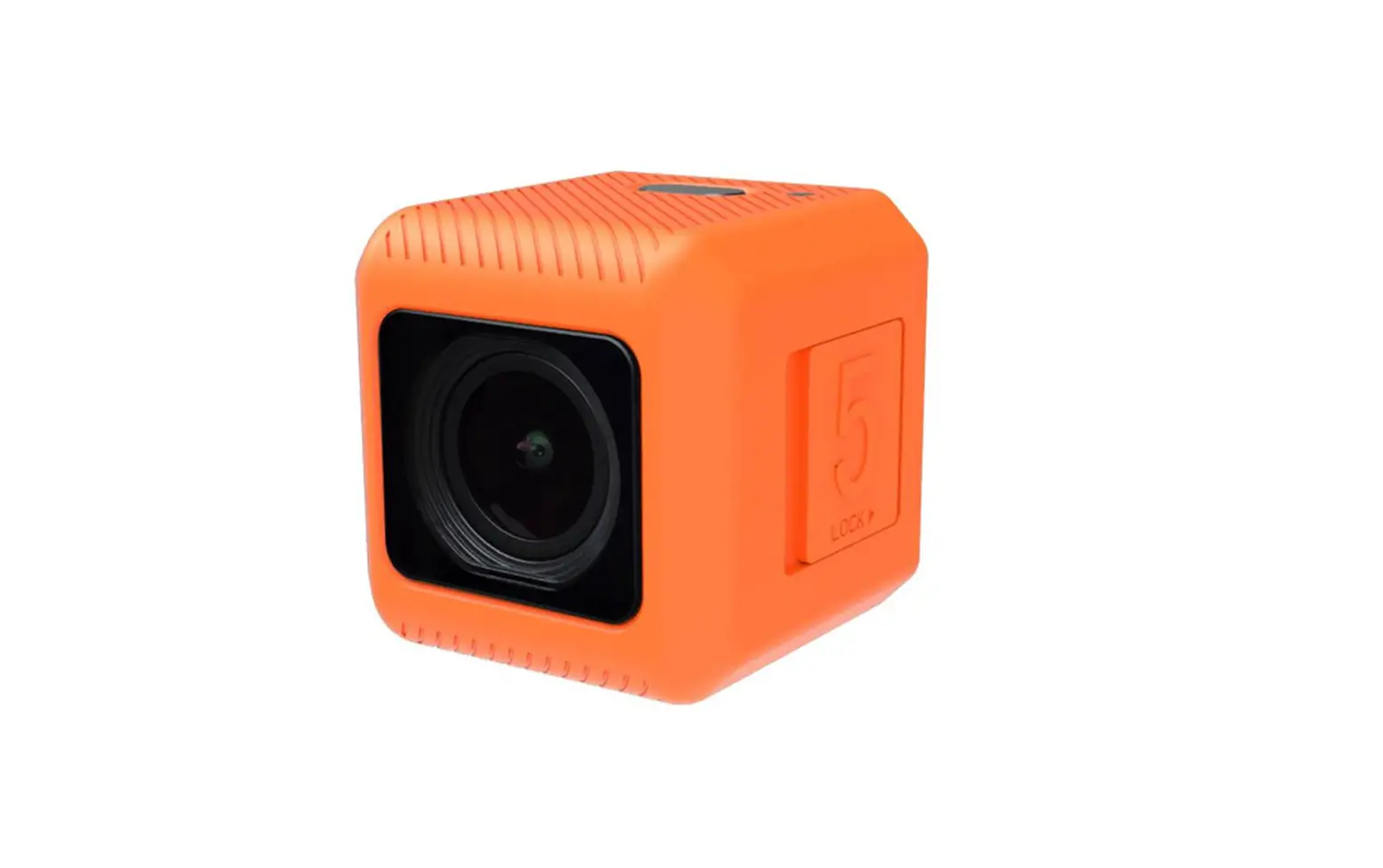
RunCam 5 Orange
User Manual
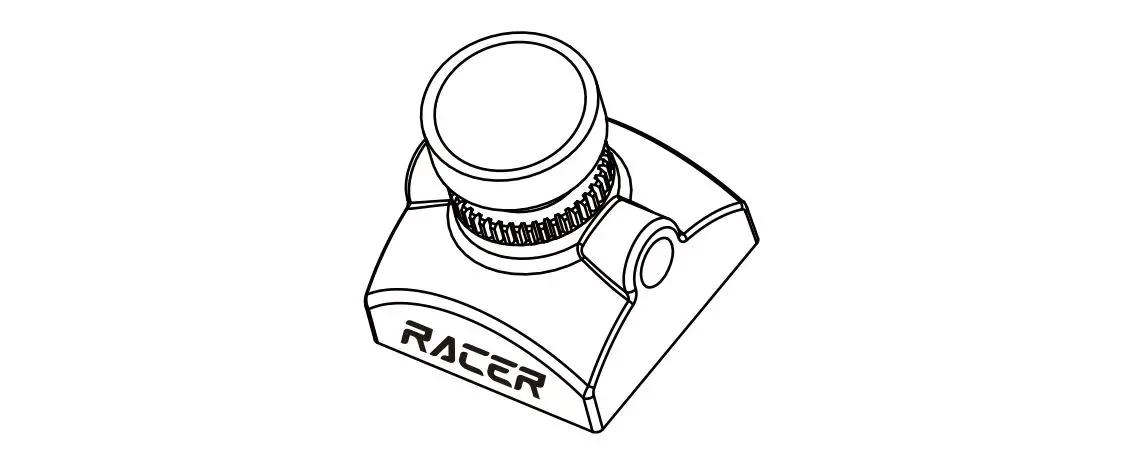
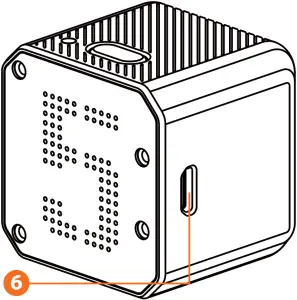
Instruction Diagram
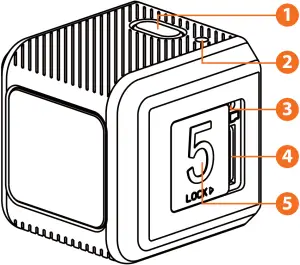
- Shutter Button
- Camera Status Light (LED)
- Reset Button
- SD Card Slot
- SD Card Locking Door
- Micro USB Port
Charging
Micro USB port supports DC 5-15V power supply. A DC 5V 1~2A charger is recommended.The Red LED will turn on during charging and turn off when charging is complete. It takes about 2 hours to get fully charged.
Low Battery Warnings
When powered on, if the charge is less than 25%, the Blue LED will continue to flash for 3 seconds.
Basic Camera Operation
| Powering On/Off | • Long press the Shutter button with Green LED on, the camera is under standby mode. |
| Mode Switch | • Double-click the Shutter button to cycle through the recording mode (Green LED), setting mode (Blue LED) |
| Recording On/Off | • In the recording mode, click the Shutter button to start recording, the green light flashes; click the Shutter button again, the recording stops, the green light stops flashing. |
| Parameter Settings | • Set in the RunCam App |
| Forced Shutdown | • Simultaneously press the Shutter button and Reset button. |
| Formatting | • In standby mode. Triple-click the Reset button, with a long beep and Green LED blinks three times. |
| Reset | • In standby mode. Long press the Reset button, with three beeps and Blue LED blinks three times. |
microSD Card
Insert the microSD card as indicated by the icon next to the card slot.
Use brand name memory cards (sold separately) that meet these requirements:
- microSD, microSDHC, or microSDXC
- U3 recommended (2.7K50/2.7K60 1080P120 requires U3 or above; other resolutions require U1 or above)
- Capacity up to 128GB
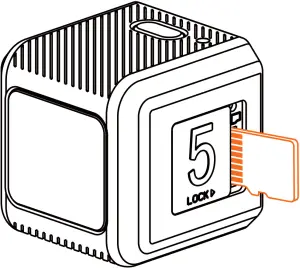
NOTICE: Use carefully when handling memory cards. Avoid liquids, dust, and debris. As a precaution, power off the camera before inserting or removing the card. Check manufacturer guidelines regarding use in acceptable temperature ranges.
Abnormal SD Card Status: If the blue light continues to flash quickly after powering on, it indicates that the SD card is not inserted, or full or cannot be recognized.
Connection to Computer
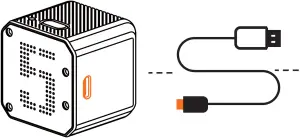

After turning on the camera, connect it to the computer via USB cable, then it will be recognized as a removable disc.
NOTICE: If the camera can not be recognized by the computer after connecting, please make sure that a microSD card is well inserted. If the information on microSD card can not be read normally, please try with another micro USB cable or USB port on the computer.
Firmware Upgrade
To ensure that the camera performs optimally, please use the latest firmware.
Update method here: https://runcam.com/download/runcam5or.
Video Bitrate and Code
| Resolution | Video Quality | Codec | ||
| High | Medium | Low | ||
| 4K@30fps | 60Mbps | 50Mbps | 40Mbps | H.264 |
| 2.7K@60fps | 60Mbps | 50Mbps | 40Mbps | |
| 2.7K@50fps | 60Mbps | 50Mbps | 40Mbps | |
| 1440P@60fps | 40Mbps | 30Mbps | 20Mbps | |
| 1080P@120fps | 60Mbps | 50Mbps | 40Mbps | |
| 1080P@60fps | 45Mbps | 30Mbps | 22Mbps | |
Parameter
| Image Sensor | SONY IMX 377 (12MP) |
| Video Resolution | 4K@30fps/2.7K@60fps/2.7K@50fps/ 1080P@120fps/1080P@60fps/1440P@60fps |
| Field of View (FOV) | 145° |
| Video File Format | MP4 |
| TV-OUT | Support |
| Communication Interface | Micro USB |
| microSD Card supported | Up to 128G. Samsung’s U3 card is recommended (2.7K50/2.7K60 1080P120 requires U3 or above; other solutions require U1 or above) Please make sure that the file format of the SD card is FAT32, otherwise, it will easily cause errors. |
| WiFi | Nonsupport |
| Shutter | Auto 1/30 1/60 1/120 1/240 |
| ISO | Auto/100/200/400/800/1600/3200 |
| USB Power Input | DC 5-15V |
| Battery Capacity | 900mAh |
| Power Consumption | Max 620mA @5V |
| Dimension | 38*38*36mm |
| Net Weight | 56g (with battery) |
Technical Support
Please visit: https://support.runcam.com