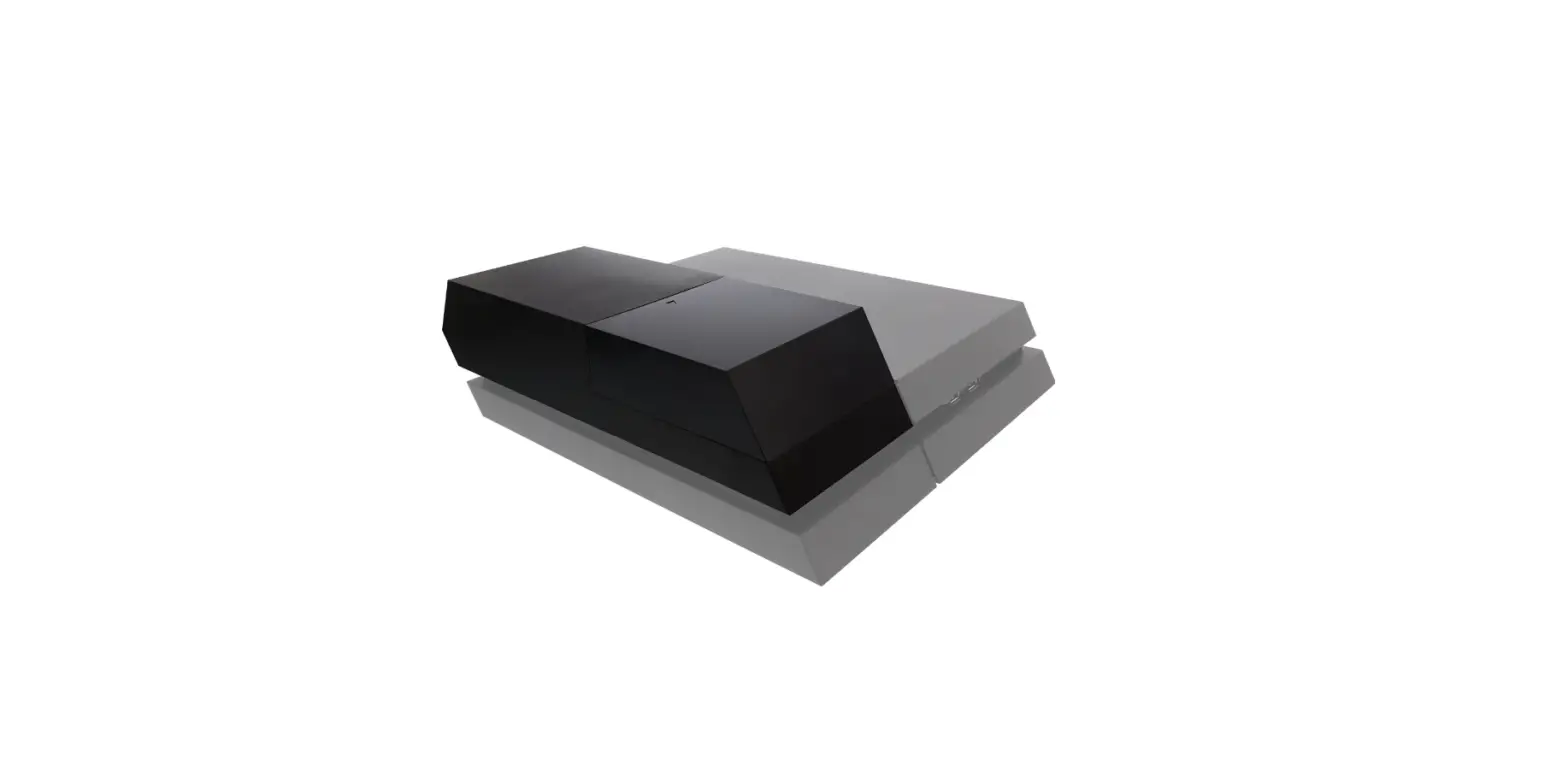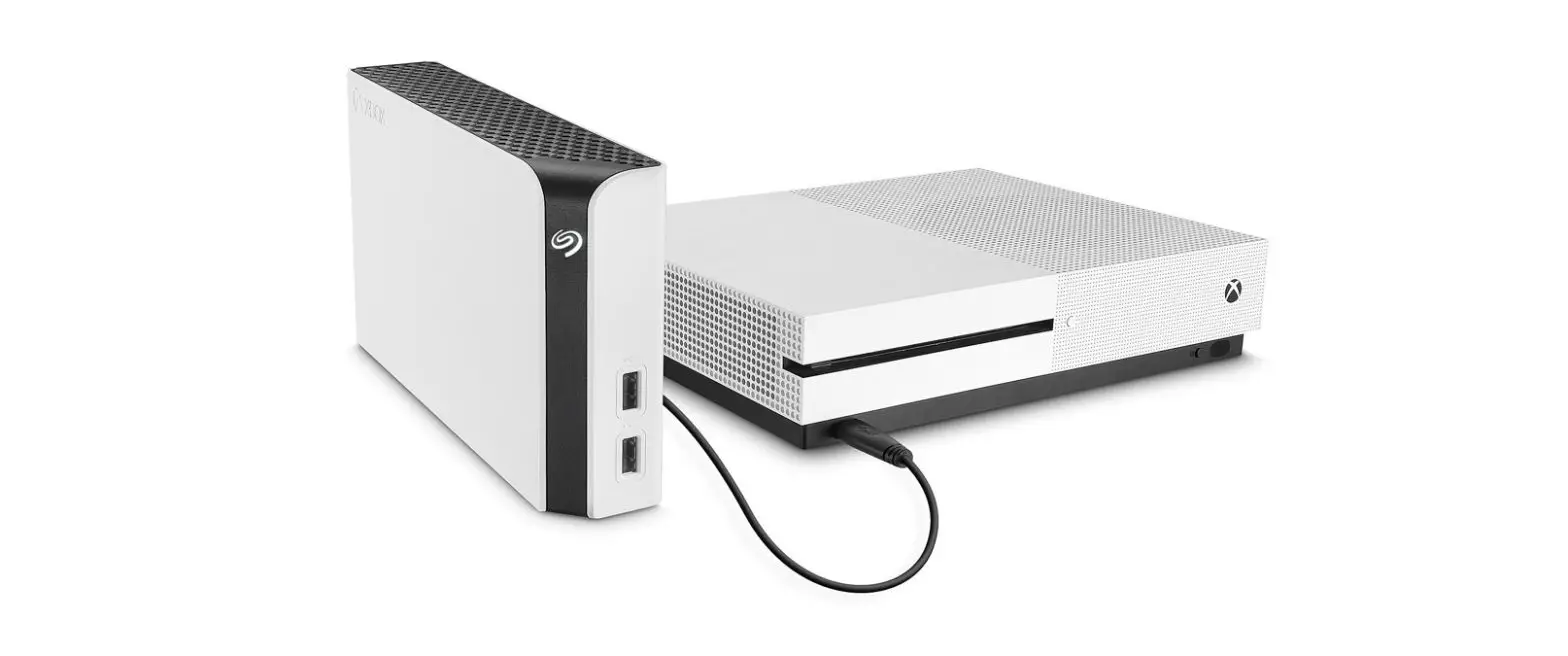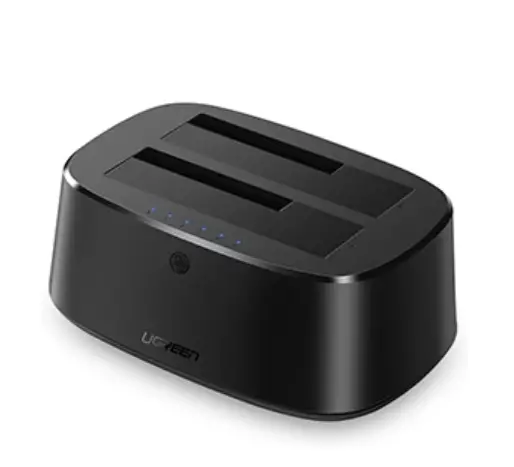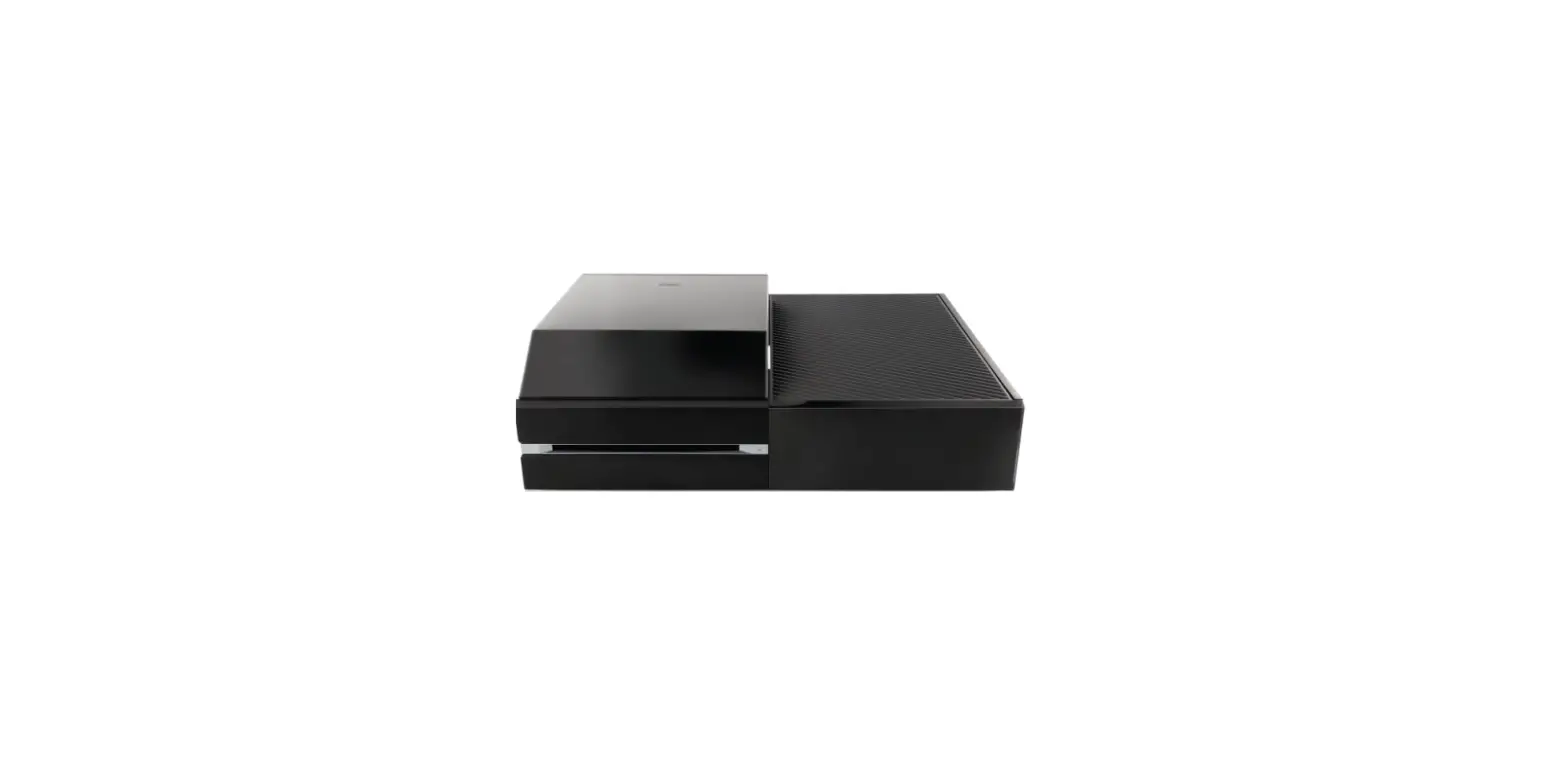

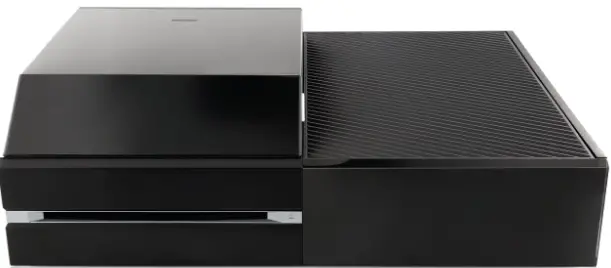
Nyko 86127 Data Bank Hard Drive Enclosure Upgrade Dock for Xbox One
INSTALLATION PROCEDURE
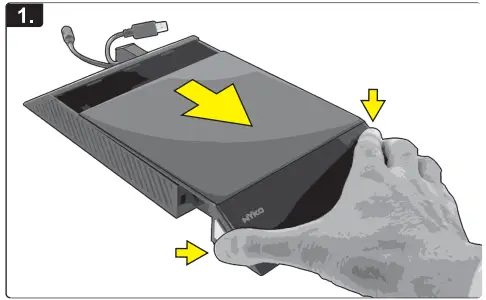
- Press and hold the chrome release buttons on both sides of the cover, and gently pull the cover off.

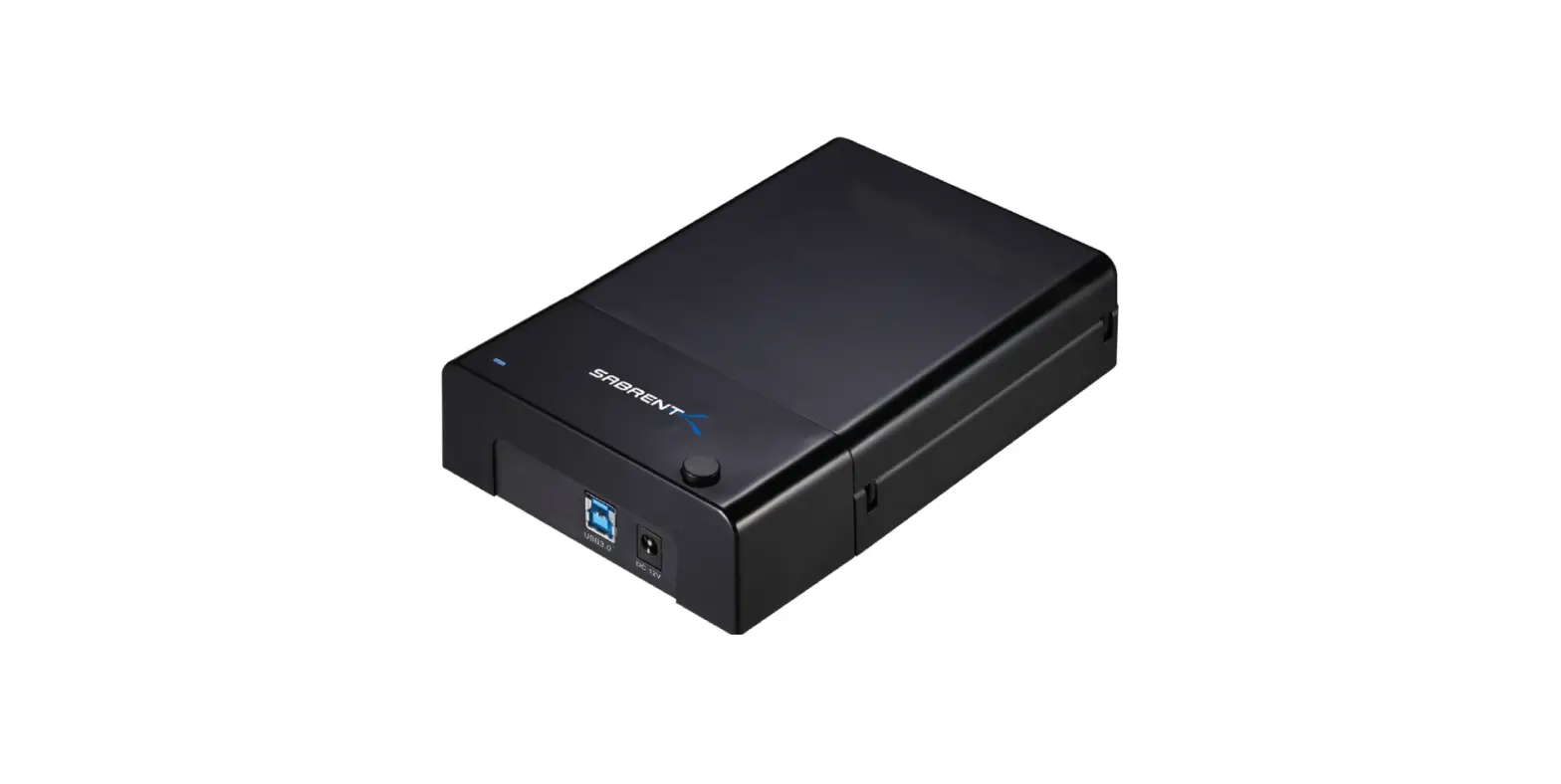
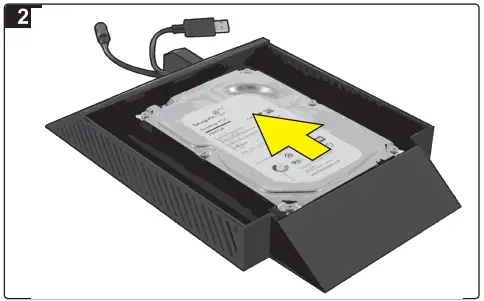
- Place the 3.5 hard drive (not included) into the Data Bank and press forward to connect.

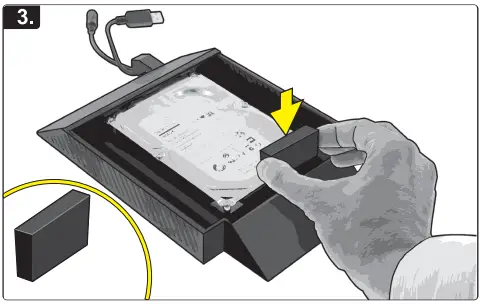
- Place the included foam pad between the hard drive and enclosure, to further secure the hard drive from movement.

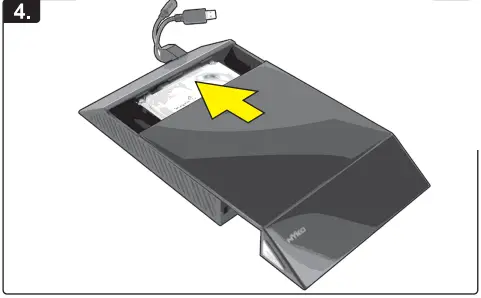
- Gently slide on the cover and press into the locked position.

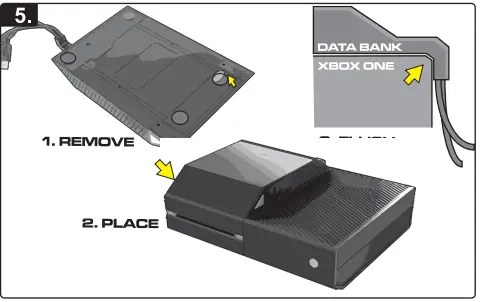
- Remove the protective covers from the semi-adhesive foam feet on the Data Bank, and place the device on the console surface. Make sure to align the Data Bank on the console properly so that the L-shaped cable guide is flush with the back of the console.

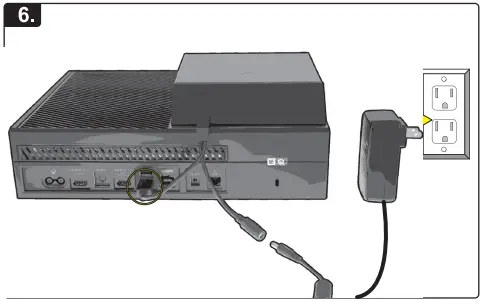
- Connect the USB cable to one of the USB ports on the back of the console. Then connect the AC adaptor to the power port on the cable, and the AC to the wall socket.

WARNING
Please refer to your console instructions or the Microsoft® support site for details on ways to use an external Hard Drive with your Xbox One Console
If you are experiencing difficulties, please contact us:
- Email: [email protected]
- Phone: +1-888-400-6956
Nyko Product Limited Warranty:
This Nyko product is warranted to the original purchaser for the product’s normal intended use for a period of ninety (90) days from the date of purchase. lfa defect covered under this warranty OCCurs, Nyko will replace or repair the product or its defective parts, at Nyko’s option, at no charge. This warranty does not apply to defects resulting from misuse or modification of the product. The product should be returned with proof of purchase, a brief statement of the claimed defect, and the purchaser’s contact information, to: Nyko Technologies, Inc., 1990 Westwood Blvd., 3rd Floor Los Angeles, CA 90025, with freight charges prepaid. Please allow 3-4 weeks for processing.
FAQS
In short, yes. You will see small performance improvements when using a standard external hard disk, providing that it is USB 3.0. As well the performance enhancements, gamers will use standard external hard drives as a way of storing more games
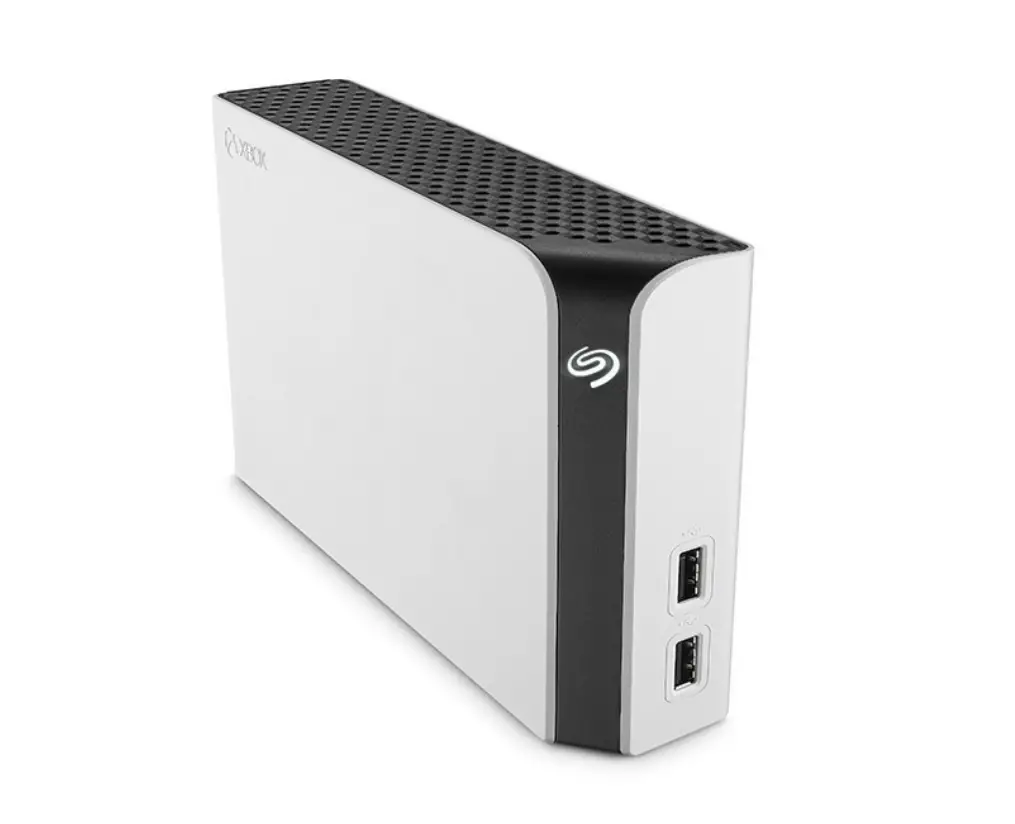
The Data Bank for the Xbox One allows the use of an external 3.5” hard drive* in addition to the stock 2.5” hard drive that comes pre-installed in the system. 3.5″ drives are less expensive at higher memory capacities than the 2.5″ drives commonly found in standard external hard drives.
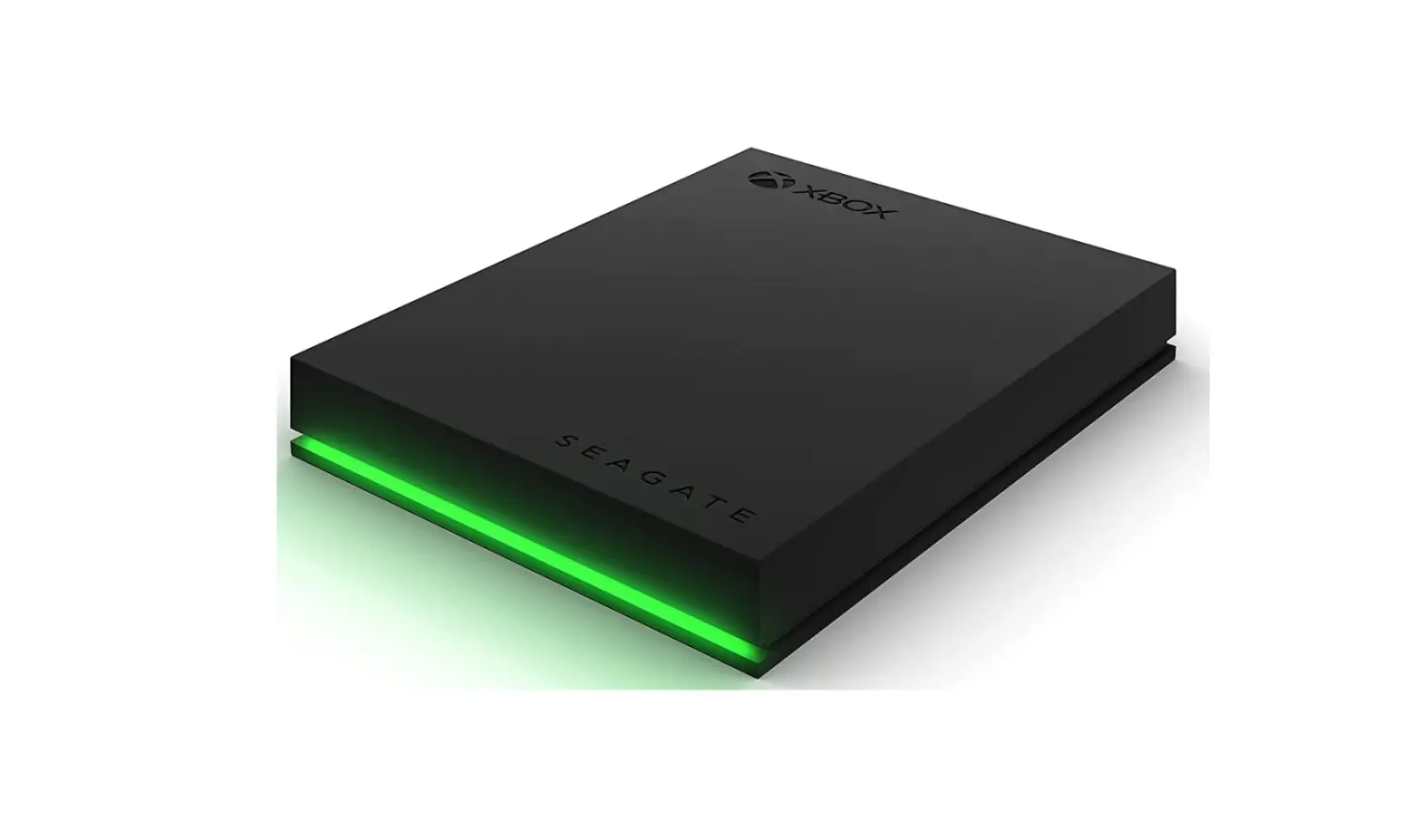
Designed specifically for the Xbox 360 or Xbox One, the Seagate 2TB Game Drive can store up to 50 games or more, depending on the file sizes of the games. With this portable storage drive, you can take your favorite games with you wherever you go and play them with your own Xbox Live login
SSDs work without moving parts, giving them an advantage over HDDs. Games launch and levels load faster when installed on an SSD. SSDs provide a smoother experience in games that stream assets from storage
Yes, you can store games on any storage device that’s compatible with your console (USB 3.1, 128 GB minimum for games on external storage devices). To play games that are optimized for Xbox Series X|S, they need to be installed on the console’s internal SSD or Storage Expansion Card.
In addition to allowing space for more video games, the surplus Xbox One storage can also increase performance. You cannot replace or upgrade internal drives without voiding your warranty, but an external hard drive can have faster speeds while also freeing up internal space to allow games to load faster
After you’ve formatted a hard drive as external storage for your Xbox One, it will no longer be recognized by a Windows-based PC. Even though Xbox One uses the exFAT format, which is also recognized by Windows (and indeed was created by Microsoft), plugging it into your Windows PC just doesn’t work out of the box.
All Xbox One consoles will work with up to two external hard drives, and with capacities ranging from 500GB all the way up to 8TB in size there’s no reason to ever feel constrained by storage space again. You can keep all your favourite games installed, and best of all, you don’t have to spend much to make it happen.
Getting an SSD for your console won’t boost your game playing speed; it doesn’t compare to the speeds of an Xbox Series X. However, it is a cheaper option if all you want is a slight upgrade to your console to run, open, and be quieter, so we would recommend it.
In 2022, pretty much any external hard drive should work with an Xbox One. As long as it fits the requirements above—128GB or more of space and a USB 3.0 interface—the Xbox One will support it
Generally speaking, you can rely on your hard drive for three to five years on average. A compelling study that proved this statistic comes from the online backup company Backblaze who analyzed the failure rates of 25,000 running hard drives.
Most hard disk drives (HDD) last three to five years before some component fails. That doesn’t always mean the drive is irrecoverably broken. But three to five years is still about how long they last, whether you’re talking about an internal drive for a server, desktop, or an external HDD
The hard drive can be mounted in any orientation.
If you’re looking purely from a numbers standpoint, averages indicate an SSD can last about 20 years, whereas an HDD will last about six. However, these are numbers aren’t set in stone, and you may need to replace your HDD or SSD more or less often depending on a number of factors.
A hard drive is a critical component of many computers. The device stores your programs and data regardless of whether your PC is turned on or off. It’s considered semi-permanent storag because while any data on a hard drive should last for years without failure, no digital storage system is perfect or permanent.