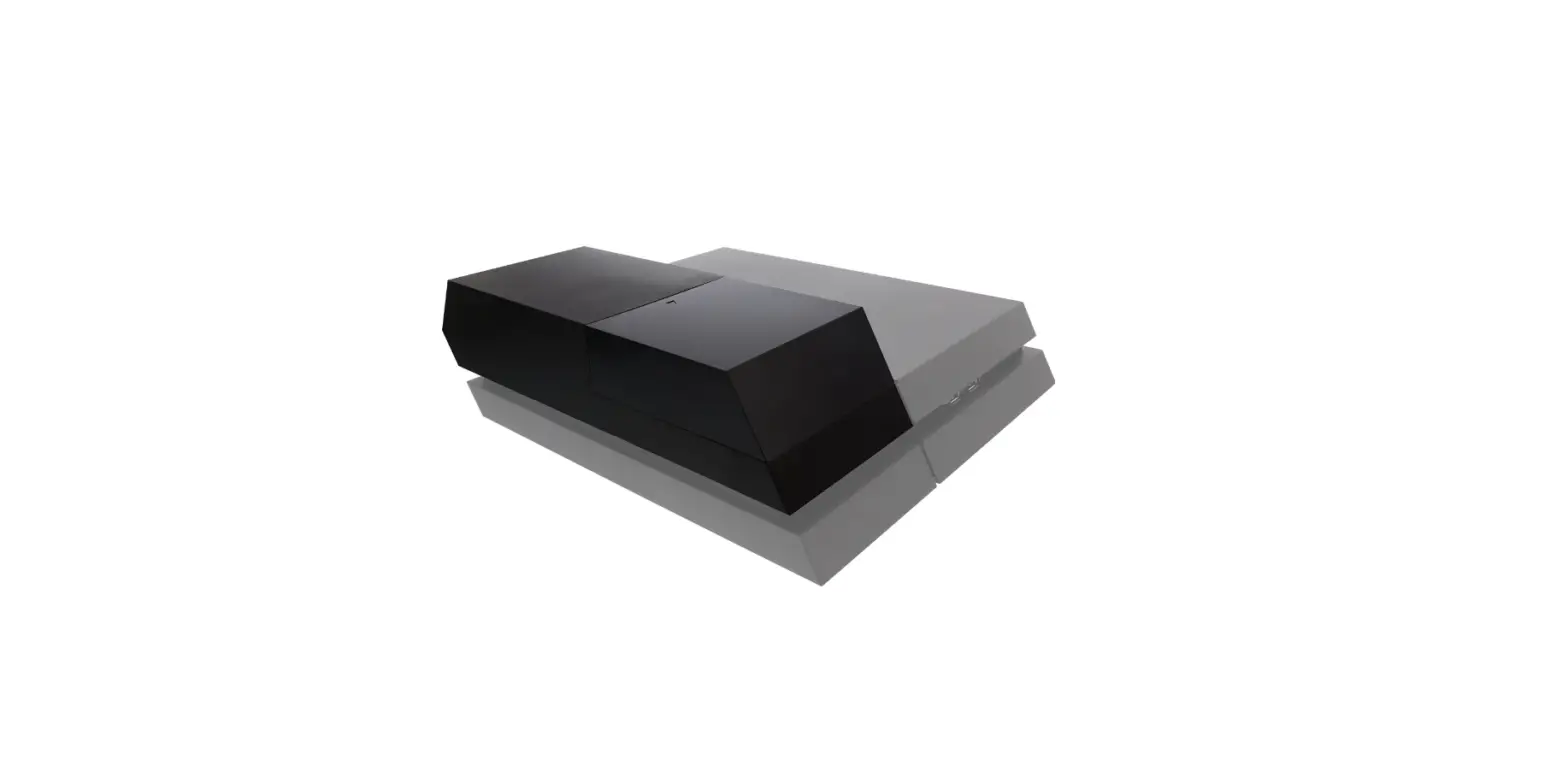

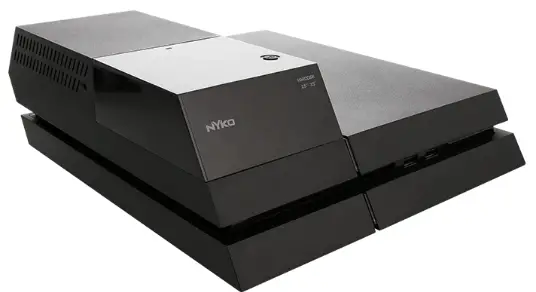
Nyko 83239 DATA BANK USB Storage Device
IMPORTANT Prior to installing Data Drive TM, you must make sure to back up all your files so they can be transferred to your new hard drive. Data not backed up prior to new installation will be lost. Refer to http://manuais.playstation.netidocument/en/ps4/settings/data.usb.html for the info and procedure for backing up data.
INTRODUCTION
- REQUIRED: A USB storage drive (FAT 32) with 2 GB of space A computer with an internet connection
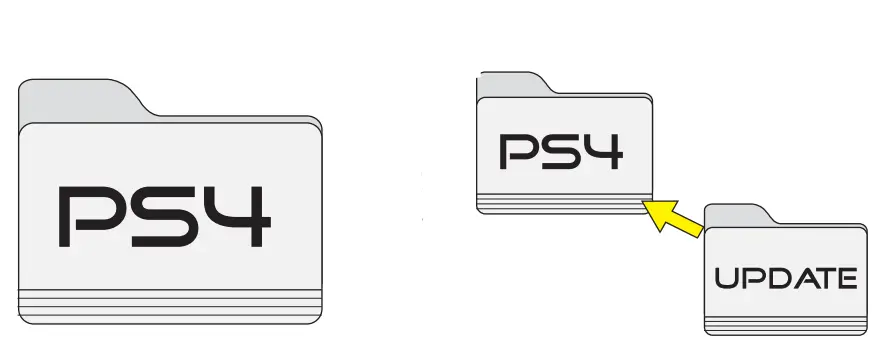
- Create a new folder on your computer and name it PS4 (upper case letters).

- Create a folder INSIDE the PS4 folder and name it UPDATE (upper case letters).
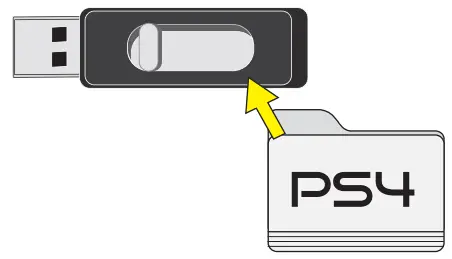
- Save the PS4 folder (with update folder inside it) to the USB storage device.

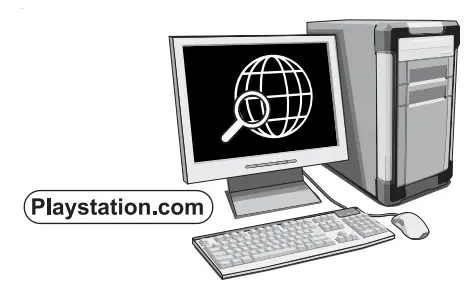
- Download the latest system update: www.playstation.com/en-us/support/system-updates/PS4/

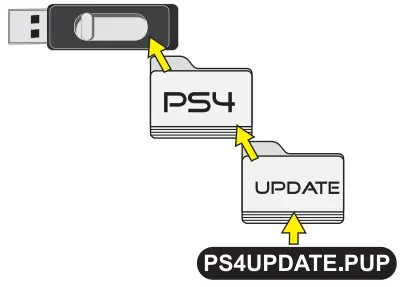
- Save the downloaded file in the update folder inside the PS4 folder that is on the USB storage device.
 Once the downloaded file is placed in the update folder make sure every folder is properly labeled (upper case) and eject the USB storage device
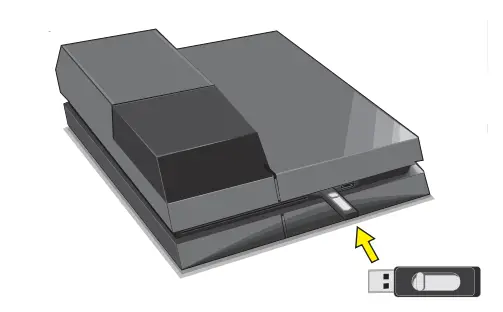
- Your USB storage device is ready to be used with your PS4 to update. Refer to initialize system software sheet quickstart.

 Once the downloaded file is placed in the update folder make sure every folder is properly labeled (upper case) and eject the USB storage device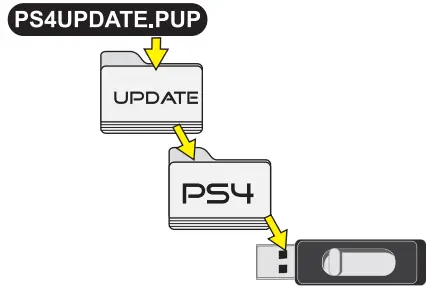
Register this product online: www.nyko.com If you are experiencing difficulties, please contact us: Email: [email protected] Phone: +1-888-400-6956 Nyko Product
Limited Warranty
This Nyko product is warranted to the oniginal purchaser for the product’s nomal intended use for a period of ninety (90) days from the date ol purchase. a delect covered under this warranty occrs, Nyko wil replace or repair the product or its defective parts, at Nyko’s option, at no charge. This wamanty does not apply to defects resulting from misuse or modification of the product The product should be returned with proof of purchase, a brief statement of the claimed defect, and the purchaser’s contact information, fo: Nyko Technologies, Inc., 1990 Westwood Blvd., 3rd Floor, Los Angeles, CA 90025, with freight charges prepaid. Please allow 3-4 weeks for processing.
- Make sure to download the latest software version from www.playstation.com
- You will need to use the full software update version, not a partial file intended to update existing system software to the latest version. For a new hard drive install you must to use the full update file. Check playstation.com and make sure that the full install file is selected/downloaded and placed on the USB storage device.
- Make sure to label all files correctly (upper case letters)
- The USB storage device you select must be FAT 32 formatted and have sufficient space for a fresh install of the system software
- The USB storage device must be FAT32 format to work properly with the PS4 console.
FAQS
Yes, it does come with installation instructions. However, if you have a limited edition PS4, as I do, you will have to make an unauthorized modification to the Data Bank to get its conversion bay to properly fit where the old 2.5 inch drive was located. This involves cutting or breaking off a small piece of plastic of the Data Bank bay converter and this will allow the parts to fit into/on the limited edition PS4, but will leave you with an unused screw, so just be aware of this and that extra task. I have had mine since Nov 2015, and have had no issues what so ever. There are also many helpful videos on the whole process, including the PS4 software installation onto the new 3.5 inch drive. see less
This replaces the 500 gb but this product is only shape u need to buy the 3.5 inch hard drive it doesn’t come with it
It should not get hot to an extent to have a cooling fan. But, it’s always good to keep it cool. Just keep in mind the dimensions of both, the PS4 and this added accessory, and research a good cooling fan with the same dimensions.
If you have PS plus…then use the cloud feature.. downloaded games will have to be redownloaded. Check the storage setting of the ps4 as a guide to see how big if a USB drive is required.
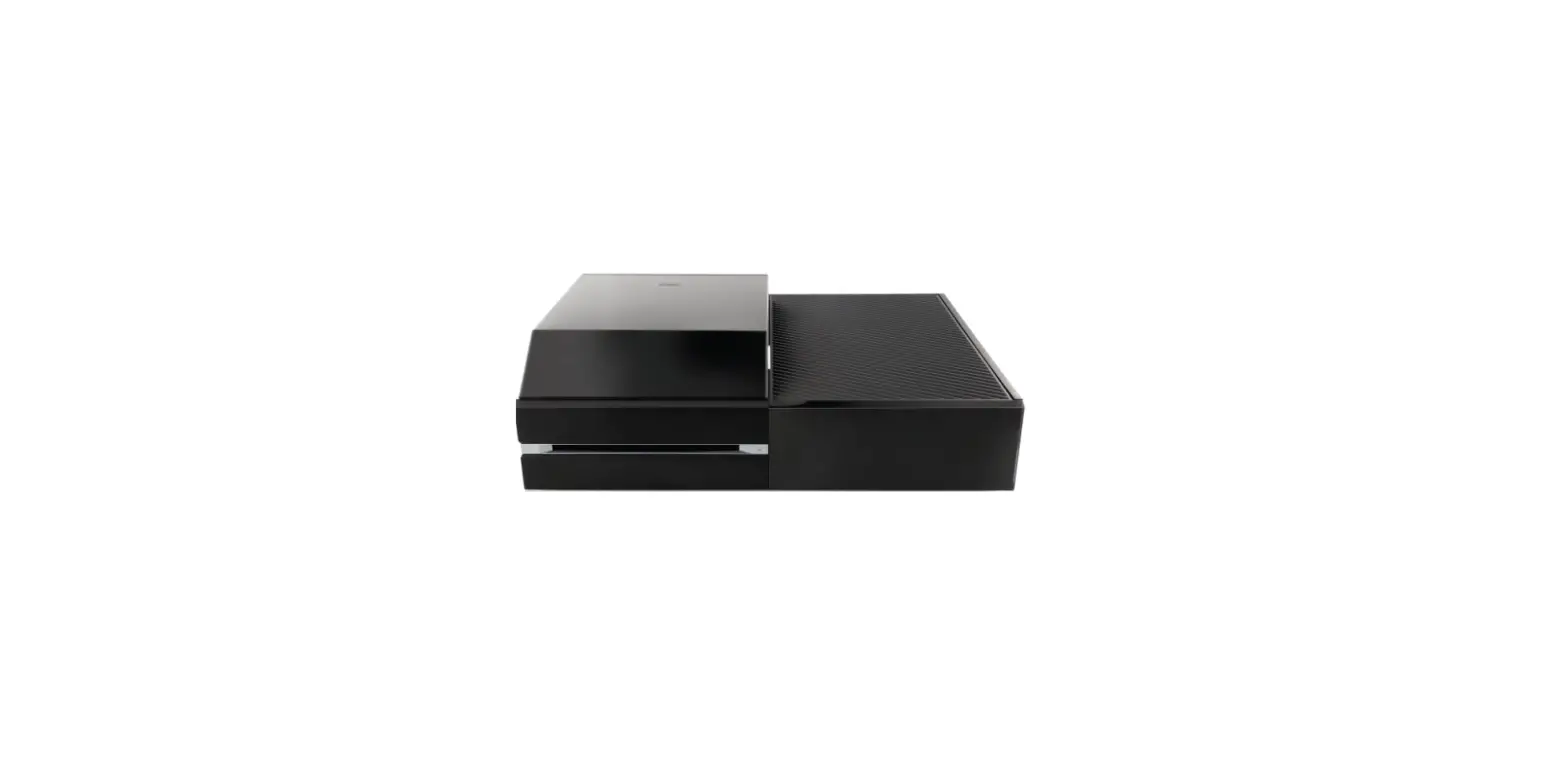
This enables you to use a HDD (found in PCs – sold separately) to upgrade your memory on the PS4.
For example: if your PS4 originally came with a 500GB storage capacity, you can use this to hook up a bigger drive with bigger storage capacity to replace the original storage in order to be able to download more (updates, downloadable games, themes, pics, etc).
The only things you need to buy is a hard drive and a thumb drive (to transfer files to the new hard drive). The data bank is not a hard drive, its like a big adaptor allowing you to put a new hard drive on the ps4. Super easy comes with everything except a hard drive and thumb drive.
The Data Bank does not come with any hdd, so you have to buy it separately and it has to be 3.5″ to fit there, the PS4 uses 2.5″.
You have to turn off your ps4 and then press the button on top of the data bank to switch between HDs
No not this one. This you Replace the old 2.5 HDD with a 3.5 HDD. I have put a 4tb 3.5 HDD in my PS4. But ther is a new version of the bata bank called Data Bank Plus. In that you can keep the original HDD for the operating system and add a new HDD for all the games.
Yes, yes it works
Yes that is the same hard drive I use
As long as the hard drive is 2.5 or 3.5 then it should work fine no matter the space capacity.