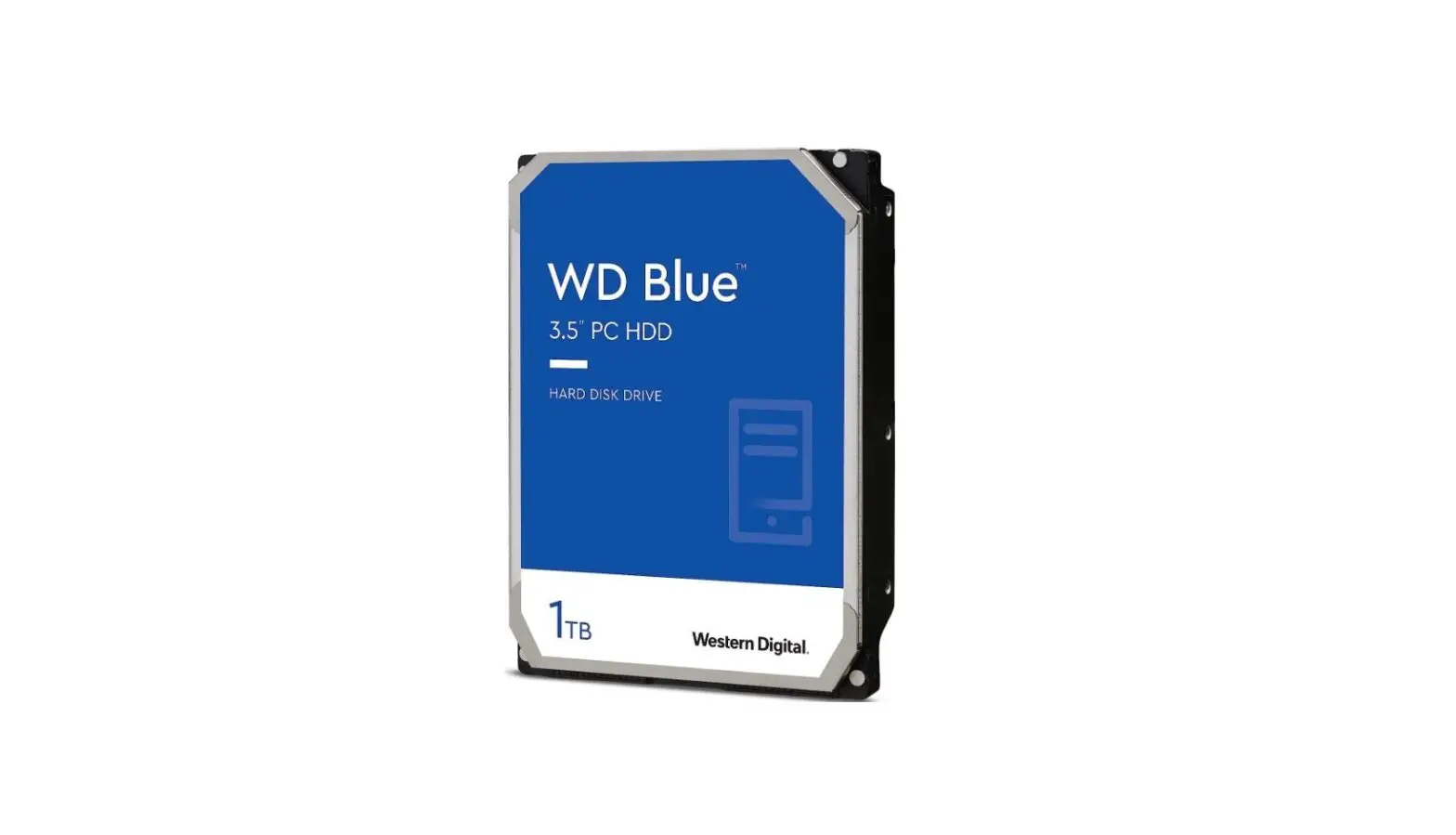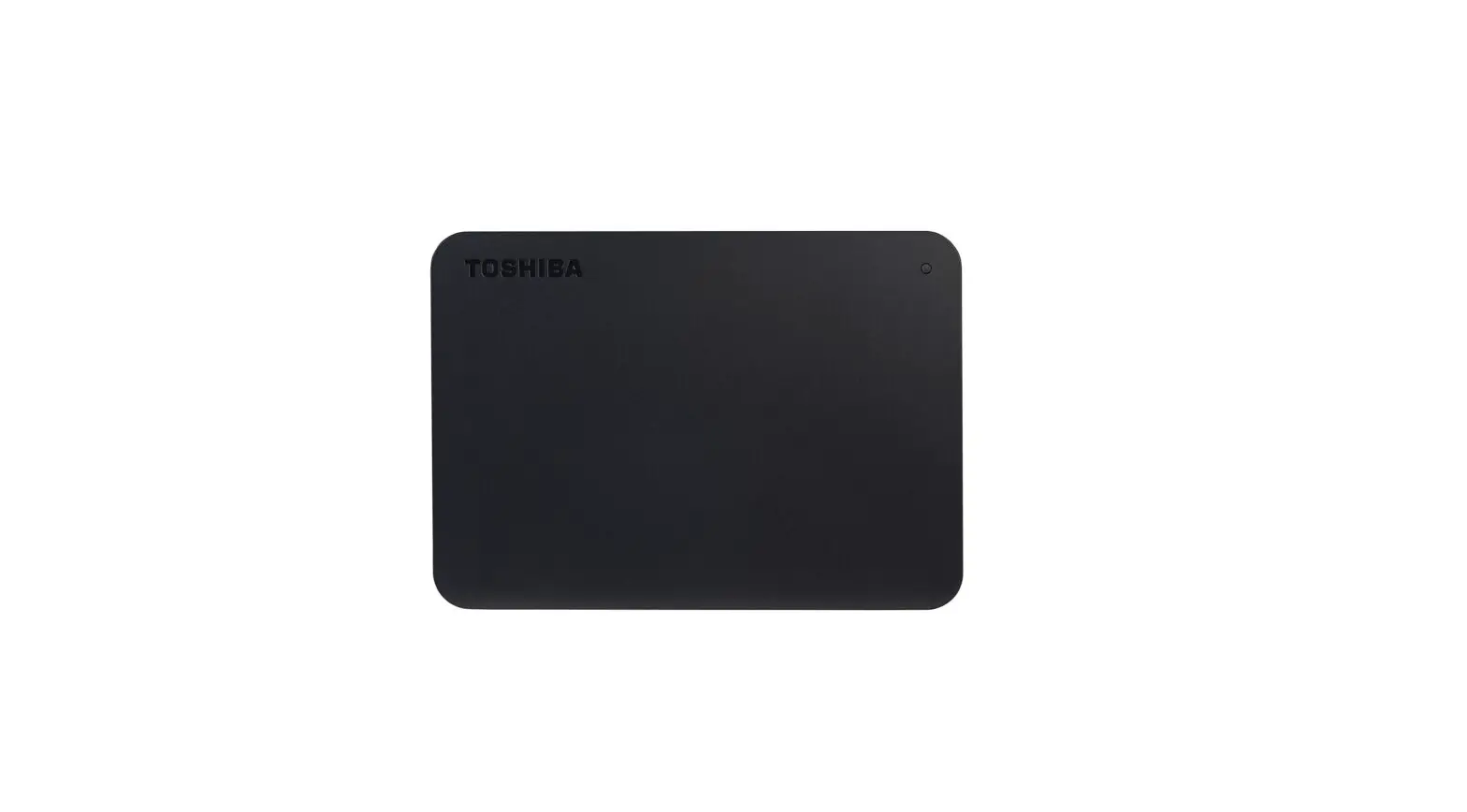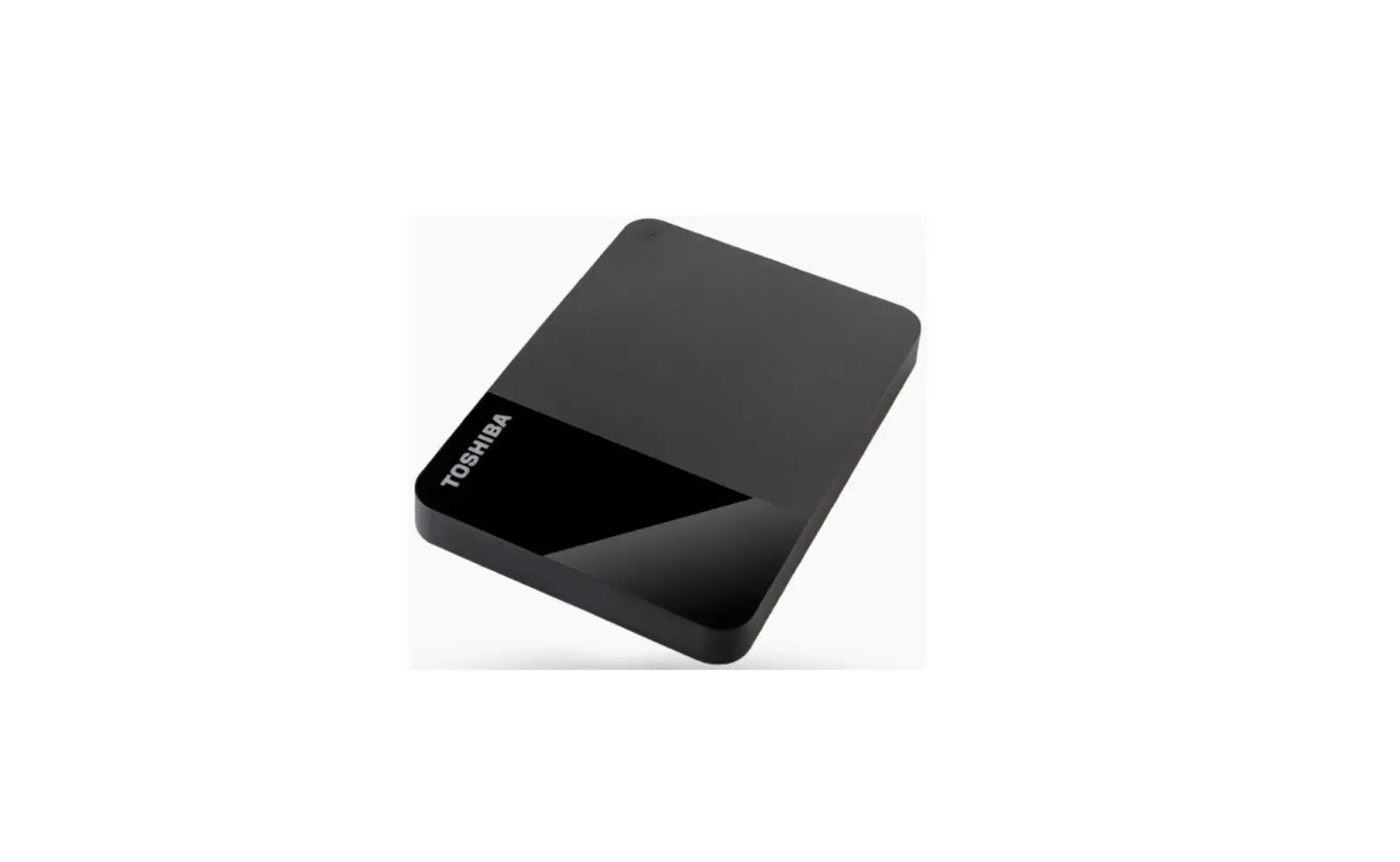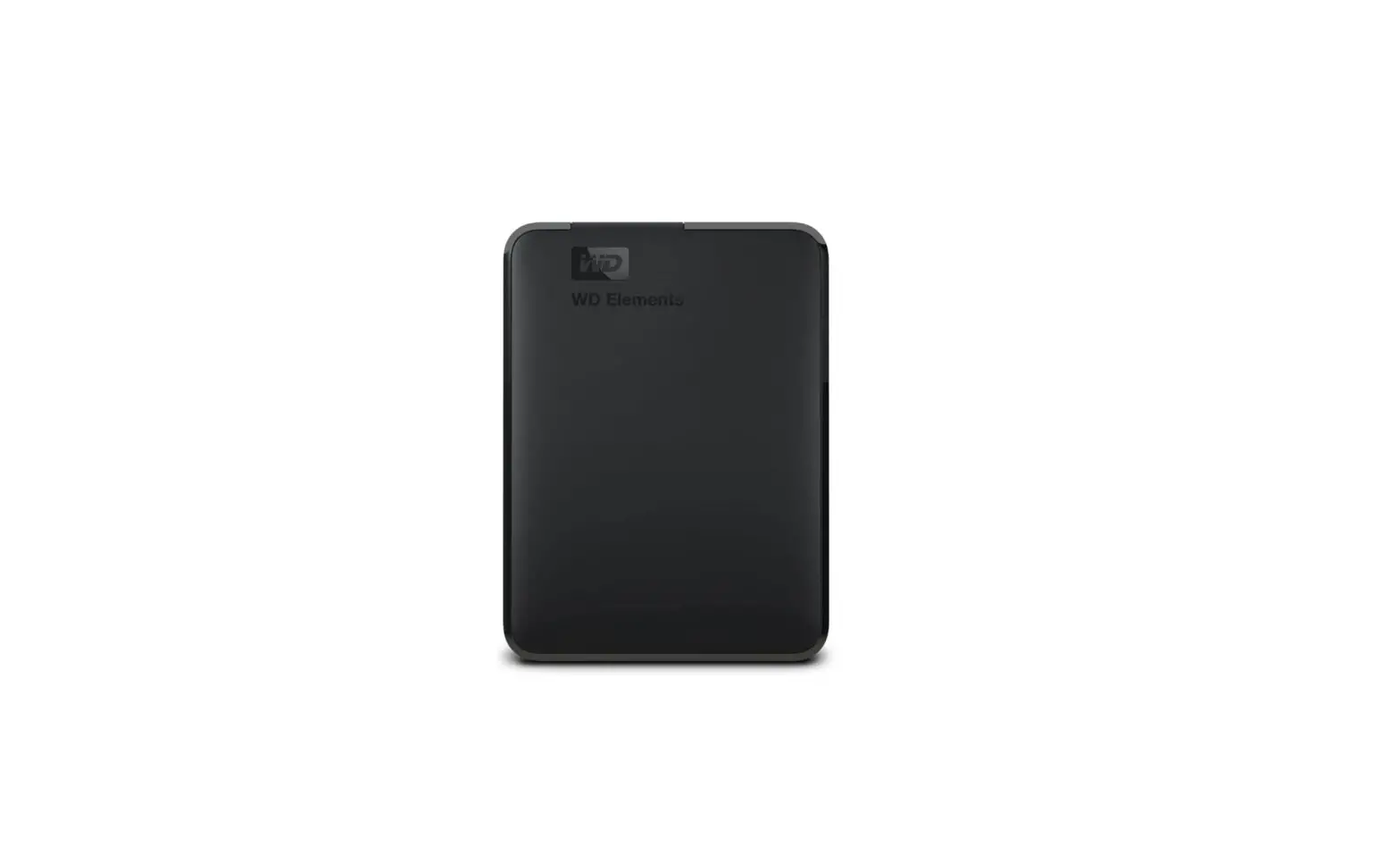

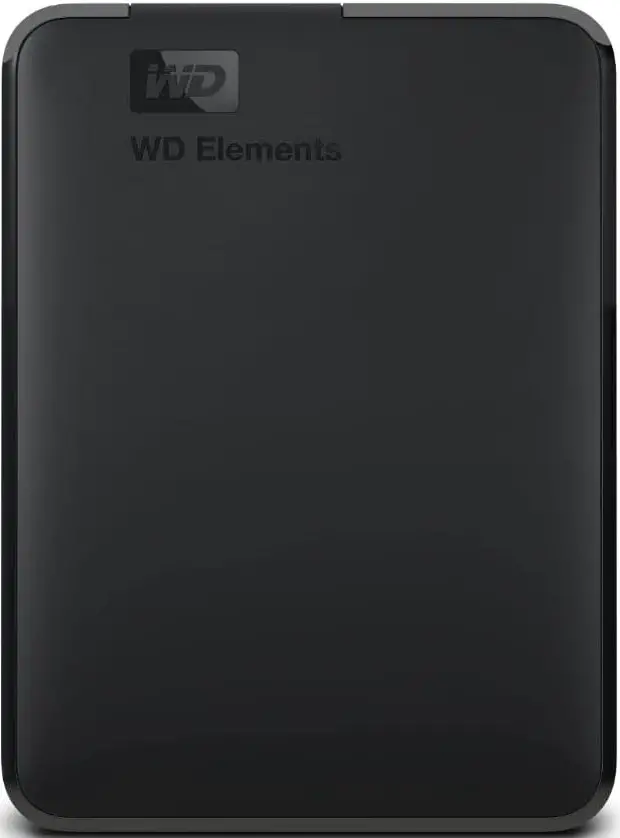
Western Digital WDBU6Y0020BBK-WESN External Portable Storage
Introduction
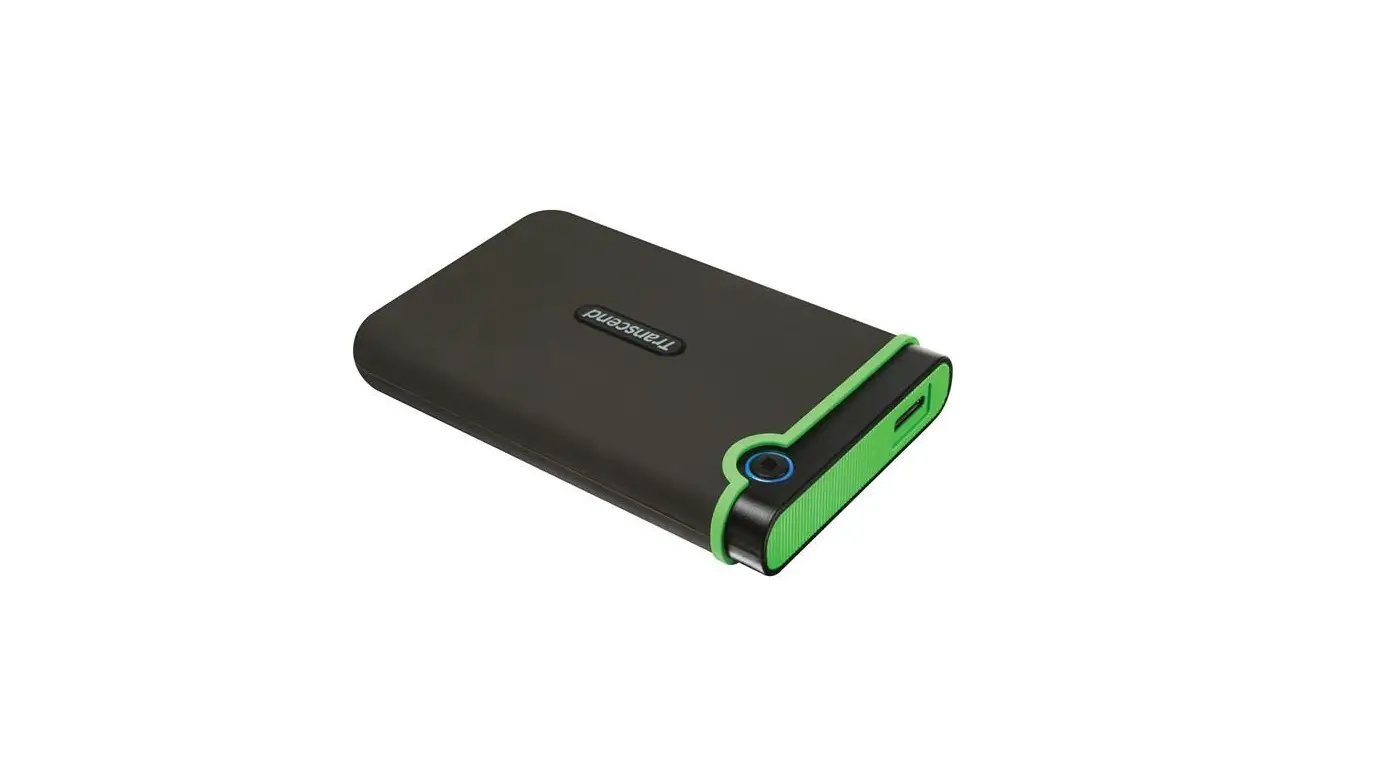
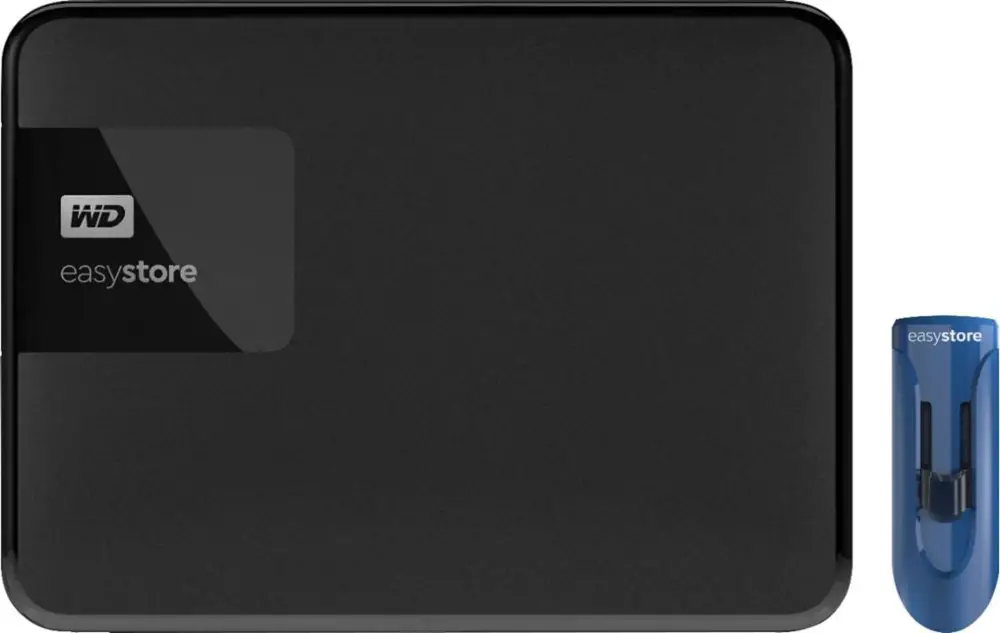
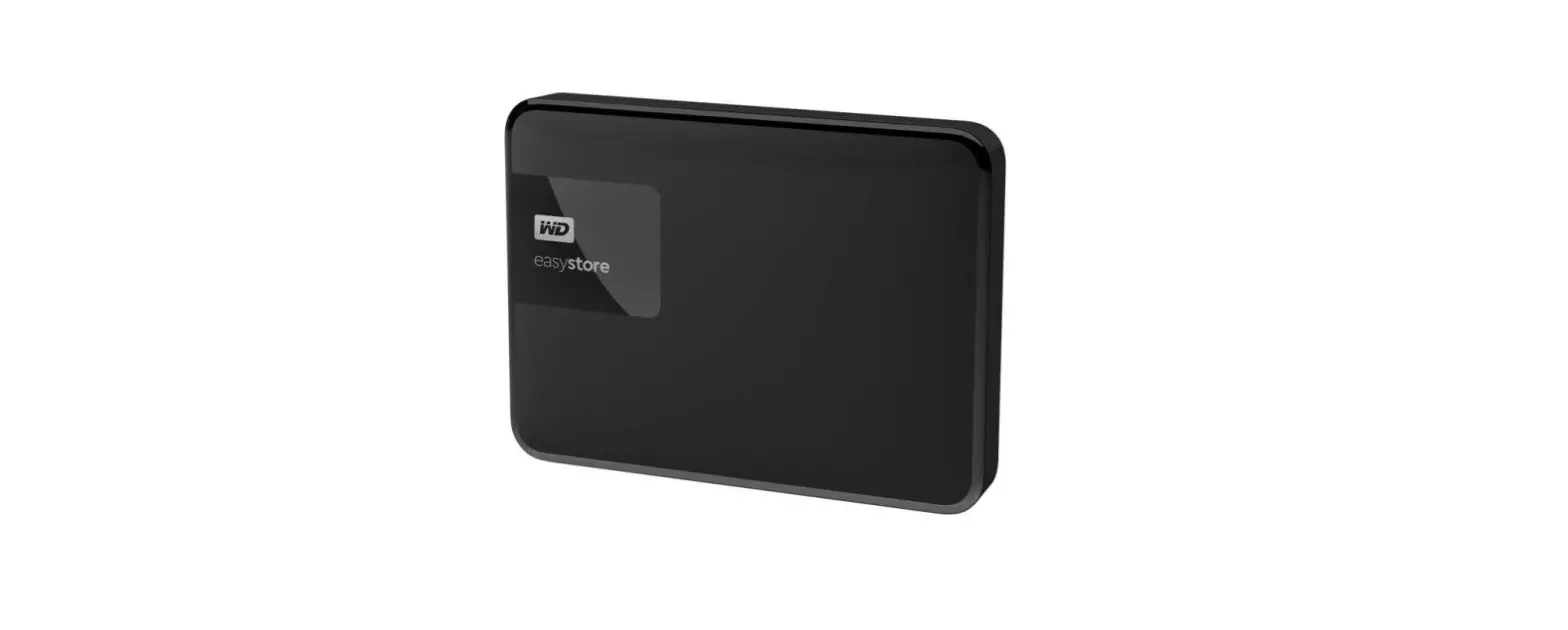
Western Digital WDBU6Y0020BBK-WESN External Portable StorageWD Elements portable storage with USB 3.0 delivers maximum data transfer rates, universal connectivity, and up to 2 TB capacity for value-conscious consumers who are looking for reliable, high-capacity storage to go. Protect your files with the free 30-day trial of WD SmartWare™ Pro and back up your files to your WD Elements drive or to your Dropbox™ account.
Product Features
Maximum transfer rates
When connected to a USB 3.0 port, WD Elements portable storage delivers maximum performance for data transfers. Transfer a full-length HD movie in a fraction of the time it takes with USB 2.0. Performance may vary based on the user’s hardware and system configuration.
USB 3.0 and USB 2.0 compatibility
Works seamlessly with the latest USB 3.0 devices and is backward compatible with USB 2.0 devices as well.
High capacity in a small enclosure
The small, lightweight design offers high-capacity storage, making WD Elements portable storage the ideal companion for value-conscious consumers who want to take their important files with them.
Free trial of WD SmartWare Pro backup software
WD Elements includes a free trial version of WD SmartWare Pro backup software. With it, you can back up files to the local WD Elements drive or you can back up to the cloud using your Dropbox account.
A dropbox account is required for cloud backup. Cloud services may be changed, terminated, or interrupted at any time and may vary by country.
Improve PC performance
When your internal hard drive is almost full your PC slows down. Don’t delete files. Free up space on your internal hard drive by transferring files to your WD Elements and get your PC moving again.
WD quality inside and out
We know your data is important to you. So we build the drive inside to our demanding requirements for durability, shock tolerance, and long-term reliability. Then we protect the drive with a durable enclosure designed for style and protection.
Product Specifications
CAPACITIES AND MODELS
- 500 GB WDBUZG5000ABK
- 1 TB WDBUZG0010BBK
- 1.5 TB WDBU6Y0015BBK
- 2 TB WDBU6YO020BBK
KIT CONTENTS
- Portable hard drive
- USB cable
- Quick Install Guide
INTERFACE
- USB 3.0
500 GB and 1 TB DIMENSlONS
- Height: 0.60 in (15 mm)
- Depth: 4.40 in (111 mm)
- Width: 3.20 in (82 mm)
- Weight: 0.30 Ib (0.13 kg)
OPERATING SPECIFICATIONS
- Data transfer rate:
- Up to 5 Gb/s with USB 3.0
- Up to 480 Mb/s with USB 2.0
- Operating temperature: 5°C to 35°C
- Non-op. temperature: -20°C to 65°C
A certified USB 3.0 cable and interface are required to achieve USB 3.0 speeds.
1.5 TB and 2 TB DIMENSIONS
- Height: 0.82 in (21 mm)
- Depth: 4.40 in (111 mm)
- Width: 3.20 in (82 mm)
- Weight: 0.51 Ib (0.23 kg)
SYSTEM COMPATIBILITY
- Formatted NTFS for Windows 8, Windows 7, Windows Vista, and Windows XP
- Requires reformatting for Mac OS X
LIMITED WARRANTY
- 1 year
- 2 years
- 3 years
AmericaS EMEA APAC/Japan
Western Digital, WD and the WD logo are registered trademarks of Western Digital Technologies, Inc. in the U.S. and other countries; WD Elements and WD SmartWare are trademarks of Western Digital Technologies, Inc. Dropbox and the Dropbox logo are trademarks of Dropbox, Inc. Other marks may be mentioned herein that belong to other companies. Pictures shown may vary from actual products. Not all products may be available in all regions of the world.
All product and packaging specifications are subject to change without notice. The term of your limited warranty depends on the country in which your product was purchased. Please visit our website at support.wdc.com/warranty for the detailed terms and conditions of our limited warranty and for a list of the specific countries in these regions.
© 2013 Western Digital Technologies, Inc. All rights reserved. As used for storage capacity, one gigabyte (GB) = one billion bytes, and one terabyte (TB) = one trillion bytes. Total accessible capacity varies depending on the operating environment. As used for transfer rate or interface, megabytes per second (MB/s) = one million bytes per second, and gigabit per second (Gb/s) = one billion bits per second.
FAQ’s
Versions of the “Portable” and “Desktop” models are both available through this single listing. The devices whose names include the word “portable” are powered via USB ports.
In addition to USB 3.0 and Wi-Fi, the “My Passport Ultra” has both. There is only one USB 3.0 port on the “Elements”.
All that was in mine was the hard disc as shown in the picture and the USB cord to connect it.
All USB-powered drives have a 5400 RPM speed and are dangerous for read-heavy tasks like video editing, audio editing, and gaming. Choose a 7200 drive that is AC-powered if an external drive is required.
It is a 2.5 “form factor, 5400 rpm, 9.5mm high hard drive, with an 8MB internal cache. built-in power conservation is required. The drive will shut off after a few minutes of inactivity. The amount of data on your disc will determine how long it takes to spin up.
While my most recent two portable drives were 3.0, my PC does have 2.0 for Windows 7.
There is no method to alter the firmware because the SATA interface is soldered to the hard drive and won’t allow any other connection besides a USB connection, whether it be USB 2.0 or 3.0. It is a Green Color HD, which means it is energy-efficient and will Hibernate after a specific length of time.
3.5 to 5 years
For three to five years, they can operate without issues. Any HDD, whether internal or external to a system, is included in this.
For customers who value affordability, WD Elements portable hard drives with USB 3.0 offer dependable, high-capacity storage on the road, quick data transfer speeds, global connection, and enormous capacity.
The most dependable hard drives are typically made by Western Digital, although Seagate provides a greater selection of features and storage options. It will ultimately depend on your needs in terms of performance, speed, and storage capacity.
Western Digital 12V 2A AC Power Supply Adaptor for WD External Hard Disk HDD for My Book (6ft Cable Cord)
Type Disk Management into the search bar on the Windows icon, then selects Create and format hard drive partitions. Choose Initialize Disk or Online from the context menu by right-clicking the disc that indicates Not Initialized or Offline. Some external USB hard drives lack the initialization option.
Due to frequent incorrect use, obsolete drivers, bundling with incompatible software on various operating systems, frequent connection and disconnection to various devices, and, in the case of portable or USB hard drives, unsafe ejection, external hard drives are particularly prone to failure.
The Elements drive is formatted as NTFS so Windows 10, 8.1, and 7 systems will recognize it right out of the box. It connects to your computer using a USB 3.0 connector at rates up to 5 Gb/s and is backward compatible with USB 2.0 at speeds up to 480 Mb/s. The disc can be formatted to work with Mac OS for users of Mac computers.
The following explanations could apply if your WD hard disc isn’t visible in File Explorer or Disk Management: There is a USB port or cable connection problem. file system corruption on the external hard disc. Poor sectors are taking a steep decline.