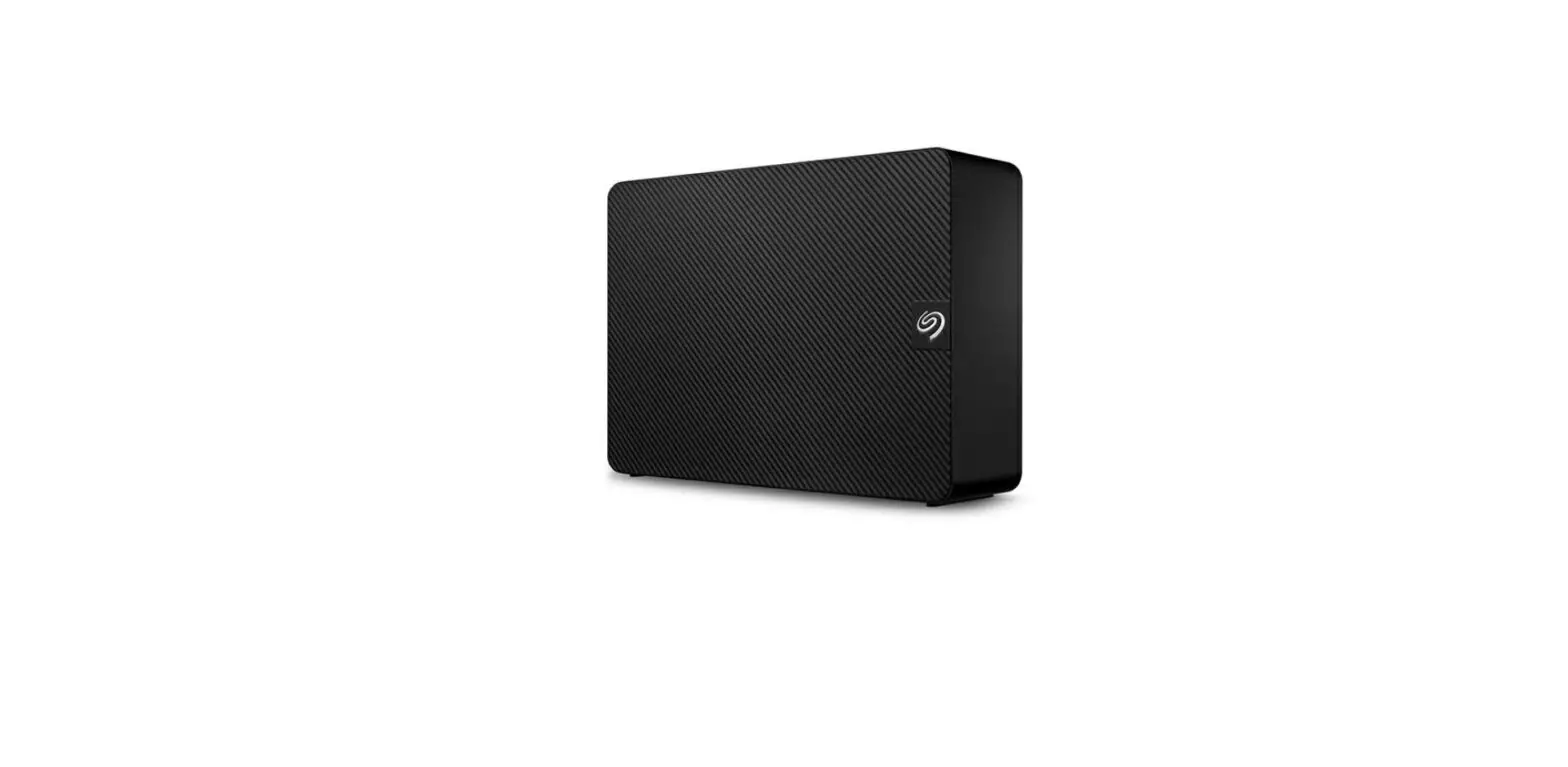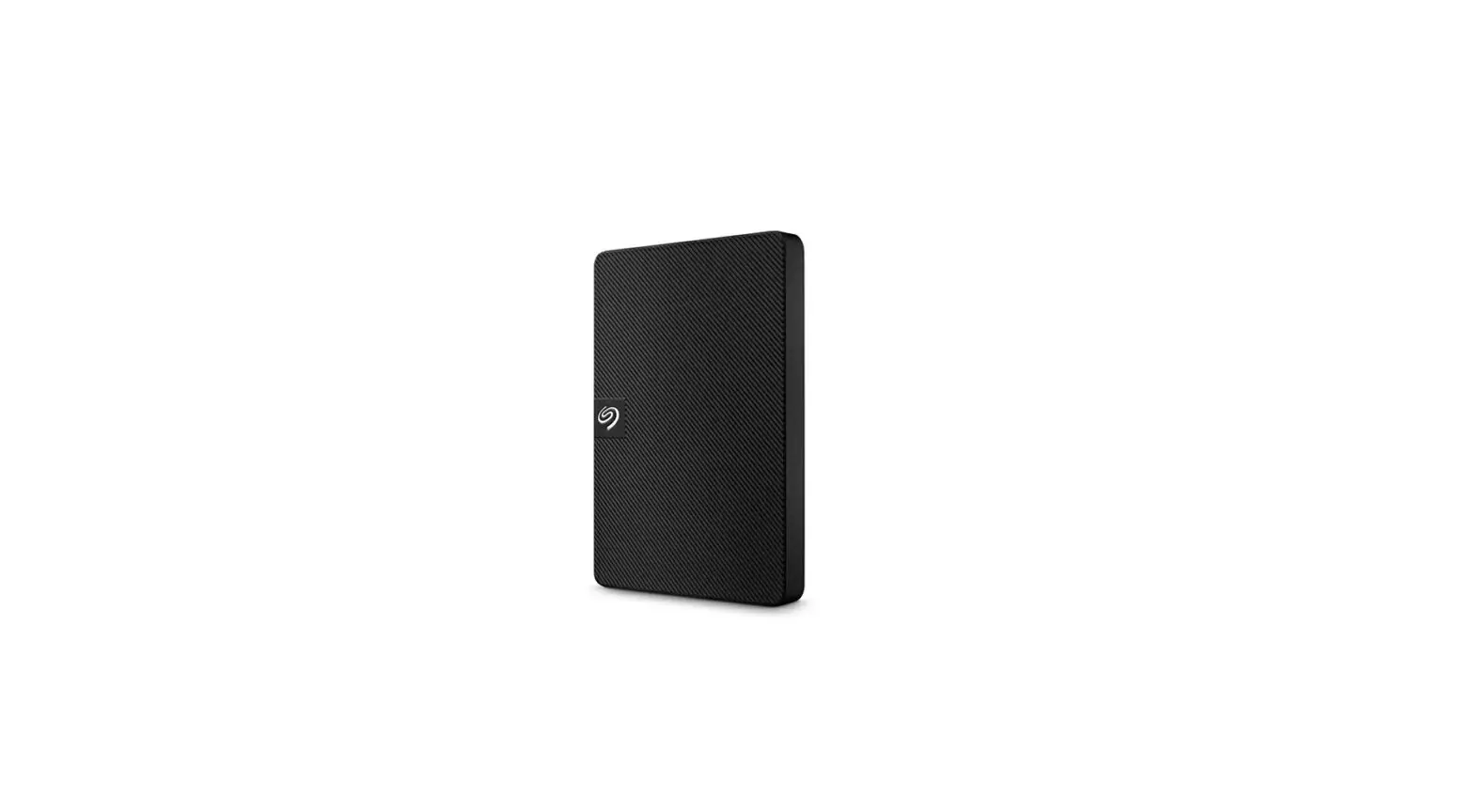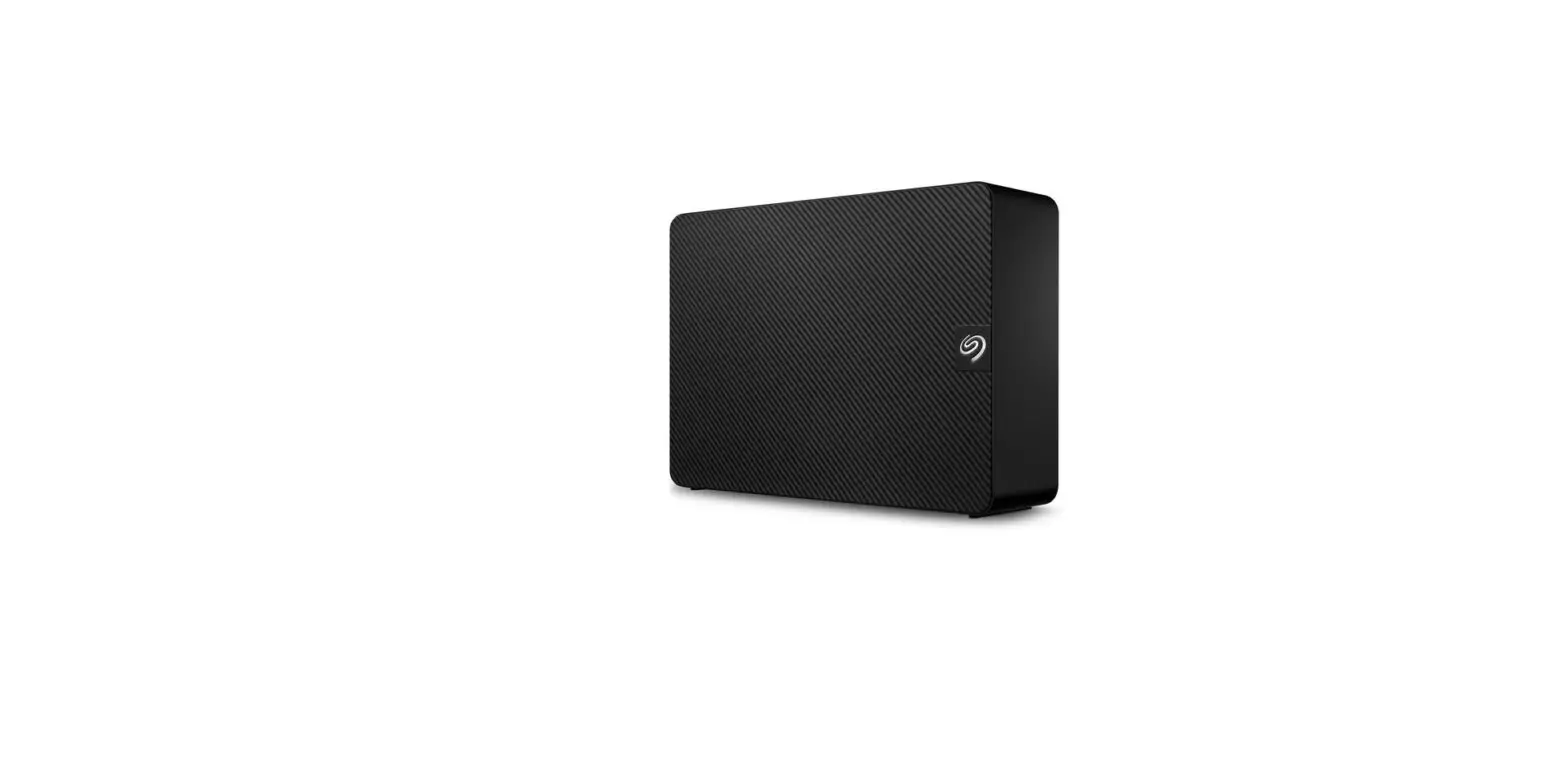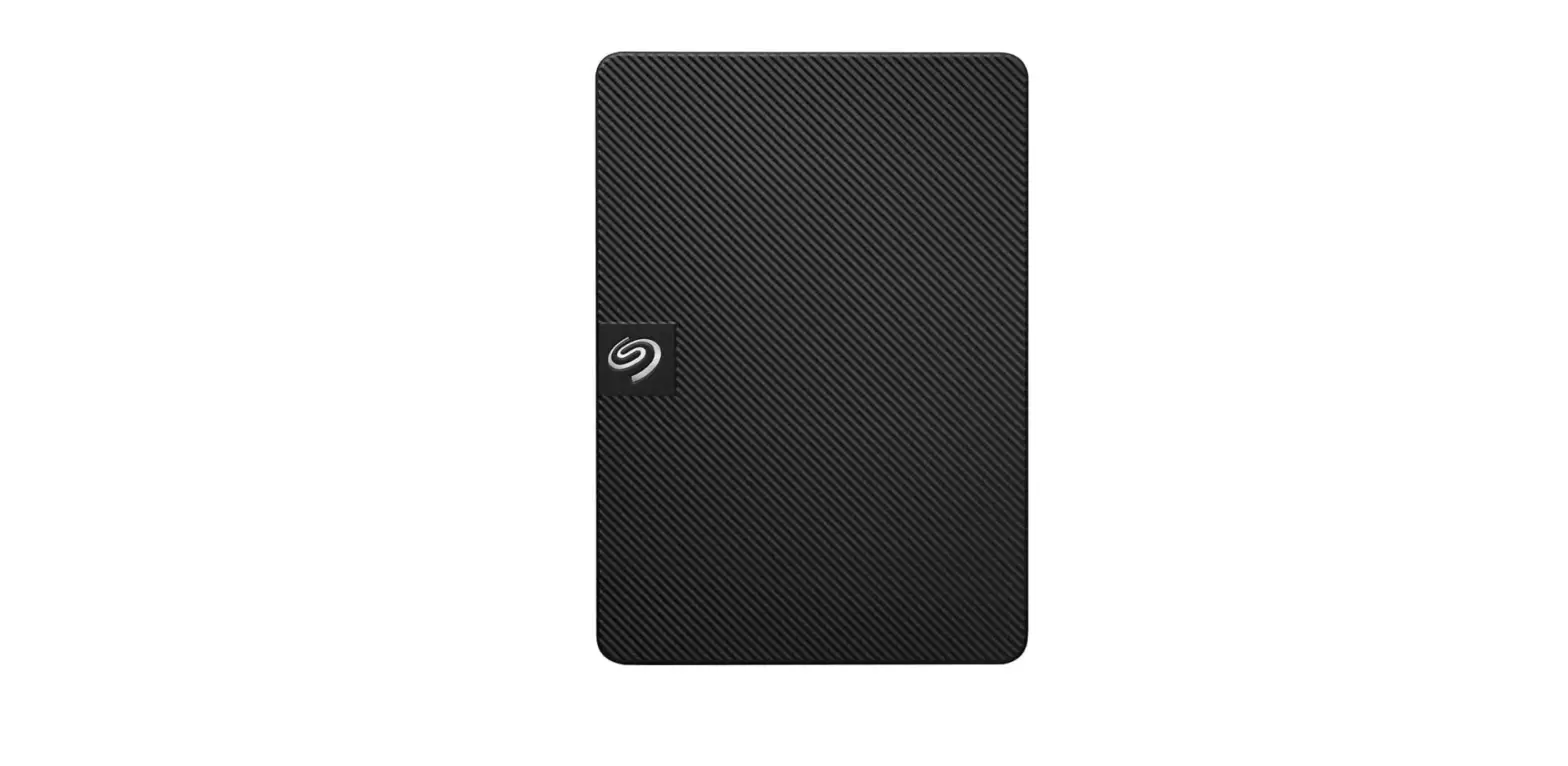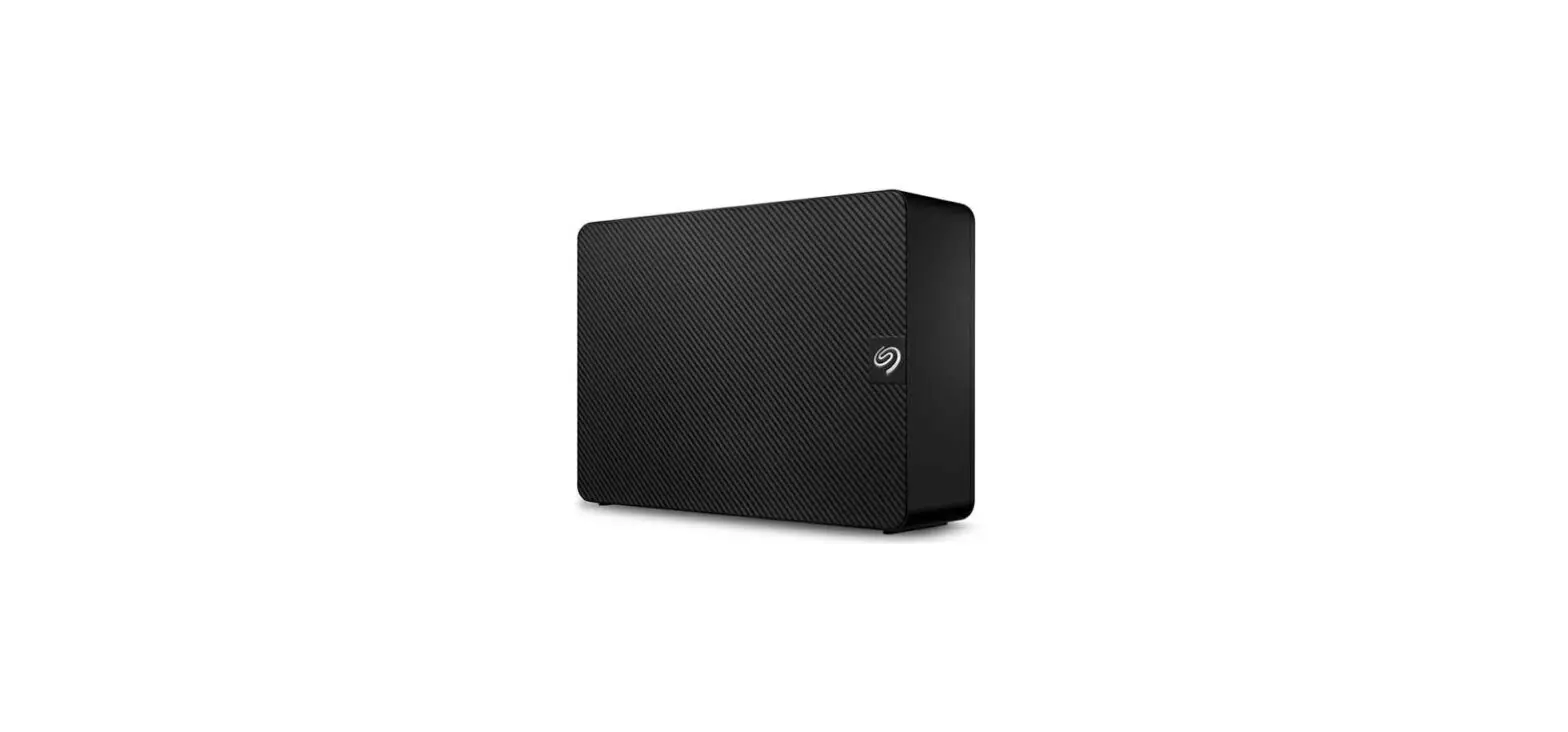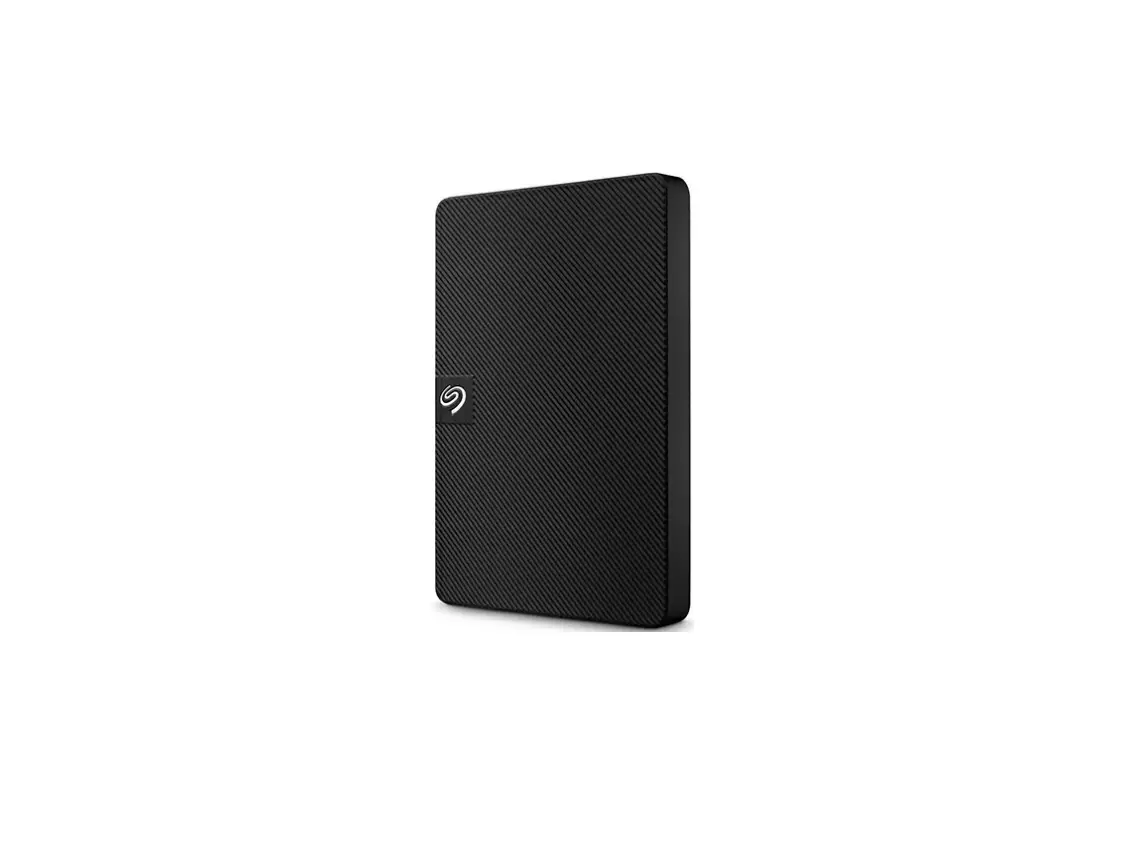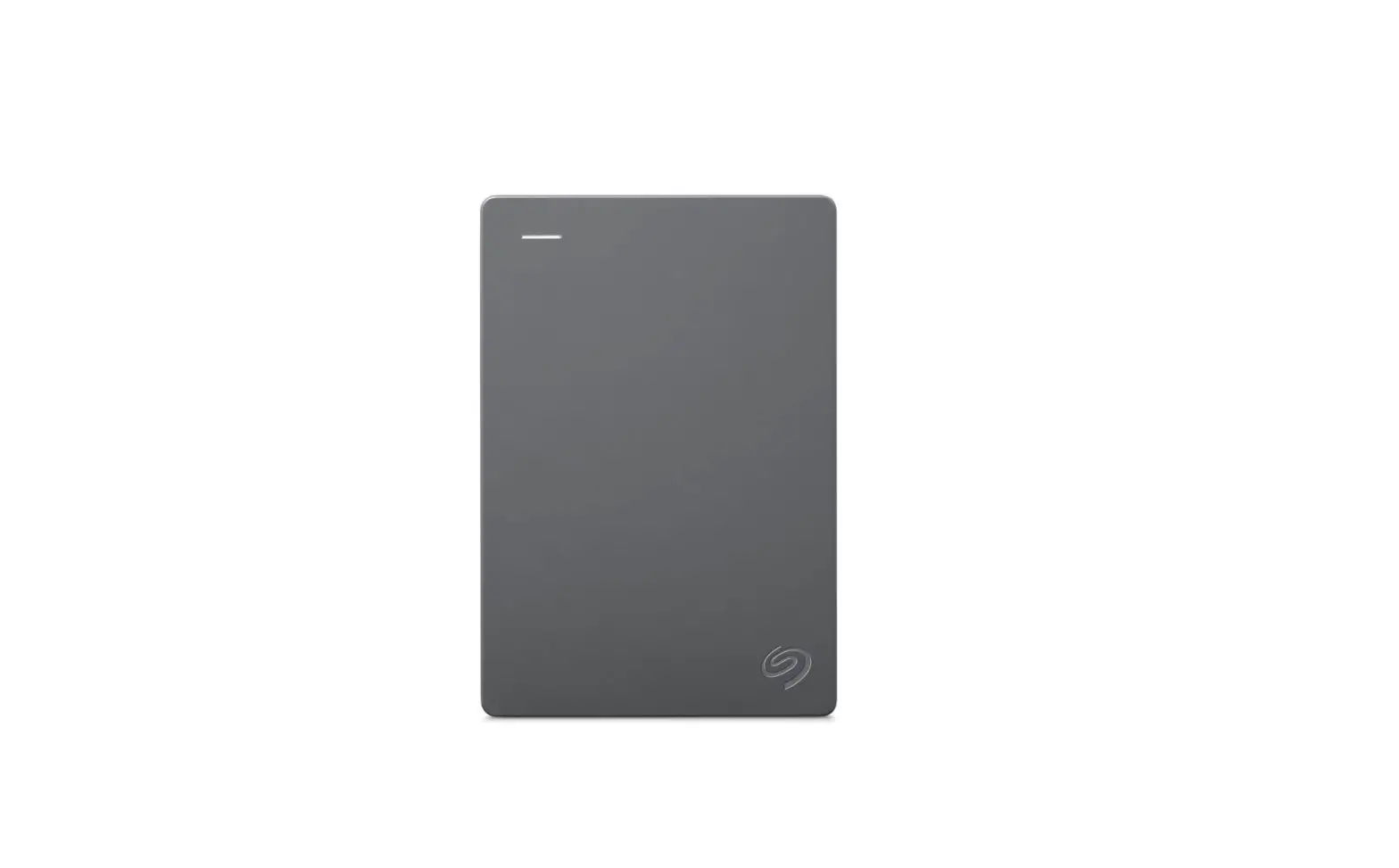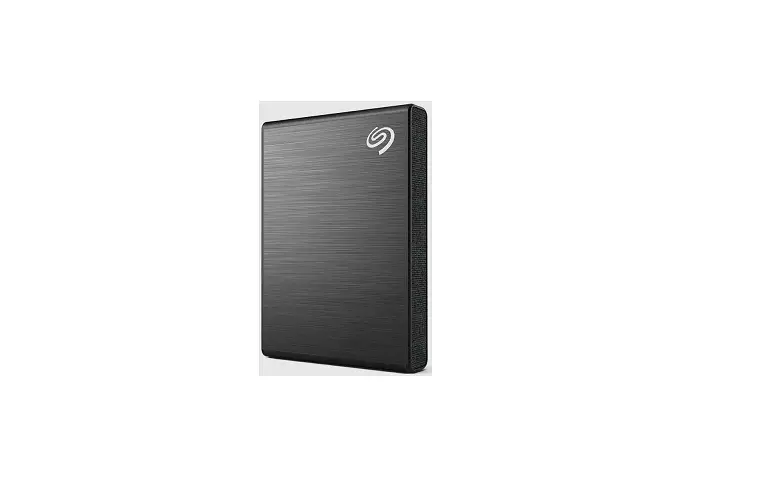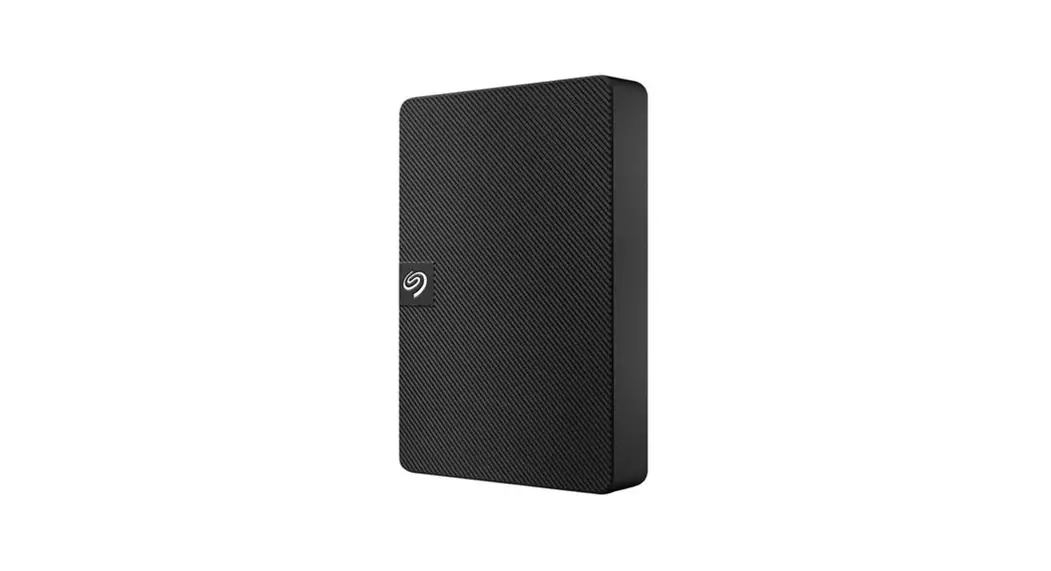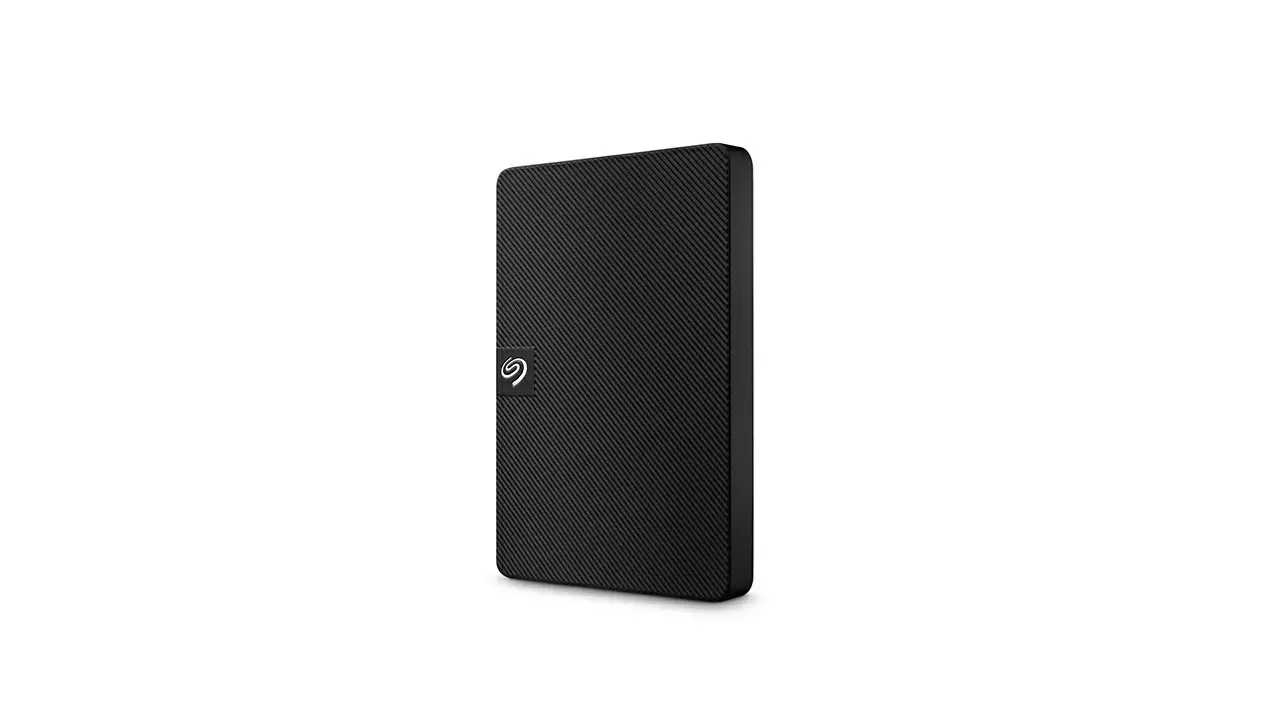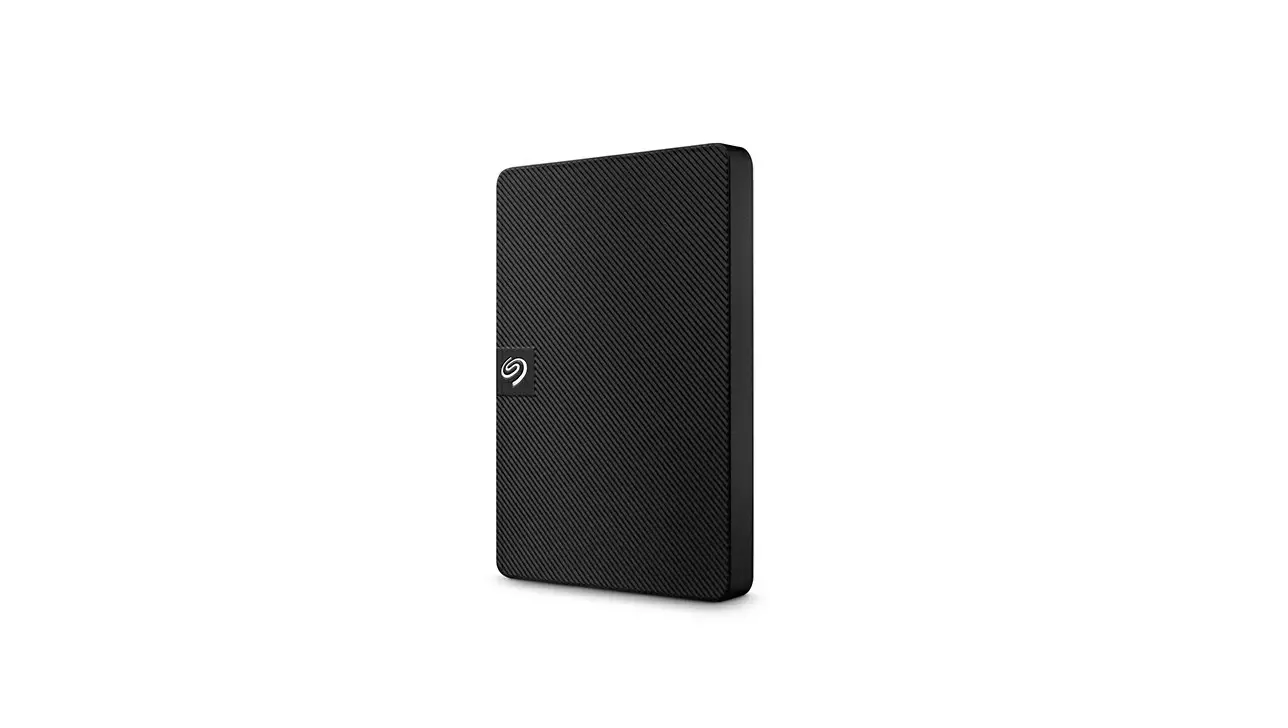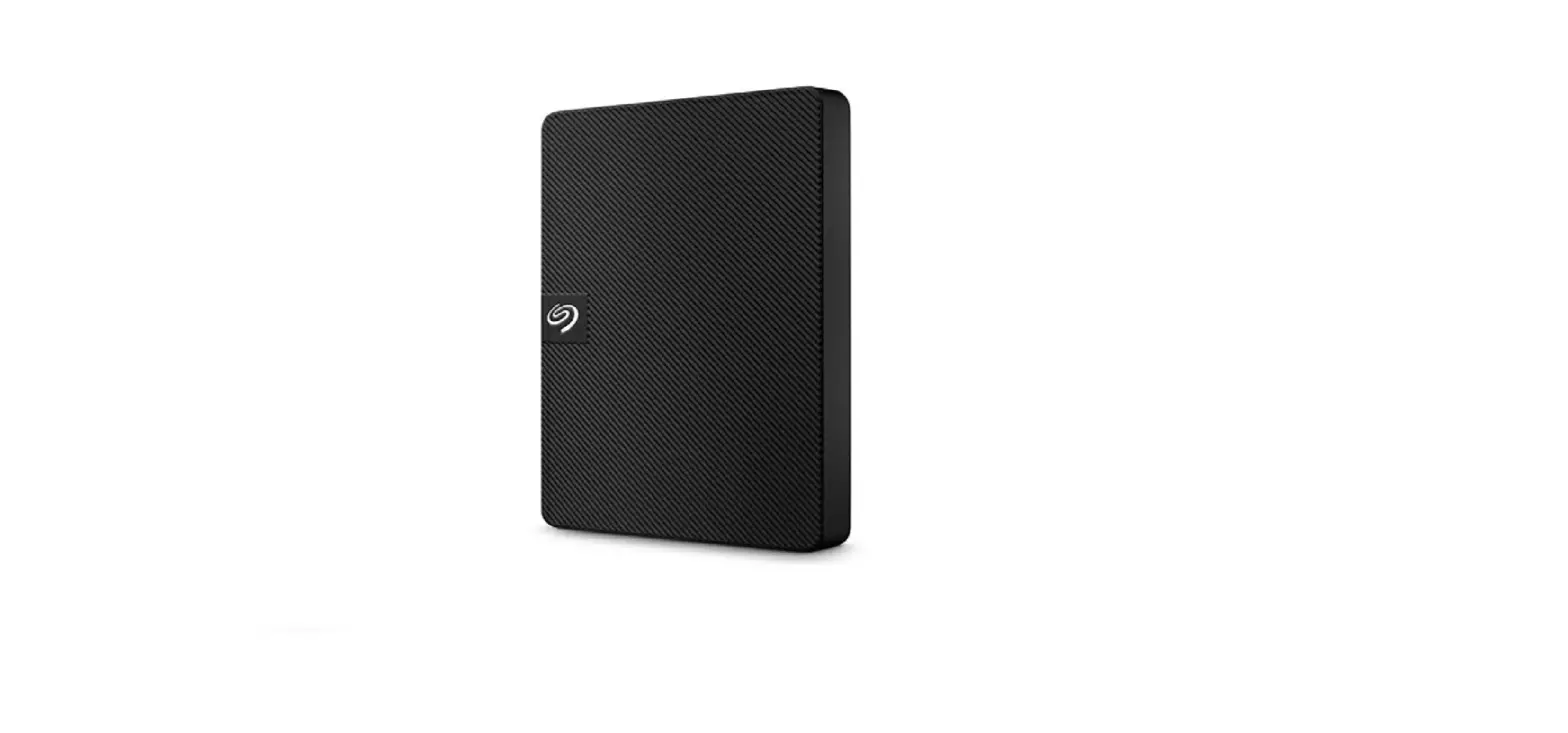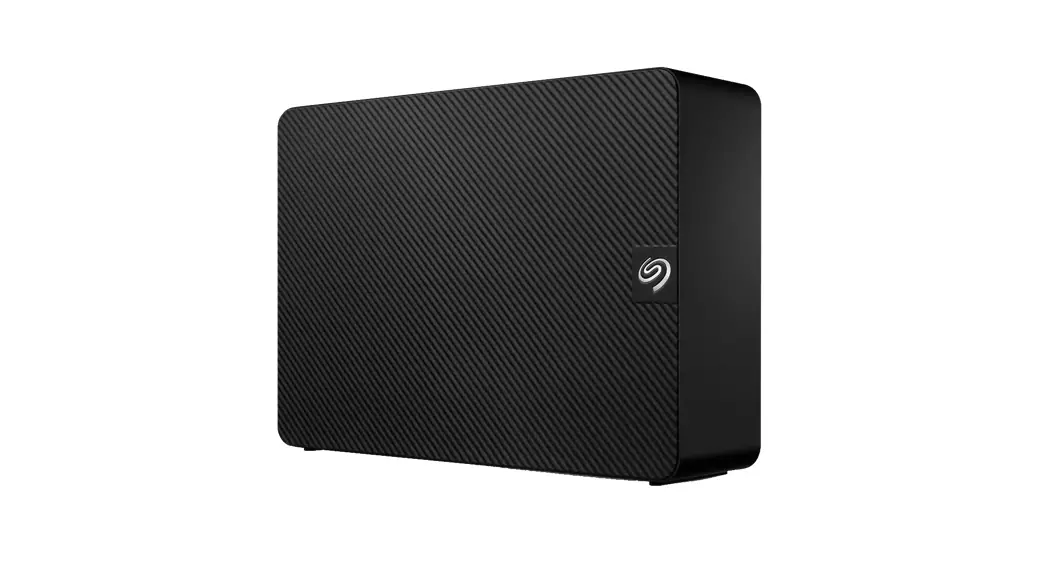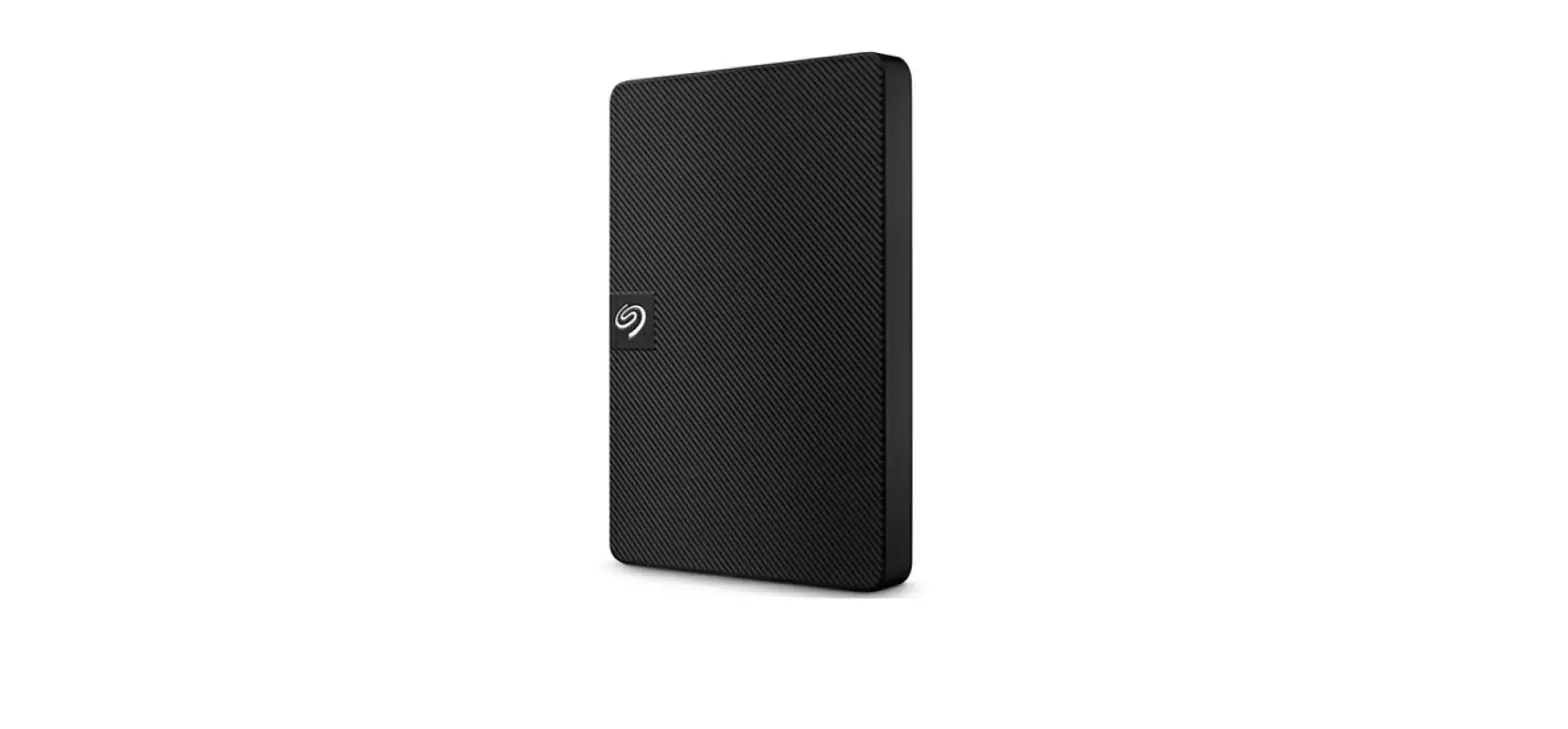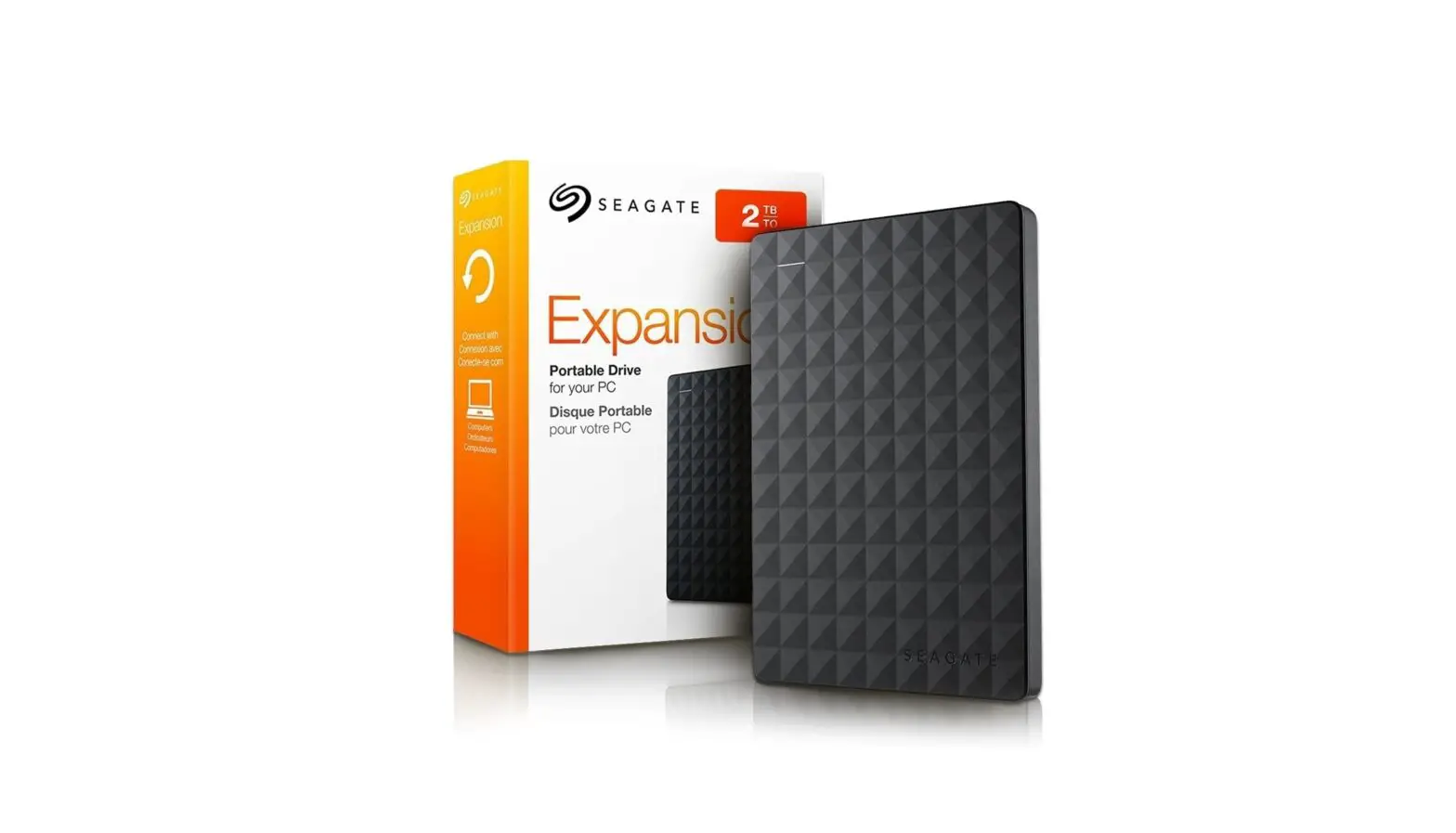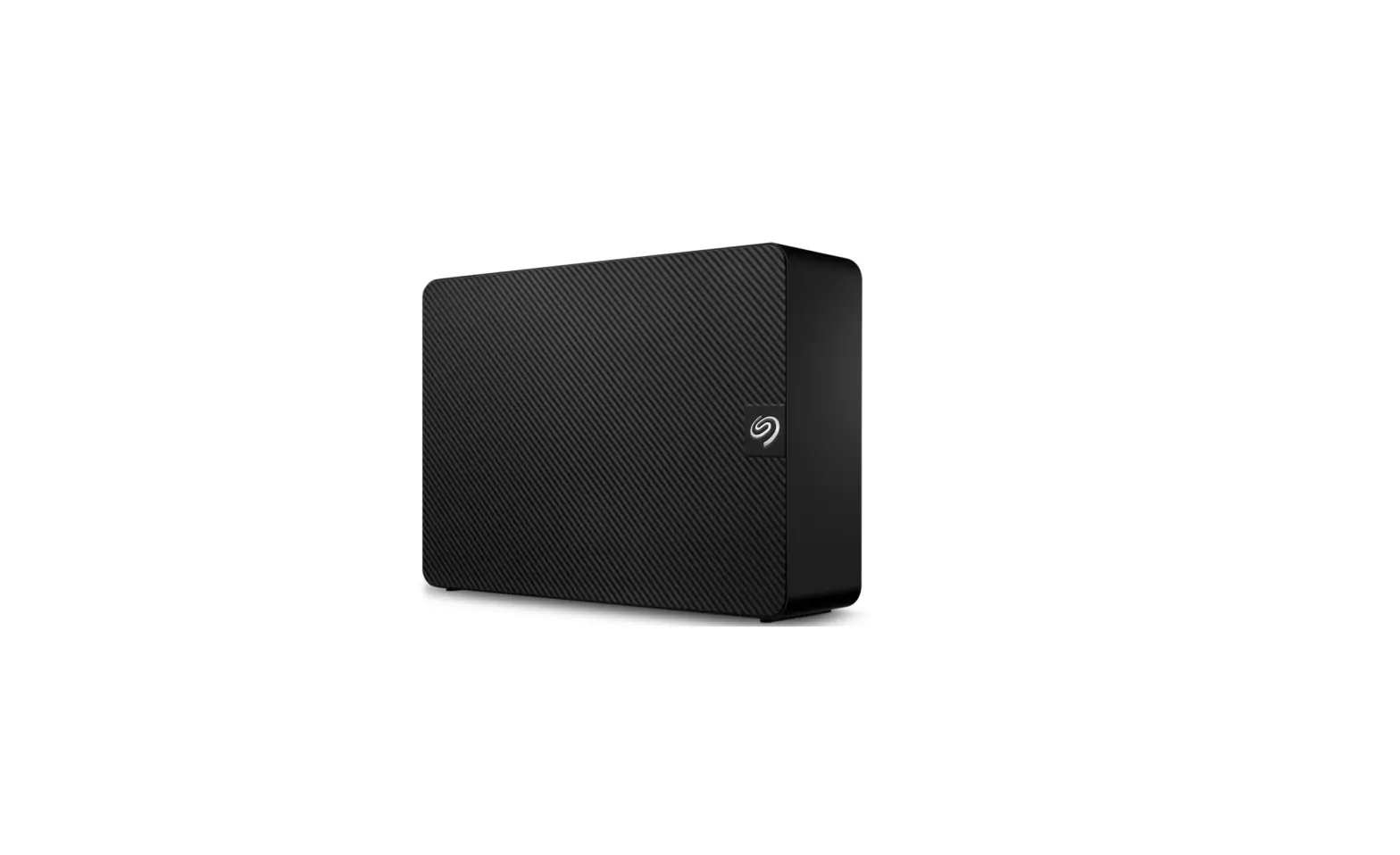

Seagate STKP8000400 Expansion External Hard Drive
 INTRODUCTION
 INTRODUCTION
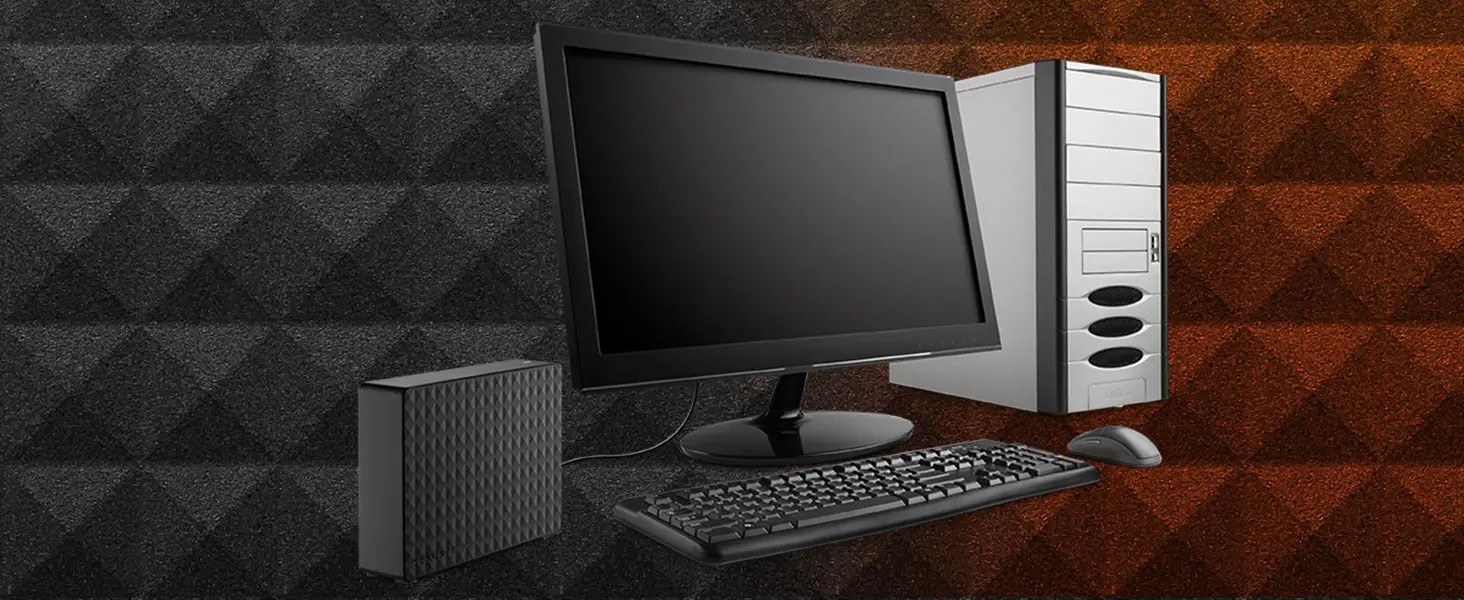
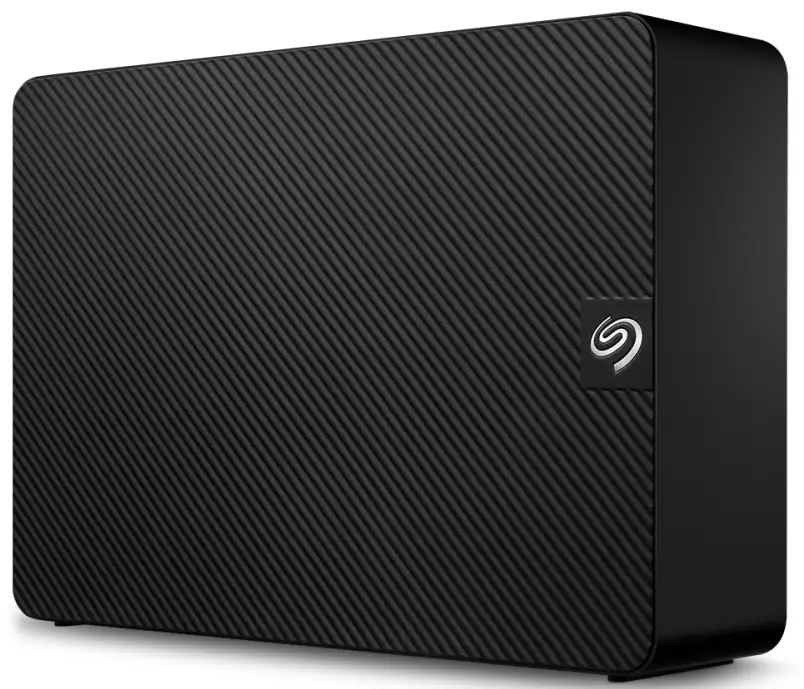
Seagate Expansion desktop drive, add-on storage for your PC and Mac
The Seagate® Expansion desktop drive provides extra storage for your ever-growing collection of files. Add space for more files instantly, consolidate all your files to a single location, or free up space on your computer’s internal drive for improved performance. Set-up is straightforward. Simply plug in the included power supply and USB cable and you are ready to go. It is automatically recognized by the Windows® or Mac operating system, so there is no software to install and nothing to configure. Saving files is easy too, just drag and drop. Take advantage of the fast data transfer speeds with the USB 3.0 interface by connecting to a USB 3.0 port. Plus, Seagate Expansion comes with Rescue Data Recovery Services1 for additional peace of mind.
- Rescue Data Recovery Services are not available in all countries.
| Specifications | ||||
| Retail Packaging | Product Dimensions | Box Dimensions | Master Carton Dimensions | Pallet Dimensions |
| Length (in/mm) | 7.037 in/178.75 mm | 8.583 in/218 mm | 12.835 in/326 mm | 47.992 in/1,219 mm |
| Width (in/mm) | 1.65 in/41.9 mm | 8.346 in/212 mm | 8.78 in/223 mm | 40 in/1,016 mm |
| Depth (in/mm) | 4.921 in/125 mm | 3.031 in/77 mm | 9.488 in/241 mm | 43.307 in/1,100 mm |
| Weight (lb/kg) | 2.593 lb/1.176 kg | 2.959 lb/1.342 kg | 12.619 lb/5.724 kg | 903.587 lb/409.86 kg |
| Quantities | ||||
| Boxes per Master Carton | 4 | |||
| Master Cartons per Pallet | 60 | |||
| Pallet Layers | 4 | |||
What’s Included
- Seagate® Expansion desktop hard drive
- 18-inch (46 cm) USB 3.0 cable, 18W power adapter
- Quick start guide
- Rescue Data Recovery Services3
- Toolkit backup software
System Requirements
- Windows® 10 or higher, or Mac OS® X 10.12 or higher operating system1,2
- Available USB 3.0 port (required for USB 3.0 transfer speeds)2
Different Models And Their Warranty
| Region | Model Number | Capacity | Colour | Limited Warranty (years) | UPC Code | EAN Code | Multi-Pack UPC | Notes |
| AMER | STKP4000400 | 4 TB | Black | 1 | 763649160633 | 3660619040407 | 10763649160630 | Includes Rescue3 |
| AMER | STKP6000400 | 6 TB | Black | 1 | 763649160640 | 3660619040414 | 10763649160647 | Includes Rescue3 |
| AMER | STKP8000400 | 8 TB | Black | 1 | 763649160657 | 3660619040421 | 10763649160654 | Includes Rescue3 |
| AMER | STKP10000400 | 10 TB | Black | 1 | 763649160664 | 3660619040438 | 10763649160661 | Includes Rescue3 |
| AMER | STKP12000400 | 12 TB | Black | 1 | 763649160671 | 3660619040445 | 10763649160678 | Includes Rescue3 |
| AMER | STKP14000400 | 14 TB | Black | 1 | 763649160688 | 3660619040452 | 10763649160685 | Includes Rescue3 |
| AMER | STKP16000400 | 16 TB | Black | 1 | 763649160695 | 3660619040469 | 10763649160692 | Includes Rescue3 |
| AMER | STKP18000400 | 18 TB | Black | 1 | 763649167335 | 3660619041435 | 10763649167332 | Includes Rescue3 |
| AMER | STKP20000400 | 20 TB | Black | 1 | 763649174494 | 8719706043700 | 10763649174491 | Includes Rescue3 |
| EMEA | STKP4000400 | 4 TB | Black | 2 | 763649160633 | 3660619040407 | 10763649160630 | Includes Rescue3 |
| EMEA | STKP6000400 | 6 TB | Black | 2 | 763649160640 | 3660619040414 | 10763649160647 | Includes Rescue3 |
| EMEA | STKP8000400 | 8 TB | Black | 2 | 763649160657 | 3660619040421 | 10763649160654 | Includes Rescue3 |
| EMEA | STKP10000400 | 10 TB | Black | 2 | 763649160664 | 3660619040438 | 10763649160661 | Includes Rescue3 |
| EMEA | STKP12000400 | 12 TB | Black | 2 | 763649160671 | 3660619040445 | 10763649160678 | Includes Rescue3 |
| EMEA | STKP14000400 | 14 TB | Black | 2 | 763649160688 | 3660619040452 | 10763649160685 | Includes Rescue3 |
| EMEA | STKP16000400 | 16 TB | Black | 2 | 763649160695 | 3660619040469 | 10763649160692 | Includes Rescue3 |
| EMEA | STKP18000400 | 18 TB | Black | 2 | 763649167335 | 3660619041435 | 10763649167332 | Includes Rescue3 |
| EMEA | STKP20000400 | 20 TB | Black | 2 | 763649174494 | 8719706043700 | 10763649174491 | Includes Rescue3 |
| APAC | STKP4000400 | 4 TB | Black | 3 | 763649160633 | 3660619040407 | 10763649160630 | Includes Rescue3 |
| APAC | STKP6000400 | 6 TB | Black | 3 | 763649160640 | 3660619040414 | 10763649160647 | Includes Rescue3 |
| APAC | STKP8000400 | 8 TB | Black | 3 | 763649160657 | 3660619040421 | 10763649160654 | Includes Rescue3 |
| APAC | STKP10000400 | 10 TB | Black | 3 | 763649160664 | 3660619040438 | 10763649160661 | Includes Rescue3 |
| APAC | STKP12000400 | 12 TB | Black | 3 | 763649160671 | 3660619040445 | 10763649160678 | Includes Rescue3 |
| APAC | STKP14000400 | 14 TB | Black | 3 | 763649160688 | 3660619040452 | 10763649160685 | Includes Rescue3 |
| APAC | STKP16000400 | 16 TB | Black | 3 | 763649160695 | 3660619040469 | 10763649160692 | Includes Rescue3 |
| APAC | STKP18000400 | 18 TB | Black | 3 | 763649167335 | 3660619041435 | 10763649167332 | Includes Rescue3 |
| APAC | STKP20000400 | 20 TB | Black | 3 | 763649174494 | 8719706043700 | 10763649174491 | Includes Rescue3 |
- Reformatting may be required for use with Time Machine.
- Compatibility may vary depending on the user’s hardware configuration and operating system.
- Rescue Data Recovery Services are not available in all countries.
WEBSITE: SEAGATE.COM
© 2022 Seagate Technology LLC. All rights reserved. Seagate, Seagate Technology, and the Spiral logo are registered trademarks of Seagate Technology LLC in the United States and/or other countries. All other trademarks or registered trademarks are the property of their respective owners. When referring to drive capacity, one gigabyte, or GB, equals one billion bytes; and one terabyte, or TB, equals one trillion bytes. Your computer’s operating system may use a different standard of measurement and report a lower capacity. In addition, some of the listed capacity is used for formatting and other functions, and thus will not be available for data storage. Complying with all applicable copyright laws is the responsibility of the user. Seagate reserves the right to change, without notice, product offerings or specifications. DS2063.2-2203 GB
FAQ’s
What is the storage capacity of the Seagate STKP8000400 Expansion External Hard Drive?
The Seagate STKP8000400 has a storage capacity of 8 terabytes (TB).
What type of interface does the external hard drive use?
The Seagate STKP8000400 utilizes a USB 3.0 interface for high-speed data transfer.
Is the external hard drive compatible with both Windows and Mac operating systems?
Yes, the Seagate STKP8000400 is compatible with both Windows and Mac operating systems. However, it may require reformatting to work with a specific operating system.
Does the Seagate STKP8000400 require an external power source?
No, the Seagate STKP8000400 is powered through the USB connection and does not require an external power source.
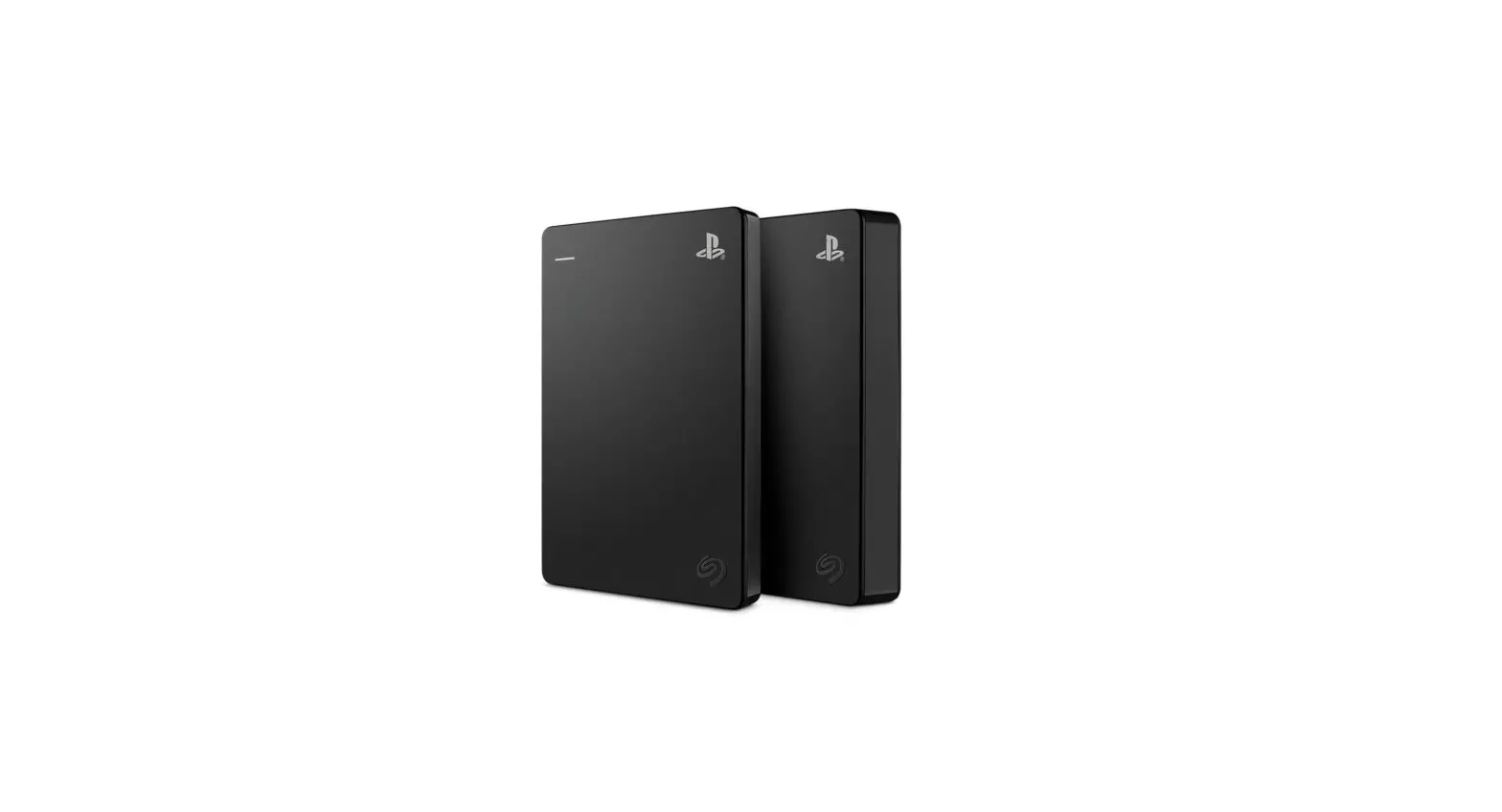
Can the external hard drive be used to expand gaming console storage?
Yes, the Seagate STKP8000400 can be used to expand the storage capacity of gaming consoles like PlayStation or Xbox.
Does the Seagate STKP8000400 support automatic backup or data synchronization?
The Seagate STKP8000400 is a basic external hard drive and does not include built-in automatic backup or synchronization features. However, you can use third-party software or utilities for these purposes.
Is the external hard drive compatible with USB 2.0 ports?
Yes, the Seagate STKP8000400 is backward compatible with USB 2.0 ports. However, data transfer speeds will be slower compared to USB 3.0.
Can the Seagate STKP8000400 be used with a Smart TV to store media files?
Yes, if your Smart TV has USB ports and supports external storage devices, you can use the Seagate STKP8000400 to store media files for playback on your TV.
Is the external hard drive compatible with mobile devices like smartphones or tablets?
The Seagate STKP8000400 is primarily designed for use with computers and may not be directly compatible with smartphones or tablets. You may need additional adapters or compatible devices to connect and access the data on mobile devices.
Does the Seagate STKP8000400 come with any bundled backup software?
The Seagate STKP8000400 typically does not include bundled backup software. However, Seagate offers free software downloads, such as Seagate Dashboard, that provide backup and file management functionality.
Is the external hard drive suitable for long-term data storage or archiving?
The Seagate STKP8000400 can be used for long-term data storage or archiving purposes. It is recommended to keep the drive in a cool and dry environment to maintain data integrity.
Does the Seagate STKP8000400 have encryption or password protection features?
The Seagate STKP8000400 does not include built-in encryption or password protection features. However, you can use third-party encryption software to secure your data if desired.
Download This PDF Link: Seagate STKP8000400 Expansion External Hard Drive Specifications and Datasheet