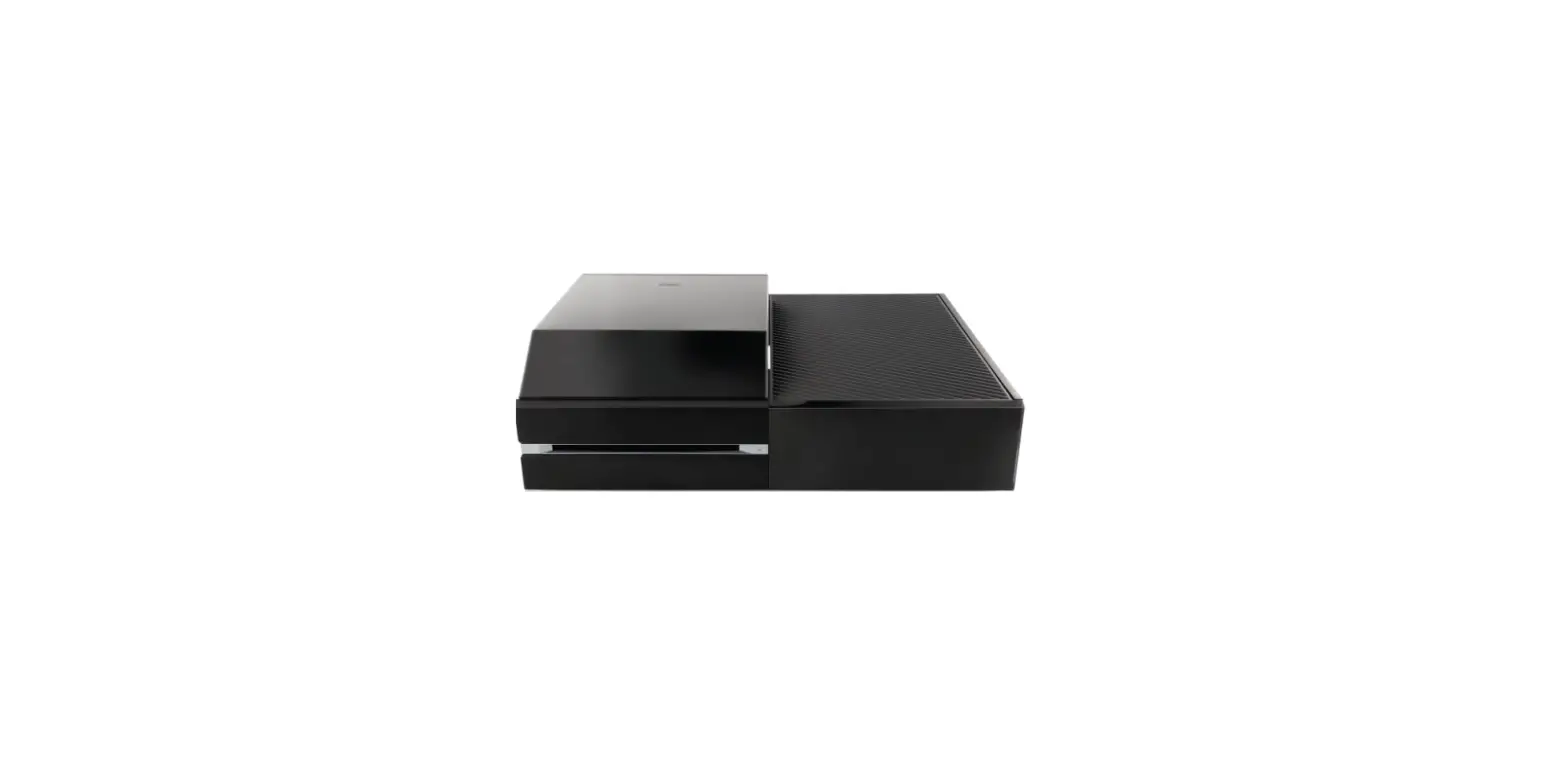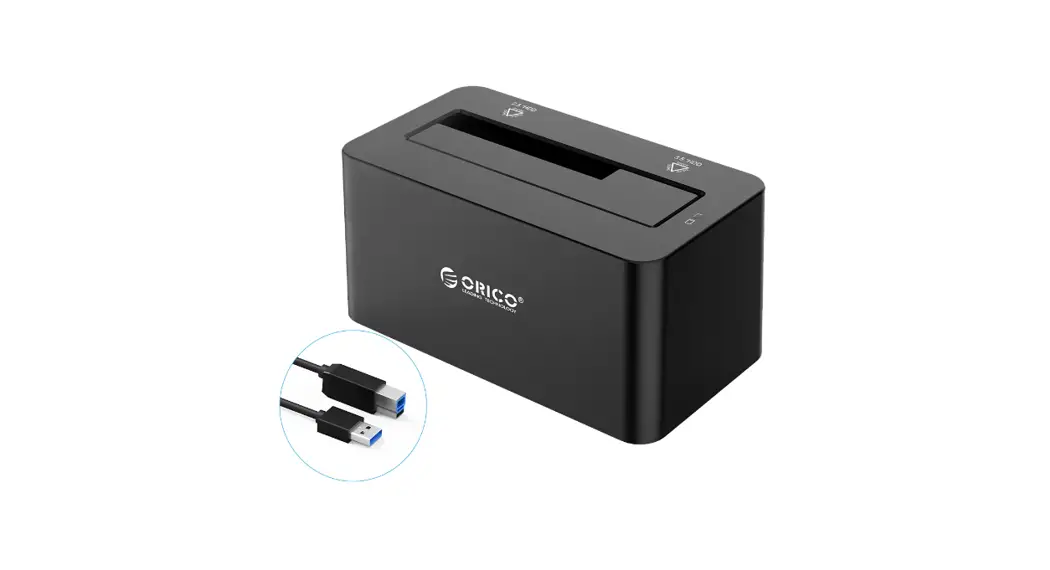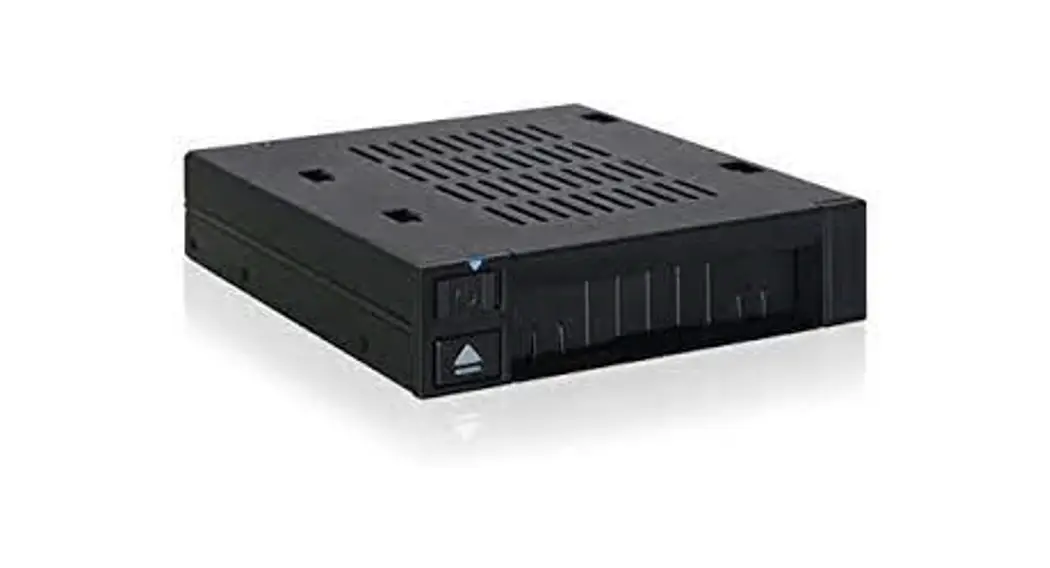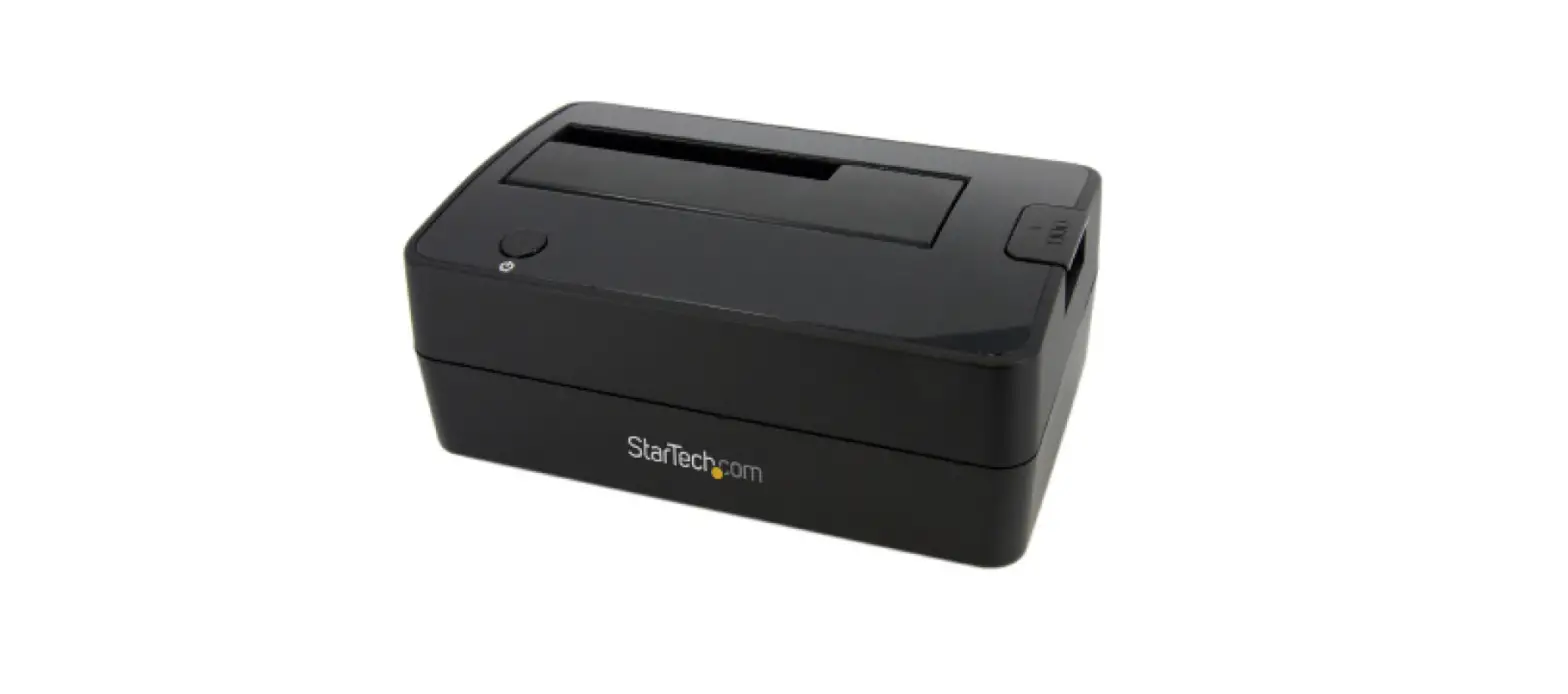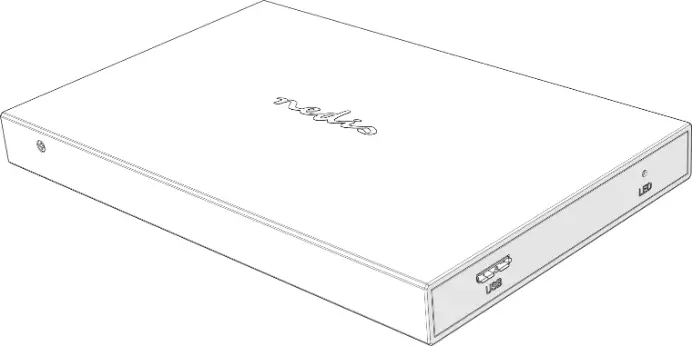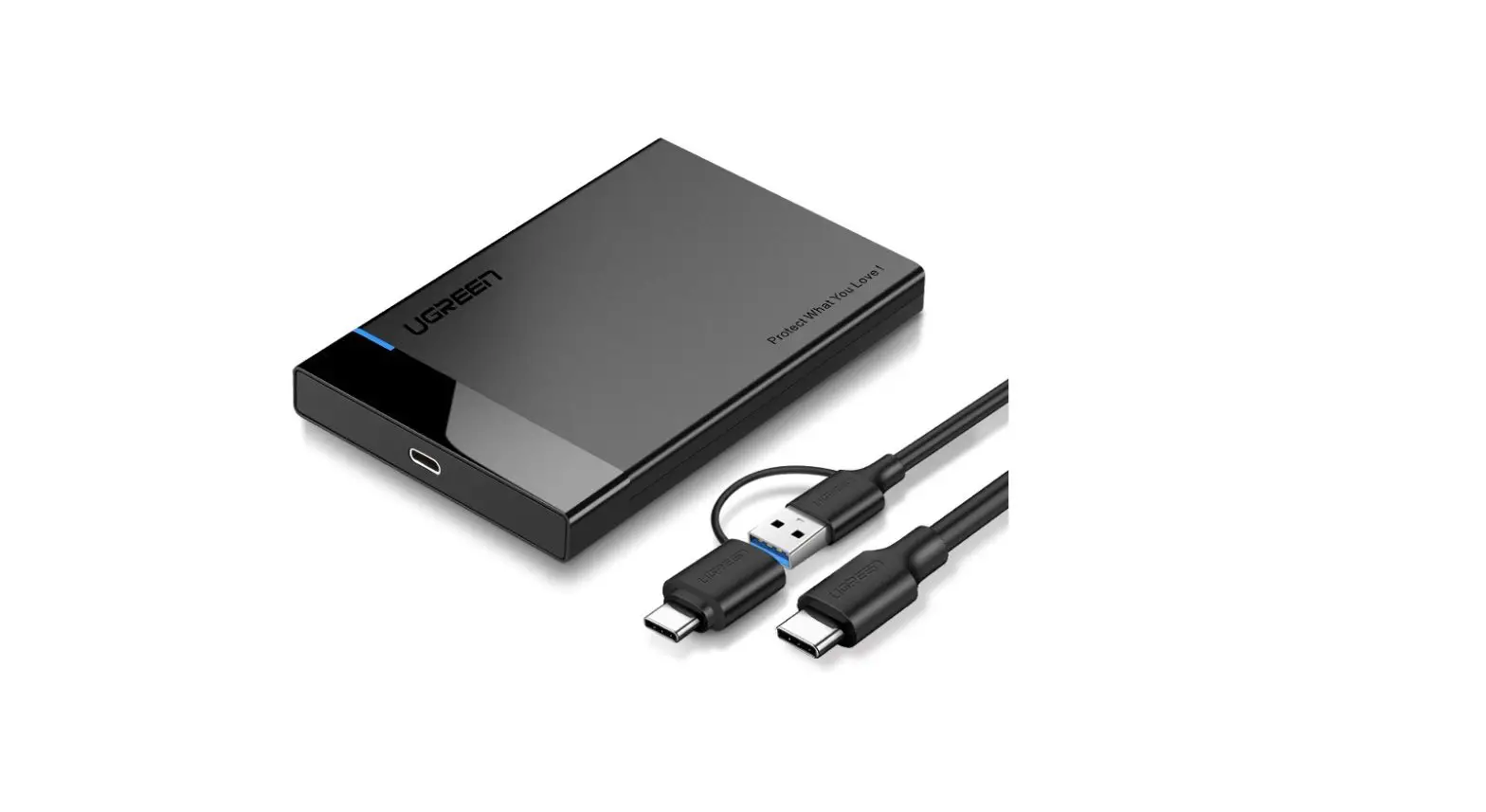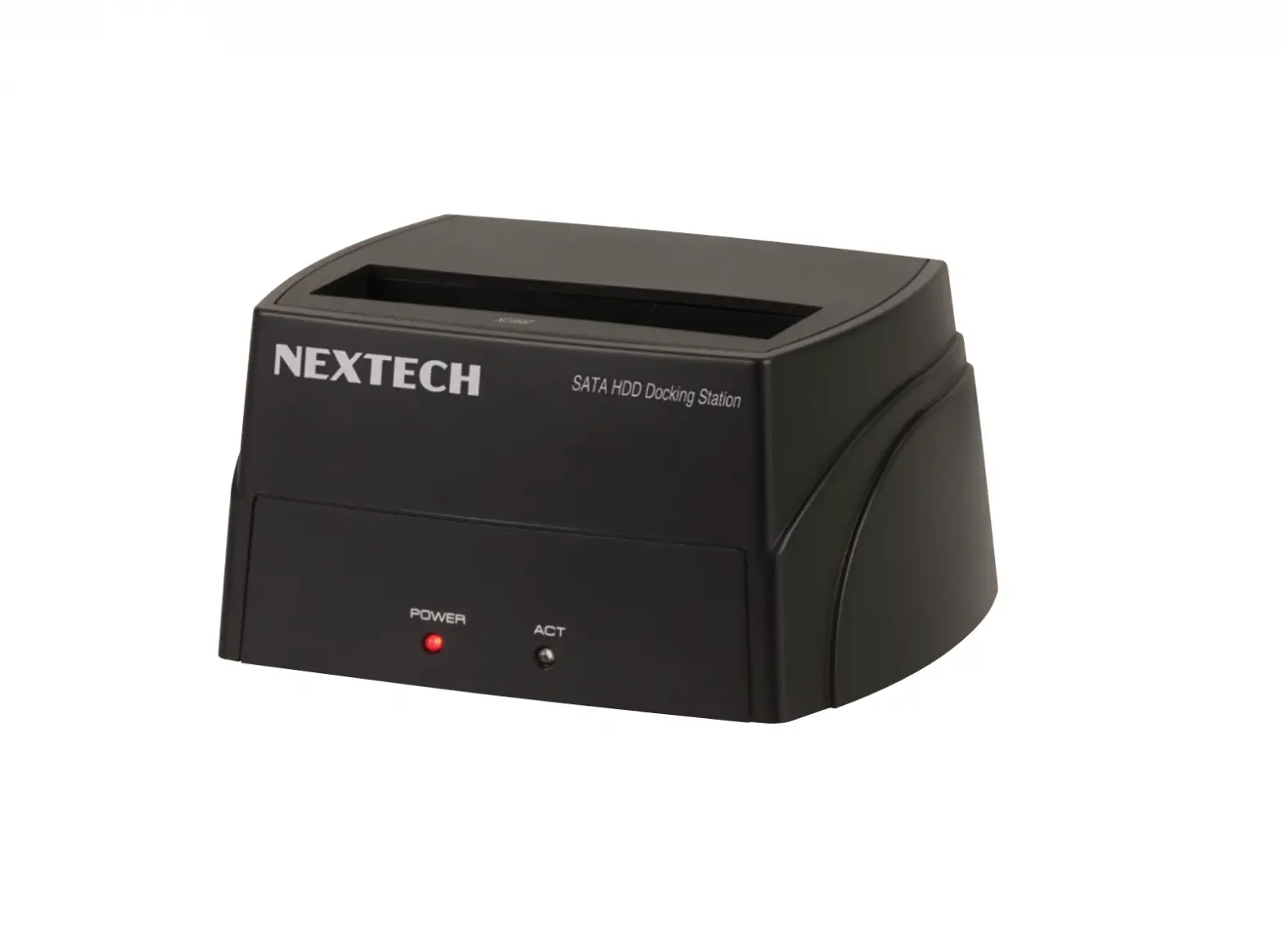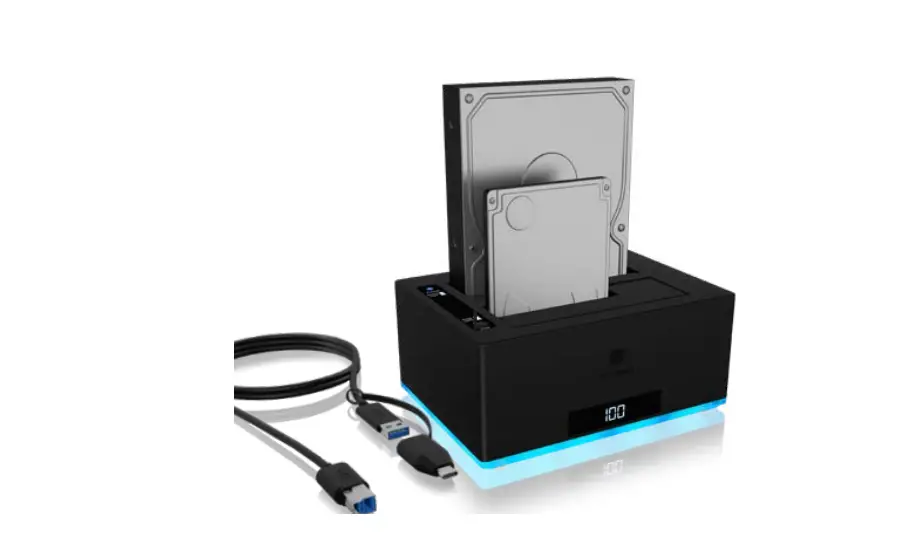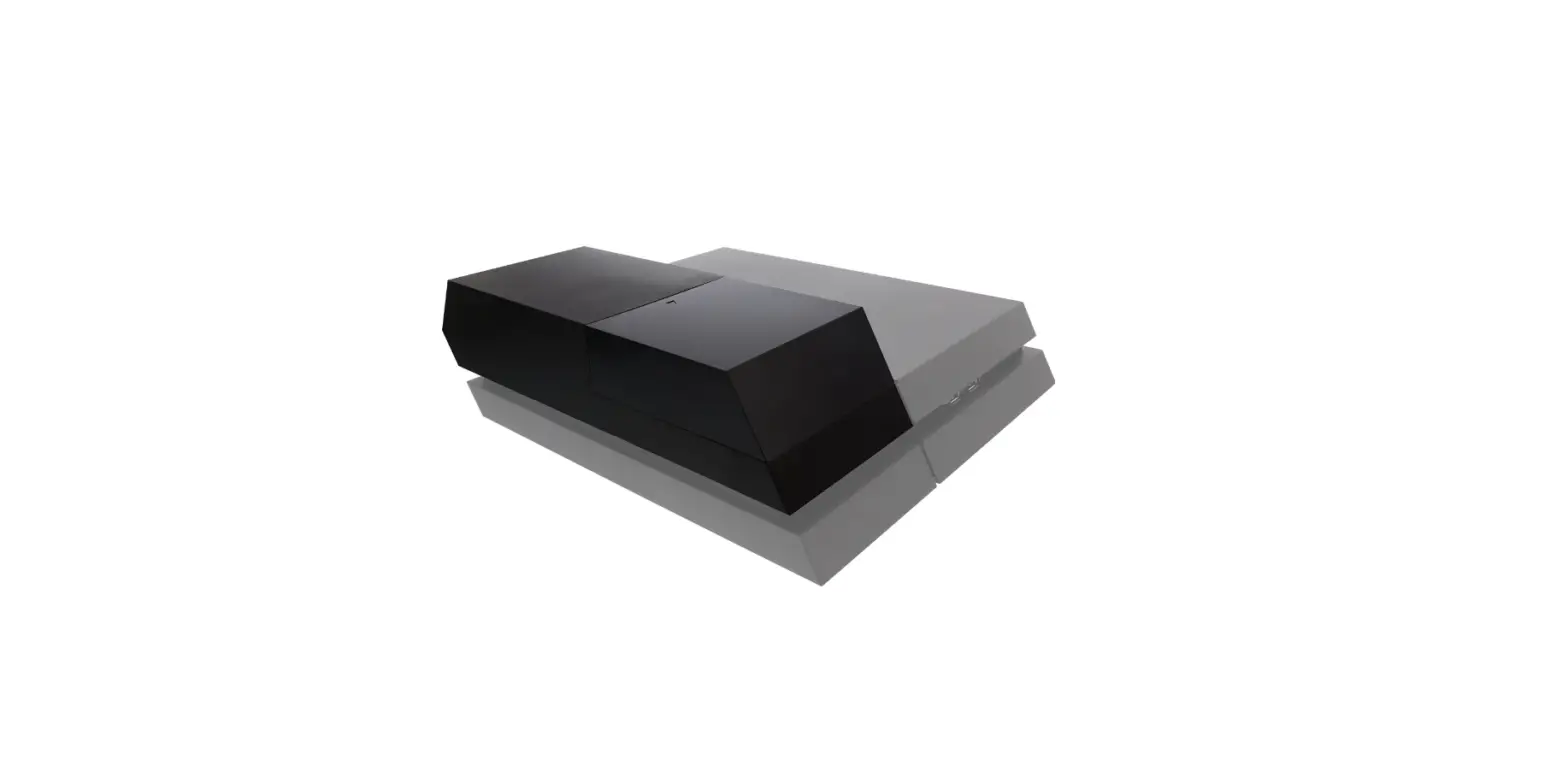

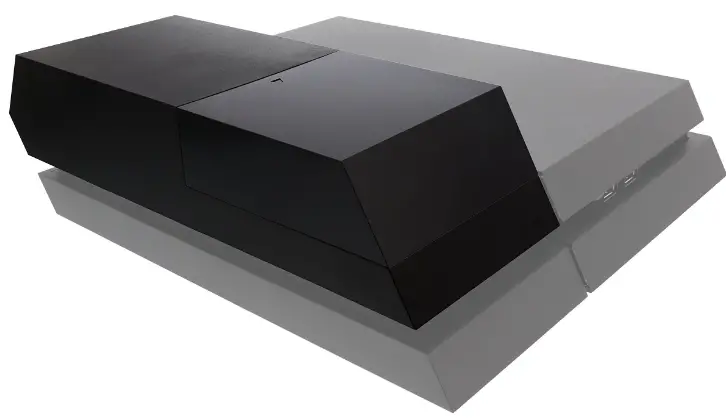
Nyko 83223 Data Bank Hard Drive Enclosure Upgrade Dock
INSTALLATION PROCEDURE
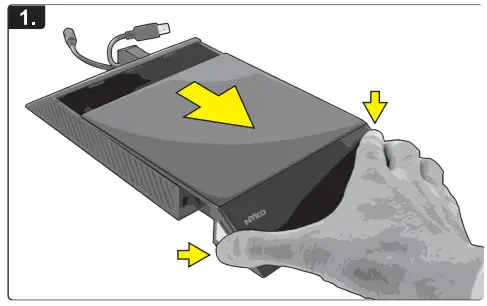
- Press and hold the chrome release buttons on both sides of the cover, and gently pull the cover off.

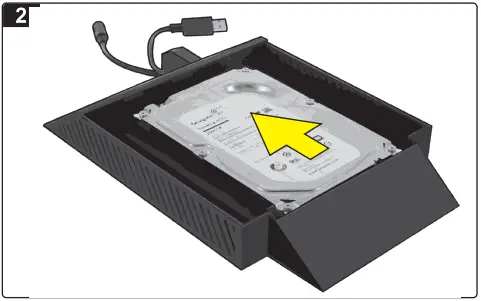
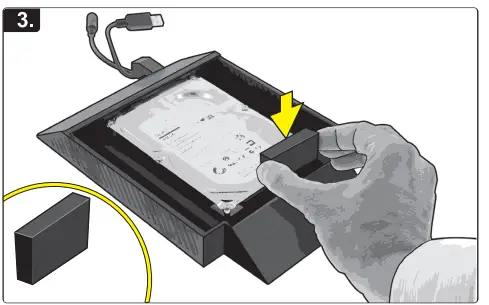
- Place the 3.5″ hard drive (not included) into the Data Bank and press forward to connect.
- Place the included foam pad between the hard drive and enclosure, to further secure the hard drive from movement.

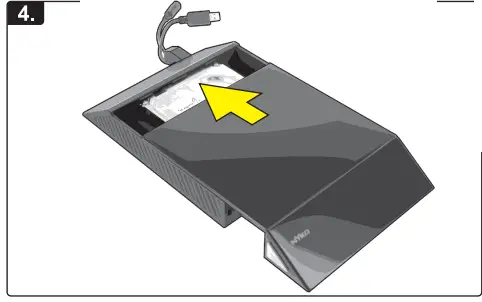
- Gently slide on the cover and press into locked position.

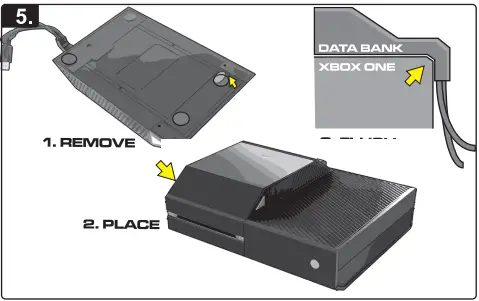
- Remove the protective covers from the semi adhesive foam feet on the Data Bank, and place the device on the console surface.

- Make sure to align the Data Bank on the console properly so that the L shaped cable guide is flush with the back of the console.

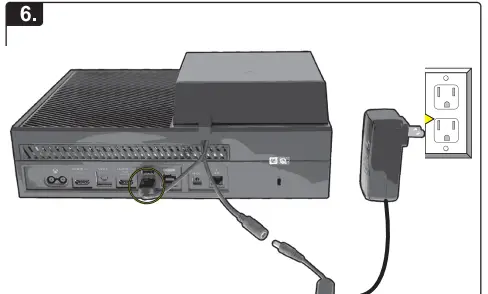
- Connect the USB cable to one of the USB ports on the back of the console.Then connect the AC adaptor to the power port on the cable, and the AC to the wall sockèt.

- Press and hold the chrome release buttons on both sides of the cover, and gently pull the cover off.
WARNING
Please refer to your console instructions or the Microsoft® support site for details on ways to use an external Hard Drive with your Xbox One Console
If you are experiencing difficulties, please contact us:
- Email: [email protected]
- Phone: +1-888-400-6956
Nyko Product Limited Warranty:
This Nyko product is warranted to the original purchaser for the product’s normal intended use for a period of ninety (90) days from the date of purchase. lfa defect covered under this warranty OCCurs, Nyko will replace or repair the product or its defective parts, at Nyko’s option, at no charge. This warranty does not apply to defects resulting from misuse or modification of the product. The product should be returned with proof of purchase, a brief statement of the claimed defect, and the purchaser’s contact information, to: Nyko Technologies, Inc., 1990 Westwood Blvd., 3rd Floor Los Angeles, CA 90025, with freight charges prepaid. Please allow 3-4 weeks for processing.
FAQS
The Data Bank for PlayStation®4 allows the use of a 3.5” hard drive to be used as internal memory instead of the stock 2.5” hard drive that comes pre-installed in the system. 3.5″ drives are less expensive at higher capacities than the 2.5″ drive inherently supported by the PS4™
There’s only 500GB of space on the standard PS4 and PS4 Slim and a larger 1TB on PS4 Pro. On base hardware, it’ll only take a few big games to completely fill up your hard drive
Any USB 3.0 drive will do the job and the PS4 supports drives up to 8TB in size.
Generally speaking, you can rely on your hard drive for three to five years on average.
Use a USB External Storage Device that fulfills the following requirements: 250 GB minimum, 8 TB maximum capacity.
With up to 2TB of storage, store up to 50+ titles on your drive. The game drive PS4 is portable so you can load your games and be ready to play anywhere.
Best for maximum storage. We kept the Seagate Portable 2TB at a top choice because it has a 120 Mbps read speed. It ensures zero lag while playing games when you have plugged in the product. It also comes with a USB configuration for quick setup and use
On average, a PS4 can last 5 years at least. However, things could be different in certain cases. To make sure your PS4 can last longer, you need to take care of it in your daily life.
All in all it’s fine to leave a PS4 running in a well ventilated room. I still place a fan towards my console to keep it cool though whenever i’m playing or when i leave it on.
Yes, providing you follow a couple of simple precautions: If you are going to unplug the drive while the computer is running, always use the external drive ejection tool before the drive is unplugged
1TB is a sensible minimum, but we’d suggest going for 2TB as there’s not a vast price difference between the two and you’ll have enough space for a pretty sizable games library. However avid gamers might want to jump straight to 4TB
If you buy an external SSD for your PS4, you’ll experience the benefits of loading up your games much quicker than ever before, and you can transfer these games onto your PS5
You’ll have about 900GB left after installing all the required stuff and games average at around 35GB so ~25 full size games
The PS4 doesn’t boast an ultra-fast SSD like the PS5, so you’ll usually see long load times whenever you start a game or load a save. If you keep your PS4 in rest mode, however, you’ll be able to bypass these problems and instantly jump back to the exact place you were. That’s pretty incredible
Under those ideal conditions, hard drives are predicted to be able to retain their data for 9 to 20 years. The long range is due to the different architectures used in the manufacturing of modern hard drives. SSDs (Solid State Drives) have a reputation for having a very low data retention rate