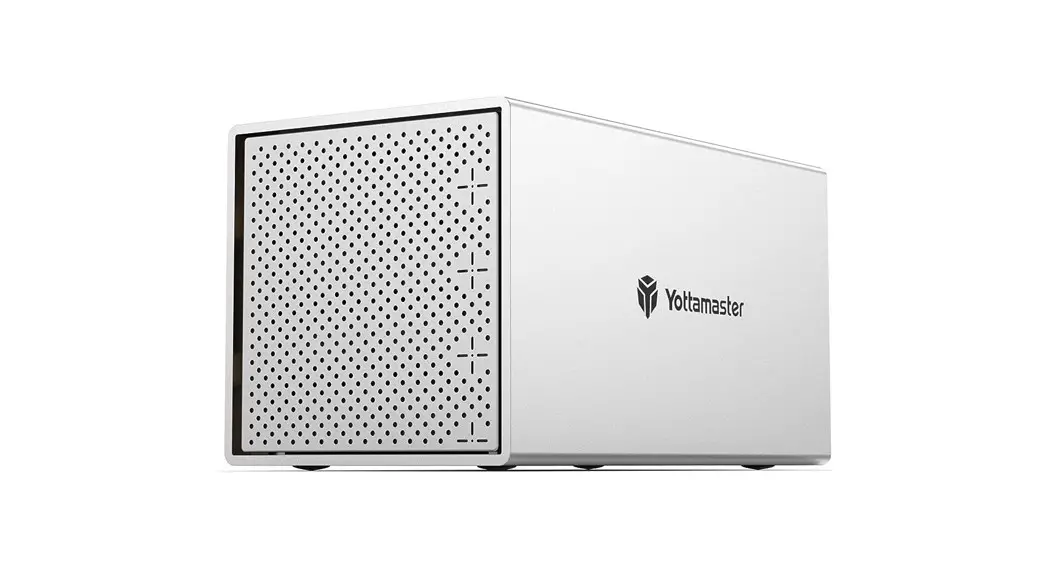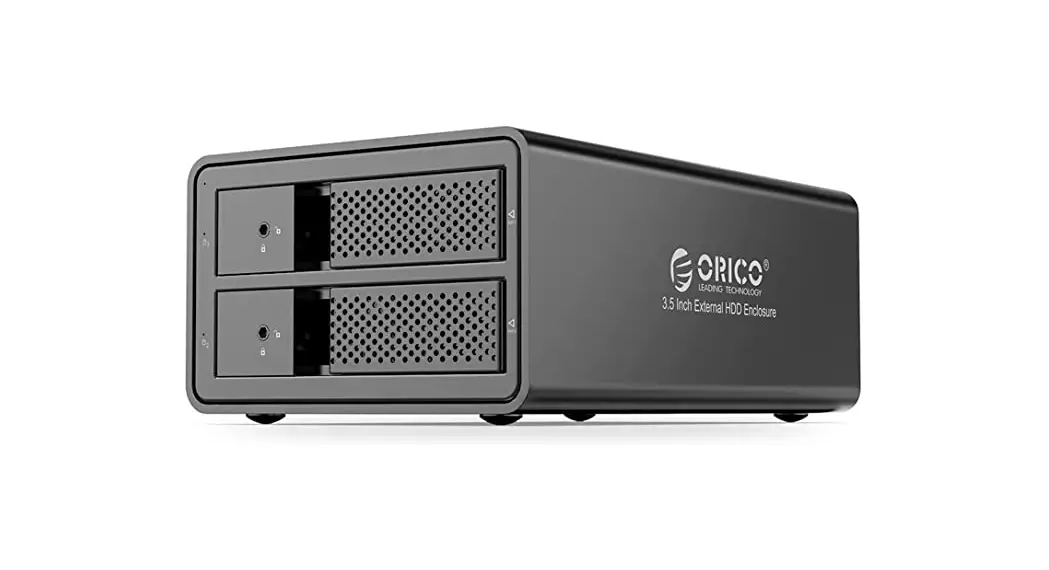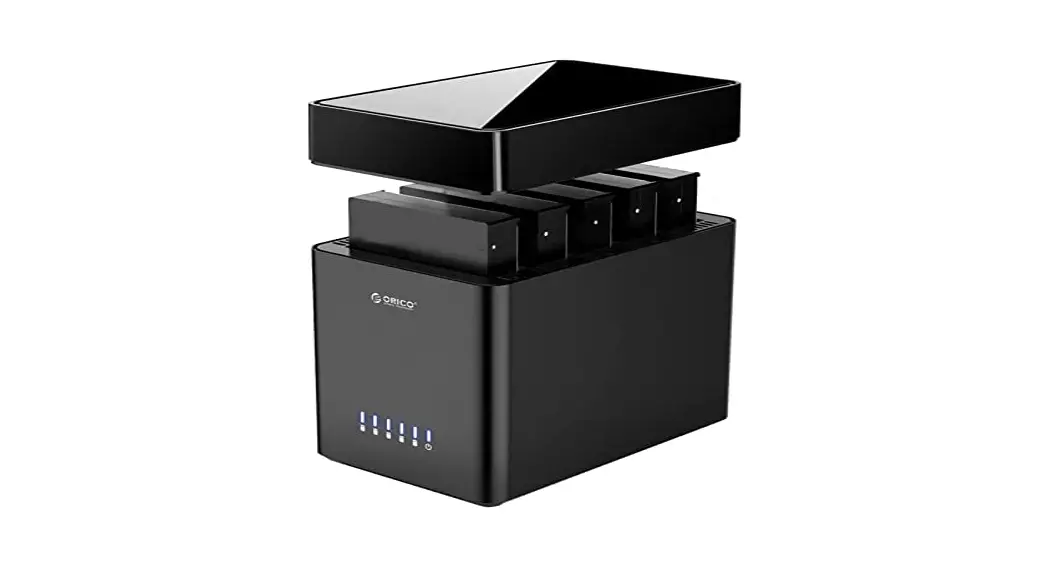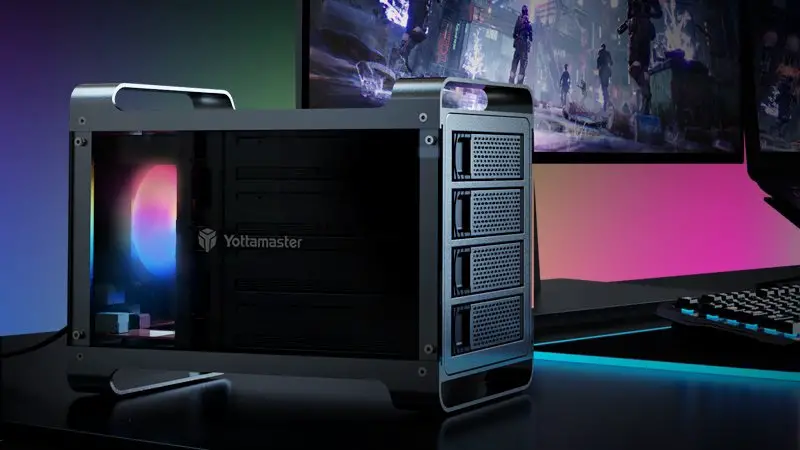
Yottamaster DF4RU3 Multi-bay Hard Drive Enclosure User Guide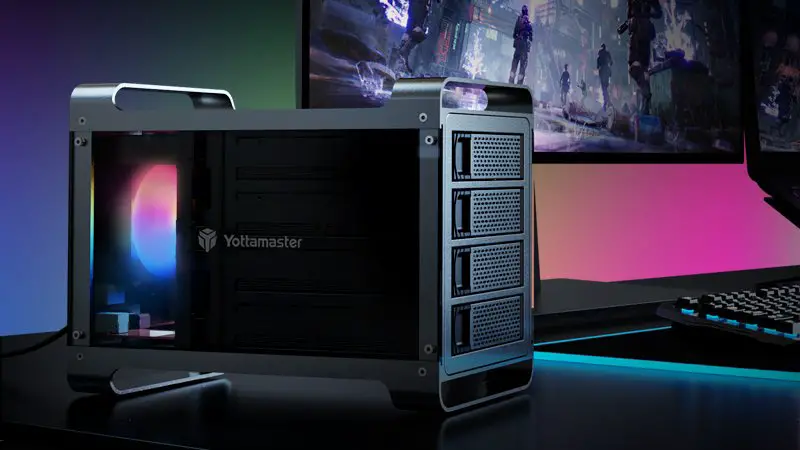
INSTRUCTION
Tutorial
Yottamaster Multi-bay Hard Drive Enclosure
RAID Array Configuration
Email: [email protected]
The Yottamaster Multi-bay hard drive enclosure with RAID function has two ways toset RAID mode:
Way 1: Setting through the RAID hardware switch on the back of the hard driveenclosure.
Way 2: Setting through RAID management software: download the correspondingRAID management software from the Yottamaster website and followthe softwareguide to complete the set-up
Way 2: Setting through RAID management software
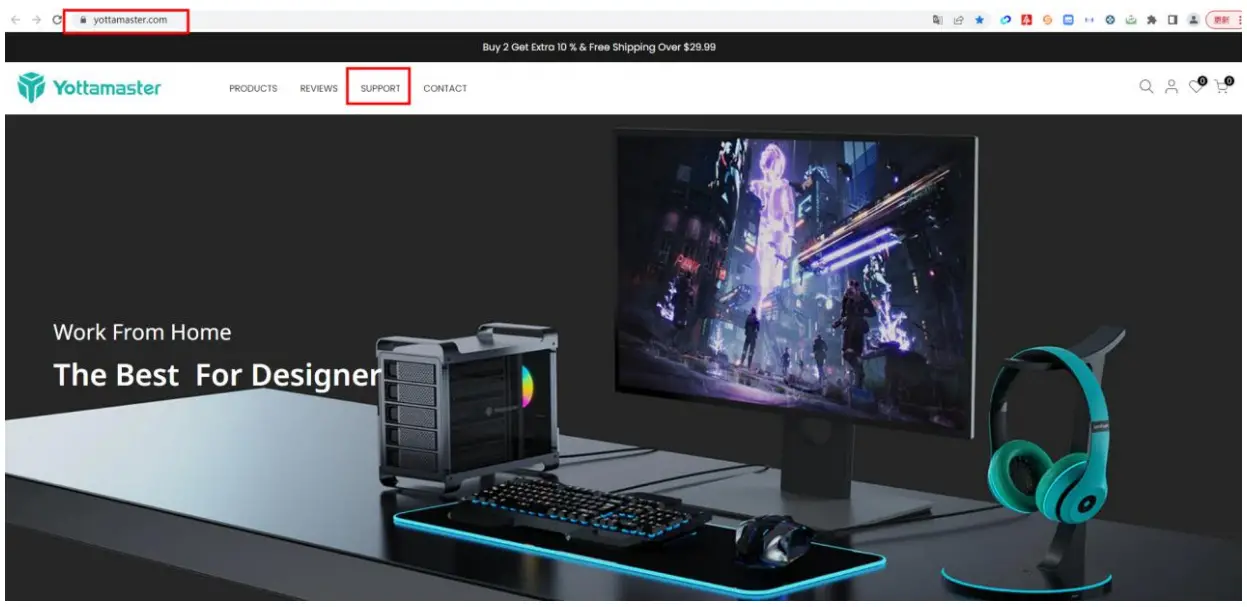
- Please find our official website: www.yottamaster.com
hen click “Support” to open the support page.
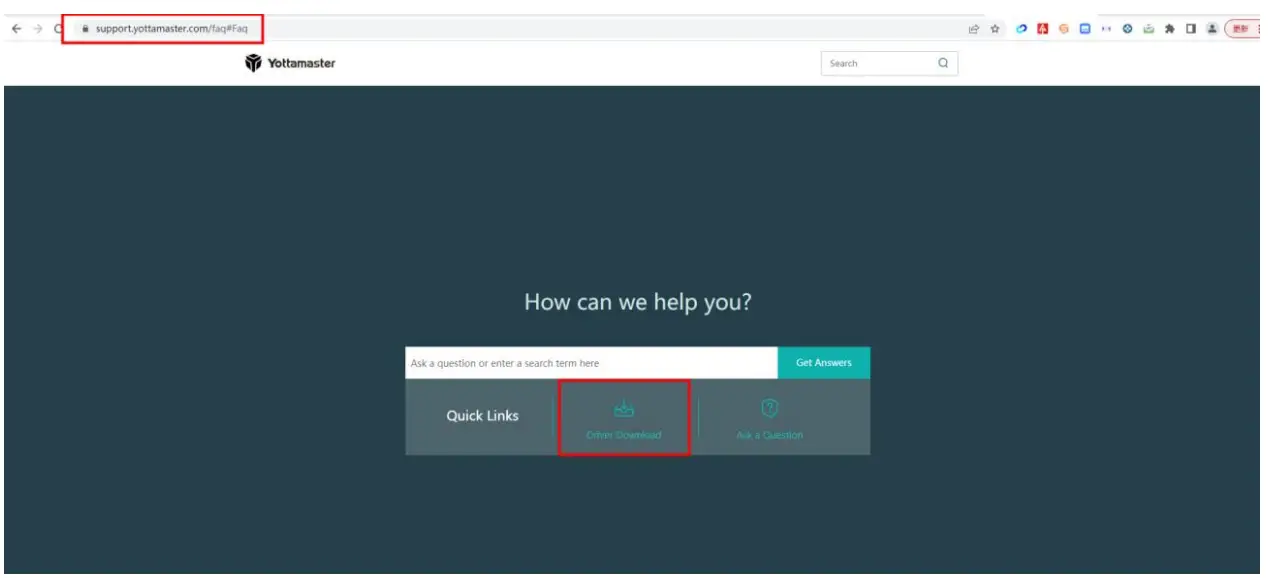
- On Support page, click “Driver Download” to open download page.

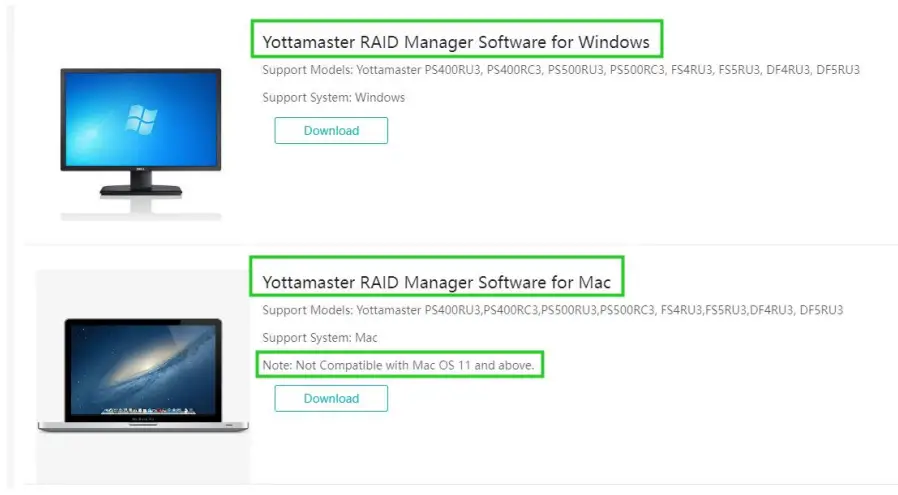
- On download page: https://support.yottamaster.com/download, please be sure tocheck your computer system and download the corresponding firmware.

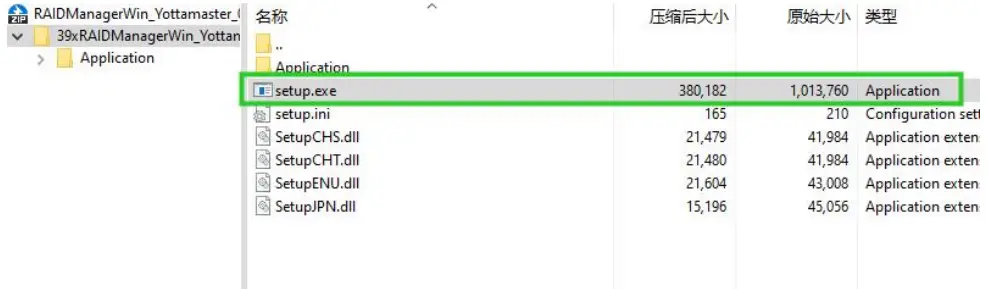
- Take Windows system as an example. Download the “setup.exe”

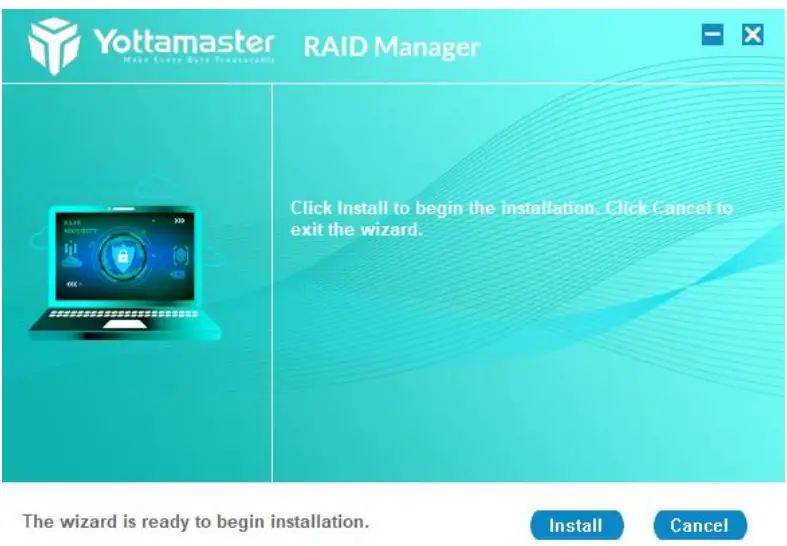
- Then install and open the Yottamaster RAID Manager

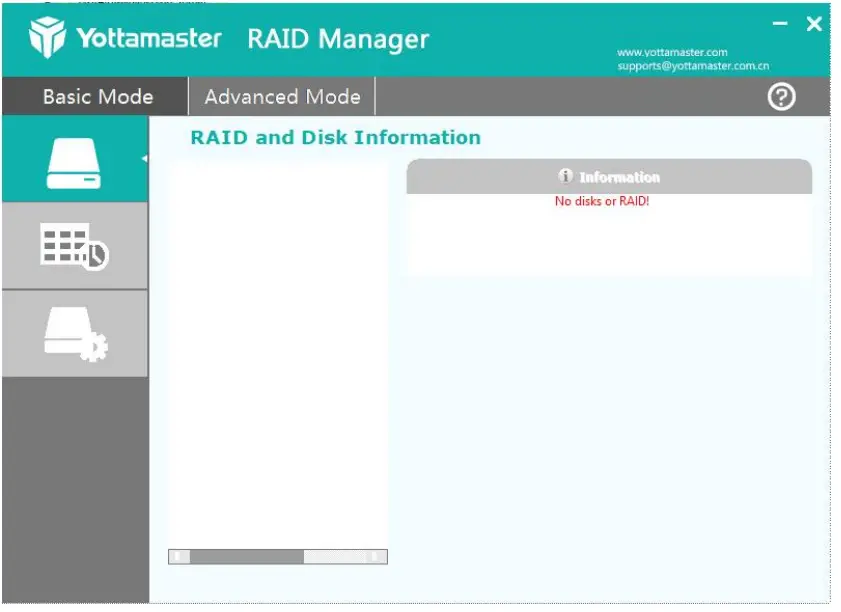
- In Basic Mode, you can see your RAID and Disk Information

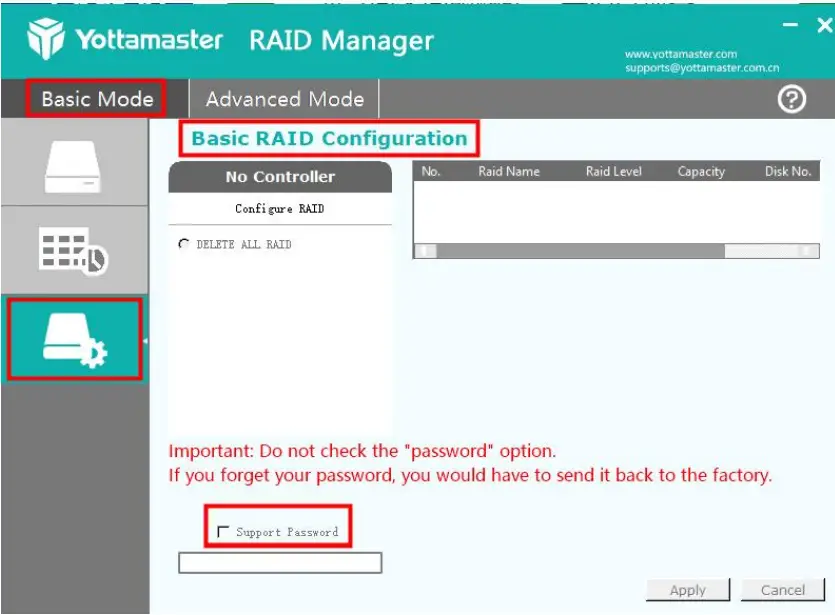
- If you have purchased a multi-bay hard drive enclosure with RAIDversion, our product technicians recommend setting the 4-bay and 5-bay hard drive enclosure toRAID 5 mode, and the 2-bay enclosure to RAID 1 mode, as they are more secureoptions. In Basic Mode, select “Basic RAID Configuration” to set up RAIDMode.

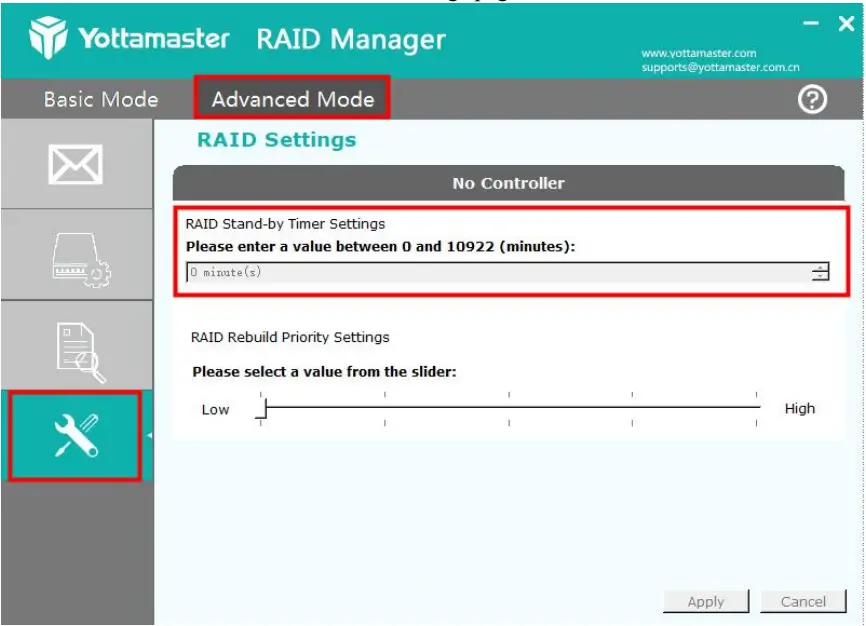
- In addition, after setting up the RAID, you can modify the automatic sleep time for the hard drive enclosure in the advanced settings page.

 Make Every Byte Treasurable | Yottamaster
 YOTTAMASTER Store