
Adjust/Cancel Sleep Mode
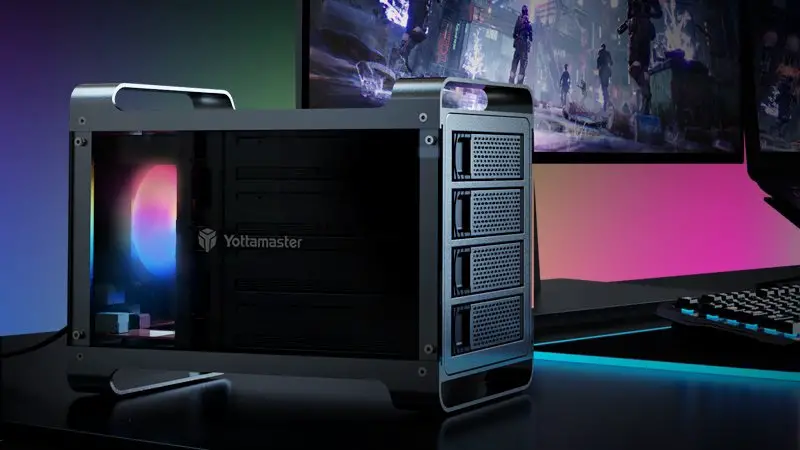
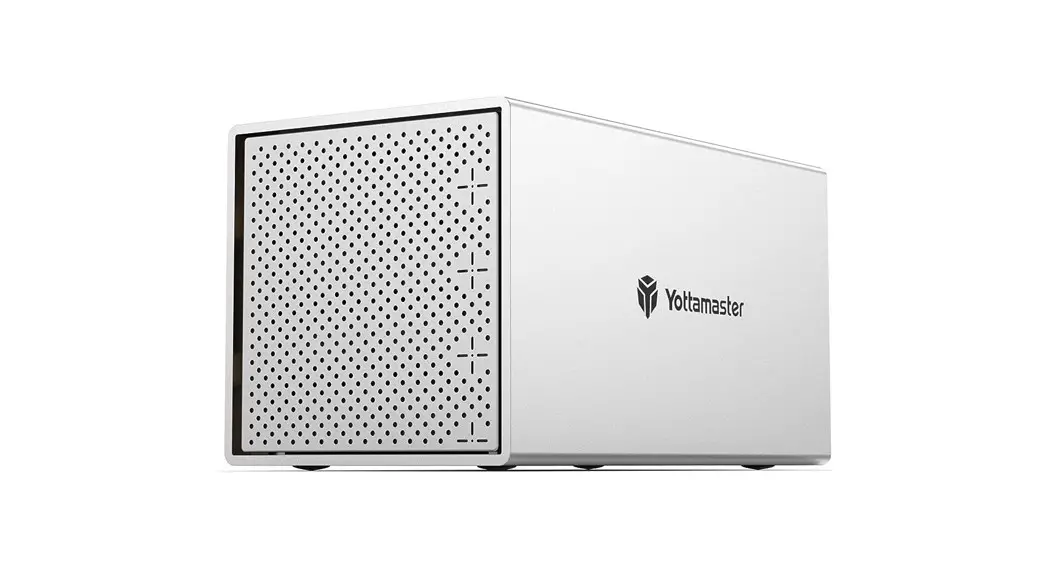
For Yottamaster Multi-bay HDD Enclosure
PS400RU3 Multi-Bay HDD Enclosure
Support Models: Yottamaster PS400RU3, PS400RC3, PS500RU3, PS500RC3, FS4RU3, FS4U3, FS5RU3, FS5U3, DF4RU3, DF4U3, DF5RU3, DF5U3
Email: [email protected]
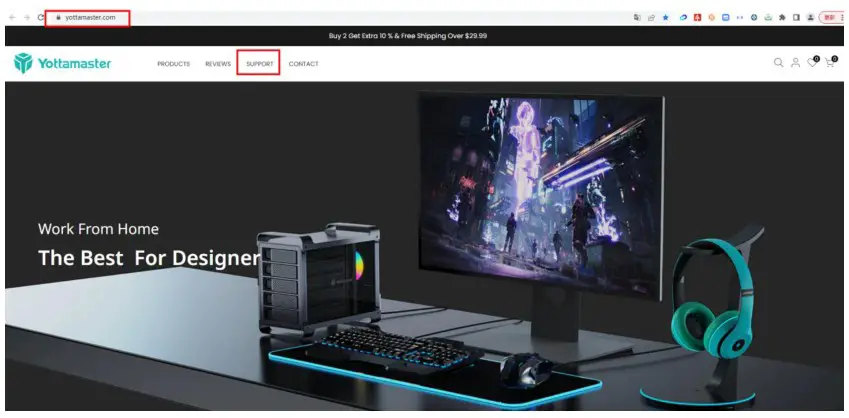
- Please find our Official Website: www.yottamaster.com, then click “Support” to open the support page.

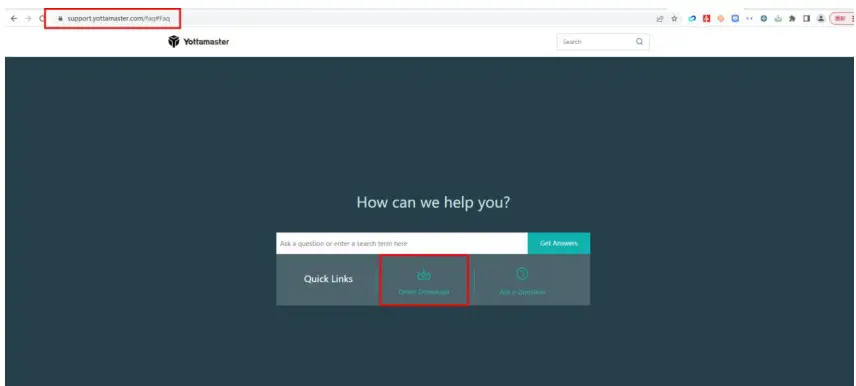
- On Support page, click “Driver Download” to open download page.

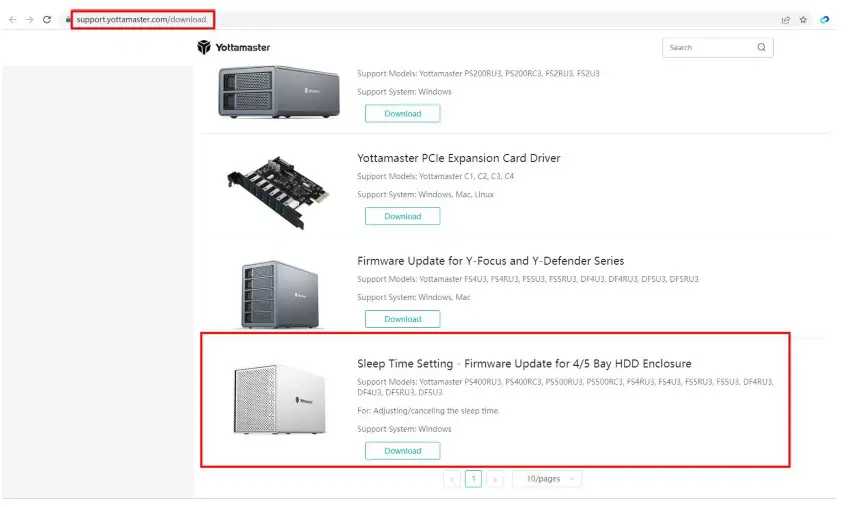
- On download page: https://support.yottamaster.com/download, please be sure to check your product model and download the corresponding firmware. There are detailed instructions in the document, please follow the steps to adjust/cancel the auto-sleep function.

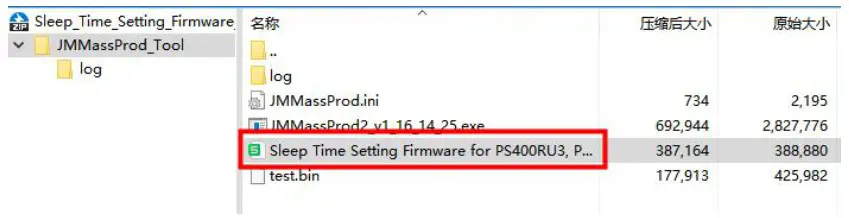
- The downloaded folder contains both firmware and standby timer setting tutorial.

 Make Every Byte Treasurable | Yottamaster
 YOTTAMASTER Store