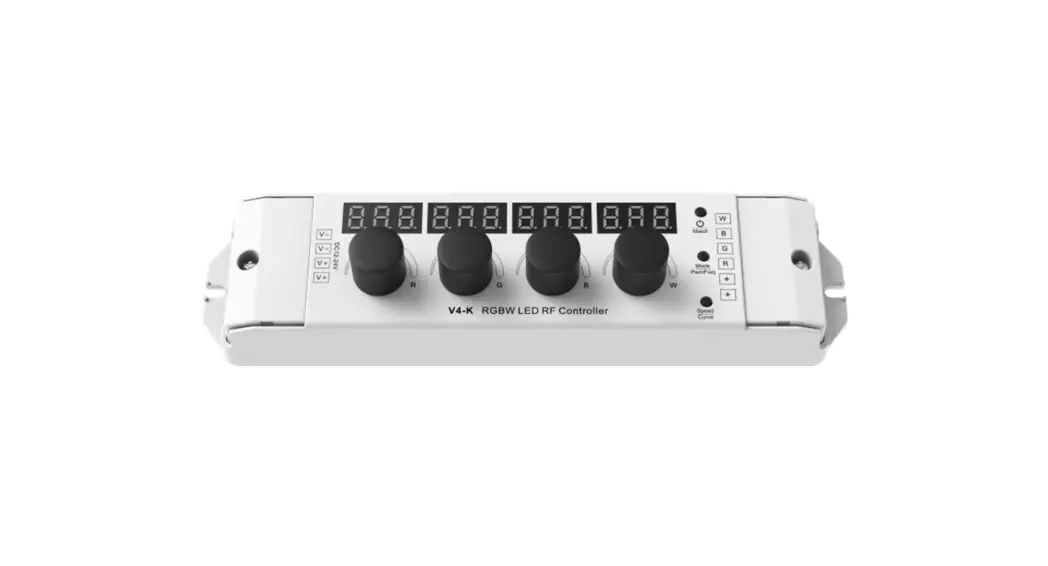
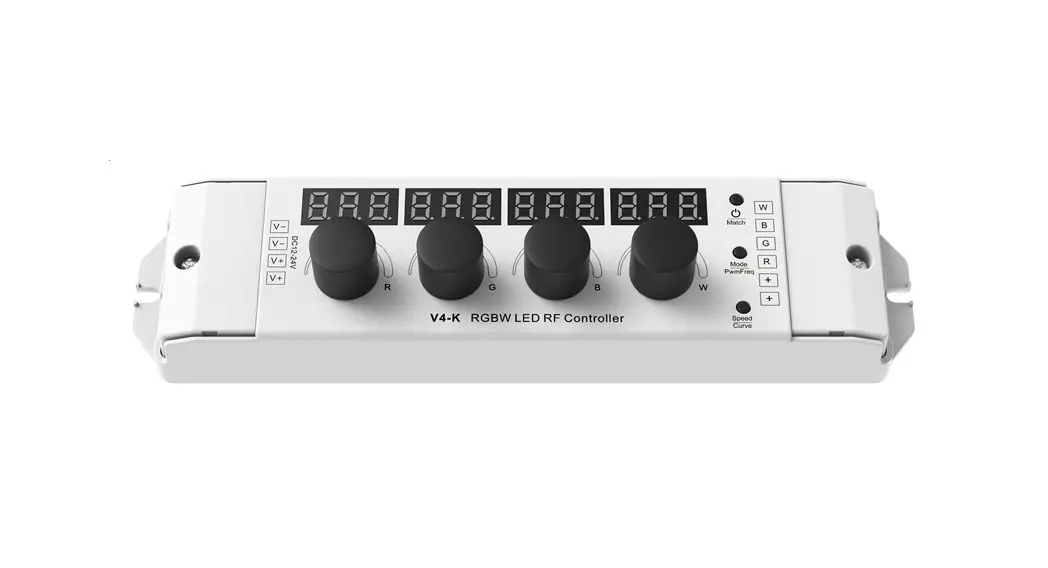
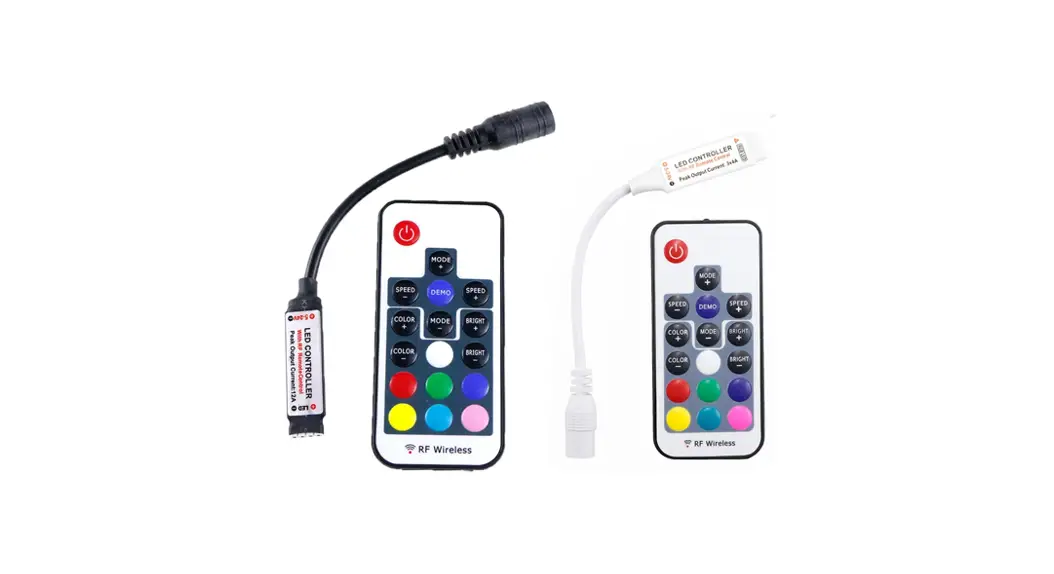
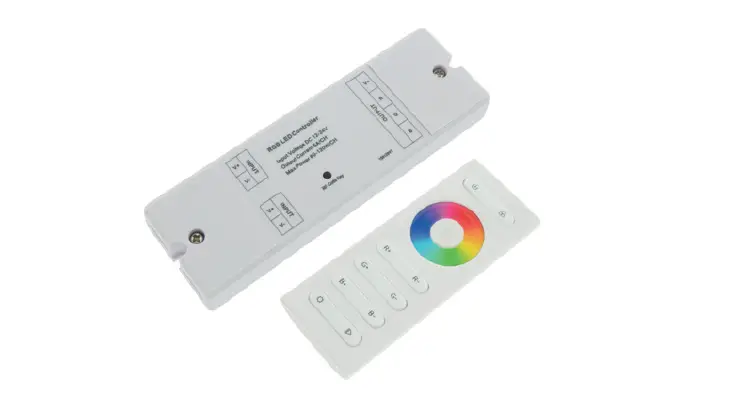
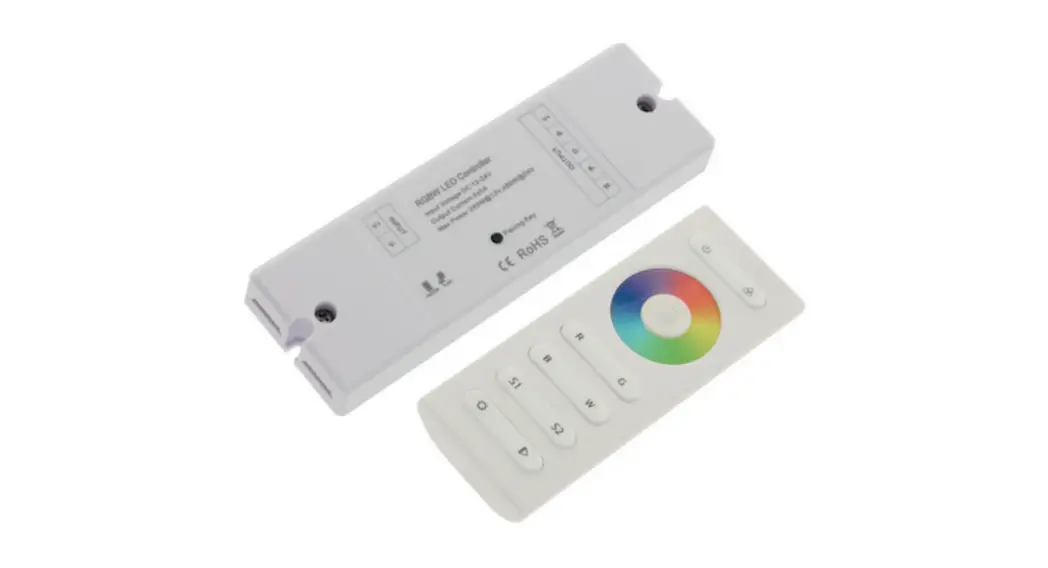
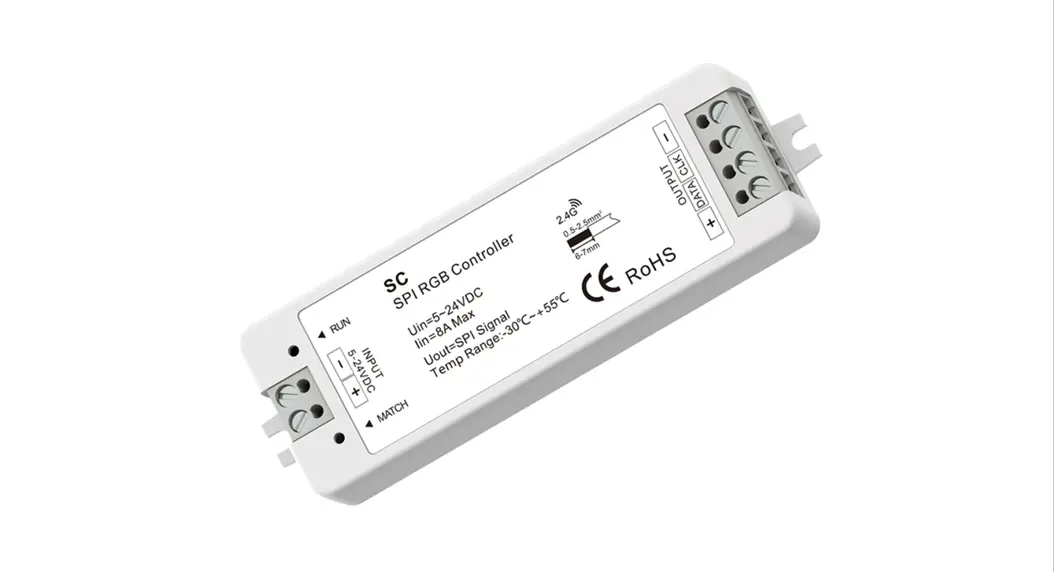
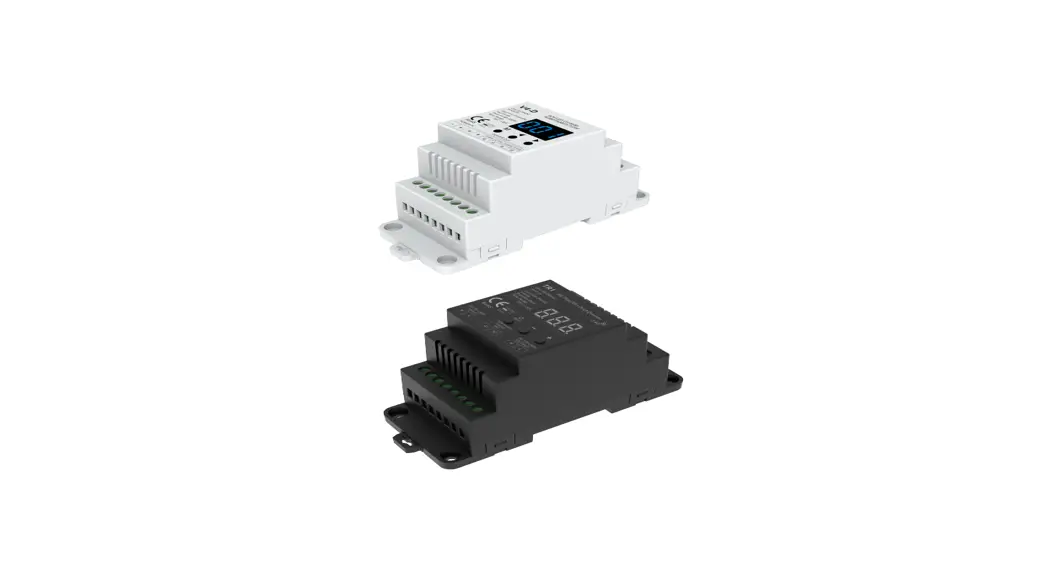
V3-K 4 Knob RGB LED RF Controller
Product Information
The V3-K 4 Knob RGB LED RF Controller is a constant voltage LED
RF controller that can also be used as an RGB RF remote. It
features 4 knob dimming, digital numeric display, and easy key
operation. It can be matched with an RF 2.4G single zone or
multiple zone RGB remote control. It has 256 levels of 0-100%
dimming smoothly without any flash. It has a built-in 10 dynamic
mode, including jump or gradual change style. The PWM frequency is
selectable at 1000/2000/4000/8000Hz, and the logarithmic or linear
dimming curve is selectable.
The controller has a 5-year warranty and protection against
reverse polarity. It meets EMC standard (EMC), safety standard
(LVD), and radio equipment (RED) certification. It has a user
manual version of 1.0.2 and an IP20 rating.
Product Usage Instructions
The V3-K 4 Knob RGB LED RF Controller can be used as an RGB LED
controller or an RGB RF remote. The wiring diagram for both
configurations is provided in the user manual.
As an RGB LED controller:
- Connect the power supply of 12-24VDC constant voltage to the
power input and power input+ terminals of the controller. - Connect the R, G, and B terminals of the controller to the
corresponding terminals of the RGB LED strip. - Use the 4 knobs to adjust the brightness of red, green, blue,
or all colors together. The range of brightness adjustment is from
000 to 255 for each color and from 000 to 100 for total
brightness. - Use the match key for various functions such as turning on/off
the light, entering RF remote matching state, deleting all matched
RF remote, and restoring factory default parameter. - Use the mode key to switch between 10 dynamic change modes and
to prepare for setting up output PWM frequency. The PWM frequency
can be selected at 1000Hz (F10), 2000Hz (F20), 4000Hz (F40), or
8000Hz (F80). Press and hold the mode key for 2 seconds or wait for
a timeout of 10 seconds to quit output PWM frequency setting.
As an RGB RF remote:
- Follow the same steps as for an RGB LED controller to connect
the power supply and the RGB LED strip to the controller. - Use an optional RF remote to control the RGB LED strip.
4 Knob RGB LED RF Controller Model No.: V3-K
3 Channels RGB/Wireless remote control/Four PWM frequency/Linear or logarithmic dimming/Numeric display
Features
RGB constant voltage LED RF controller, can also be used as a RGB RF remote. 4 knob dimming, digital numeric display and easy key operation. Match with RF 2.4G single zone or multiple zone RGB remote control optional. 256 levels 0-100% dimming smoothly without any flash. Built in 10 dynamic mode, include jump or gradual change style. PWM frequency 1000/2000/4000/8000Hz selectable. Logarithmic or linear dimming curve selectable.
LVD RED
Technical Parameters
Input and Output Input voltage Input current Output voltage Output current Output power Output type
12-24VDC 12.5A 3 x (12-24)VDC 3CH,4A/CH 3 x (48-96)W Constant voltage
Dimming data Input signal Control distance Dimming gray scale Dimming range Dimming curve PWM Frequency
Knob + Key + RF 2.4GHz 30m(Barrier-free space) 256 levels 0 -100% Logarithmic or linear 1000/2000/4000/8000Hz
Environment Operation temperature Case temperature (Max.) IP rating
Ta: -30 OC ~ +55 OC T c: +85OC IP20
Warranty and Protection
Warranty
5 years
Protection
Reverse polarity
Safety and EMC
EMC standard (EMC) Safety standard(LVD) Radio Equipment(RED) Certification
ETSI EN 301 489-1 V2.2.3 ETSI EN 301 489-17 V3.2.4
EN 62368-1:2020+A11:2020
ETSI EN 300 328 V2.2.2 CE,EMC,LVD,RED
User Manual Ver 1.0.2
Mechanical Structures and Installations
V3-K 4 Knob RGB LED RF Controller
Power input Power input +
Digital display
DC12-24V
V+
V+
R
G
B
V3-K RGB LED RF Controller
Match B
G
Mode R PwmFreq
+ +
Speed Curve
Rotary knob
Setting key
Output Blue LED Installation rack Output Green LED Output Red LED Output LED +
46.00 mm
187.00 mm
35.50 mm
22.00 mm
Wiring Diagram
Work as RGB LED controller
DC12-24V
V+
V+
R
G
B
V3-K RGB LED RF Controller
Match B
G
Mode R PwmFreq
+ +
Speed Curve
Power Supply 12-24VDC Constant Voltage
AC100-240V
Work as RGB RF remote
DC12-24V
V+
V+
R
G
B
V3-K RGB LED RF Controller
Match B
G
Mode R PwmFreq
+ +
Speed Curve
Power Supply 12-24VDC Constant Voltage
AC100-240V
RGB LED strip
R G BW S1 S2 S3 S4
RF remote (Optional)
RGB LED RF Controller
RGB LED RF Controller
RGB LED RF Controller
Page 1
Operation
4 knob dimming
R
Red Brightness (000-255)
G
Green Brightness (000-255)
B
Blue Brightness (000-255)
Total Brightness (000-100)
3 key setting
Match
Short press: Turn on or turn off the light. When light is off, display “OFF”. Long press 5s: Enter RF remote matching state, display “RLS”, within 5s, press on/off key or zone key of the RGB RF remote, display “RLO”, match is successful, Long press 10s: Until display “RLE”, delete all matched RF remote. Long press 15s: Restore factory default parameter, display”RES”.
Mode PwmFreq
Short press: Switch between 10 dynamic change mode (P01~P10). Long press 5s: Prepare for setup output PWM frequence, then short press mode key to switch between 1000Hz(“F10”), 2000Hz(“F20”), 4000Hz(“F40”) or 8000Hz(“F80”). Higher PWM frequency, will cause lower output current, higher power noise, but more suitable for camera(No flickers for video). Long press Mode key for 2s or timeout 10s, quit output PWM frequence setting.
Speed Curve
Short press: Set mode speed, switch between 1-10 level speed (S-1, S-9, S-F). Long press 5s: Prepare for setup output brightness curve, then short press speed key to switch between linear curve(“C-L”) or logarithmic curve(“C-E”). Long press Speed key for 2s or timeout 10s, quit output brightness curve setting.
RGB dynamic mode list
No. P01 P02 P03 P04 P05
Name RGB jump RGB smooth 6 color jump 6 color smooth Yellow cyan purple smooth
No. P06 P07 P08 P09 P10
Name RGB fade in and out Red fade in and out Green fade in and out Blue fade in and out White fade in and out
V3-K 4 Knob RGB LED RF Controller
4 Knob Controller Work as RGB RF remote
This 4 knob controller work as RGB RF remote can match with one or multiple RGB LED RF controller. End user can choose the suitable match/delete ways. Two options are offered for selection:
Use the controller’s Match key
Match: Short press match key of receiver, immediately press on/off key on the knob controller. The LED indicator fast flash a few times means match is successful.
Use Power Restart
Match: Switch off the power of the receiver, then switch on power, repeat again. Immediately short press on/off key 3 times on the knob controller. The light blinks 3 times means match is successful.
Delete: Press and hold match key of the receiver for 5s to delete all match, The LED indicator fast flash a few times means all matched RF remotes were deleted.
.Delete: Switch off the power of the receiver, then switch on power, repeat again. Immediately short press on/off key 5 times on the knob controller. The light blinks 5 times means all matched remotes were deleted.
PPW WMM dduuttyy((%%)) PWM duty(%)
Dimming curve setting
Linear dimming curve
110000 9900 8800 7700 6600 5500 4400 3300 2200 1100
Gamma=1.0
10 20 30 40 50 60 70 80 90 100
Brightness(%)
Logarithmic dimming curve
100
Gamma=1.6
90 80 70 60 50 40 30 20 10
10 20 30 40 50 60 70 80 90 100
Brightness(%)
User Manual Ver 1.0.2
Page 2