
Quick Guide
Model C10C
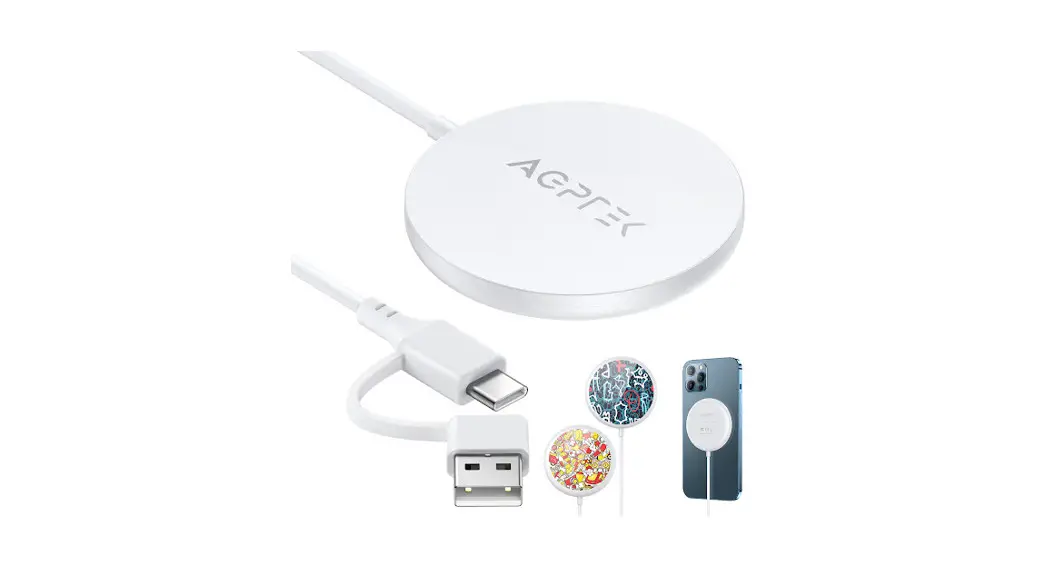
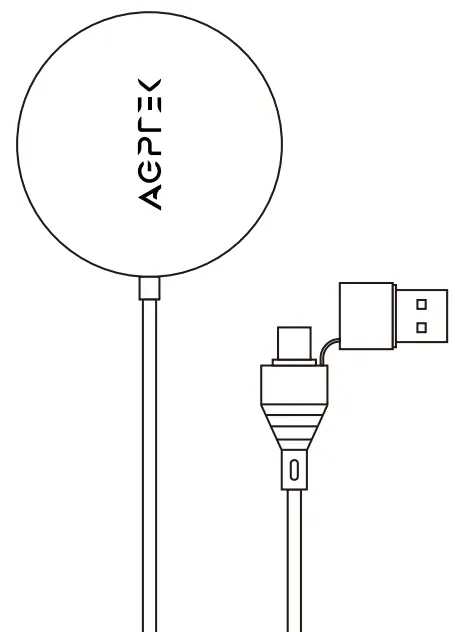
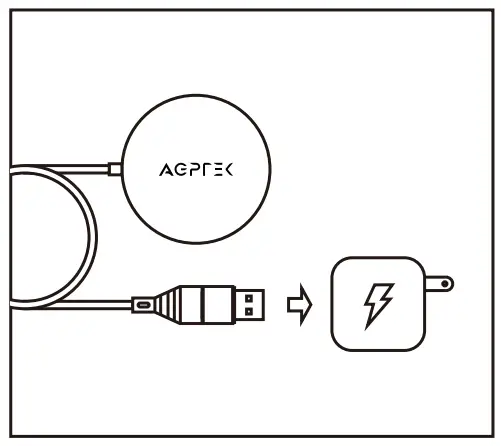
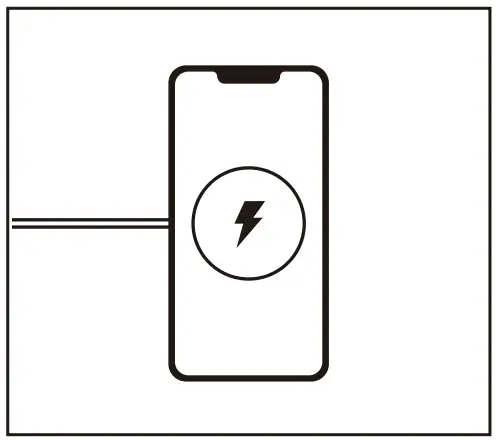
- Insert the USB A or Type-C end into the power adaptor and connect to power supplies (Use a QC2.0/3.0 or 20W power adapter).

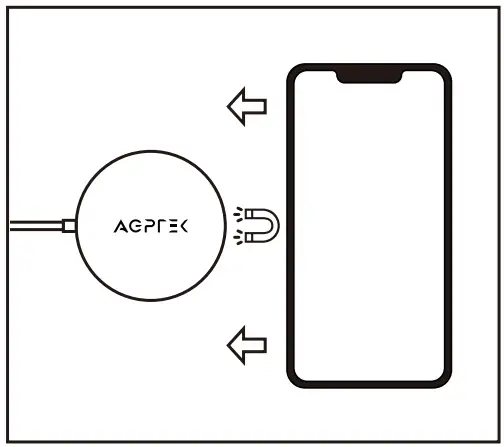
- Place your iPhone face up on the charger and the magnet will automatically attach.

- iPhone will start to wirelessly charge (7.5W).

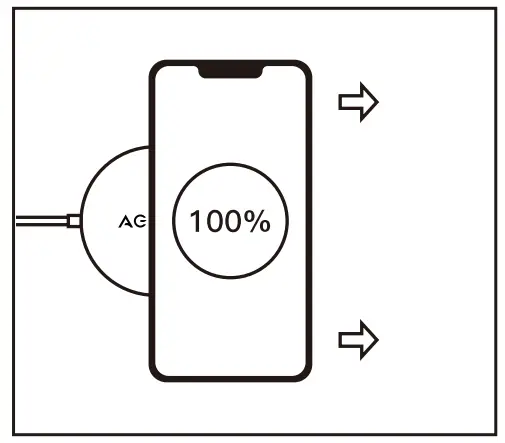
- Remove from charger when the battery is full.

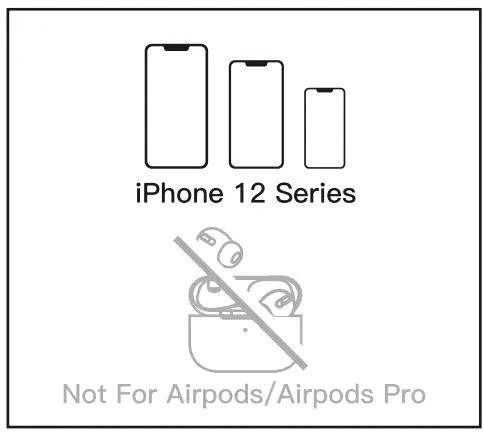
- Perfectly compatible with all models of iPhone 12 series. Not for AirPods & AirPods Pro.

- Perfectly compatible with all models of iPhone 12 series. Not for AirPods & AirPods Pro.

Specifications
| Product Size | 60*60*7.85 mm |
| Product Weight | 63g |
| Cable Length | 1.5m |
| Input Connector | Type-C and USB A |
| Working Temperature | 0 to 35°C |
| Storage Temperature | -20 to +70°C |
| Charging Time | 3.21 hours – charge iPhone 12 to full (data based on internal lab testing) |
| Effective Charging Distance | < 3mm (vertical distance between the product surface and the phone surface without the case) |
Thank you for purchasing our company’s product. If you have any problems with this device, please feel free to contact [email protected].
 Have a nice day!