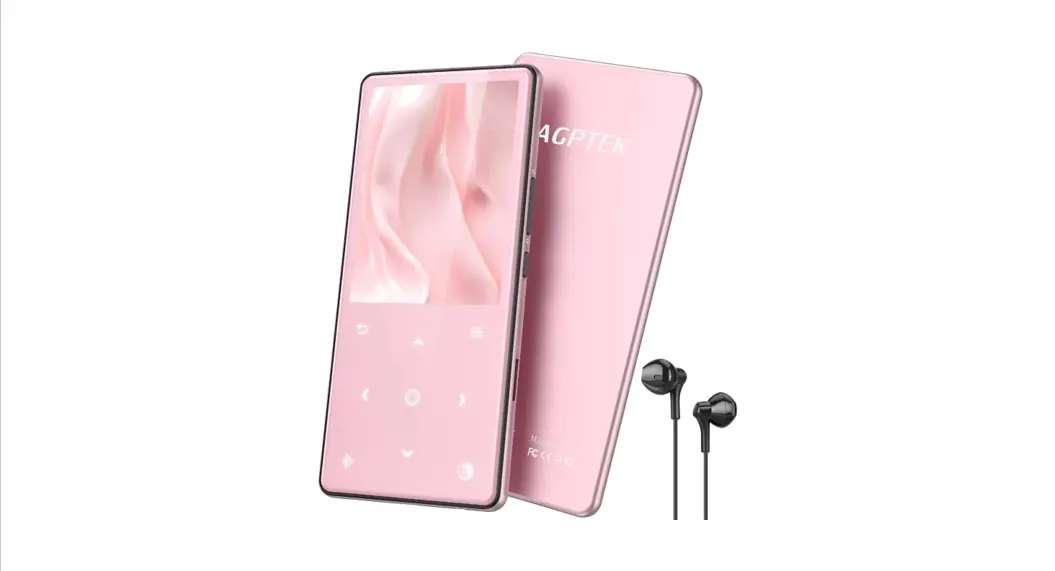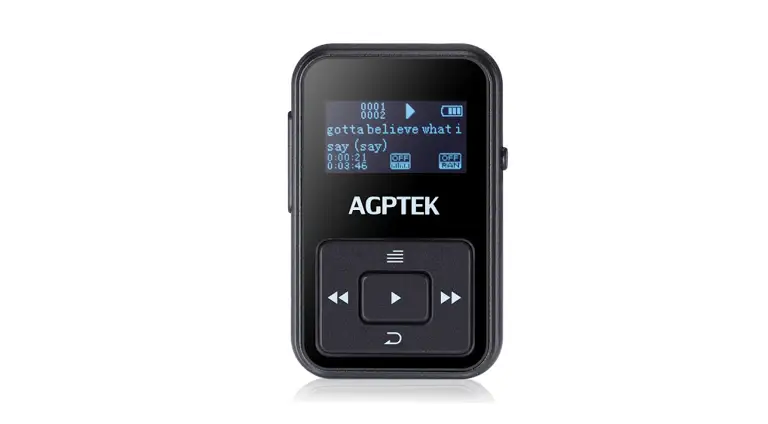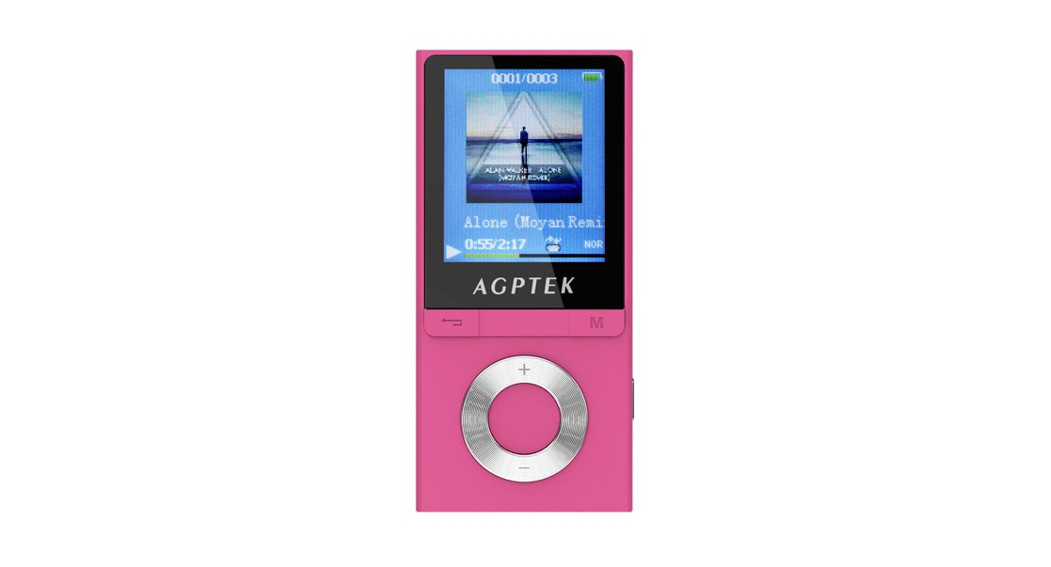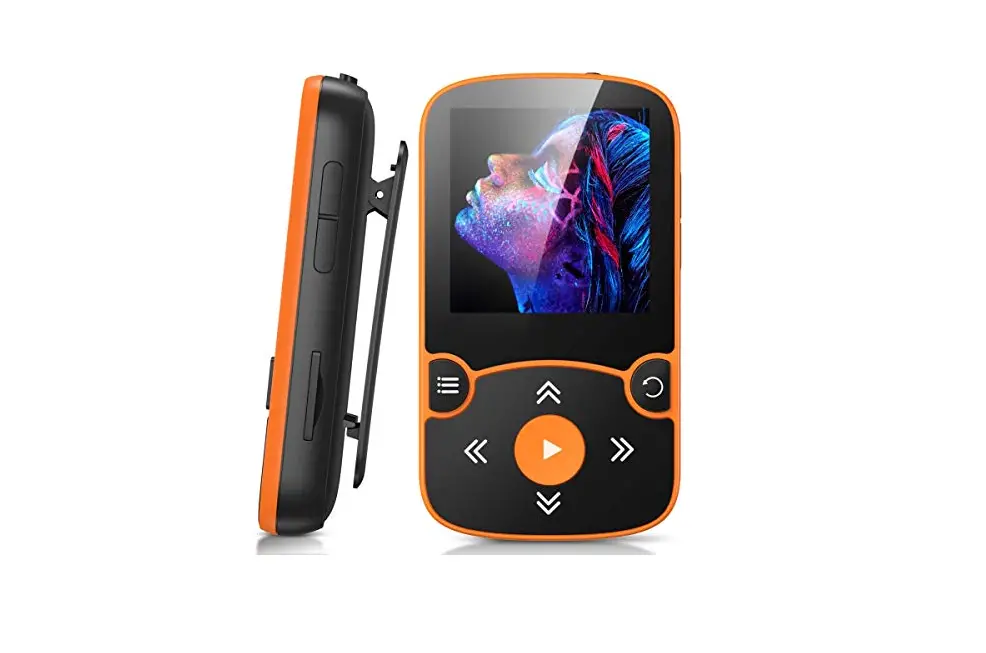

AGPTEK A02 Music Player
Thank you for purchasing AGPTEK MP3 Player. Please read the manual carefully before using the product. Specifications are subject to change without prior notice.
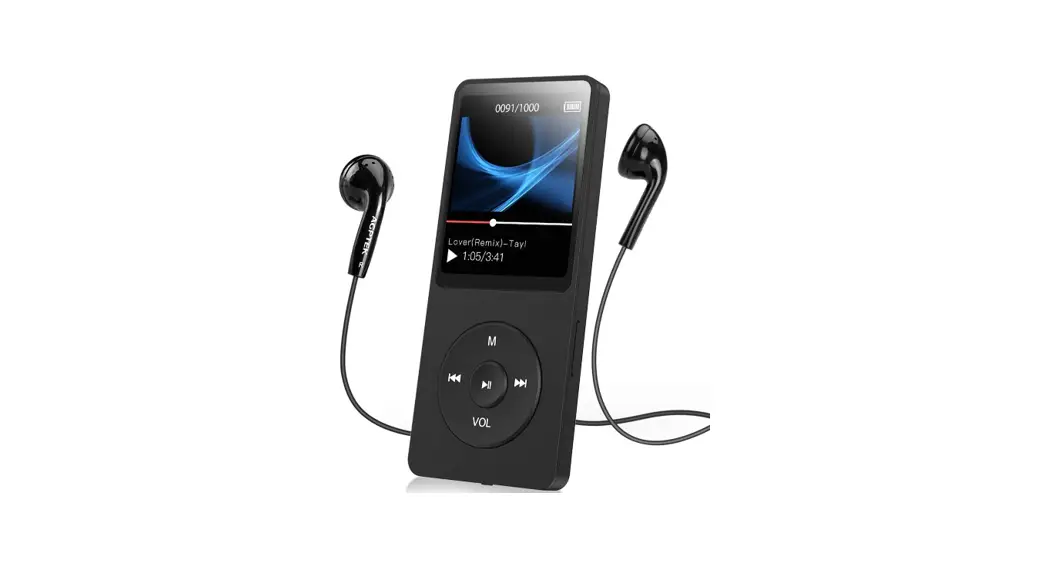
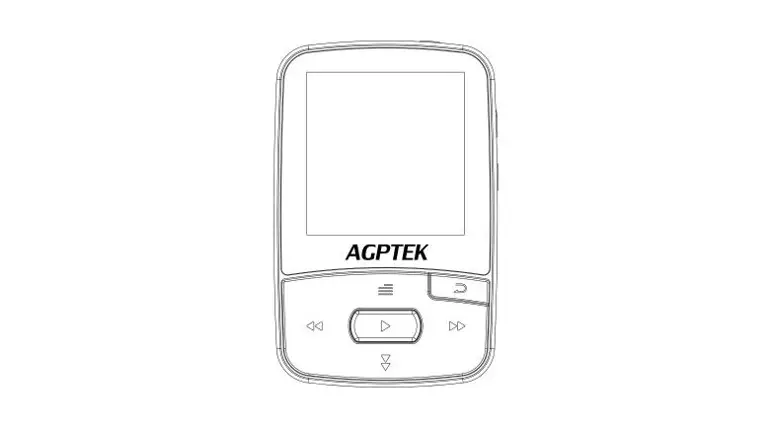
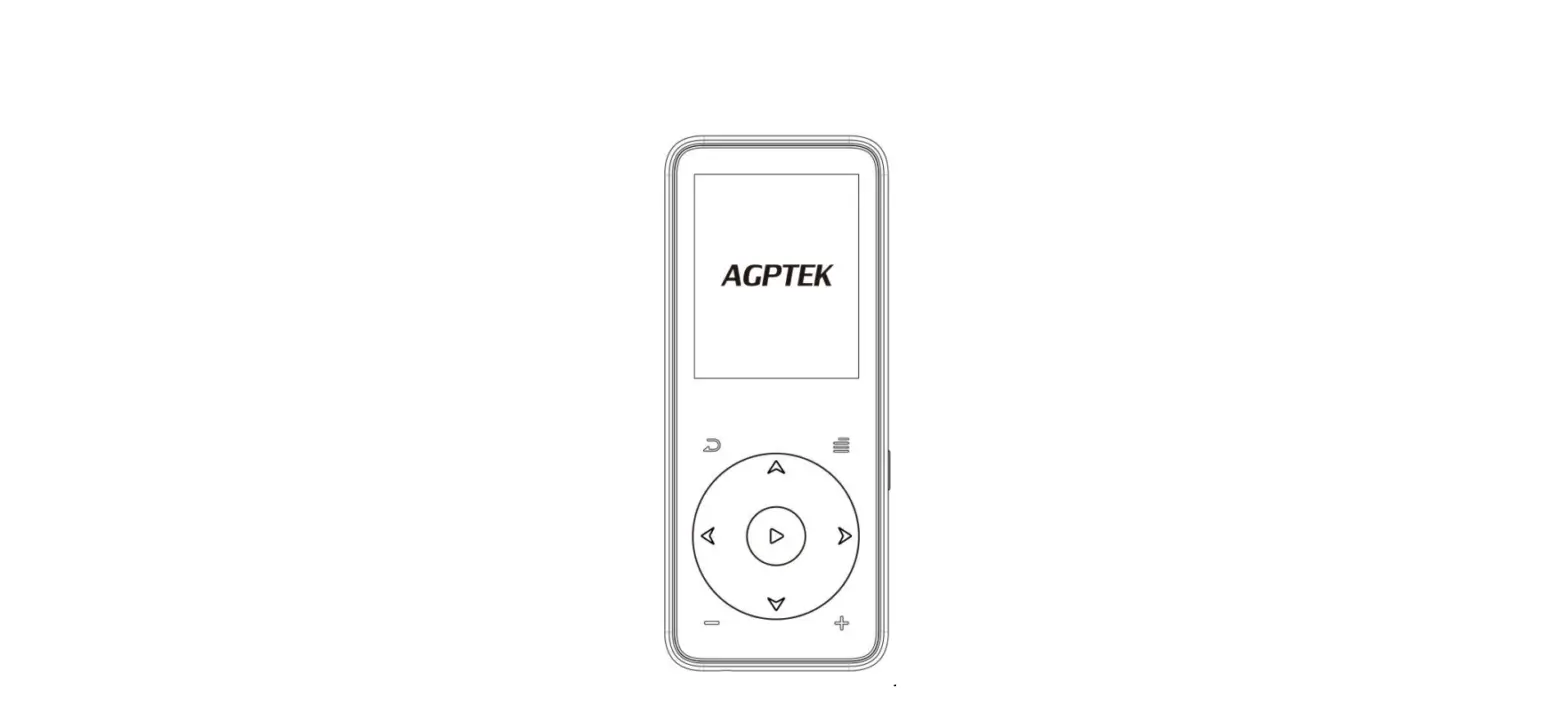
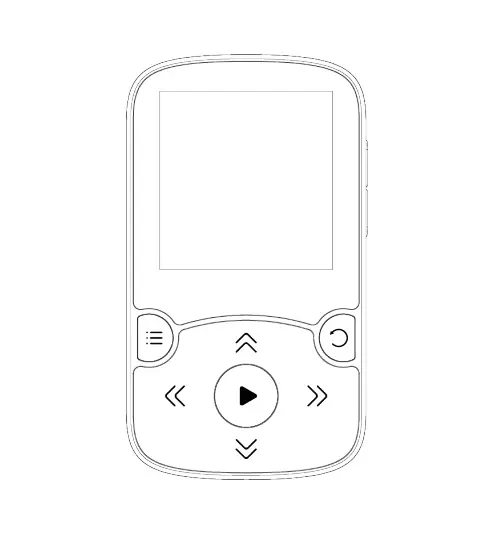
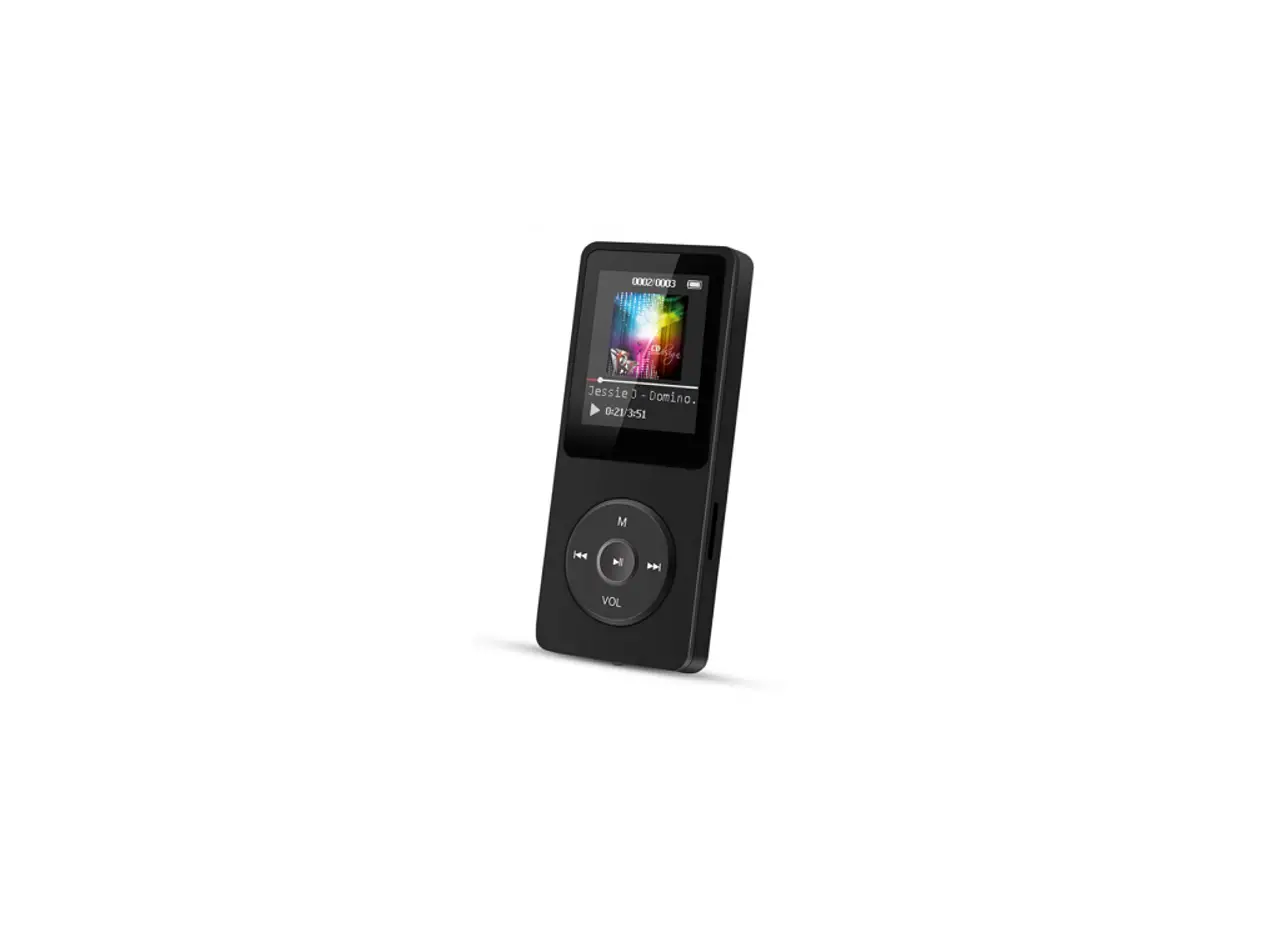
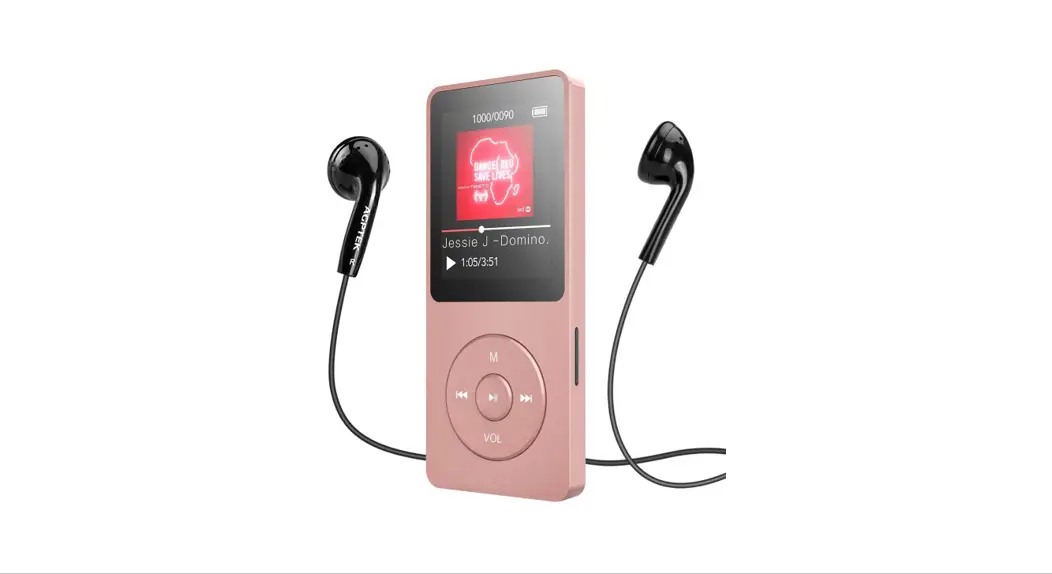
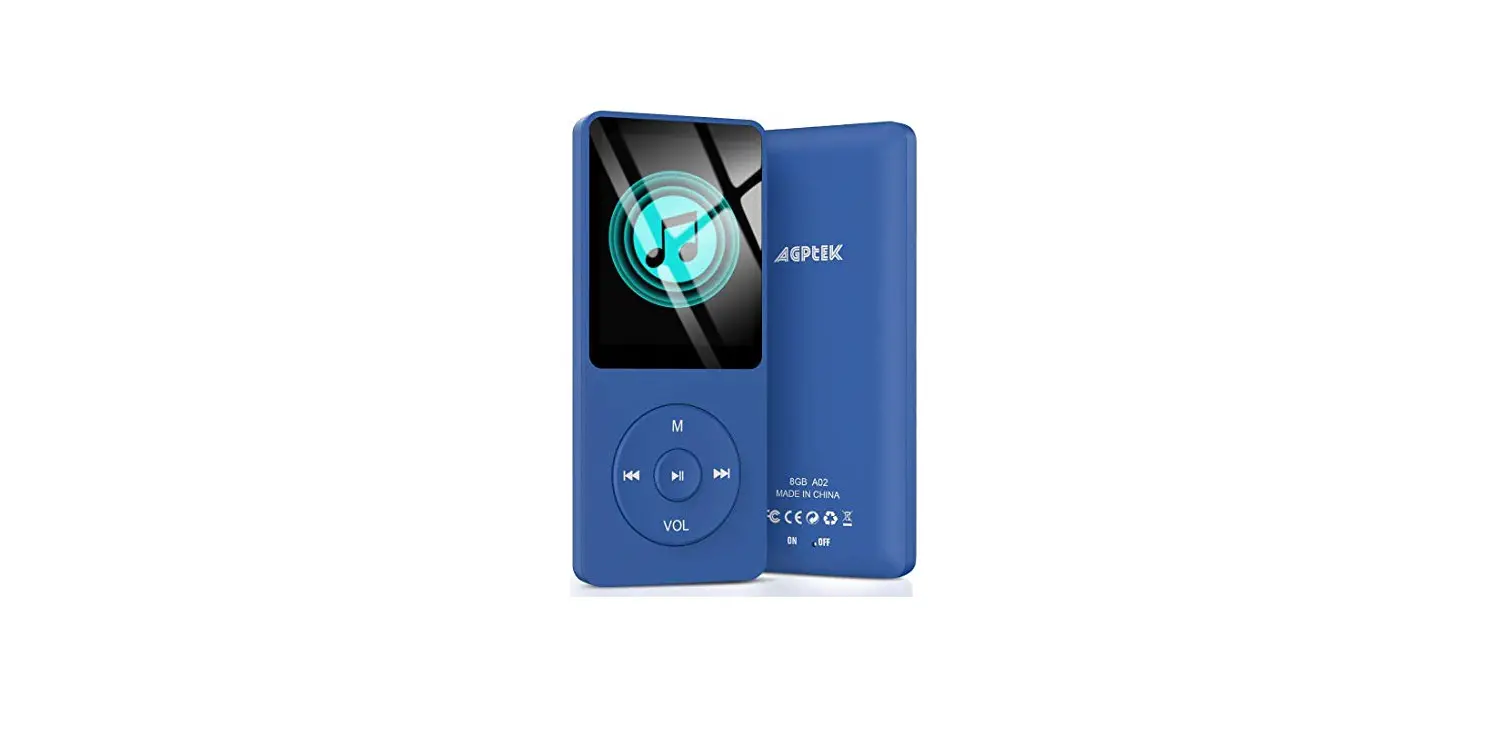
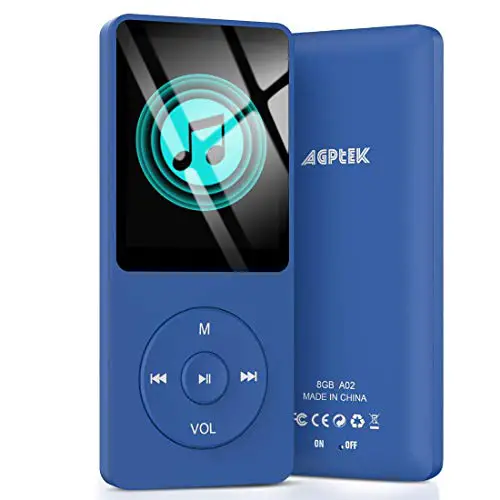
- Menu button/Scroll up/Volume +
- Previous/Rewind/B a ck button
- Back button/Scroll down/Volume –
- Play/Pause/Enter/Power on/off
- Next/Fast forward
- Card slot
- Earphone jack
- Power slider
- USB port
Charge the Player
- By USB cable
The USB cable can both be used for data transfer and charging the player. - By connecting to a computer or charger(Not included)
Please note: The specifications of the charger must meet the following requirements or any accident or failure happened will be regarded as man-made damage.
Input: AC110-240V
Max:100mA
Output: DC5.0-5.5V 500mA-800mA
Power On/Off
- Slide the power switch to “Right” side to power on the player. Repeat to power off.
- Standby status: hold the play button for 3 seconds to power on/off.
Screen Lock/unlock
Click the button  and M at the same time to lock the screen. Repeat to unlock.
Main interface
Each time you press the button  , it will bring you to one of its 9 different functions, including Music,Radio, Folder, Setting, Record, Tools, Pictures, EBook and Video.
Play Music
- Resume ~ take you back to the song or audio file that you are playing now.
- Update Card data~ update all songs in the external Mirco SD card or the internal memory of the player.
Volume Adjustment
Press and hold the “VOL” button. When you see the volume icon, press  to increase the volume, press button to lower the volume.
Return
When the player is on music playing interfaces, press the button VOL to return, then press the button continually to return to the main interface.
In other interfaces, press the button to return.
Submenu
While it’s on music playing interface, press the button M to access to the submenu.
- Shuffle, choose to turn on/off shuffle mode.
- Bookmarks, choose to add, delete or go to bookmark.
- Speed, adjust speed from -8(Slowest) to +8(Fastest).
- Language learning, choose to set A-B Repeat, Replay Times, Replay Interval.
“A-B Repeat”(only available when the music is playing)
- Choose the option “A-B Repeat” with button
 to confirm the starting time A(A is flashing).
 - Then click button
 again to set the ending time B(B is flashing). Click button again and the passage from time A to B will be repeated automatically. The icon for A-B indication will appear on the screen.
 - Click button again to back to normal playback.
FM Radio
Select “FM Radio” on main menu, click button to access to its function. A related list will show including “Station list”, “Manual tune”, “Auto tune” and “FM recording”. Click button M/VOL to select. Press button to go back.
While on radio playing screen, press button M to go to its submenu.
- Choose “Start FM radio recording” to save the radio you want to record, find the saved recordings in the “FM recording”.
- “Tuner Region“, choose from Common/Japan / European Band.
- “FM Recording“, all saved recordings will be listed here. Please note: You can only listen to mono radio station on this player
Settings
- Sleep timer: Choose “Shut down sleep timer” to turn off this function or set the sleep timer between 1- 99(minutes).
- Display Settings:Set theBacklight timer and Screensaver of your player;Backlight time: set the time at 10(seconds)/20(seconds)/ 30 (seconds)/Always on.
- Date and Time: Click button to switch. Click button M/VOL to set. Click button to save your settings.
Recordings
- Select “Record” on main interface, click button to access to its function, then a related list will show as “Start Voice Recording”, “Recordings library”, “Storage”(only availablewith card inserted), “Record Format” and “Record bitrate”. New features: Recording Source: the recording source can choose microphone and line-in. Note: line-in has 2 functions.
- Playback Function: when the machine plays, connect MP3 and speakers with LINE IN line to play music. Recording Function: turn on the recording Line in function, connect two MP3s with LINE IN line or connect other devices with output function (such as mobile phones) with MP3 to record audio files.
Tools
Select “Tools” on main interface, click button  to access to its function. A related list will show “Calendar”, “Stopwatch” and “Alarm”.
Video
This player can only support the .amv format in 160*128, you should convert video files by format conversion software first
Trouble Shooting
- How to re-choose the language?
Find this icon in the main interface, and click button to access to its menu, scroll down to the last menu (the menu at the buttom is “Factory settings” in English). click button to enter and choose the first(upper) option which means “Yes” , click button again to confirm and restore to factory settings, the player will power on automatically and then you can choose language again.
 - Can’t turn on the player; the screen of player goes blank/black; the player is crashed or has a firmware bug
- Power off the player and try again.
- Slide the power switch to the “Left” side to turn off the player, then hold the play button for 10 seconds to reset the player.
- Update the firmware. Please visit http://www.agptek.com/support/download.html/ or www.agptek.com/blog to download the firmware and update.
- Disk error
If the screen says “Disk error”, please format the player. Find it in“settings”>”Format device”. - Songs can’t be recognized by the player
Please check if the song is in a wrong format or has been encrypted, or the song format is not supported by this player. Find the supported audio format below: - MP3:
- Bitrate: 8Kbps~320Kbps, Sampling rate:8MHz~48MHz;
- WMA:
- Bitrate:5Kbps~384Kbps, Sampling rate:8MHz~48MHz;APE:
- Bitrate:800Kbps~1000Kbps(FAST normal compressed),
- Sampling rate:8MHz~48MHz;
- WAV:
- Bitrate:32Kbps~384Kbps, Sampling rate:8MHz~48MHz;
- FLAC:
- Bitrate:1000Kbps~1200Kbps(L0~L8), Sampling rate:8MHz~48MHz
 in the main interface, and click button
 Specifications
| Screen | 1.8″ TFT screen |
| Weight | 29g |
| Dimension | 39*7.8*90mm |
| Flash memory | 8G/16G |
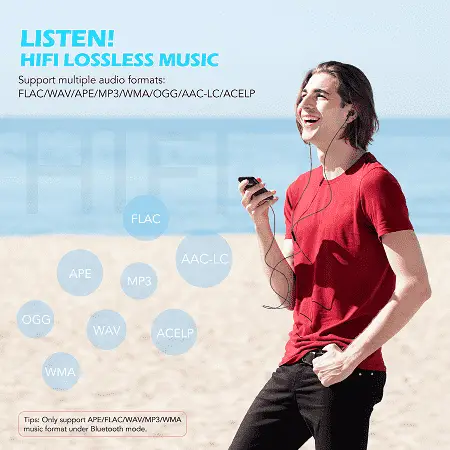
| Audio format | MP3/WAV/APE/WMA/FLAC etc. |
| Video format | 128*160 AMV(converted video) |
| Recording format | MP3/WAV/ACT |
| Recordingdistance | 5-8 meters |
| Playing time | 70 hours at medium volume by earphone |
| Battery | 3.7V/460 mAh |
| Charging time | 1.5 hours |
| SD card expansion | Up to 128G |
Email: [email protected].
For detailed user manual, please visit:
http://www.agptek.com/support/download.html