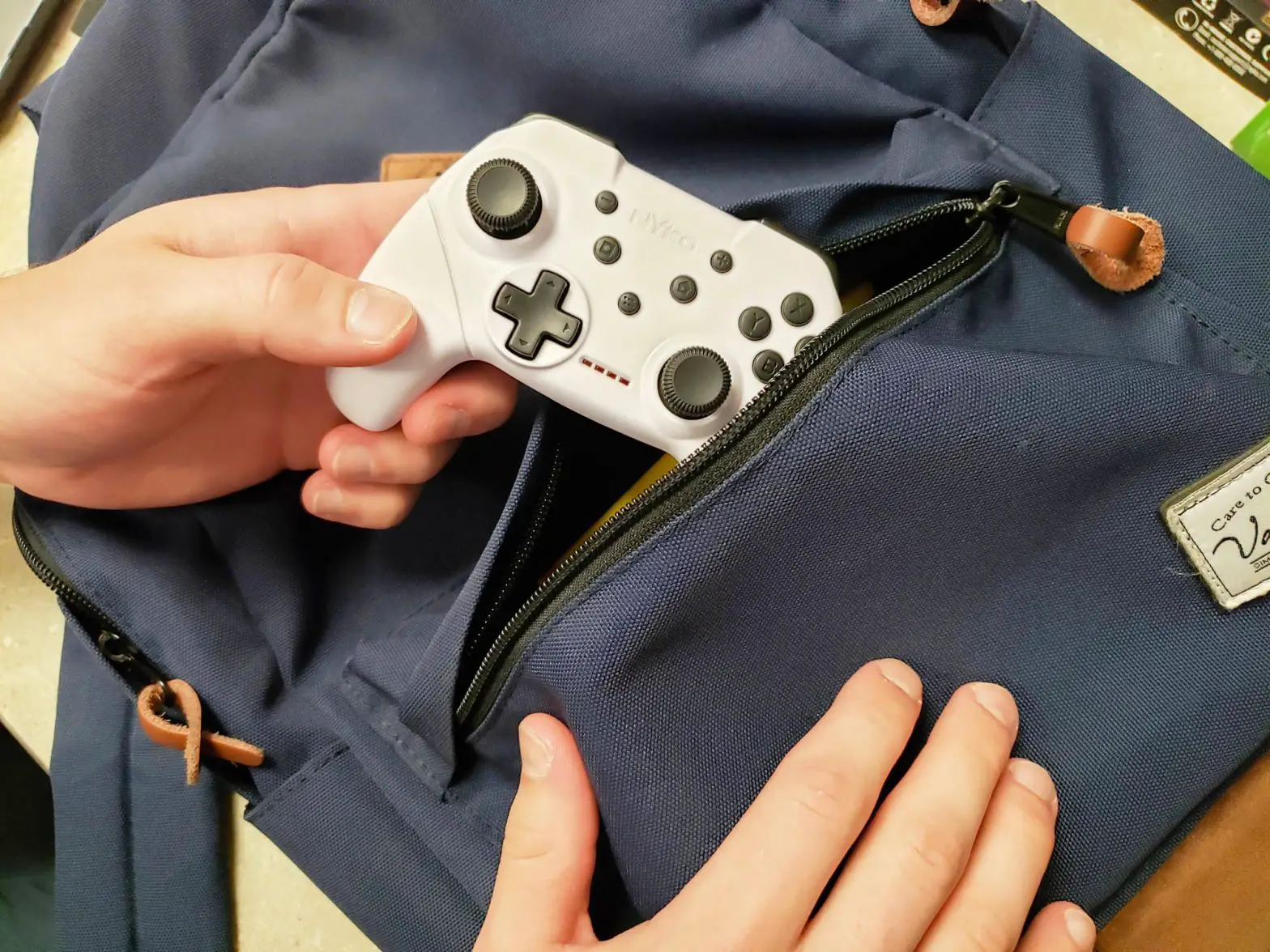
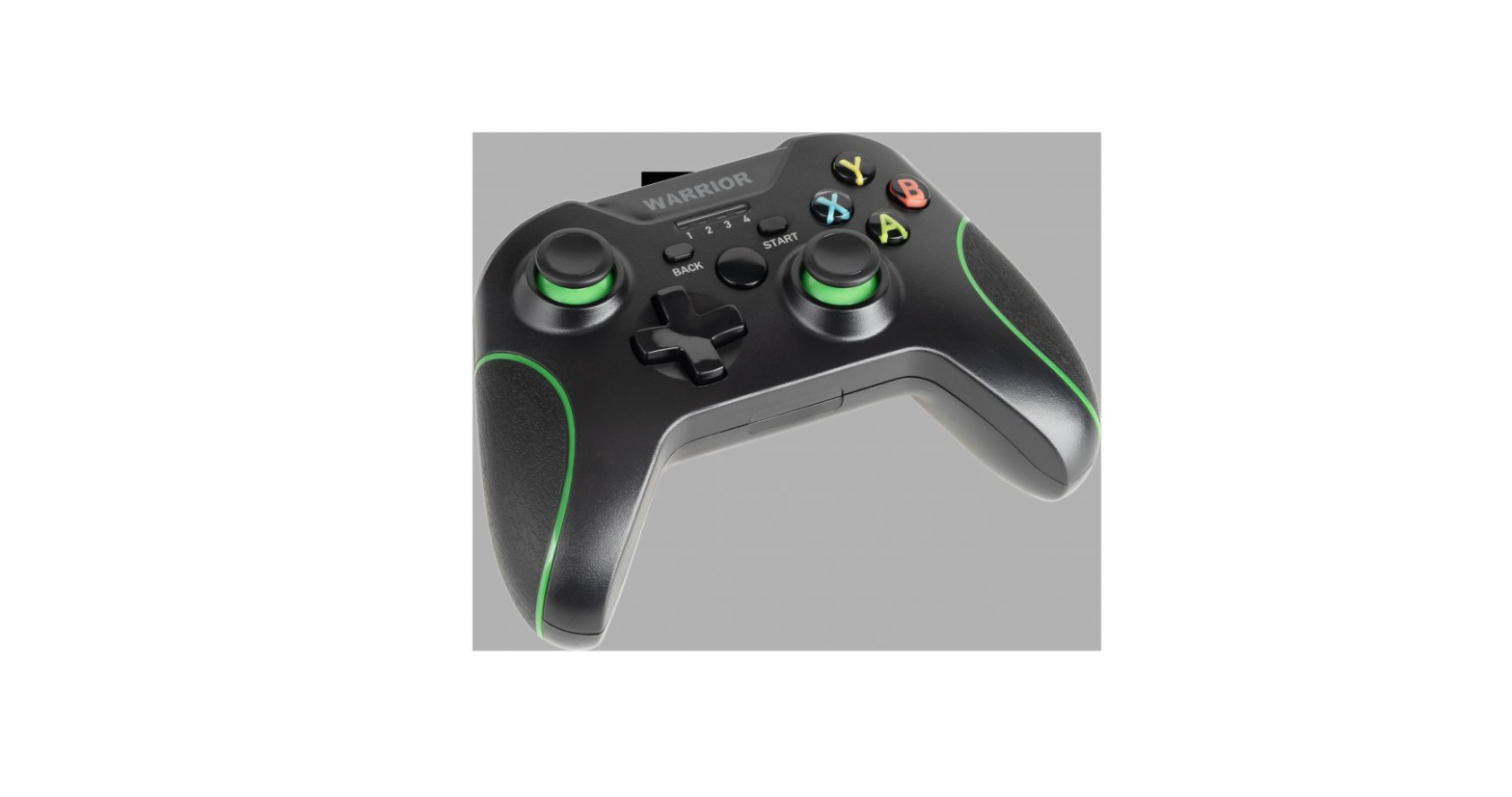
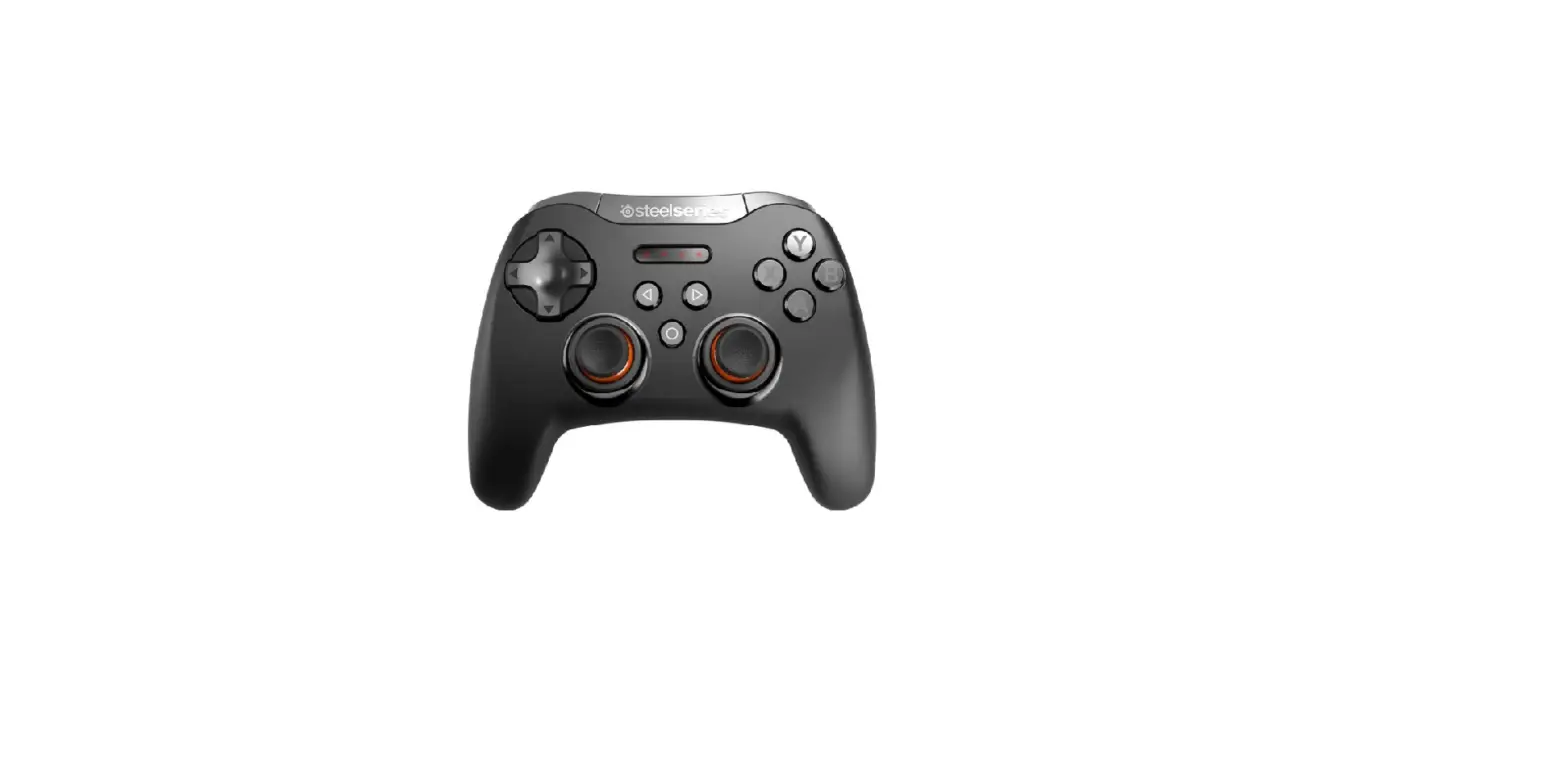
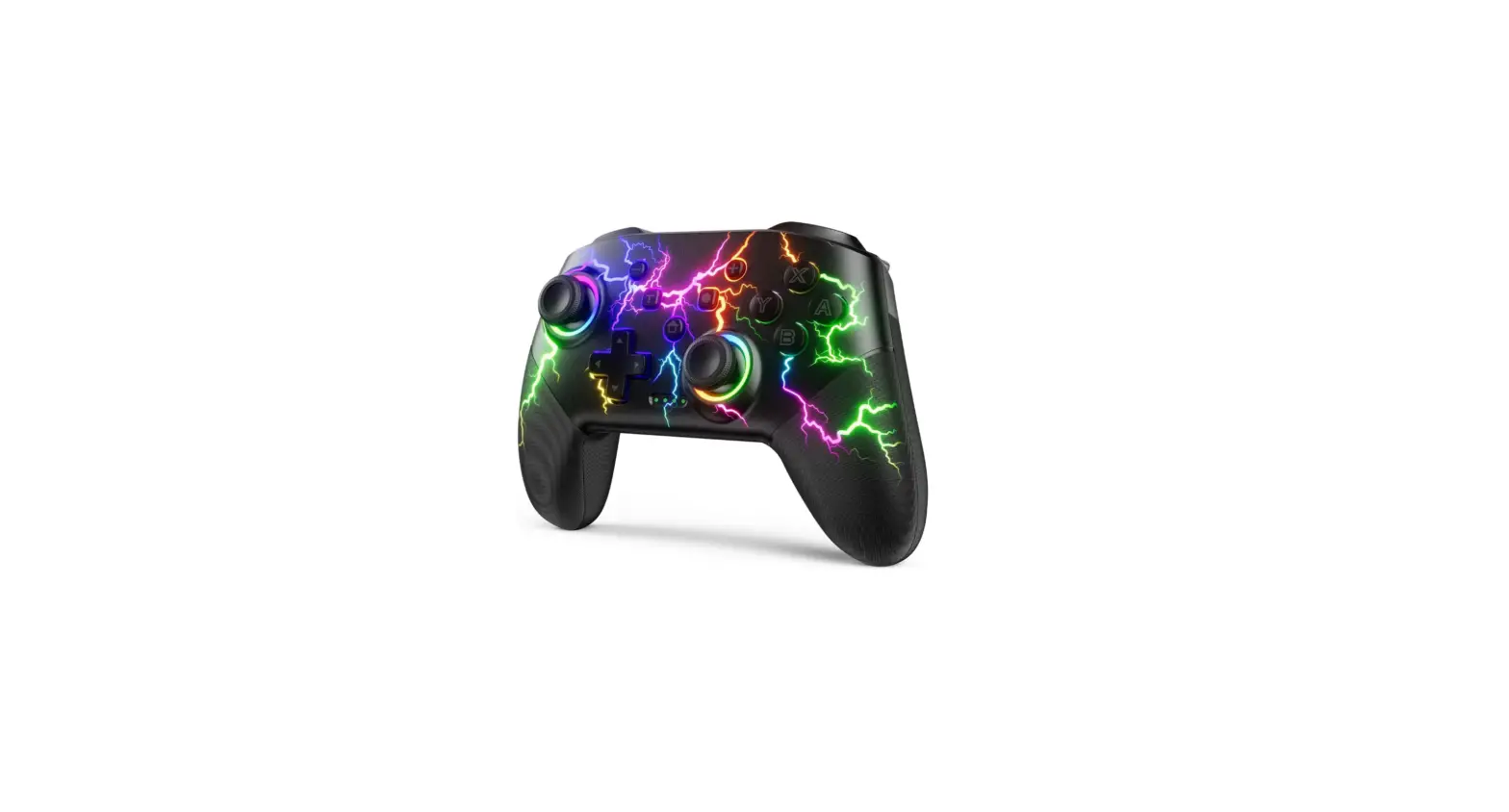
WC2 Wireless Controller
AGPTEK Wireless Controller
Thank you for purchasing the AGPTEK product. Please read this
User Manual carefully before using the product, and
retain it for future use. If you have any questions or suggestions
about our products, please contact: [email protected].
Package Contents:
| Item | Quantity |
|---|---|
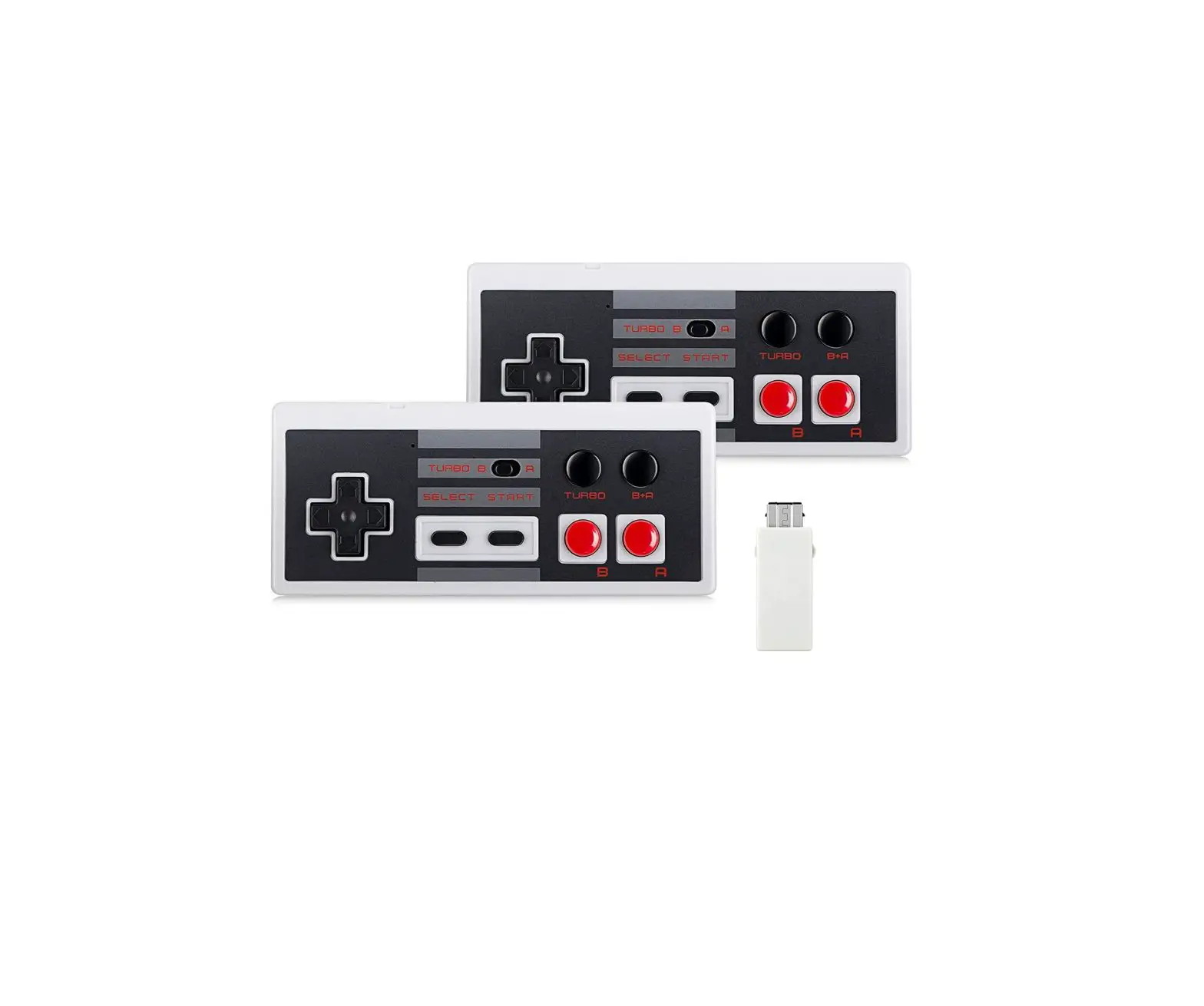
| Wireless Controller | 2 |
| NES Wireless Receiver | 2 |
| USB Wireless Receiver | 2 |
| USB Cable | 2 |
| User Manual | 1 |
Product Details:
- USB Recharge Port
- NES Wireless Receiver: For NES Classic mini
- USB Wireless Receiver: For Windows XP/7/8/10, Mac OS, Linux,
Raspberry Pi - Start/Wakeup Button
- Link Indicate: Red LED
- Recharge Indicate: Blue LED
Product Usage Instructions:
Fast Startup:
- Plug the adapter to the Console/PC.
- Press the START button of the Controller.
Pairing:
- Insert the receiver into the NES Classic mini console or
PC. - Press and hold the START+SELECT+UP buttons on the Controller
for 1 second until the Red LED flashes quickly. This indicates that
the Controller is in pairing mode. - After the Red LED stops flashing quickly and stays on, it means
that the pairing between the receiver and controller is
successful. - If there are no operations after 5 seconds, the Controller will
enter standby mode. The Red LED will turn off, and only the LED of
the NES Wireless Receiver will flash. Press any button to activate
the Controller. - The Controller will enter sleep mode if there are no operations
after 10 minutes. Press the Start button to wake up the
controller. - To reset the Controller, press the START+SELECT buttons at the
same time.
Controller Working States:
| State | LED | Description |
|---|---|---|
| Pairing Mode | Red LED flashes quickly | Press and hold START+SELECT+UP for 1 second until Red LED flashes quickly. Controller will enter into pairing mode. |
| Link Mode | Red LED lights up | If Controller and Receiver connect successfully, Red LED will light up. At this moment, you can play games. |
| Standby Mode | LED turns off | If there are no operations after 5 seconds, Controller will enter into standby mode. Press any one of the buttons to wake it up. |
| Sleep Mode | Only START button can wake it up | If there are no operations after 10 minutes, Controller will enter into sleep mode. Only the START button can wake it up. |
| Power off | N/A | When the batteries in your controller are dead, the controller will power off automatically. |
LED Description:
| Component | State | LED |
|---|---|---|
| Controller | Controller and Receiver connect successfully | Red LED lights up |
| Controller | In standby or sleep mode | LED turns off |
| Controller | In pairing mode | Red LED flashes quickly |
| Controller | In charging | Blue LED lights up |
| Controller | Fully charged | Blue LED turns off |
| NES Wireless Receiver | Controller and Receiver connect successfully | Red LED lights up |
| NES Wireless Receiver | In standby or sleep mode | Red LED flashes |
Specifications:
- Model Compatibility: WC2 NES Classic mini, Windows XP/7/8/10,
Mac OS, Linux, Raspberry Pi - Charge method: Charge by 5V 500mA Charger, Charge by computer
USB 2.0 port - Charge time: About 2 hours
- Battery: 250mAh
- Working time: 100 hours
- Wireless transmission: 2.4GHz
- Bluetooth effective distance: 10m
- Net weight: 62g
AGPTEK Wireless Controller User Manual
Thank you for purchasing the AGPTEK product. Please read this [User Manual] carefully before using the product, and retain it in for future use. If you have any questions or suggestions about our products, please contact: [email protected].
Package Contents
1. Wireless Controller*2 2. NES Wireless Receiver*2 3. USB Wireless Receiver*2 4. USB Cable*2 5. User Manual*1
Detatils Description
USB Recharge Port
NES Wireless Receiver: For NES Classic mini
USB Wireless Receiver: For Windows XP/7/8/10, Mac OS,
Linux, Raspberry Pi.
Start/Wakeup Button
Link Indicate: Red LED
Recharge Indicate: Blue LED
m
m
Fast STARTUP:
m
Plug the adapter to Console/PC, themmn press the START button
of Controller.
m
1. Insert the receiver into the NES gammme console or PC.
2. Press and hold the START+SELECT+UP for 1s until Red LED
flashes quickly. At this point Controller is in pairing mode. After
Red LED does not flash quickly, but stays on, which means the
pairing between the receiver and controller is successful.
3. If without any operations after 5s, Controller will enter into
the standby mode. Red LED will turn off, and only the LED of NES
Wireless Receiver will flash (USB Wireless Receive will not). You
can activate the Controller via pressing any button.
4. Controller will enter into sleep mode if there is no operations
after 10 mins. You can press the Start button to wake up the
controller.
5. RESET Key = Press the START+SELECT at the same time.
Controller Working States:
1Pairing Mode: Press and hold START+SELECT+UP for 1s until Red LED flashes quickly, which means Controller will enter into pairing mode. 2Link Mode: If Controller and Receiver connect successfully, Red LED will light up. At this moment, you can play games. 3Standby Mode: If without any operations after 5s, Controller will enter into standby mode, and LED will turn off. Press any one of buttons can wake it up. 4Sleep Mode: If without any operations after 10 mins,
EN
Controller will enter into sleep mode. Only START button can wake it up. 5Power off: When the batteries in your controller are dead, the controller will power off automatically.
LED Description:
Controller
State
LED
Controller and Receiver connect
Red LED lights up
successfully
In standby or LED turns
sleep mode off
In
paring
mode
Red LED flashes quickly
In charging
Blue LED lights up
Fully charged
Blue LED turns off
NES Wireless Receiver
State
LED
Controller and Receiver connect successfully
Red LED lights up
Standby or Sleep Red LED
mode
flashes
Specifications
Model Compatibility
Charge method
Charge time
Battery
Working time
Wireless transmission
Bluetooth
effective
distance
Net weight
WC2 NES Classic mini, Windows XP/7/8/10, Mac OS, Linux, Raspberry Pi Charge by 5V 500mA Charger, Charge by computer USB 2.0port . About 2H 250mAH 100H 2.4GHz wireless connection
10m
62g
Benutzerhandbuch von Kabellosem Controller
Vielen Dank, dass Sie sich für das AGPTEK-Produkt entschieden haben. Lesen Sie bitte diese Bedienungsanleitung sorgfältig und vollständig, bevor Sie das Produkt benutzen und bewahren Sie es zur späteren Verwendung auf. Bei Fragen oder Anregungen zu unseren Produkten wenden Sie sich bitte an: [email protected].
Packungsinhalt
1kabelloser Controller*2 2NES drahtloser Empfänger *2 3USB drahtloser Empfänger*2 4USB Kable*2 5Benutzerhandbuch*1
Produktdetails
USB Recharge Port
NES drahtloser Empfänger: Für NES Classic mini
USB drahtloser Empfänger: Für Windows XP/7/8/10, Mac OS,
Linux, Raspberry Pi.
Start/Wakeup Taste
Verbindungsanzeige: rote LED
Aufladesanzeige:blaue LED
m
Schnelle Inbetriebnahme:
m m
Stecken Sie den Adapter in die Konmmsole/den PC und drücken Sie die START-Taste des Controllers. m
1Schließen Sie den Empfänger an dmie NES-Spielekonsole oder
den PC an.
m
2Halten Sie START+SELECT+UP 1 Sekunde lang gedrückt, bis
die rote LED schnell blinkt. Zu diesem Zeitpunkt befindet sich der
Controller im Pairing-Modus. Wenn die rote LED nicht schnell
blinkt, sondern durchgehend leuchtet, ist die Kopplung zwischen
dem Empfänger und dem Controller erfolgreich.
3Wenn nach 5 Sekunden keine Bedienung erfolgt, wechselt
der Controller automatisch in den Standby-Modus. Die rote LED
erlischt und nur die LED des NES-Empfängers blinkt (nicht die
LED des USB-Empfängers). Sie können den Controller durch
Drücken einer beliebigen Taste wieder aktivieren.
4Wenn nach 10 Minuten keine Bedienung erfolgt, wechselt
der Controller automatisch in den Ruhemodus. Sie können die
Start-Taste drücken, um den Controller zu aktivieren.
5RESET Taste = Drücken Sie gleichzeitig START+SELECT.
Betriebszustände des Controllers:
1Der Pairing-Modus: Halten Sie START+SELECT+UP 1 Sekunde lang gedrückt, bis die rote LED schnell blinkt. Was bedeutet, dass der Controller in den Pairing-Modus wechselt.
DE
2Verbindungsmodus: Wenn der Controller und der Empfänger erfolgreich verbunden sind, leuchtet die rote LED auf. In diesem Moment können Sie Spiele spielen. 3Standby-Modus: Wenn innerhalb von 5 Sekunden keine Aktion ausgeführt wird, wechselt der Controller in den Standby-Modus und die LED erlischt. Um den Controller wieder aus dem Standby-Modus aufzuwecken, drücken Sie eine beliebige Taste. 4Ruhemodus: Wenn innerhalb von 10 Minuten keine Aktion ausgeführt wird, wechselt der Controller in den Ruhemodus. Nur mit START-Taste kann man ihn wieder aktivieren. 5Ausschalten: Wenn die eingebaute Batterien des Controllers leer sind, schaltet sich der Controller automatisch aus.
LED Zustandsbeschreibung:
Controller
Zustand
LED
Der Controller
und
der
Receiver
verbinden sich
erfolgreich
Die rote LED leuchtet auf
Im StandbyModus oder Ruhemodus Im Pairing-Modus
Beim Aufladen
Voll aufgeladen
LED erlischt
Die rote LED blinkt schnell Die blaue LED leuchtet auf Die blaue LED erlischt
NES drahtloser Empfänger
Zustand
LED
Der
Controller
und
der Die rote LED
Receiver
leuchtet
verbinden auf
sich
erfolgreich
Im StandbyModus oder Ruhemodus
Die rote LED blinkt
Spezifikationen
Model
Kompatibilität
Auflademethode
Ladezeit Batterie Betriebszeit drahtlose Übertragung Bluetooth Arbeitsabstand Nettogewicht
WC2 NES Classic mini, Windows XP/7/8/10, Mac OS, Linux, Raspberry Pi Mit 5V 500mA Ladegerät/über den USB 2.0-Anschluss des Computers ca. 2 Stunden 250mAH 100H 2.4GHz drahtlose Verbindung 10m 62g
 Betriebszeit - Englisch-Übersetzung – Linguee Wörterbuch