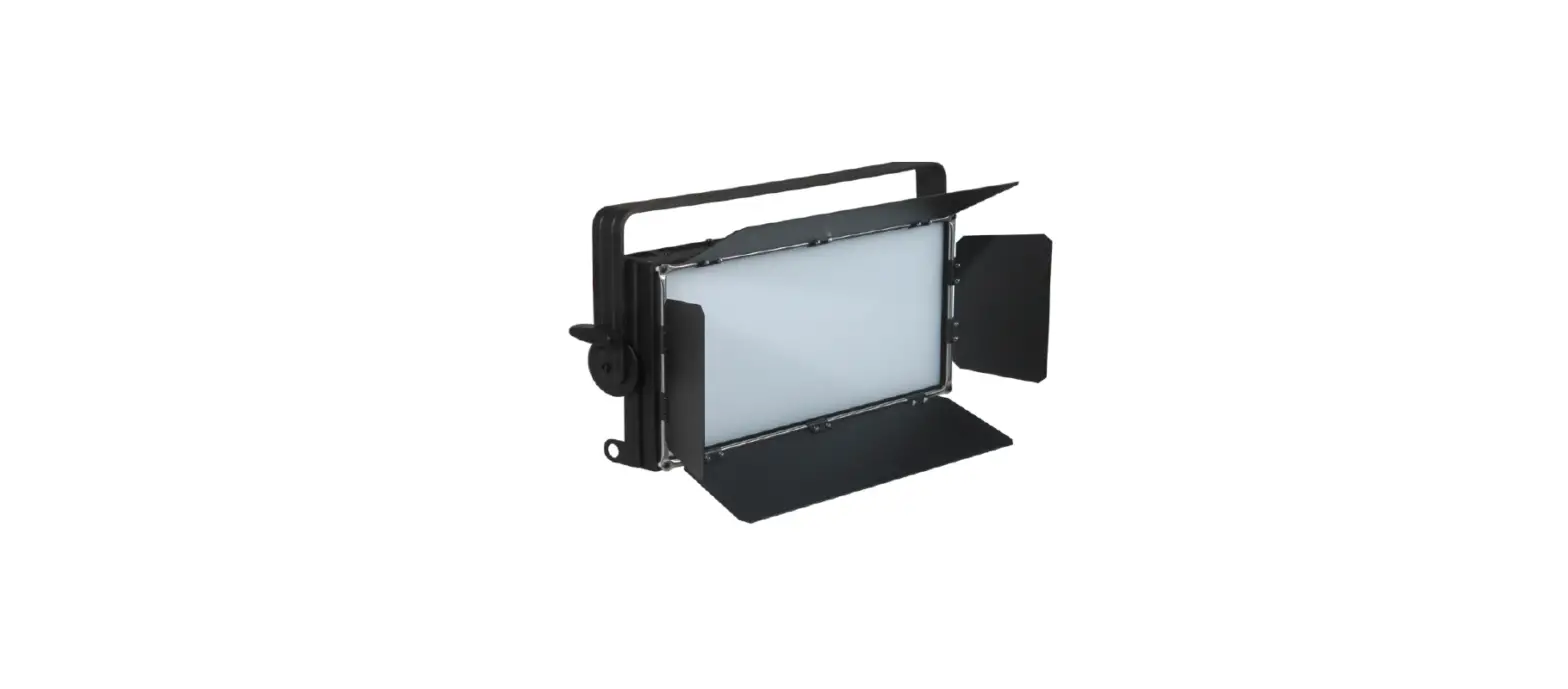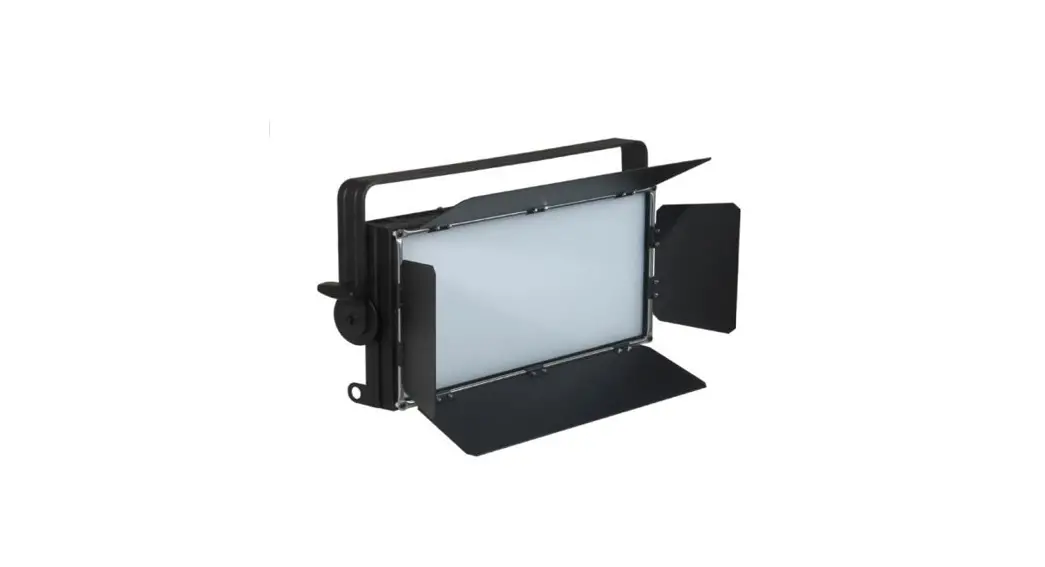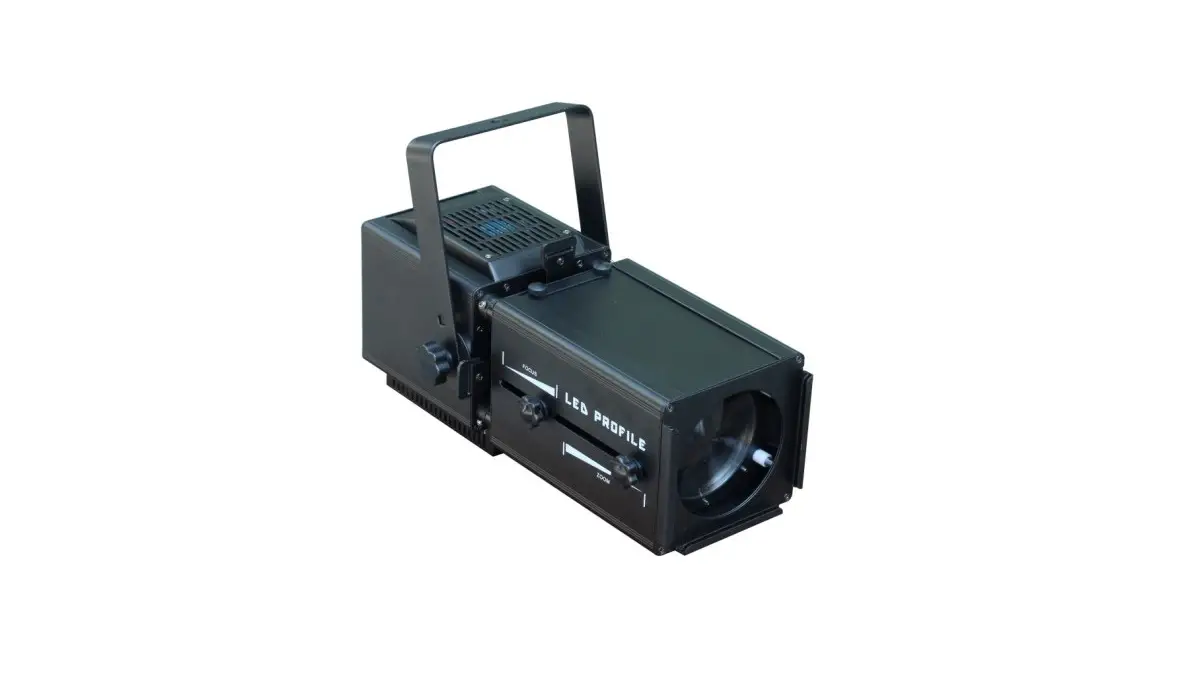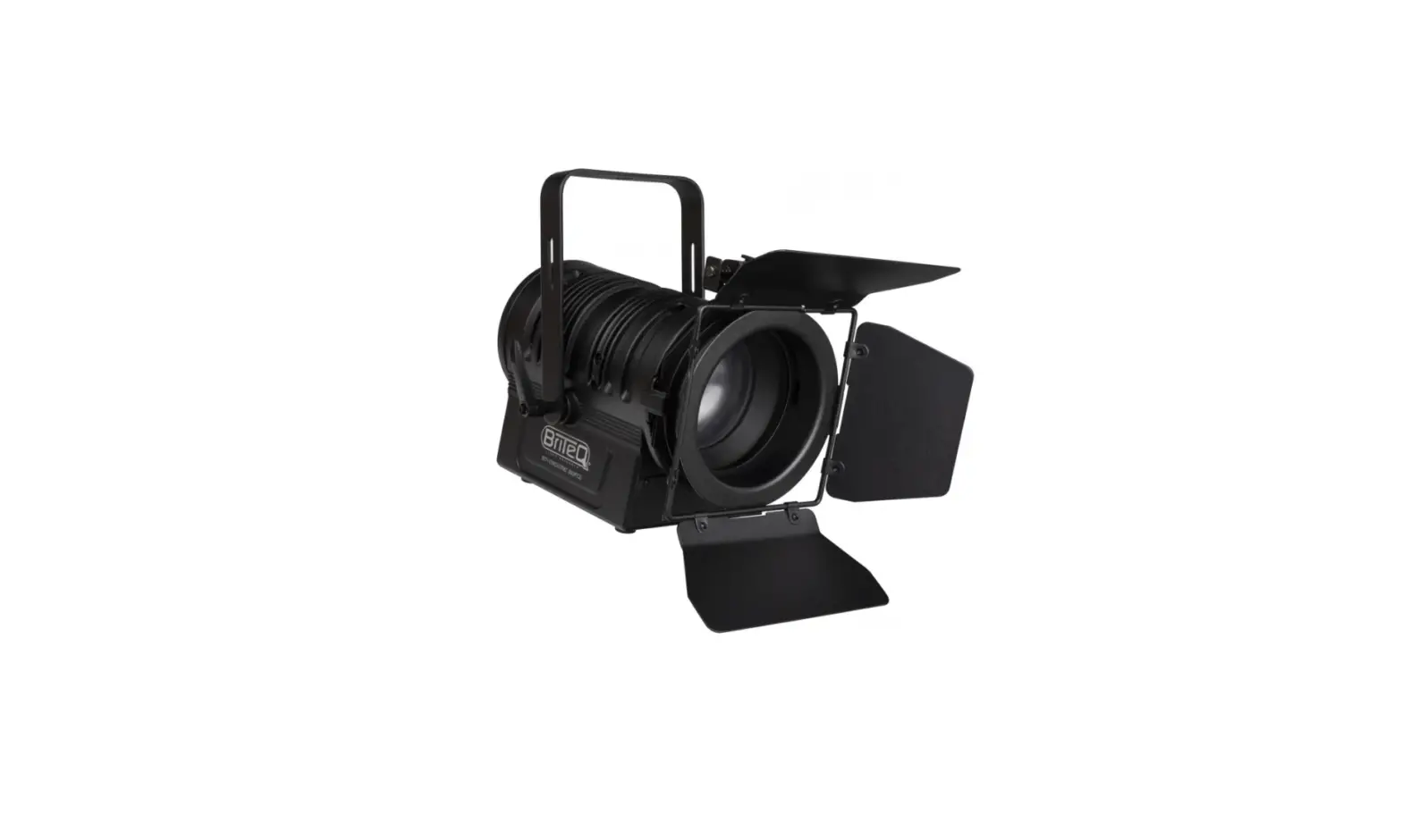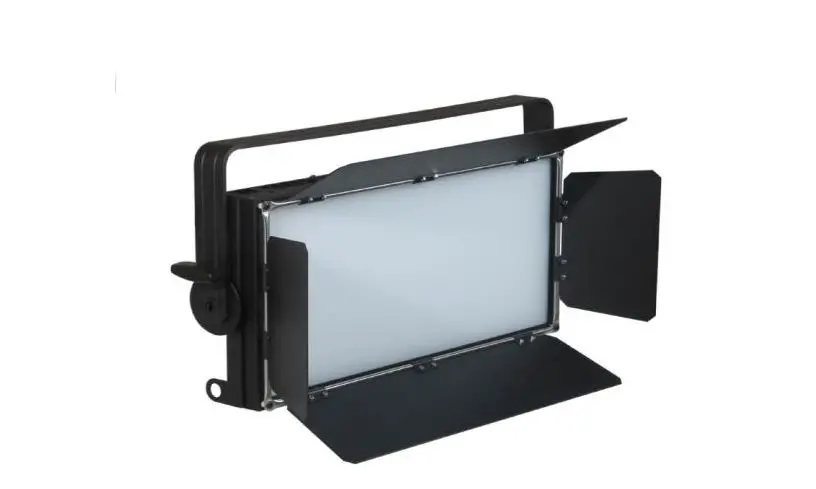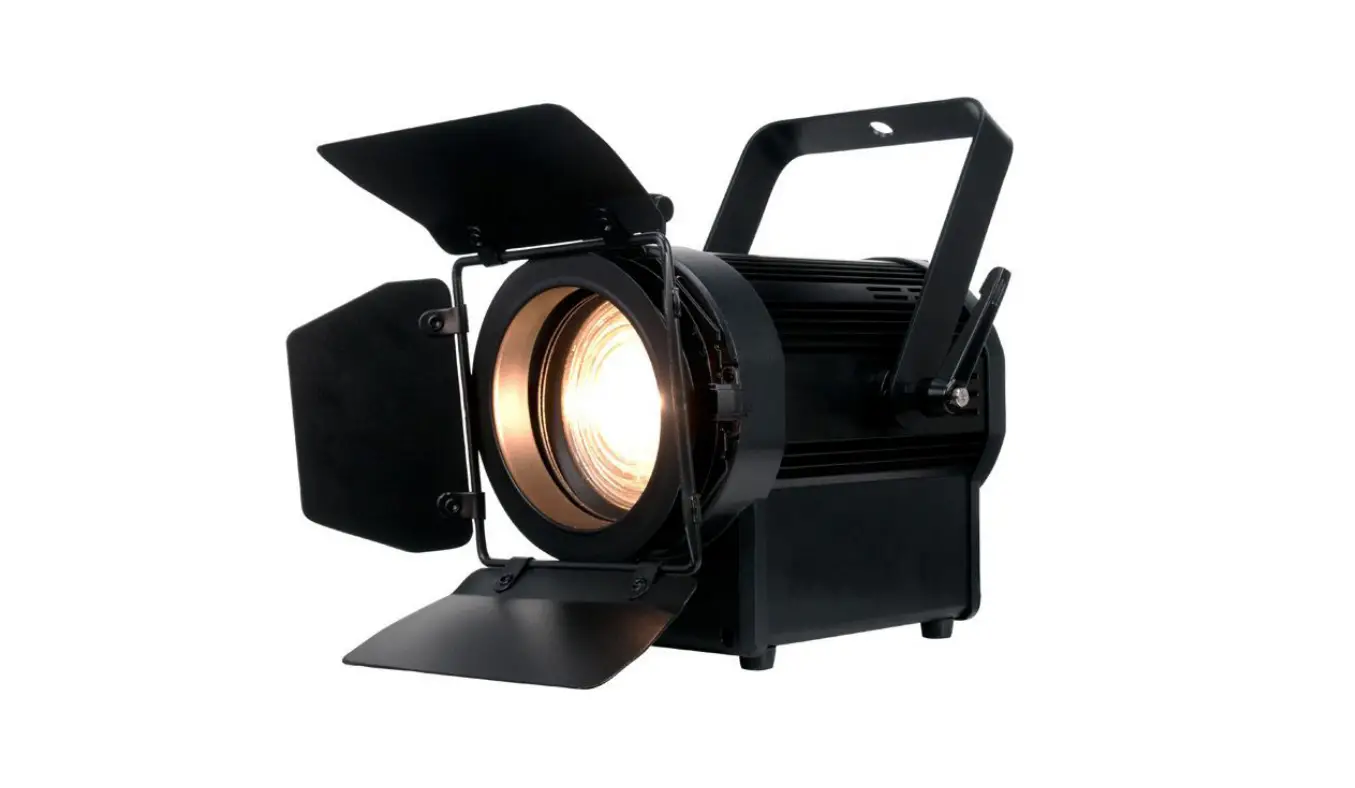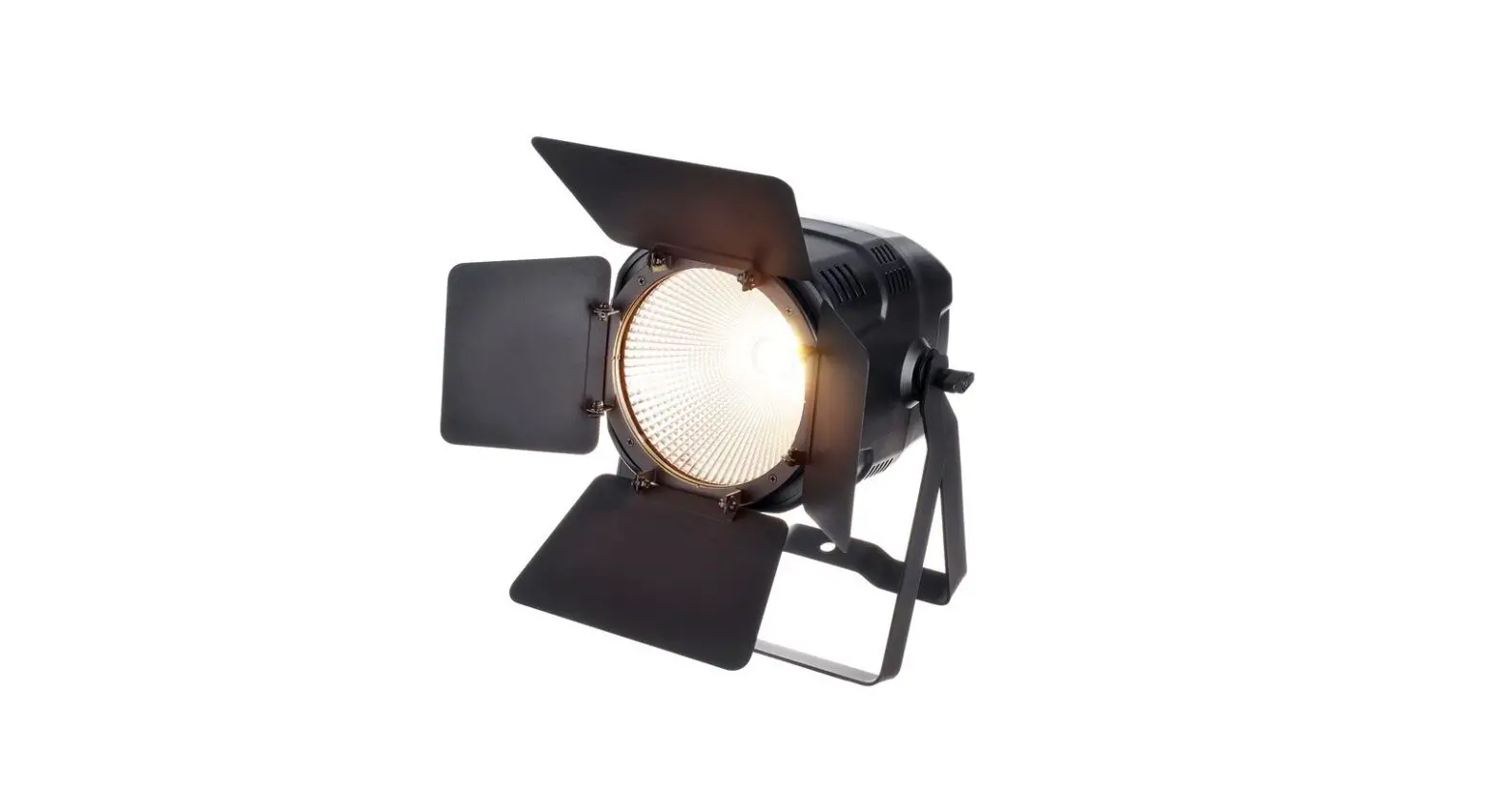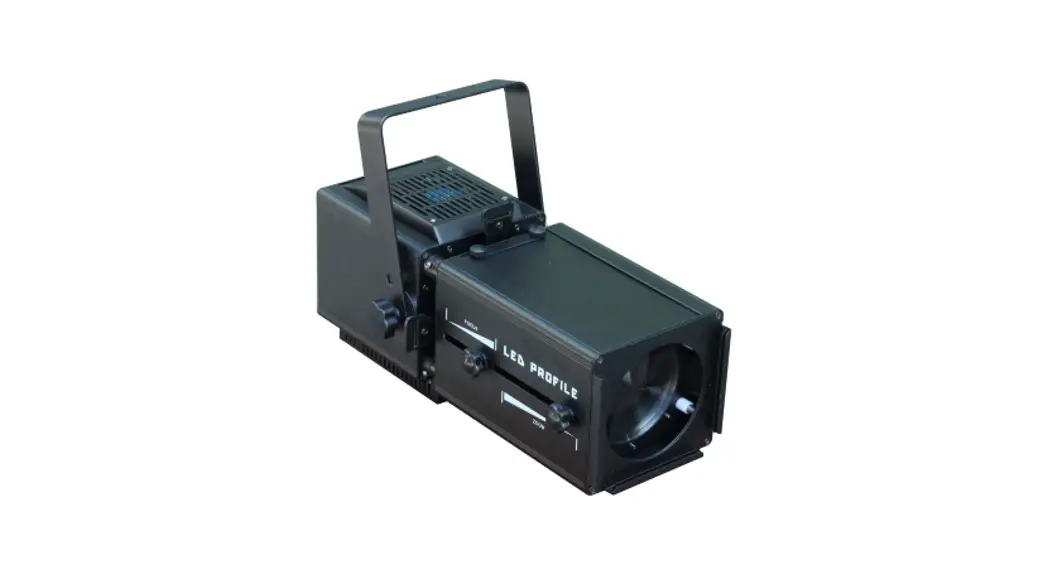
 SL-60Z-RGBW Gobo Theater Spotlight
Owner’s Manual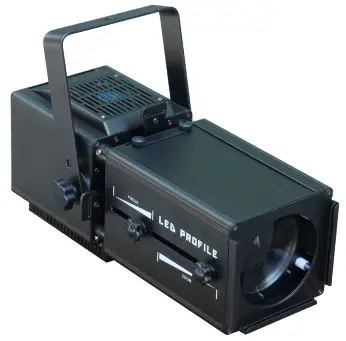
INTRODUCTION
- Thank you for having chosen a 60Z-RGBW LED Zoom Profile Light, please read this user manual carefully before you initially start-up.
- This product is allowed to be operated with an alternating voltage of AC90-240V 50/60Hz and designed for indoor use only.
Description of the fixture
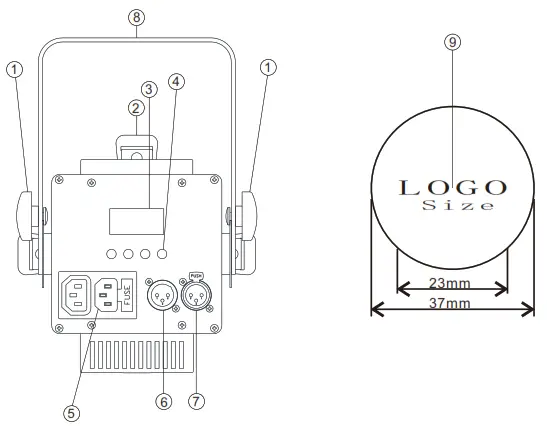
- Fixation screws
- Shutter blade
- LCD Display
- Function selection knob
- Power IN/ Out
- DMX IN
- DMX Out
- Installation stand
- Gobo size
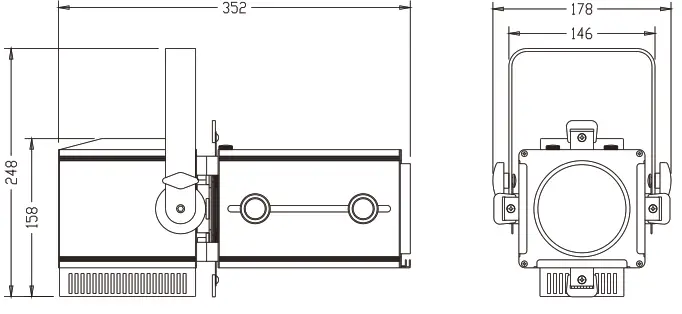
Dimensions
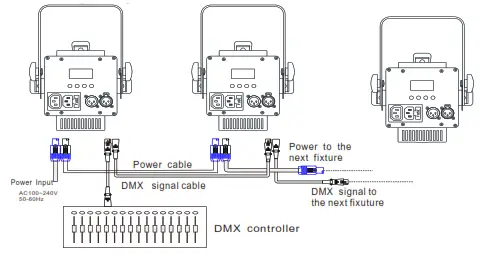
Wiring Diagram
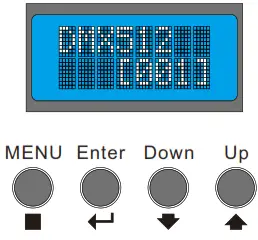
Control Board
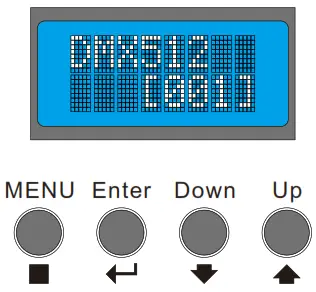
- Adjust the key setting function on the control panel
- Press“MENU”—>Display first -level menu—>
Press“Enter”—>Display second-level menu—>
Press“Down”&“Up”to adjust relevant function->
Press“Enter”and“MENU”to quit current menu
Press“Enter”—> To next first-level menu.
Operation
| LCD display | Function setting |
| DMX512 MODE | setting the DMX starting address from 001- 512 |
| Dimmer R- [MODE] | setting the red color brightness 000- 255 |
| Dimmer G- [MODE] | setting the green color brightness 000- 255 |
| Dimmer B- [MODE] | setting the blue color brightness 000- 255 |
| Dimmer W- [MODE] | setting the white color brightness 000- 255 |
| Col_Temp [MODE] | setting the CCT 1800K- 9928K |
| Dimming [MODE] | Dimming 000- 255 |
| Strobe [MODE] | setting the strobe speed 000- 012 |
| Fade [MODE] | setting the fade speed 000- 012 |
| Auto [MODE] | setting the auto speed 000- 012 |
| CCS [MODE] | correcting function ON- OFF |
| Channel [MODE] | setting DMX channels 11CH-6CH |
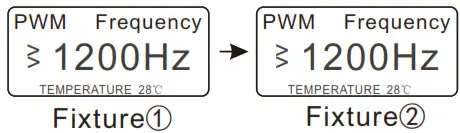
| PWM Frequency [MODE] | setting PWM frequency 1200Hz-20000Hz |
Master/Slave Setting
- Set the mast fixture to Dimmer or Strobe
- Set each slave fixture to the same DMX001(As show below)
Illumination Diagram
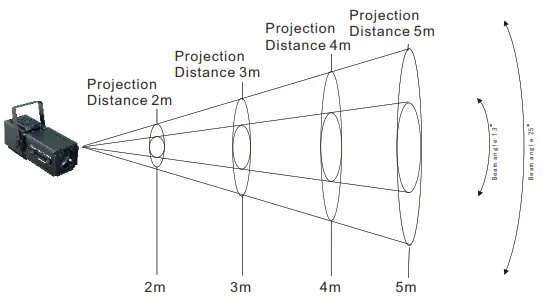
| illuminations center/Lux | R | 260 | 130 | 74 | 46 | Beam angle 13° |
| G | 427 | 211 | 117 | 78 | ||
| B | 111 | 58 | 34 | 25 | ||
| W | 621 | 300 | 165 | 110 | ||
| mix | 1356 | 655 | 365 | 235 | ||
| Beam Diameter/ cm | 75 | 110 | 125 | 160 |
| illuminations center/Lux | R | 133 | 64 | 36 | 24 | Beam angle 25° |
| G | 220 | 95 | 55 | 38 | ||
| B | 58 | 27 | 18 | 14 | ||
| W | 321 | 140 | 77 | 52 | ||
| mix | 704 | 302 | 166 | 107 | ||
| Beam Diameter/ cm | 115 | 150 | 180 | 215 |
DMX Channels
(This fixture has two DMX channel mode options)
1. 11 Channels Function
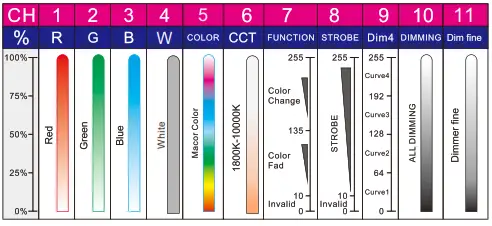
| channel 1- Red | 000- 255 levels linear dimming |
| channel 2- Green | 000- 255 levels linear dimming |
| channel 3- Blue | 000- 255 levels linear dimming |
| channel 4- White | 000- 255 levels linear dimming |
| channel 5- COLOR | 000-255 levels RGBW color mixing |
| channel 6- CCT | 000- 255 levels linear dimming,CCT 1800K- 10000K |
| channel 7-FUNCTION | 000- 009 levels without function |
| 010- 127 levels fade function | |
| 128 – 134 levels without function | |
| 135 – 255 levels auto function | |
| channel 8-STROBE | 000- 009 levels without function |
| 010 – 255 levels strobe function | |
| channel 9- Dim4 | 000 – 063 first-level dimming delay function |
| 064 – 127 second-level dimming delay function | |
| 128 – 191 third-level dimming delay function | |
| 192 – 255 fourth-level dimming delay function | |
| channel 10- DIMMING | 000- 255 levels master dimming |
| channel 11- Dim fine | 000- 255 levels dimmer fine |
2. HSIC Channels Mode
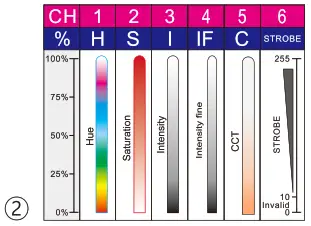
HSIC Channels Function
| channel 1- Hue | 000 – 255 levels RGBW color mixing |
| channel 2- Saturation | 000- 255 levels saturation adjustable |
| channel 3- Intensity | 000 – 255 levels master dimming |
| channel 4- Intensity fine | 000 – 255 levels dimmer fine |
| channel 5- CCT | 000 – 255 levels linear dimming,CCT1800K- 10000K |
| channel 6- STROBE | 000 – 009 levels without function |
| 010 – 255 levels strobe function |
Note: Color Temperature (CCT) Ratio
| DMX levels | CCT DATA | DMX levels | CCT DATA |
| 000↔006 | 1800 K↔2000 K | 131↔137 | 6000 K↔6200 K |
| 006↔012 | 2000 K↔2200 K | 137↔144 | 6200 K↔6400 K |
| 012↔018 | 2200 K↔2400 K | 144↔150 | 6400 K↔6600 K |
| 018↔024 | 2400 K↔2600 K | 150↔156 | 6600 K↔6800 K |
| 024↔030 | 2600 K↔2800 K | 156↔162 | 6800 K↔7000 K |
| 030↔036 | 2800 K↔3000 K | 162↔169 | 7000 K↔7200 K |
| 036↔044 | 3000 K↔3200 K | 169↔175 | 7200 K↔7400 K |
| 044↔050 | 3200 K↔3400 K | 175↔181 | 7400 K↔7600 K |
| 050↔056 | 3400 K↔3600 K | 181↔187 | 7600 K↔7800 K |
| 056↔062 | 3600 K↔3800 K | 187↔194 | 7800 K↔8000 K |
| 062↔069 | 3800 K↔4000 K | 194↔200 | 8000 K↔8200 K |
| 069↔075 | 4000 K↔4200 K | 200↔206 | 8200 K↔8400 K |
| 075↔081 | 4200 K↔4400 K | 206↔212 | 8400 K↔8600 K |
| 081↔087 | 4400 K↔4600 K | 212↔219 | 8600 K↔8800 K |
| 087↔094 | 4600 K↔4800 K | 219↔225 | 8800 K↔9000 K |
| 094↔100 | 4800 K↔5000 K | 225↔231 | 9000 K↔9200 K |
| 100↔106 | 5000 K↔5200 K | 231↔237 | 9200 K↔9400 K |
| 106↔112 | 5200 K↔5400 K | 237↔244 | 9400 K↔9600 K |
| 112↔119 | 5400 K↔5600 K | 244↔250 | 9600 K↔9800 K |
| 119↔125 | 5600 K↔5800 K | 250↔255 | 9800 K↔10000 K |
| 125↔131 | 5800 K↔6000 K |
Technical Specifications
| LED Source | COB 60W LED 4 IN 1, RGBW |
| Beam Angle | Manual Zoom 13-25° with Hight- efficiency optical system |
| Control | 1.DMX512 2. RDM 3.Master/ Slave Operation |
| DMX Channels | 11CH/6CH |
| Connection | Pomeron IN & OUT; 3- Pin DMX In& Out(5 – Pin DMX available) |
| Voltage | Electronic full- range AC 100-240V 50/60Hz |
| Working Temperature | Indoor,IP20. |
| – 20℃- 40℃(- 4°F- 104°F) | |
| Power Consumption | 60W |
| Dimensions ( LxWxH) | 35.2X17.8X15.8cm |
| Weight | 4.3Kg |
Please Note:
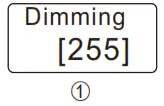
- 《Dimming Brightness Function》
Before using the fixture, you should check whether (Dimming, brightness function) is turned on ,As shown in figure ;the factory setting is on .This function should be ① checked when the fixture does not turn on when the lamp is turned on. It is not affected by this function in DMX mode
- 《Colormap.》
Master/Slave Mode,Colortemp(CCT)adjustable from 1800K to 9928K As show below①②,factory setting as below 3。
(If the Colormap function is enabled, the R G B W function cannot be used alone.
If you want to use the RGBW function alone, you must turn off Colormap).
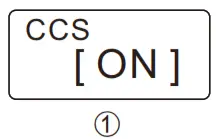
- 《CCS、Color Calibration System》
If more than two fixtures have different output colors, check that the whether correcting settings for each fixture are consistent , as show below ①,Factory setting: ON.
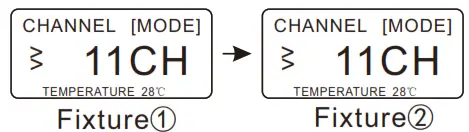
- 《Channels Function》
This fixture has 6-channel mode and 11-channel mode selection. In DMX512 mode,
If more than two fixtures have different settings, check whether the channel functions are consistent. as show below ①②,Factory setting[11CH].
- 《PWM Function》
In DMX、Master/Slave mode If the dimming smoothness and color output are different on more than two fixtures, check that whether the PWM settings are consistent. as show below ①②,Factory setting[1200Hz].
- 《RDM Function》
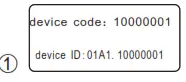
If use the RDM function, that must use the console to search each fixture and change the fixture address code in the DMX 512 mode.
Identification Code: each fixture has an identification code as show below① ,the identification code of each fixture is different ,Please check he fixture label.
- 《DMX512 Function》
In D M X mode, the LED display is normal when there is no DMX5 1 2 signal input, and the LED display is lights up when the DMX5 1 2 signal is input.

 60Z-RGBW LED Zoom Profile Light