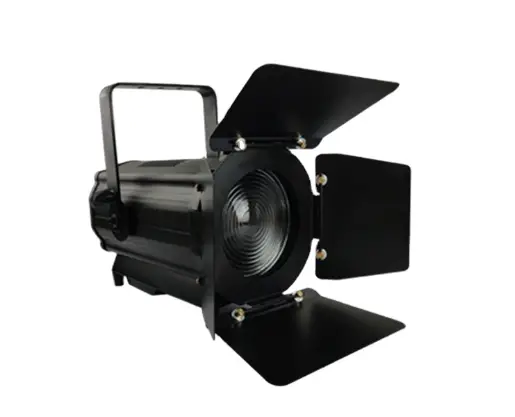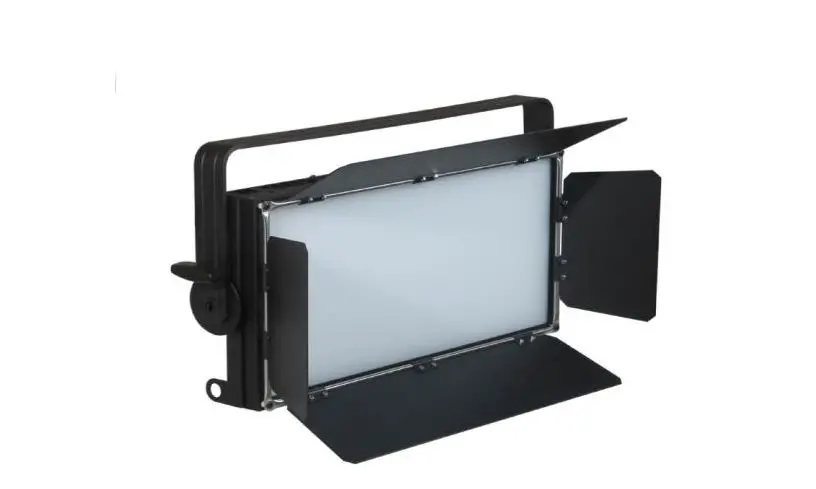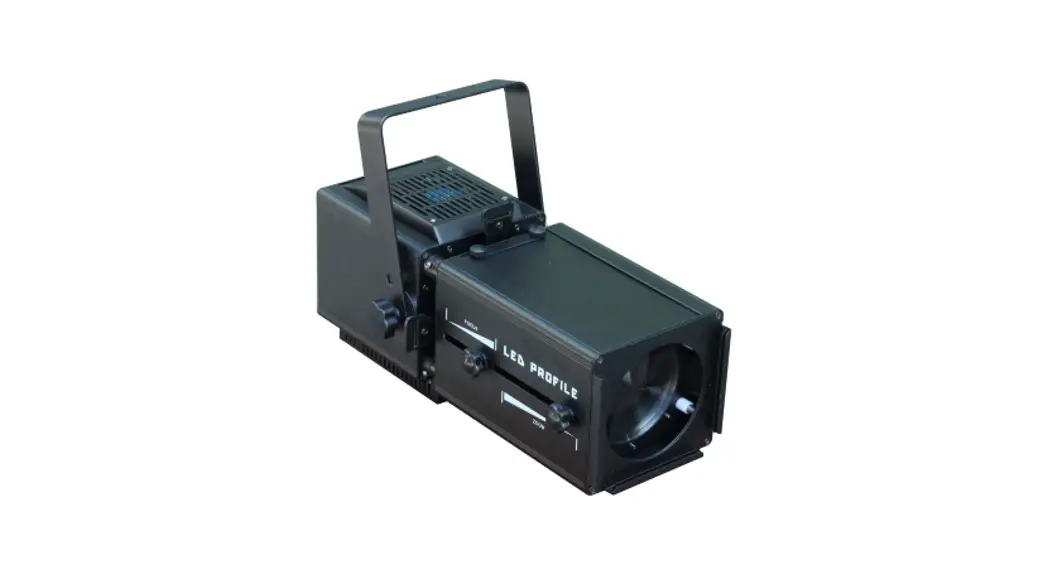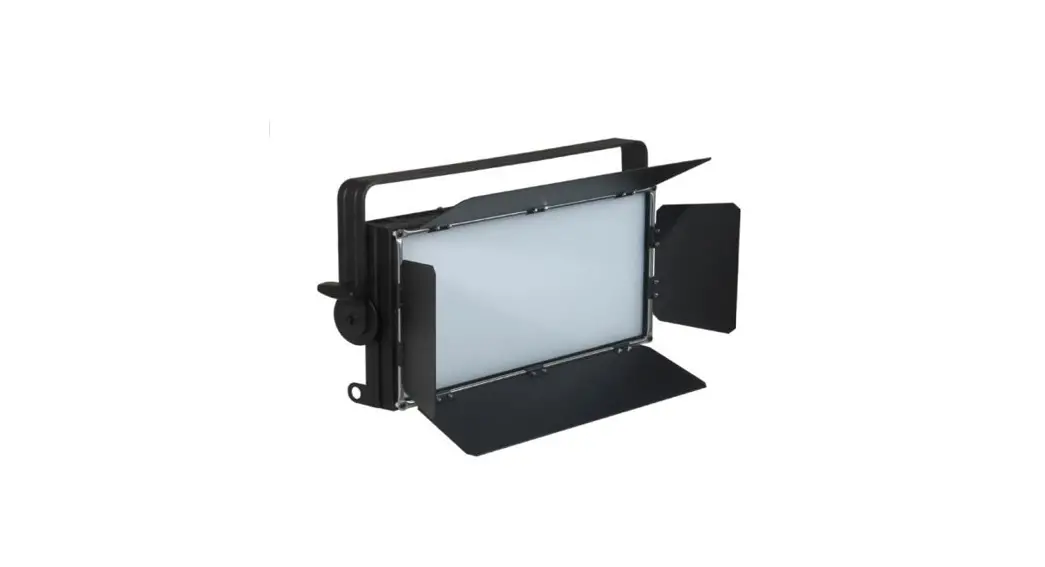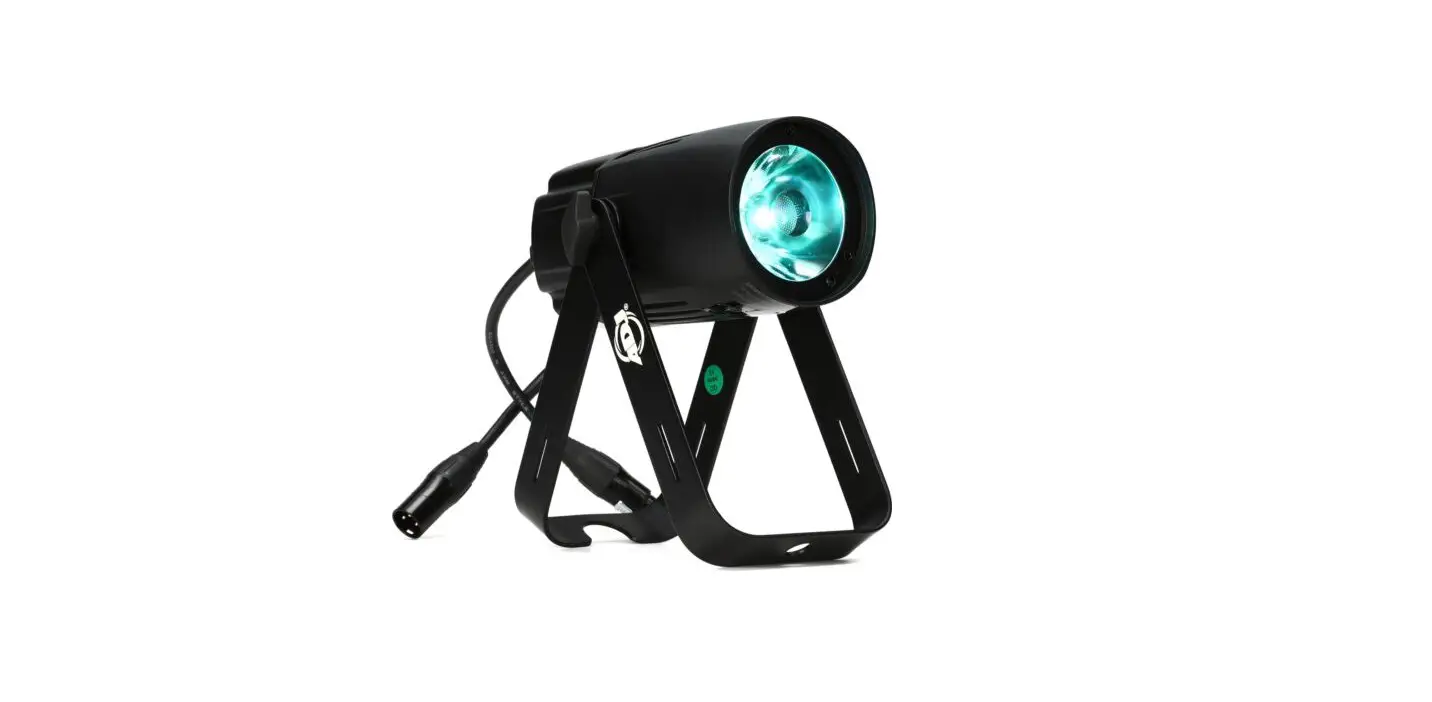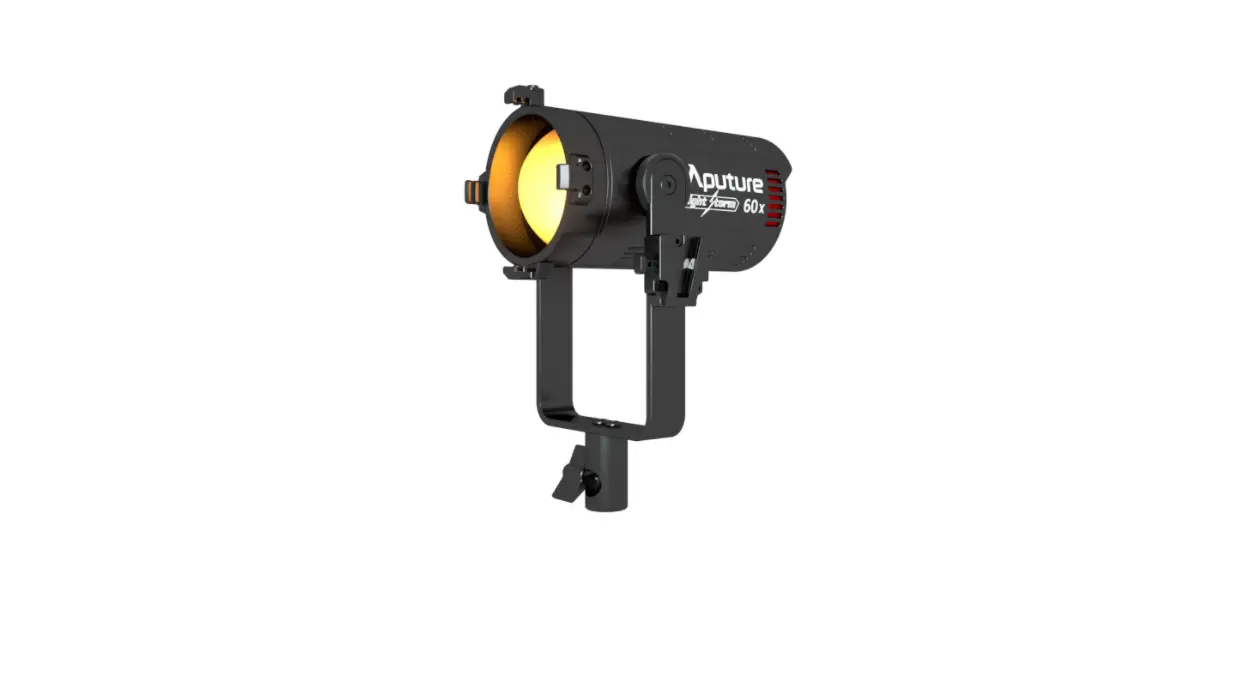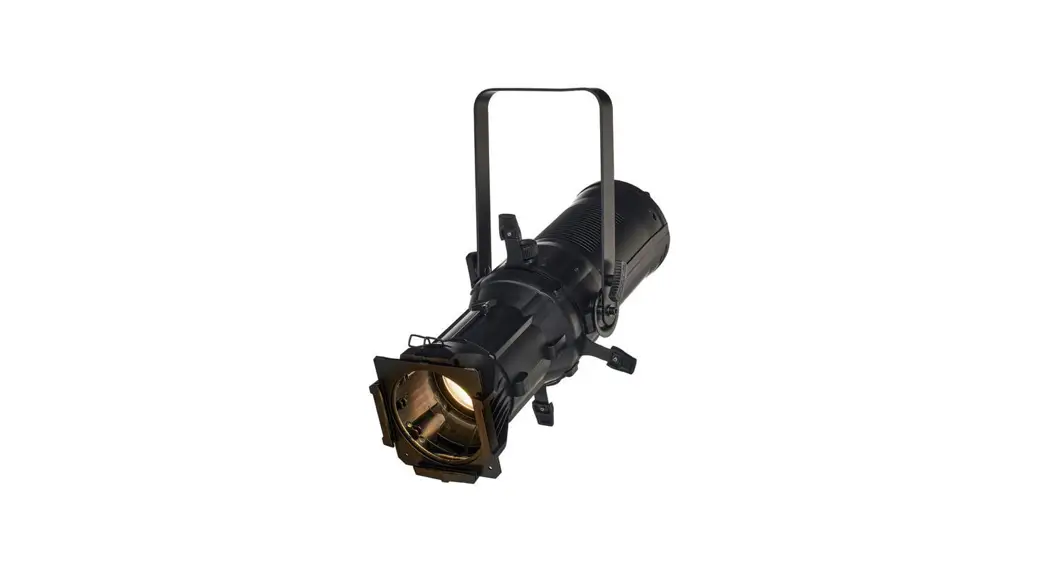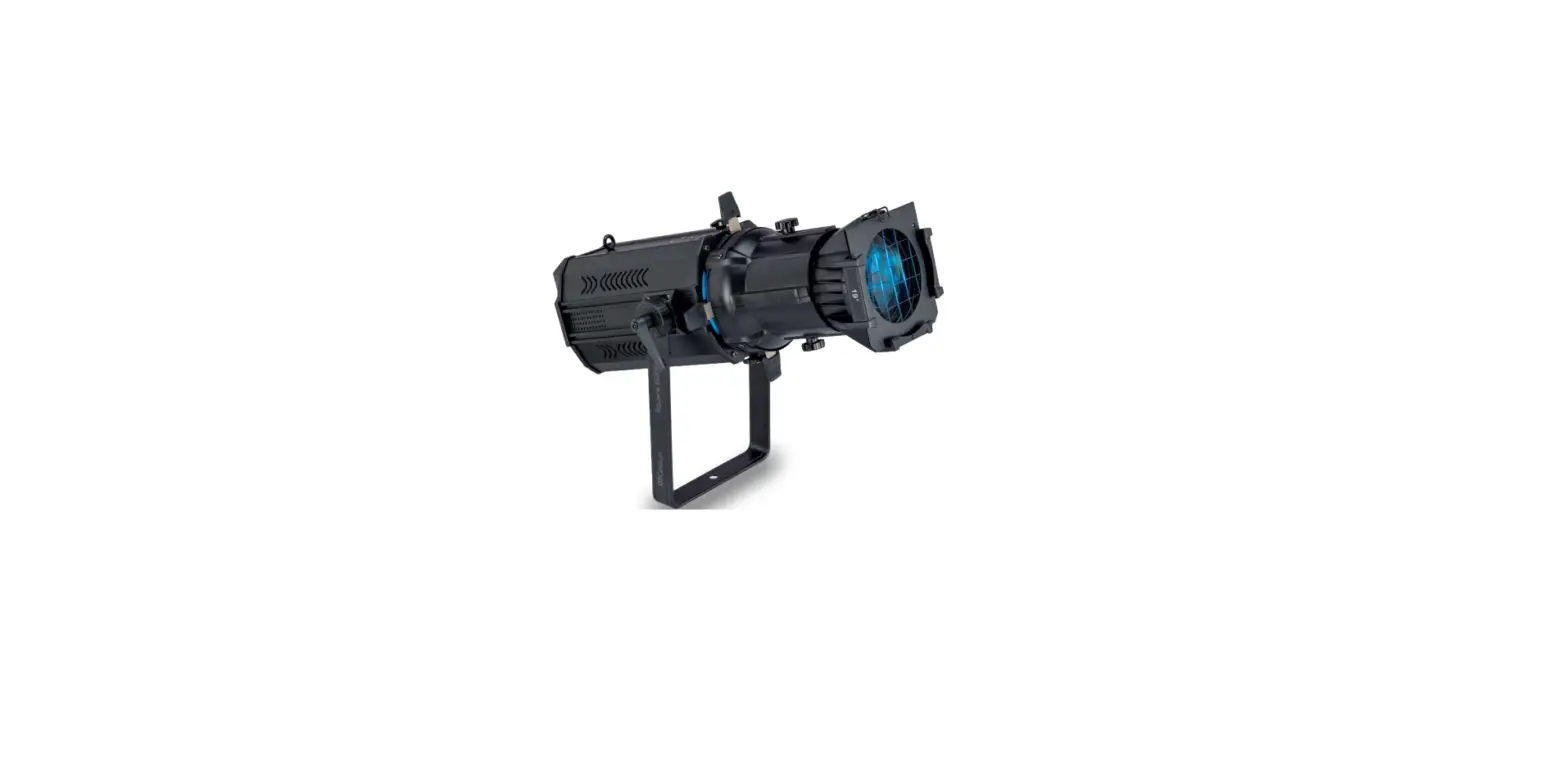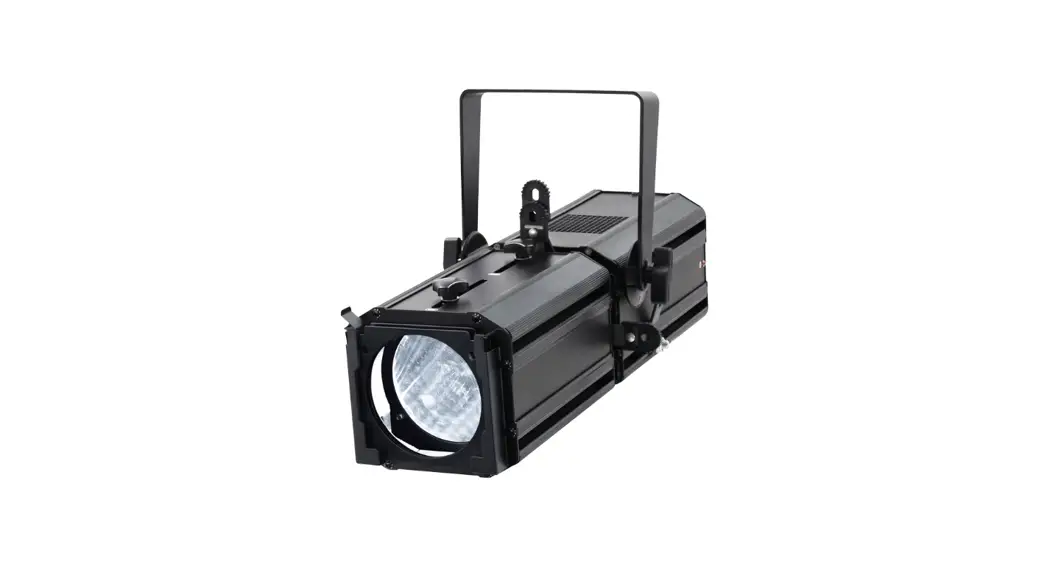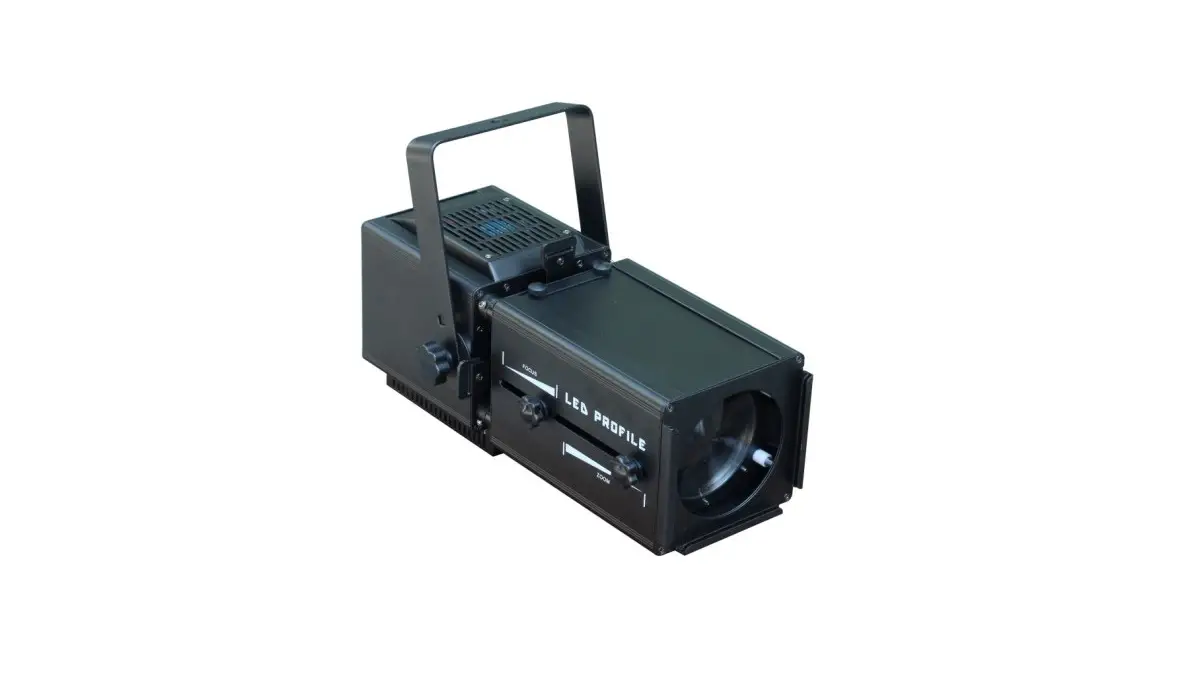
SHOWLIGHT SL-60Z-RGBW 200W RGBW Zoom LED Profile Spot Light Instruction Manual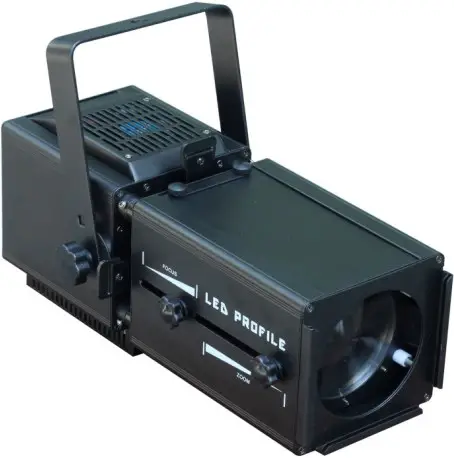
LED Zoom Profile Light
《CCS、Color Calibration System》
If more than two fixtures have different output colors, check that the whether correcting settings for each fixture are consistent, as show below ①,Factory setting:ON.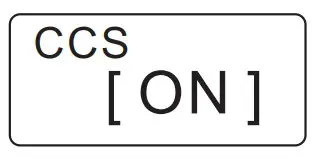
《Channels Function》
This fixture has 6-channel mode and 11-channel mode selection. In DMX512 mode, If more than two fixtures have different settings, check whether the channel functions are consistent. as show below ①②,Factory setting[11CH].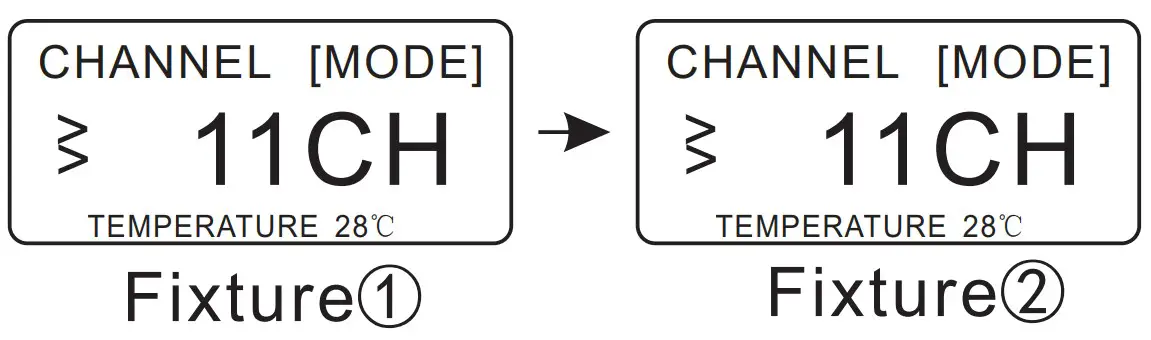
《PWM Function》
In DMX、Master/Slave mode,If the dimming smoothness and color output are different on more than two fixtures, check that whether the PWM settings are consistent. as show below ①②,Factory setting[1200Hz].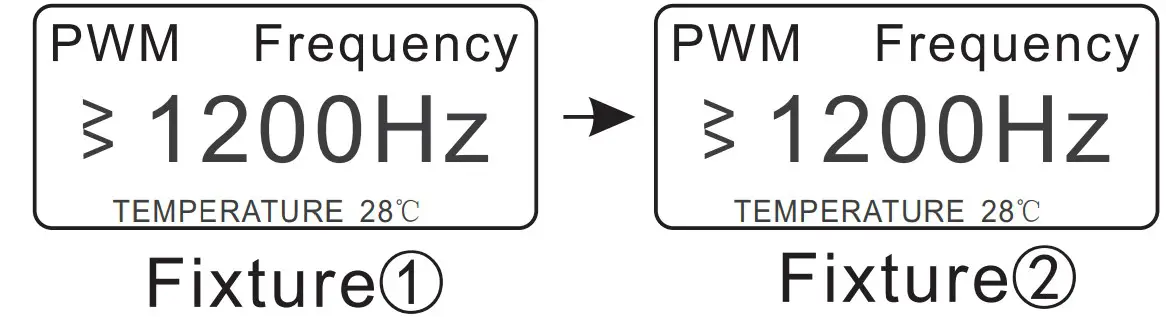
《RDM Function》
If use the RDM function,that must use the console to search each fixture and change the fixture address code in the DMX 512 mode. Identification Code:each fixture has an identification code as show below① ,the identification code of each fixture is different ,Please check he fixture label.
device code:10000001
device ID:01A1.10000001
INTRODUCTION
- Thank you for having chosen a 60Z-RGBW LED Zoom Profile Light, please read this user manual carefully before you initially start-up.
- This product is allowed to be operated with an alternating voltage of AC90-240V 50/60Hz and designed for indoor use only.
Description of the fixture
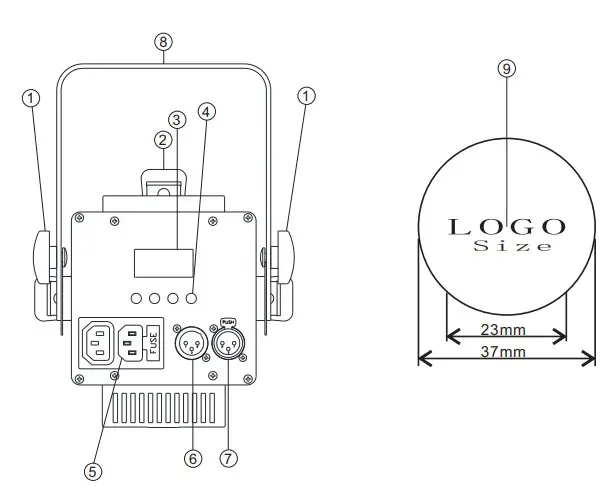
- Fixation screws
- Shutter blade
- LCD Display
- Function selection knob
- Power IN/ Out
- DMX Out
- DMX IN
- Installstion stand
- Gobo size
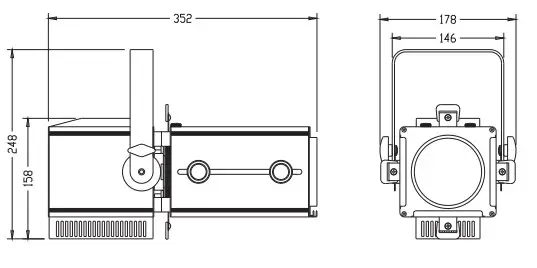
Dimensions
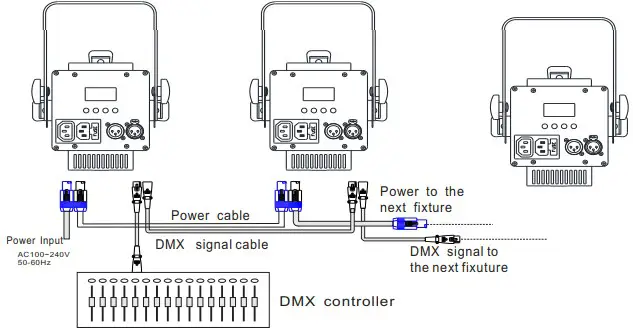
Wiring Diagram
Control Board
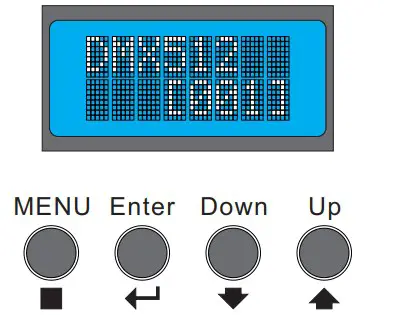
- Adjust the key setting function on the control panel
- Press“MENU”—>Display first -level menu—>
Press“Enter”—>Display second-level menu—>
Press“Down”&“Up”to adjust relevant function->
Press“Enter”and“MENU”to quit current menu
Press“Enter”—> To next first-level menu.
Technical Specifications
| LED Source | COB 60W LED 4 IN 1, RGBW |
| Beam Angle | Manual Zoom 13-25° with hight- efficiency optical system |
| Control | 1.DMX512 2. RDM 3.Master/ Slave Operation |
| DMX Channels | 11CH/6CH |
| Connection | PowerCON IN & OUT; 3- Pin DMX In& Out(5 – Pin DMX available) |
| Voltage | Electronic full- range AC 100-240V 50/60Hz |
| Working Temperature | Indoor,IP20. |
| – 20℃- 40℃(- 4°F- 104°F) | |
| Power Consumption | 60W |
| Dimensions ( LxWxH) | 35.2X17.8X15.8cm |
| Weight | 4.3Kg |
Please Note:
《Dimming、Brightness Function》
Before using the fixture,you should check whether (Dimming,brightness function) is
turned on ,As shown in figure①;the factory setting is on .This function should be checked when the fixture does not turn on when the lamp is turned on.It is not affected by this function in DMX mode: Dimming: [255]
《ColorTemp》
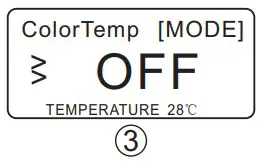
Master/Slave Mode,Colortemp(CCT)adjustable from 1800K to 9928K As show below①②,factory setting as below 3 。 (If the Colortemp function is enabled, the R G B W function cannot be used alone. If you want to use the RGBW function alone, you must turn off Colortemp).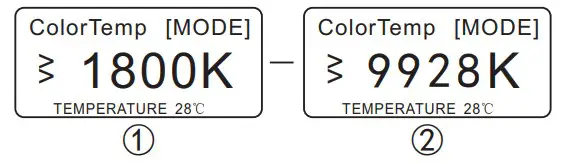
Illumination Diagram
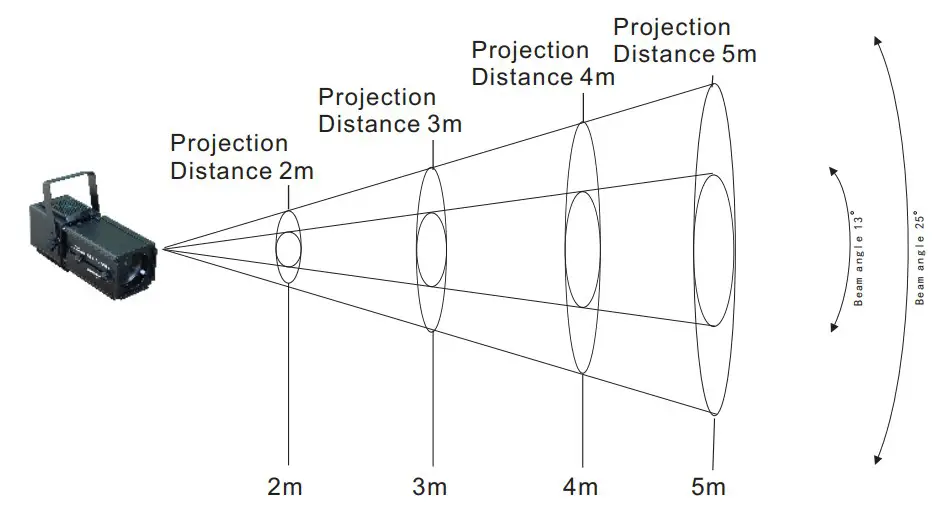
| lllumination center/Lux | R | 260 | 130 | 74 | 46 | Beam angle 13° |
| G | 427 | 211 | 117 | 78 | ||
| B | 111 | 58 | 34 | 25 | ||
| W | 621 | 300 | 165 | 110 | ||
| mix | 1356 | 655 | 365 | 235 | ||
| Beam Diameter/ cm | 75 | 110 | 125 | 160 |
| lllumination center/Lux | R | 133 | 64 | 36 | 24 | Beam angle 25° |
| G | 220 | 95 | 55 | 38 | ||
| B | 58 | 27 | 18 | 14 | ||
| W | 321 | 140 | 77 | 52 | ||
| mix | 704 | 302 | 166 | 107 | ||
| Beam Diameter/ cm | 115 | 150 | 180 | 215 |
DMX Channels (This fixture has two DMX channel mode options)
Channels Function
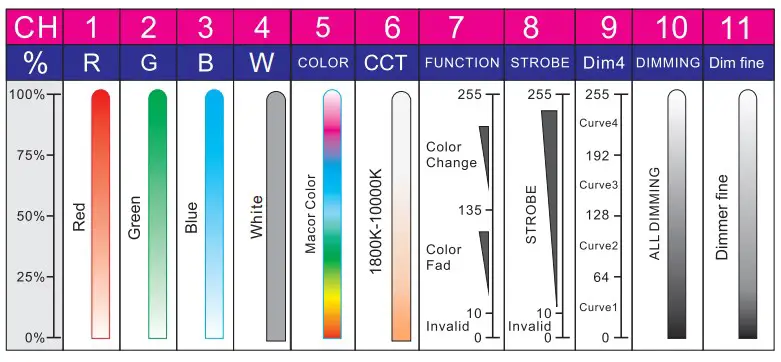
| channel 1- Red | 000- 255 levels linear dimming |
| channel 2- Green | 000- 255 levels linear dimming |
| channel 3- Blue | 000- 255 levels linear dimming |
| channel 4- White | 000- 255 levels linear dimming |
| channel 5- COLOR | 000-255 levels RGBW color mixing |
| channel 6- CCT | 000- 255 levels linear dimming,CCT 1800K- 10000K |
| channel 7- UNCTION | 000- 009 levels without function |
| 010- 127 levels fade function | |
| 128 – 134 levels without function | |
| 135 – 255 levels auto function | |
| channel 8-STROBE | 000- 009 levels without function |
| 010 – 255 levels strobe function | |
| channel 9- Dim4 | 000 – 063 first-level dimming delay function |
| 064 – 127 second-level dimming delay function | |
| 128 – 191 third-level dimming delay function | |
| 192 – 255 fourth-level dimming delay function | |
| channel 10- DIMMING | 000- 255 levels master dimming |
| channel 11- Dim fine | 000- 255 levels dimmer fine |
HSIC Channels Mode
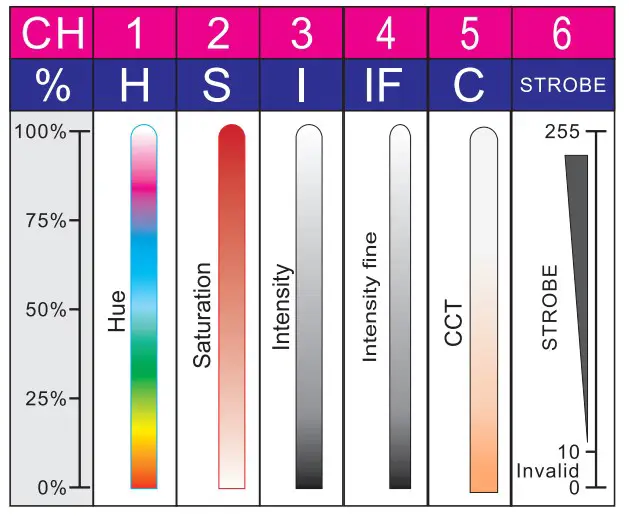
HSIC Channels Function
| channel 1- Hue | 000 – 255 levels RGBW color mixing |
| channel 2- Saturation | 000- 255 levels saturation adjustable |
| channel 3- Intensity | 000 – 255 levels master dimming |
| channel 4- Intensity fine | 000 – 255 levels dimmer fine |
| channel 5- CCT | 000 – 255 levels linear dimming,CCT1800K- 10000K |
| channel 6- STROBE | 000 – 009 levels without function |
| 010 – 255 levels strobe function |
Note:Color Temperature (CCT) Ratio
| DMX levels | CCT DATA | DMX levels | CCT DATA |
| 000↔006 | 1800 K↔2000 K | 131↔137 | 6000 K↔6200 K |
| 006↔012 | 2000 K↔2200 K | 137↔144 | 6200 K↔6400 K |
| 012↔018 | 2200 K↔2400 K | 144↔150 | 6400 K↔6600 K |
| 018↔024 | 2400 K↔2600 K | 150↔156 | 6600 K↔6800 K |
| 024↔030 | 2600 K↔2800 K | 156↔162 | 6800 K↔7000 K |
| 030↔036 | 2800 K↔3000 K | 162↔169 | 7000 K↔7200 K |
| 036↔044 | 3000 K↔3200 K | 169↔175 | 7200 K↔7400 K |
| 044↔050 | 3200 K↔3400 K | 175↔181 | 7400 K↔7600 K |
| 050↔056 | 3400 K↔3600 K | 181↔187 | 7600 K↔7800 K |
| 056↔062 | 3600 K↔3800 K | 187↔194 | 7800 K↔8000 K |
| 062↔069 | 3800 K↔4000 K | 194↔200 | 8000 K↔8200 K |
| 069↔075 | 4000 K↔4200 K | 200↔206 | 8200 K↔8400 K |
| 075↔081 | 4200 K↔4400 K | 206↔212 | 8400 K↔8600 K |
| 081↔087 | 4400 K↔4600 K | 212↔219 | 8600 K↔8800 K |
| 087↔094 | 4600 K↔4800 K | 219↔225 | 8800 K↔9000 K |
| 094↔100 | 4800 K↔5000 K | 225↔231 | 9000 K↔9200 K |
| 100↔106 | 5000 K↔5200 K | 231↔237 | 9200 K↔9400 K |
| 106↔112 | 5200 K↔5400 K | 237↔244 | 9400 K↔9600 K |
| 112↔119 | 5400 K↔5600 K | 244↔250 | 9600 K↔9800 K |
| 119↔125 | 5600 K↔5800 K | 250↔255 | 9800 K↔10000 K |
| 125↔131 | 5800 K↔6000 K |
Operation
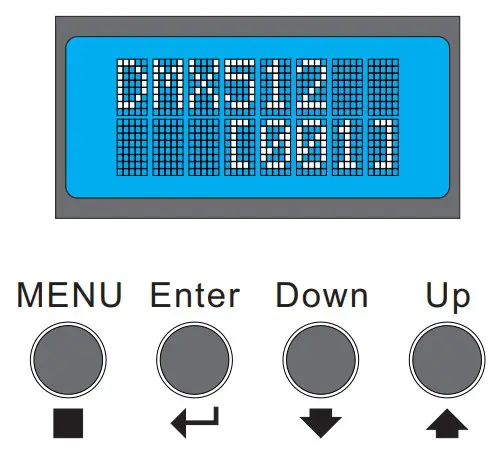
| LCD display | Function setting |
| DMX512 MODE | setting the DMX starting address from 001- 512 |
| Dimmer R- [MODE] | setting the red color brightness 000- 255 |
| Dimmer G- [MODE] | setting the green color brightness 000- 255 |
| Dimmer B- [MODE] | setting the blue color brightness 000- 255 |
| Dimmer W- [MODE] | setting the white color brightness 000- 255 |
| Col_Temp [MODE] | setting the CCT 1800K- 9928K |
| Dimming [MODE] | Dimming 000- 255 |
| Strobe [MODE] | setting the strobe speed 000- 012 |
| Fade [MODE] | setting the fade speed 000- 012 |
| Auto [MODE] | setting the auto speed 000- 012 |
| CCS [MODE] | correcting function ON- OFF |
| Channel [MODE] | setting DMX channels 11CH-6CH |
| PWM Frequency [MODE] | setting PWM frequency 1200Hz-20000Hz |
Master/Slave Setting
- Set the mast fixture to Dimmer or Strobe
- Set each slave fixture to the same DMX001(As show below)