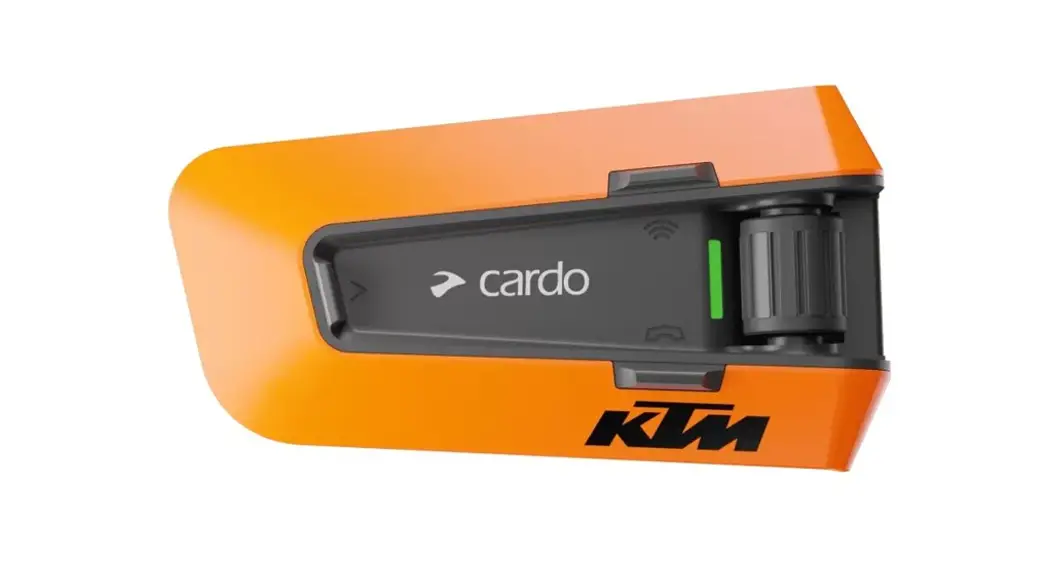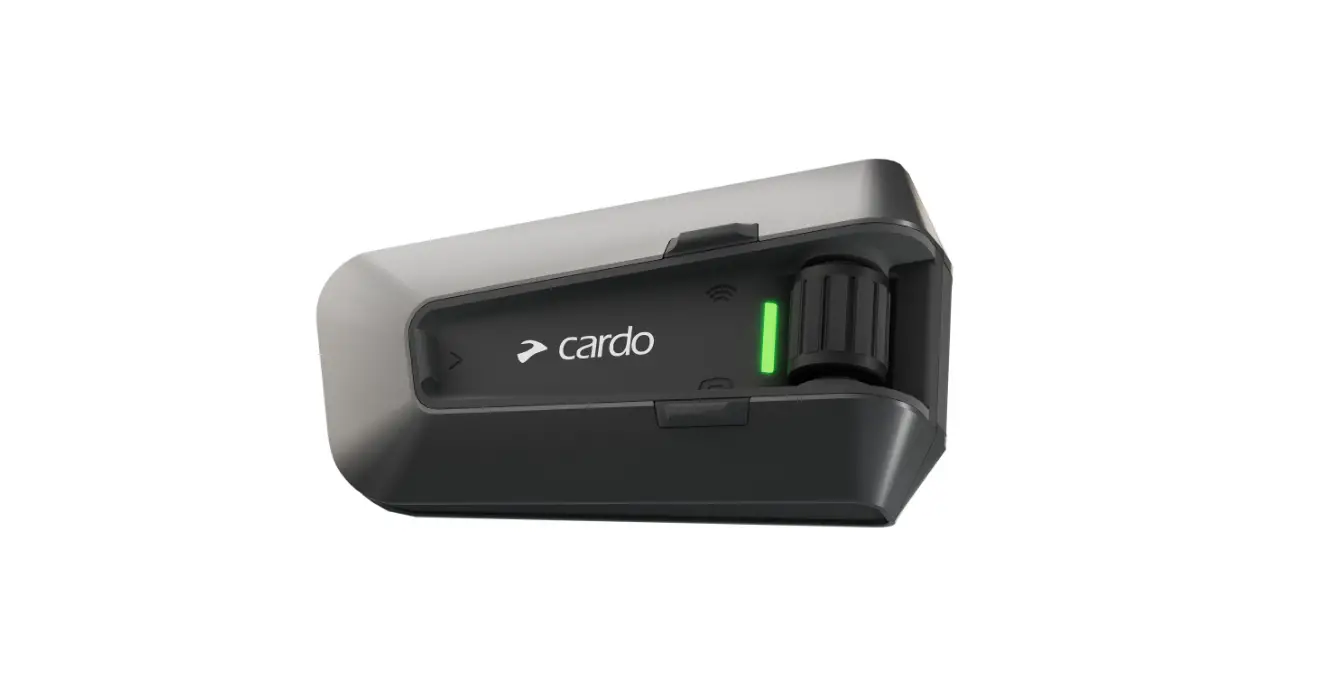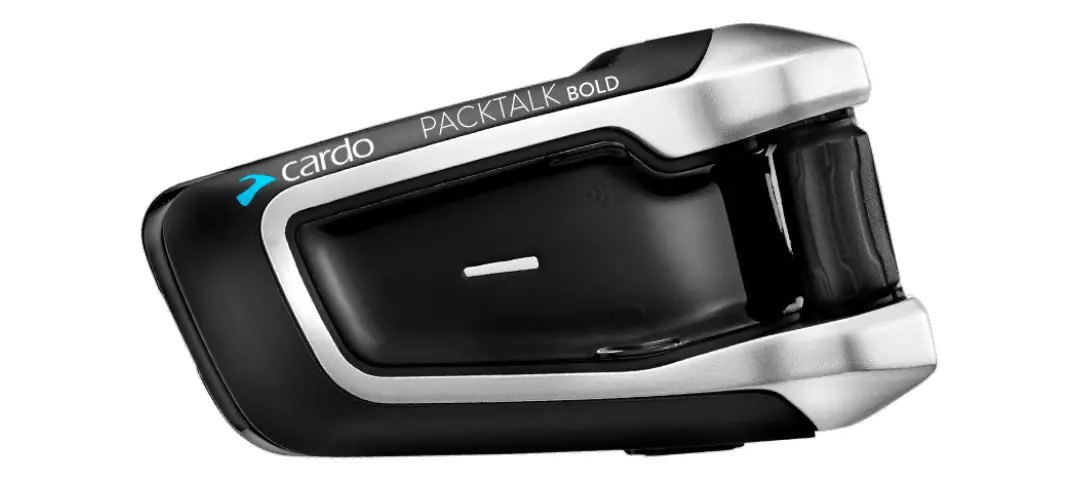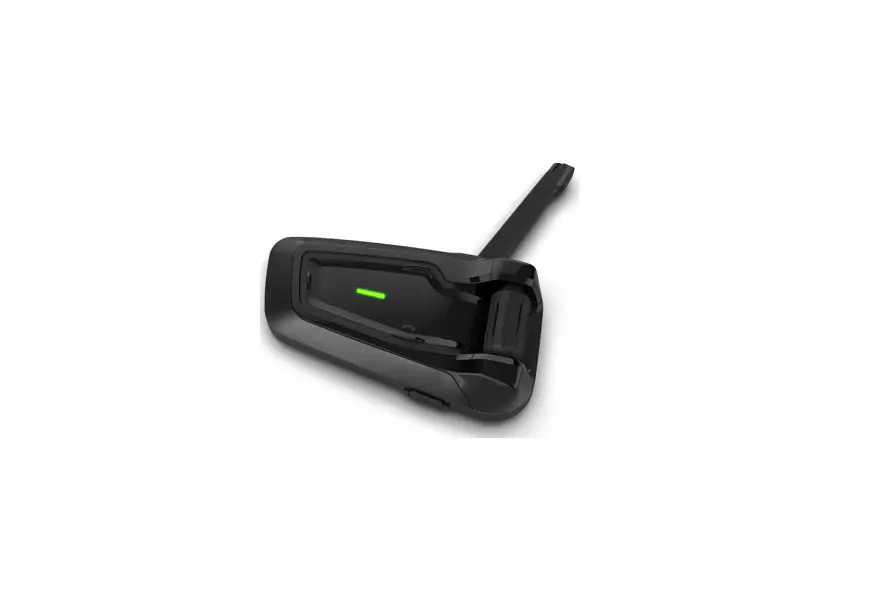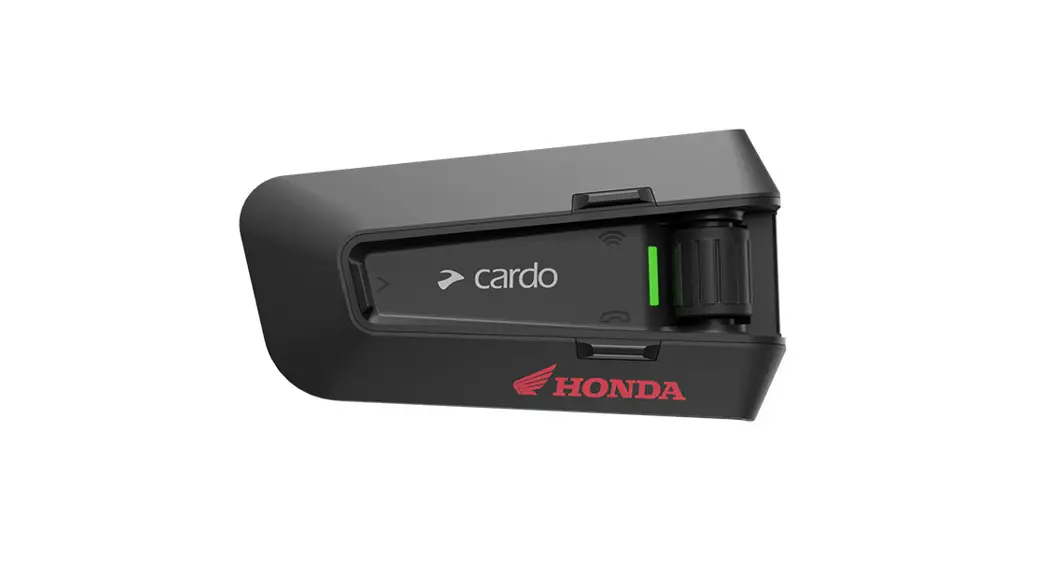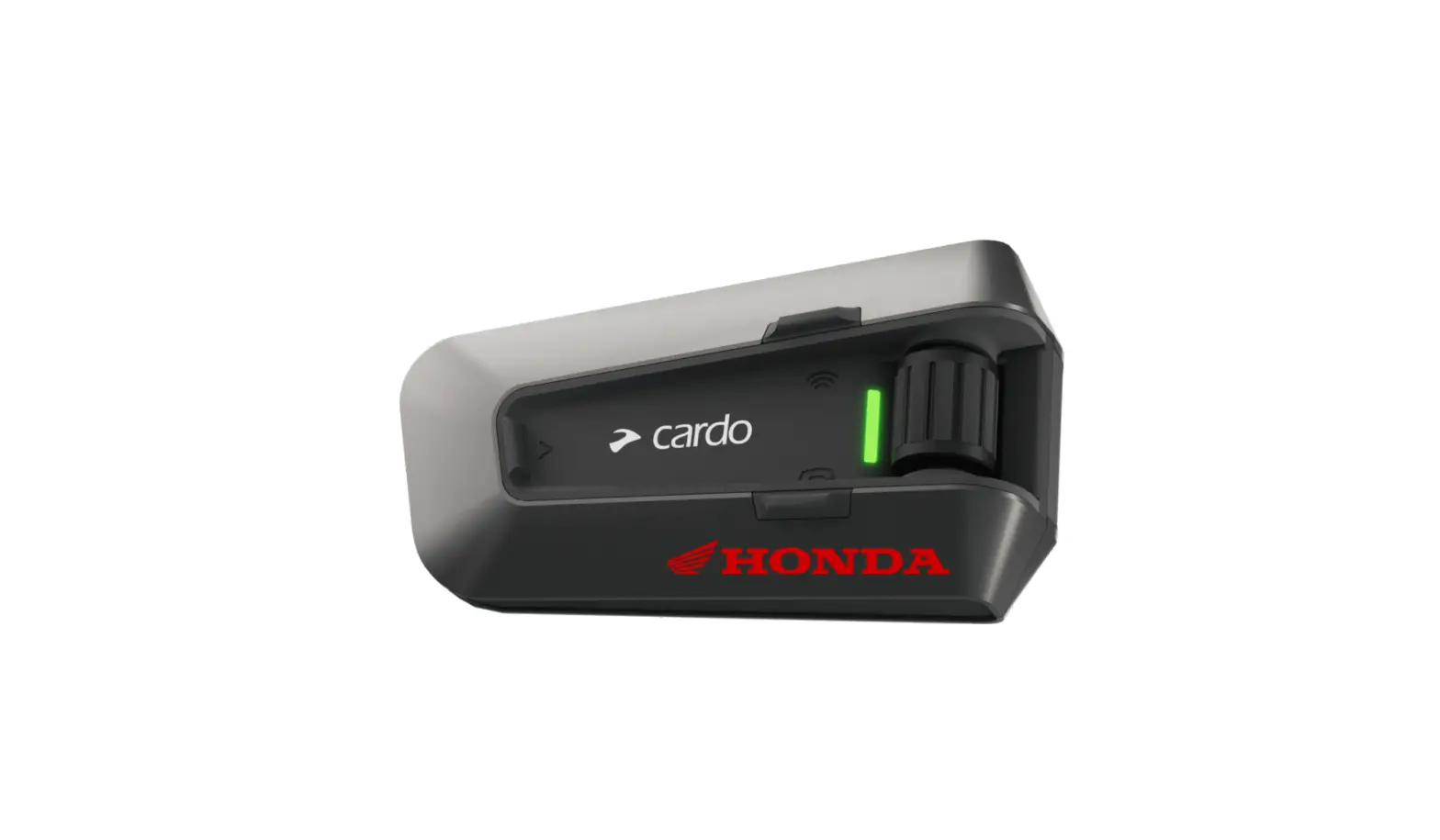
HONDA PACKTALK EDGE Powerful Communication System User Guide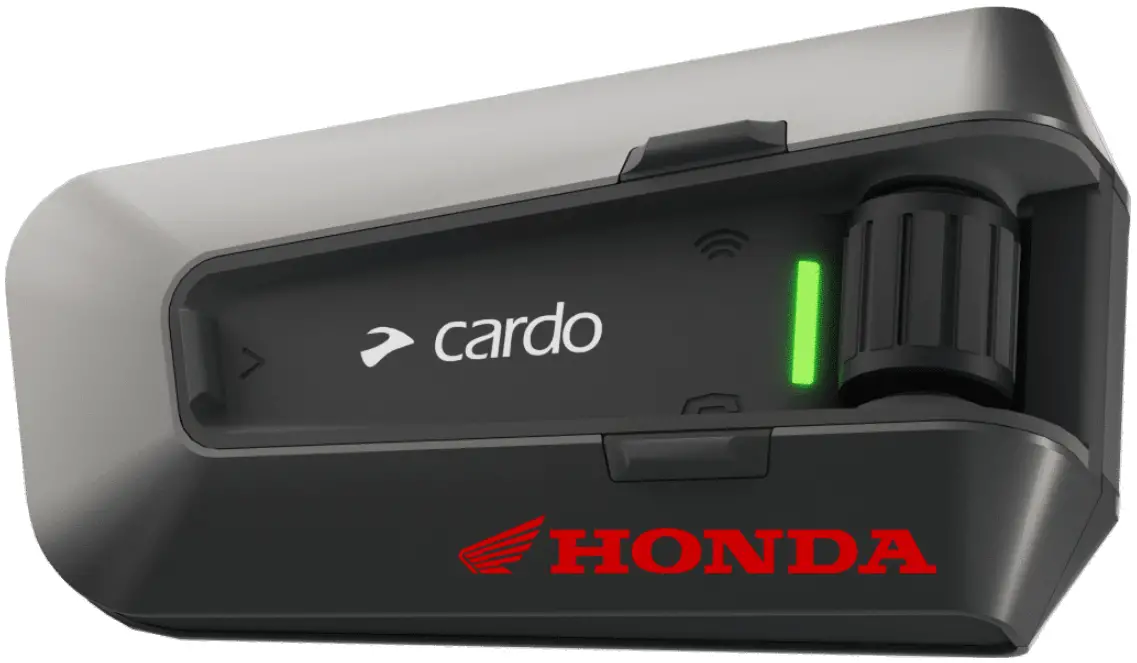
Getting Started
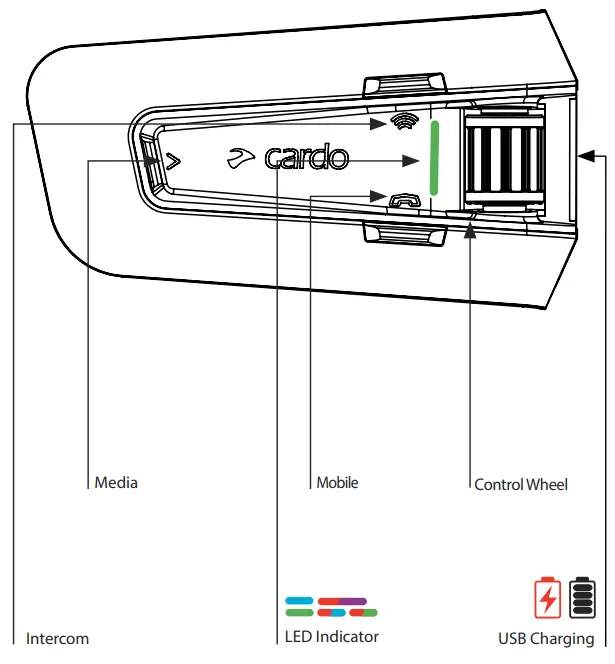
Press & Hold
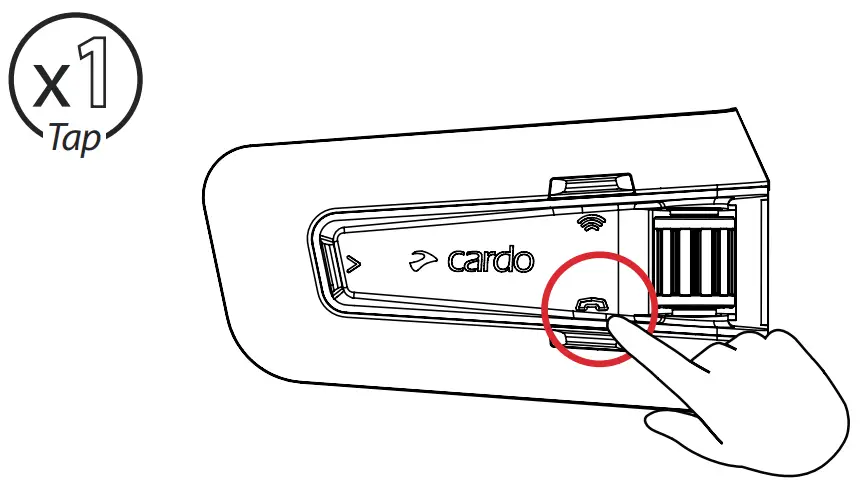
Number of Taps
 On / Off
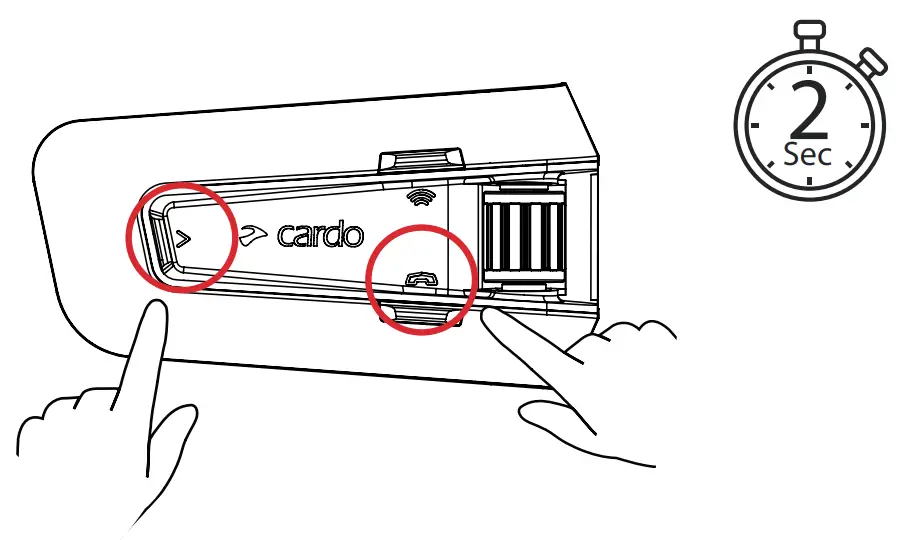
 Phone Pairing
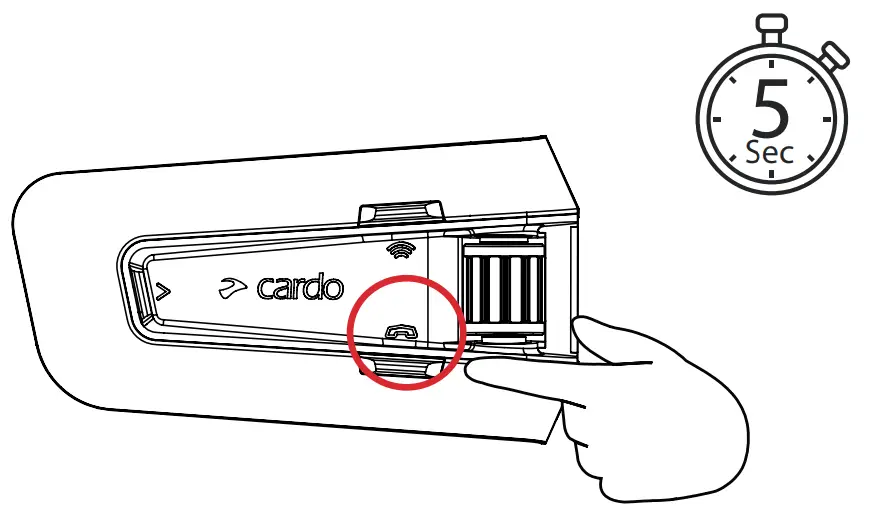
LED Red & Blue 
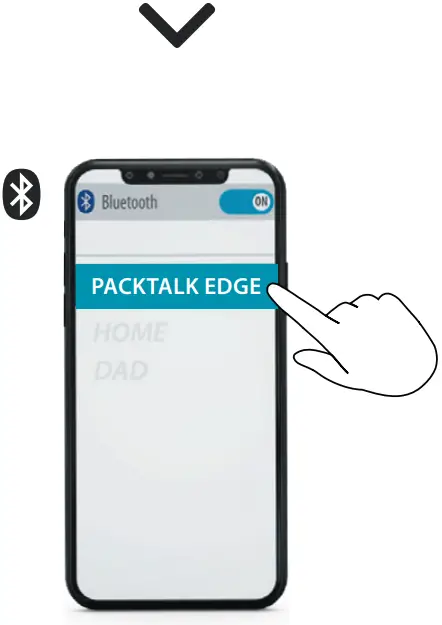
Cardo Connect App
 Download


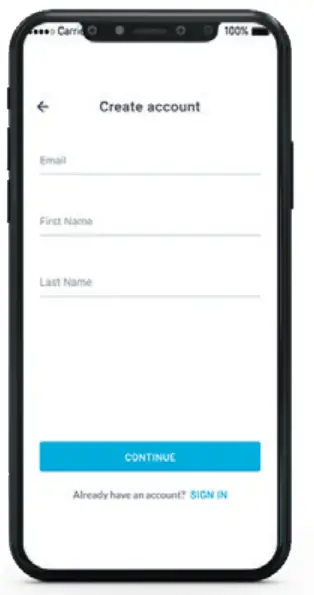
Register
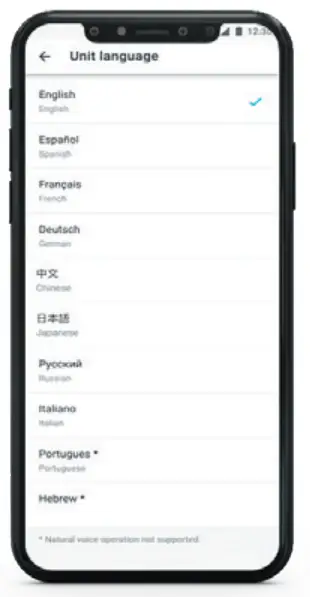
 Choose Language
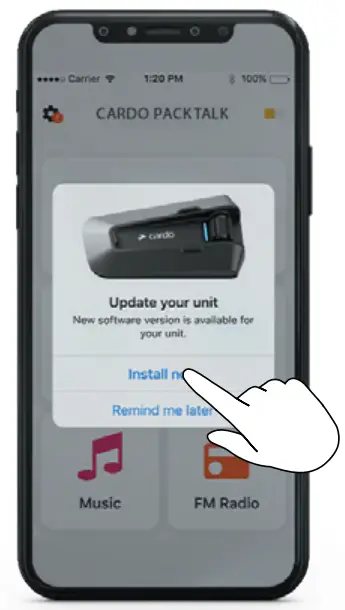
 Update Software
General
 Volume Up
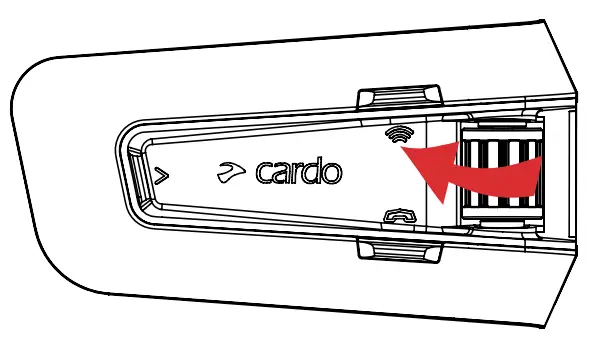
 Volume Down
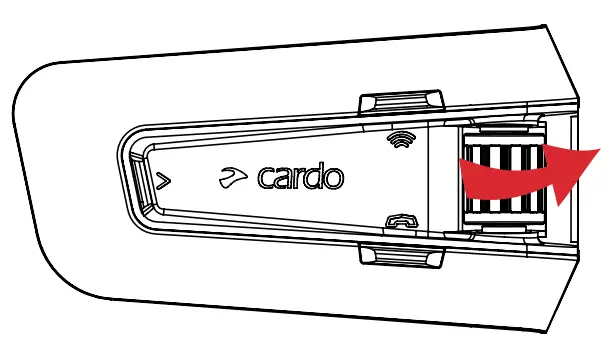
 Mute / Unmute Microphone
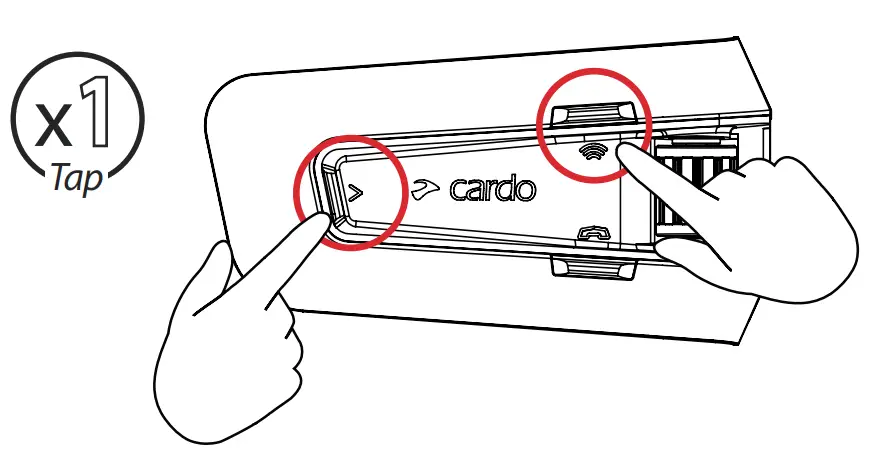
 Voice Assistant
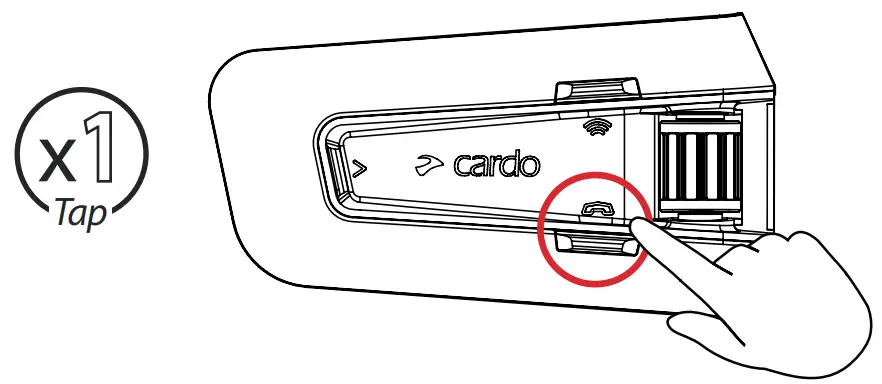
 Siri
Siri Google Assistant
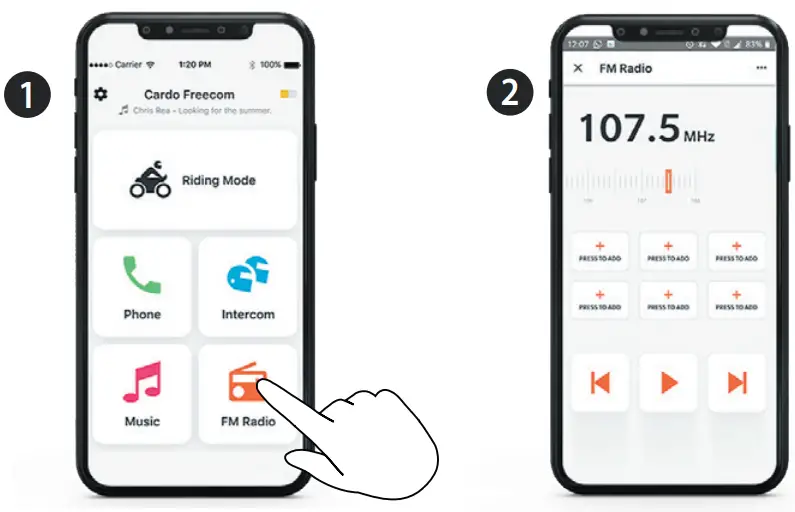
Radio
 Set Presets
 On
On
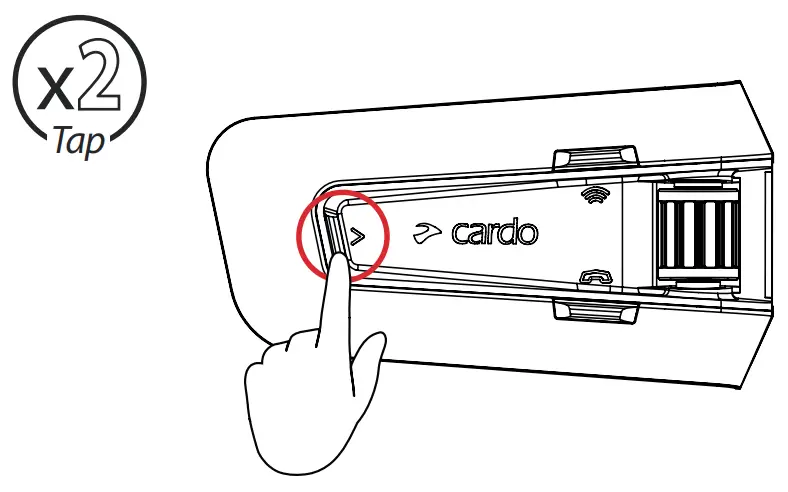
 Off
Off
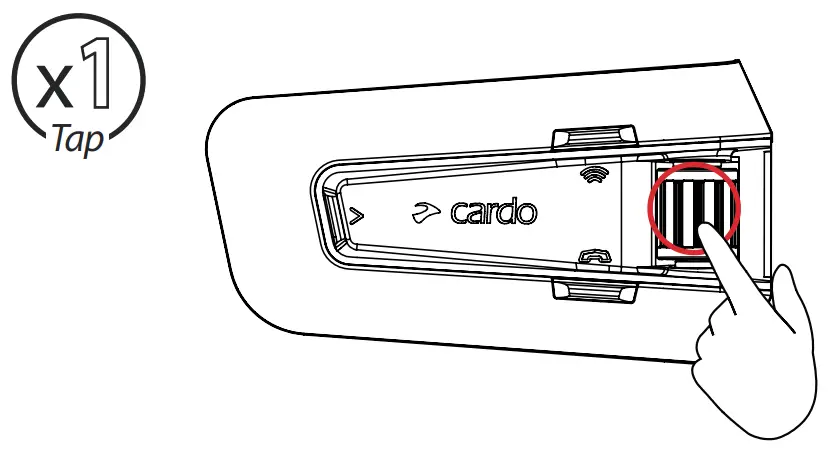
 Next Preset
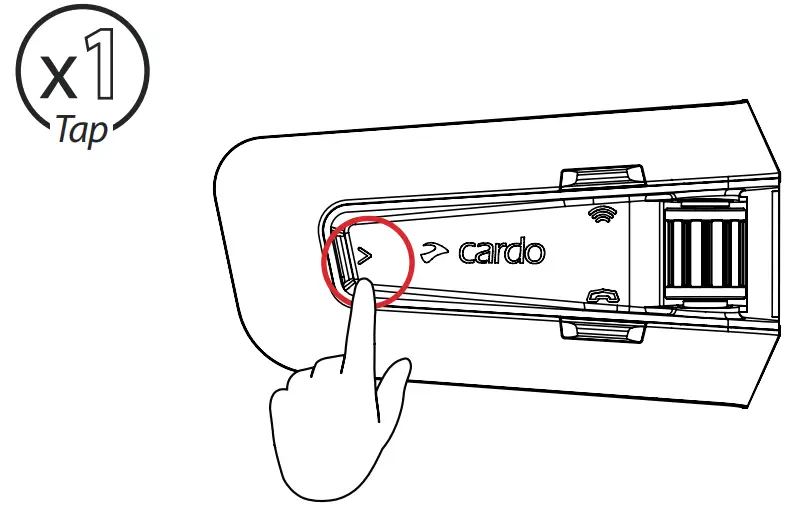
 Previous Preset
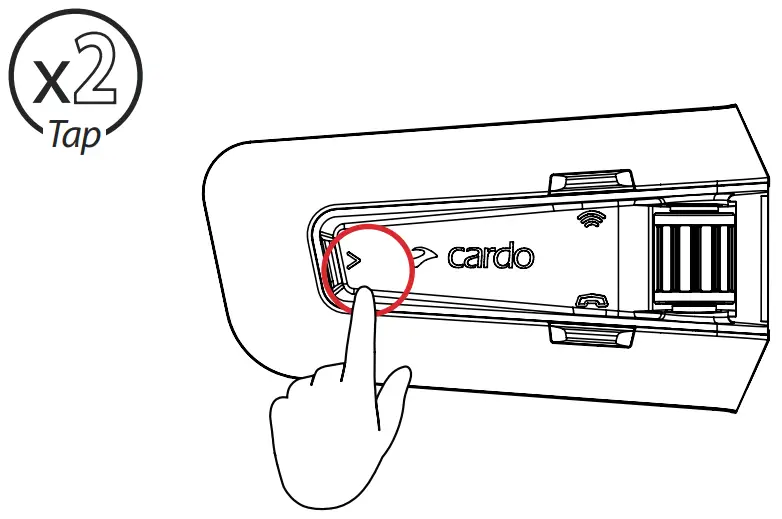
 Start Scan
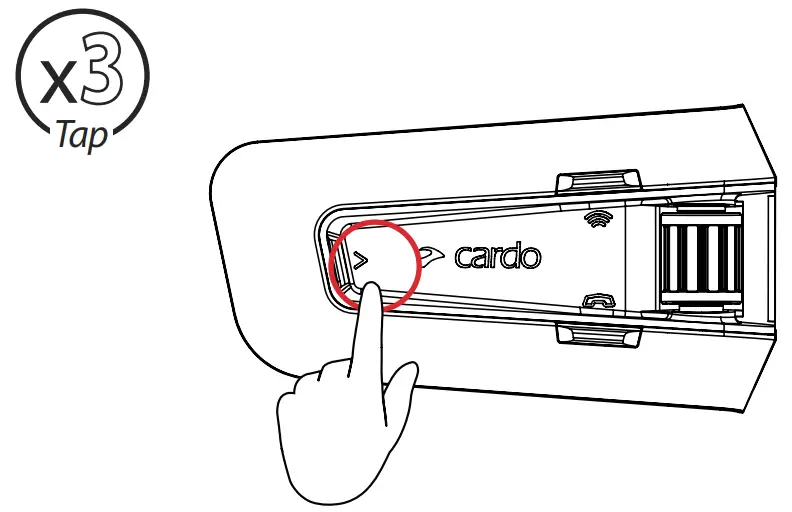
 Stop Scan
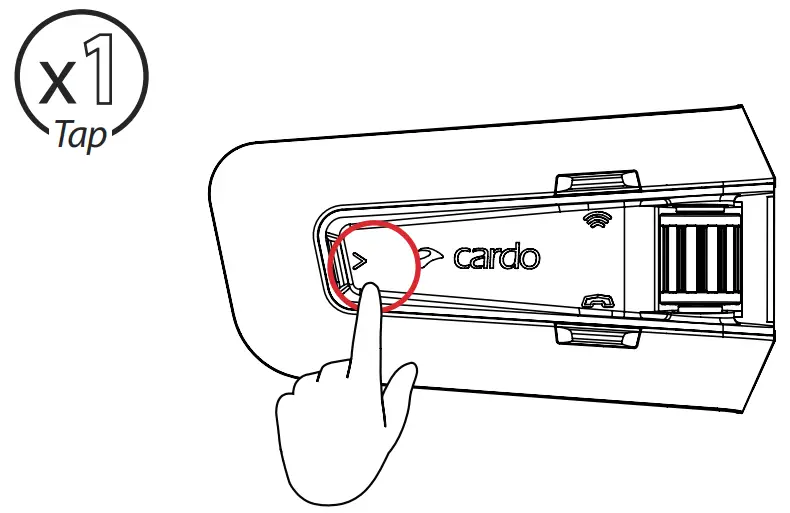
Music
 On
On
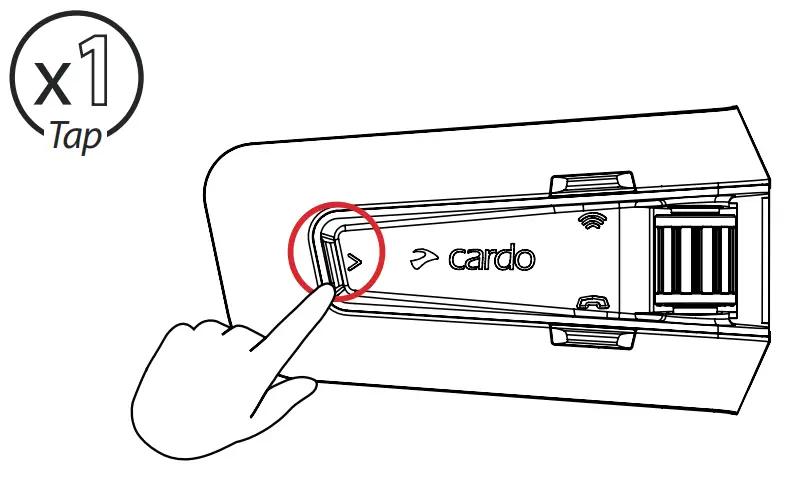
 Off
Off
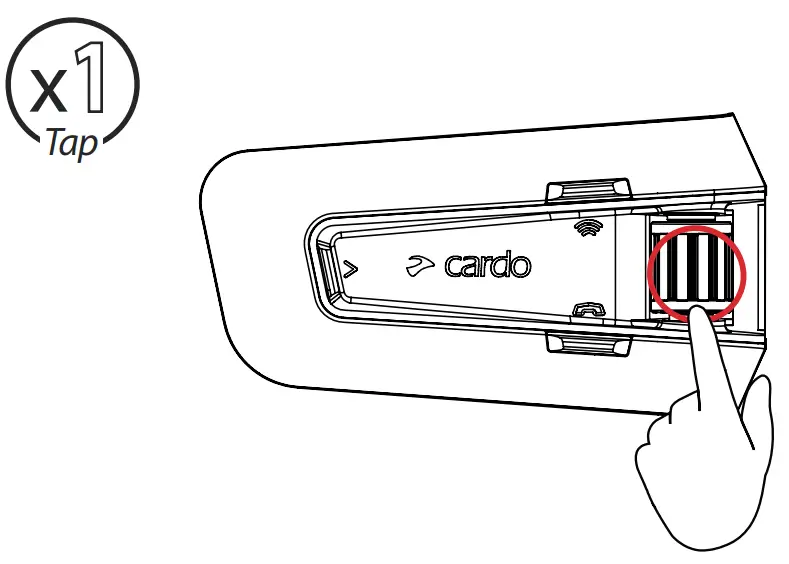
 Next
Next
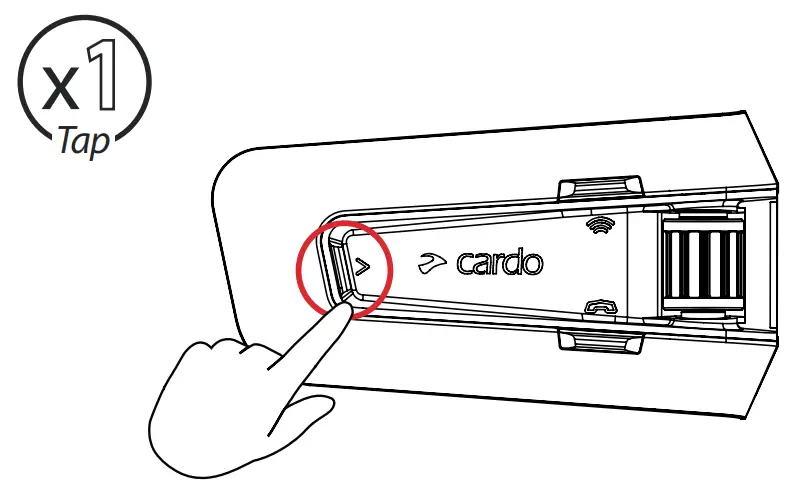
 Previous
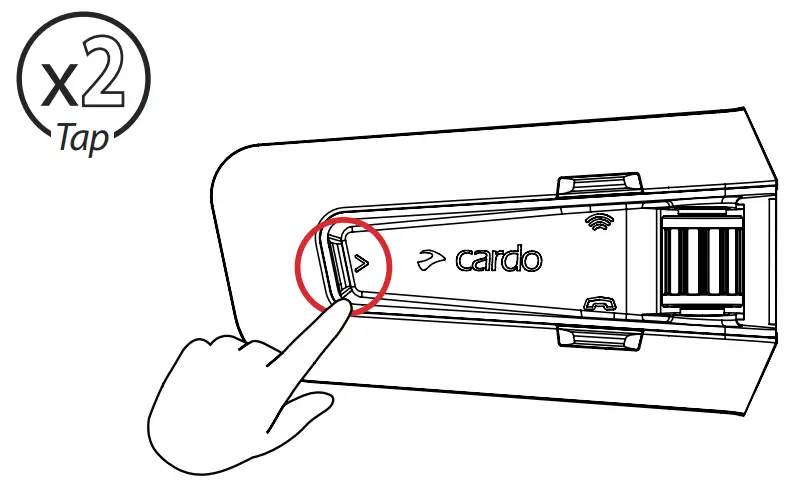
Switch Source
 Music to Radio
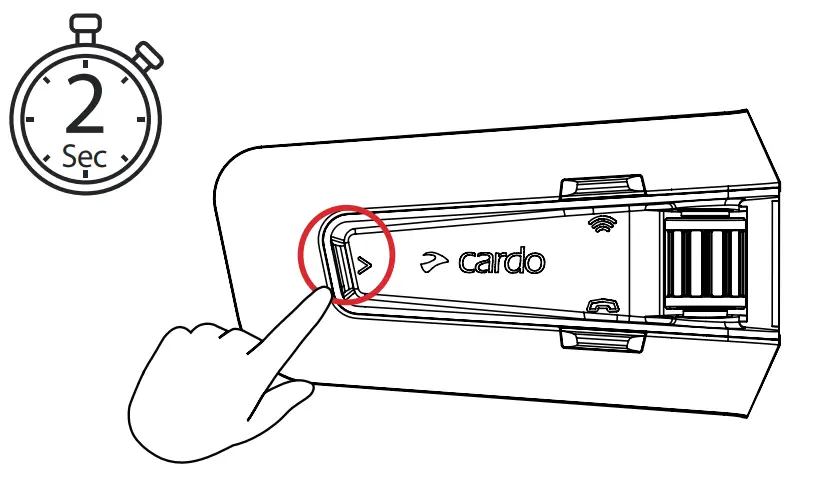
 Radio to Music
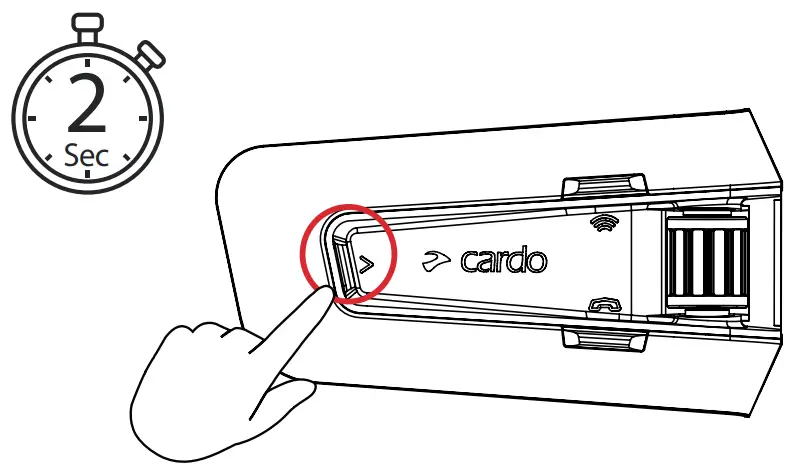
Phone Call
 Answer
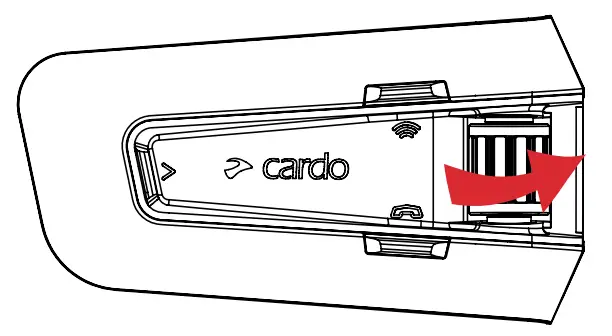
 Ignore
 End Call
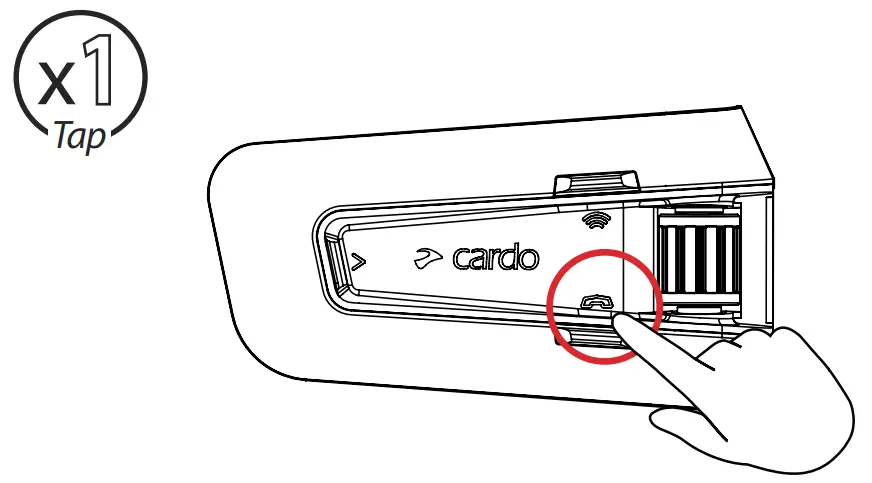
 Redial
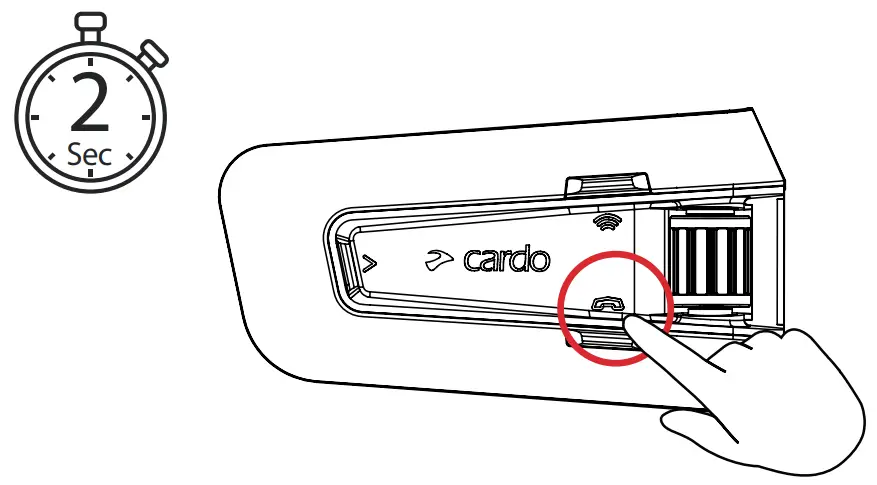
DMC Intercom
 Grouping
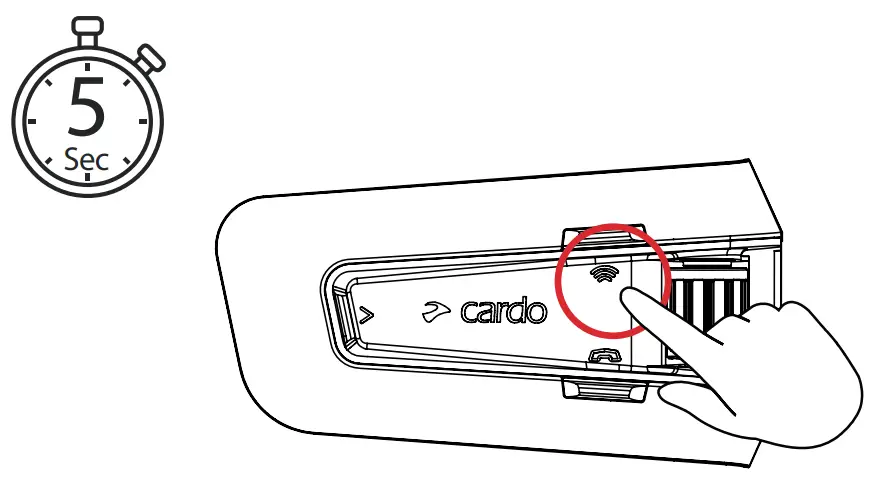
LED Red & Green 
Grouping Success
LED Purple 
 Mute / Unmute Group
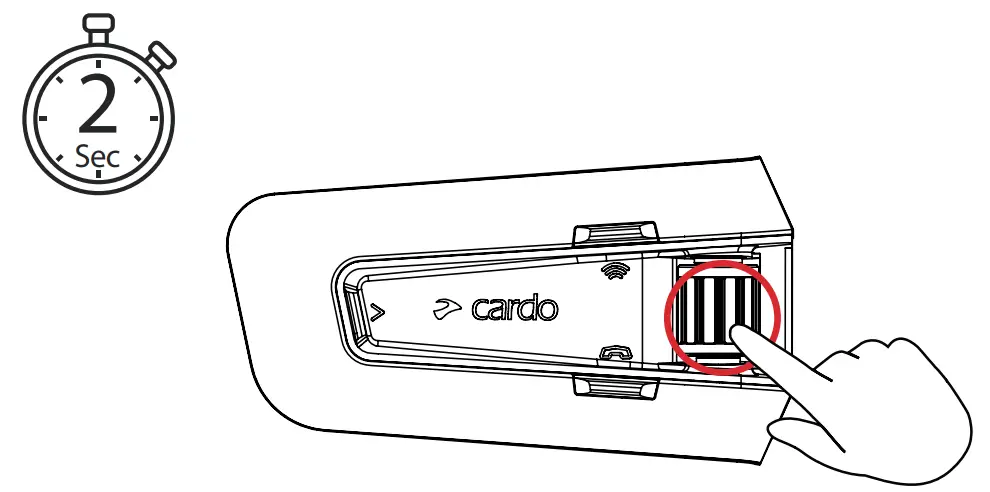
 Share Call
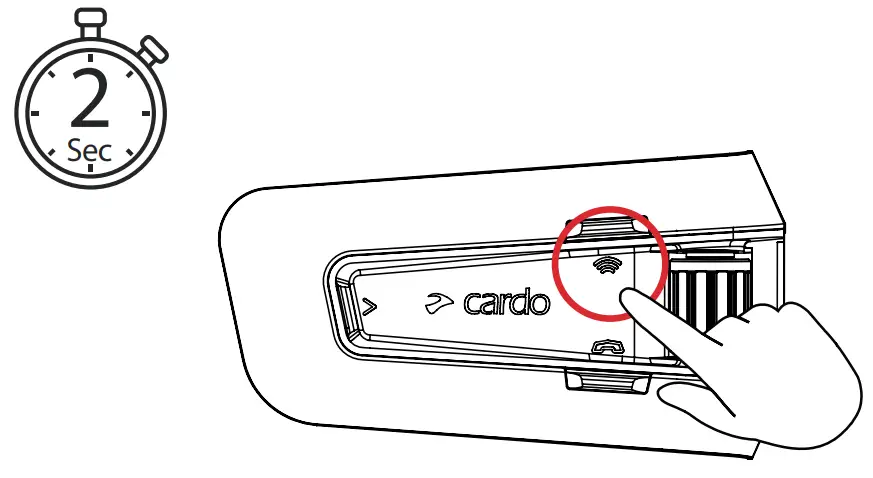
Music Sharing
 Set Sharing Partner
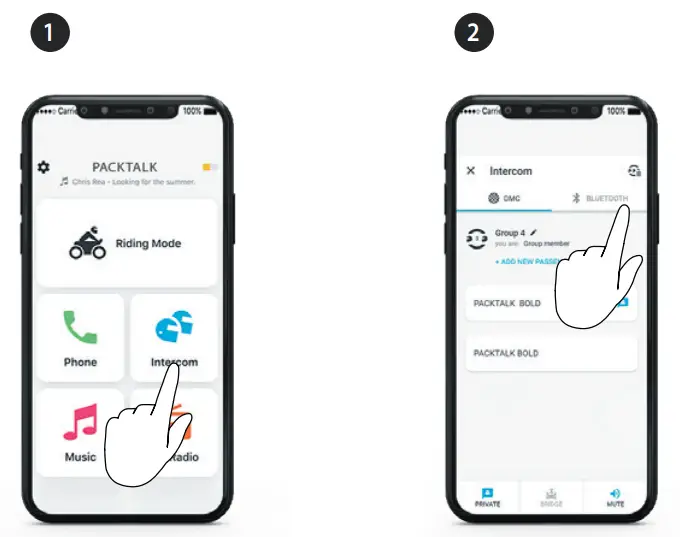
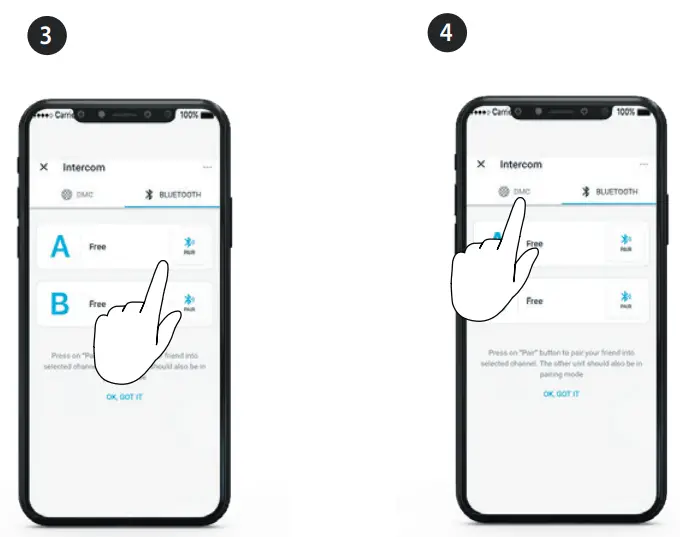
 Start / Stop Sharing
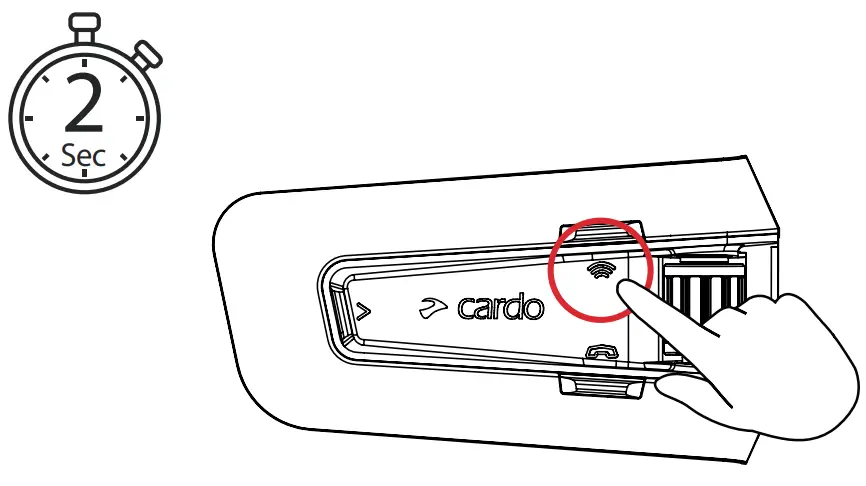
DMC Intercom
 Set Private Chat Partner
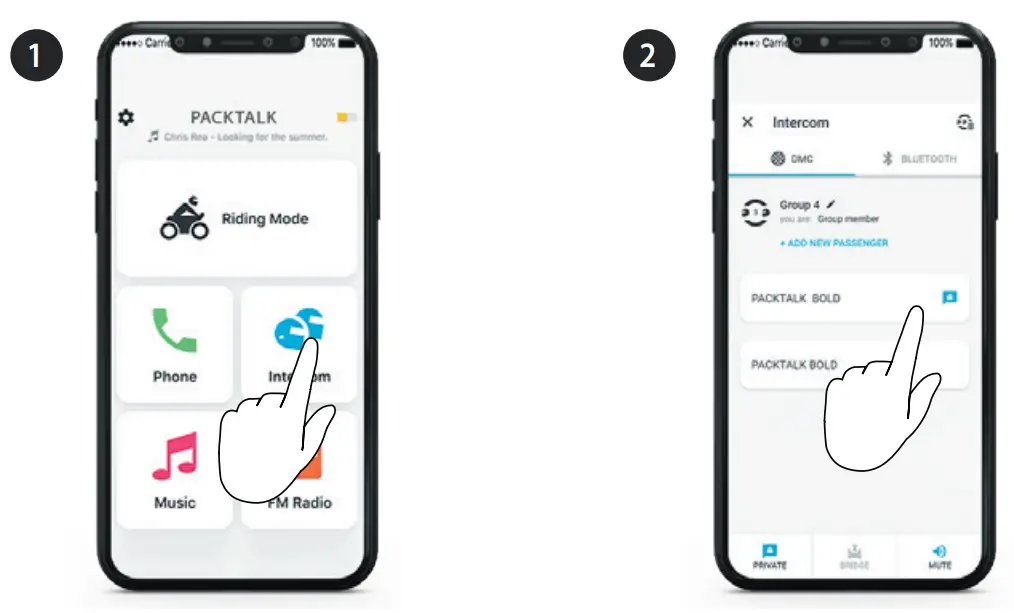
 Start / Stop Private Chat
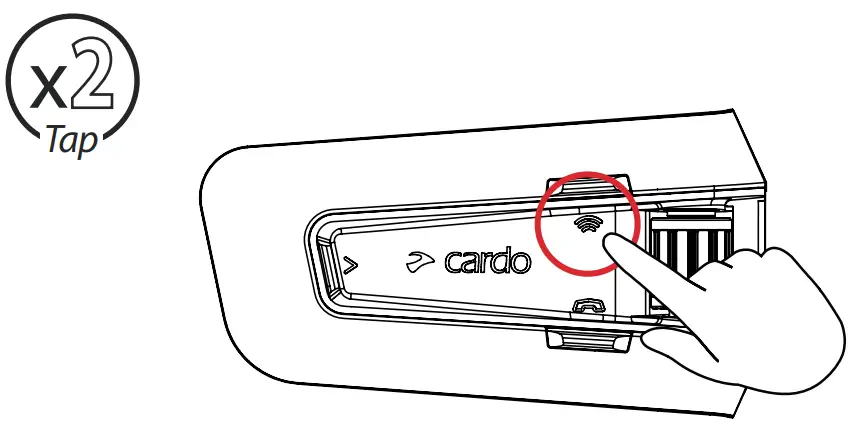
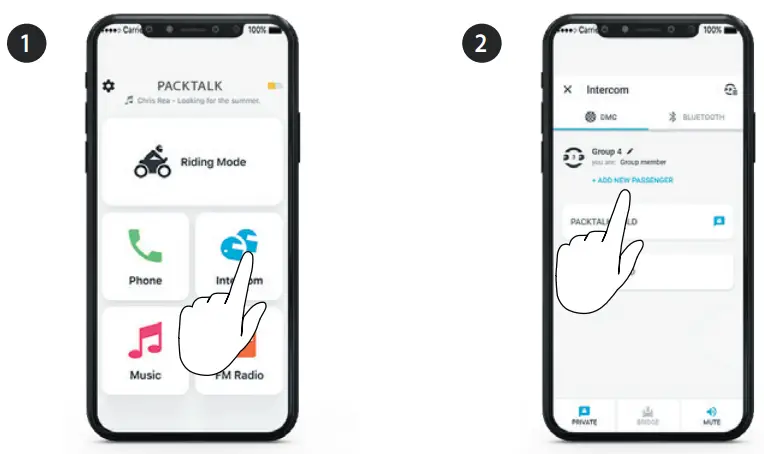
 Add Bluetooth Passenger
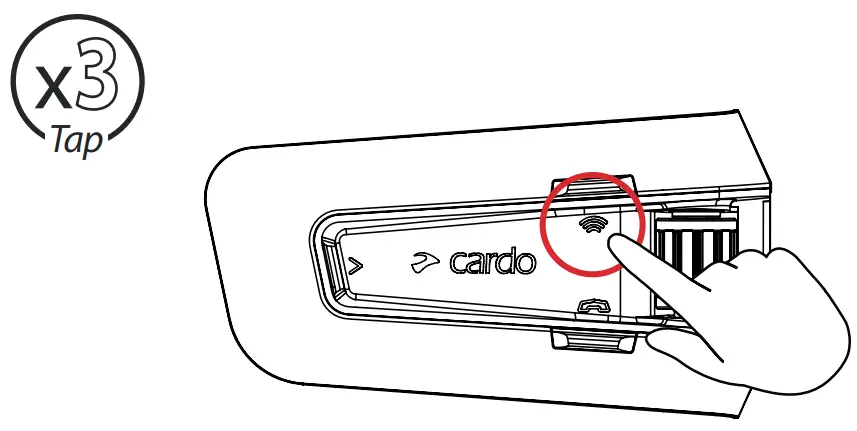
 Start/Stop Passenger Intercom
Phone Call
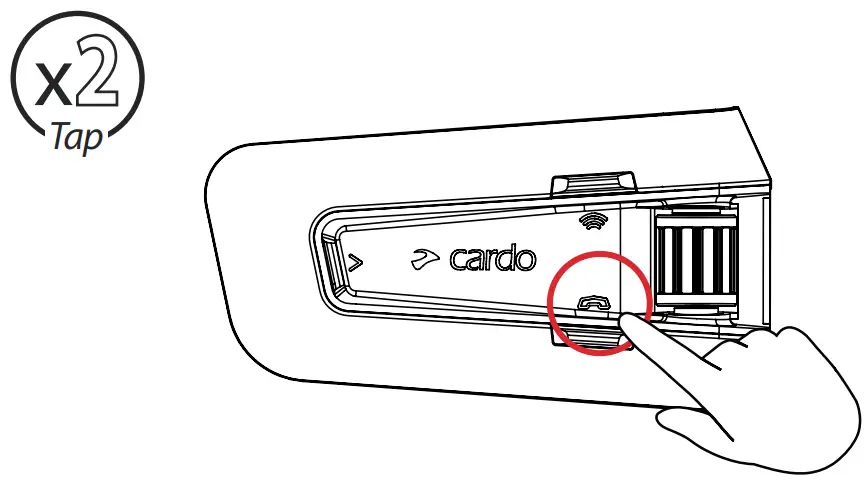
 Set Speed Dial
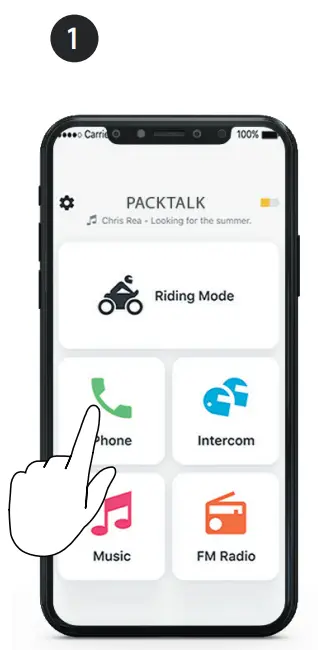
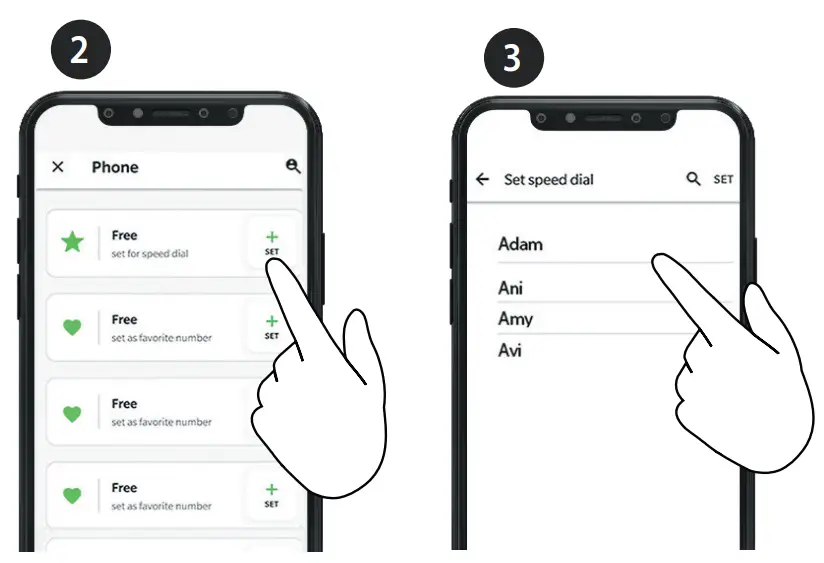
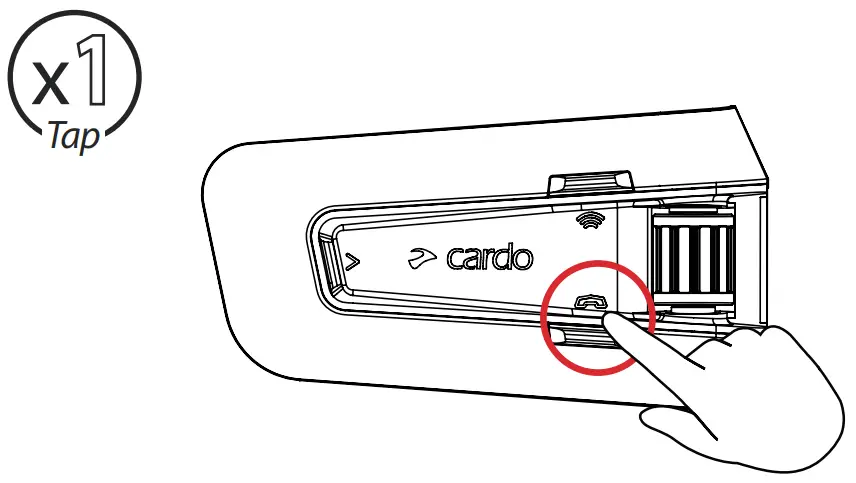
 Call Speed Dial
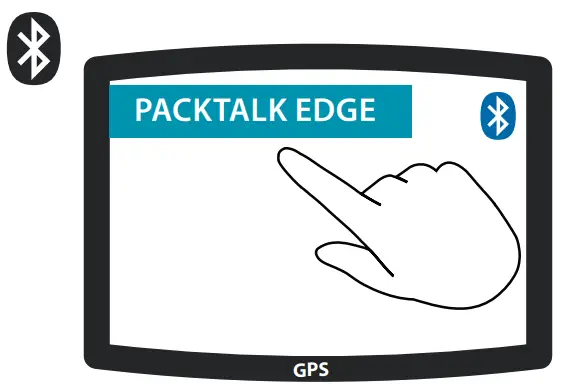
GPS Pairing
Step 1
LED Red & Blue 
Step 2
LED Red & Green
Step 3
Universal Bluetooth Intercom
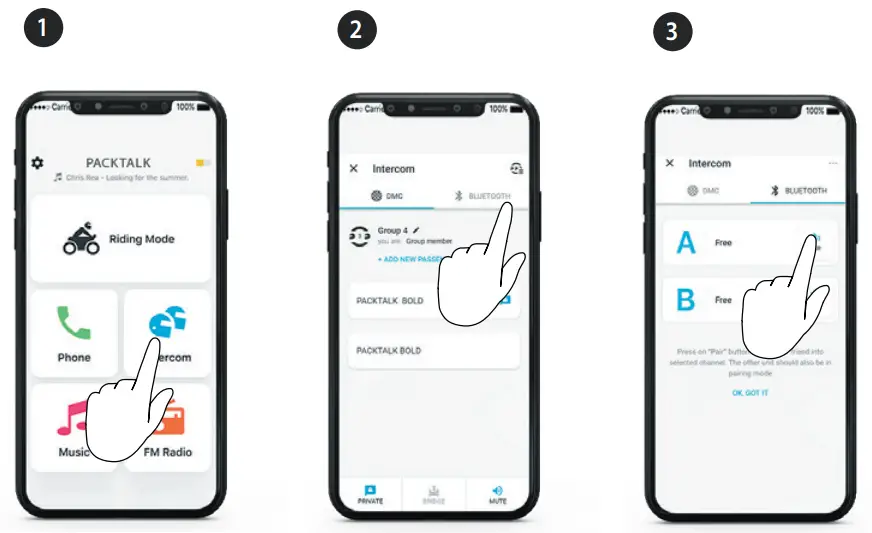
 Bluetooth Intercom Pairing
 Start / Stop Intercom
Rider A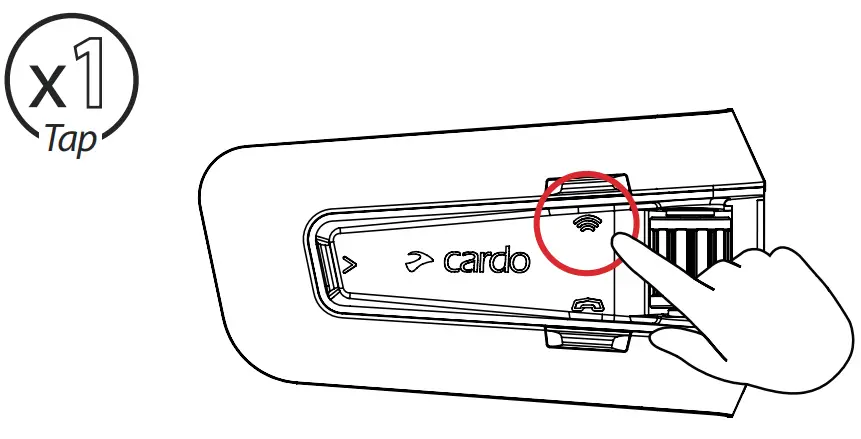
Start / Stop Intercom
Rider B 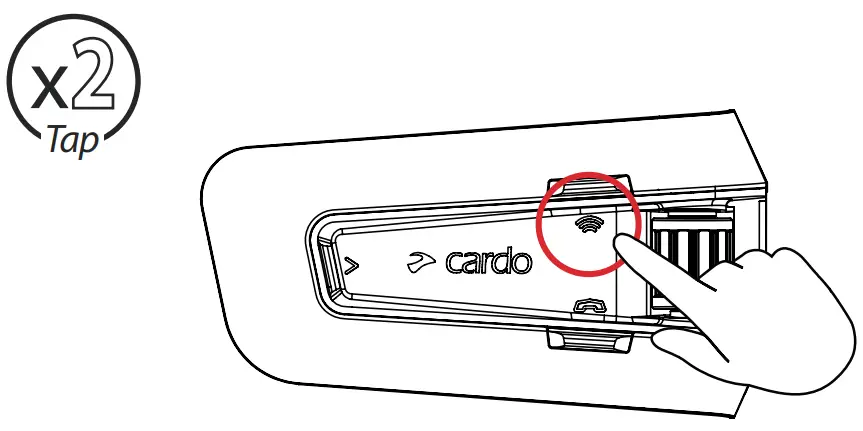
Reboot
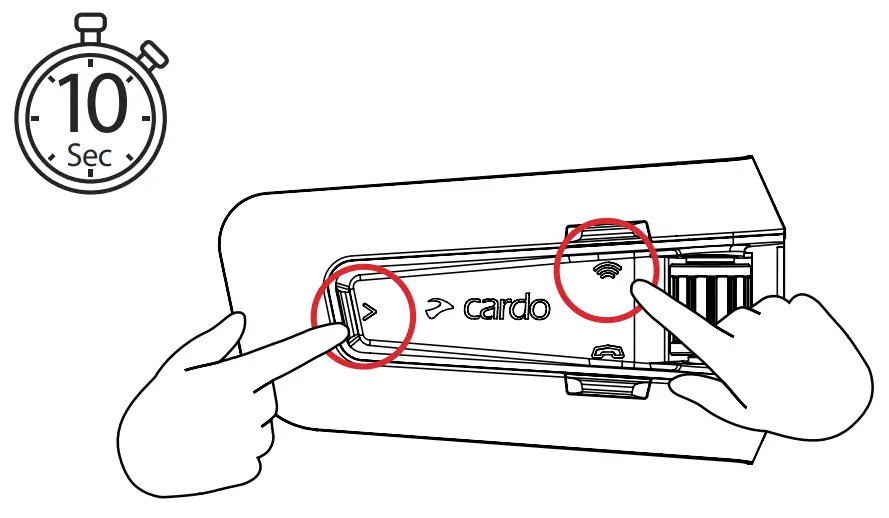
Factory Reset
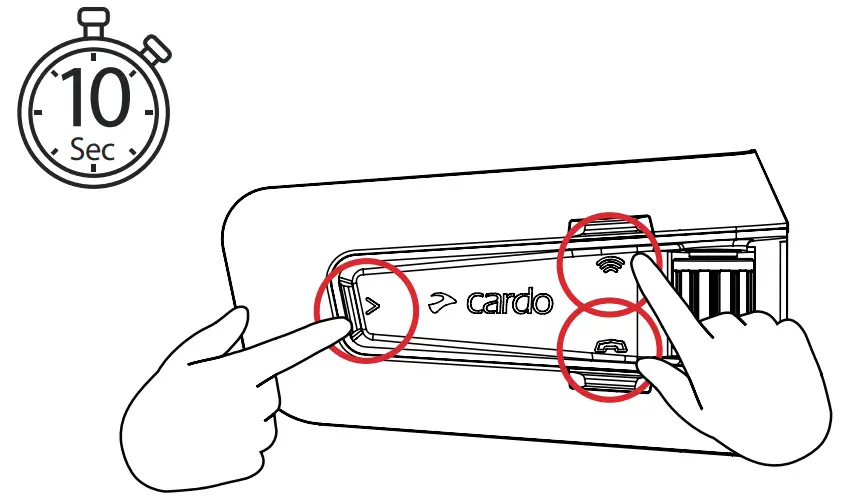
Voice Commands – Always On!

- Answer
- Ignore
- “Hey Cardo, end call”
- “Hey Cardo, speed dial”
- “Hey Cardo, redial number”

- “Hey Cardo, music on”
- “Hey Cardo, music off ”
- “Hey Cardo, next track”
- “Hey Cardo, previous track”
- “Hey Cardo, share music”
- “Hey Cardo,radio on”
- “Hey Cardo, radio off ”
- “Hey Cardo, next station”
- “Hey Cardo, previous station”
 For Bluetooth intercom only
- “Hey Cardo, call intercom”
- “Hey Cardo, end intercom”

- “Hey Siri”
- “OK Google”

- “Hey Cardo, volume up”
- “Hey Cardo, volume down”
- “Hey Cardo, mute audio”
- “Hey Cardo, unmute audio”
- “Hey Cardo, mute microphone”
- “Hey Cardo, unmute microphone”
- “Hey Cardo, battery status”


 Cardo Systems - The World's Best Powersports Communication System