Contents hide
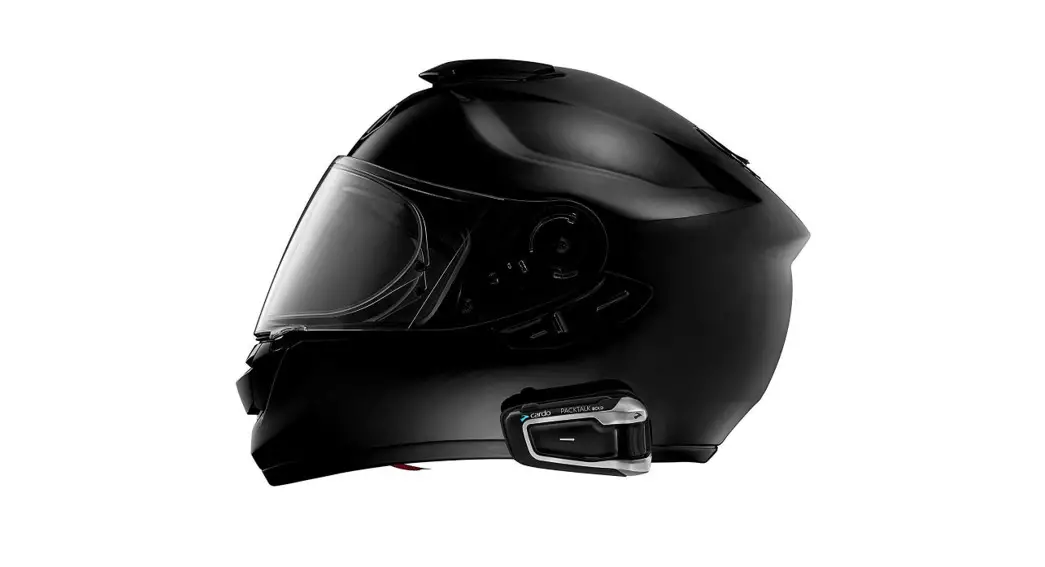
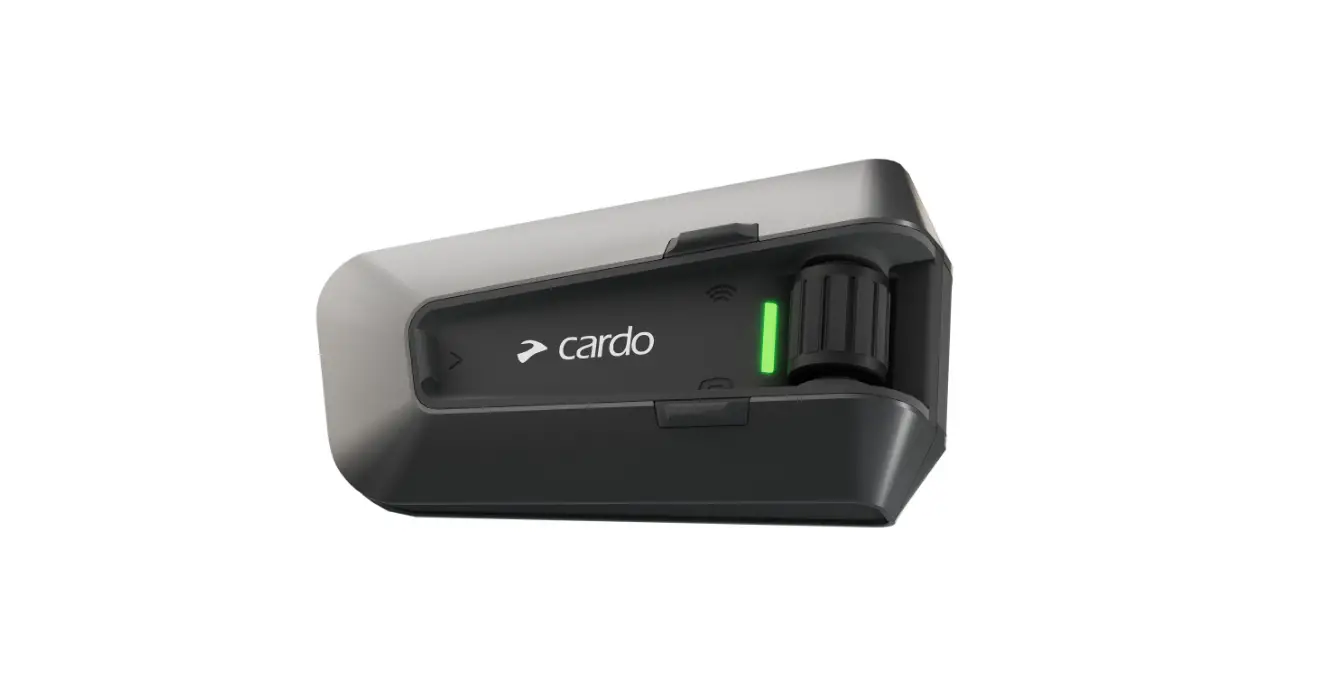
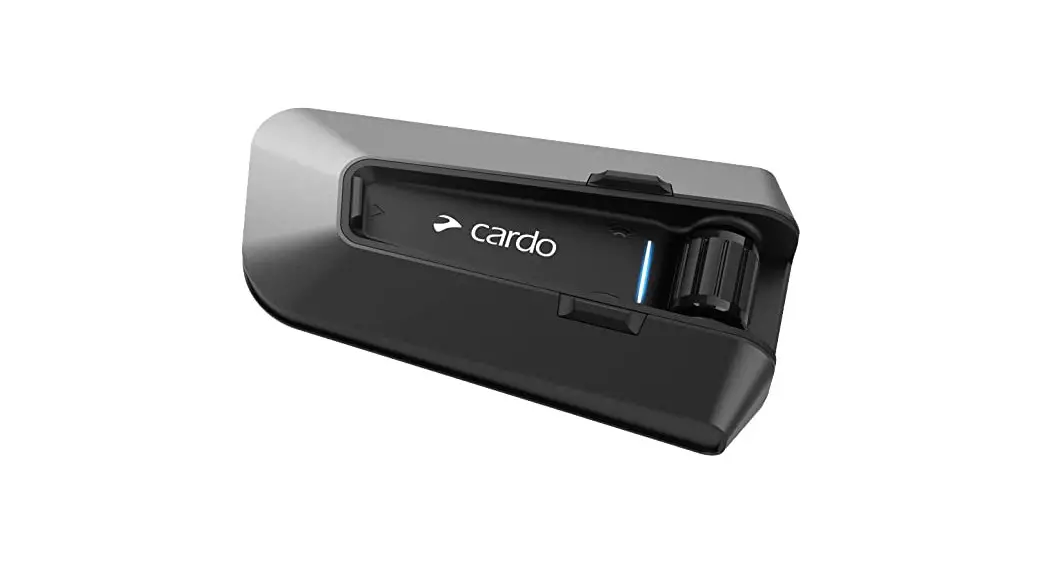
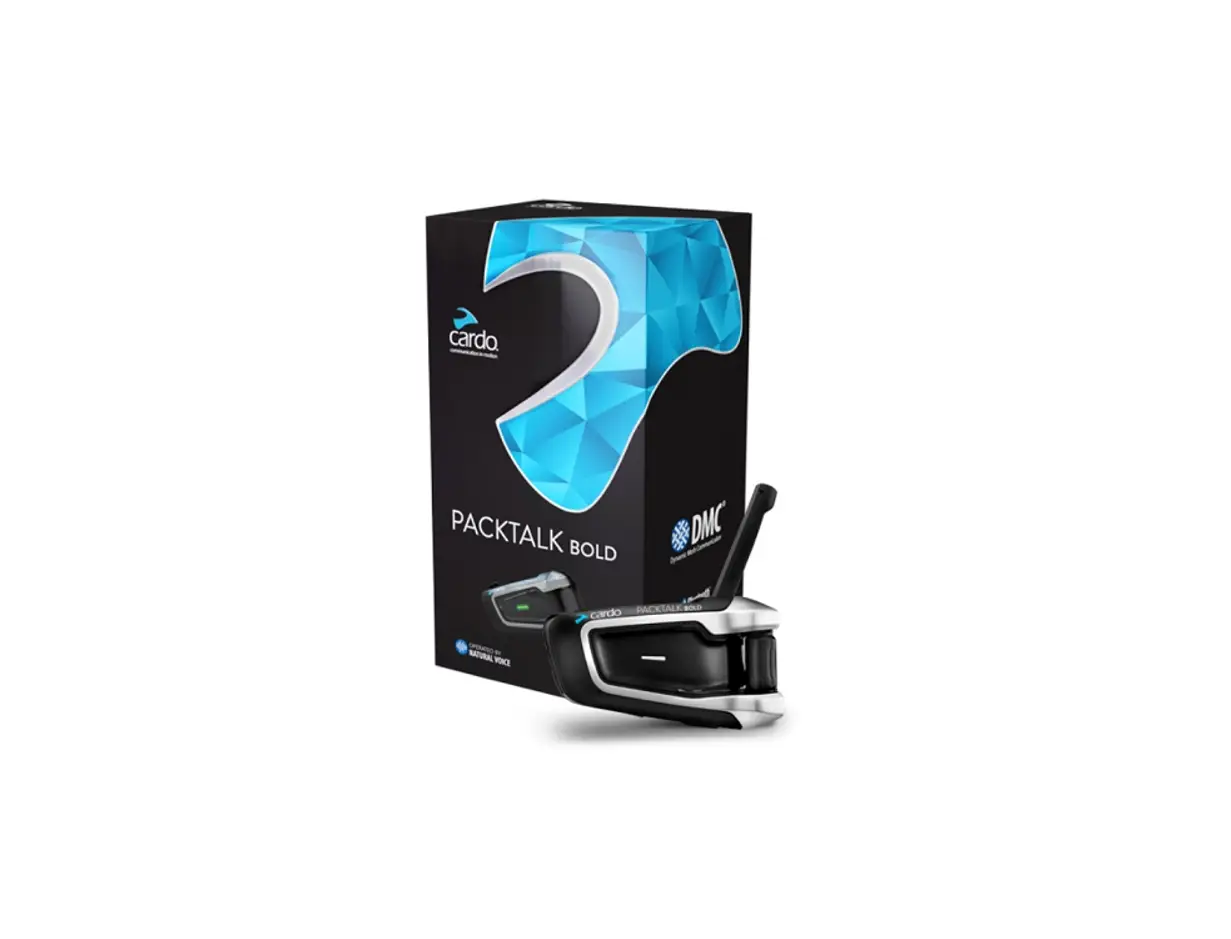
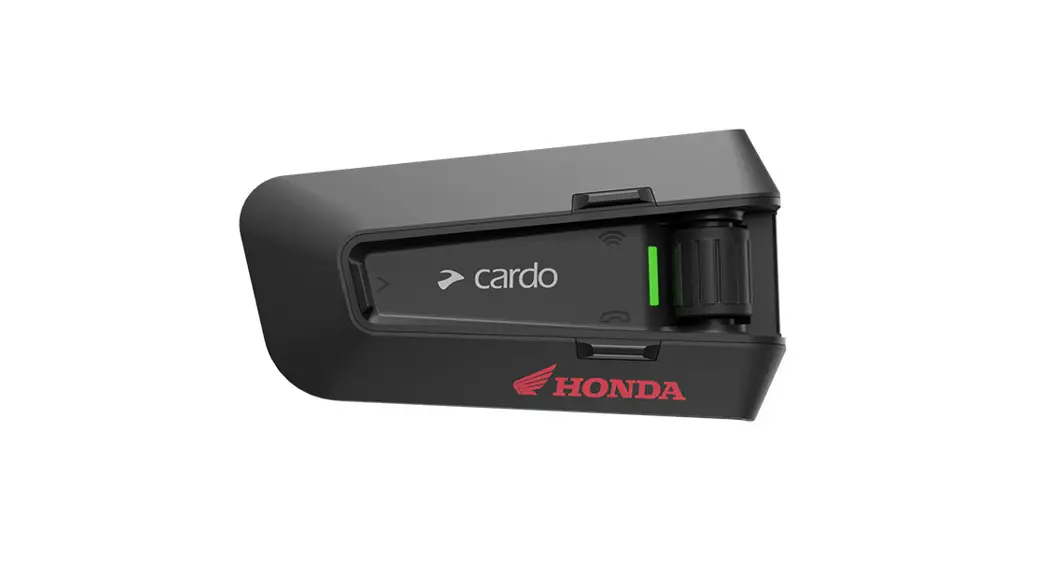
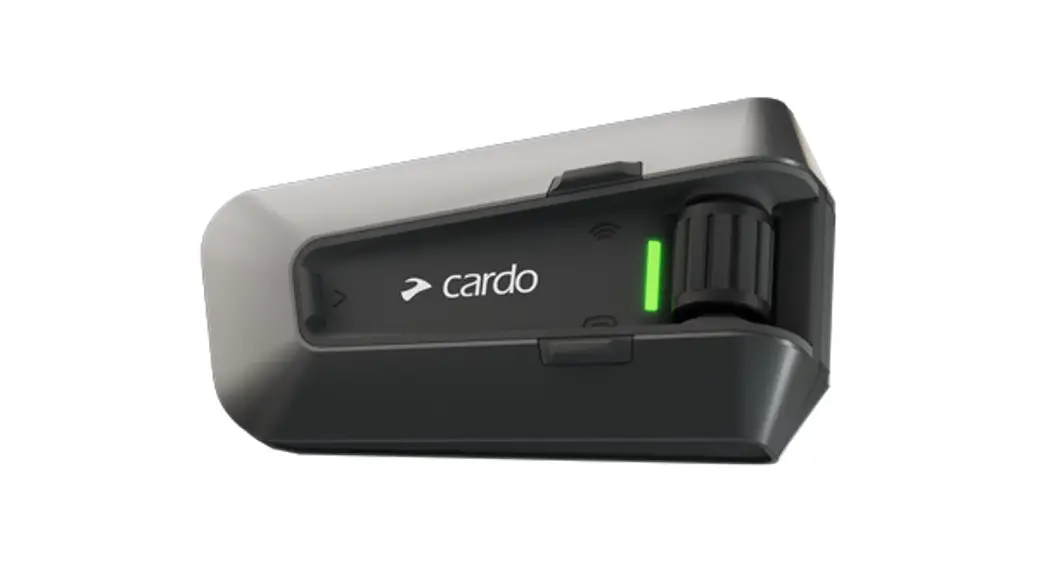
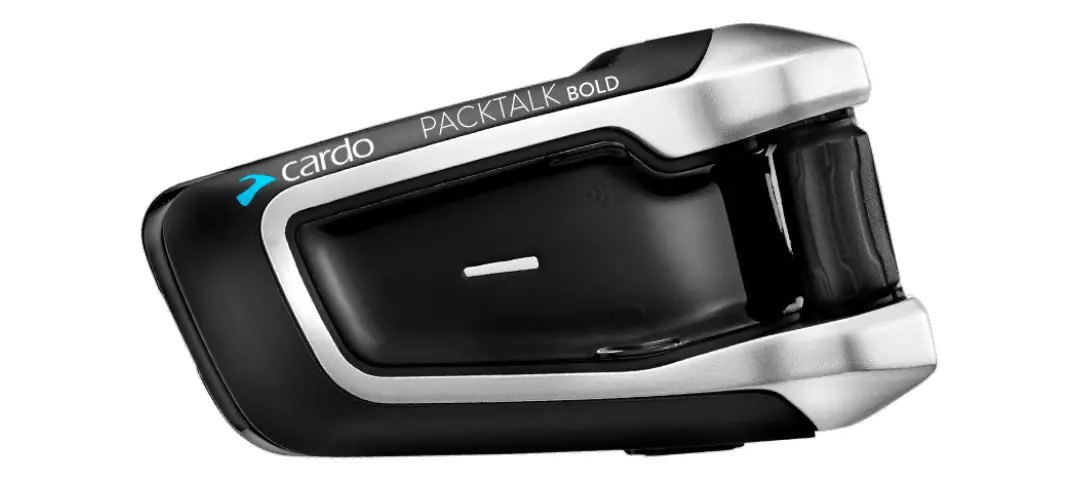
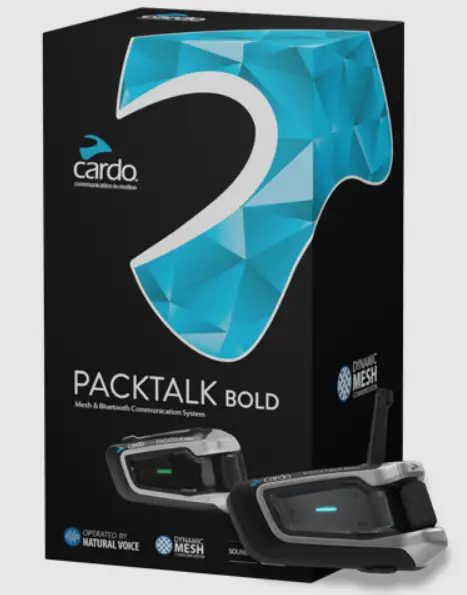
cardo PACKTALK Bold Motorcycle Communication System
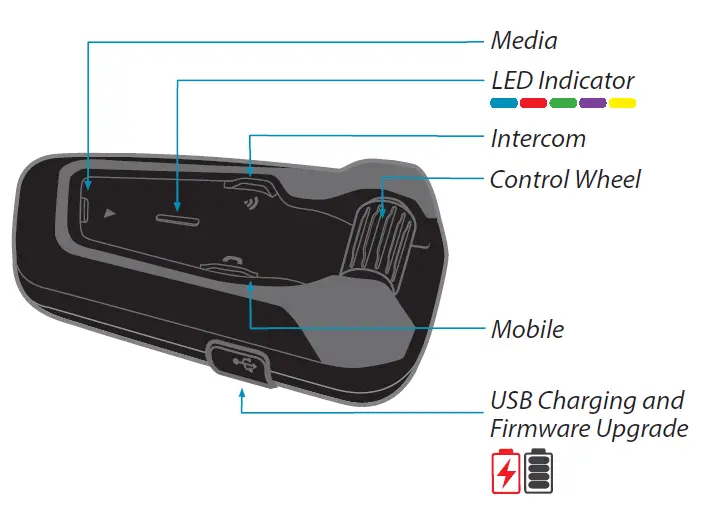
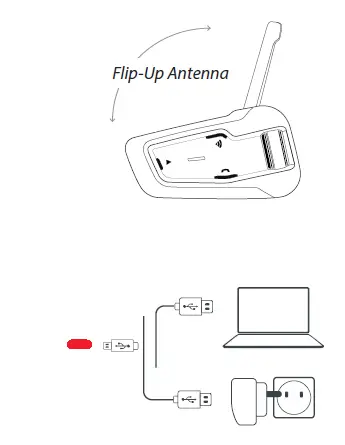 “Language can be changed via the Cardo Connect moble app”
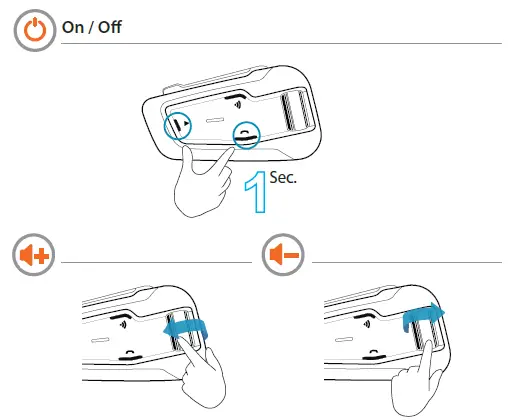
Getting Started
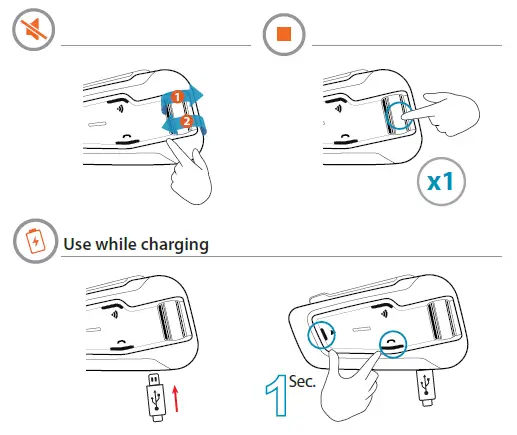
Pair Mobile Devices
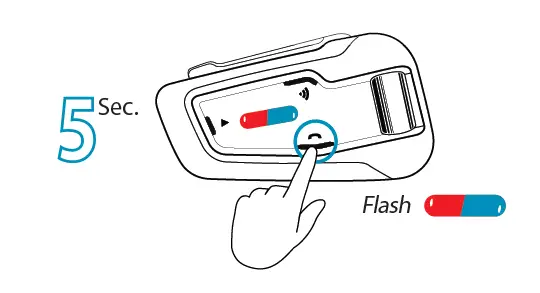
Initiate Pairing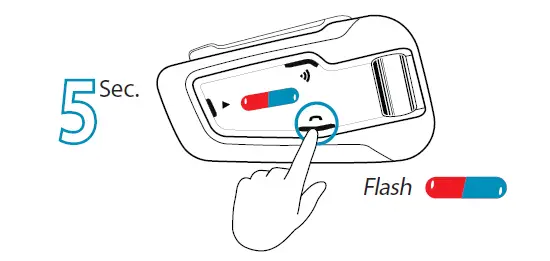 Pair Phone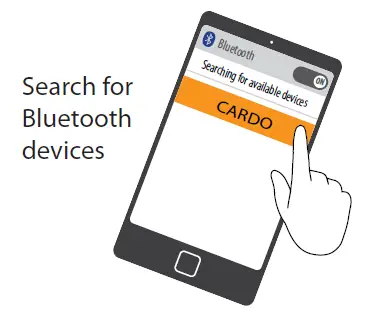
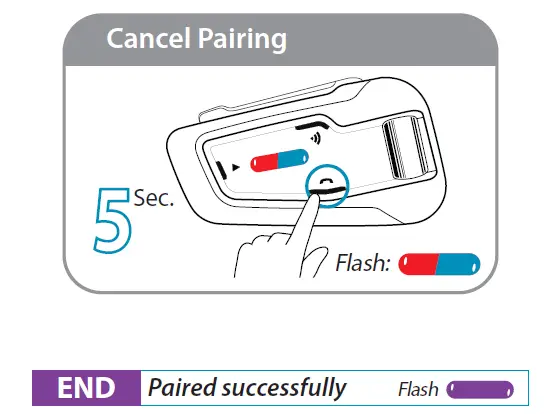 Initiate Pairing
 Add a 2nd Phone / GPS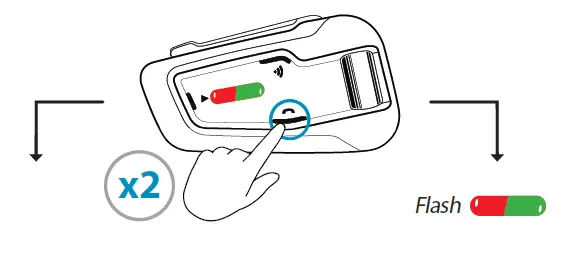
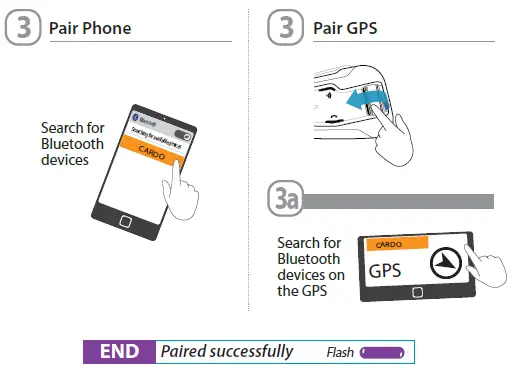
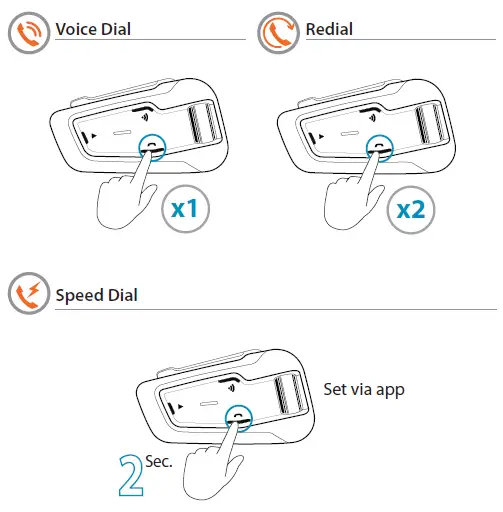
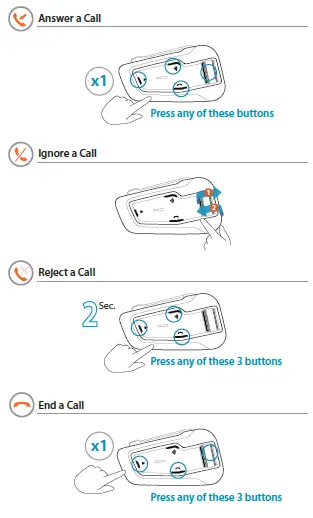
Phone
Share call with DMC group
Bridging active phone calls to the DMC group 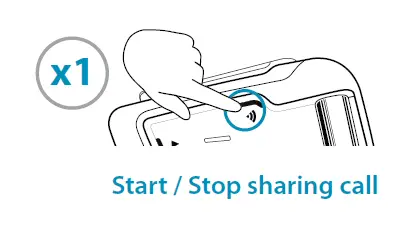
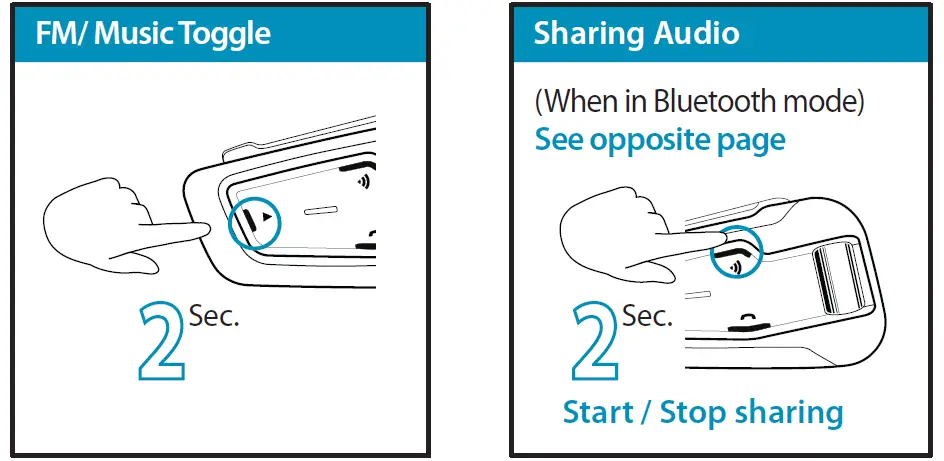
Audio
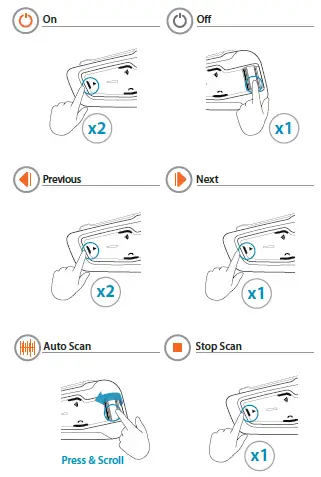
FM Radio
Music 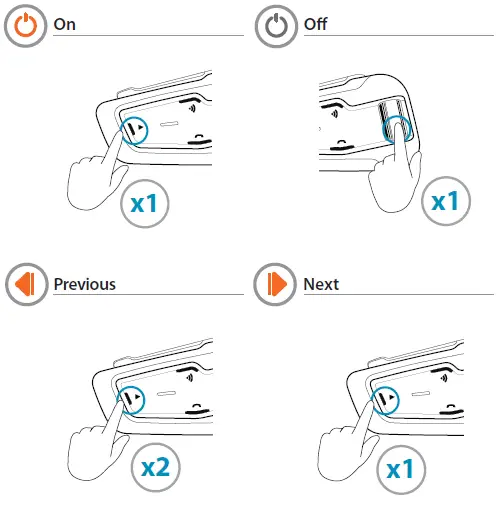
DMC Intercom Grouping
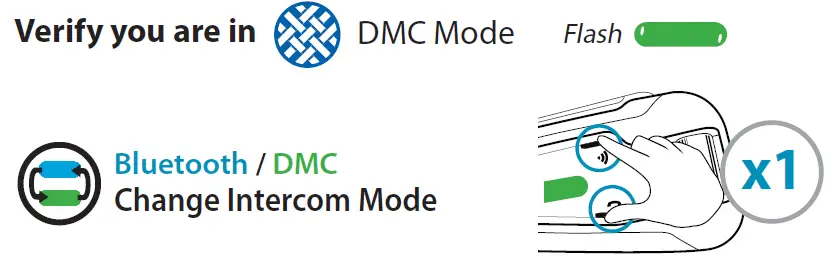
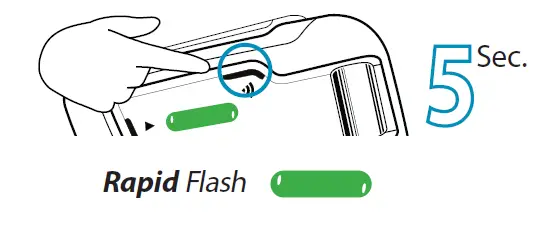
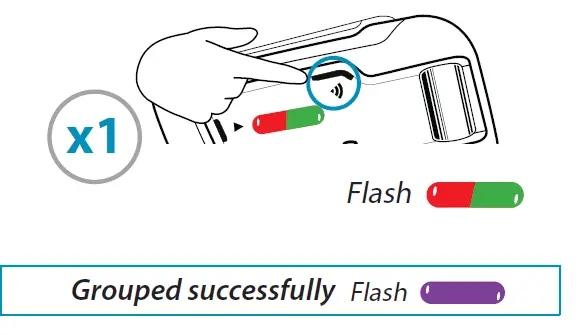
Create / Join a new DMC Group
- Admin + all group members / new member

- THEN ONLY ONE GROUP ADMIN

Cancel Grouping 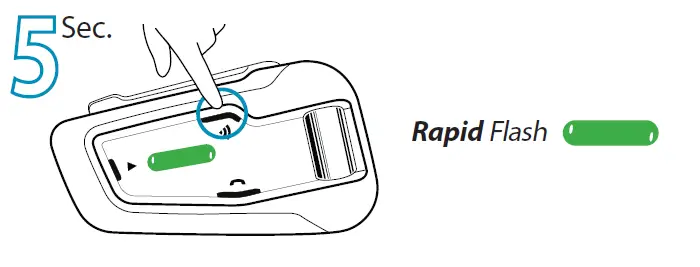
Using DMC Intercom
Talking – always on
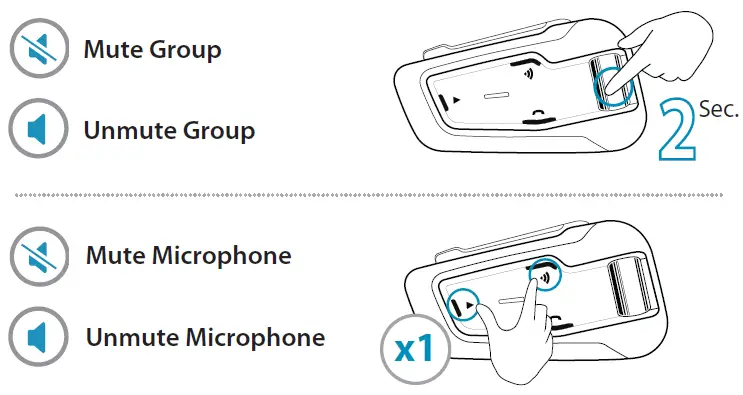
Private Chat
Chat privately with one of the group members
- Choose member for private chat via Mobile App

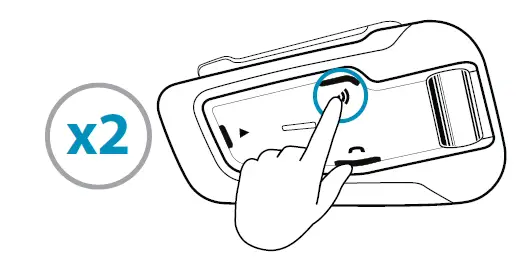
- Start / Stop chat

Bridge (add) a non-DMC passenger
- First, verify that passenger is paired via Bluetooth. (see 2-way Bluetooth intercom pairing)

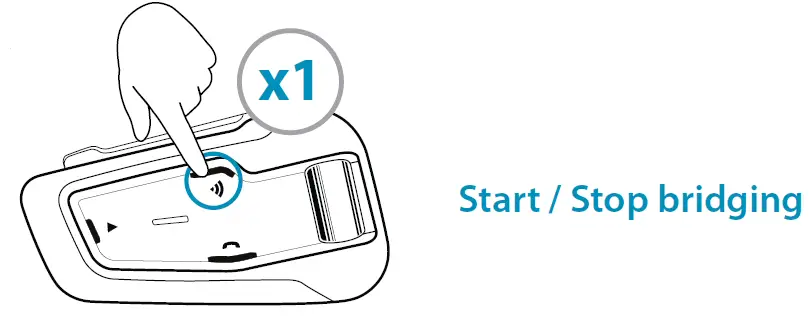
Set a Cardo non DMC Intercom
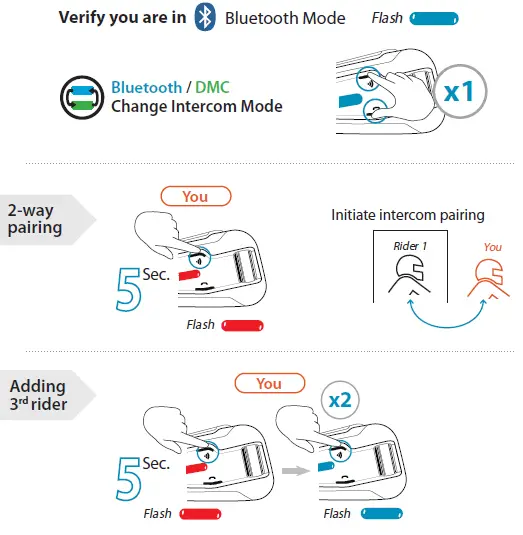
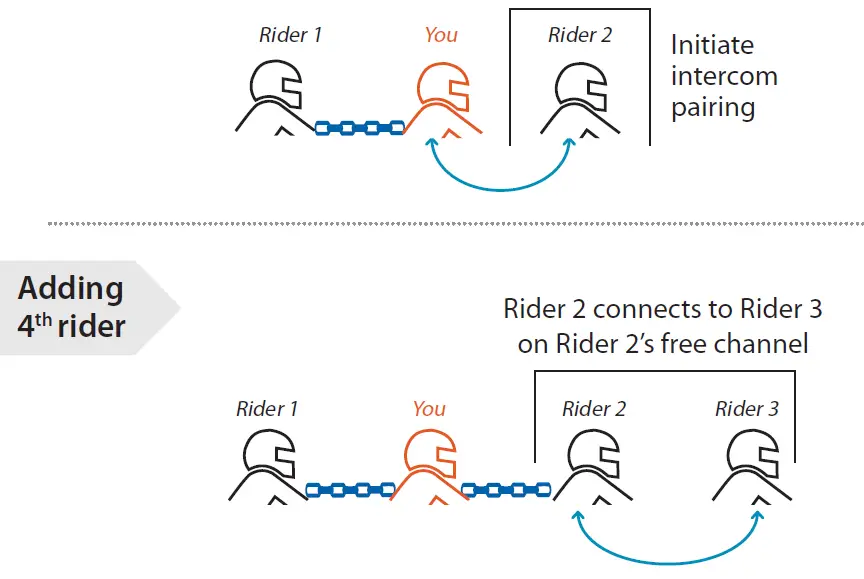
Set a universal intercom 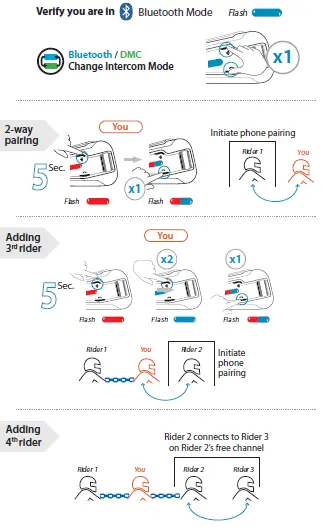
Intercom 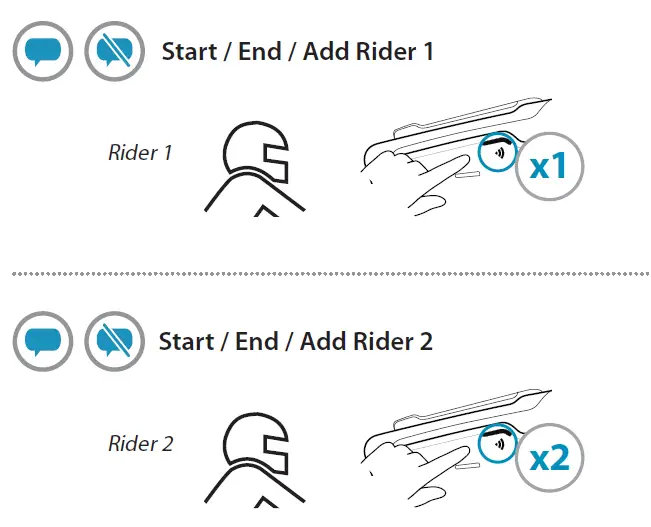 Initiate 4 way intercom Conference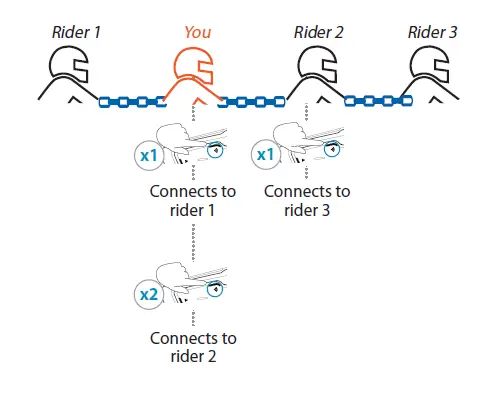
Voice Commands Always On!
FM
- “Hey Cardo, radio on”
- “Hey Cardo, radio off”
- “Hey Cardo, next station”
- “Hey Cardo, previous station”
Music
- “Hey Cardo, music on”
- “Hey Cardo, music off”
- “Hey Cardo, next track”
- “Hey Cardo, previous track”
VOLUME
- “Hey Cardo, volume up”
- “Hey Cardo, volume down”
- “Hey Cardo, mute audio”
- “Hey Cardo, unmute audio”
CALL
- “Hey Cardo, speed dial”
- “Hey Cardo, redial number”
- Answer
- Ignore
- “Hey Siri”
- “Ok Google”
SETTING
- “Hey Cardo, battery status”
- “Hey Cardo, call intercom”
Factory Reset 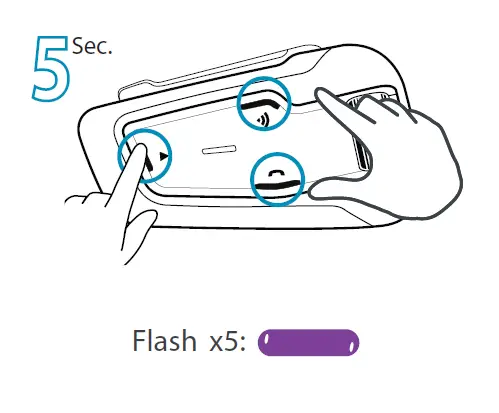 Cardo Mobile App
- Easy configuration
- Remote control operation
- On-the-go setting customization
- Managing DMC groups
 Full version of the manual
cardosystems.com/support 
 Cardo Systems - The World's Best Powersports Communication System