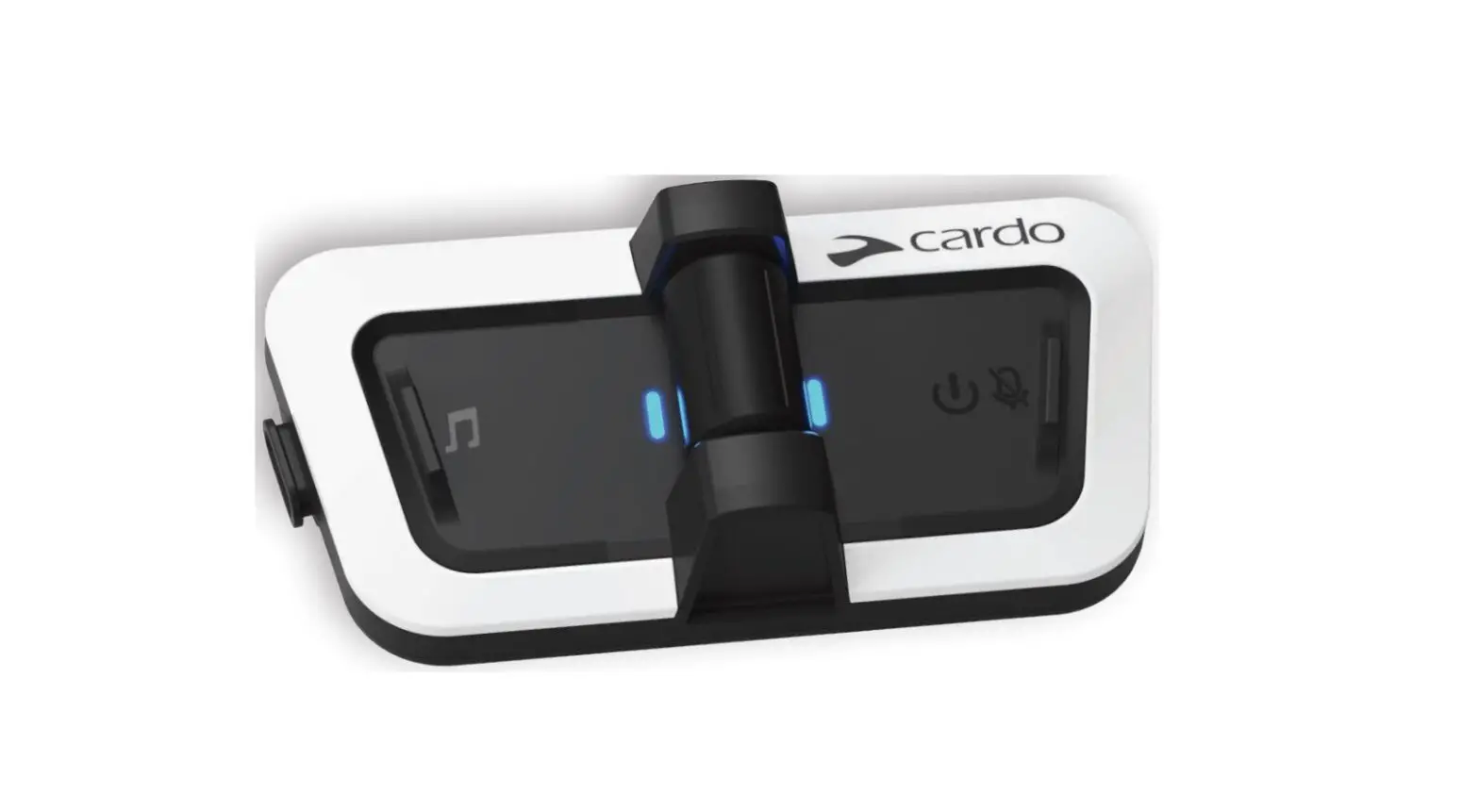
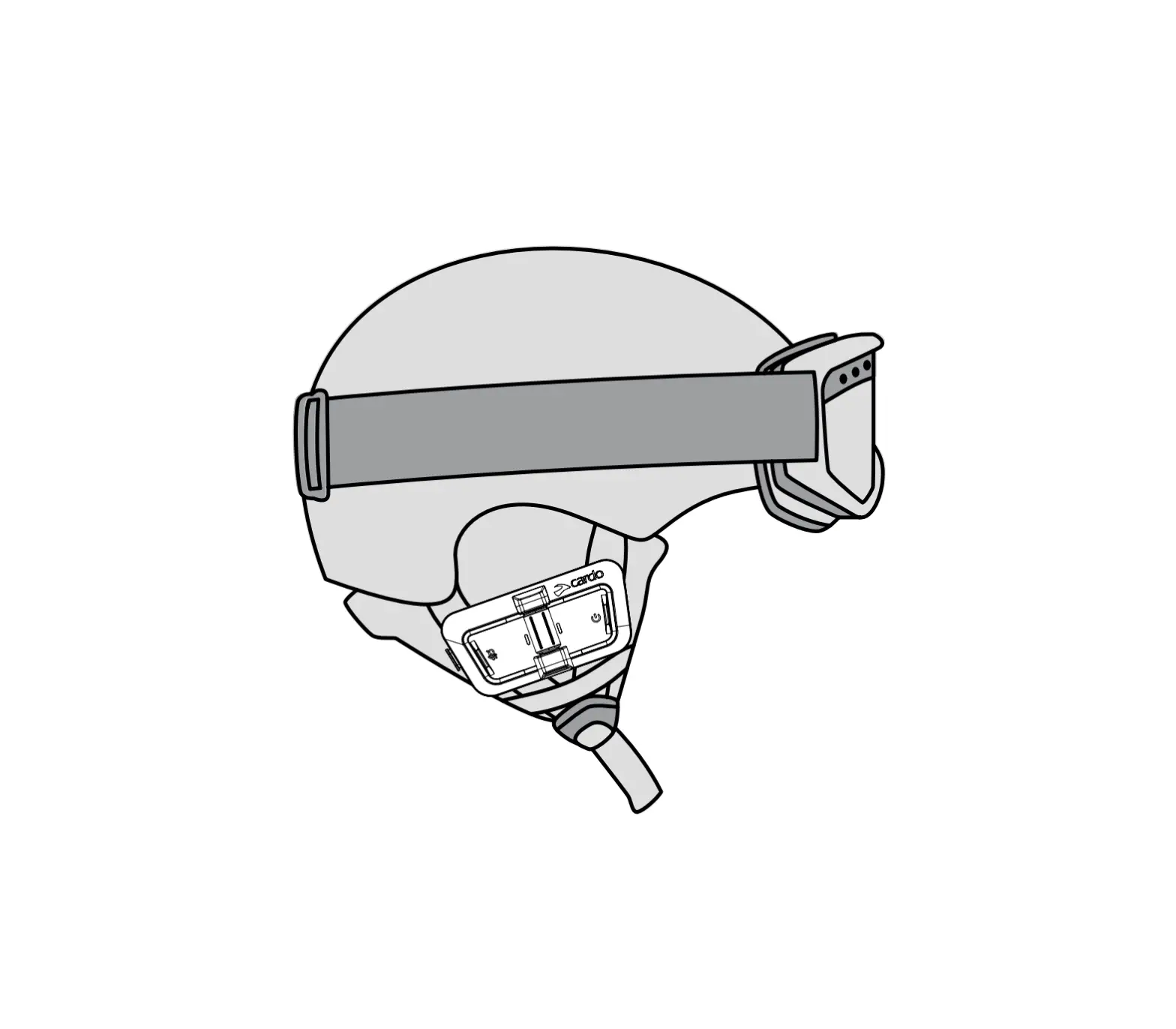
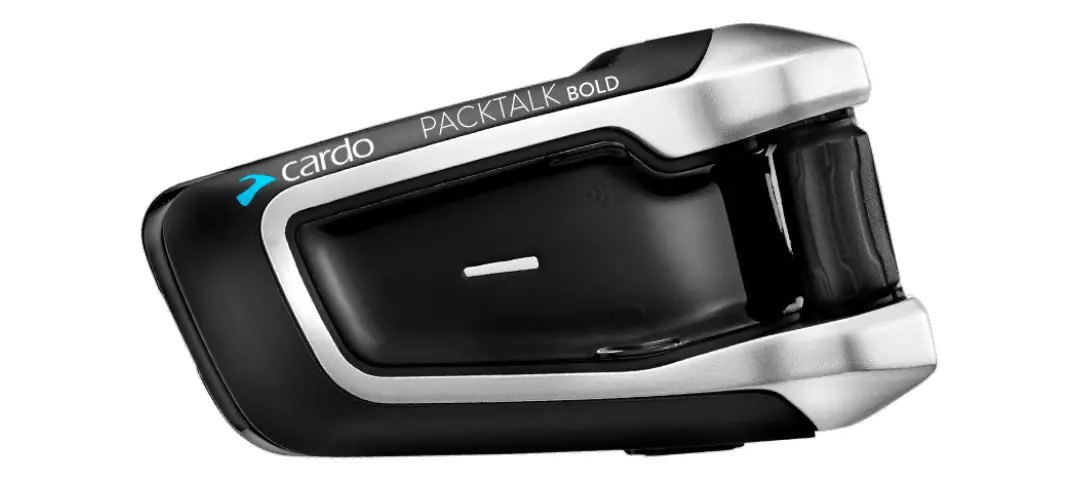
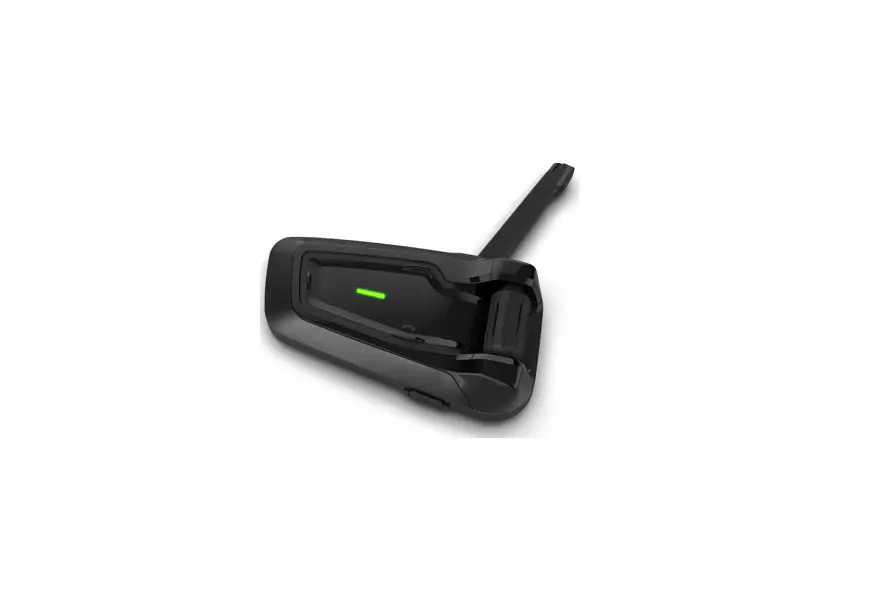
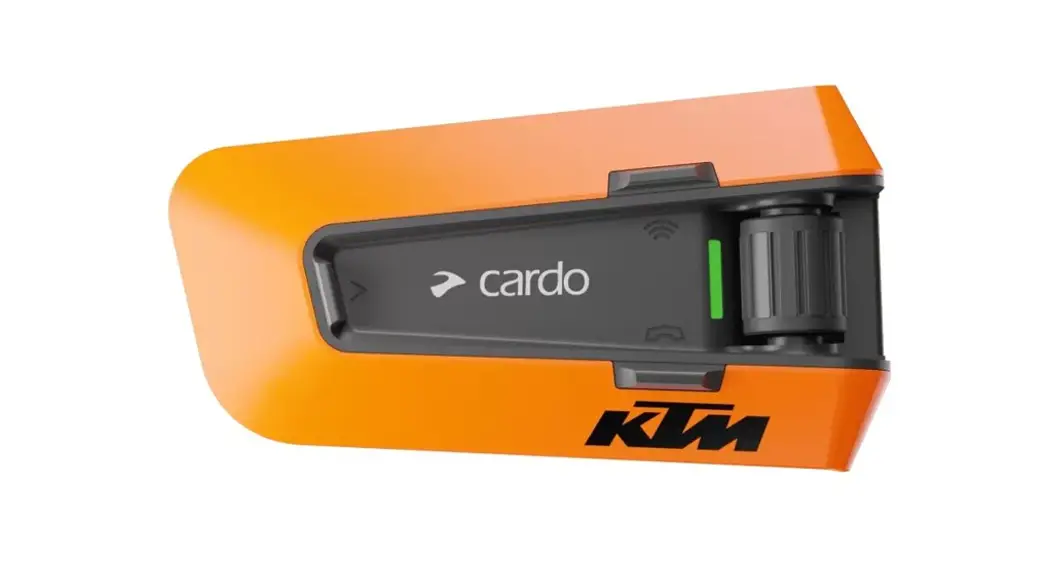
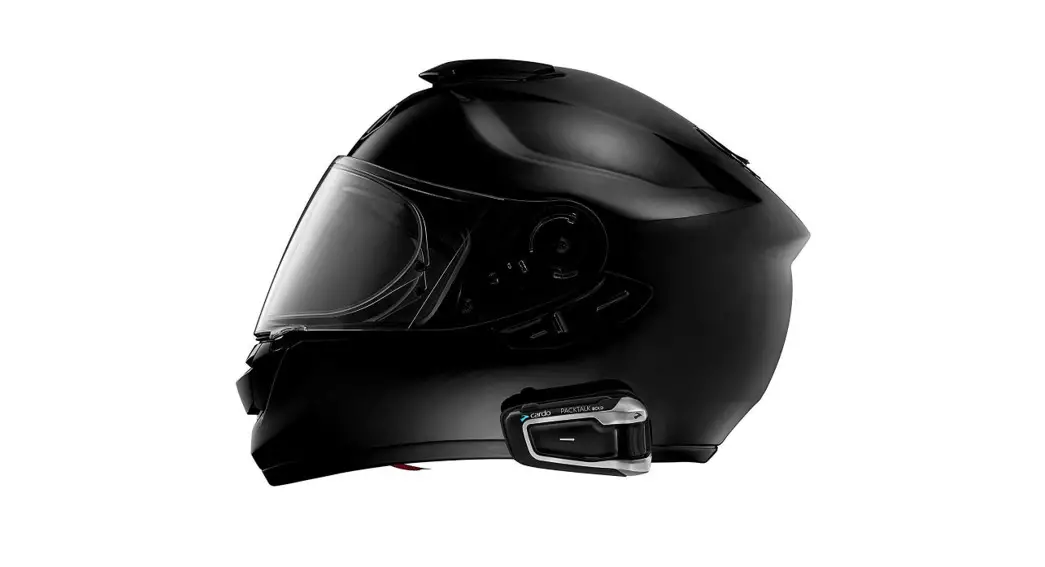
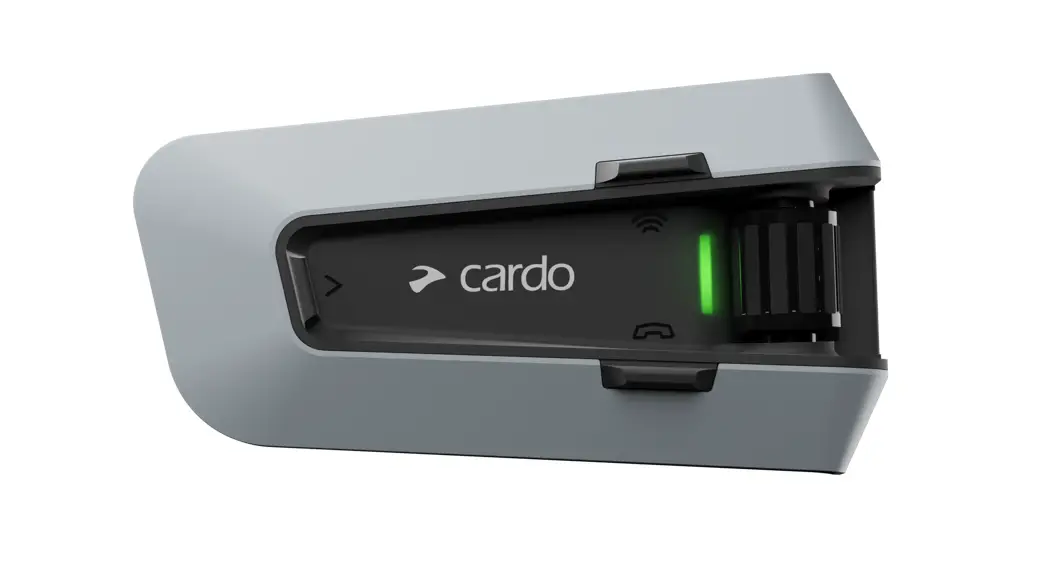
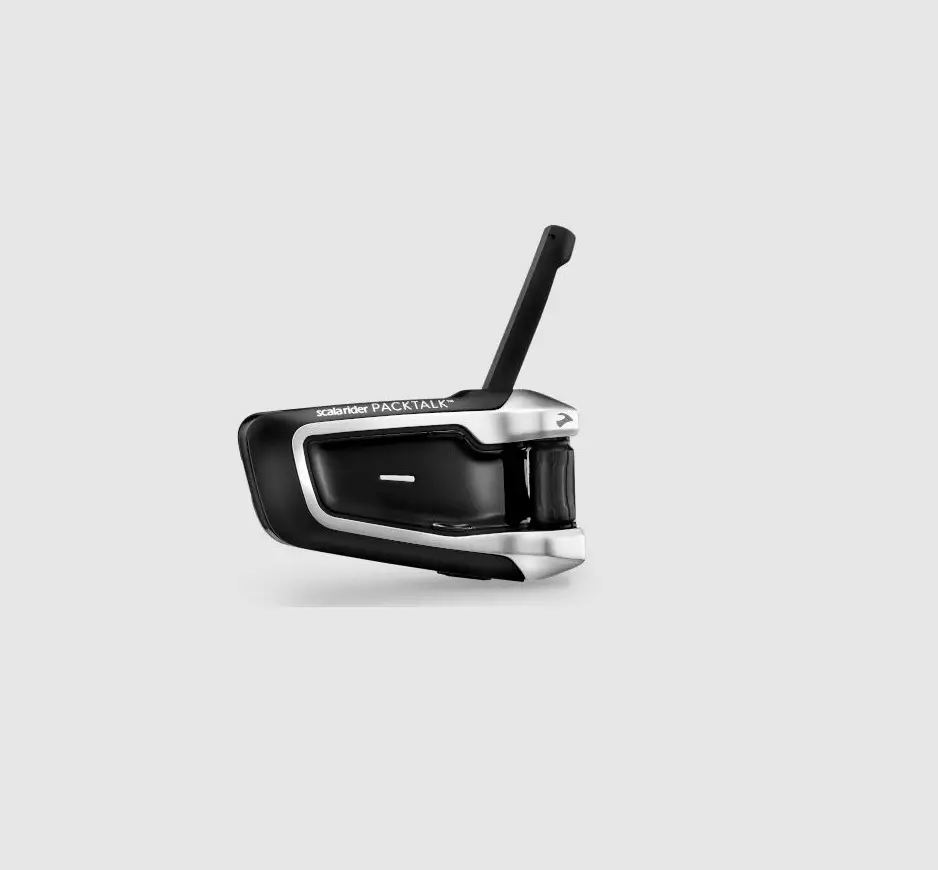
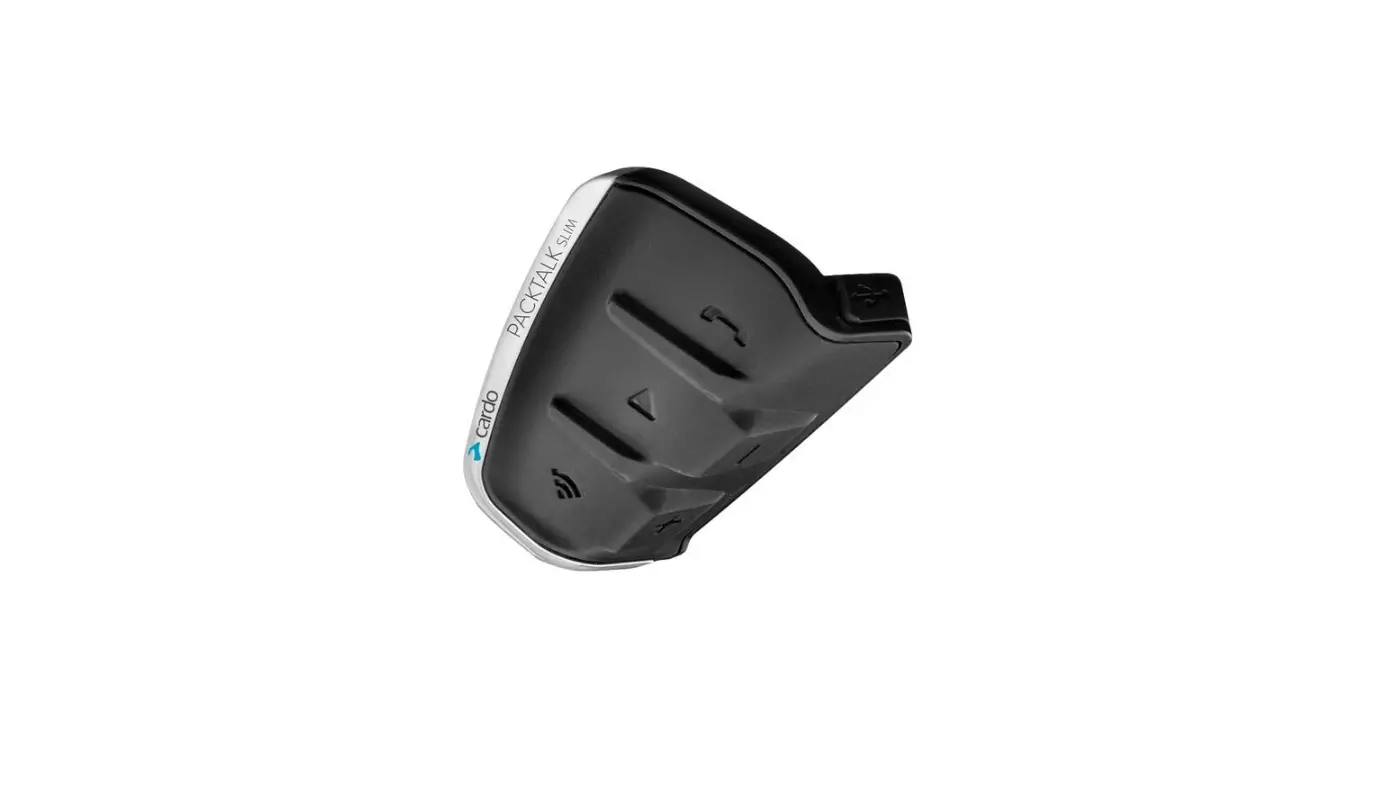
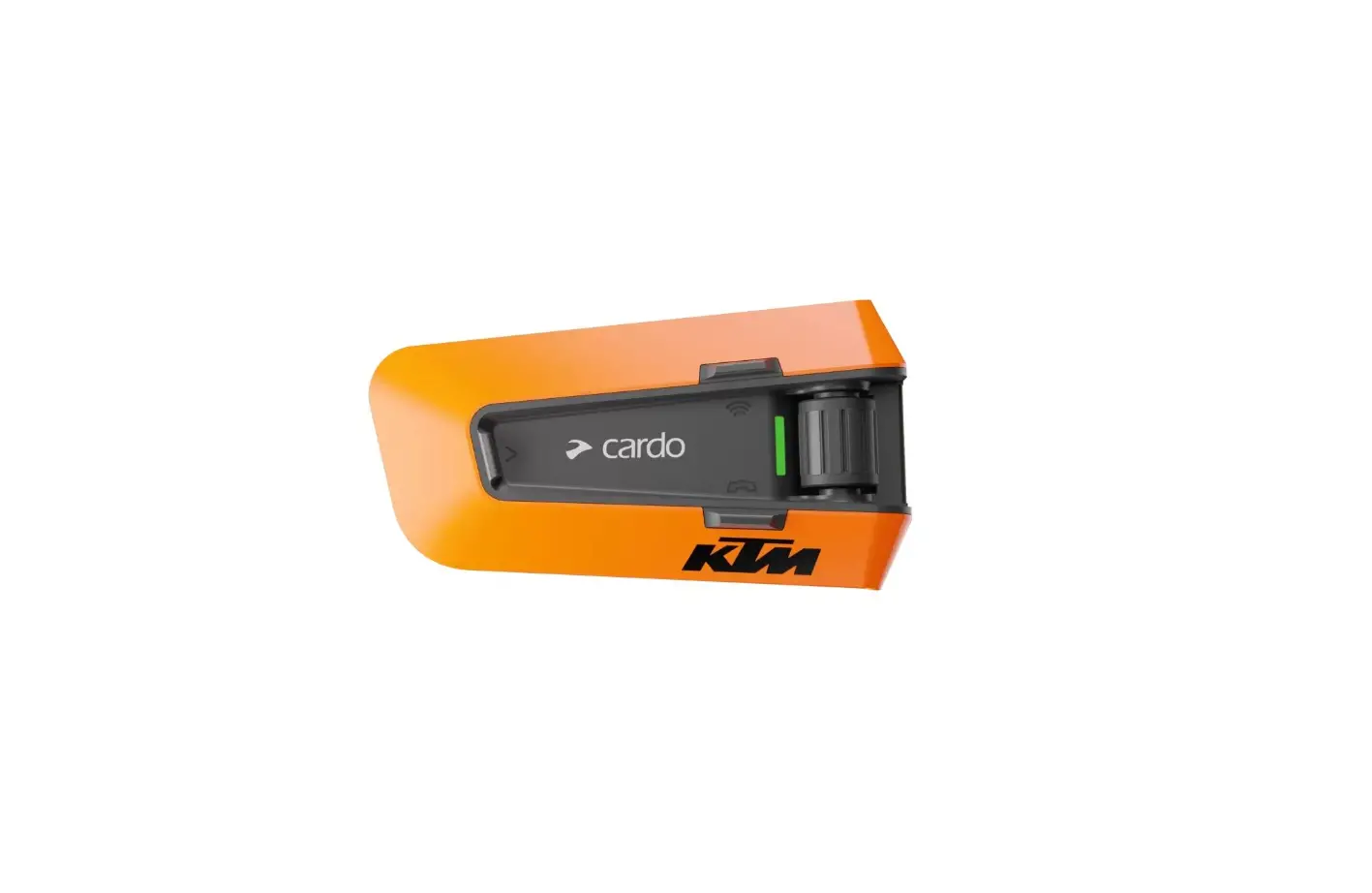
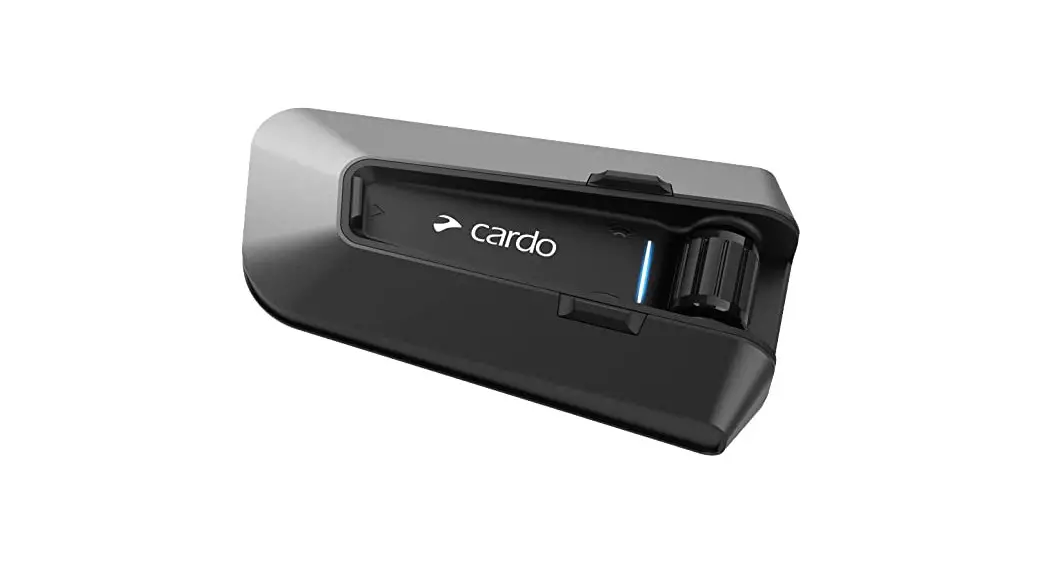
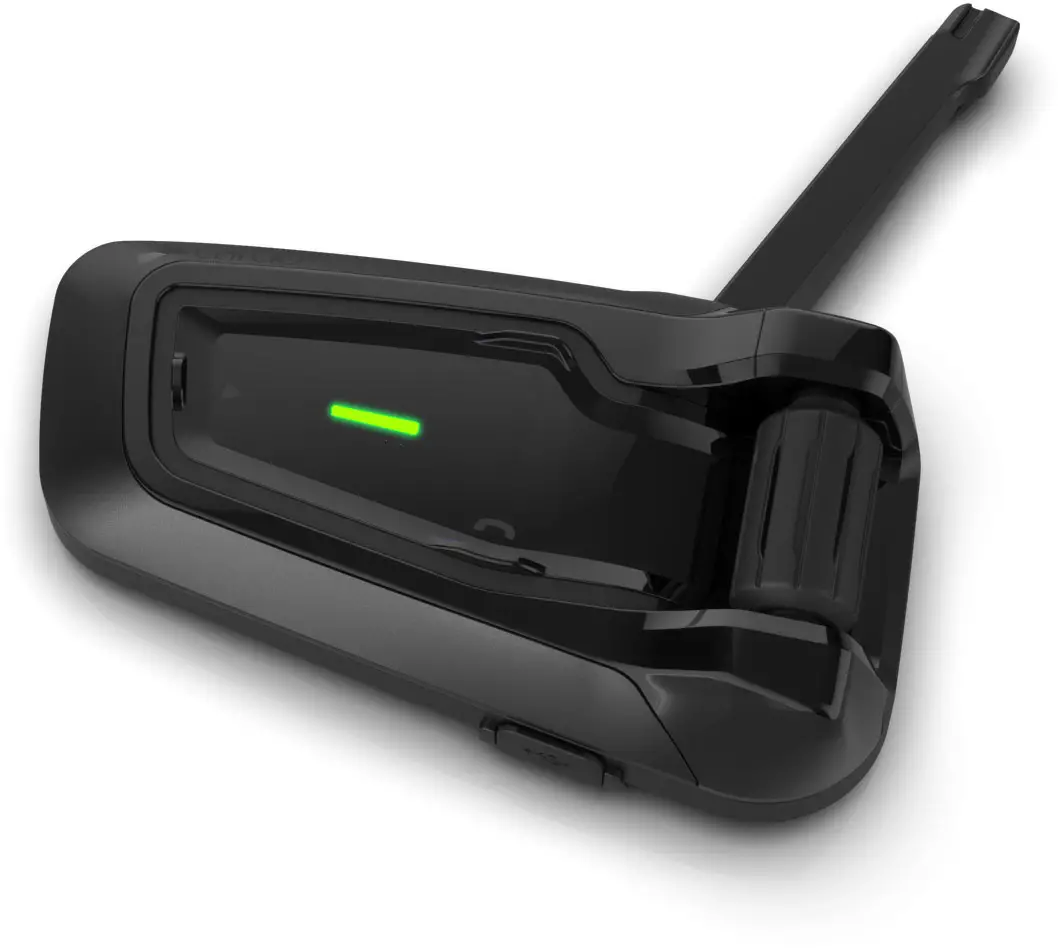
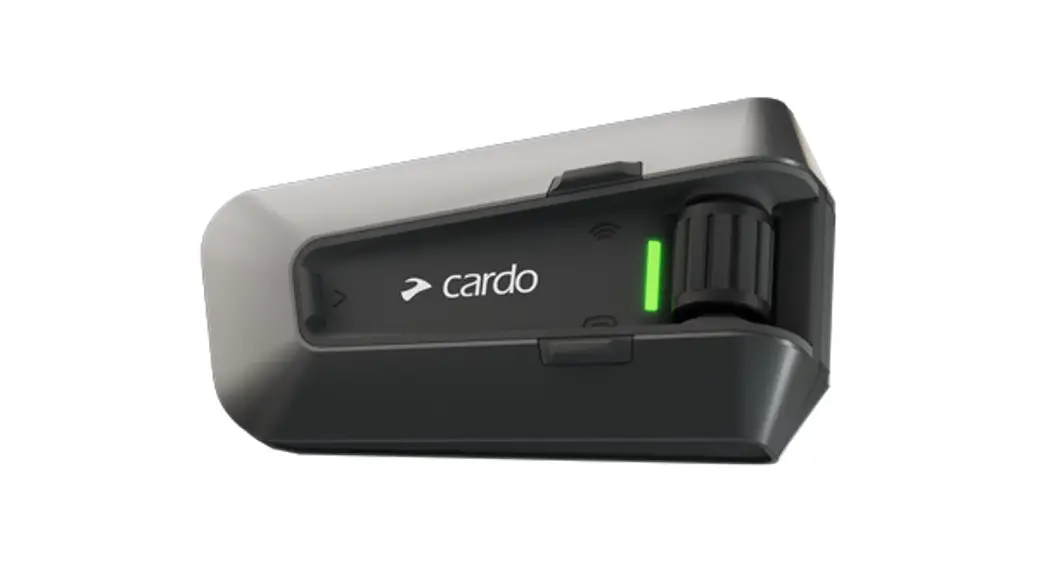
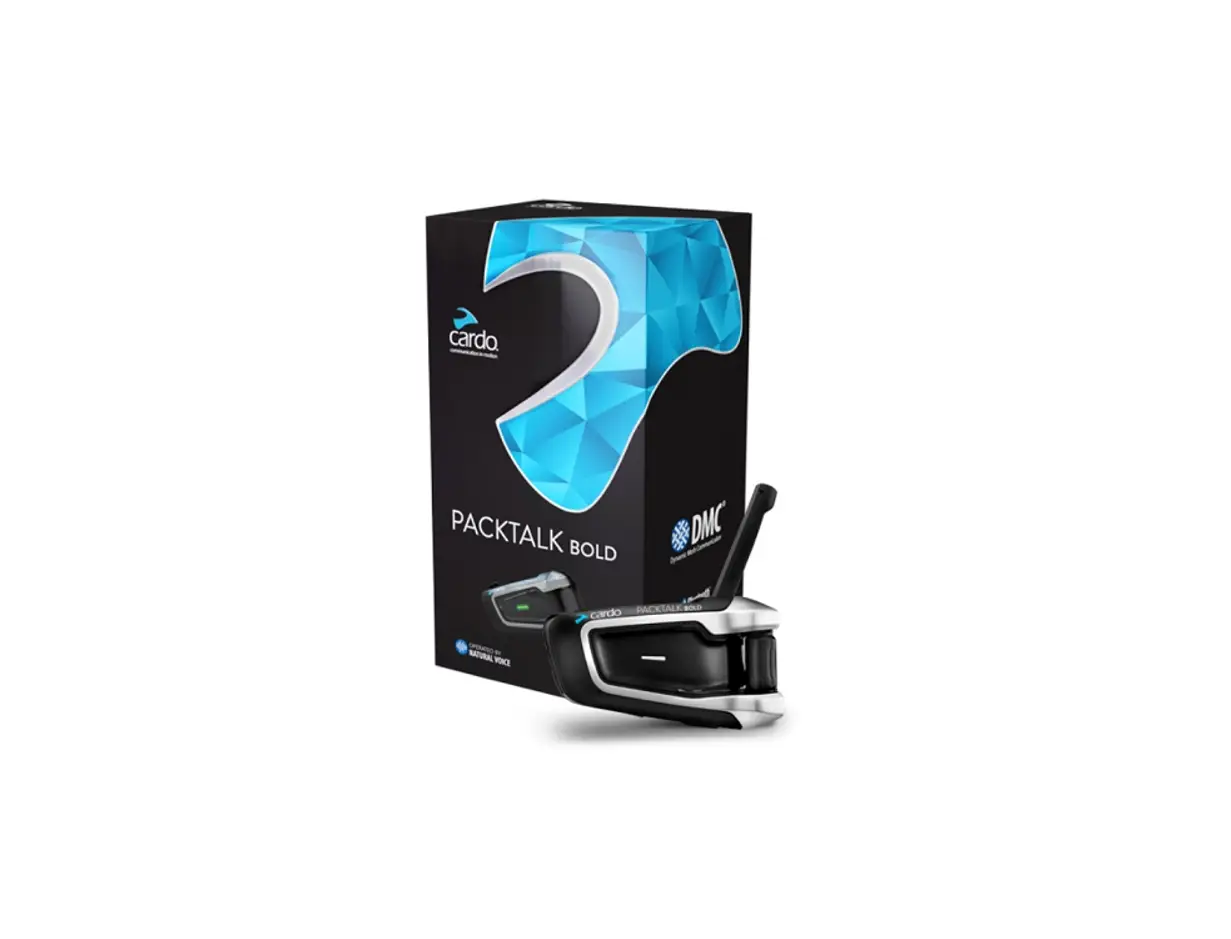
Packtalk Outdoor Outdoor Sports Communicator
Product Information:
- Product Name: PACKTALK OUTDOOR
- Product Type: Dynamic Mesh Communication Device
- Supported Languages: English, French, Spanish
- Connectivity: Cardo Connect App
- Connectivity Options: USB-C Charging and Audio Connector
- Manufacturer: Cardo Systems
- Model Number: MAN00637
Product Usage Instructions:
- Power On/Off:
– Press and hold the Control wheel for 2 seconds to power on/off
the device.
– A red and blue LED will light up for 5 seconds when the device is
powered on. - Registration:
– Tap the Control wheel once to enter registration mode.
– Choose the desired language by tapping the Control wheel once or
twice.
– Update the software by tapping the Control wheel once.
– Ignore or end a call by tapping the Control wheel once. - Volume Control:
– Adjust the volume by tapping the Control wheel once to lower the
volume.
– Use voice commands or tap the Control wheel twice to increase the
volume. - Mute:
– Mute audio by tapping the Control wheel once.
– Use voice commands or tap the Control wheel twice to unmute
audio. - Voice Assistant:
– Activate voice assistants (Google Assistant, Siri) by tapping the
Control wheel once. - DMC Intercom:
– Group DMC Intercom by tapping the Control wheel twice and holding
for 10 seconds.
– Enable/disable DMC Intercom by tapping the Control wheel three
times. - Control Wheel:
– Use the Control wheel to navigate through menus and
options.
– Press and hold the Control wheel for 2 seconds to select an
option.
– Tap the Control wheel once to go to the next option or
screen.
PACKTALK
OUTDOOR
POCKET GUIDE EN/FR/SP
DYNAMIC
MESH
COMMUNICATION
CONNECT APP
Cardo Connect App
Table of Contents | Table des Matières | Índice de Contenidos
INSTRUCTOR | INSTRUCTEUR | PROFESOR 4-5 Getting Started | Démarrage | Guía de Inicio
6 Cardo Connect App
7 General | Fonctions Générales | General
8 Music | Musique | Música
9-10 Phone Call | Appel Téléphonique | Llamada Telefónica
11-12 DMC Intercom | Intercom DMC | Intercomunicador DMC
13 Reset | Réinitialiser | Reiniciar
14-16 Voice Commands – Always On! | Commandes vocales – Toujours Activé ! | Comandos de Voz: ¡Siempre Activos!
STUDENT | ÉLÈVE | ESTUDIANTE
17-18 Getting Started | Démarrage | Guía de Inicio
18 General | Fonctions Générales | General
19 DMC Intercom | Intercom DMC | Intercomunicador DMC
19 Reset | Réinitialiser | Reiniciar
INSTRUCTOR | INSTRUCTEUR | PROFESOR
Media | Media | Medio
Mute |
Control wheel | Molette |
Couper Le Son | Silenciar
Rueda de
Control
ON/OFF |
ON/OFF |
Encendido/Apagado
LED
USB-C Charging and Audio Connector | Connecteur USB-C chargement et audio | Conector de carga y audio USB-C
2
Sec.
Press & Hold | Appuyez & Maintenez |
Mantener Pulsado el Botón
x1 Tap
Number of Taps | Nombre de Clics | Número de Pulsaciones
4|
Getting Started | Démarrage | Guía de Inicio On | On | Encender
2
Sec
Off | Off | Apagar
5
Sec
Phone Pairing | Appairage au Téléphone | Vincular Teléfono
5
Sec LED Red & Blue | LED Rouge & Bleu | Ledes en Rojo y Azul
PACKTALK OUTDOOR
Stop Phone Pairing | Arrêter L’appairage du Téléphone | Detener el Emparejamiento del Teléfono
x1
Tap
|5
Cardo Connect App Download | Télécharger | Descargar
R Register | S’enregistrer | Registrar
Choose Language | Choisir Langue | Seleccionar Idioma
Update Software | Actualisation du Logiciel | Actualizar Software
6|
General | Fonctions Générales | General Volume Up | Augmenter le Volume | Subir Volumen
Volume Down | Baisser le Volume | Bajar Volumen
Mute Audio | Couper L’audio | Silenciar Audio
Fast Roll Roulement rapide Rollo rápido
Unmute Audio | Réactiver L’audio | Activar Micrófono
Voice Assistant | Assistant Vocal | Asistente de Voz
Siri
Assistant
x1
Tap
|7
Music | Musique | Música On | On | Encender
x1
Tap Off | Off | Apagar
2
Sec
Next | Suivant | Siguiente
x1
Tap Previous | Précédent | Anterior
x2
Tap
8|
Phone Call | Appel Téléphonique | Llamada Telefónica Answer | Répondre | Contestar
x1
Tap
Ignore | Ignorer | Ignorar
End Call | Raccrocher | Finalizar Llamada
x1
Tap
|9
Phone Call | Appel Téléphonique | Llamada Telefónica
Speed Dial | Numérotation Rapide | Marcación Rápida
1 Set Number | Composer numéro | Seleccionar número
2
3
Call Speed Dial | Appel numérotation rapide | Marcación rápida
3
Sec
10|
DMC Intercom | Intercom DMC | Intercomunicador DMC Grouping | Regroupement | Agrupar
2
Sec
LED Red & Green | LED Rouge & Vert | LED Rojo y Verde Grouping Success | Regroupement Réussi | Agrupado Correctamente LED Purple | LED Violet | LED Púrpura
Mute / Unmute Microphone | Activer / Désactiver Le Micro | Silenciar / Activar Micrófono
x1
Tap
|11
DMC Intercom | Intercom DMC | Intercomunicador DMC DMC Intercom OFF/ON | Interphone DMC OFF/ON | Intercom DMC OFF/ON
x2
Tap
Mute/Unmute All Students | Couper/Réactiver le Son Pour Tous Les Élèves | Silenciar/Activar a Todos Los Estudiantes
x3
Tap
12|
Reset | Réinitialiser | Reiniciar Reboot | Redémarrer | Reiniciar
10
Sec
Factory Reset | Réinitialisation des Paramètres D’usine |
! Restablecer Valores de Fábrica
5
Sec
|13
Voice Commands – Always On!
E English
· Answer · Ignore · “Hey Cardo, speed dial” · “Hey Cardo, redial number”
· “Hey Cardo, music on” · “Hey Cardo, music off” · “Hey Cardo, next track” · “Hey Cardo, previous track”
· “Hey Cardo, mute group” · “Hey Cardo, unmute group”
· “Hey Siri” · “OK Google” · “Hey Google”
· “Hey Cardo, volume up” · “Hey Cardo, volume down” · “Hey Cardo, mute audio” · “Hey Cardo, unmute audio” · “Hey Cardo, mute microphone” · “Hey Cardo, unmute microphone”
· “Hey Cardo, battery status”
14|
Commandes Vocales – Toujours Activé!
F Français
· Réponds · Ignore · “Hey Cardo, numéro favori” · “Hey Cardo, rappelle le numéro”
· “Hey Cardo, allume la musique ” · “Hey Cardo, éteins la musique” · “Hey Cardo, morceau suivant” · “Hey Cardo, morceau précédent”
· “Hey Cargo, coupe le son du groupe” · “Hey Cargo, réactive le son du groupe”
· “Hey Siri” · “OK Google” · “Hey Google”
· “Hey Cardo, augmente le volume” · “Hey Cardo, baisse le volume” · “Hey Cardo, coupe le son” · “Hey Cardo, active le son” · “Hey Cardo, coupe le micro” · “Hey Cardo, active le micro”
· “Hey Cardo, niveau de batterie”
|15
SCVpormicaecahnCbdoeomfsemdhealenVdosizm:-¡AmSliwemraaypnsr!eOAnc! tivos!
S Español
· Contestar · Ignorar · “Hey Cardo, marcación rápida” · “Hey Cardo, remarcar número”
· “Hey Cardo, enciende la música” · “Hey Cardo, apaga la música” · “Hey Cardo, pista siguiente” · “Hey Cardo, pista anterior”
· “Oye, Cardo, silencia el grupo” · “Oye, Cardo, activa el grupo”
· “Hey Siri” · “OK Google” · “Hey Google”
· “Hey Cardo, sube el volumen” · “Hey Cardo, baja el volumen” · “Hey Cardo, silenciar el audio” · “Hey Cardo, reactivar el audio” · “Hey Cardo, silenciar el micrófono” ·”Hey Cardo, reactivar el micrófono”
· “Hey Cardo, nivel de la batería”
16|
STUDENT | ÉLÈVE | ESTUDIANTE
STUDENT | ÉLÈVE | ESTUDIANTE
Control Wheel | Molette | Rueda de Control
ON/OFF | ON/OFF | Encendido/ Apagado
LED
Mute Microphone | Désactiver Micro | Silenciar Micrófono
USB-C Charging and Audio Connector | Connecteur USB-C chargement et audio | Conector de carga y audio USB-C
2
Sec.
Press & Hold | Appuyez & Maintenez | Mantener Pulsado el
Botón
x1 Tap
Number of Taps | Nombre de Clics | Número de Pulsaciones
13
|1177
STUDENT | ÉLÈVE | ESTUDIANTE
Getting Started | Démarrage | Guía de Inicio ON/OFF | Encendido/Apagado
2
Sec
General | Fonctions Générales | General Volume Up | Augmenter Le Volume | Subir Volumen
Volume Down | Baisser Le Volume | Bajar Volumen
Mute Audio | Couper L’audio | Silenciar Audio Fast roll | Roulement rapide | Rollo rápido
Mute / Unmute Microphone | Désactiver / Activer le Micro | Silenciar / Activar Micrófono
x1
Tap
1188|
DMC Intercom | Intercom DMC | Intercomunicador DMC Grouping | Regroupement | Agrupar
2
Sec
LED Red & Green | LED Rouge & Vert | LED Rojo y Verde Grouping Success | Regroupement Réussi | Agrupado Correctamente LED Purple | LED Violet | LED Púrpura
Reset | Réinitialiser | Reiniciar Reboot | Redémarrer | Reiniciar
10
Sec
STUDENT | ÉLÈVE | ESTUDIANTE
Factory Reset | Réinitialisation des Paramètres D’usine |
! Restablecer Valores de Fábrica
5
Sec
15
|1199
cardosystems.com/outdoor
Follow Cardo Outdoor
Cardo Connect App
cardosystems.com/update cardosystems.com/support
MAN00637 MAN SIMPLE POCKET GUIDE EN_FR_SP OUTDOOR PROF_A10
 Packtalk Outdoor - The Ultimate Outdoor Sports Communicator