
 5.2
5.2

PACKTALK EDGE OFF-ROAD VEHICLES
POCKET GUIDE
SOUND BY | WIRELESS HANDSFREE INTERCOM |  OPERATED BY OPERATED BYNATURAL VOICE |
CONNECT APP


Getting Started
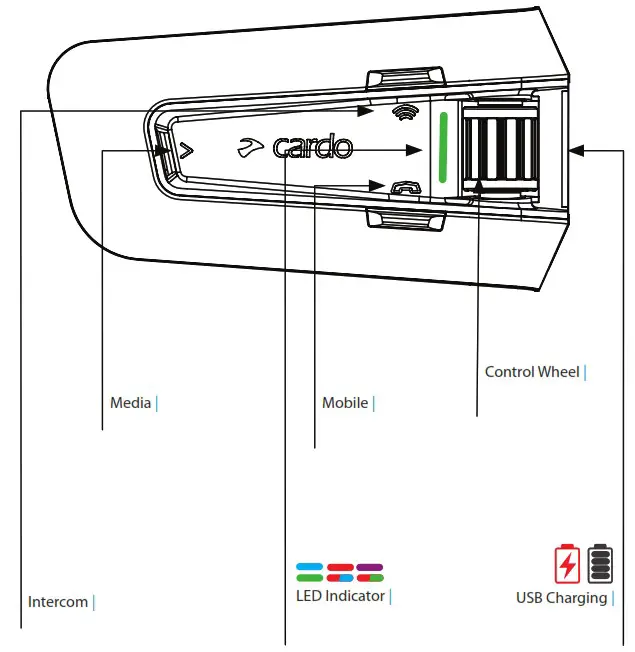
 Press & Hold Press & Hold |  Number of Taps |
 On / Off
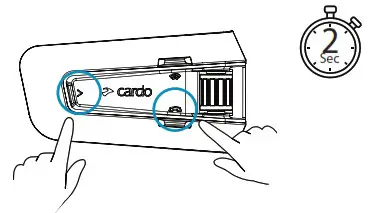
 Phone Pairing
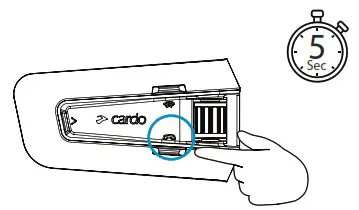
LED Red & Blue 
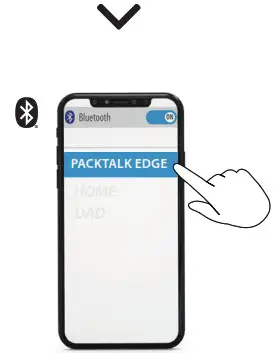
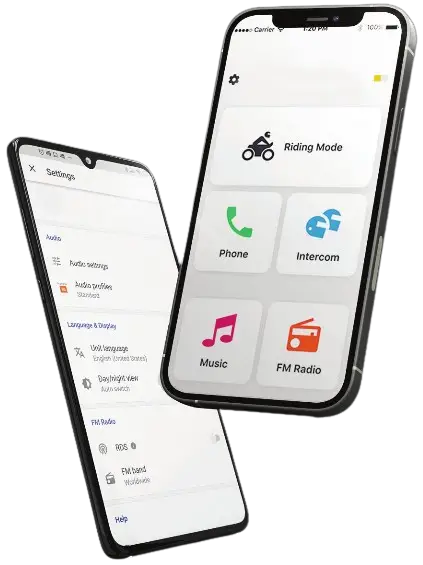
 Cardo Connect App
 Download

 Register
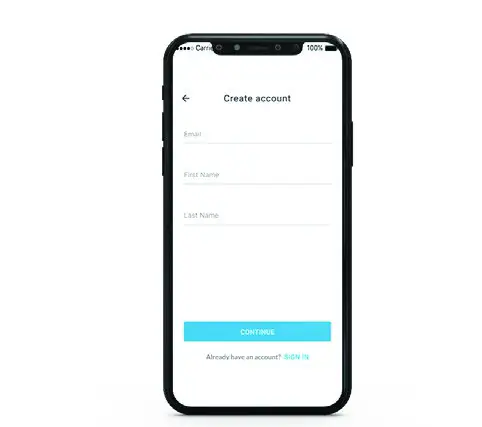
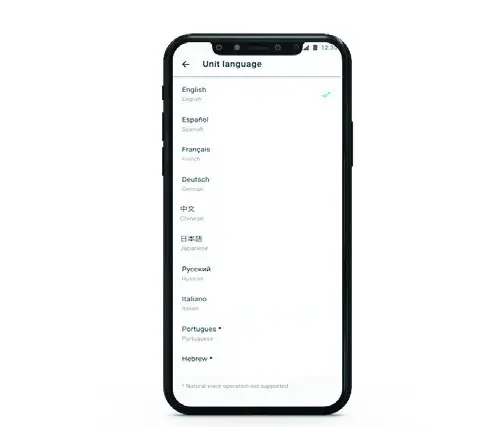
 Choose Language
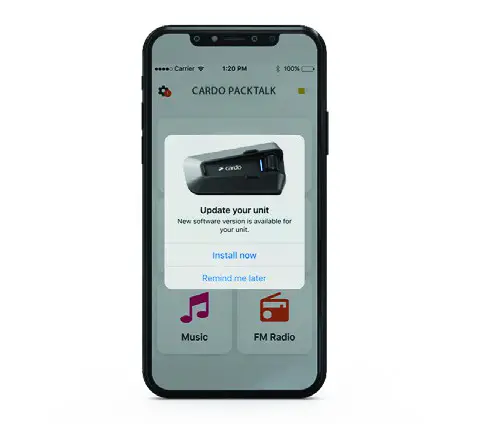
 Update Software
Genera
 Volume Up
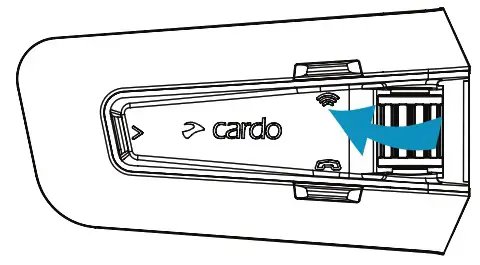
 Volume Down
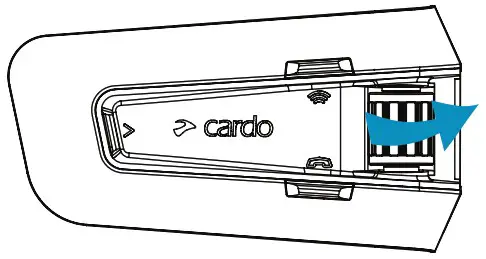
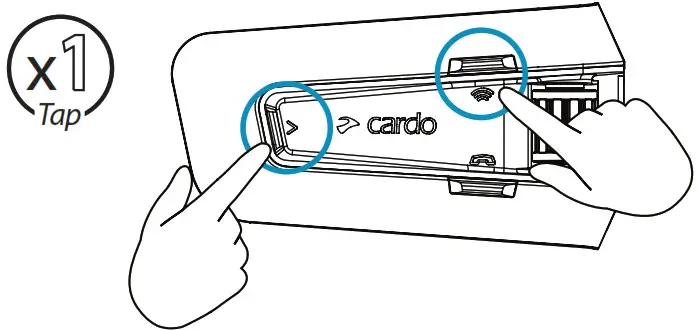
 Mute / Unmute Microphone
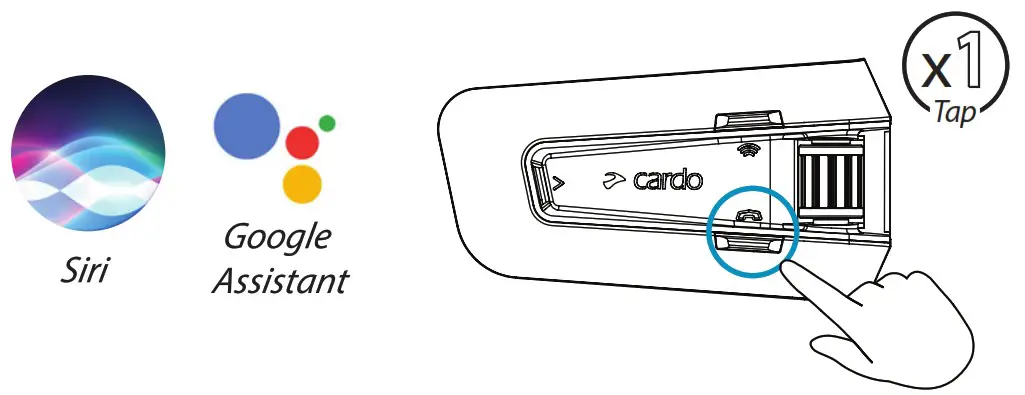
 Voice Assistant
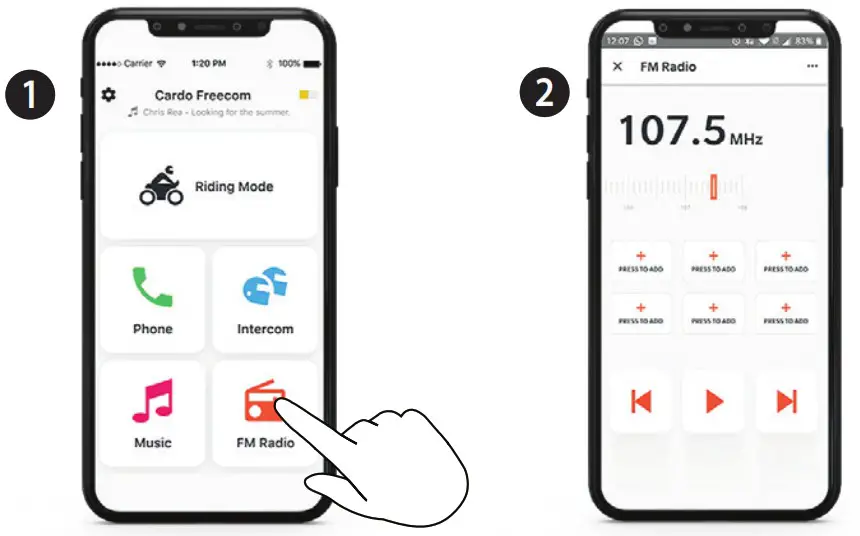
Radio
 Set Presets
 On | Encender
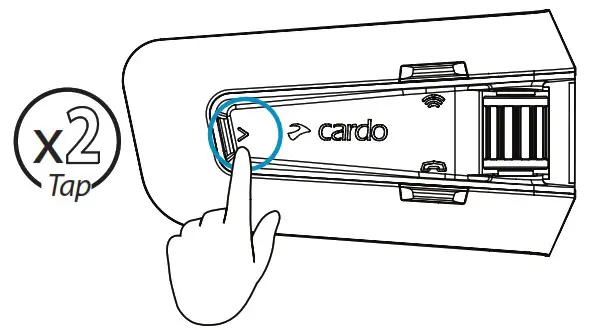
 Off | Apagar
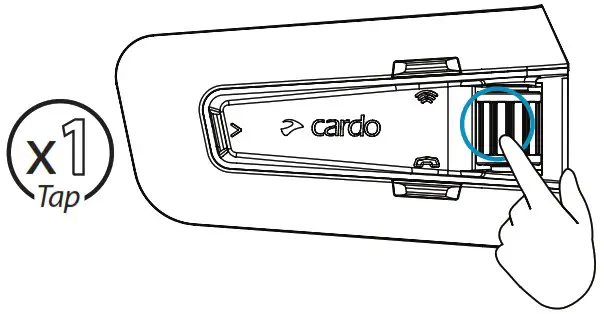
 Next Preset
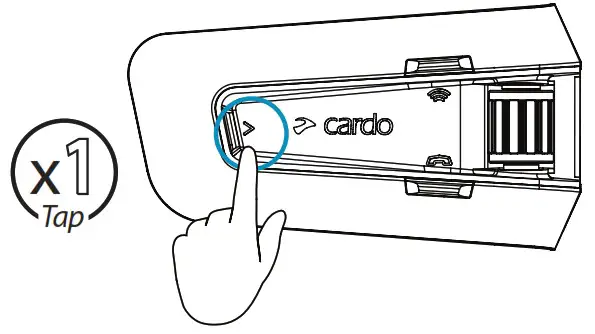
 Previous Preset
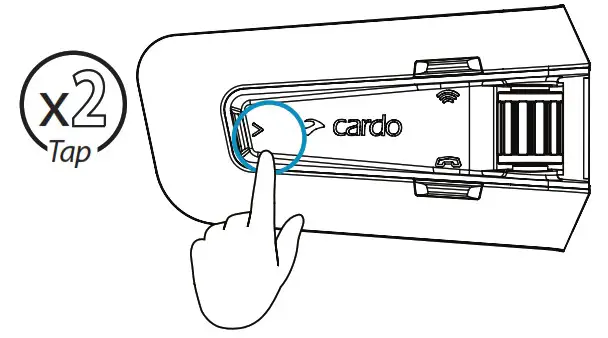
 Start Scan
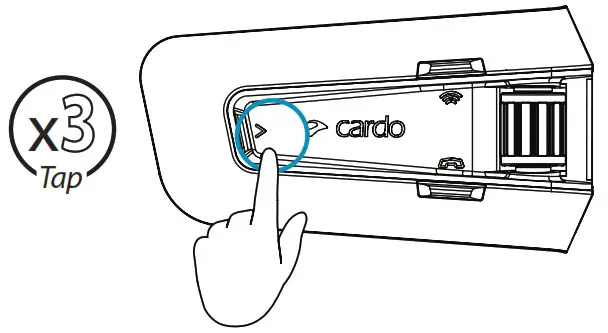
 Stop Scan
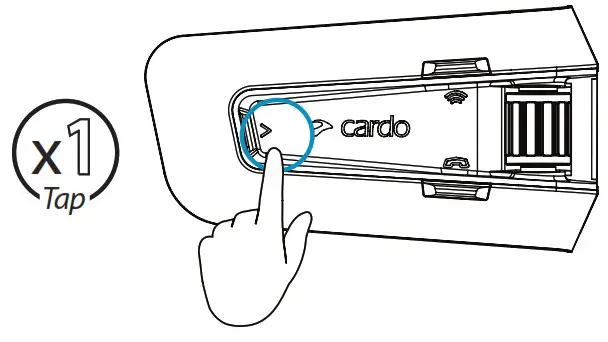
Music
 On | Encender
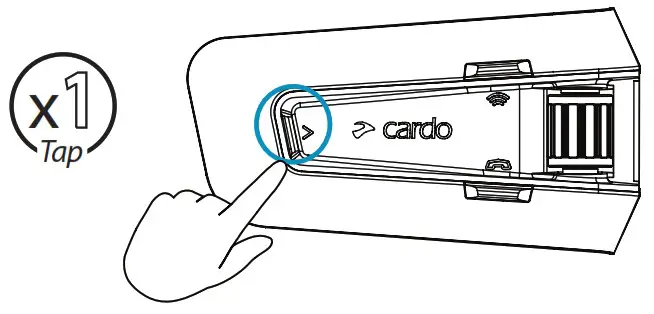
 Off | Apagar
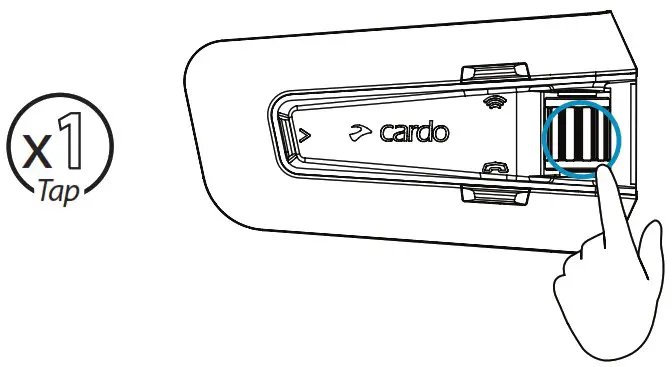
 Previous
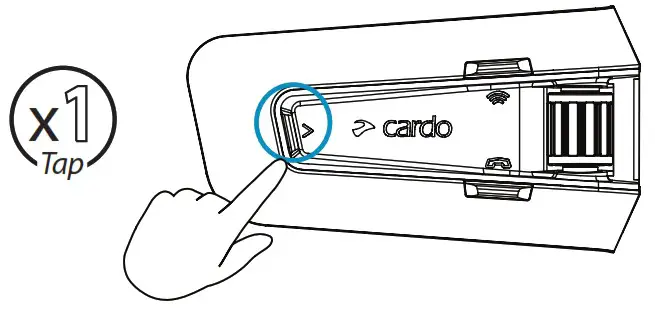
Switch Source
 Music to Radio
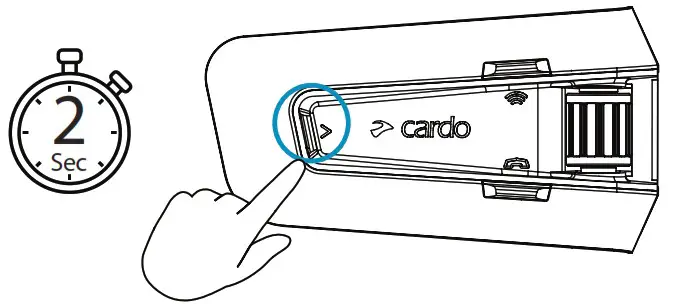
 Radio to Music
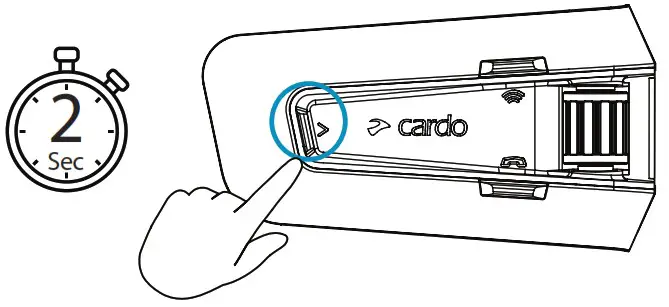
Phone Call
 Answer
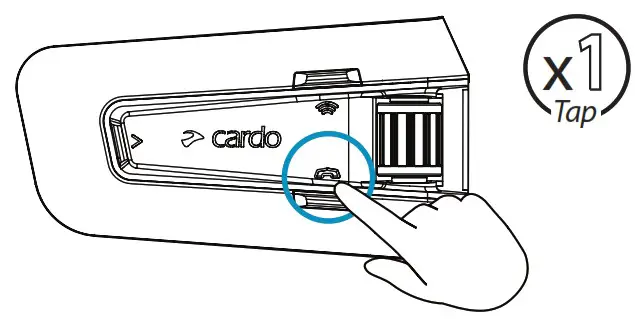
 Ignore
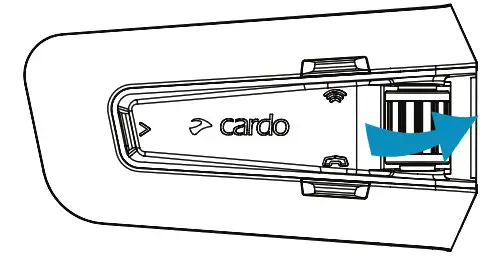
 End Call
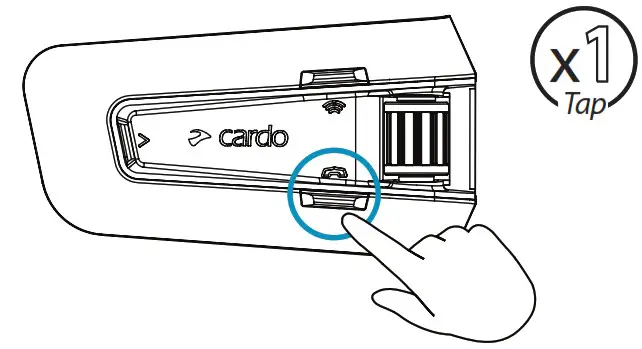
 Redial
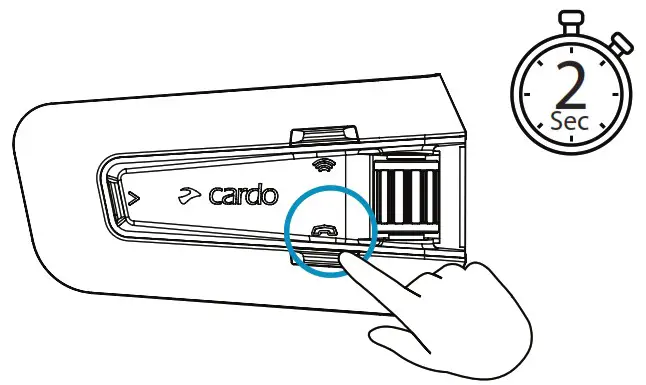
DMC Intercom
 Grouping
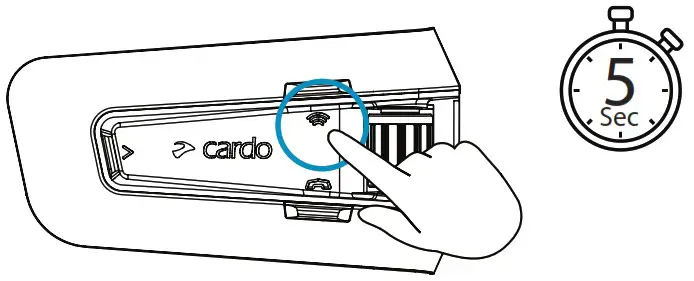
LED Red & Green 
Grouping Success
LED Purple 
 Mute / Unmute Group
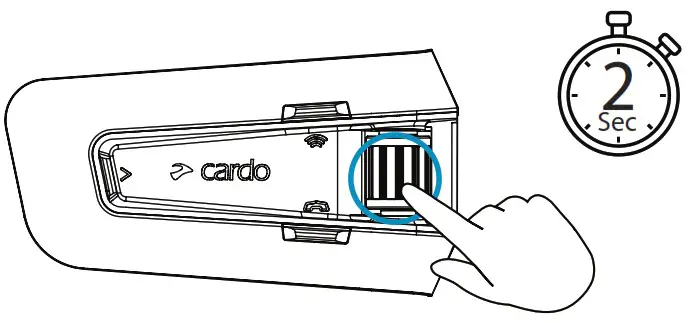
 Share Call
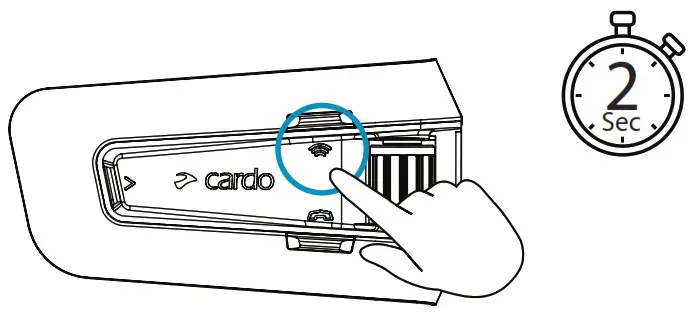
Music Sharing
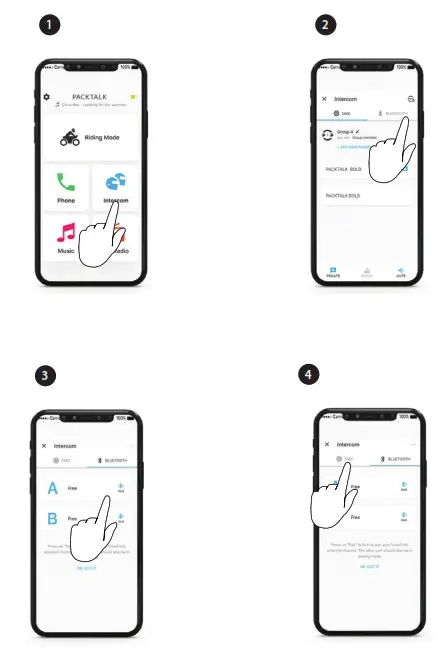
 Set Sharing Partner
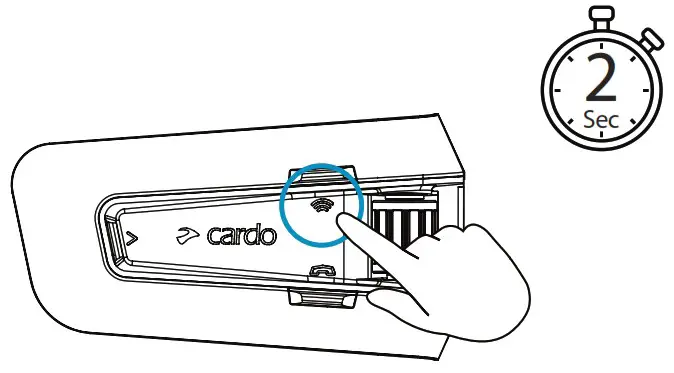
 Start / Stop Sharing
DMC Intercom
 Set Private Chat Partner
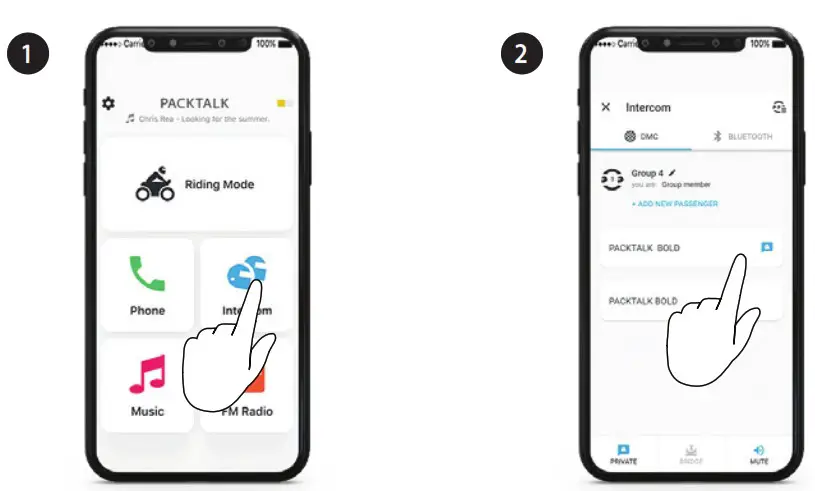
 Start / Stop Private Chat
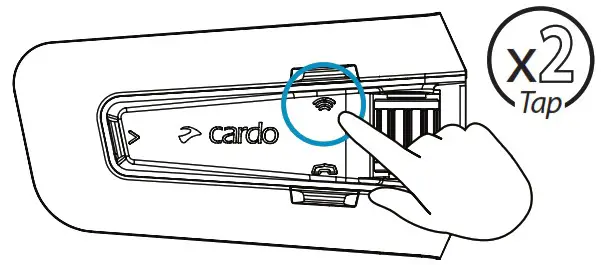
 Add Bluetooth passenger
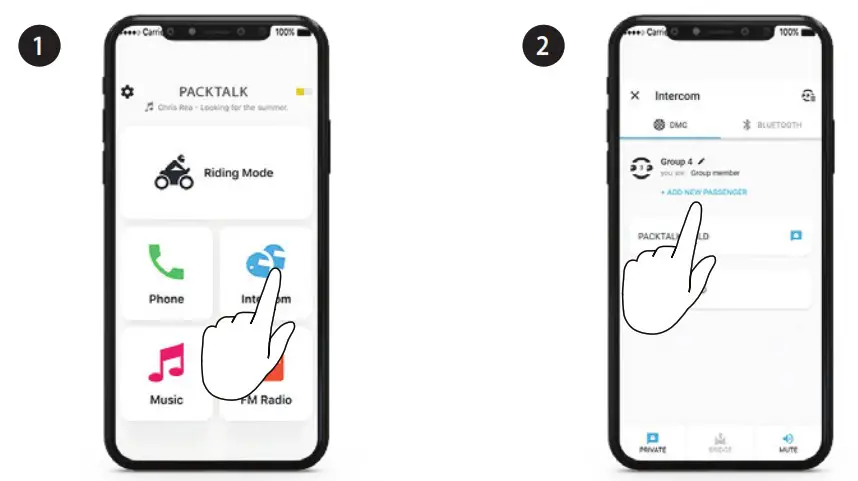
 Start/Stop Passenger Intercom
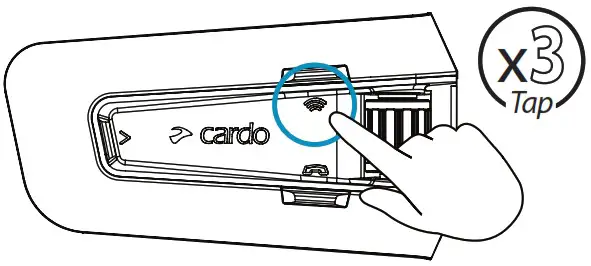
Phone Call

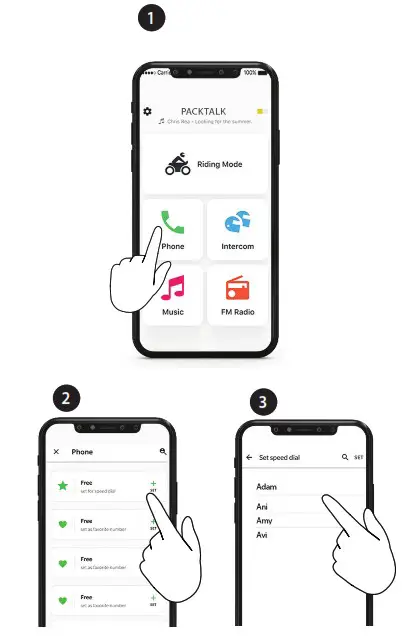
 Call Speed Dial
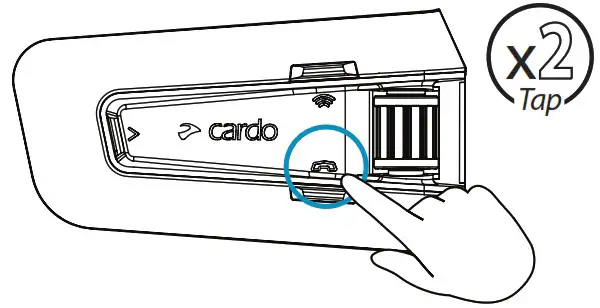
GPS Pairing
 Step 1
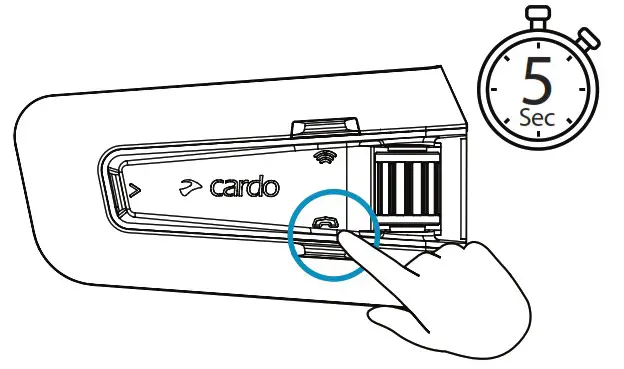
 Step 2
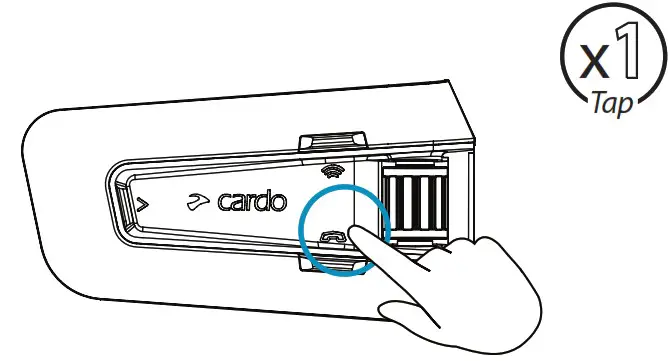
LED Red & Green
 Step 3
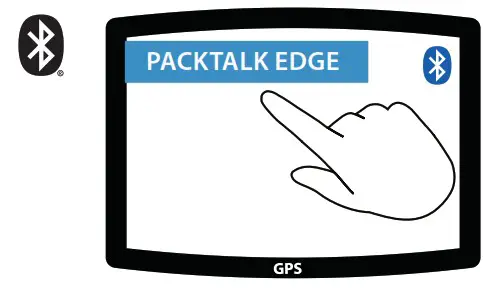
Universal Bluetooth intercom
 Bluetooth Intercom Pairing
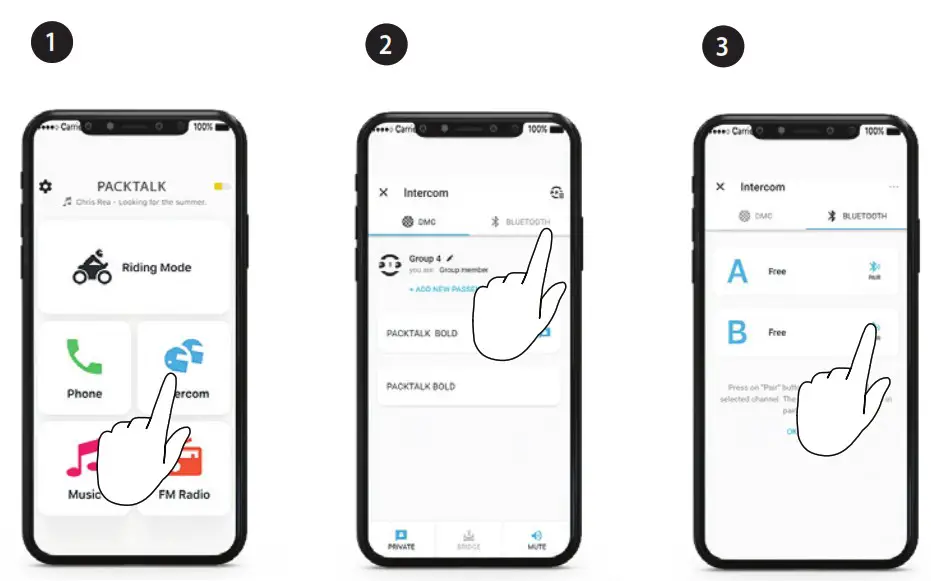
 Start / Stop Intercom
Rider A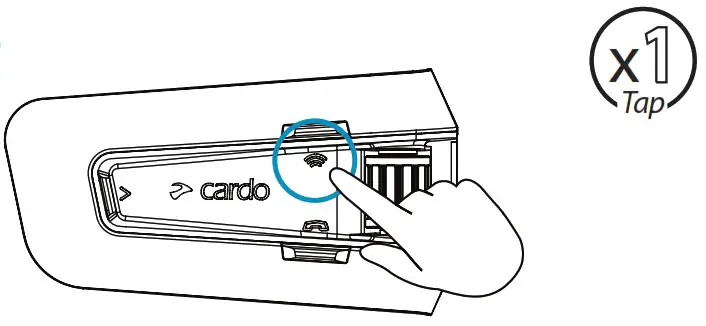
 Start / Stop Intercom
Rider B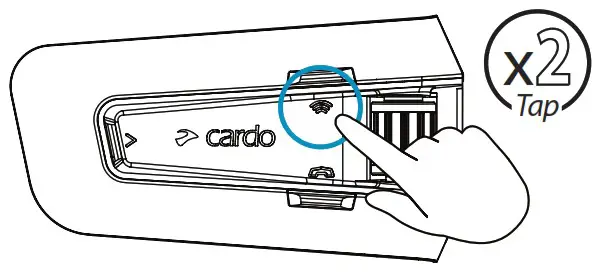
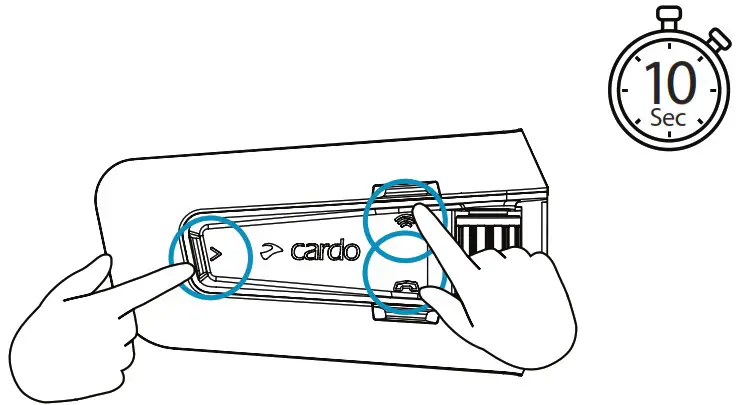
Reboot
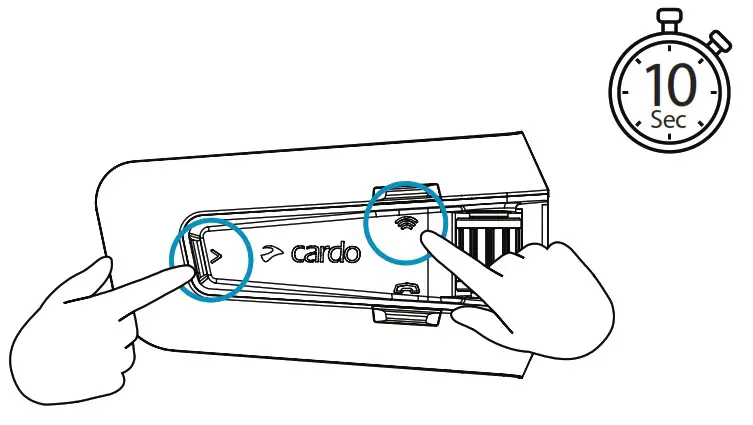
Factory Reset

KEEP YOUR EYES ON THE ROAD & YOUR
HANDS ON THE WHEELS
OPERATED BY
NATURAL VOICE
Voice Commands – Always On!

- Answer
- Ignore
- “Hey Cardo, end call”
- “Hey Cardo, speed dial”
- “Hey Cardo, redial number”

- “Hey Cardo, music on”
- “Hey Cardo, music off ”
- “Hey Cardo, next track”
- “Hey Cardo, previous track”
- “Hey Cardo, share music”

- “Hey Cardo, radio on”
- “Hey Cardo, radio off ”
- “Hey Cardo, next station”
- “Hey Cardo, previous station”

For Bluetooth intercom only
- “Hey Cardo, call intercom”
- “Hey Cardo, end intercom”

- “Hey Siri”
- “OK Google”

- “Hey Cardo, volume up”
- “Hey Cardo, volume down”
- “Hey Cardo, mute audio”
- “Hey Cardo, unmute audio”
- “Hey Cardo, mute microphone”
- “Hey Cardo, unmute microphone”

- “Hey Cardo, battery status”


 Cardo Connect App
Cardosystems.com/update
Cardosystems.com/support
 MAN00667 – MAN POCKET GUIDE FOR PT EDGE ORV EN_FR_ES_A01
 Cardo Systems - The World's Best Powersports Communication System