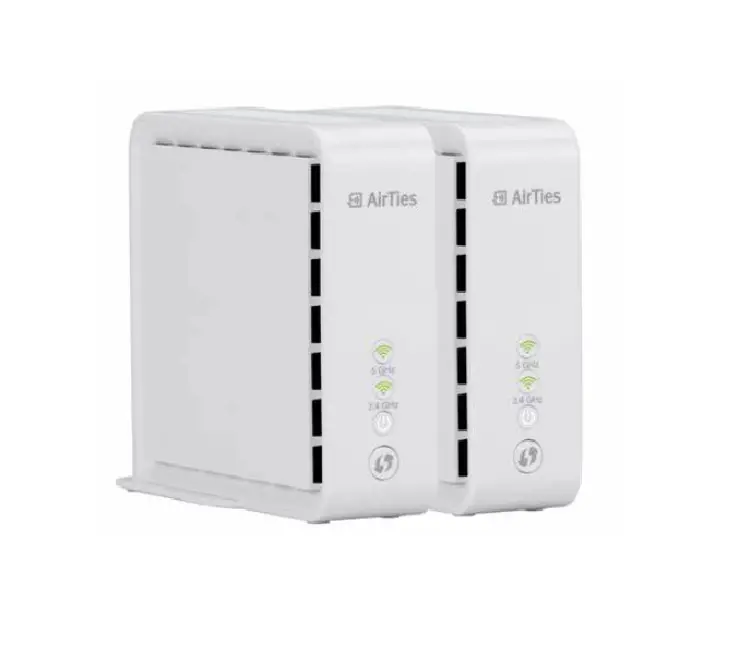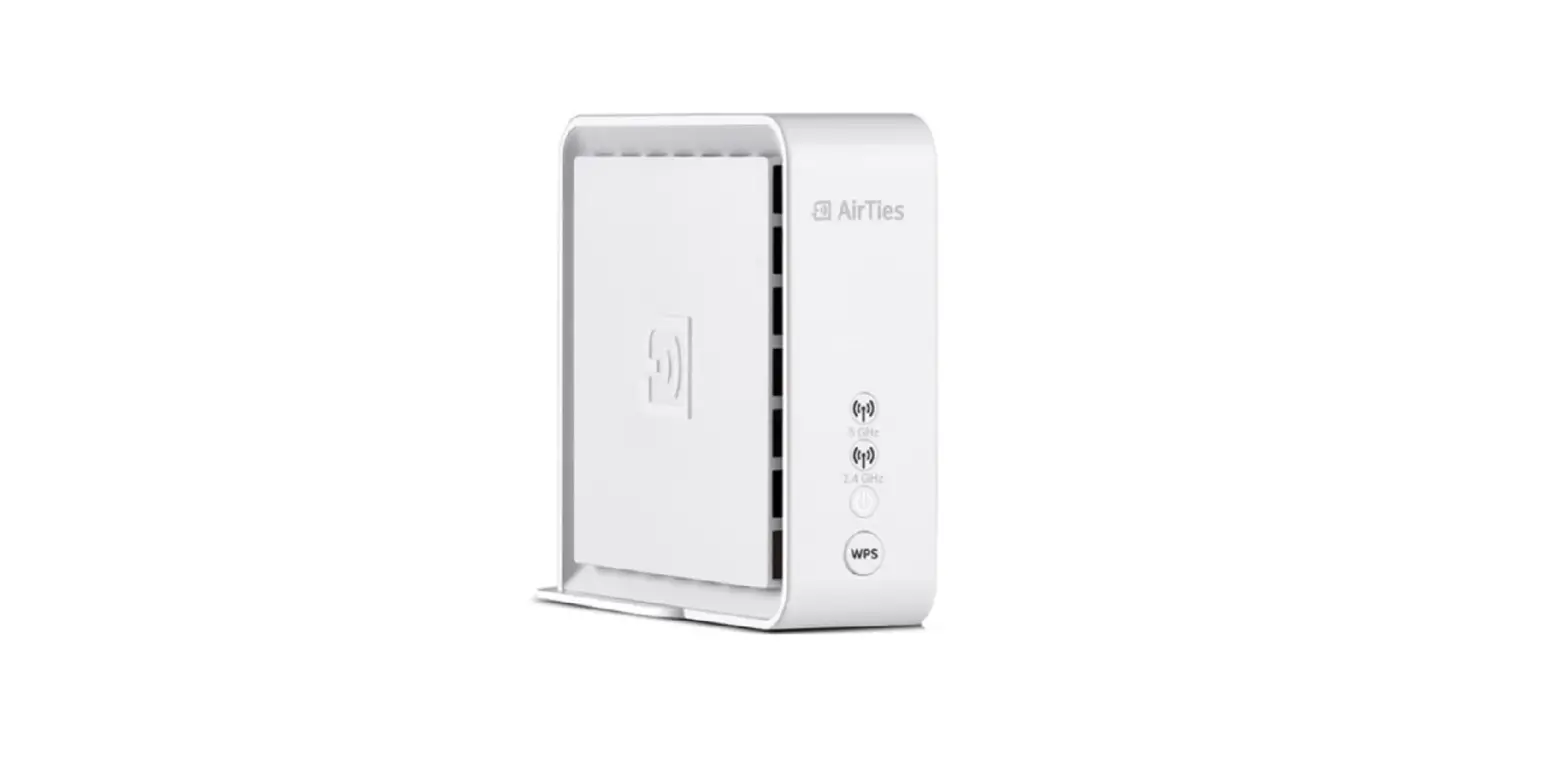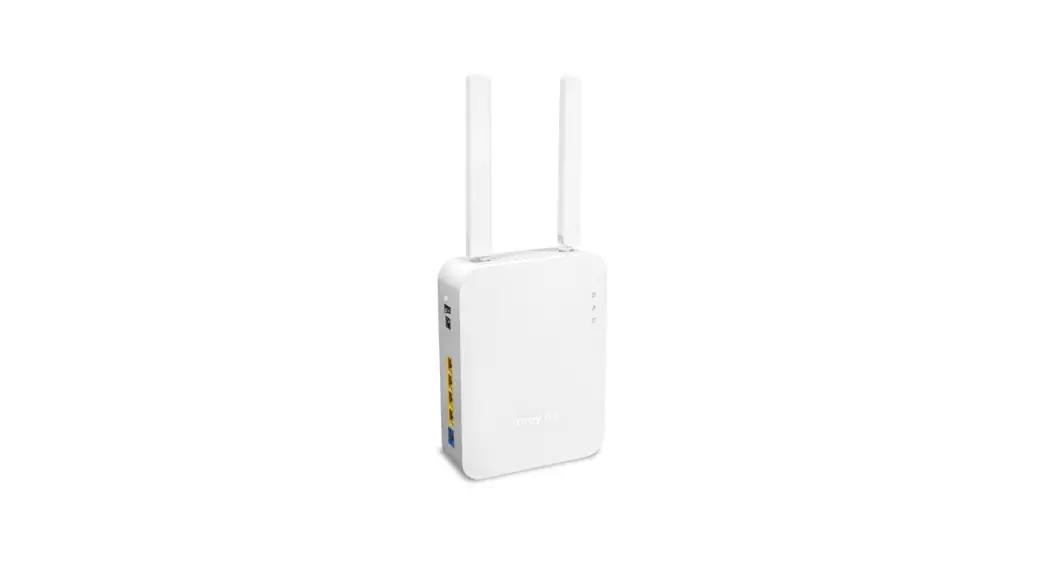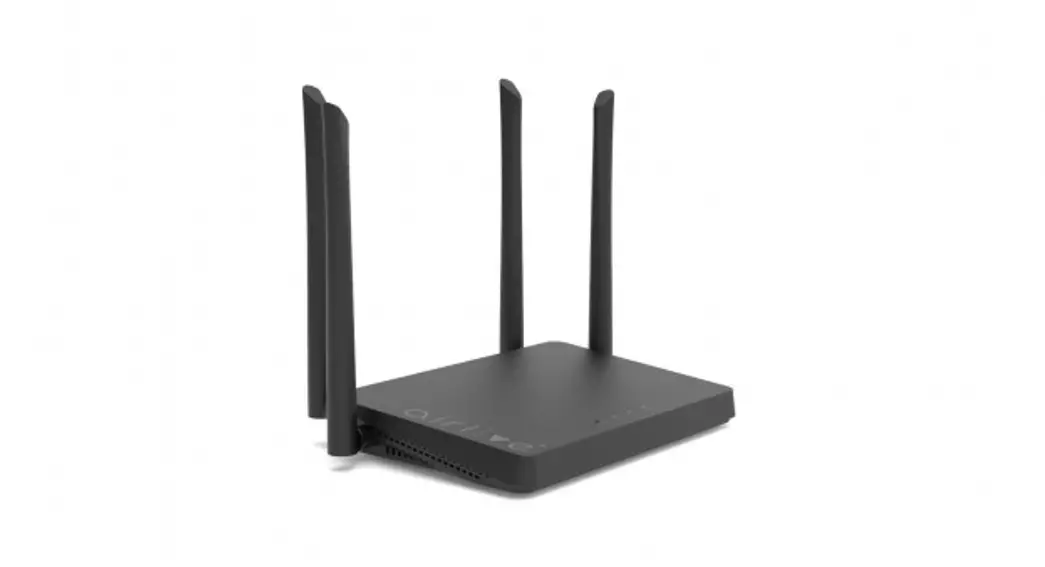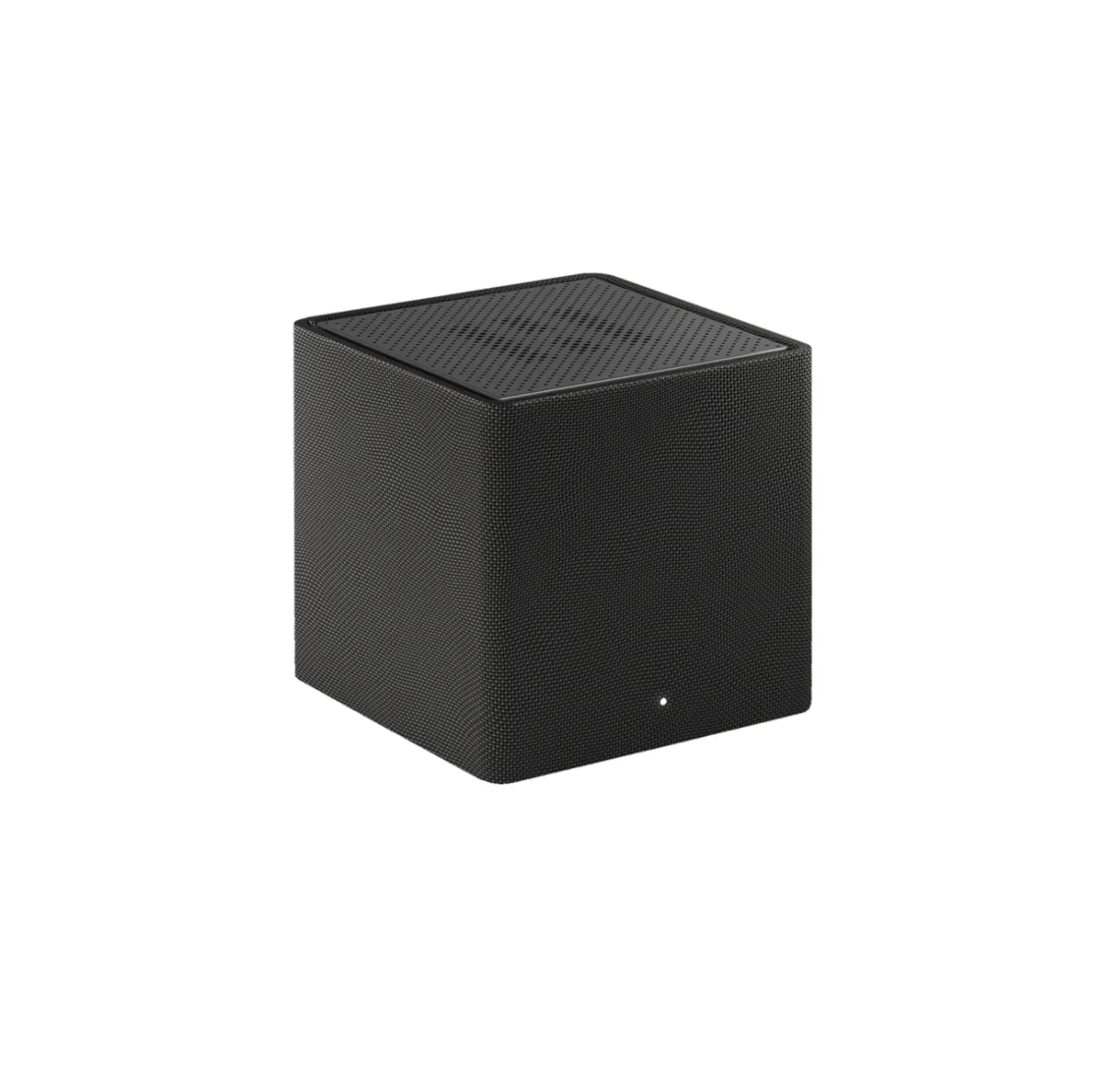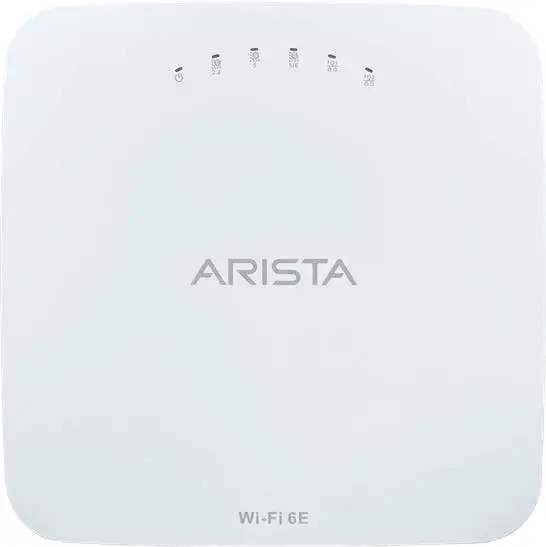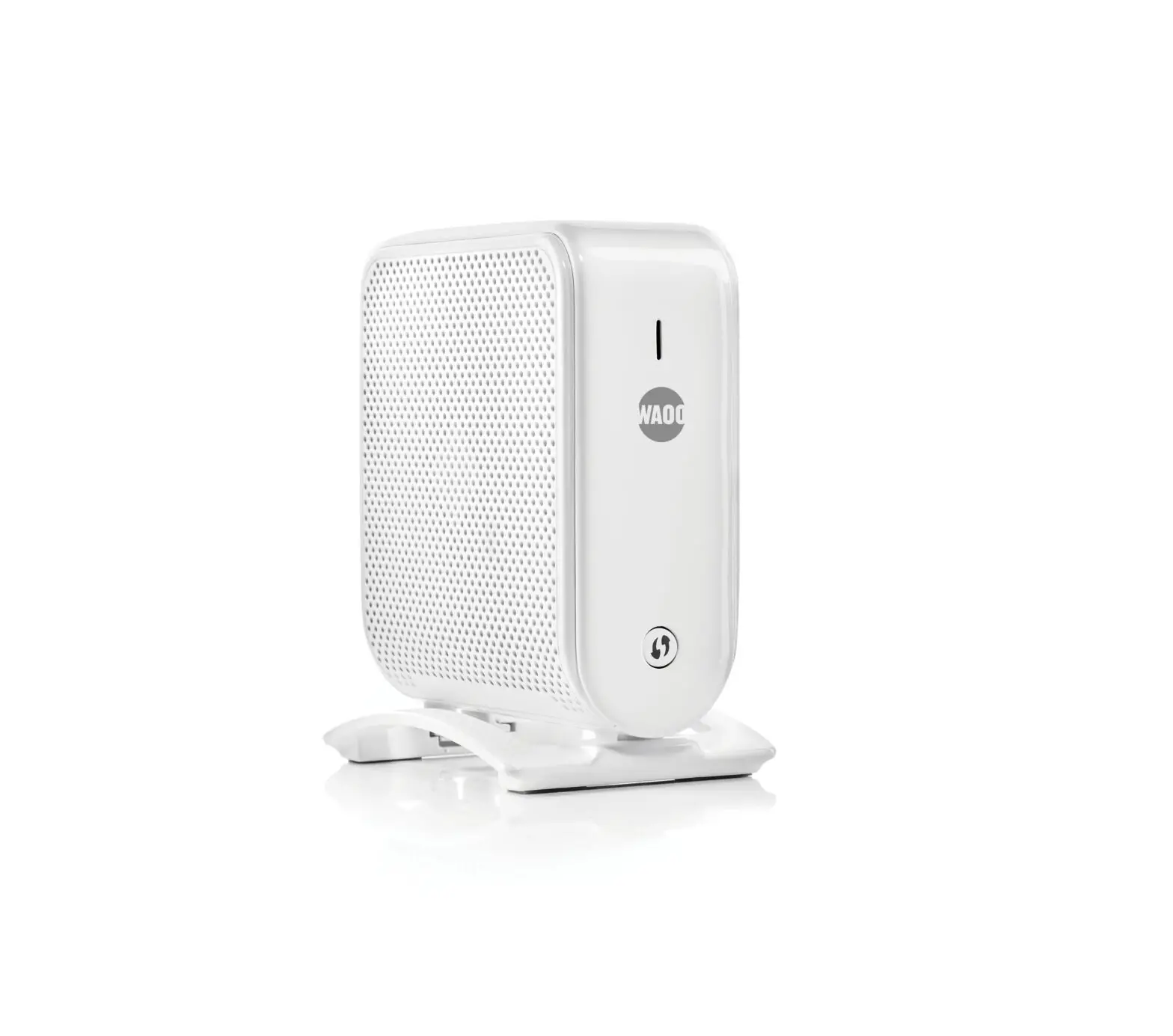

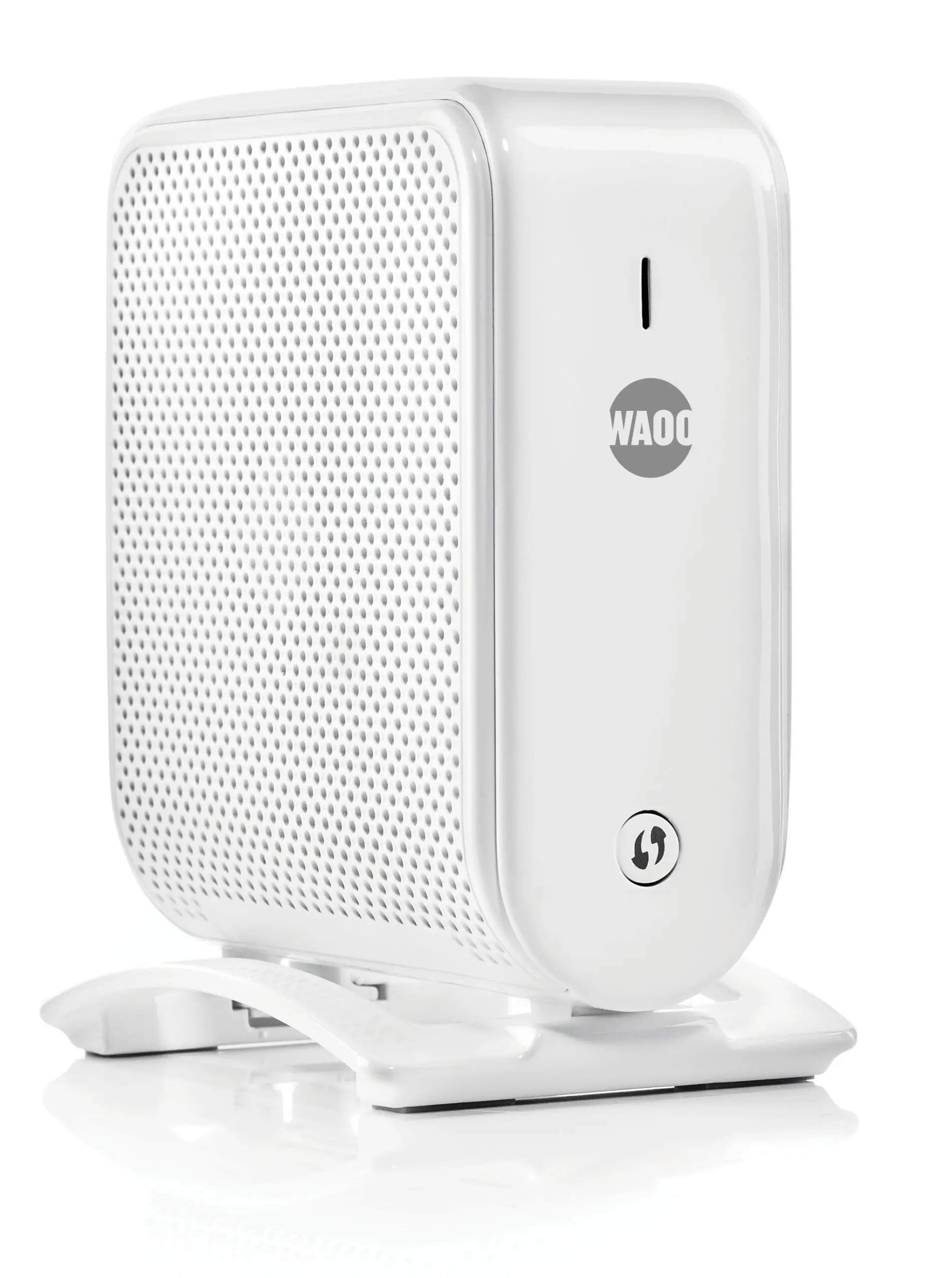
Air 4960 Wi-Fi 6 Smart Mesh Access Point
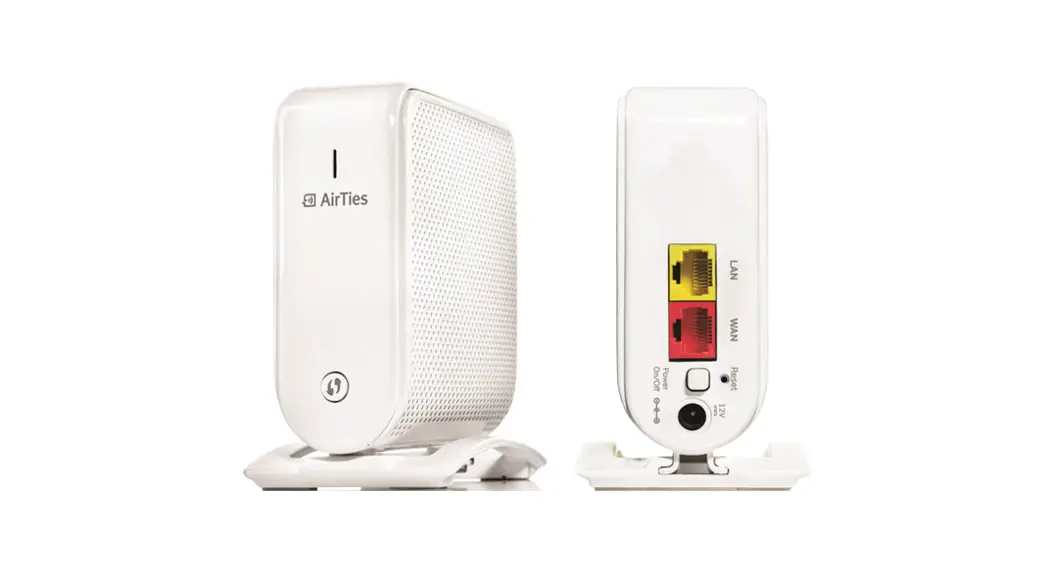
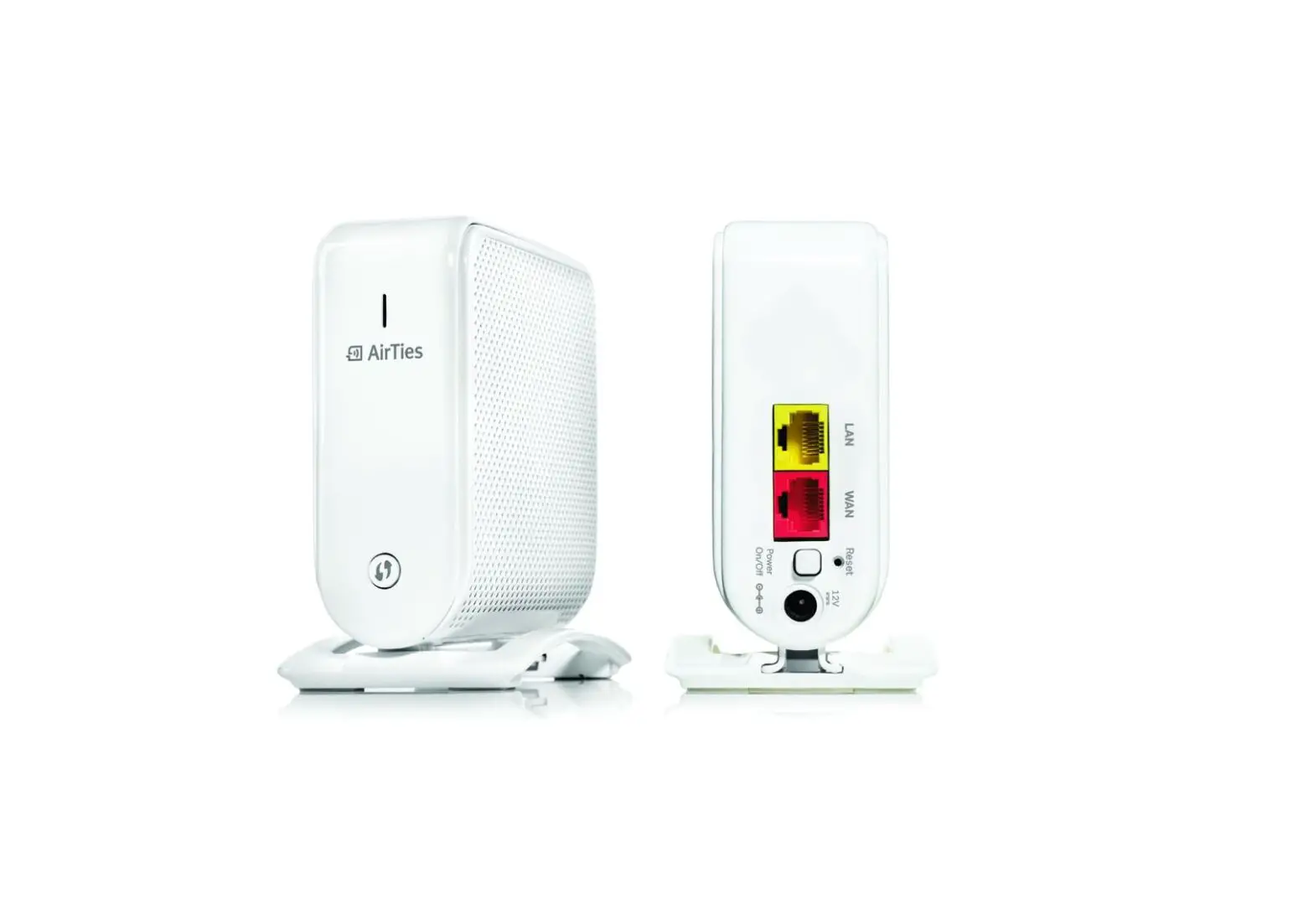
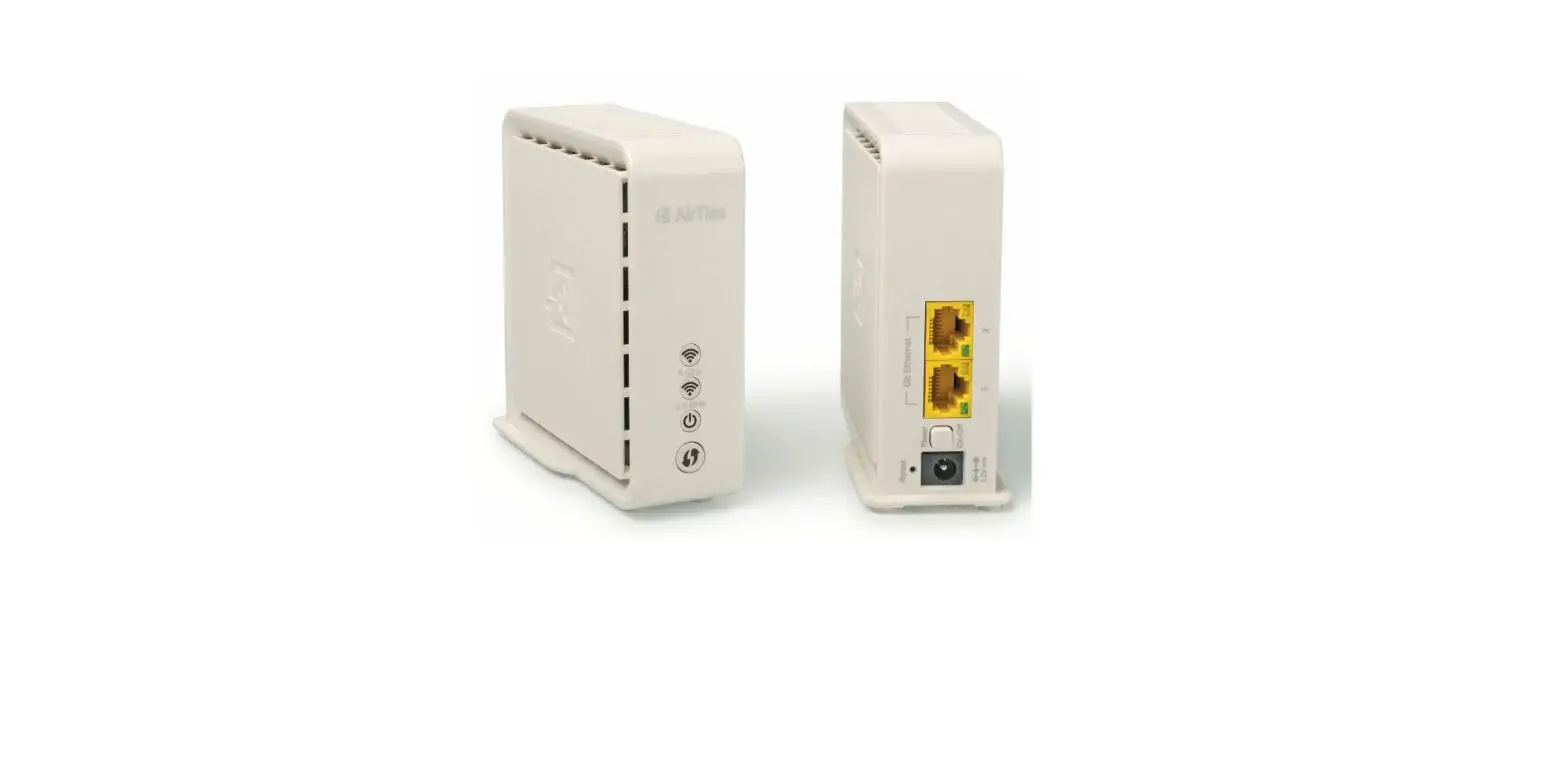
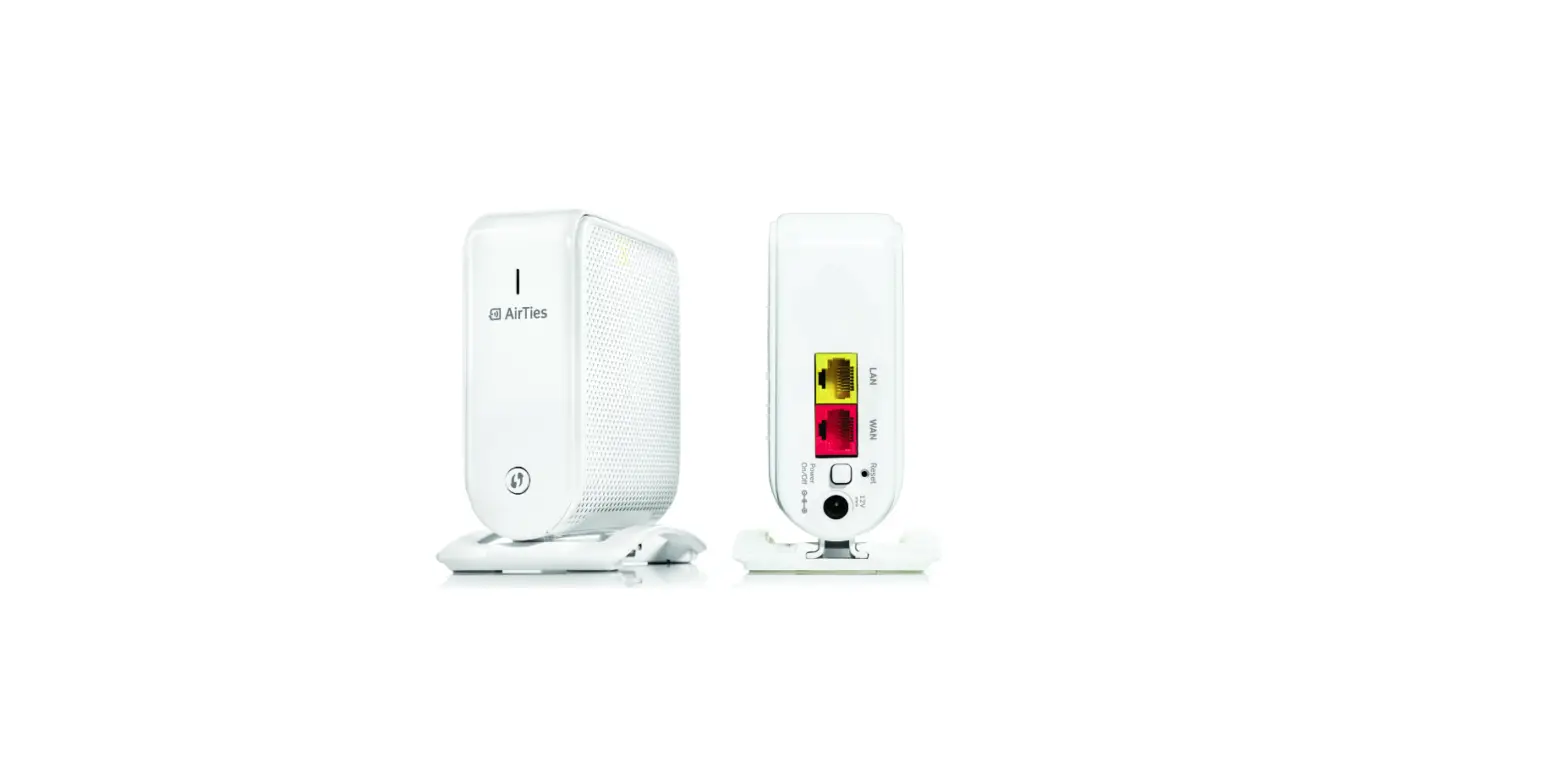
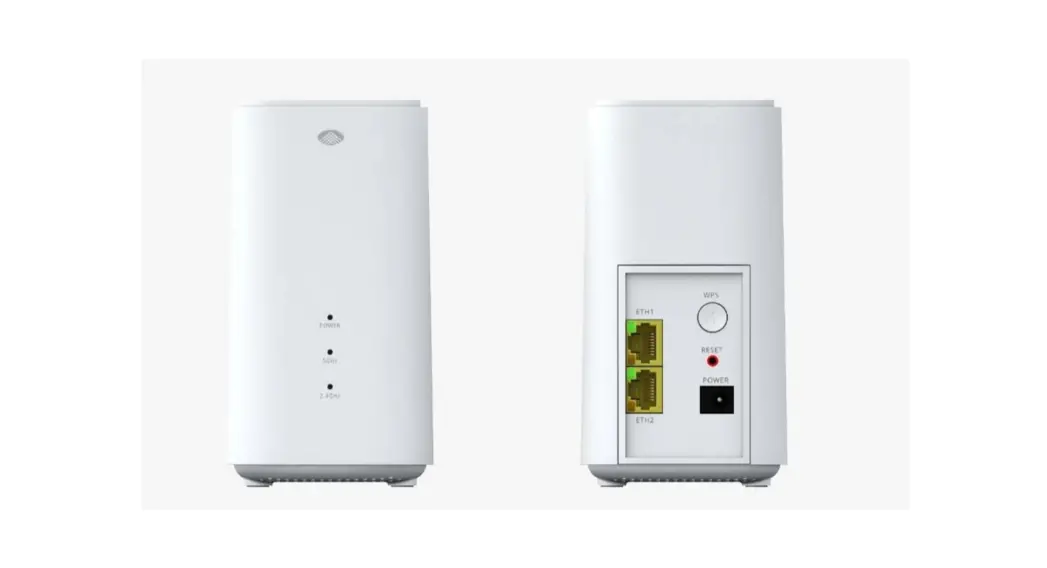
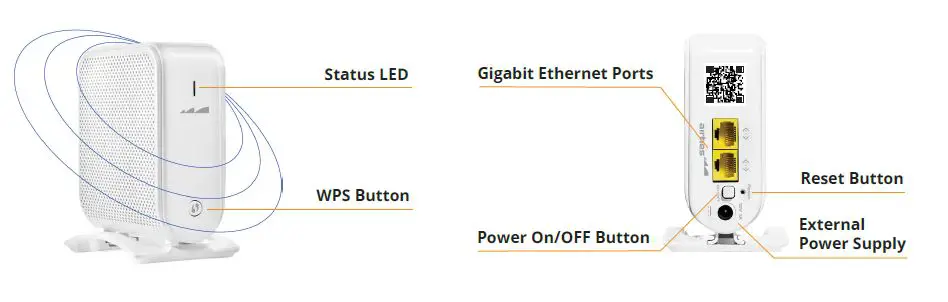
PORTS and BUTTONS
Please remove the protective plastic on the products before installation.
INSTALLATION
To install the Airties Wireless devices, please download “Airties Vision” application on your mobile device by scanning this QR code. Please follow the instructions in the mobile application to complete your setup.
TIPS FOR BEST PERFORMANCE
- Keep devices away from:
- Potential sources of electrical interference. Equipment that may potentially cause interference include home security systems, microwaves and consumer electronic devices.
- Large metal surfaces and objects.
- Sources and areas of heat such as ovens and sun rooms as well as direct sun light.
- Please make sure to remove the protective plastic on the device before first use.
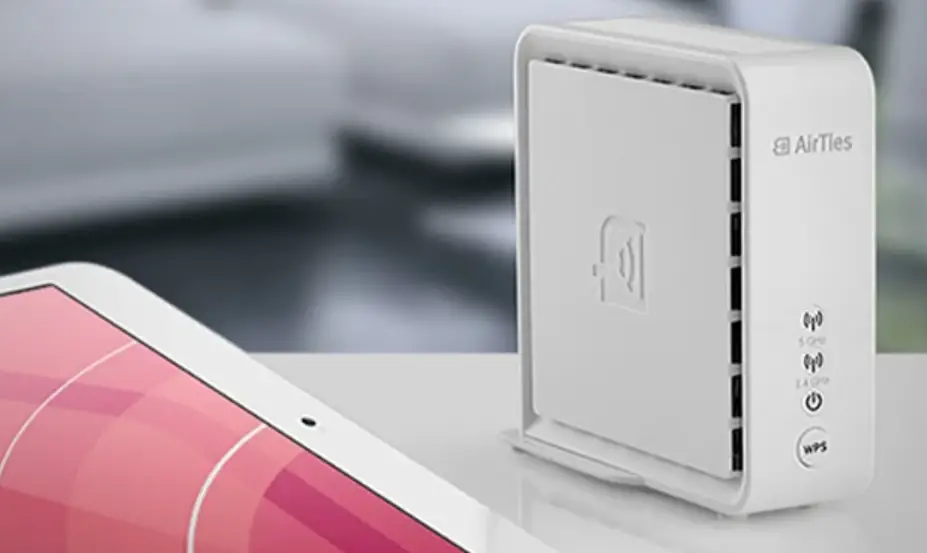
- Please use the device in upright position. The openings are provided for ventilation, do not block or cover openings.
- Your device is designed to work indoors and under room temperature conditions
only. Avoid placing the device to very cold, very hot, very humid or very dry locations inside your home. - To change advanced settings on your device, you can access web UI with the credentials below:
- Username: admin
- Password: Admin123
RETURNING TO FACTORY SETTINGS
To return the device to factory settings, press down on the reset button (in the small opening on the back shown above) for 5 seconds and release. A metal paperclip (with an extended tip) or strong toothpick are typically good choices for this task. When the reset process is triggered, the LED in the front will “blink rapidly” and the device will reboot to factory settings.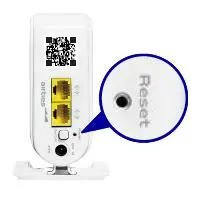
PRODUCT NOTICES
Operational modes:
 802.11b, 802.11g, 802.11n (HT20), 802.11n (HT40), 802.11ax (HE20), 802.11ax (HE40)
 802.11a, 802.11n (HT20), 802.11n (HT40), 802.11ac (VHT20), 802.11ac (VHT40), 802.11ac (VHT80), 802.11ac (VHT160), 802.11ax (HE20), 802.11ax (HE40),
802.11ax (HE80), 802.11ax (HE160)
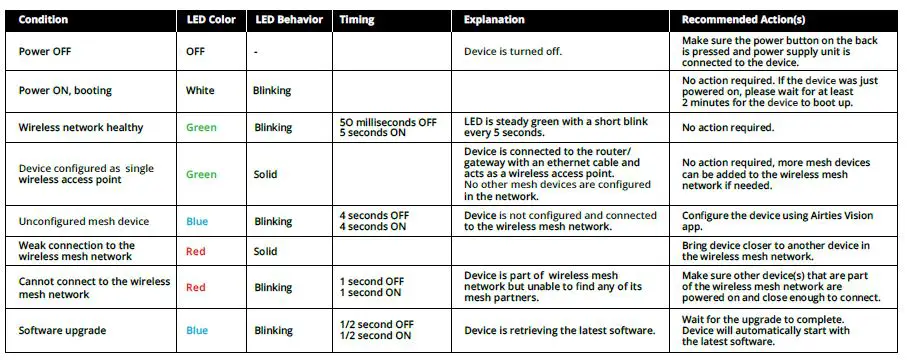
TROUBLESHOOTING
Air 4960