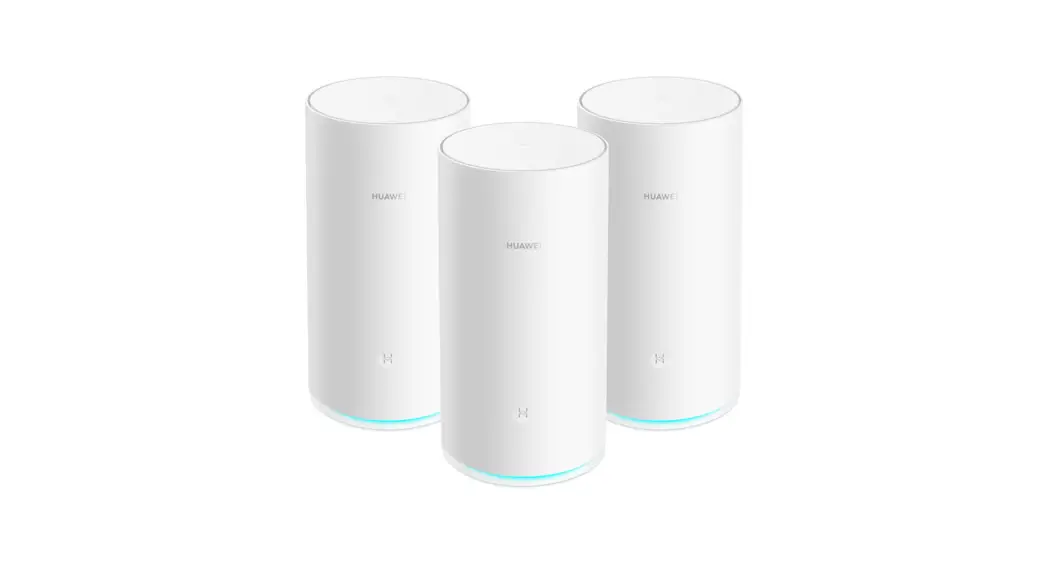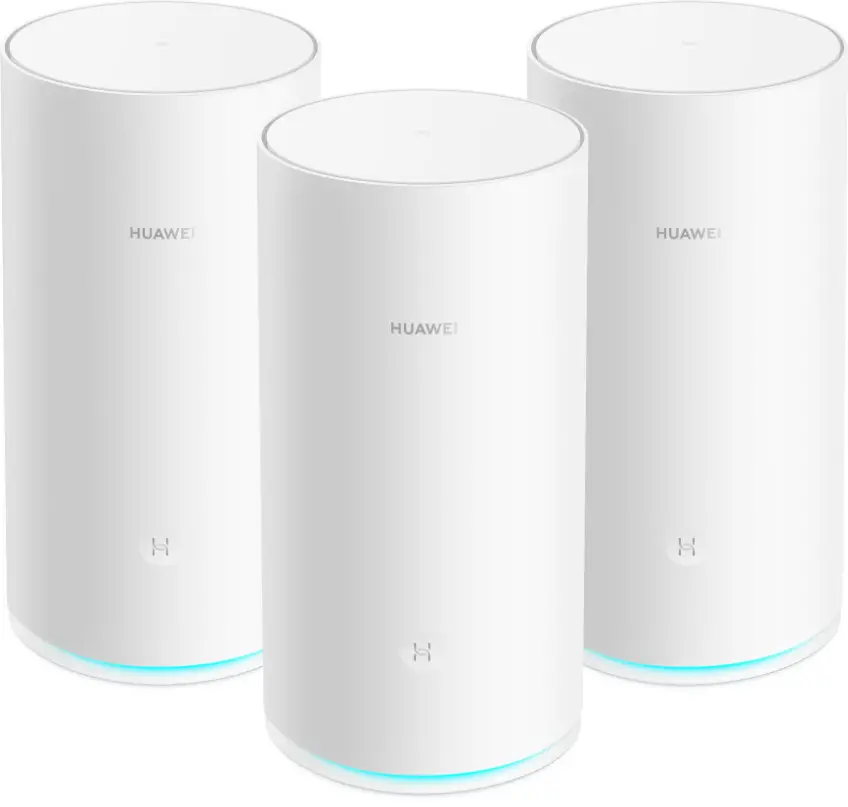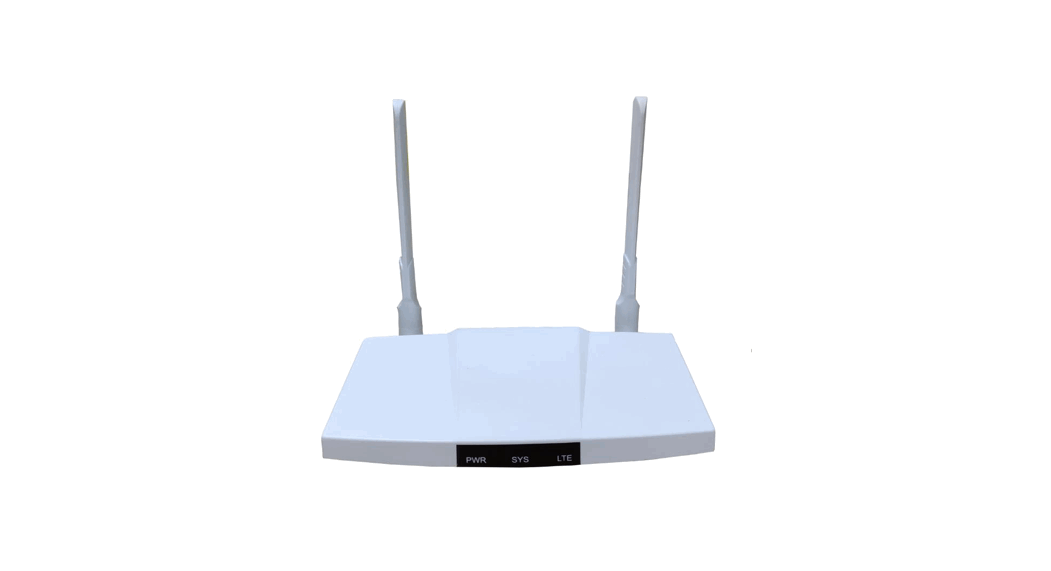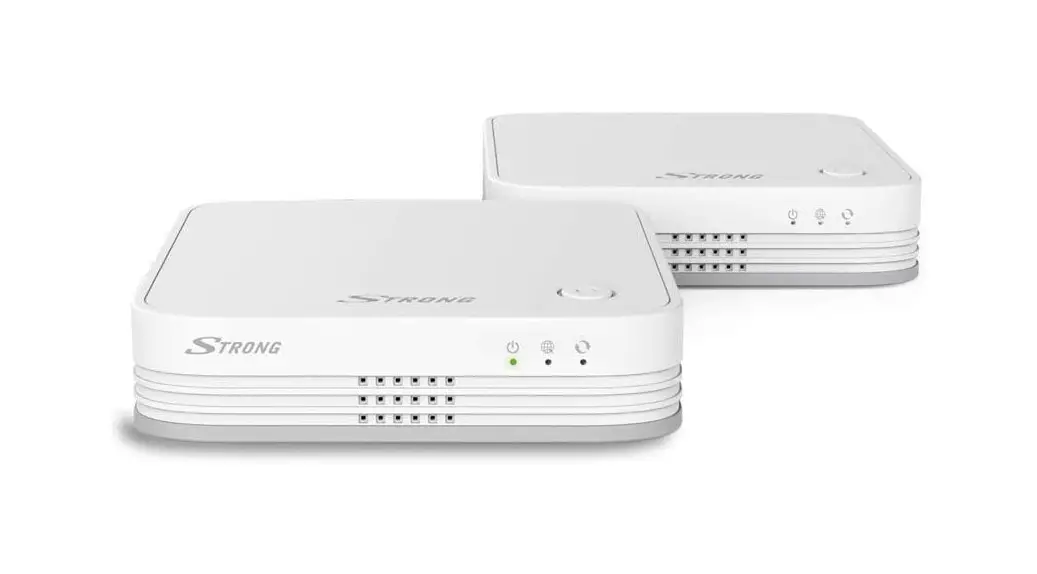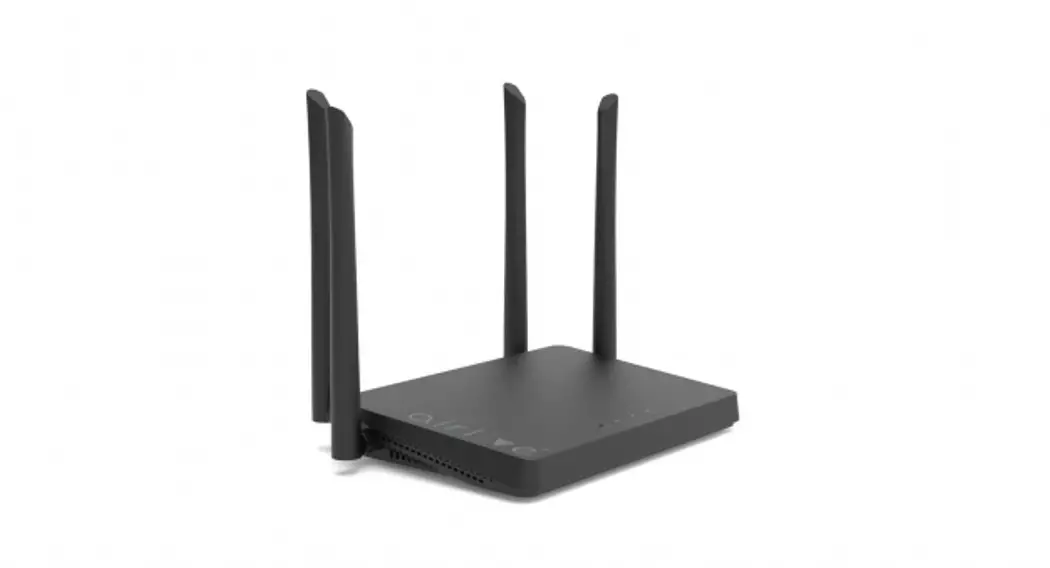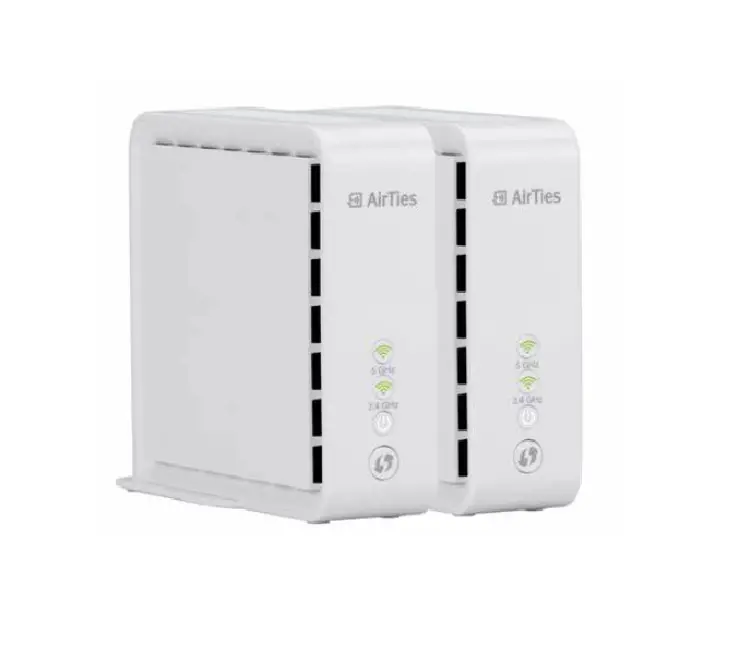

4960X Mesh Wi-Fi Router
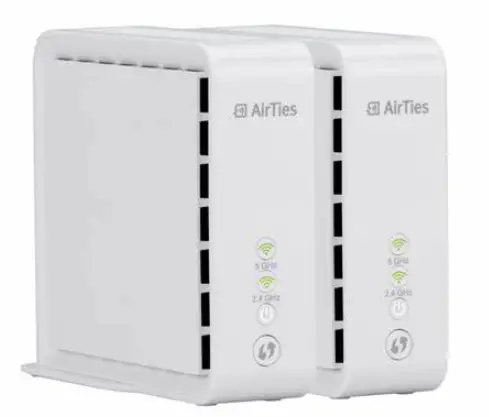
Product Information
4960X Wi-Fi Router & Vison App
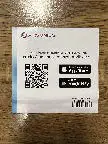
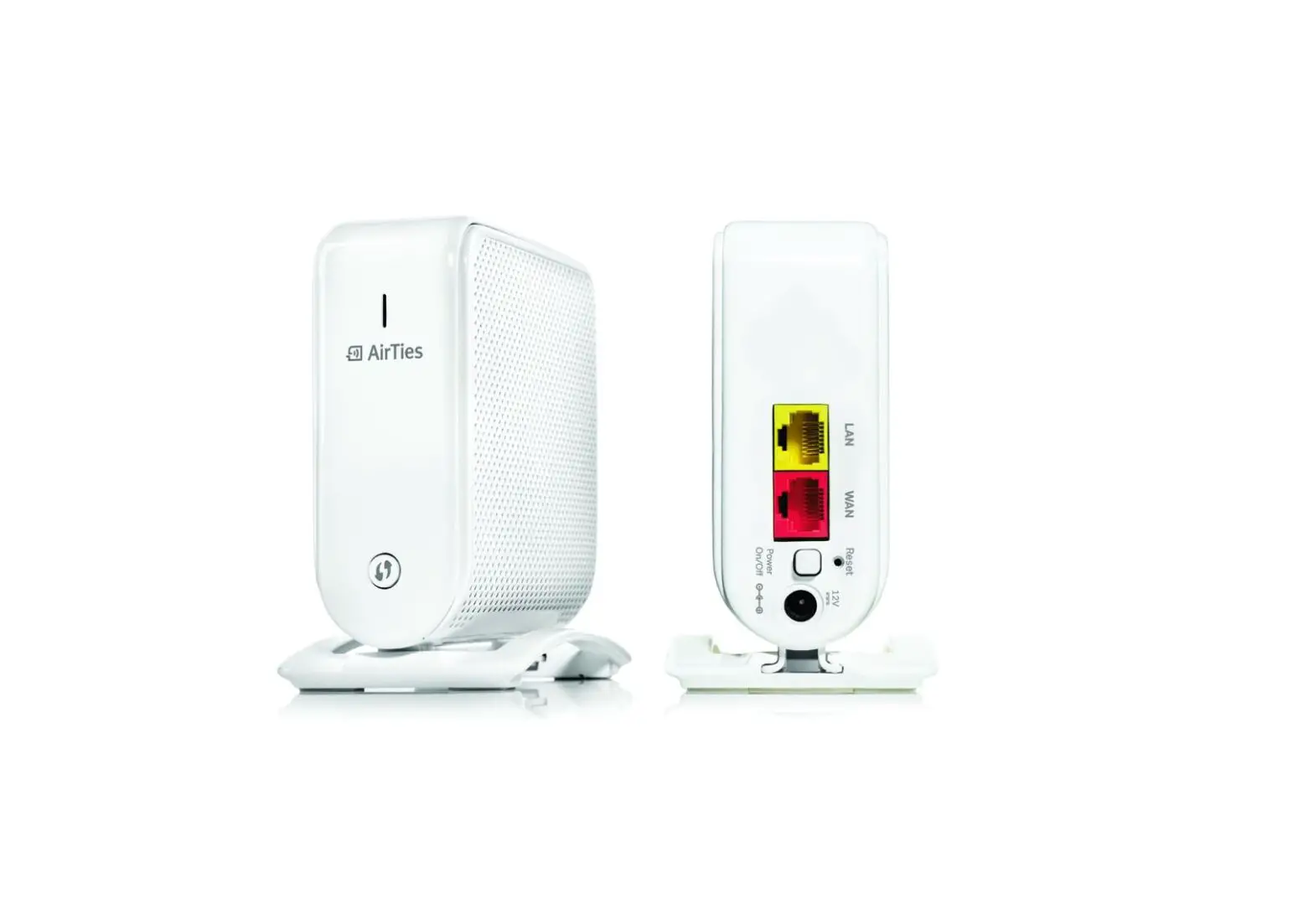
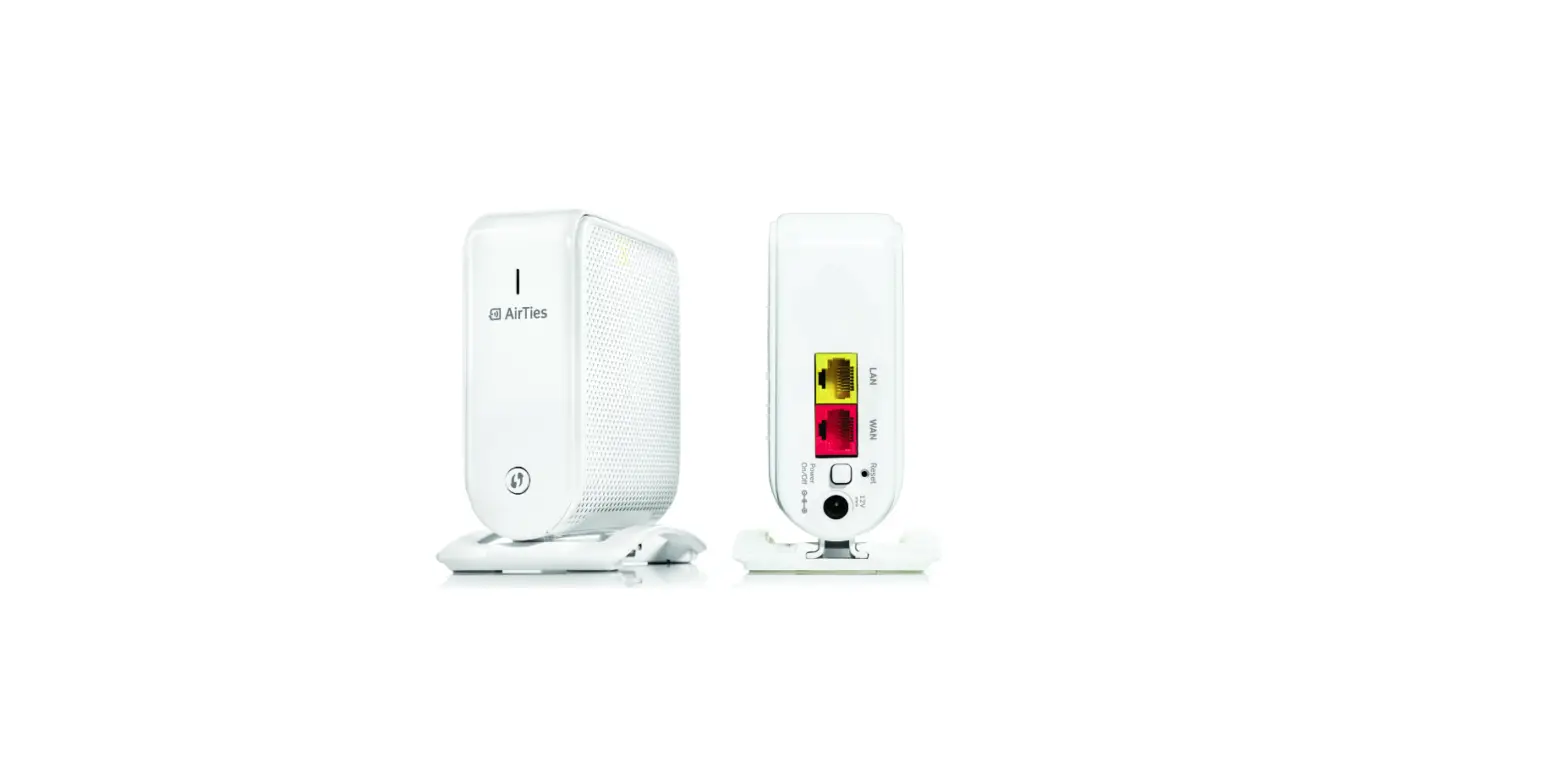
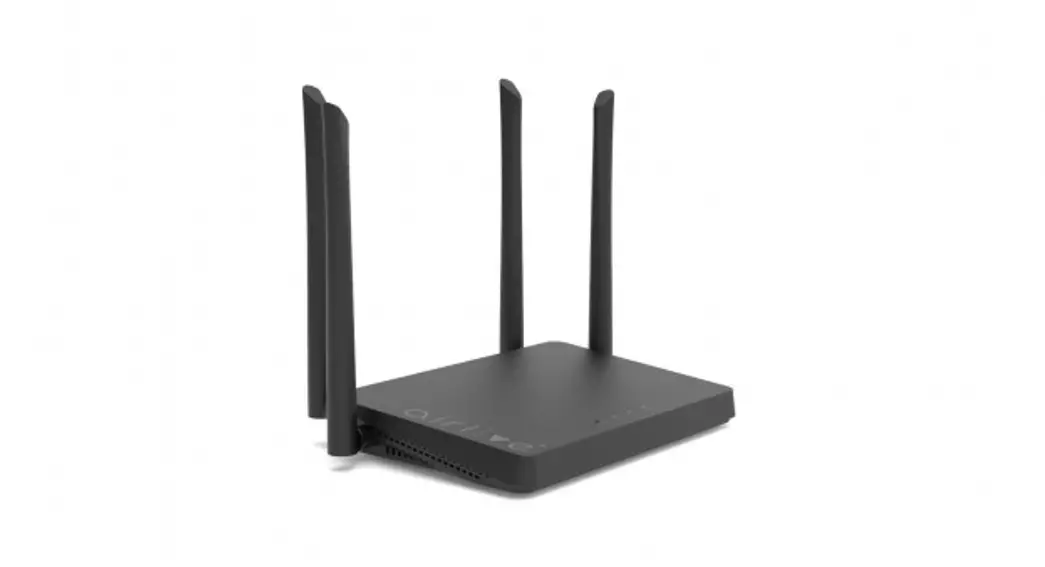
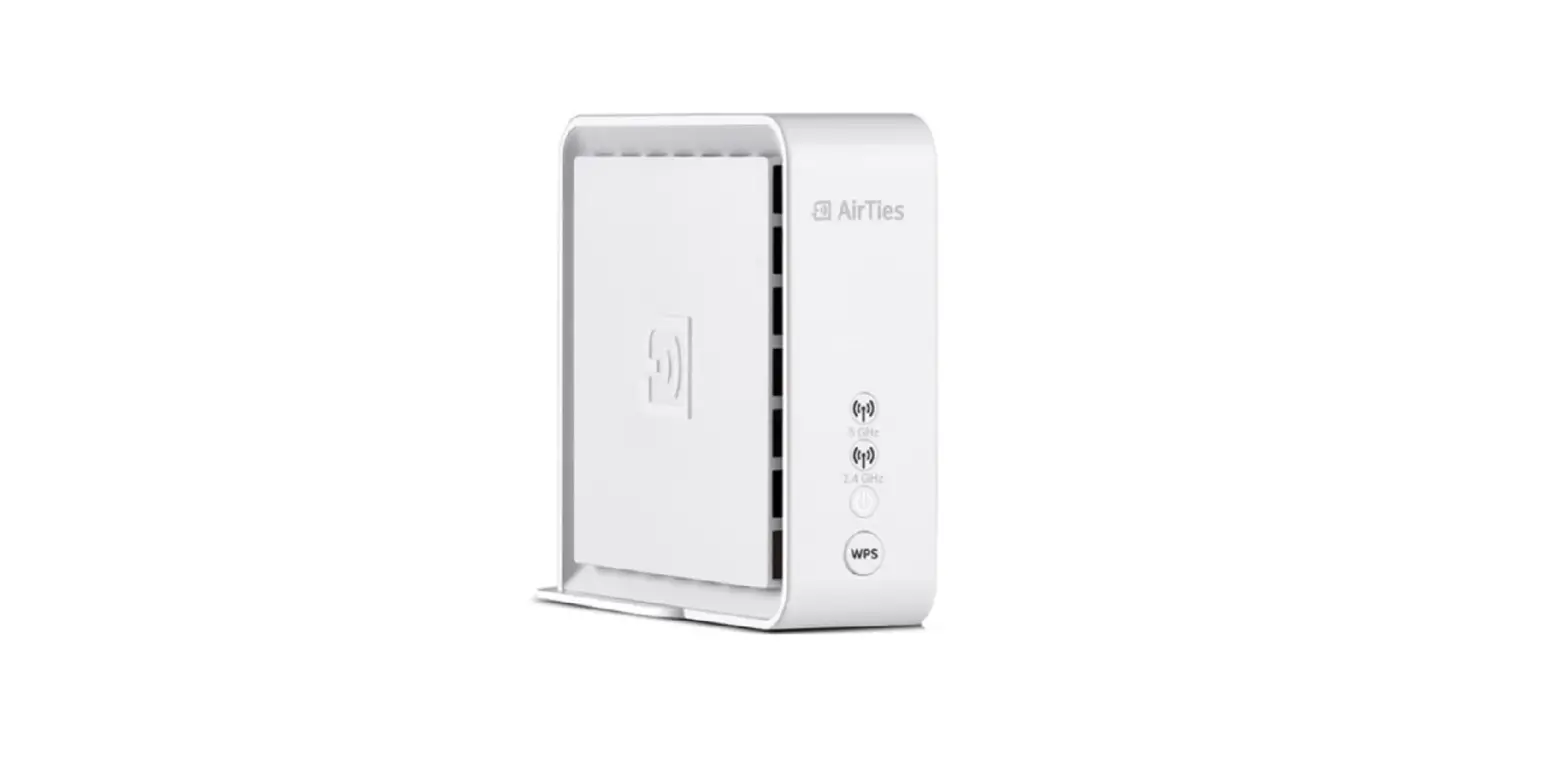
The 4960X Wi-Fi Router is a wireless networking device that provides internet connectivity to various devices in your home or office. The router comes with an accompanying Vison App that allows you to manage and monitor your network from your smartphone or tablet. The app is available for download on the App Store, and you can also scan the QR code on the paper slip that comes with the router to download it.
Product Usage Instructions
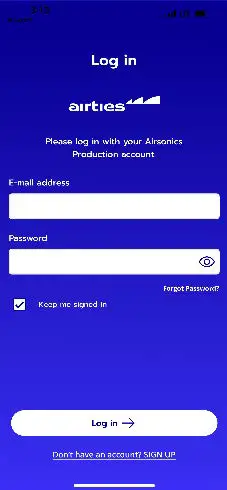
- If you already have an account, search for Airties Vision in the App Store or scan the QR code on the paper slip. If you do not have an account, sign up and continue.
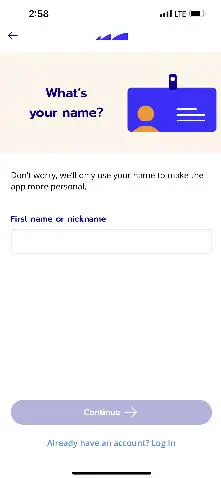
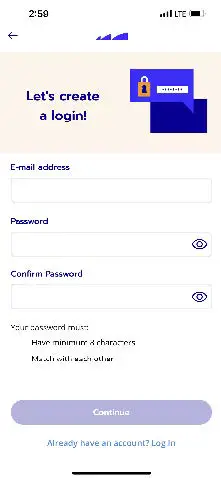
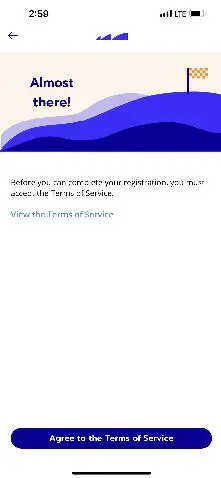
- Fill out your information and continue to read the terms. Agree to them and continue.
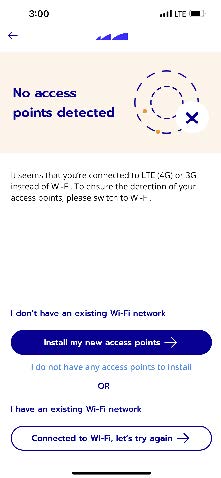
- Press “Install my new access points”.
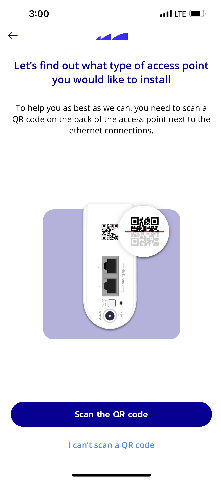
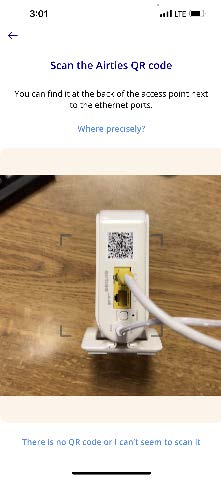
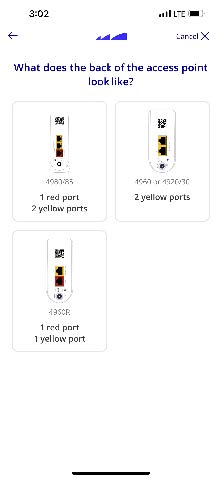
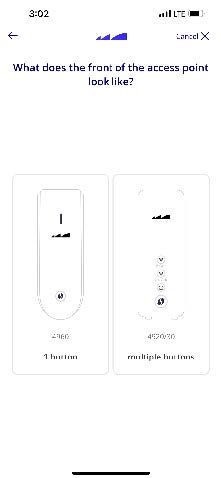
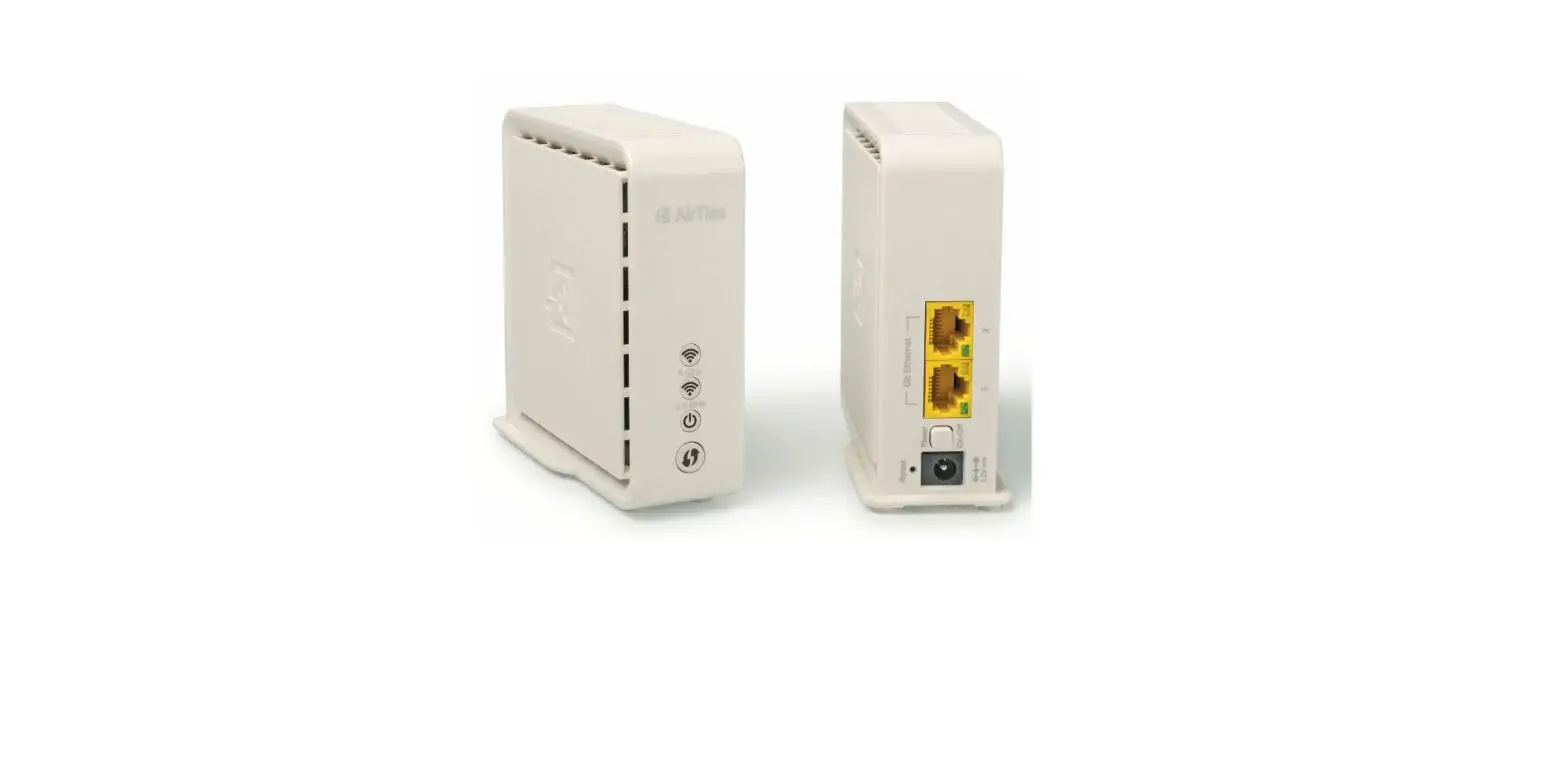
- You can either scan the QR code on the back of the router or press the “4960/2 Yellow Ports” button and then the “4960/1” button.
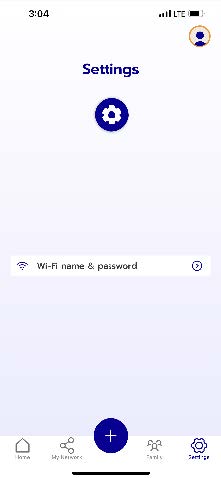
- If it doesn’t prompt you, press “Settings”.
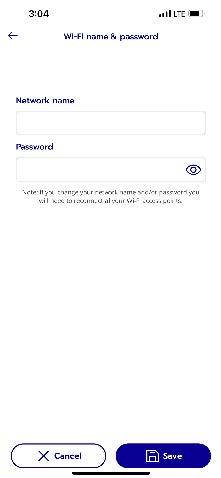
- Press “Wi-Fi name & Password” and name your Wi-Fi network and give it any password you like. Write down or save this information.
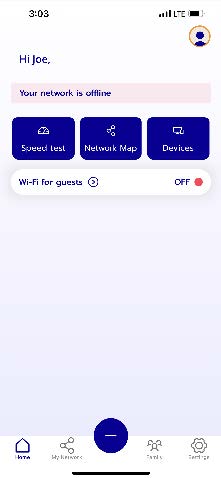
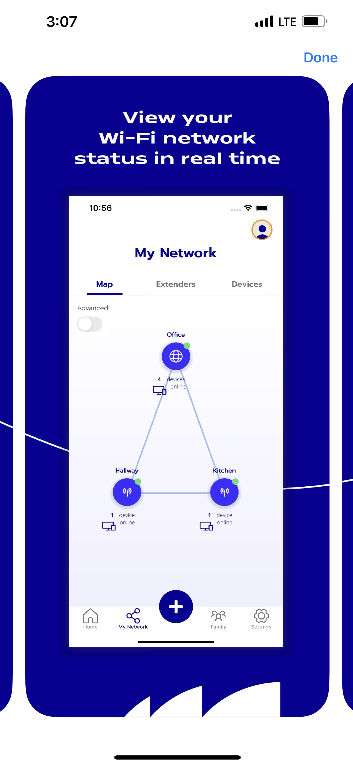
- Set up is complete. Press “My Network” to manage your network.
How To Operate
- Search for “Airties Vision” in App store or scan QR code on paper slip.
- Sign in if you already have an account. If not, SIGN UP.


- Fill out information and continue.
- Fill out information and continue.
- Read terms, Agree to them and continue.
- Press Install my new access points.
- Scan the QR code.
- I can’t scan a QR code.

- I can’t scan a QR code.
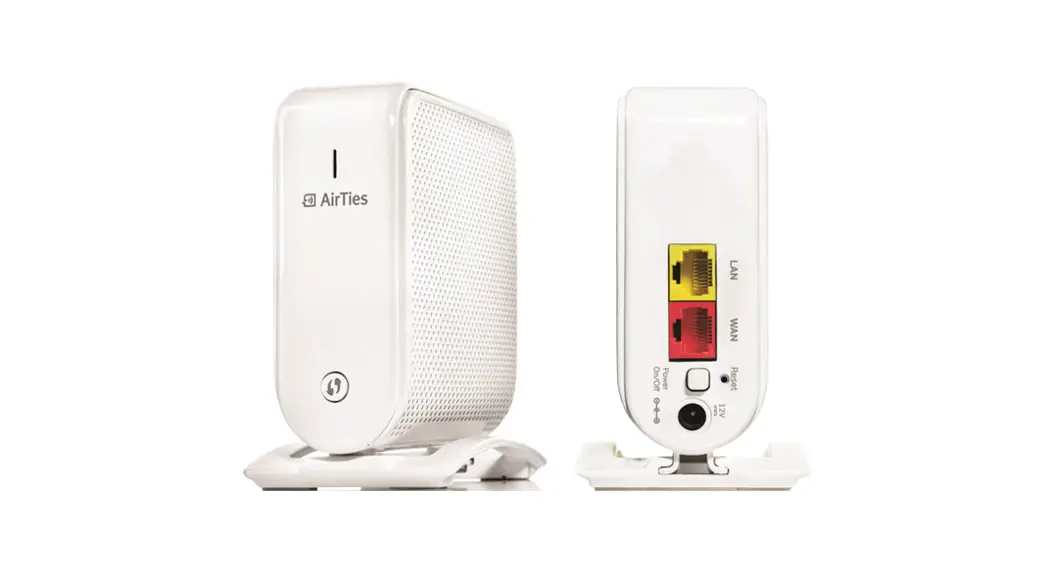
- Scan the QR code on the back of the router.
- Press 4960/2 Yellow Ports.
- Press 4960/1 button.
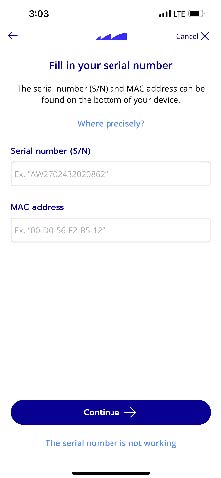
- Find numbers at bottom of router and fill in information
- If it doesn’t prompt you, press settings.
- Press Wi-Fi name & Password.
- Name your wifi and give it any password you like. Write down or save this info.
- Set up complete. Press My Network to manage your network.