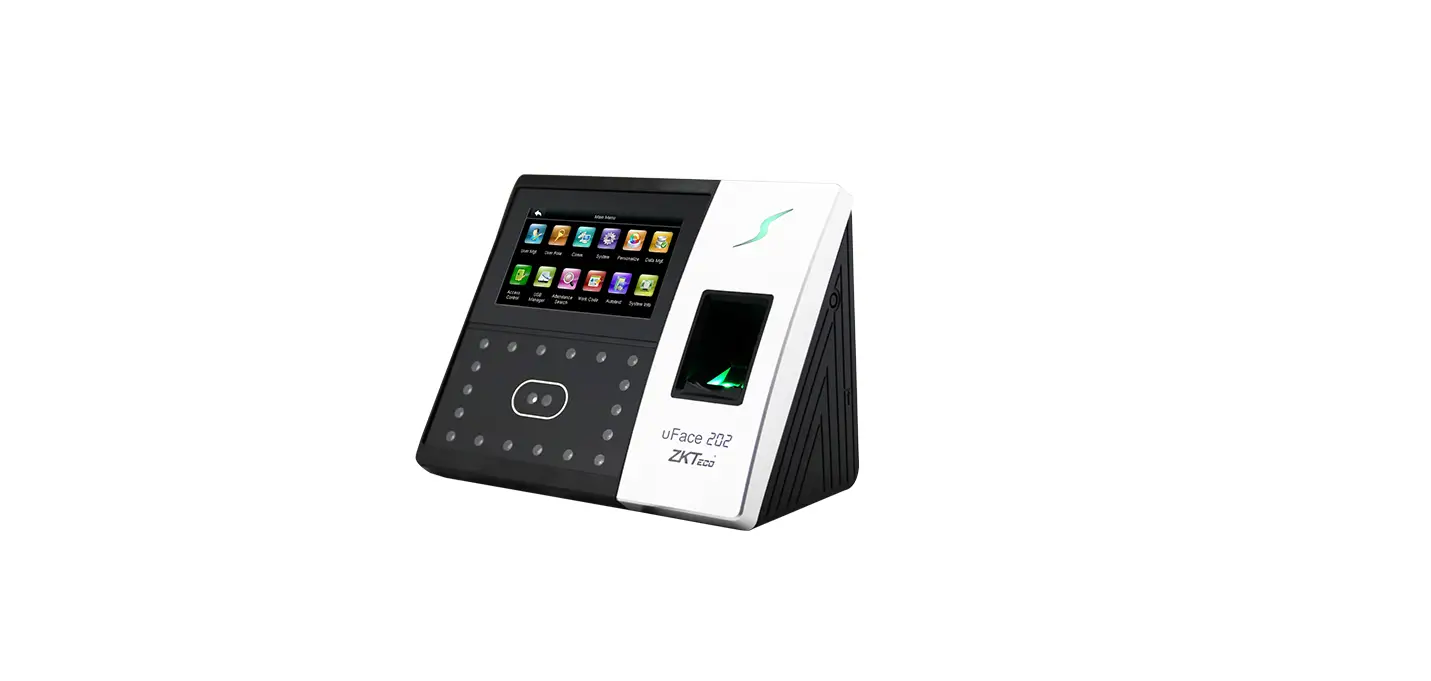
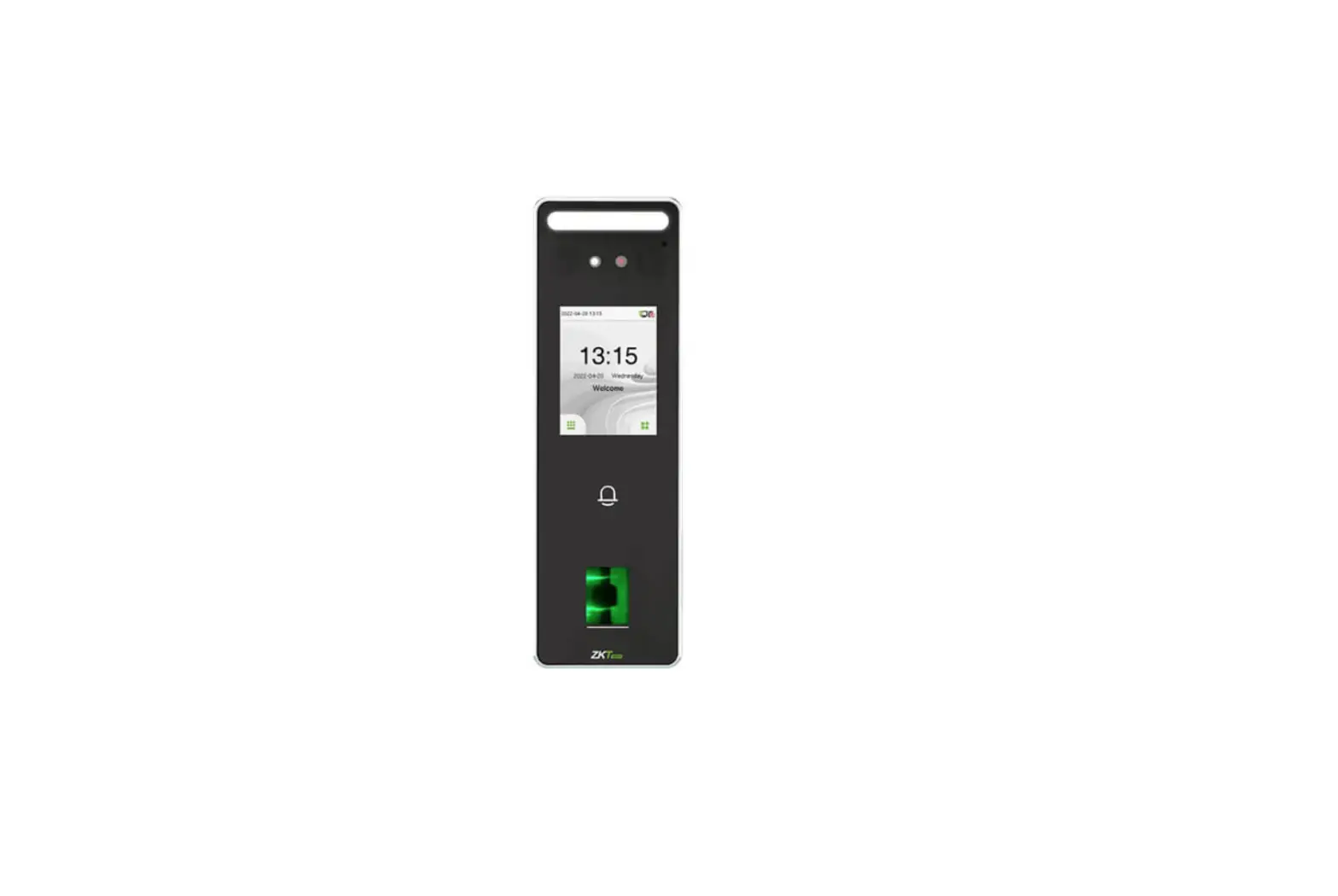
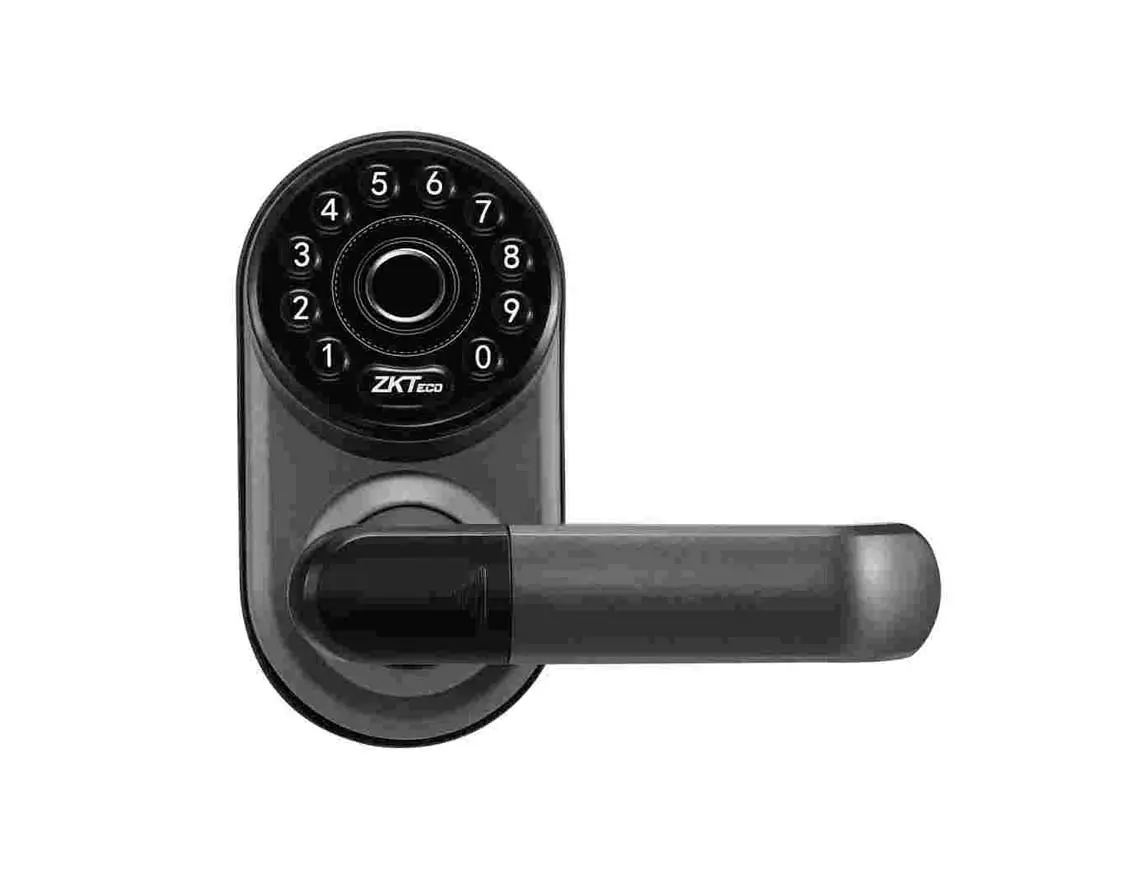
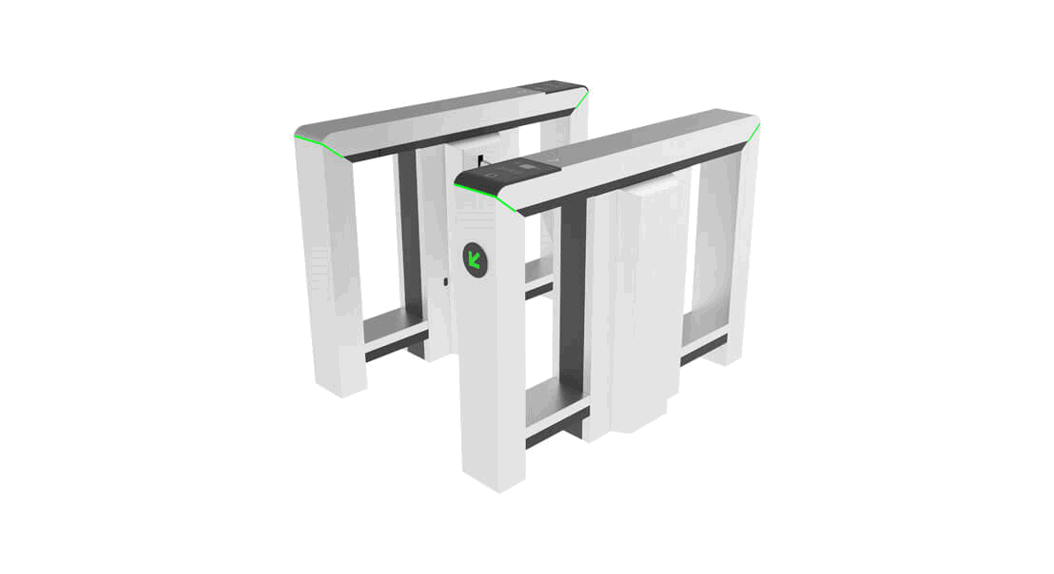
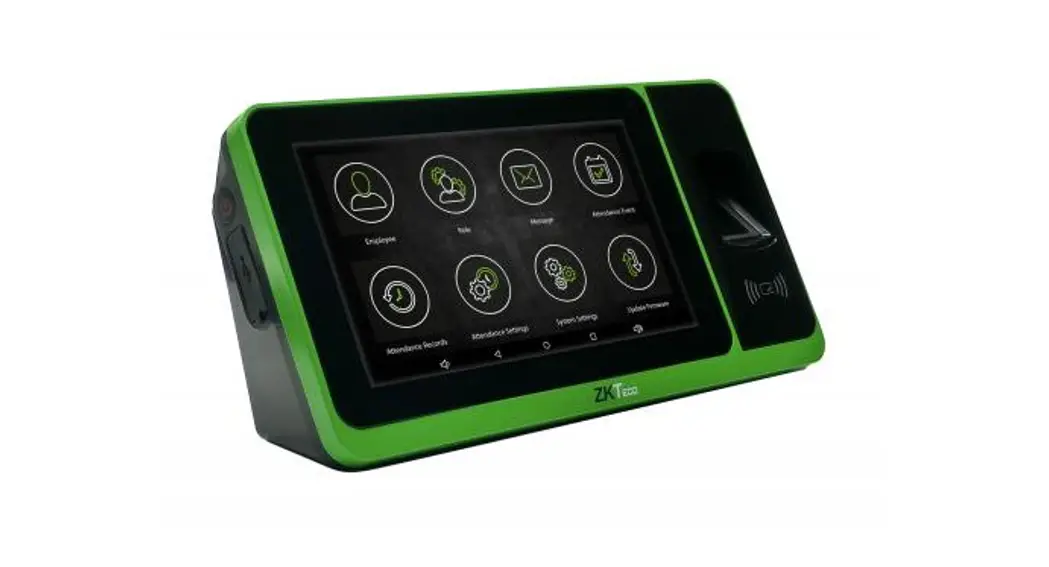
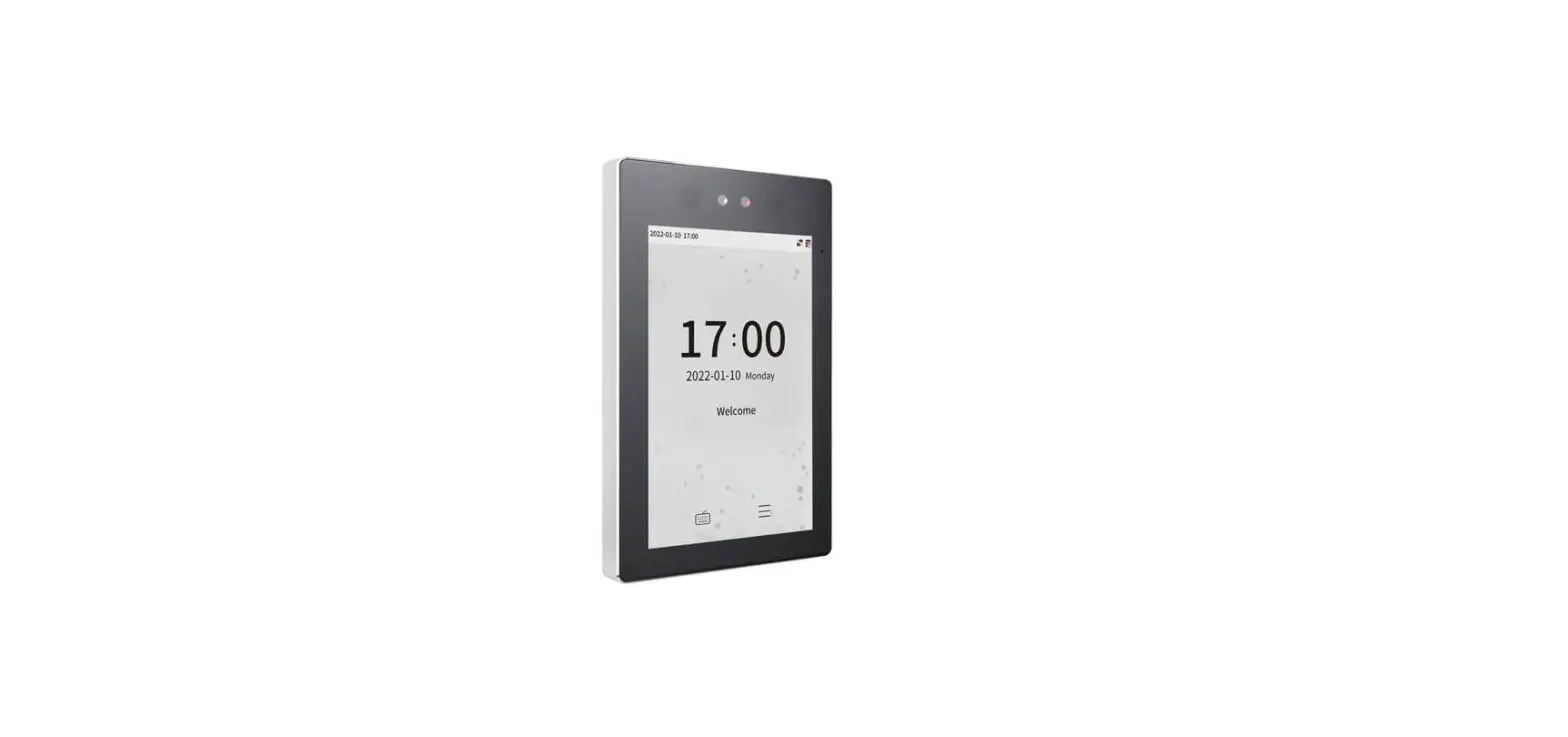
D3 Series Smart Terminal
Product Information:
Installation Guide
Product Name: D3 Series
Version: 1.1
ZKTeco cannot guarantee exact consistency between the actual
product and the written information in this manual due to regular
upgrades of systems and products.
What’s in the Box?
- Terminal x 1
- Bracket x 1
- 12V/1.5A Adapter x 1
- Expansion Tube x 2
- Wall Mounting Screws x 2
- Desktop Bracket Screw x 1
- Wall-Mounting Template Card x 1
- Installation Guide x 1
Product Usage Instructions:
How to Install the Device on the Wall?
Step 1: Stick the wall-mounting template card to the wall and
drill holes according to the wall-mounting template card.
Step 2: Insert the expansion tubes into the mounting holes.
Step 3: Attach the bracket on the wall using the wall mounting
screws.
Step 4: Attach the terminal to the bracket.
Note: Before attaching the terminal to the bracket, you need to
tilt the terminal to the left at an angle.
Step 5: Rotate the fixing terminal clockwise.
How to Install the Device on the Desktop?
Step 1: Attach the terminal to the bracket.
Step 2: Tighten it with a desktop bracket screw.
Download Center:
Scan the QR Code to download the User Manual, Installation
Guide, and Quick Start Guide.
QR Code (Download Center)
Contact Information:
ZKTeco Industrial Park, No. 32, Industrial Road,
Tangxia Town, Dongguan, China.
Phone: +86 769 – 82109991
Fax: +86 755 – 89602394
Website: www.zkteco.com
Installation Guide
D3 Series
Version: 1.1
Due to regular upgrades of systems and products, ZKTeco could not guarantee exact consistency between the actual product and the written information in this manual.
What’sintheBox?
Terminal x 1
Bracket x 1
12V/1.5A Adapter x 1
Expansion Tube x 2 Wall Mounting Screws x 2 Desktop Bracket Screw x 1
Wall-Mounting Template Card x 1
Installation Guide x 1
1
How to Install the Device on the Wall?
Step 1: Stick the wall-mounting template card to the wall and drill holes according to the wall-mounting template card.
1
2
30mm
90°
6mm
1455mm
Step 2: Insert the expansion tubes into the mounting holes.
2
Step 3: Attach the bracket on the wall using the wall mounting screws.
Step 4: Attach the terminal to the bracket.
2 1
Note: Before attaching the terminal to the bracket, you need to tilt the terminal to the left at an angle.
3
Step 5: Rotate the fixing terminal clockwise.
How to Install the Device on the Desktop?
Step 1: Attach the terminal to the bracket.
4
Step 2: Tighten it with a desktop bracket screw.
Download Center
Scan the QR Code to download the User Manual, Installation Guide and Quick Start Guide.
QR Code (Download Center)
5
ZKTeco Industrial Park, No. 32, Industrial Road,
Tangxia Town, Dongguan, China.
Phone : +86 769 – 82109991
Fax
: +86 755 – 89602394
www.zkteco.com
Copyright © 2023 ZKTECO CO., LTD. All Rights Reserved.
 ZKTeco | Home Page
  ZKBio Zlink