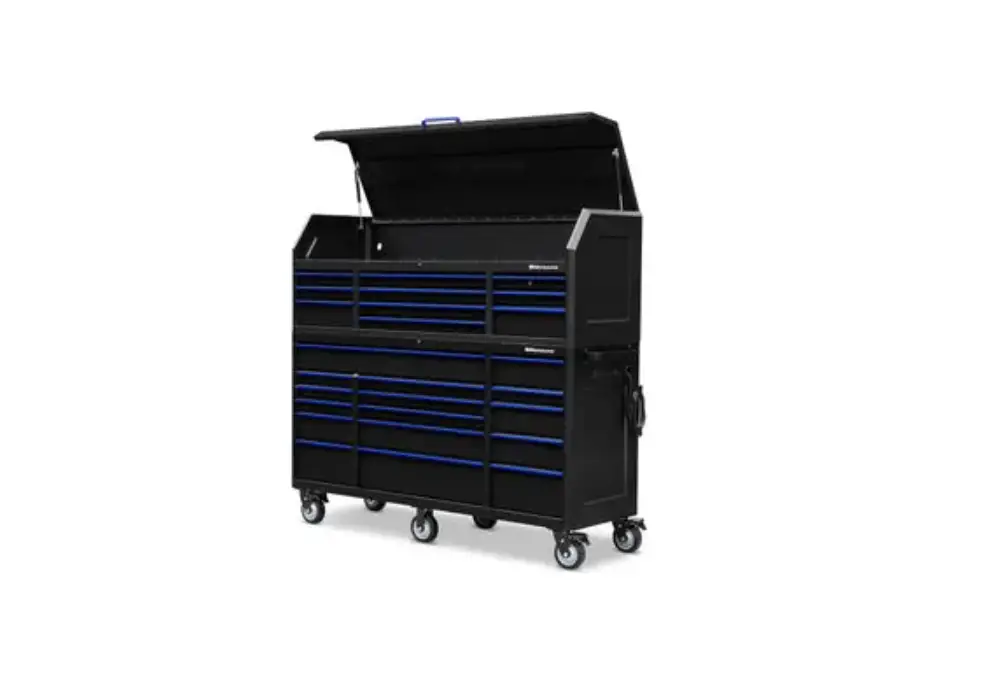
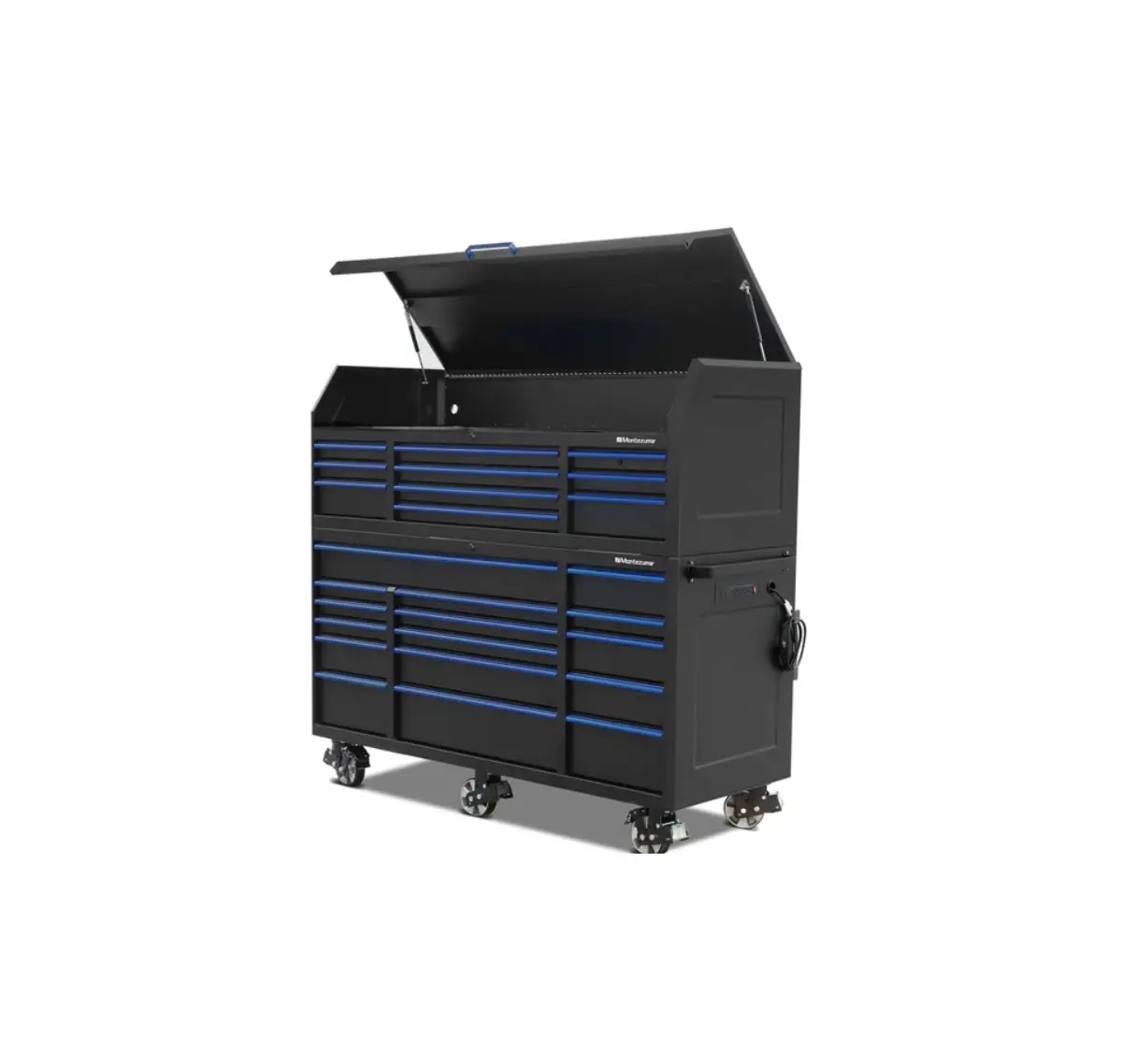
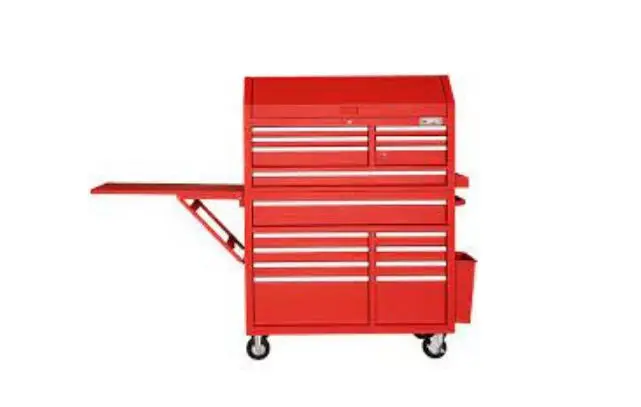
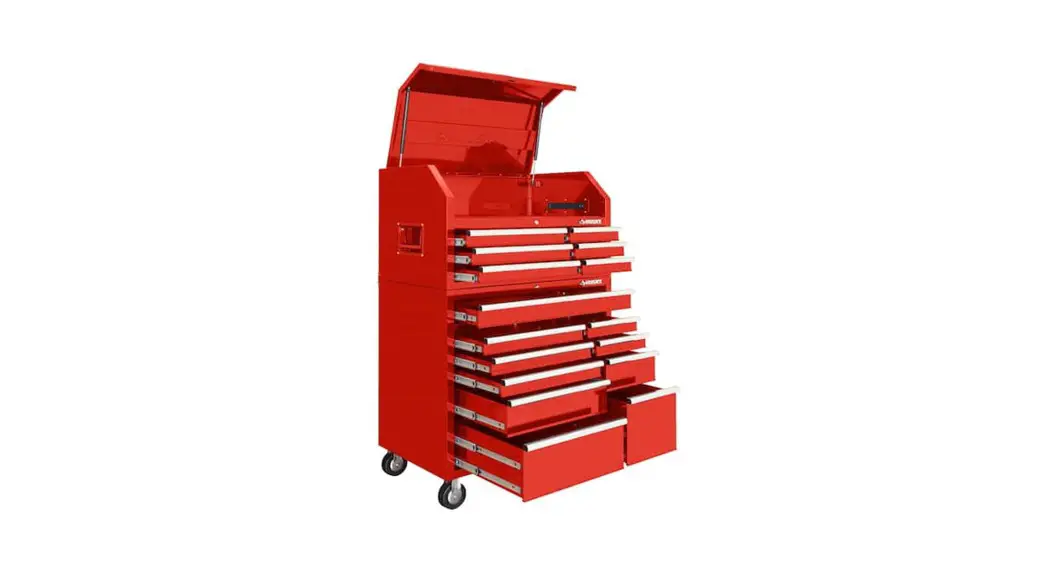
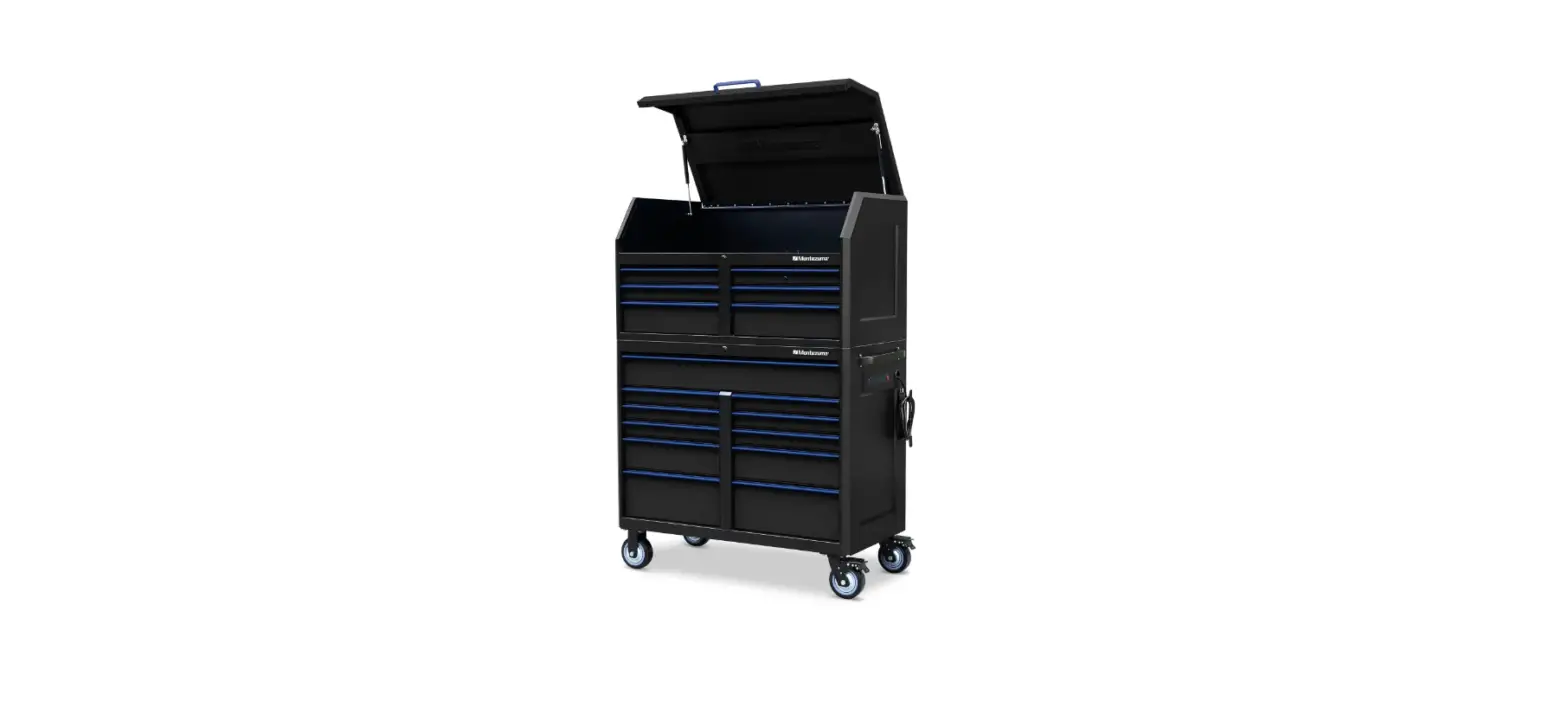
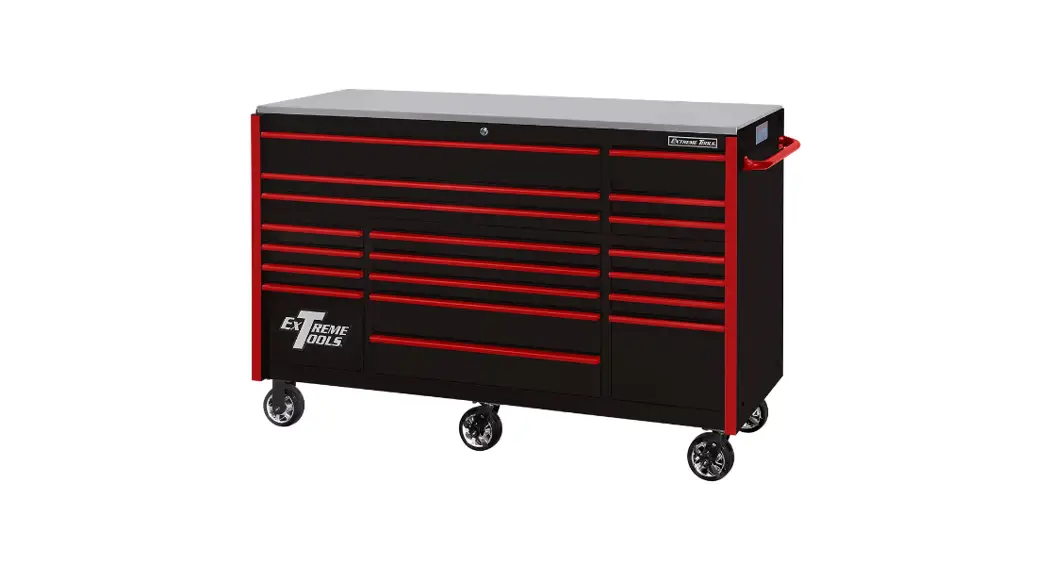
555-81451 72 Inch Tool Box with Cabinets
Product Information: Tool Box with Cabinets
Assembly Guide
Product Code: 555-81451
Material: Stainless Steel
Number of Drawers: 15
Size: 72 in.
Parts List
| # | DESCRIPTION | QTY |
|---|---|---|
| 1 | Counter Top | 1 |
| 2 | Handle | 1 |
| 3 | Bolts (1/4 in.) | 4 |
| 4 | LED Light Kit | 1 |
| 5 | Casters (6 in. Swivel) | 2 |
| 6 | Bolts (3/8) | 16 |
| 7 | Drawer (Outer Top) | 2 |
| 8 | Drawer (Outer Middle) | 2 |
| 9 | Drawer (Outer Bottom) | 2 |
| 10 | Drawer (Center Top) | 1 |
| 11 | Drawer (Center Middle) | 1 |
| 12 | Drawer (Center Bottom) | 1 |
| 13 | Drawer Liner (Narrow) | 5 |
| 14 | Drawer Liner (Wide) | 5 |
| 15 | Caster (6 in. Fixed) | 2 |
| 16 | Grommet | 2 |
| 17 | Pegboard | 1 |
| 18 | Upr. Cabinet Support | 2 |
| 19 | Cabinet Body | 1 |
| 20 | Bolts | 40 |
| 21 | Wall Mount Hooks | 2 |
| 22 | Cabinet Shelves | 3 |
| 23 | Power Strip | 1 |
| 24 | Bolt (5/32 in.) | 6 |
| 25 | Power Cord | 1 |
Product Usage Instructions: Tool Box with Cabinets Assembly
Guide
Introduction and Safety
Thank you for purchasing the JEGS 72 in. 15-Drawer Stainless
Steel Tool Box with Cabinets. Please read the instructions
carefully before assembly, noting the safe operation requirements,
warnings, and cautions. Use the product for its intended purpose to
avoid damage and/or personal injury, which will void the warranty.
Keep these instructions in a safe place for future use.
Installation
Handle Installation (Fig.01)
Attach the handle to the cabinet using 1/4 in. x 1/2 in. bolts,
lock washer and flat washers.

Upper Cabinet Rails Installation (Fig. 03)
With the cabinet in the upright position, attach the four rails
to the back using four 1/4 in. x 1/2 in. bolts per rail.

Casters Installation (Fig.02)
- WARNING: Two or more people are required to lay down or stand
up the cabinet. Lock drawers before turning over. - Carefully lay the cabinet upside down on a soft mat for
protection. - Fit the swivel/locking casters on the handle side of the
cabinet using 3/8 in. x 1 in. bolts. Insert the bolts through each
caster and into the bottom of the cabinet. Tighten securely. - Repeat for the two rigid casters on the other side of the
cabinet.

Upper Cabinet Pegboard Installation (Fig. 04)
Attach the pegboard to the rails with three 1/4 in. x 1/2 in.
bolts per rail.

Shelf Assembly (Fig. 06)
- Insert four hooks, per shelf, inside the upper cabinet at the
desired height. - Place the shelf on the shelf supports.
- Repeat for the other shelves.

Upper Cabinet Installation (Fig. 05)
Attach the upper cabinet to the rails with three 1/4 in. x 1/2
in. bolts per rail.

Electrical
Power Strip Installation (Fig.07)
- Insert the power strip into the square hole from the back side
of the pegboard. - Use 5/32 in. screws, inserted from the front side, to secure it
to the pegboard.

Place power strip on back side of pegboard and secure using
screws inserted from the front.

Tool Box with Cabinets
Assembly Guide
555-81451
Stainless Steel | 15-Drawer | 72 in.
Parts List
#
DESCRIPTION
1 Counter Top 2 Handle 3 Bolts (1/4 in.) 4 LED Light Kit 5 Casters (6 in. Swivel) 6 Bolts (3/8) 7 Drawer (Outer Top) 8 Drawer (Outer Middle) 9 Drawer (Outer Bottom)
QTY
1 1 4 1 2 16 6 2 2
#
DESCRIPTION
10 Drawer (Center Top) 11 Drawer (Center Middle) 12 Drawer (Center Bottom) 13 Drawer Liner (Narrow) 14 Drawer Liner (Wide) 15 Caster (6 in. Fixed) 16 Grommet 17 Pegboard 18 Upr. Cabinet Support
QTY
1 1 1 5 5 2 2 1 2
#
DESCRIPTION
19 Cabinet Body 20 Bolts 21 Wall Mount Hooks 22 Cabinet Shelves 23 Power Strip 24 Bolt (5/32 in.) 25 Power Cord
QTY
1 40 2 3 1 6 1
1
Introduction
Safety
We would like to take this opportunity to thank you for purchasing this JEGS 72 in. 15-Drawer Stainless Steel Tool Box with Cabinets. We welcome any comments or feedback you might have. If you have any questions about this product or about the installation procedure, please feel free to contact us at 1.800.345.4545.
Fingerprint resistant stainless steel
construction with 100 lb. capacity
daraw1 e1r/s4wiinth.
thick worktop. aluminum pull
handles and non-slip liners. Four casters, two
fixed and two swivel (which include brakes).
Comes with heavy- duty side handles for
comfort and control when maneuvering.
Supplied with locks and keys.
IMPORTANT
Please read these instructions carefully. Note the safe operation requirements, warnings, and cautions. Use this product for the purpose for which it is intended. Failure to do so may result in damage and/or personal injury, and will void the warranty. Keep these instructions in a safe place for future use.
· Locate in a suitable work area.
· Monitor children near the cabinet.
· Do not open more than one drawer at a time. · Fill from the bottom drawer.
· If the tool cabinet is filled from the top drawer down, it will be top heavy and may fall over.
· Do not attempt to lift by the side handles, use chains, ropes or other lifting devices.
· Do not use the cabinet as a step or climb on the drawers.
· Do not alter the product in any way. · Do not weld on external lock bars or attach electrical equipment. · Doing so may damage the product and cause personal injury.
· Keep on a level surface
· When moving the cabinet DO NOT pull it. Push the cabinet to prevent injury.
· Close and lock the drawers before moving the cabinet. If the drawers come open they could make the cabinet unstable.
· Apply brake when the cabinet is in the desired position.
· Do not mount on a truck bed or any other moving object.
· Be aware of sharp edges.
2
Installation
HANDLE (Fig.01) 1. Attach with 1/4 in. x 1/2 in. bolts, lock washer
and flat washers.
Figure 01
Figure 02
UPPER CABINET RAILS (Fig. 03) 1. With the cabinet in the upright position attach
the four rails to the back using four 1/4 in. x 1/2 in. bolts per rail.
CASTERS (Fig.02) 1. WARNING. Two or more people are required
to lay down or stand up the cabinet. Lock drawers before turning over.
2. Carefully lay the cabinet upside down on a soft mat for protection
3. Fit the swivel/locking casters on the handle side of the cabinet using 3/8 in. x 1 in. bolts. Insert the bolts through each caster and into the bottom of the cabinet. Tighten securely.
4. Repeat for the two rigid casters on the other side of the cabinet.
Figure 03
3
Installation
UPPER CABINET PEGBOARD (Fig. 04) 1. Attach the pegboard to the rails with three 1/4
in. x 1/2 in. bolts per rail.
SHELF ASSEMBLY (Fig. 06) 1. Insert four hooks, per shelf, inside the upper
cabinet at the desired height. Place the shelf on the shelf supports. Repeat for the other shelves.
Figure 04
Figure 06
UPPER CABINET (Fig. 05) 2. Attach the upper cabinet to the rails with three
1/4 in. x 1/2 in. bolts per rail.
Figure 05
4
Electrical
POWER STRIP (Fig.07) 1. Insert the power strip into the square hole from
the back side of the pegboard. Use 5/32 in. screws, inserted from the front side to secure to the pegboard.
Figure 07
Place power strip on back side of pegboard
Secure using screws inserted from the front
Figure 08
LED LIGHT (Fig. 08 & 09) 1. The LED light strip is secured to the bottom of the
upper cabinet using magnets. These magnets
are secured in the light’s housing. 2. Plug the light into the cabinet’s power strip.
Plug light into power strip
Figure 08
5
Electrical
Operation
POWER STRIP This cabinet features a pre-installed power strip with (4) 5-15 outlets and (2) USB ports, conveniently located for easy access. The included power strip has the following ratings:
Maximum Amperage Load……………..12A Maximum Voltage…………………………125V Cycle…………………………………………….60 Hz Maximum Wattage…………………….1500W USB Output………………….5VDC, Max. 2.1A
Plug the provided power cord into the power strip socket. 110V CIRCUIT REQUIREMENTS This tool chest is pre-wired to connect to a power supply circuit that has a verified ground and meets the following requirements.
Nominal Voltage………..110V, 115V, 120V Cycle………………………………………………60Hz Phase…………………………………Single-Phase Power Supply Circuit………………..15 Amps
DRAWER REMOVAL (Fig.10) 1. Pull the drawer out so that it is almost fully
extended. Push down on the LEFT hand black release lever while pulling up on the RIGHT hand black release lever. While holding the levers in these positions carefully pull the drawer outward until it is released from the drawer slide.
DRAWER REPLACEMENT 1. Extend the drawer slides from the tool chest.
Insert the brackets on each cabinet slide being careful that they are correctly positioned. Once inserted, close the drawer to set the slides in their proper positions.
Figure 10
A power supply circuit includes all electrical equipment between the breaker box or fuse panel in the building and the power strip. The power supply circuit used for this power strip must be sized to safely handle the full-load current drawn from the power strip for an extended period of time. (If this power strip is connected to a circuit protected by fuses, use a “D” time delay fuse.
GROUNDING & PLUG REQUIREMENTS This power strip MUST be grounded. In the event of certain malfunctions or breakdowns, grounding reduces the risk of electric shock by providing a path of least resistance for electric current.
6
Anti-Tipping Hardware Maintenance
It is strongly recommended that you anchor this cabinet. Toppling furniture can cause serious injury or death.
An Anti-Tipping kit has been provided with this cabinet to reduce the risk of injury. (Fig. 11)
This kit securely attaches the cabinet to a wall or other solid surface using the provided hardware.
1. To clean use a soft cloth that will not scratch the surface.
2. DO NOT use solvents of any kind they may damage the surface.
3. Liquid spills should be removed immediately, use a soft clean cloth to blot the spill gently avoid rubbing.
It is important to regularly check that the anchors are securely mounted. The stability of cabinet may be effected by carpet and uneven flooring.
IMPORTANT
4. Grease the casters with good quality grease once a year.
5. Lubricate the drawer slides twice a year with light duty oil.
· Check for wiring or plumbing inside the wall before drilling.
· Determine the wall material and use the appropriate hardware.
Figure 11
7
Warning
This power strip is equipped with a power cord that has an equipment-grounding wire and a grounding plug. Only insert plug into a matching receptacle (outlet) that is properly installed and grounded in accordance with all local codes and ordinances. DO NOT modify the provided plug!
Grounded 5-15 Receptacle
Neutral Hot
WARNING
Electrocution, fire, shock, or equipment damage may occur if power strip is not properly grounded and connected to power supply.
WARNING
· Do not connect to plug receptacle via extension cords or in series with other power strips.
· Keepelectricalconnectionsclearofflammable materials.
· Keep electrical connections dry. Do not use in damp or wet conditions.
· Do not connect devices to power strip that draw more than listed power strip rating. Equipment must be used in accordance with the instructions.
· Power strips are designed for use with low-powered loads, such as battery chargers. Not designed for use with high-powered loads, such as space heaters or microwaves.
· Do not run cord under floor coverings or where it may be tripped over.
· Not meant for outdoor use.
· Prevent unauthorized use by children or untrained users.
8