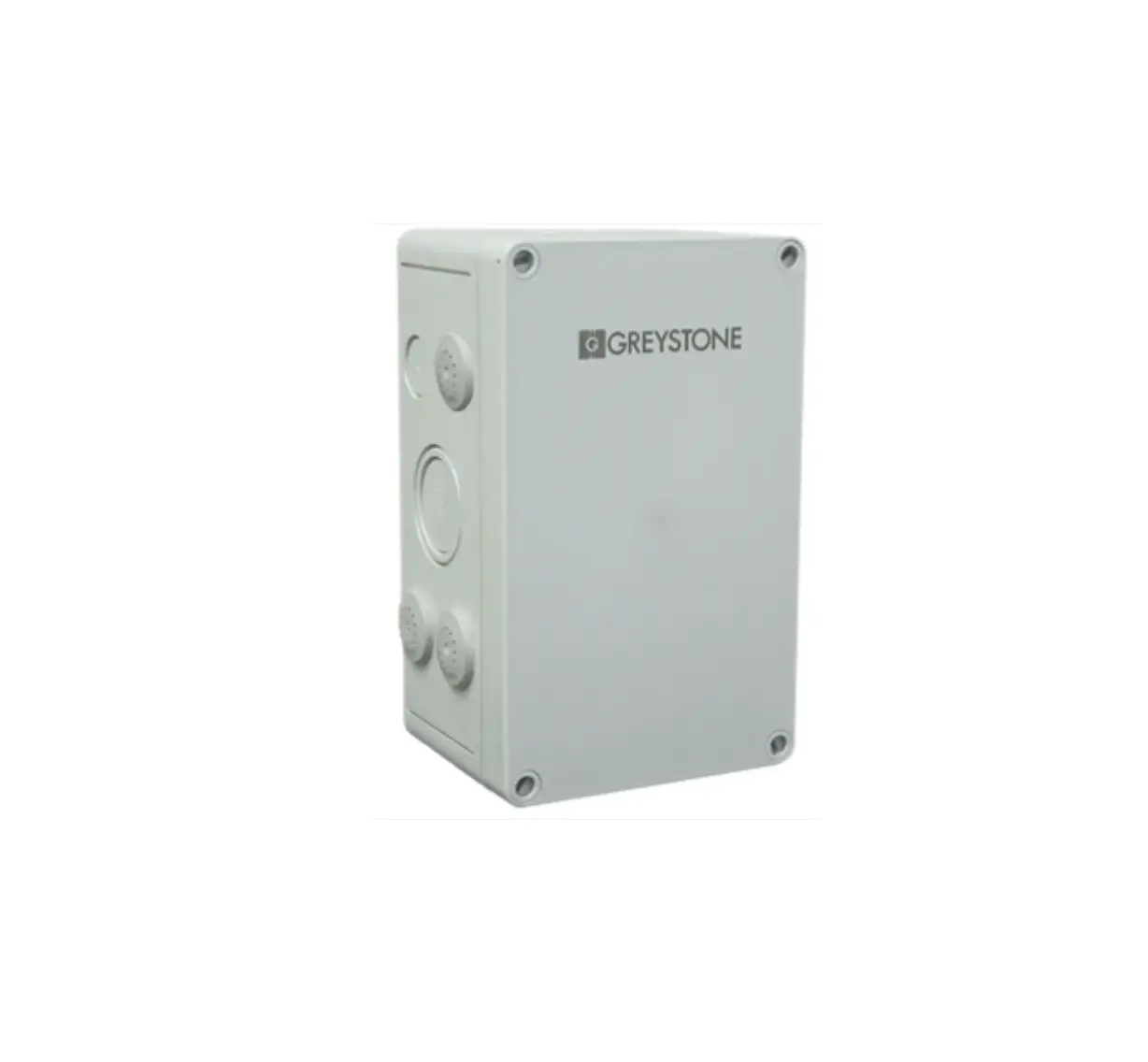
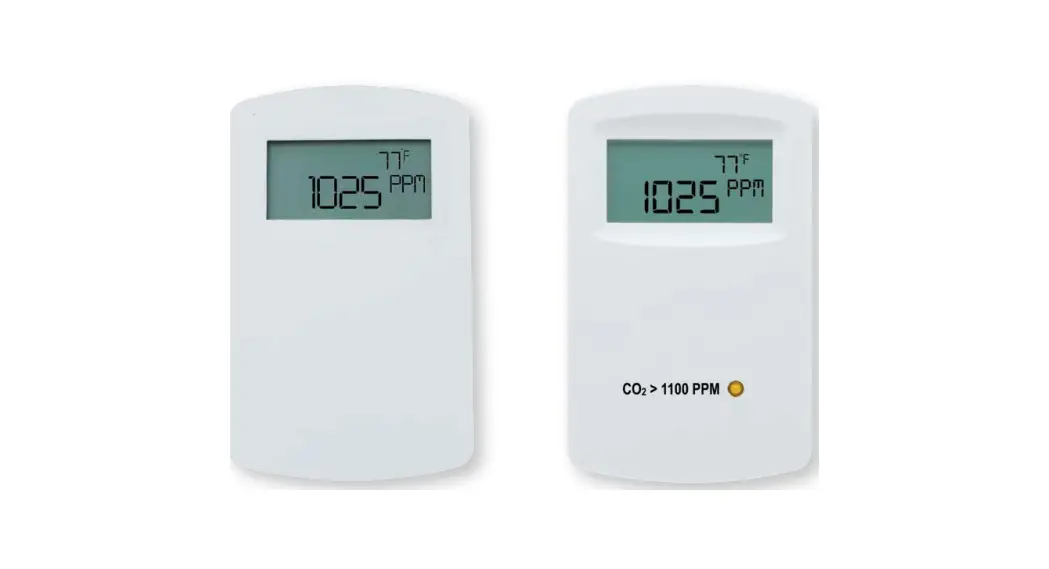
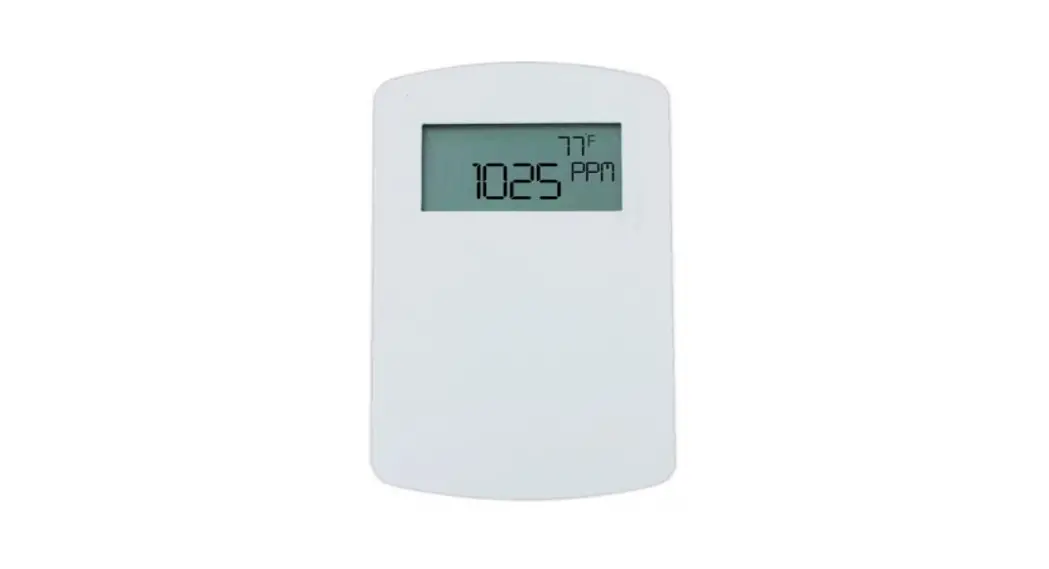
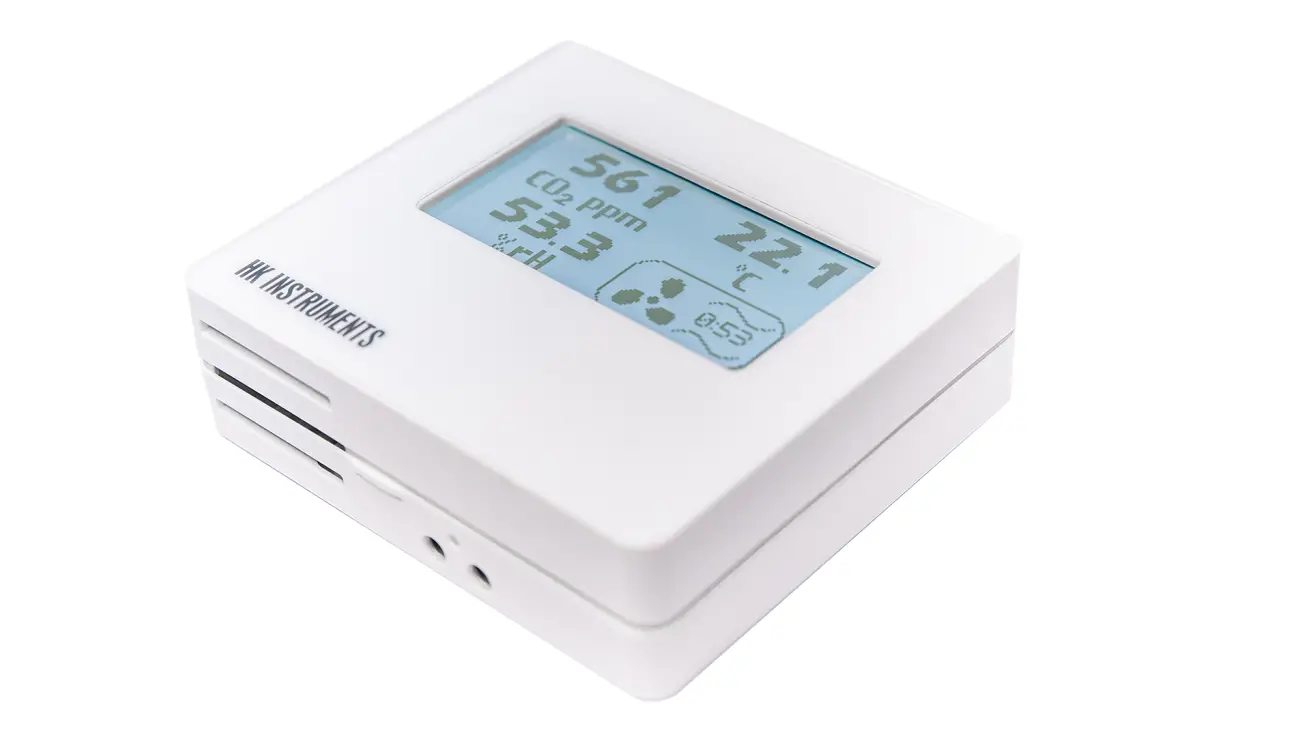
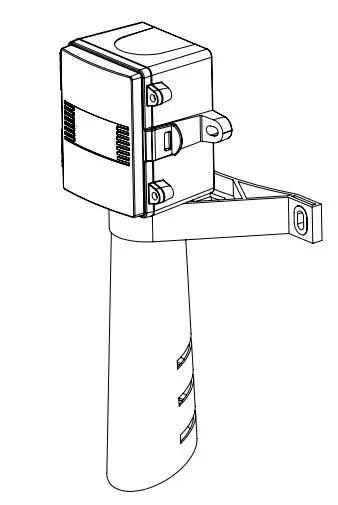
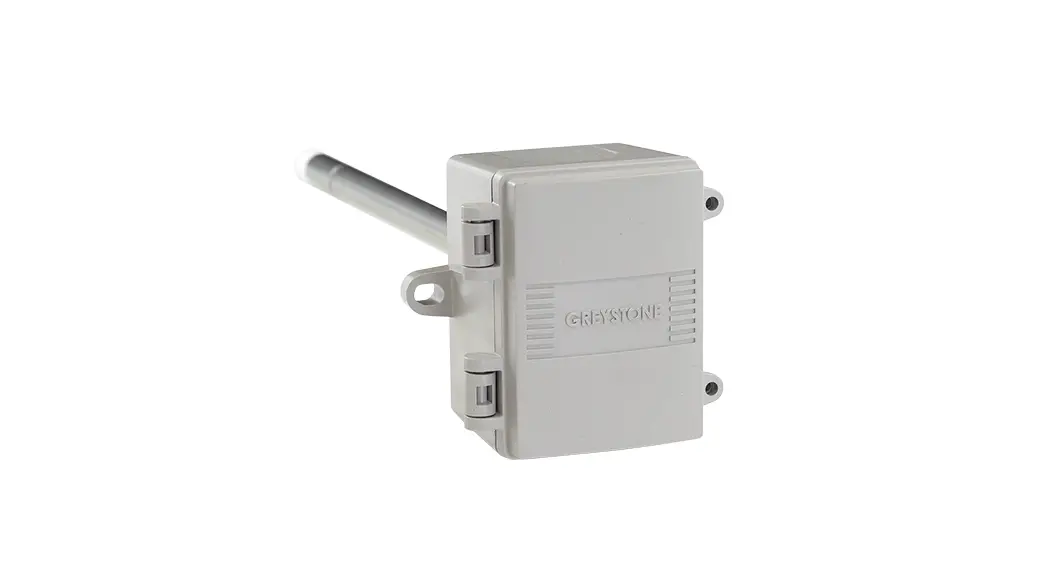
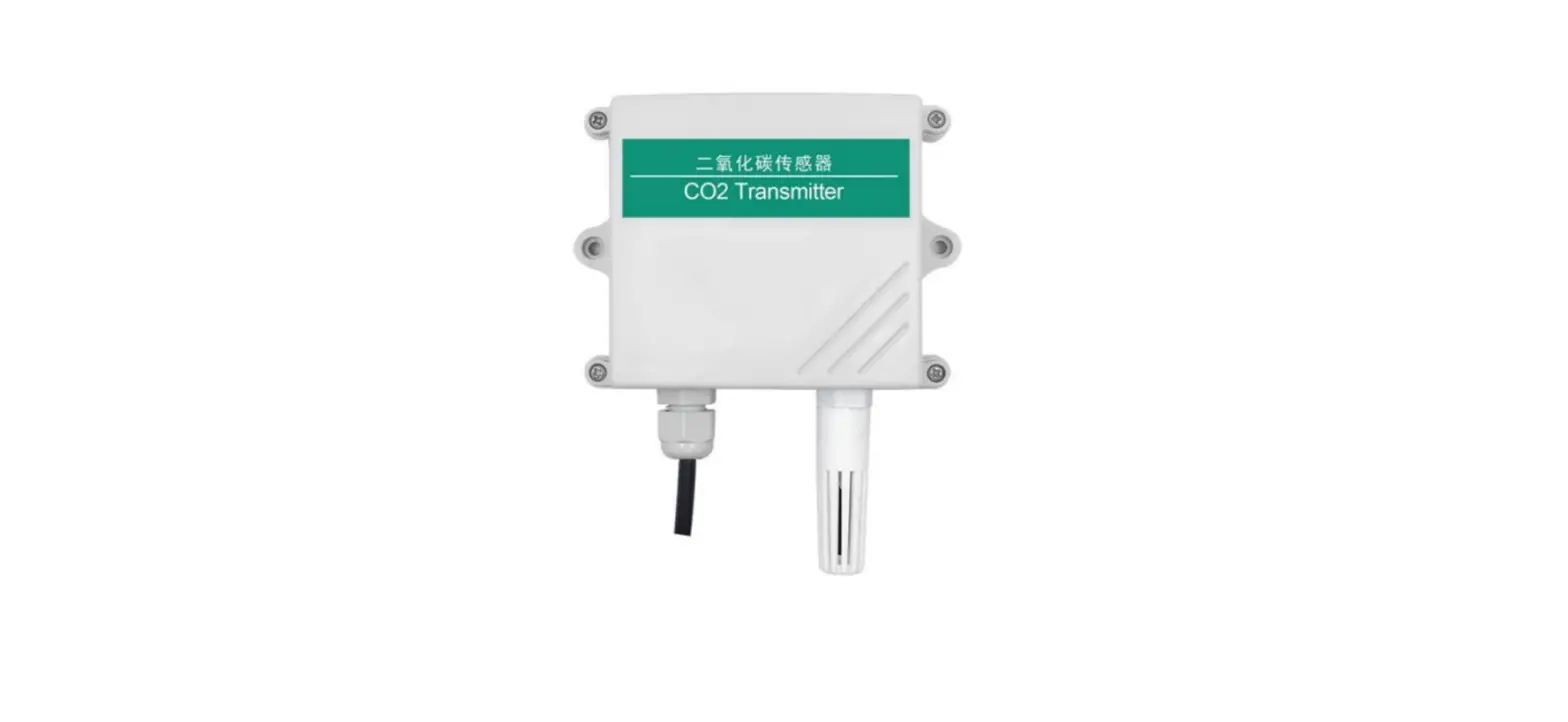
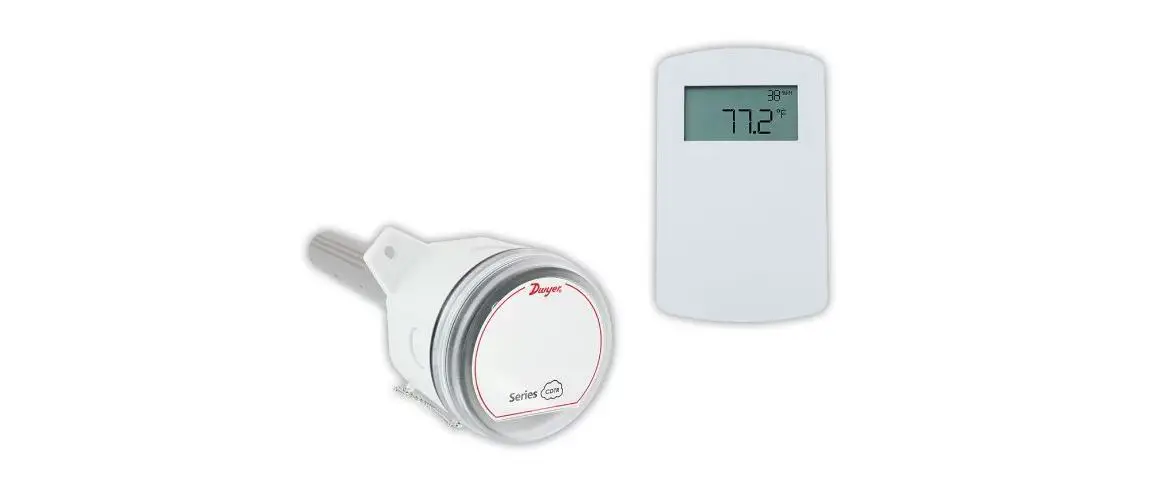
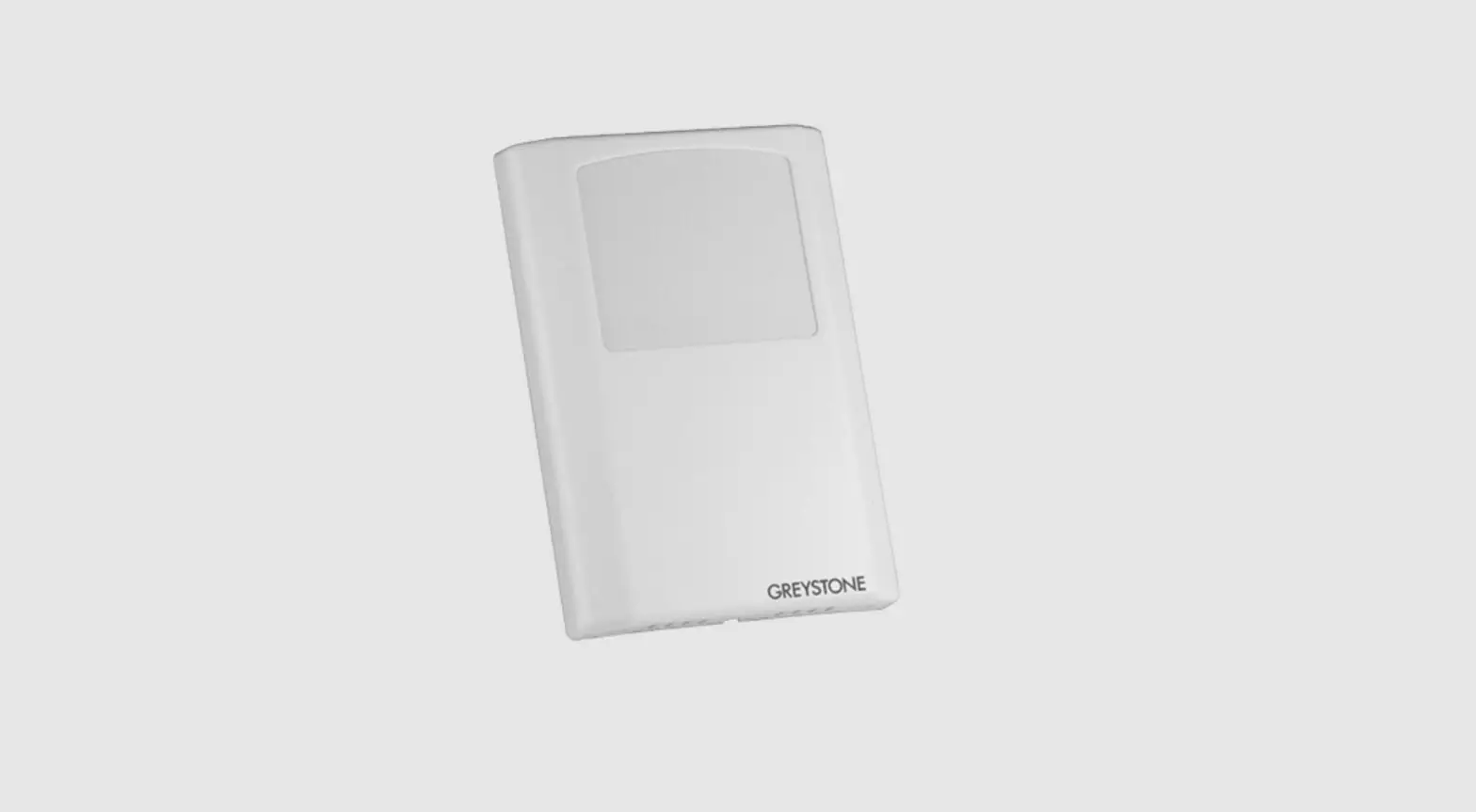
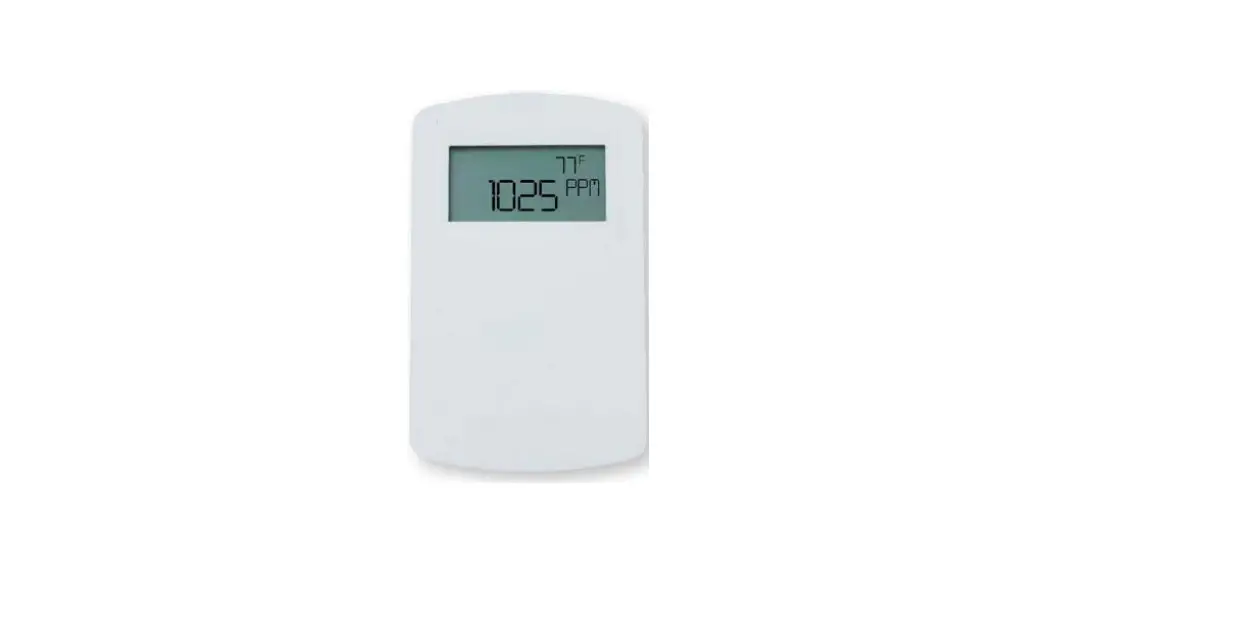
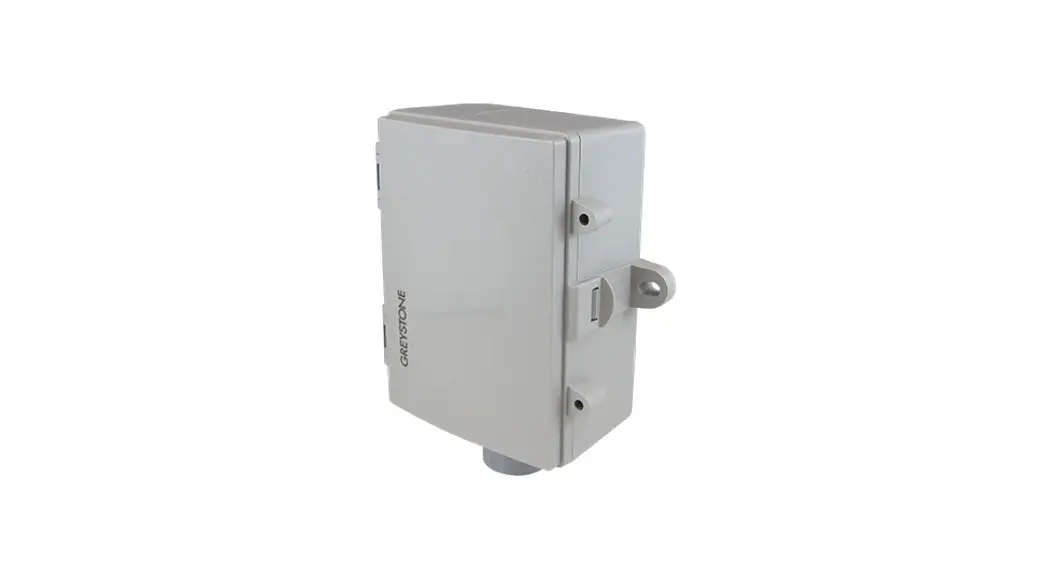
CDD5 Series Carbon Dioxide-Humidity Temperature Transmitter
Carbon Dioxide/Humidity/Temperature Transmitter
CDD5 Series – Installation Instructions
Introduction
The Carbon Dioxide/Humidity/Temperature Transmitter is a device
that monitors and controls the levels of carbon dioxide, humidity,
and temperature in an indoor environment. Before installing and
commissioning the device, read these instructions carefully to
avoid product damage. Do not use the device in an explosive or
hazardous environment, with combustible or flammable gases, as a
safety or emergency stop device, or in any other application where
failure of the product could result in personal injury. Take
electrostatic discharge precautions during installation and do not
exceed device ratings.
Mounting
The transmitter installs directly on a standard electrical box
and should be mounted five feet from the floor of the area to be
controlled. Do not mount the sensor near doors, opening windows,
supply air diffusers, or other known disturbances. Avoid areas
where the detector is exposed to vibrations or rapid temperature
changes. To mount the device:
- Remove the cover from the base using a small Phillips
screwdriver to loosen the security screw. - Sit the PCB aside until the base is mounted on the wall.
- Mount the base by screwing it to an electrical box or directly
to the wall. - After the base is screwed to an electrical box or wall, remove
the PCB from the anti-static bag, feed connection wires through the
center hole, and place the top of the PCB into the PCB holders on
the backplate and snap the bottom of the PCB into place. - Make wiring connections as per the Wiring illustrations and
install the decorative cover by placing the top of the cover into
the cover holder on the top of the backplate and snapping the
bottom into place. - Tighten the security screw with a Phillips screwdriver.
Wiring
Deactivate the 24 Vac/dc power supply until all connections are
made to the device to prevent electrical shock or equipment damage.
Follow proper electrostatic discharge (ESD) handling procedures
when installing the device or equipment damage may occur. Use 22
AWG shielded wiring for all connections and do not locate the
device wires in the same conduit with wiring used to supply
inductive loads such as motors. Make all connections in accordance
with national and local codes.
This is a 3-wire sourcing device. Connect the plus dc or the ac
voltage hot side to the PWR terminal. The supply common is
connected to the COM terminal. The device is reverse voltage
protected and will not operate if connected backwards. It has a
half-wave power supply so the supply common is the same as the
signal common.
Carbon Dioxide/Humidity/ Temperature Transmitter
CDD5 Series – Installation Instructions
INTRODUCTION
The room CO2/RH/T Transmitter incorporates three sensors and the room CO2/T Transmitter incorporates two sensors in one attractive wall mount enclosure for the most efficient environmental monitoring and control system. It uses dual channel optics and LTA (long term adjustment) signal processing technology to monitor CO2 levels within a range of 0 to 10,000 ppm, a field-proven RH sensor to monitor relative humidity from 0-100 %RH (If included in model ordered) and a thermistor to measure temperature over common field-selectable ranges. All measurements are continuously available on separate outputs as linear 4-20 mA or 0-5/0-10 Vdc signals. The device includes an LCD for configuration and operating parameters are programmed using a keypad for specific applications. Options include a control relay, override switch and slide pot set-point control.
BEFORE INSTALLATION
Read these instructions carefully before installing and commissioning the device. Failure to follow these instructions may result in product damage. Do not use in an explosive or hazardous environment, with combustible or flammable gases, as a safety or emergency stop device or in any other application where failure of the product could result in personal injury. Take electrostatic discharge precautions during installation. Do not exceed device ratings.
NOTE: This CO2 sensor incorporates a Self Calibration feature to correct CO2 sensor drift. This feature is recommended for applications where the sensor will be exposed to fresh air (400 ppm CO2) at least one hour per day. If the monitored space is occupied 24 hours or consistently maintains higher or lower levels of CO2 , it is recommended that this feature be turned off, but yearly calibration will be required. If the self calibration is disabled at installation time without allowing for 7 day auto calibration cycle, then a manual calibration should be performed to ensure accuracy of the device.
MOUNTING
The transmitter installs directly on a standard electrical box and should be mounted five feet from the floor of the area to be controlled. Do not mount the sensor near doors, opening windows, supply air diffusers or other known disturbances. Avoid areas where the detector is exposed to vibrations or rapid temperature changes.
Figure 1
The cover is hooked to the base at the top edge and must be removed from the bottom edge first. Use a small Phillips screwdriver to loosen the security screw as shown in Figure 1. Complete removal of the screw is not required. Use the screwdriver to carefully pry each bottom corner if necessary. Tip the cover away from the base and sit it aside as shown in Figure 2.
Figure 2
Sit the PCB aside until the base is mounted on the wall. For added protection, place the PCB in the supplied anti-static bag.
Mount the base by screwing to an electrical box or directly to the wall as shown in Figure 4. The mounting hole locations are shown on page 7
IN-GE-CDD5X1XXX-01 09/22
Copyright © Greystone Energy Systems, Inc. All Rights Reserved Phone: +1 506 853 3057 Web: www.greystoneenergy.com
Page 1
After the base is screwed to an electrical box or directly to the wall using the appropriate holes, remove the PCB from the anti-static bag, feed connection wires through the center hole and place the top of the PCB into the PCB holders on the backplate and snap the bottom of the PCB into place as shown in Figure 4.
Making wiring connections as per the Wiring illustrations and install the decorative cover by placing the top of the cover into the cover holder on the top of the backplate and snapping the bottom into place as shown in Figure 4. Tighten the security screw with a Phillips screwdriver.
Figure 3
Figure 4
Cover
PCB
Backplate
WIRING
Deactivate the 24 Vac/dc power supply until all connections are made to the device to prevent electrical shock or equipment damage. Follow proper electrostatic discharge (ESD) handling procedures when installing the device or equipment damage may occur. Use 22 AWG shielded wiring for all connections and do not locate the device wires in the same conduit with wiring used to supply inductive loads such as motors. Make all connections in accordance with national and local codes.
Figure 5
This is a 3-wire sourcing device. Connect the plus dc or the ac voltage hot side to the PWR terminal. The supply common is connected to the COM terminal. The device is reverse voltage protected and will not operate if connected backwards. It has a half-wave power supply so the supply common is the same as the signal common.
ROLL SAVE
SLIDEPOT
RH TEMP CO2 COM PWR
OVERRIDE
MENU
SETPNT SCOM SWITCH
N.O. RELAY
RELAY
Figure 6
Typical 4-20 mA wiring with 24 Vdc
RH TEMP
CO2 COM PWR
Analog Input Analog Input Analog Input Common 24 Vdc Power
Controller
SETPNT S COM SWITCH
N.O. RELAY
Analog Input for Resistive Set-point Input Common Switch Digital Input 24 Vdc Power
Fan or Alarm
Controller
Figure 7
RH TEMP
CO2 COM PWR
Typical 0-5 Vdc wiring with 24 Vac
Analog Input
CO2
Analog Input
COM
Analog Input
PWR
Common
24 Vac Power
Controller
Com
100K
Analog 0-5 Vdc
Input for CO2 Signal
24 Vac Power
Hot
Controller
Several devices may be connected to one power supply and the output signals all share the same common. Use caution when grounding the secondary of a transformer or when wiring multiple devices to ensure the ground point is the same on all devices and the controller.
IN-GE-CDD5X1XXX-01
09/22
Copyright © Greystone Energy Systems, Inc. All Rights Reserved Phone: +1 506 853 3057 Web: www.greystoneenergy.com
Page 2
The analog be ordered
oaus tepiuthtserarveoaltvaagileabolre4o-n20thmeACOac2,tRivHe(oIfuotpptuiotsn.
ordered) and TEMP The voltage model
terminals. The signal type can is selectable for either 0-5 or
0-10 Vdc via the menu (the factory default is 0-5 Vdc). The current output operates in the active mode and
does not require a loop power supply. This means that the signal current is generated by the transmitter
and must not be connected to a powered input or device damage will result. Check the controller Analog
Input to determine the proper connection before applying power. Both current and voltage signals are
referenced to the COMMON terminal. The analog output signals are typically connected directly to the
Building Automation System (B.A.S.) and used as control parameters.
An optional signal is the relay output available on the N.O. RELAY terminals. The relay output is completely isolated and has a Normally Open (NO) signal. This signal can be used to directly control an alarm or ventilation fan.
If installed, the override switch output is a two-wire dry contact normally open switch contact. The slide pot output is a two-wire resistive signal that can vary from 0-10K ohms with left-to-right slide pot action. Other resistive values are available on request and the slide pot may be configured as normal or reverse acting.
The override switch and slide pot share a single common labeled S. COM and this is not connected to the power supply COM.
START-UP
Verify the transmitter is properly wired and connections are tight. The LCD will indicate the software version number, the relay set-point (if installed), the CO2 measurement range, the temperature range and then the device will begin reading the sensor values and display them on the LCD. The sensor will update the output and display every 4 seconds
OUTPUTS
TDheepeCnOd2ionugtopnutthisesrcaanlegdescootnhfiagtu4r-e2d0imn tAh(eomr 0e-n5u/0, -t1h0e
Vdc) equals 0 to Out High as set in the Setup Menu. factory default is 0-2000 ppm. The OUT_HIGH can
be changed in the Setup Menu and the output signal is scaled accordingly.
oThrdeeRreHda)nadndtetmempepreartautruereoudtepfuautsltosptoer3a2tetosim95il°aFrbtoutthcaenCbOe2
output. RH is changed to 0
scaled 0-100 to 35°C, 0 to
% RH (If option 50°C or 32 to
122°F using the Setup Menu.
For voltage output models, the factory default is 0-5 Vdc and can be changed to 0-10 Vdc in the Setup Menu.
OPERATION
TinhpeuCtsO. T2,hReHB, AanSdreTaedmspthereavtuorletasgigenoarlscuarrreecnotnsingencatlesdatnodtchaelcBuulailtdeins gacAtuuatol mvaalutieosnuSsyinstgemcor(BreAcSt)sacnalainlogg for the ranges and signal type. These values can be used to control ventilation devices or initiate alarms. All values are displayed locally on the LCD. The Setup Menu can be used to modify the displayed information.
This display is factory set to display all measurement values. The CO2 level will continuously be displayed, while the RH (if RH option ordered) and Temp will alternate. The CO2 level will be displayed as 0-2000 ppm to 10,000ppm depending on configuration setup, the %RH will be displayed as 0-99H and the temperature will be displayed as 0 to 50°C. The Setup Menu can be used to modify the displayed information. The installer can select to only display CO2, or to display CO2 and RH, or alternately CO2 and temperature. The device supports four temperature ranges that may also be selected in the menu. The default is 0 to 50°C but this may be changed to 0 to 35°C and the output signal will stay the same. Also, the temperature range may be changed to 32 to 95°F or 32 to 122°F by changing the Temp Scale setting from C to F and the output scaling will change to match the display.
If the optional relay is installed it can directly control a small fan or alarm by setting the trip value and hysteresis to appropriate values. The relay status is not indicated on the device LCD.
The optional override switch provides a dry contact closure to a digital input of the BAS. The switch status is not indicated on the LCD.
The optional slide pot can be connected to an analog input of the BAC and will provide a linear resistance signal such as 0-10 K (for example) to be used as a set-point control. The set-point value is not shown on the LCD.
IN-GE-CDD5X1XXX-01
09/22
Copyright © Greystone Energy Systems, Inc. All Rights Reserved Phone: +1 506 853 3057 Web: www.greystoneenergy.com
Page 3
CALIBRATION
The RH and temperature measurements typically do not need any calibration for the life of the product. Both values may have user offsets assigned in the Setup Menu.
CasppOep2crciofaipelirbdiaraatecticobunoratwtclyietshogfaCsOre2 qguaisr.eTshaefmieloddceal lriebqrautiiroens
kit with pressure regulator, necessary tubing and only a single point 1000 ppm calibration to meet
1000 PPM CALIBRATION
CpCOopnm2n.seWecnatsitothr1eftl1uo0s20h0mwpiintphumtPeCCsBOw2ahgniladesatbphoeptltCylOeth2toereRgaeadgsi.nuTglhasteotaCrbOainl2izdreeTasu.dbininggownitthhecLaClibDrawtiilol nbehgoiondt.oPalpacperohaocohd1o0v0e0r
Enter the Setup menu and use the <MENU> key to advance to Calibrat 1000 PPM. Press and hold the <SAVE> key for 2 seconds and the display will change to Calibrat Done. Press the <SAVE> key to return to normal operation and shut the gas off.
SET-UP MENU
The menu has several items as shown below. Some items change depending on the hardware configuration and the CO2 sensor. To enter the menu, press and release the <MENU> key while in normal operation. This enters the Set-up Menu, press the <MENU> key to advance to the next menu item. No values are saved or changed by using <MENU>. The <ROLL> key is used to make changes to program variables by scrolling through the available options. When a value is changed, use the <SAVE> key to save it to memory and advance to the next menu item.
Setup Menu operation is explained below, the factory default values are shown. Note that items that are not applicable to the hardware configuration are skipped on the device’s setup.
Press and release the <MENU> key to enter the Setup Menu.
1. CO2 RANGE
Out High 2000 ppm <MENU>
The CO2 Span value controls the analog output scaling. CO2 span can be changed from 1000 to 10,000 ppm in 500 ppm increments using <UP> or <DOWN>. If CO2 Span = 2000 ppm, then the output signal is scaled 0-2000 ppm = 4-20 mA. Factory default is 2000 ppm.
Press to advance to next menu item
2. LOCAL ALTITUDE
Altitude 0 m
Change for CO2 local altitude correction. The default is 0 meters. Change by using the <ROLL> key from 0 to 2550 m in 50 m increments and press <SAVE> to save the change.
<MENU>
Press to advance to next menu item
3. CAL MODE
Auto Cal ON
<MENU>
The Self-Cal feature <MENU> when enabled requires the sensor to be exposed to fresh air for at least one hour every twenty-four hours. When first installed the sensor requires a minimum of seven days of operation with fresh air exposer daily to allow the algorithm to adjust for self-calibration. Default for device is having this feature enabled “ON”. If disabling this feature a manual calibration should be performed to ensure accuracy of the device.
Press to advance to next menu item
4. TEMP SCALE
Temp C/F °C
The temperature scale defaults to Celsius (°C). It can be changed to Fahrenheit (°F) using the <ROLL> key. Save changes using the <SAVE> key.
<MENU>
IN-GE-CDD5X1XXX-01
Press to advance to next menu item
09/22
Copyright © Greystone Energy Systems, Inc. All Rights Reserved Phone: +1 506 853 3057 Web: www.greystoneenergy.com
Page 4
5. TEMP RANGE
T Range 0-50 °C
Two temperature ranges are available, 0 to 35°C (32 to 95°F) or 0 to 50°C (32 to 122°F). This can be changed using <ROLL> and saved with the <SAVE> key.
<MENU>
Press to advance to next menu item
6. TEMPERATURE OFFSET
T Offset 0°F
<MENU>
This setting allows calibration of the temperature sensor. Use <ROLL> to scroll through the offset values for the temperature signal and display, then press <SAVE> on the desired value. -1 subtracts 1 degree from the temperature and 1 adds 1 degree to the temperature. The range is – 5 to +5 °C or -9 to +9°F depending on the Temp Scale set in Step 4.
Press to advance to next menu item
7. HUMIDITY OFFSET (ONLY IF OPTION ORDERED)
RH Offset 0 %RH
This item allows calibration of the RH sensor. Use <ROLL> to add an offset to the RH signal and display, then press <SAVE>. -1 subtracts 1 %RH and +1 adds 1 %RH. The range is -10 to +10.
<MENU>
Press to advance to next menu item
8. DISPLAY MODE
Display CO2+RH+T
<MENU>
Select parameters normally displayed on the LCD. The default is CO2 + RH + T. Use <ROLL> to scroll through options. CO2 ppm, CO2 + RH, CO2 + Temp. Then press <SAVE>. (Available display options dependent on device ordered.)
Press to advance to next menu item
9. RELAY CONTROL
Only if Relay installed The relay can be configured to use CO2, Humidity or Temperature for trip point.
For Temperature control of Relay:
Relay As Temp
For Humidity control of Relay
Relay As RH
<MENU>
10. SETPOINT
For CO2 control of Relay:
Relay As CO2
Press to advance to next menu item
Relay SP 1000 ppm
The relay setpoint can be set between: CO2: 500 to 5000 in 100ppm increments RH: 20 to 90%RH Temp: 5 to 40C (40 to 100F)
<MENU>
Press to advance to next menu item
11. HYSTERESIS
Relay Hy 50 ppm
The hysteresis can be set between: CO2: 25 to 200 in 25 ppm increments RH: 5 to 20%RH Temp: 1 to 5C (2 to 10F) Save changes by using the <SAVE> key.
<MENU>
Press to advance to next menu item
IN-GE-CDD5X1XXX-01
09/22
Copyright © Greystone Energy Systems, Inc. All Rights Reserved Phone: +1 506 853 3057 Web: www.greystoneenergy.com
Page 5
12. TEST
<MENU>
Relay Test OFF
Only if Relay installed
Use the <ROLL> key to toggle the relay ON or OFF for testing purposes. Press either <SAVE> or <MENU> to turn the relay off and advance to the next item.
Press to advance to next menu item
13. OUTPUT TYPE
<MENU>
14. OUTPUT
<MENU>
Only on Voltage Output Models
Out Type Use the <ROLL> key to change the value to 0-10 Vdc if necessary. 0-5 Vdc Press <SAVE> key to save changes.
Press to advance to next menu item
Output Test OFF
Use the <ROLL> key to toggle outputs OFF (normal operation), MIN (minimum output) or MAX (maximum output) for testing purposes. Press either <SAVE> or <MENU> to set it back to OFF and advance to the next step.
Press to advance to next menu item
16. CALIBRATION
Calibrat 1000 PPM
This item is used for 1000 ppm gas calibration and is explained in the Calibration section.
<MENU>
Press to advance to next menu item
17. BACKLIGHT
BackLite Auto
This item is used to control the LCD Backlite. The settings are Auto, On and Off. The default is Auto. In Auto mode the backlite remains off during normal operation. When a button is pressed the backlite turns on. After 30 seconds of inactivity the backlight turns off. In On mode the backlite is always on. In Off mode the backlite is always off, even if a button is pressed. Use the <ROLL> key to select setting. Press the <SAVE> key to save the setting.
<MENU>
Press to advance to next menu item
18. RESTORE DEFAULTS
Restore Defaults
Press the <SAVE> key to restore all factory defaults and calibration to original factory settings.
<MENU>
Press to advance to next menu item
19. EXIT
Menu Exit
Press <SAVE> to exit the menu and return to normal operation, or <MENU> to repeat the menu.
IN-GE-CDD5X1XXX-01
09/22
Copyright © Greystone Energy Systems, Inc. All Rights Reserved Phone: +1 506 853 3057 Web: www.greystoneenergy.com
Page 6
SPECIFICATIONS
MCOe2asSuIGreNmAeLnt Type…………………Dual Channel Non-dispersive Infrared
Measurement Range ……………..0-10,000ppm adjustable, 0-2000ppm default
Standard Accuracy …………………± (30ppm + 3% of measured value)
Temperature Dependence ……±2.5ppm/°C
Altitude Correction…………………Programmable from 0 to 2550m via menu
Response Time ……………………….20 seconds
Life Span ………………………………….15 years typical
TEMPERATURE SENSOR
Sensing Element …………………….Precision NTC thermistor
Accuracy…………………………………..±0.2°C @ 0 to 50°C (±0.36°F @ 32 to 122°F)
Resolution ……………………………….0.1°C (0.2°F)
Range……………………………………….0 to 35°C (32 to 95°F) or 0 to 50°C (32 to 122°F) selectable via menu
HUMIDITY SENSOR (If option ordered)
Accuracy…………………………………..±2 %RH
Range……………………………………….0 to 100 %RH, non-condensing
Resolution ……………………………….1 %RH
Hysteresis…………………………………±0.8 %RH @25°C (77°F)
Response Time ……………………….8 seconds
Stability ……………………………………<0.25 %RH/year
OPTIONAL RELAY OUTPUT
Contact Ratings ………………………Form A contact (N.O.)
2 Amps @30 Vac/Vdc
Relay Trip Point ……………………….Programmable
CO2: 500 – 9000ppm via keypad, default is 1000ppm
RH: 20 to 90%RH
Temp: 5 to 40°C (40 to 100°F)
Relay Hysteresis ………………………Programmable via keypad
CO2: 25-500ppm, default is 50ppm
RH: 5 to 20%RH
Temp: 1 to 5°C (2 to 10°F)
OPTIONAL LCD DISPLAY
Display Size ……………………………..35mm W x 15mm H (1.4″ x 0.6″) alpha-numeric 2 line x 8 character
RBeacsoklliugthiotn…………………………………………………………………..1Apuptom, OCnO2o1r
%RH, 1°C (1°F) Off via Setup Menu
GENERAL
Optional Override Switch………Front panel push-button available as two wire dry-contact output
Optional Setpoint Control …….Front panel slidepot available as two-wire resistive output
0-10 K standard
Power Supply ………………………….20 to 28 Vac/dc (non-isolated half-wave rectified)
Output Signals ………………………..Current: 4-20 mA (Model CDD5A & E)
Voltage: 0-5 Vdc or 0-10 Vdc (Model CDD5B & F)
Consumption…………………………..Current:145 mA max @ 24 Vdc, 260 mA max @ 24 Vac (with all options)
Voltage: 85 mA max @ 24 Vdc, 150 mA max @ 24 Vac (with all options)
Output Drive Capability…………Current: 550 maximum
Voltage: 10 K minimum
Protection Circuitry ………………..Reverse voltage and output limited
Operating Conditions…………….0 to 50°C (32 to 122°F), 5 to 95 %RH non-condensing
Sensor Coverage Area ……………100m2 (1000ft2) typical
Wiring Connections …………………Screw terminal block (14 to 22 AW)
Enclosure……………………………………White ABS, IP30 (NEMA 1)
84mm W x 119mm H x 29mm D (3.3″ x 4.7″ x 1.15″)
Country of Origin ……………………..Canada
Approval …………………………………….CE
DIMENSIONS
84 mm 3.3″
29 mm 1.15 ”
58 mm 2.3 ”
PRINTED IN CANADA
119 mm 4.7″
82.6 mm 3.25 ”
IN-GE-CDD5X1XXX-01
05/20
Copyright © Greystone Energy Systems, Inc. All Rights Reserved Phone: +1 506 853 3057 Web: www.greystoneenergy.com
Page 7
 Greystone Energy Systems – HVAC Sensors and Transmitters