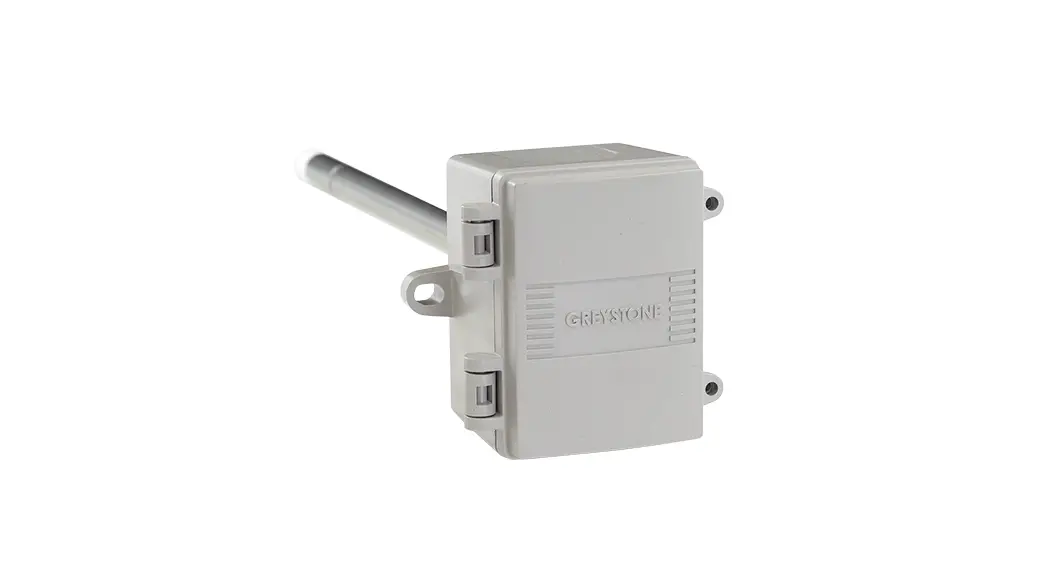
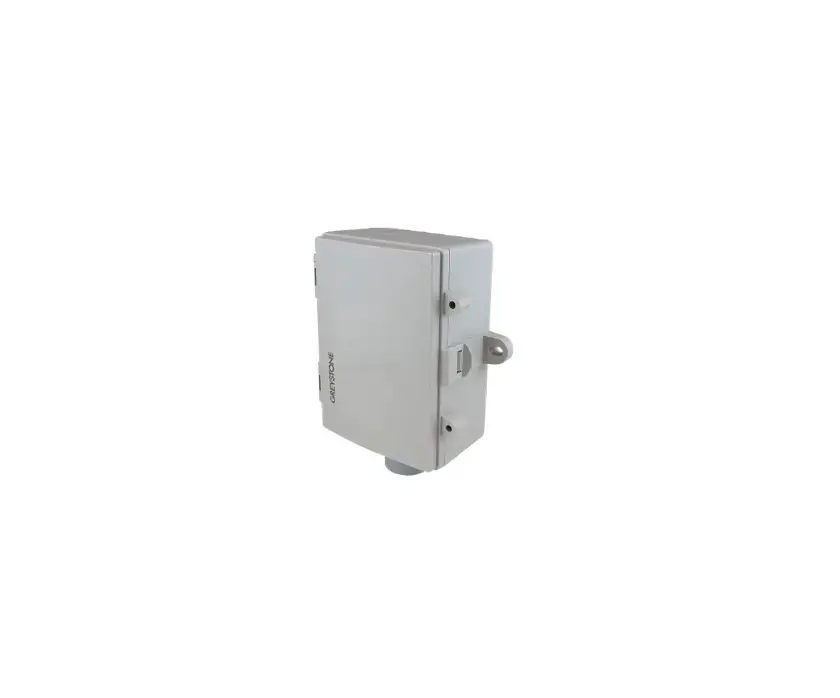
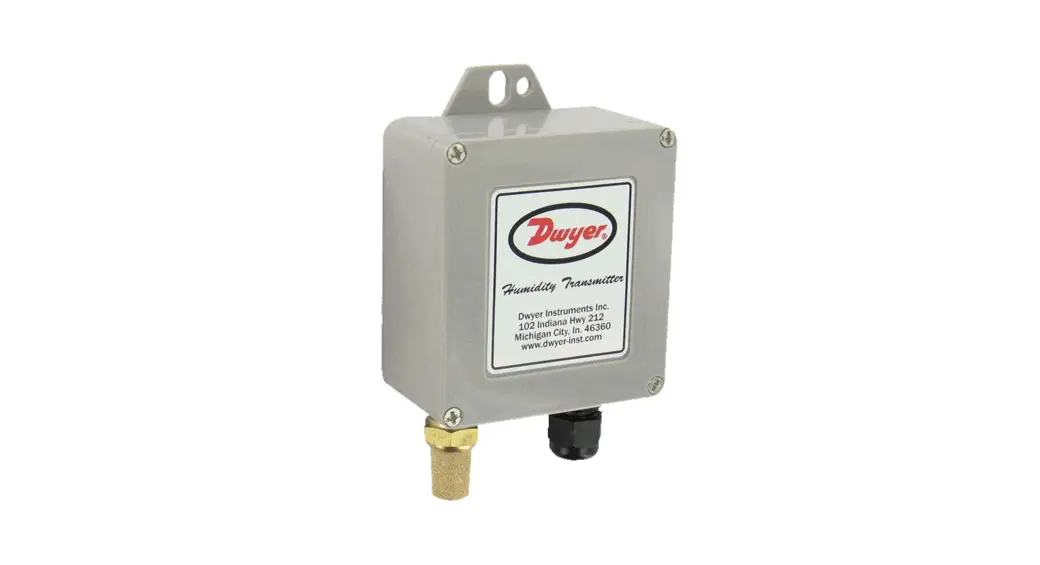
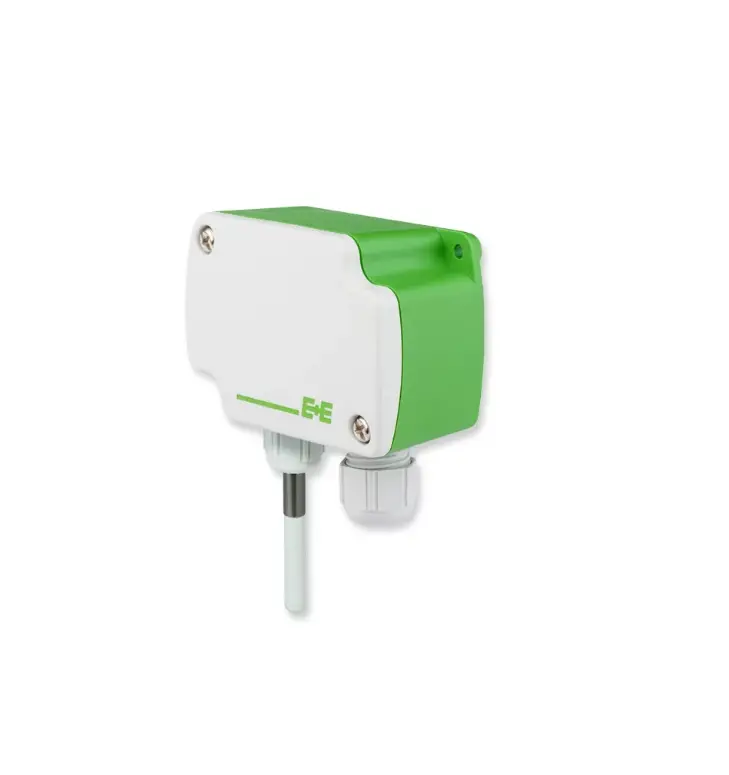
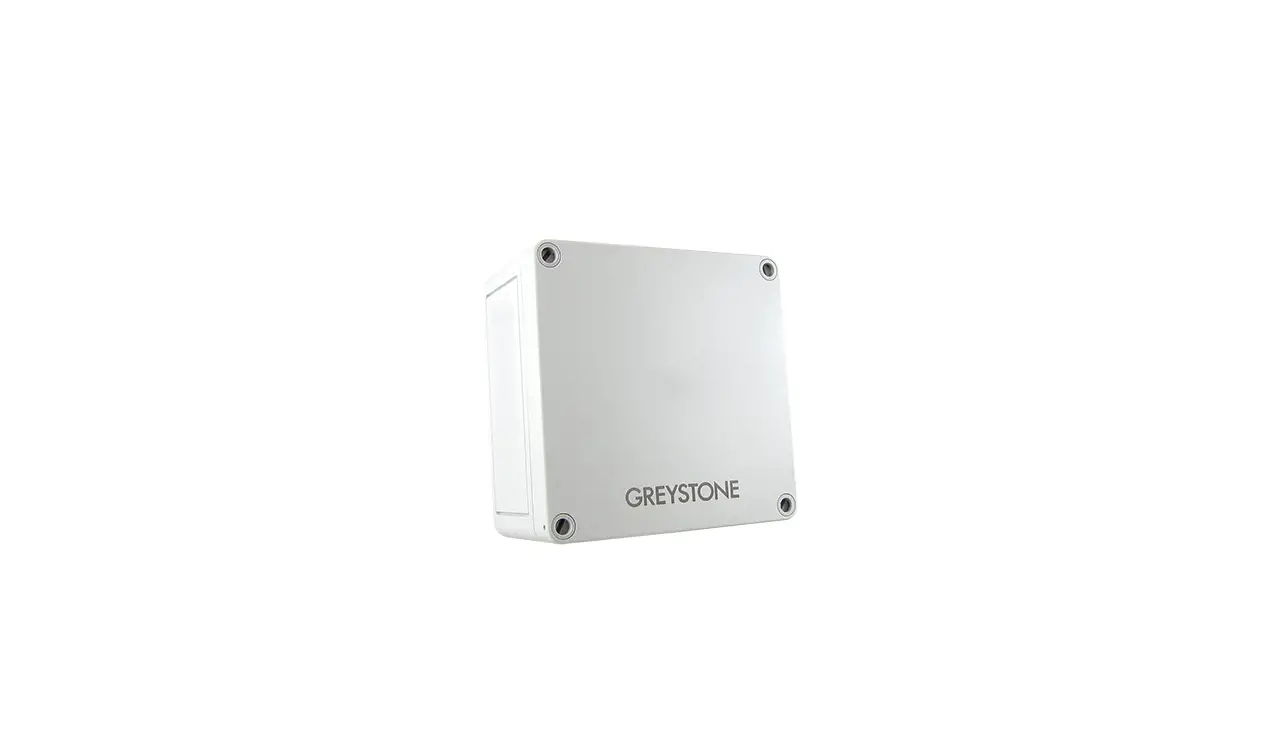
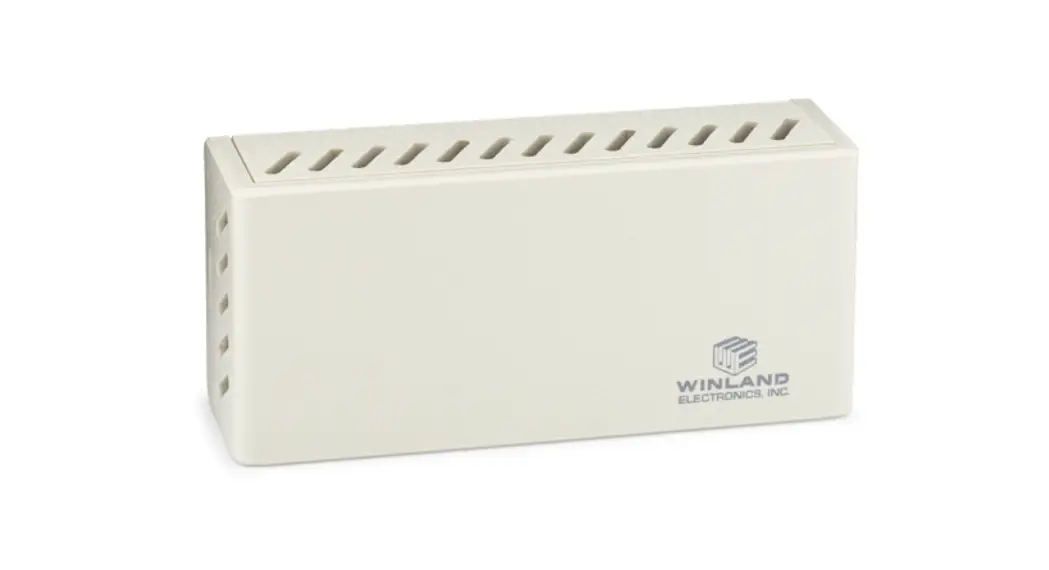
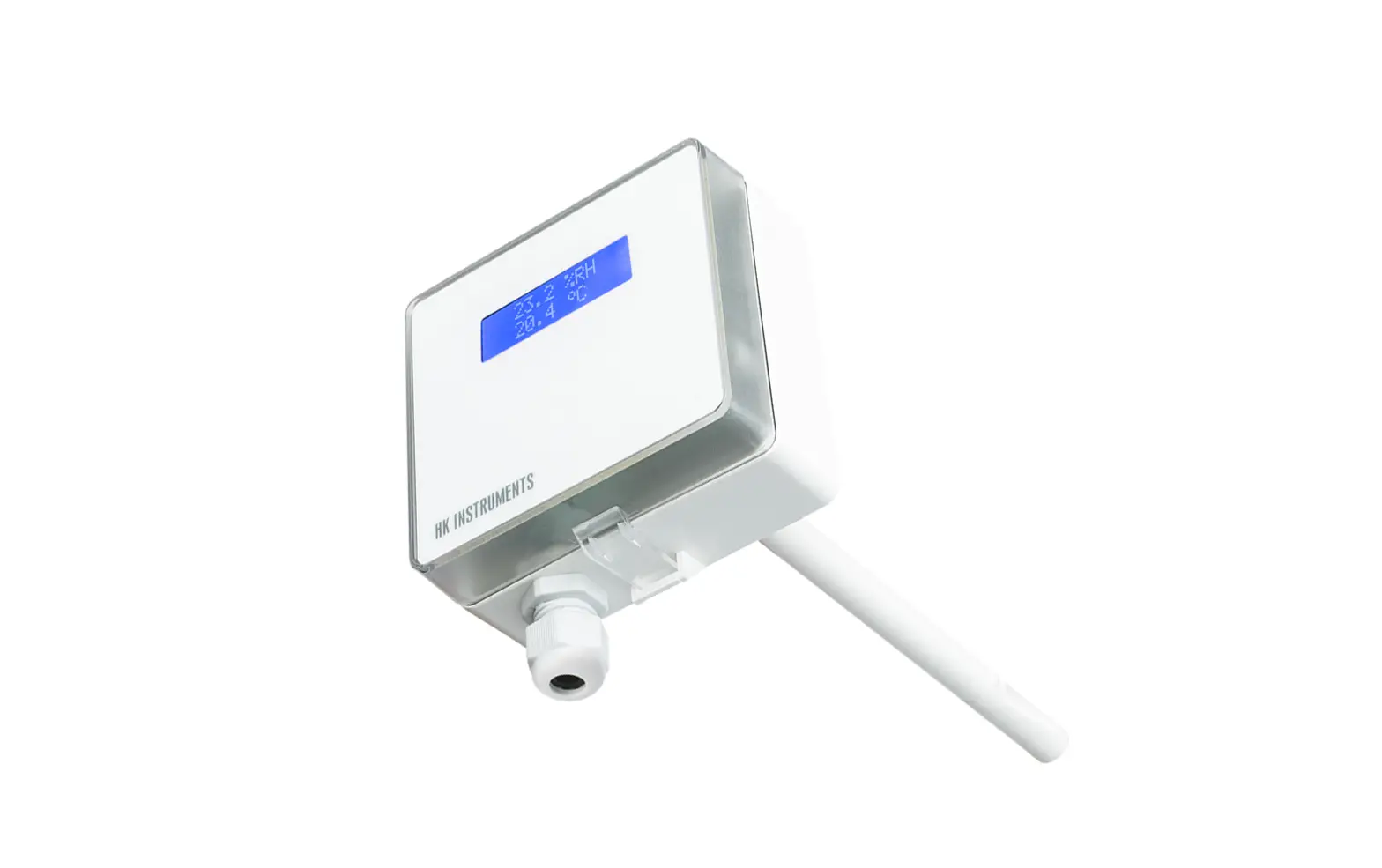
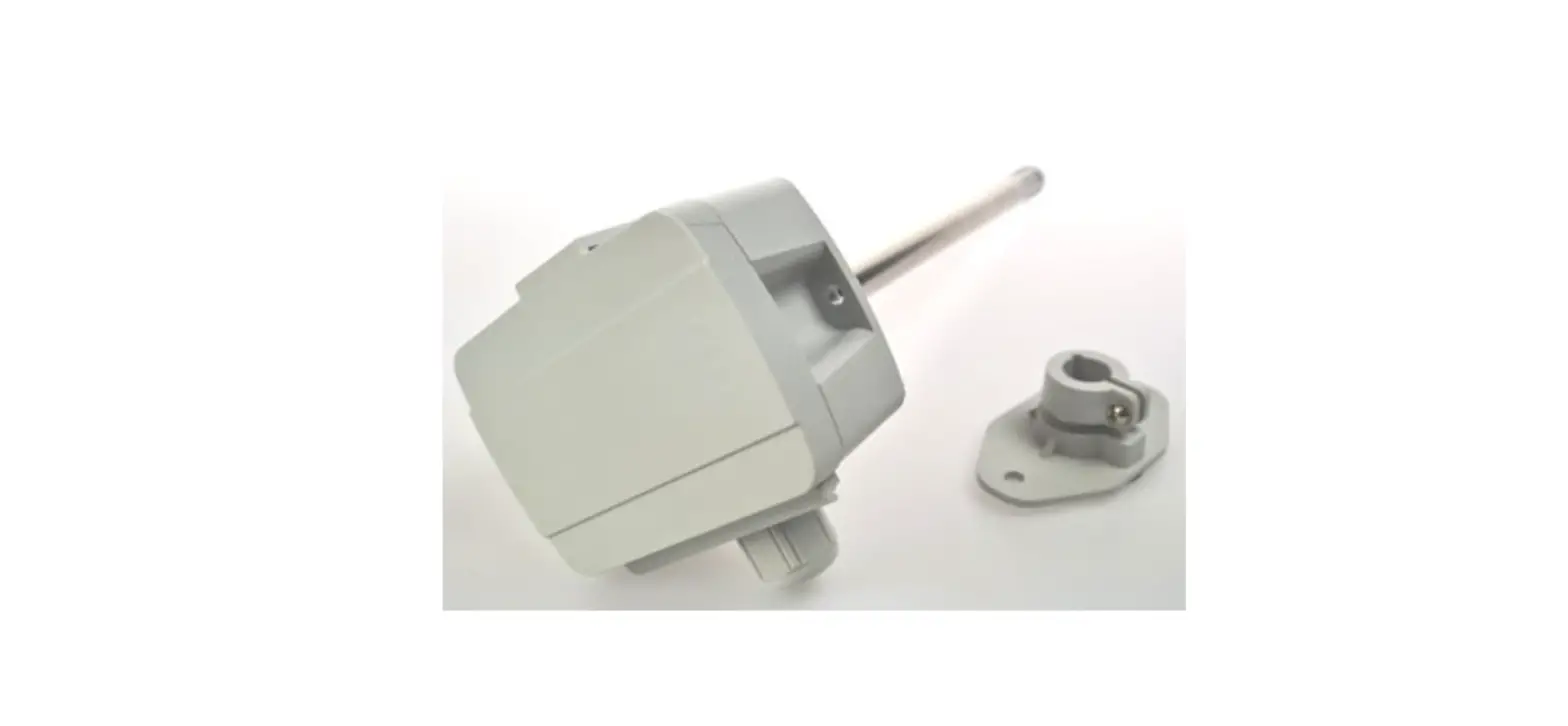
HSOS Series Outside Humidity Transmitter
Product Information:
The Outside Humidity Transmitter (HSOS Series) is a weatherproof
device designed to monitor outside humidity levels. It utilizes a
highly accurate and reliable Thermoset Polymer based capacitance
humidity sensor, along with state-of-the-art digital linearization
and temperature compensated circuitry. The transmitter comes with a
sensor hub for more accurate monitoring, and an optional
temperature sensor is also available. Product Usage
Instructions:
1. Before Installation: – Read the installation
instructions carefully to avoid product damage. – Do not use the
transmitter in explosive or hazardous environments, with
combustible or flammable gases, as a safety or emergency stop
device, or in any application where product failure could result in
personal injury. – Take electrostatic discharge precautions during
installation and ensure not to exceed the device ratings. 2.
Mounting: – Select a suitable mounting spot on an
exterior wall that offers protection from direct sunlight, wind,
etc., preferably on a North facing wall. – Avoid mounting the
sensor near opening windows, supply/exhaust air louvres, or any
other known air disturbances. – Do not place the sensor in areas
exposed to vibrations or rapid temperature changes. – The sensor
provides a connection hole for 1/2 Conduit. Run a length of conduit
through the exterior wall and seal it properly. – Use 14-22 AWG
shielded wiring for all connections and avoid locating the device
wires in the same conduit with wiring used to supply inductive
loads such as motors. – Install the sensor directly on an exterior
wall using the two integrated mounting holes provided on the
enclosure. Choose the appropriate mounting technique based on the
exterior wall material. Use #10 size screws (not supplied) to
secure the sensor fitting, ensuring it points downwards. – The
enclosure has a hinged cover with a latch. Open the cover by
pulling slightly on the latch on the right side of the enclosure,
simultaneously pulling on the cover. – Feed the conduit through the
provided hole in the back of the enclosure and secure it with a
lock nut. It is recommended to use weatherproof conduit or cable
gland fittings. The E style enclosure includes a cable gland
fitting. – Make the wiring connections as per the Wiring
illustrations on Page 2. – Swing the door closed until it securely
latches. For added security, use the provided screws that can be
installed in the integrated screw tabs. 3. Wiring:
– Follow the Wiring illustrations on Page 2 for different wiring
configurations based on the desired output signal and power source.
– The transmitter can be wired for voltage output signal and 24 Vdc
power from a controller, or for a 4-20 mA loop-powered output and
external 24 Vdc power from a controller. – Ensure proper
connections are made according to national and local codes. Please
refer to the user manual for further details and troubleshooting
information.
Outside Humidity Transmitter
HSOS Series – Installation Instructions
INTRODUCTION
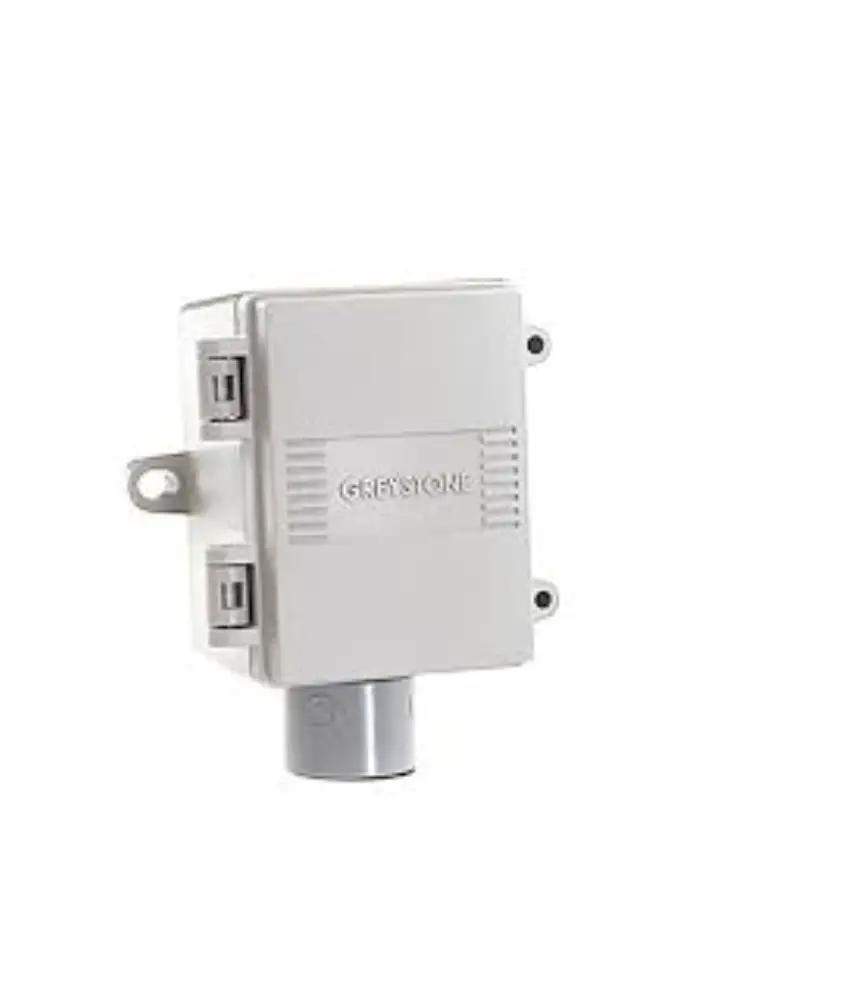
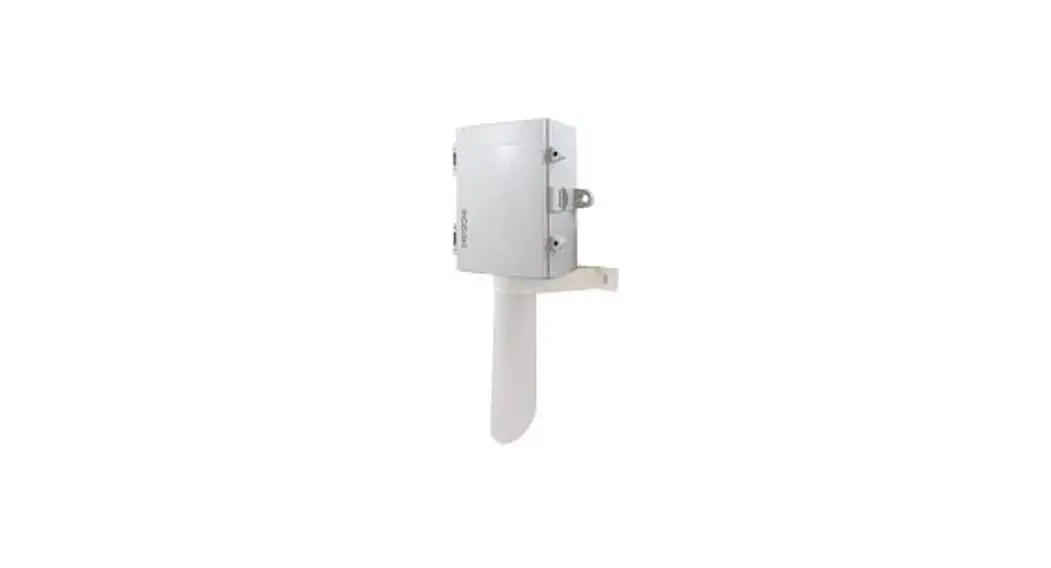
The Outside humidity transmitter uses a highly accurate and reliable Thermoset Polymer based capacitance humidity sensor and state-ofthe-art digital linearization and temperature compensated circuitry in an weatherproof enclosure to monitor outside humidity levels. Sensors are mounted in a sensor hub for more accurate monitoring. An optional temperature sensor is also available.
BEFORE INSTALLATION
Read these instructions carefully before installing and commissioning the humidity transmitter. Failure to follow these instructions may result in product damage. Do not use in an explosive or hazardous environment, with combustible or flammable gases, as a safety or emergency stop device or in any other application where failure of the product could result in personal injury. Take electrostatic discharge precautions during installation and do not exceed the device ratings.
MOUNTING
Select a suitable mounting spot on an exterior wall where the outside humidity transmitter is best protected from direct exposure to sunlight,
wind, etc. preferably on a North facing wall. Do not mount the sensor near opening windows, supply/exhaust air louvres or other known air
disturbances. Avoid areas where the sensor is exposed to vibrations or rapid temperature changes.
The sensor provides a connection hole for 1/2″ Conduit. Run a length of conduit through exterior wall and seal. Use 14-22 AWG shielded wiring for all connections and do not locate the device wires in the same conduit with wiring used to supply inductive loads such as motors. Make all connections in accordance with national and local codes.
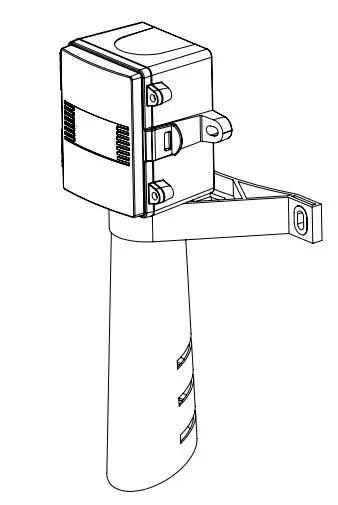
The sensor installs directly on an exterior wall using the two integrated mounting holes provided on the enclosure. Select the best mounting technique based on the exterior wall material. The two mounting holes will facilitate a #10 size screw (not supplied). The sensor fitting must be pointing down. See Figure 1.
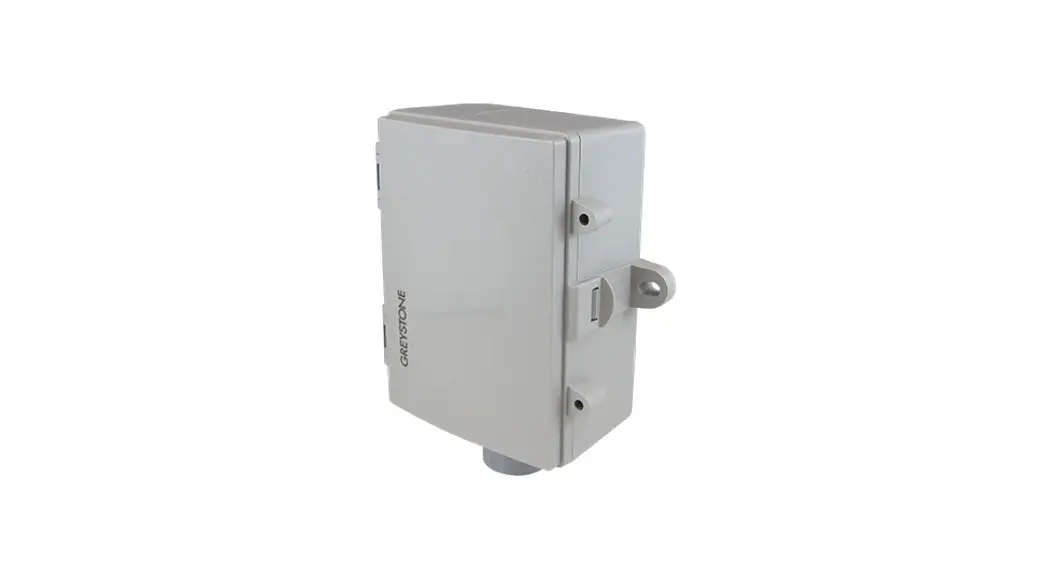
The enclosure has a hinged cover with a latch. Open the cover by pulling slightly on the latch on the right side of the enclosure, at the same time pulling on the cover, as illustrated in Figure 2.
Figure 1
Feed conduit through the provided hole in the back of the enclosure and secure with a lock nut as shown in Figure 3. It is recommended that weatherproof conduit or cable gland fittings be used. The E style enclosure includes a cable gland fitting.
Make wiring connections as per the “Wiring” illustrations on Page 2.
Swing door closed until securely latched. For added security, 2 screws are provided that may be installed in the integrated screw tabs. See Figure 4.
Sensor hub
Figure 2
Figure 3
Optional cable gland fitting
Figure 4
IN-GE-HSOSXXX-04
Copyright © Greystone Energy Systems, Inc. All Rights Reserved Phone: +1 506 853 3057 Web: www.greystoneenergy.com
Page 1
WIRING
· Deactivate the 24 Vac/dc power supply until all connections are made to the device to prevent electrical shock or equipment damage. · Use 14-22 AWG shielded wiring for all connections and do not locate the device wires in the same conduit with wiring used to supply inductive
loads such as motors. Make all connections in accordance with national and local codes. · Pull at least six inches of wire into the enclosure, then complete the wiring connection according to the wire diagram for the applicable power
supply and output signal type as shown in Figure 7. · Select desired signal output type (mA or Vdc) by setting switch on PCB to desired output configuration (mA or V) as shown in Figure 5. · If mA was selected, no further Output set up is required. If VOLT output is selected in Figure 5, Set DIP switch for desired voltage output as
shown in Figure 6. Setting one DIP switch to ON position will select the output (10V, 5V or 1V). NOTE: Only one of the Voltage select switches should be in the ON position. · Connect the DC positive or the AC voltage hot side to the PWR terminal. For voltage output or AC power, the supply Common is connected to the COM terminal. The device is reverse voltage protected and will not operate if connected backwards. It has a half-wave power supply so the supply Common is the same as the signal Common. See Figure 7. · The analog output is available on the OUT terminal. Check the controller Analog Input to determine the proper connection before applying power as shown in Figure 7. · If installed, the resistance temperature output is available on the two terminals labeled TS1 and TS2 as shown in Figure 8. · The RH and Temperature sensor hub can be field replaced. Please refer to the product submittal sheet for replacement sensor hub selection.
Figure 6
10V 1V 5V
ON
Figure 5
mA
VOLT
10V 1V 5V
Figure 8 Optional Temperature Sensor
TS1
Temp. Sensor
TS2
Input
Controller
TS1 TS2
mA VOLT OUT COM PWR
Figure 7
Wiring for voltage output signal and 24 Vdc power from controller
PWR OUT COM
+24 Vdc 0-5 or 10 Vdc AI COMMON
Controller
Wiring for 4-20 mA loop-powered output and external 24 Vdc power from
controller
PWR OUT COM
+24 Vdc 4-20 mA AI
Controller
SPECIFICATIONS
Relative Humidity
Sensor Accuracy:………………±2, 3, or 5% RH (5 to 95% RH) Measurement Range: ……..0 to 100% RH Resolution:………………………….0.01% RH Hysteresis:…………………………..±0.8% RH @ 25°C (77°F) Response Time: …………………8 seconds Stability:………………………………<0.25% RH/year
Optional Temperature Sensor
Feed Through Sensor:……..Various RTD’s and thermistors available as 2 wire resistance output
General
Power Supply:……………………24 Vac/dc ~ ±10% typical Consumption:……………………22 mA maximum @24Vdc, 70mA @24Vac Operating Range:……………..-40 to 60°C (-4 to 140°F) Output Signal:……………………4-20 mA current loop, 0-5 Vdc, 0-10 Vdc, or 0-1 Vdc
(field selectable) Output Drive @ 24 Vdc: …..Current: 550 max
Voltage: 10K min Probe:…………………………………..PVC sensor hub Enclosures:………………………….A: Polycarbonate – UL94-V0, IP65 (NEMA4X)
E: Same as A, with cable gland fitting Termination: ………………………Screw terminal block (14, to 22 AWG) Country of Origin: …………….Canada
Wiring for all output signals and external 24 Vac power transformer
Wiring for 4-20 mA loop-powered output and external 24 Vdc external power supply
PWR OUT COM
24 Vac COMMON 24 Vac Transformer
COMMON Analog Input
Controller
PWR OUT COM
+24 Vdc COMMON 24 Vdc Power Supply
COMMON 4-20 mA AI
Controller
DIMENSIONS
82.5 mm 3.25″
69.8 mm 2.75″
52.0 mm 2.05″
76.2 mm 3.00″
0.5″ NPT
25.4 mm 1.00″
IN-GE-HSOSXXX-04
25.4 mm 1.00″
Copyright © Greystone Energy Systems, Inc. All Rights Reserved Phone: +1 506 853 3057 Web: www.greystoneenergy.com
Page 2
PRINTED IN CANADA
 Greystone Energy Systems – HVAC Sensors and Transmitters