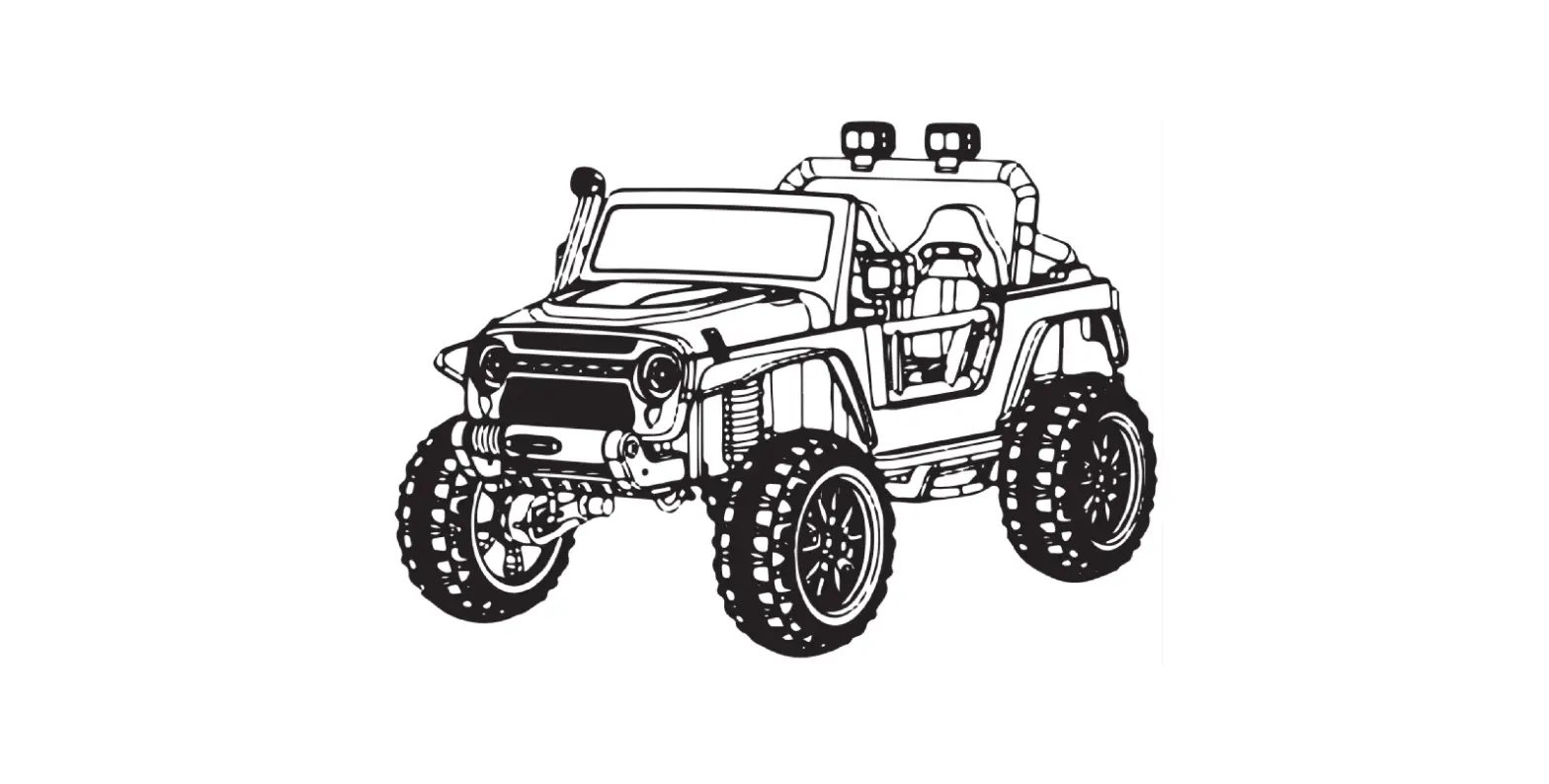
17311 12 Volt Ford Ranger Tremor Battery Ride-On
Product Information
The product is a battery-powered ride-on vehicle manufactured by
Huffy. The user manual contains important safety, assembly,
operation, and maintenance information.
The product meets ASTM F963 and CPSIA requirements for electric
vehicles. The manufacturer provides a limited warranty to repair
and/or replace any covered defect in workmanship or materials.
For customer service inquiries and to order parts, customers can
visit the Huffy Bikes website or call the toll-free number listed
in the user manual. The product is available in the USA, Canada,
and Mexico.
Product Usage Instructions
Before using the product for the first time, the battery needs
to be charged for at least 8 to 12 hours but no more than 20 hours.
Only an adult who has read and understands the safety warnings
should handle, charge, or recharge the battery.
Always wear an approved helmet and safety equipment when using
this product. Refer to the Operation section of the user manual for
instructions on how to operate and charge the battery.
Refer to the Maintenance Repair and Service section of the user
manual for information on how to maintain and repair the product.
If there are any parts or assembly problems, contact Huffy Customer
Service before returning the product to the store.
Customers are encouraged to register their product, but it is
not required for warranty coverage. The Limited Warranty extends
only to the original owner of the product.
We are glad to assist you with any parts or assembly problems you might have!
For Fast Customer Service and email:
www.huffybikes.com/contact
To Order Parts:
www.huffybikes.com/parts
OR TEL: 1 800 872 2453 (US)
[ CANADA ]
PLEASE – BEFORE RETURNING TO STORE: Contact Huffy Customer Service.
We are glad to assist you with any parts or assembly problems you might have!
AVANT DE RETOURNER AU MAGASIN : Communiquez avec le service à la clientèle de Huffy. Nous vous aiderons
volontiers avec tout problème concernant les pièces ou le montage!
For fast customer service in Canada / Pour un service à la clientèle rapide au Canada : Call / Appelez : 1-800-872-2453
Or Email / Ou Courriel : [email protected] Or visit / Ou visitez : : www.huffybikes.com/global-contacts
ANTES DE DEVOLVER EL PRODUCTO A LA TIENDA:
Comuníquese Con Servicio Al Cliente De Huffy. Nos Complace Ayudarlo Con
Cualquier Parte O Problema De Ensamblado Que Pudiera Tener.
Para obtener Servicio al cliente rápido, visite:
www.huffybikes.com.mx
Contáctanos por WhatsApp al 222 422 4955 Visita nuestra página de Facebook HuffyMexico
O LLAME AL TEL: 800 1 HUFFY 1 (800 1 48339 1)
(Mexico only) Para comunicarse por correo electrónico:
[email protected]
Ford Motor Company Trademarks and Trade Dress used under license.
For ASSEMBLY Help: Aide à l’ASSEMBLAGE : Ayuda de la ASAMBLEA:
https://www.huffybikes. com/global-contacts/
Please REGISTER your Product: Veuillez ENREGISTRER l’article : Por favor, REGISTRE su producto:
for current contact information / pour les informations de contact actuelles / para obtener la información de contacto actual
H-ERO-Ranger 10-31-22 m0759 EN
Date Code Label
EN
Here
Owner’s Manual
for
Battery Ride On
© Copyright Huffy Corporation 2022
This manual contains important safety, assembly, operation and maintenance information. Please read and fully understand this manual before operation. Save this manual for future reference.
Always wear approved helmet and safety equipment when using this product.
See back page for Customer Service Information
Owner’s Manual Index
Safety and Warnings ……………………………………………………………………………….2-6 Assembly and Parts ………………………………………………………………………………….7-15 Operation and Charging Battery………………………………………………. 16-17
Maintenance Repair and Service……………………………………………….. 18-19
· General Info, Battery Storage, Replacement and Disposal
Troubleshooting ………………………………………………………………………………………. 20-21 Warranty ……………………………………………………………………………………………………………..22 Back Cover:
· Return and Service Contact information · Registration QR Code Link · Assembly QR Code Link
WARNINGS:
· The user must be 3 12 years · Max allowed weight 125 lb (57 kg) · Front and rear compartment max weight 5 lb (2.3 kg) · Never allow more than 2 riders
This product meets ASTM F963 and CPSIA requirements for electric vehicles. IMPORTANT! Before using the unit for the first time the battery needs to be charged for at least 8 to 12 hours – no more than 20 hours. Only an adult who has read and understands the safety warnings should handle, charge or recharge of the battery (see Operation section).
2
Warranty Warnings and Safety
Limited Warranty – US
General:
· Modified with the addition of a motor.
Part or model specifications are subject to change · Ridden by more than one person at a time.
without notice.
· Exceeds weight limit.
This Limited Warranty is the only warranty for the · Rented, sold, or given away.
product. ALL WARRANTIES OTHER THAN STATED · Used in a manner contrary to the instructions
HEREIN ARE DISCLAIMED INCLUDING IMPLIED
and warnings in this Owner’s Manual.
WARRANTIES OF MERCHANTABILITY AND
What will The Manufacturer do?
FITNESS FOR A PARTICULAR PURPOSE, TO THE Manufacturer’s sole and exclusive obligation
EXTENT ALLOWABLE BY APPLICABLE LAW. ALL under this Limited Warranty is to repair and/or
LIABILITY FOR INCIDENTAL, PUNITIVE, SPECIAL, replace, at its sole option, any covered defect in
OR CONSEQUENTIAL DAMAGES ARE EXPRESSLY workmanship or materials.
DISCLAIMED, TO THE EXTENT ALLOWABLE BY How do you get service?
APPLICABLE LAW.
Contact the Customer Service Department.
The only uses for this product are described in this · See included list for Customer Contact
manual. Warranty registration is not required. The Limited Warranty extends only to the original
information. What rights do you have?
consumer and is not transferable to anyone else. This Limited Warranty gives you specific legal
What does this Limited Warranty cover? This Limited Warranty covers defects in workmanship and materials for all parts of the product except those indicated below as not
rights. You may also have other rights which vary
from State to State. For how long does this Limited Warranty last?
warranted.
· When used in this Limited Warranty, the phrase
What must you do to keep the Limited
“for life” means for as long as the original
Warranty in effect? This Limited Warranty is effective only if: · Product is completely and correctly assembled.
· ·
consumer owns the product. Drive Battery – 90 days Electronics – 90 days
· Product is used under normal conditions for its · All other Components – 6 months
intended purpose (see the following section for
excluded activities).
· Product receives all necessary maintenance and
adjustments.
· Product is used for general transportation and
recreational use only. What is not covered by this Limited Warranty?
This product is designed for recreational use only.
This Limited Warranty does not cover normal
wear and tear, normal maintenance items, or any
damage, failure, or loss that is caused by improper
assembly, maintenance, adjustment, storage, or
use of the product. This Limited Warranty does not
extend to future performance. This Limited Warranty will be void if the
product is ever:
· Used in any competitive sport.
· Used for stunt riding, jumping, aerobatics or
similar activity. 22 · Modified in any way.
WARNING – TO AVOID SERIOUS INJURY:
Here are basic, common sense safe riding practices you should read aloud to your child and anyone who may use the vehicle.
It is the responsibility of the adult to educate the child, determine if they are fit to operate the vehicle, and supervise use.
To avoid serious injury or death follow these safety rules and guidelines: · Adult assembly required. Choking hazard to children under the age of 3 years – contains
small parts. Keep small children away when assembling. Keep poly bags away from child. · After complete assembly, remove and dispose of all protective material and poly bags. Be
sure to remove all packaging materials and parts from underneath the vehicle body. · To reduce the risk of injury, continuous adult supervision is required while using the
vehicle. · It is the responsibility of the adult to educate the child and determine if they are capable of
operating the vehicle safely. · Ensure child uses common sense and safe practices when using the vehicle. · Before using the vehicle the child must understand the controls and safety issues. They
must also demonstrate the capability and skill to handle the vehicle and operate its controls to avoid falls or collisions. · Protective Equipment must be worn: Always wear safety equipment such as a helmet that meets CPSC (or equivalent standard for your country) with chinstrap securely fastened, knee pads, elbow pads, wrist guards, gloves and shoes. · If equipped, child should always use properly and securely attached Seat Belt. · SEATED MODELS: Always sit in the seat when using the vehicle. Do not stand on side boards. Do not stand on or in vehicle while moving. · FOOT/FENDER BRAKE MODELS: Fender can become hot after use. Do Not touch with hand. · MODELS WITH NO BRAKES: Motor friction will gradually stop the unit. · Self-locking nuts and other self-locking fixings may lose their effectiveness when reused. · Body parts such as hands, legs, hair and clothing can get caught in moving parts. Never place a body part near a moving part or wear loose clothing while using the vehicle. · Do not use the vehicle in an unsafe manner or at an unsafe speed. Examples include but are not limited to: · Always use vehicle in a safe, secure environment on flat, smooth paved surfaces only. · Never use in roadways, near motor vehicles, on or near steep inclines or steps, swimming
pools or other bodies of water. · Do not pull or push the vehicle with another vehicle or similar device. · Do not tow anything behind the vehicle. · Do not drive into fixed objects, which may cause the wheels to spin, causing the motor
to overheat. · Never use near streets, water, swimming pools, hills, steps, drop-offs, sloped surfaces or
driveways, wet areas, flammable vapors, in alleys, at night or in the dark. · Do not use the vehicle in unsafe conditions such as snow, rain, loose dirt, mud sand
or fine gravel. This may result in unexpected action such as tip over and skidding.
3
Warnings and Safety Troubleshooting
WARNING – TO AVOID SERIOUS INJURY:
Using the vehicle in loose dirt, mud, sand, or fine gravel may damage the electronics and gear box inside the vehicle. · Do not overload the vehicle. Do not drive in very hot weather, components may overheat. Do not allow water or other liquids to come in contact with the battery or other electric components. · Obey all local traffic and scooter riding laws and regulations. · Do not tamper with the electrical system. Doing so may create a short, causing the fuse to trip or other damage including fire. · RISK OF FIRE. Do not bypass fuse. Replace only with original size and type. · There are additional hazards of using the vehicle in areas other than private grounds. · Only use authorised replacement parts. · Before each ride, check that the steering system is correctly adjusted and that all connection components are firmly secured and not broken · Refer to the Assembly Manual for the correct techniques for use and for braking · While using the product, keep hands and fingers away from wheels and other moving parts to avoid danger of pinching or entrapment. · If wheels or bearings are worn and do not spin freely, replace with original equipment.
Troubleshooting Guide – continued
BEFORE YOU CALL SUPPORT:
1. What is the model and date code? 2. When was the product purchased? 3. Has the product ever worked for a time or has never worked at all since purchase?
· Yes, When did the product last operate correctly? · No, were the battery wires connected? 4. How long was the battery charged? 5. Is the charger plugged into the unit when you try to operate the product? · (The unit will not operate with charger plugged in) 6. Do any lights or sounds come on when you power the product on? · Yes, Does the lights and sounds go away when you press the drive switch? 7. When you press the drive switch, does an electric motor start? · Yes, Did you check that the correct drive wheel was installed? · Yes, Does the insert in the gearbox rotate?
ALWAYS WEAR
YOUR HELMET
WHEN RIDING THIS
PRODUCT!
Always read the user manual that comes with your helmet to make sure it is fitted and at-
tached properly to the wearer’s head according to the fitting instructions described in the
4 user manual.
21
Troubleshooting Warnings and Safety
Troubleshooting Guide
The following are examples of potential problems. Completely read through this manual and the troubleshooting guide table before calling. If you still need help resolving the problem please contact Customer Service.
NOTE: Vehicle should be turned off and fully charged before doing troubleshooting.
Problem
Possible Cause
Solution
Vehicle does not run when switch is activated
Battery wires not connected or are loose
Connect battery wires according to assembly instructions, Check that the battery connectors are firmly plugged into each other. If wires are loose around the motor call Customer Service.
Battery low on power
Recharge battery (see Battery: Recharge interval and time)
Battery Charger still plugged Unplug Battery Charger from unit and wall in
Thermal fuse has tripped Let Fuse reset
Battery is dead
Replace battery (see Battery: Replacement and Disposal)
Electrical system or motor is Call Customer Service. damaged
Vehicle does not run Battery is undercharged. very long or runs sluggishly
Check that the battery connectors are firmly plugged into each other when recharging (see Battery: Recharge interval and Time)
Battery is old and cannot be Replace battery (see Battery: Replacement
fully charged
and Disposal)
Vehicle is overloaded
Reduce weight on vehicle (see user requirements and Safety Warnings)
Vehicle is being used in harsh conditions
Avoid using vehicle in harsh conditions (see User Requirements and Safety Warnings)
Vehicle makes loud noise when in use
Chain is dry (on chain drive Lubricate chain with light oil. models)
Loud grinding or clicking noises coming from motor or gear box
Motor or gears are damaged
Drive Wheel is partially engaged
Call Customer Service. Check drive wheel – to motor engagement.
Battery will not recharge
Battery connector or
Check that the battery connectors are
adapter connector is loose firmly plugged into each other.
Charger is not working
Check that the battery charger is plugged into a working wall outlet.
Battery is dead
Replace battery.
Charger feels warm when recharging 20
This is normal and not a cause for concern
If excessively hot, unplug and replace.
BATTERY & CHARGER WARNINGS:
The following safety hazards may result in serious injury or death to the user of the vehicle:
· Only allow children at least 8 years old to use the battery charger. Give sufficient instruction so that the child is able to use the battery charger in a safe way and explain that it is not a toy and must not be played with.
· Battery Charger for Indoor use only. · Use of a battery or charger other than the supplied rechargeable battery and charger
may cause a fire or explosion. Only use the supplied rechargeable battery (or lead-acid or lithium suitable replacement) and charger with the vehicle. · Using the rechargeable battery and charger for any other product may result in overheating, fire or explosion. Never use the rechargeable battery and charger with another product. · Explosive gases are created during charging. Charge the battery in a well ventilated area. Do not charge the battery near heat or flammable materials. · Contact between the positive and negative terminals may result in fire or explosion. Avoid direct contact between the terminals. Picking up the battery by the wires or charger can cause damage to the battery and may result in a fire. Always pick up the battery by its case or handles. · Battery must be handled by adults only. Liquids on the battery may cause fire or electric shock. Always keep all liquids away from the battery and keep the battery dry. · Contact or exposure to battery leakage (lead acid) may cause serious injury. If contact or
exposure occurs immediately call your physician. If the chemical is on the skin or in the eyes, flush with cool water for 15 minutes. If the chemical was swallowed, immediately give the person water or milk. Do not give water or milk if the patient is vomiting or has a decreased level of alertness. Do not induce vomiting. · Battery Posts, terminals and related accessories contain lead and lead compounds (acid), chemicals known to cause cancer, reproductive harm and are toxic and corrosive. Never open the battery. · Tampering or modifying the electric circuit system may case a shock, fire or explosion and permanently damage the system. Exposed wiring and circuitry in the charger may cause electric shock. Always keep the charger housing closed. · Children should be instructed not to try and recharge non-rechargeable batteries because of the danger of eruption. · Batteries are to be inserted with the correct polarity. · The supply terminals are not to be short-circuited. · The battery chargers used are to be regularly examined for damage, especially the cord, plug, enclosure and other parts. In the event of such damage, they must not be used until the damage has been repaired. · Do not mix old and new batteries. · Do not mix alkaline, standard (Carbon-Zinc) or rechargeable batteries. · Non-Drive rechargeable batteries are to be removed from the unit before being charged.
5
Warnings and Safety Maintenance
Radio Frequency Information (if applicable)
if not installed and used in accordance with the
CAUTION: Changes or modifications instructions, may cause harmful interference to
to this unit not expressly approved by the party radio communications.
responsible for compliance could void the user’s However, there is no guarantee that interference
authority to operate the equipment.
will not occur in a particular installation. If this
This device complies with Part 15 of the FCC
equipment does cause harmful interference
Rules. Operation is subject to the following two to radio or television reception, which can be
conditions: (1) this device may not cause harmful determined by turning the equipment off and
interference, (2) this device must accept any
on, the user is encouraged to try to correct the
interference received, including interference that interference by one or more of the following
may cause undesired operation.
measures:
NOTE: This equipment has been tested and found to comply with the limits for a Class B digital device, pursuant to Part 15 of the FCC Rules. These limits are designed to provide reasonable protection against harmful interference in a residential installation. This equipment generates, uses and can radiate radio frequency energy and,
· Reorient or relocate the receiving antenna. · Increase the separation between the
equipment and receiver. · Connect the equipment into an outlet on
a circuit different from that to which the receiver is connected. · Consult the dealer or an experienced radio/TV
technician for help.
Drive Motor Battery
Only an adult who has read and understands the safety warnings should handle, charge or recharge the battery. Failure to comply with all safety warnings may result in serious injury or death.
Battery Fuse
The drive motor circuit features a thermal fuse that will automatically trip and cut all power to the vehicle if the motor, electric system or battery is overloaded. The fuse will reset and power will be restored after a short time. If the thermal fuse trips repeatedly during normal use, the vehicle may need repair.
WARNING:DO NOT BYPASS THE FUSE – RISK OF FIRE. This may overload
and damage the electrical system.
Battery Re-charge Interval and Time IMPORTANT!
Check the drive battery and charger (supply cord, connector) for wear and damage before charging. Do not charge the battery if damage has occurred. Only replace with the same type and voltage rechargeable battery and charger supplied by the manufacturer. · Only use the rechargeable battery (or equivalent replacement) and charger supplied with
your vehicle. · Before first use, charge battery 8 to 12 hours – never longer than 20 hours. · Once battery is depleted, recharge for 8 to 12 hours – never longer than 20 hours. · Do not short circuit the battery: Do NOT connect red and black wires together or connect
positive and negative terminals on the battery together. · When battery is fully charged, un-plug charger from the wall outlet and disconnect from
charger port. The drive battery should be charged when depleted, or if not used regularly, once a month. Failure to charge the battery as directed will cause permanent damage to the battery and will void the warranty.
6
19
Maintenance Introduction
Drive Battery Replacement
FOLLOW THESE STEPS IF THE BATTERY NEEDS TO BE REPLACED:
NOTE: Batteries are installed, mounted and wired differently depending on model. Make a simple drawing on paper (or take pictures) how your battery is installed and how Red and Black wires are connected. NOTE: Remove seat screws and seat (varies depending on model).
1. Remove any clamps and Battery Covers. 2. Disconnect wires. 3. Carefully lift out the Battery.
· Depending on the condition of the battery (i.e.: leakage) you may want to wear protective rubber gloves before removal.
· Do not lift the battery by its connectors or cables. 4. Place the dead batteries in a plastic bag. 5. Install replacement battery(s) in same position and orientation as originals. 6. Re-connect all wires in original positions. 7. Re-install Battery Covers and hold-down clamps and screws.
WARNING:
Ensure no wires are pinched or bound up.
8. Re-Install seat and screws.
Introduction to Assembly
This Owner’s Manual may be made for several different style products. · Some illustrations may vary slightly from the actual product. · Follow instructions completely. · If the product has any parts that are not described in this manual, look for separate “Special Instructions” that are supplied with the unit. · All features, components and accessories are not included on all models. · Use the Index page to locate specific sections of this manual. · Please read through this entire manual before beginning assembly or maintenance. · If you are not confident with assembling this unit, contact customer service. · Do not modify or transform the vehicle in any way.
WARNING: Keep small parts away from children during assembly.
NOTE: All of the directions (right, left, front, rear, etc.) in this manual are as seen by the
rider while seated.
Do not dispose of the carton and packaging until you complete the assembly of the product. This can prevent accidentally discarding parts of the unit.
18
7
1 Vehicle Body 2 Windshield
3 Seat Back
4 Seat Bottom
5 Seat Pillars x 2 6 Drive Motor x 2
7 Wheels x 4
8 Wheel Cover x 4
9 Steering Wheel 10 Hood
11 Support Frame 12 Tailgate
13 M12 Nut x 4
14 Side Mirrors (LH and RH)
15 M16 Washer x 2 16 M12 Washer x 4
17 Screw x 13
18 Cup holder
19 Charger (not shown)
Parts Assembly NOTE: Some Parts Shown are assembled on both sides of vehicle
Tools Required
Screwdriver (not included) Pliers (not included)
Hammer (not included) Spanner
Parts Assembly
8
Maintenance Repair and Service
GENERAL: The vehicle should be checked · Check the tightness of the wheels:
for damage, missing or badly worn parts
NOTE: If the drive wheel is not tight, it will not
before each use. If any part of the product engage the gears and the vehicle will not run.
does not operate properly discontinue use. · Ensure the battery bracket is securely in place
· Check the tightness of the fasteners before
before use.
each use. Replace any fasteners that are
· Prolonged exposure to UV-rays, rain, and
damaged.
outdoor elements may damage the enclosure
· Inspect the product frequently. Failure to
materials. Store the vehicle indoors when
inspect the product and to make repairs
not in use. Keep it away from sources of heat,
or adjustments, as necessary, can result in
such as stoves and heaters.
injury to the rider or to others. Make sure all · Keep the product clean and free of dirt, dust
parts are correctly assembled and adjusted and water. This will prolong the useful life of
as written in this manual and any “Special
the product.
Instructions”.
· Clean the vehicle with a soft, dry cloth. To
· Immediately replace any damaged, missing, restore shine to plastic parts, use a non-wax
or badly worn parts.
furniture polish. Do not use automotive wax,
· Make sure all fasteners are correctly tightened abrasive cleaners or wash the vehicle with
as written in this manual and any “Special
soap and water.
Instructions”. Parts that are not tight enough NOTE: If the instructions in this manual or any
can be lost or operate poorly. Over tightened “Special Instructions” are not sufficient for
parts can be damaged. Make sure any
you, please contact customer service.
replacement fasteners are the correct size and CAUTION: Self-locking nuts and other self-
type.
locking devices may lose their effectiveness
when re-used.
Battery Storage and Disposal
The drive battery should be charged when
or disposed of in an environmentally sound
depleted, or if not used regularly, once a
manner.
month. Failure to charge the battery as
· Do not dispose of battery in a fire. The bat-
directed will cause permanent damage to the tery may explode or leak acid.
battery and will void the warranty. Follow these guidelines if the battery is removed:
· Do not dispose of the battery in household trash. The incineration, land filling or mixing of sealed lead-acid batteries with household
· Do not store battery in extreme hot or cold trash is prohibited by law.
temperatures.
· Return an exhausted battery to a federal or
· Wipe the battery clean with a dry cloth prior state approved lead-acid battery recycler,
to storage. Wash cloth separate from other such as a local seller of automotive batteries
clothes. BATTERY DISPOSAL:
(check local battery disposal regulations).
· The sealed lead-acid battery must be recycled
17
Maintenance
Operation Assembly
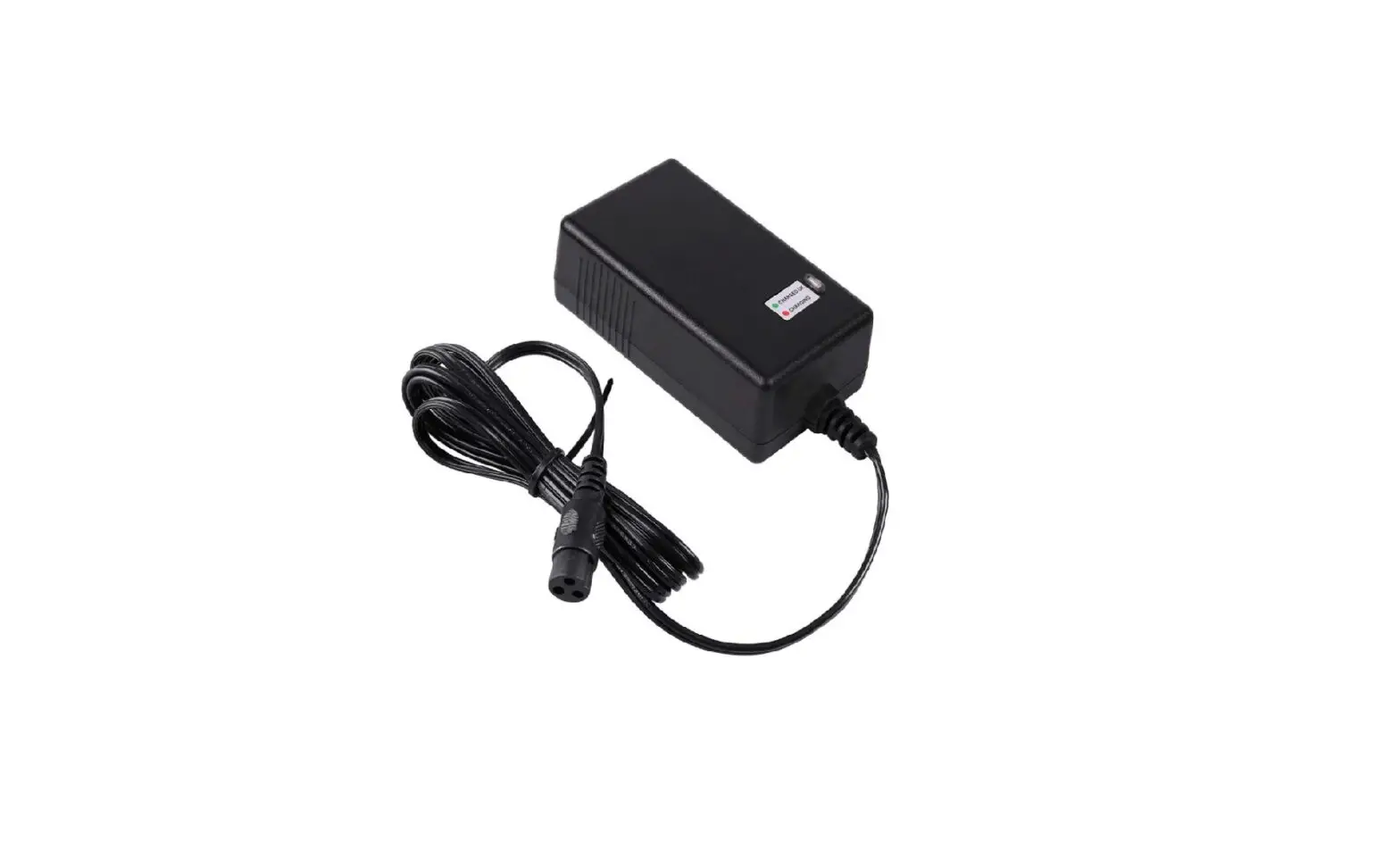
Charging the Drive Battery:
IMPORTANT! Before using the unit for the first time the battery needs to
be charged for at least 8 to 12 hours – no more than 20 hours. Once battery is depleted, recharge for 8 to 12 hours – no more than 20 hours.
IMPORTANT!
STEPS:
Check the drive battery and charger (supply
cord, connector) for wear and damage
A 1. Locate Charging Port .
before charging. Do not charge the battery if 2. Plug Charger plug into unit Charging
damage has occurred. Only replace with the
Port.
B same type and voltage rechargeable battery 3. Plug Charger into Wall outlet .
and charger supplied by the manufacturer. 4. When battery is fully charged, un-
· Only use the rechargeable battery (or
plug charger from the wall outlet and
equivalent replacement) and charger sup-
disconnect from charger port.
plied with your vehicle.
· Always turn power off and charge battery NOTE: The charger may feel warm during
after riding.
the charging. If excessively hot, unplug and
· The drive battery should be charged when replace.
depleted, or if not used regularly, once a month. Failure to charge the battery as
NOTE: This product has charging protection:
directed will cause permanent damage to When charging, all functions are turned OFF.
the battery and will void the warranty.
1. Install Rear Wheels:
Drive Motor
Power Plug
Assembly
· With Car upside down, remove Locknut on Rear Axle.
· Install Drive Motor onto Rear Axle as shown.
· Firmly connect Power Plug and insert wires into body hole.
NOTE: There is a LEFT and RIGHT motor.
M12 Washer
M10 Locknut Wheel Cover
INSTALL WHEELS:
Rear Axle
Rear Axle Wheel
· Install Wheels so that Wheel Gear fits inside Drive Motor Gear.
· Install Washer and Locknut. · Tighten Locknut fully and securely. · Make sure Wheel spins freely. · Line up tabs on Wheel Cover and snap evenly
into place. · Repeat for opposite side.
B
16
2. Install Front Wheels:
M16 Washer
· With Car upside down, remove Locknut on Front Axle.
M12 Washer
A
M10 Locknut
· With one Washer in place, install Wheel onto Axle as shown.
· Install remaining Washer and
Locknut onto Axle.
· Tighten Locknut fully and securely.
· Make sure Wheel spins freely.
Wheel Wheel Cover Front Axle
· Line up tabs on Wheel Cover and snap evenly into place.
· Repeat for opposite side.
9
Assembly Assembly Operation
Assembly
Screw Support frame
INSTALL SUPPORT FRAME: NOTE: There is a LEFT and RIGHT support frame. · Position support frame so that mounting holes line up. · Install screws fully and securely. Do not over-tighten. · Repeat for opposite side.
10
Assembly 10.I,nQsVtaWDllOOSWiKdeH MUHiDrrUoYrLsH: Z PLUURU
· Position Side Mirrors as shown
·zNano$dtVesVnKthaRpZerHienGatLoQreWpKLoHesSfitLtFiaWoXnnUdH. RSiXgVhKtWKH
MWiZrrRorUHs.DU YLHZ PLUURUV DFFRUGLQJ WR · GeWKnHtlGyLUpHFuWlLRl QonRIMWKiHrrDoUrURsZtoDmQGaPkeDNH
suVrXeUHthWReyILWaLQreSnRVoLtWLRloQose.
Side Mirror
Operation:
Sound Button
,03257$17 6833/(0(17 72 ,1G6e7ne5r8al&Po7w,2e1r Sw0i$tc1h8$/
FAST & SLOW Switch
Forward & Reverse Switch
Pedal Switch
1. Turn on Power Switch . Various sounds also play. 2. Select Speed (Fast or Slow). 3. To move FORWARD, put Direction Switch to FORWARD position.
· Press Foot Switch – Vehicle moves forward. · To STOP, remove foot from Foot Switch – Vehicle gradually stops with motor friction. 4. To move in REVERSE, put Direction Switch to REVERSE position. · Press Foot Switch – Vehicle moves in reverse. · To STOP, remove foot from Foot Switch – Vehicle gradually stops with motor friction. NOTE: Push sound buttons for various sounds.
15
Assembly Assembly
8. Install the Windshield:
Assembly
Screws
Windshield
· Position Windshield so that mounting holes line up with holes in Body.
· Install 3 Screws evenly and securely – do no over-tighten.
· Gently pull up on Windshield to make sure it is not loose.
9. Install Front Hood:
Hood
· Position Hood so that Rear Tabs fit inside body as shown – Push back into place. · Close Hood. NOTE: Storage under Hood. Max Weight: 5 lbs)
14
Assembly
Tailgate
INSTALL TAILGATE: · Position tailgate so sides line up with body slots and slide full
down into position.
Cup holder
INSTALL CUPHOLDER: · Position cupholder as shown and snap fully into position.
11
Assembly Assembly
Assembly 3. Installing Steering Wheel:
Steering Wheel
· Position Steering Wheel as shown.
· Firmly connect Connectors -Put extra wire inside the Steering Wheel.
· Press Steering Wheel onto shaft until it SNAPS into position.
· Pull up gently to make sure it does not come lose.
4. Connect the Power Supply:
B
Power connector
A
WITH SEAT REMOVED:
· Firmly connect battery connectors A and B.
6. Install the Seat Pillars:
Assembly
Seat Pillars Trunk Door
· Position Left and Right Seat Pillar as shown and SNAP into position.
· Pull up gently to make sure they are not lose.
NOTE: Rear Truck Door opens by lifting UP and pulling back. Close by lifting Door up while closing and then pushing down. Test by pulling back gently to make sure it is does not come open.
7. Install the Seat Bottom and Lock Seat:
Seat Bottom
Seat Bottom
5. Install Seat Back:
Seat Back
· Position Seat Back as shown and slide down into position.
· Continue to next step >>
Seat Locks
· Position Seat Bottom as shown and fit into place so that Locking Holes line up. · Turn both Seat Locks to `Locked’ position as shown. · Do NOT over-tighten – Seat Locks can break.
12
13