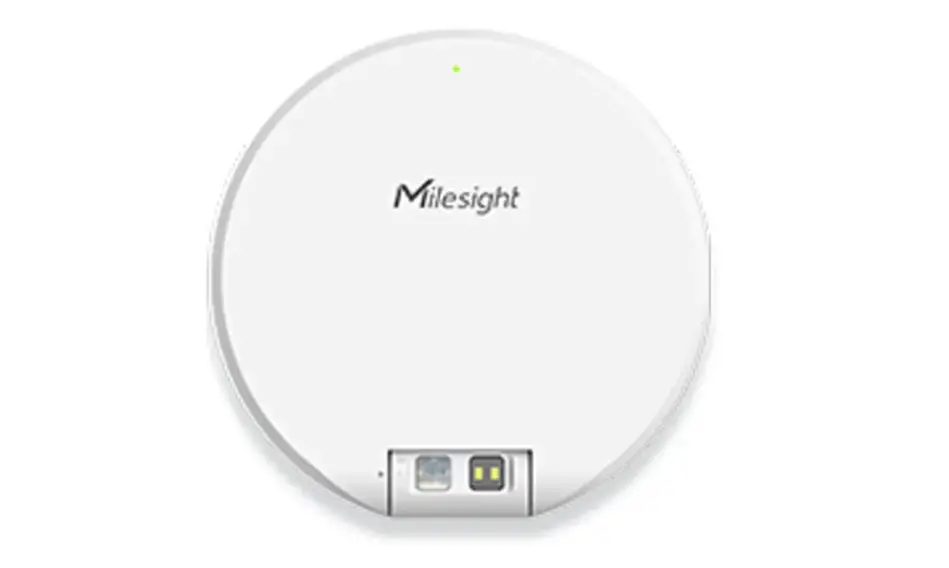
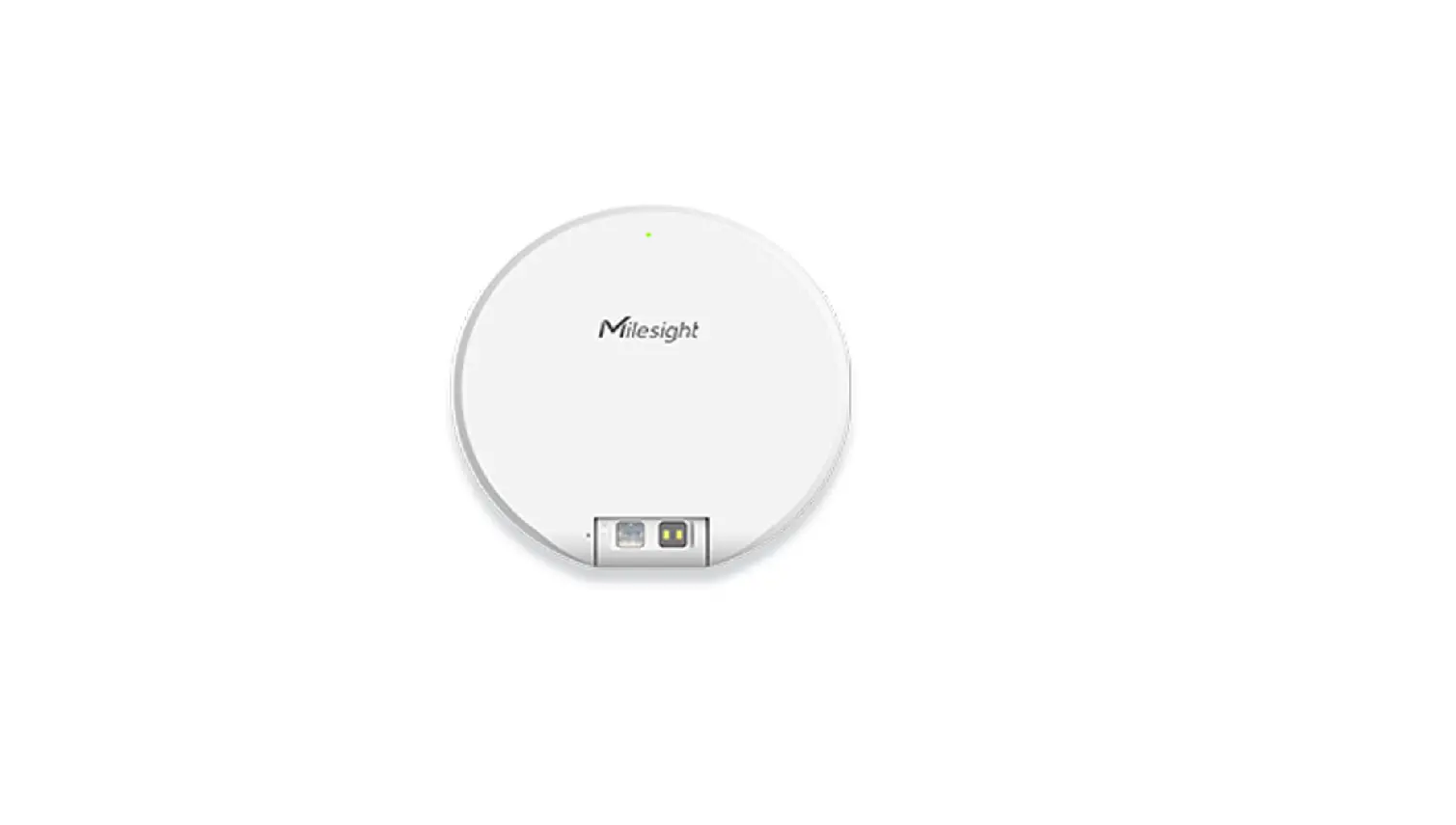
VS340 Desk and Seat Occupancy Presence Sensor
Product Information
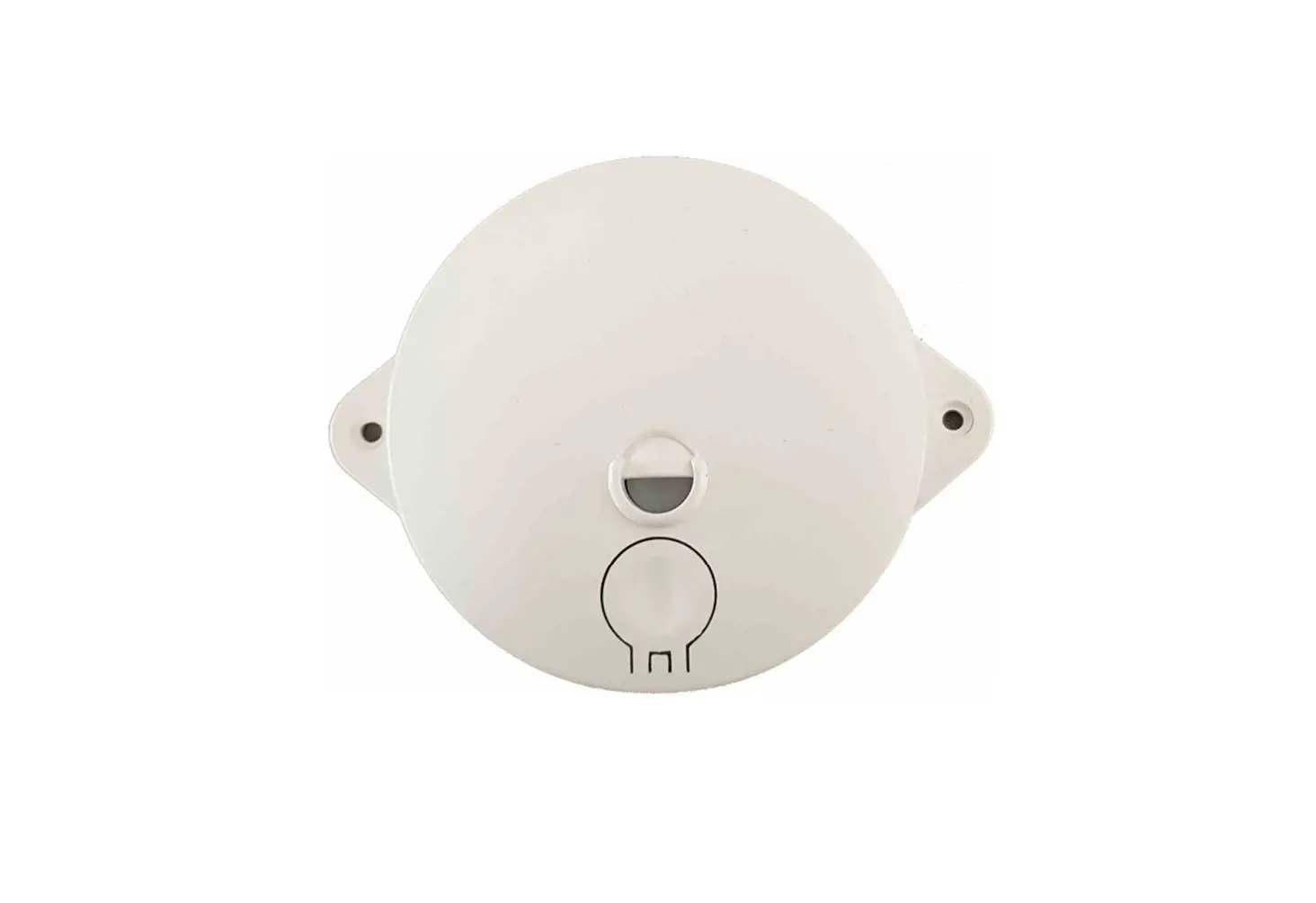
The Presence Sensor is a desk and seat occupancy sensor used to
detect whether a desk or seat is occupied or vacant. It comes with
LED indicators, PIR sensors, a power button, mounting holes, an NFC
area, a thermopile sensor (VS341 only), and a battery.
Product Usage Instructions
- Packing List: The package includes one VS340 & VS341
Sensor. - Hardware Introduction: The device consists of various
components, including LED indicators, PIR sensors, a power button,
mounting holes, an NFC area, a thermopile sensor (VS341 only), and
a battery. - Power Button and LED Patterns: The power button is used
to turn the device on/off and check its status. Different LED
patterns indicate the device’s power status and occupancy
status. - Configuration Guide: To configure the device, follow
these steps:
1. Download the Milesight ToolBox App on an NFC-supported
smartphone (Android or iOS).
2. Open the Milesight ToolBox App and attach the NFC area of the
smartphone to the device. Click NFC Read to read/write the device
until the App shows a prompt. It is recommended to change the
default password for security reasons (default password:
123456). - Installation: There are two installation methods:
a) PIR Cover Installation:
– Attach 3M tape to the back of the sensor and place it under the
working desk. Adjust the installation direction according to the
detection area, making sure the thermopile sensor faces the
seat.
b) Fixed by Mounting Kits:
1. Take off the front cover of the device. Fix the wall plugs under
the desk according to the device’s mounting holes. Then, fix the
device to the wall plugs with screws. Adjust the installation
direction according to the detection area, ensuring that the
thermopile sensor faces the seat.
2. Restore the front cover back to the device. - FCC Statement: The device complies with part 15 of the
FCC Rules and must not cause harmful interference. It should be
installed and operated with a minimum distance of 20cm between the
radiator and the body. It should not be co-located or operated with
any other antenna or transmitter.
Presence Sensor
DESK & SEAT OCCUPANCY SENSOR
96 96
1. Packing List
1 x VS340 & VS341 Sensor
4 × PIR Covers
1 × 3M Tape
2. Hardware Introduction
LED Indicator PIR Sensor
2 × Mounting Kits
1 × Quick Start Guide
1 × Warranty Card
Power Button PIR Sensor
Mounting Holes
NFC Area PIR Cover Thermopile Sensor
(VS341 Only)
Mounting Holes LED Indicator Battery
Thermopile Sensor (VS341 Only)
3. Power Button and LED Patterns
)XQFWLRQ Power On/Off Check On/Off Status
$FWLRQ Press and hold the power button for more than 3 seconds
Quick press the power button
/(‘,QGLFDWRU Power OnOffOn Power OffOnOff Light OnDevice is on. Light Off: Device is off.
Reset to Factory Default
Press and hold the power button for more than 10 seconds
Blinks quickly
Occupancy Status
VacantOccupied OccupiedVacant
Blinks twice Blinks twice
4. Configuration Guide 1. Download “Milesight ToolBox”App on an NFC-supported smartphone.
Android
iOS
2. Open “Milesight ToolBox” App and attach the NFC area of the smartphone to device, click “NFC Read” to read/write the device until the App successfully shows a prompt. It’s suggested to change the default password for security reasons. (Default password: 123456)
1)&
Cloud App
Quick Start Guide
All oftware & files can be downloaded from https://www.milesight-iot.com/documents-download/
Milesight IoT Co., Ltd. www.milesight.com Building C09, Software Park Phase III, Xiamen 361024, Fujian, China
5. Installation
PIR Cover Installation
Take off the front cover of the device, then select the PIR cover as required and put it on the PIR sensor with groove alignment. The adjustable angle of every groove is 30°. The PIR cover can also be tailored according to requirements.
Fixed by 3M Tape
Attach 3M tape to the back of sensor, then tear the other side and place it under the working desk. Please adjust the installation direction according to the detection area and ensure that the thermopile sensor should be placed toward the seat.
Fixed by Mounting Kits
1. Take off the front cover of the device, then fix the wall plugs under the desk according to the device mounting holes, then fix the device to the wall plugs with screws. Please adjust the installation direction according to the detection area and ensure that the thermopile sensor should be placed toward the seat. 2. Restore the front cover back to the device.
6. FCC Statement
Any changes or modifications not expressly approved by the party responsible for compliance could void the user’s authority to operate the equipment. This device complies with part 15 of the FCC Rules. Operation is subject to the following two conditions:
(1) This device may not cause harmful interference, and. (2) This device must accept any interference received, including interference that may cause undesired operation.
Note: This equipment has been tested and found to comply with the limits for a Class B digital device, pursuant to part 15 of the FCC Rules. These limits aredesigned to provide reasonable protection against harmful interference in a residential installation. This equipment generates, uses and can radiate radio frequency energy and, if not installed and used in accordance with the instructions, may cause harmful interference to radio communications. However, there is no guarantee that interference will not occur in a particular installation. If this equipment does cause harmful interference to radio or television reception, which can be determined by turning the equipment off and on, the user is encouraged to try to correct the interference by one or more of the following measures:
–Reorient or relocate the receiving antenna. –Increase the separation between the equipment and receiver. –Connect the equipment into an outlet on a circuit different from that to which the receiver is connected. –Consult the dealer or an experienced radio/TV technician for help.
FCC Radiation Exposure Statement:
This equipment complies with FCC radiation exposure limits set forth for an uncontrolled environment. This equipment should be installed and operated with minimum distance 20cm between the radiator& your body. This transmitter must not be co-located or operating in conjunction with any other antenna or transmitter.