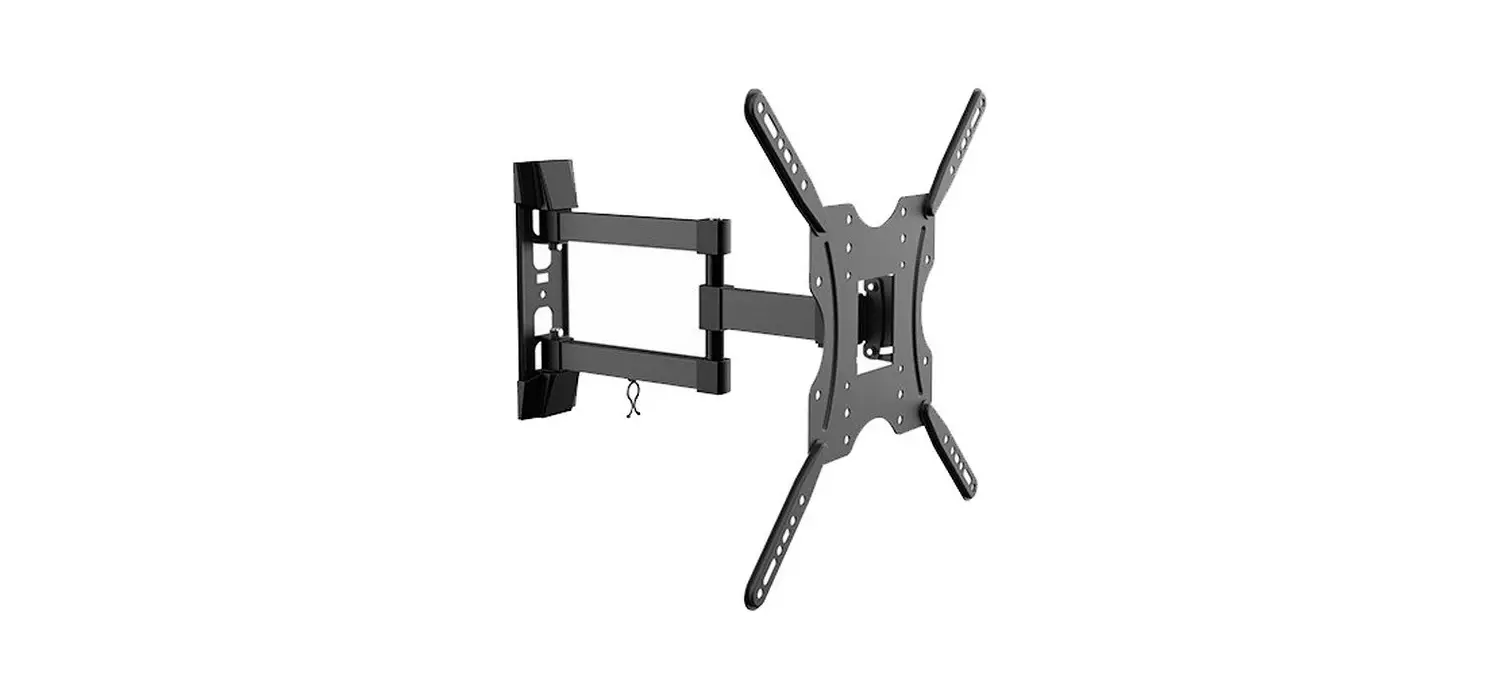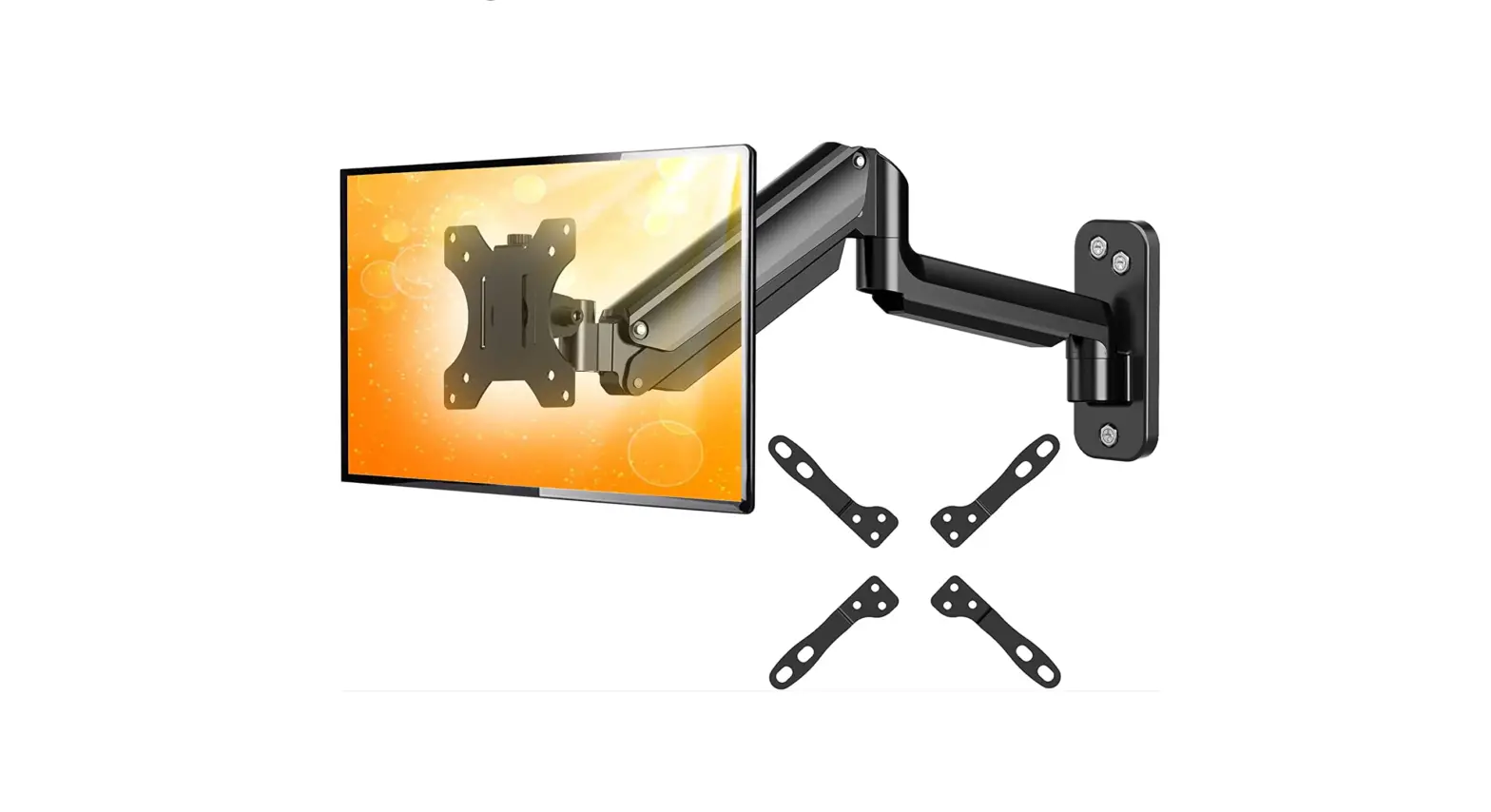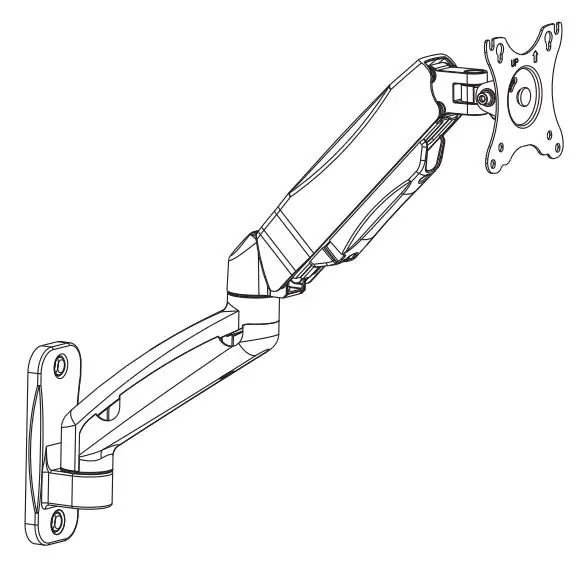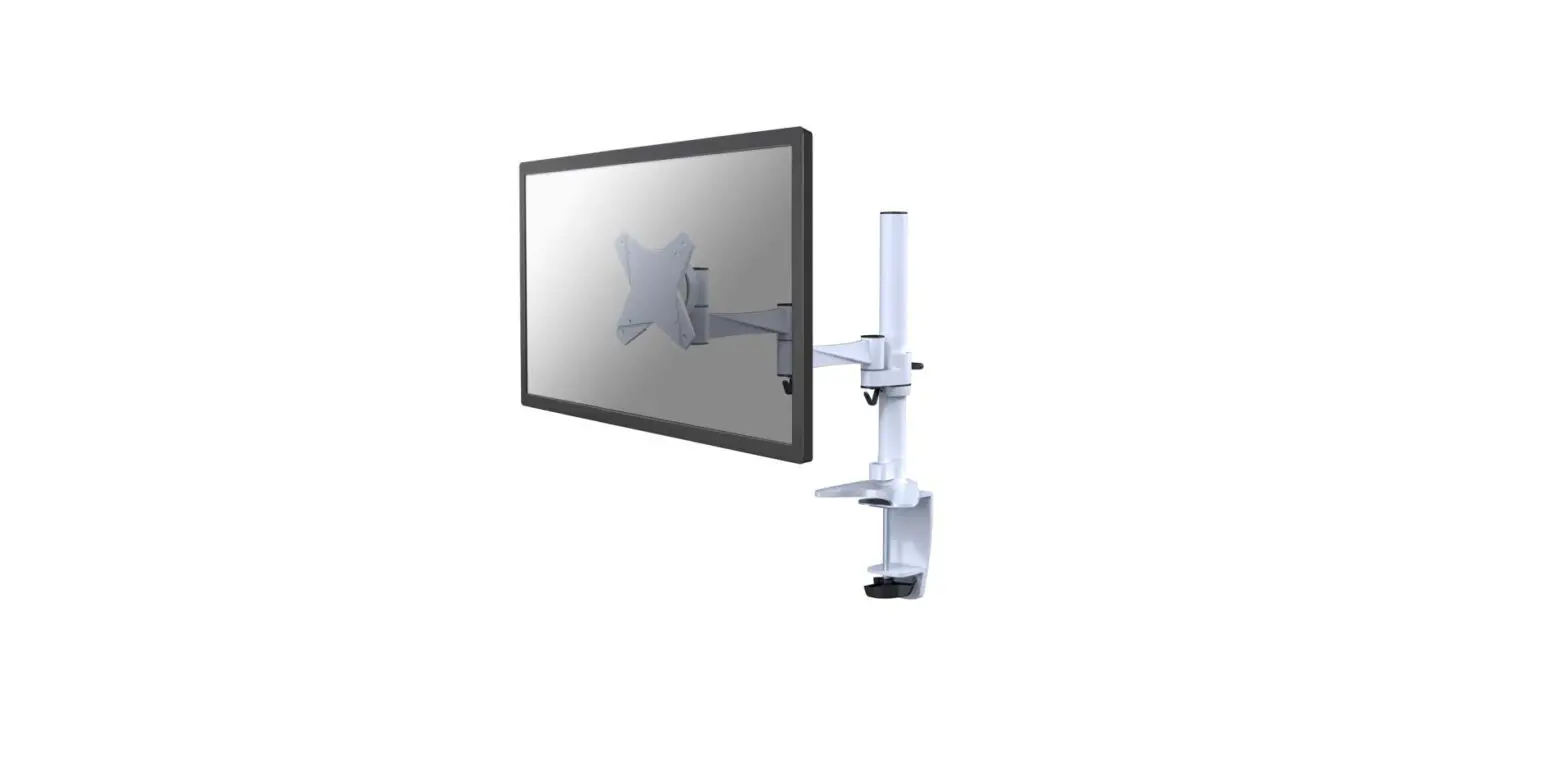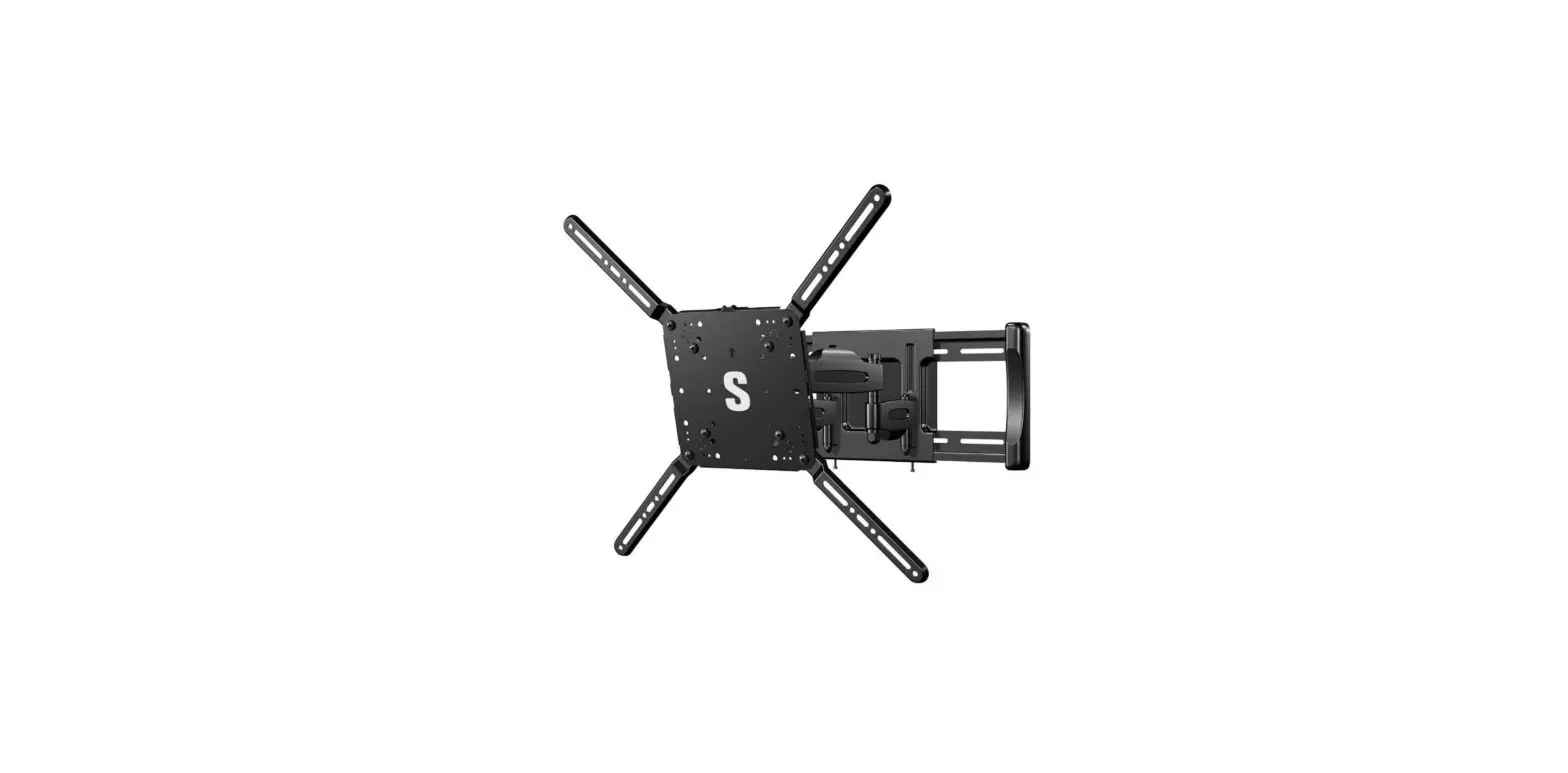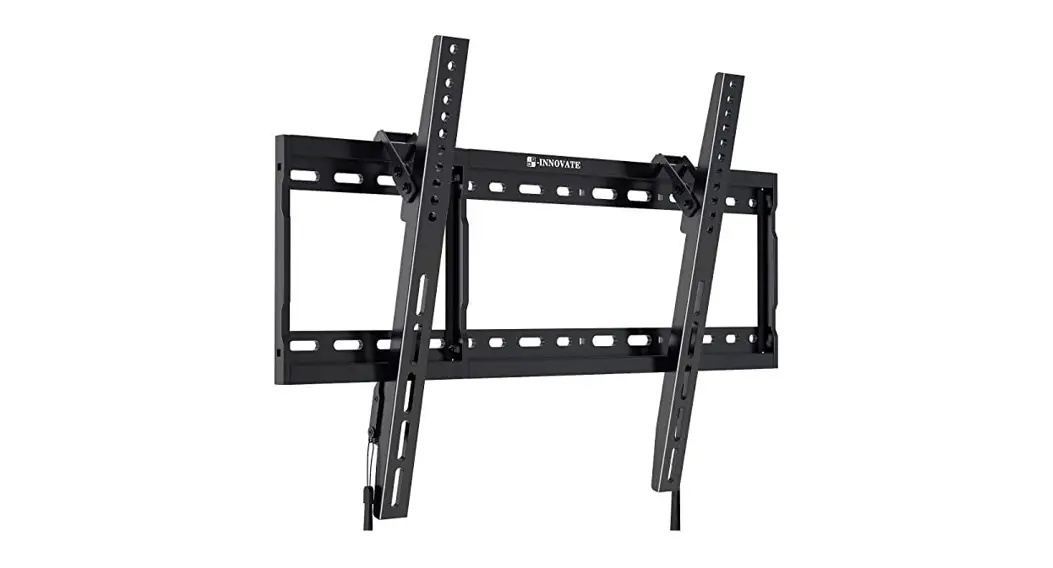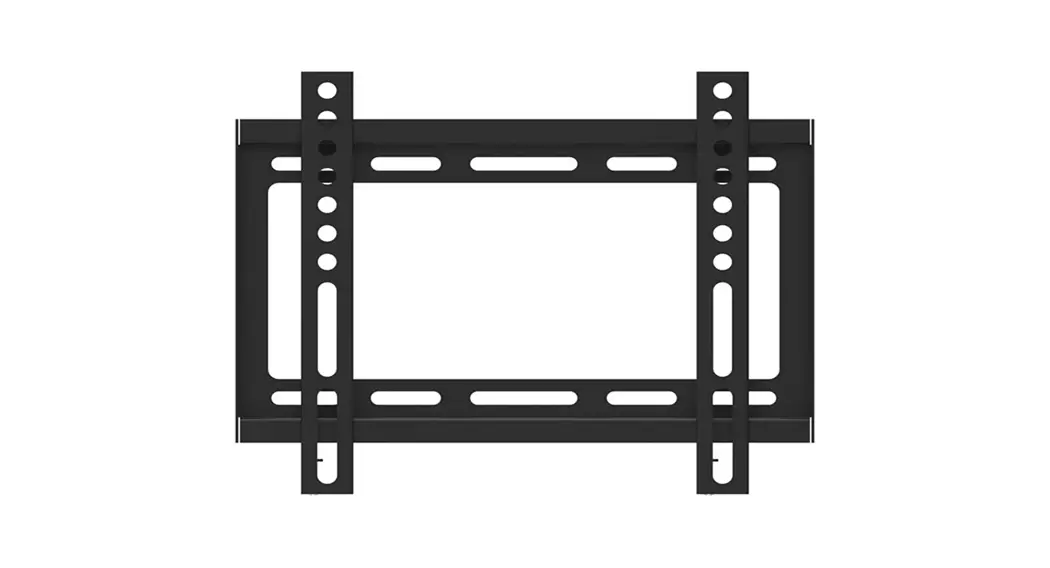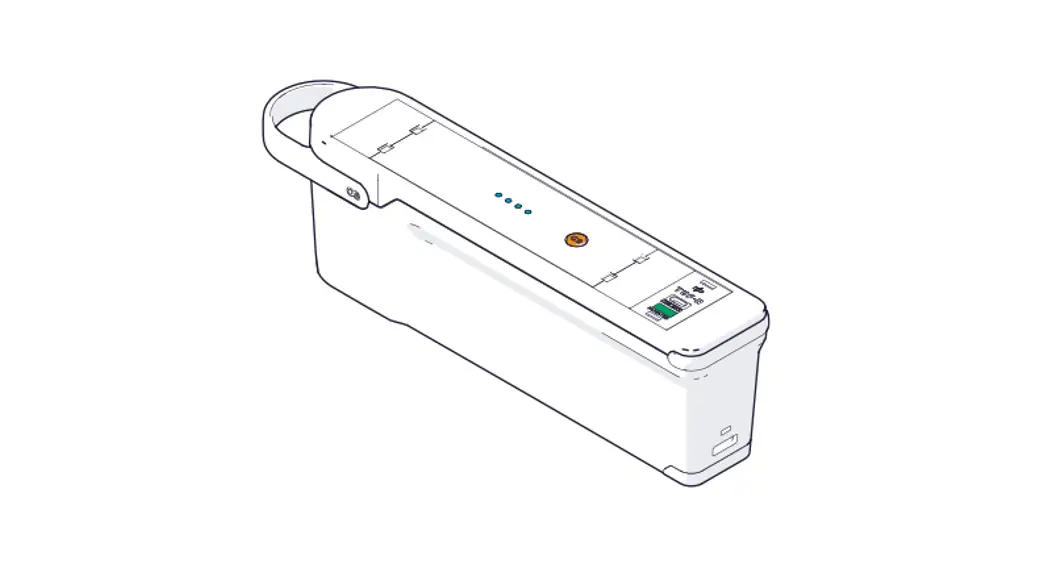

Oe Electrics Instr1300 Qikpac Carry Screen Mount Instruction Manual

Oe Electrics Instr1300 Qikpac Carry Screen Mount Instruction Manual

oe electrics LogoINSTR1300
QIKPAC CARRY Screen Mount installation instructions
www.oeelectrics.com 

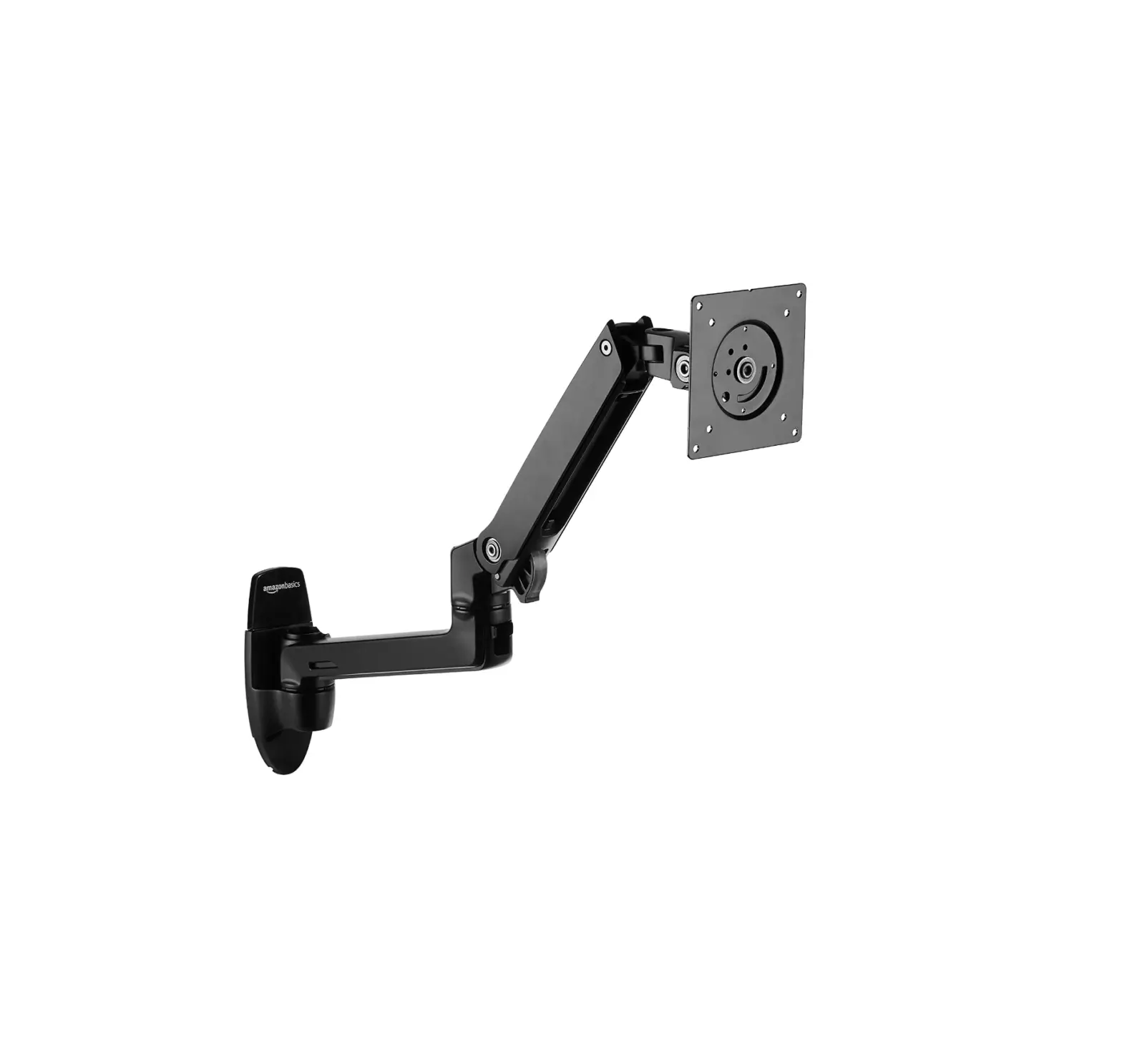
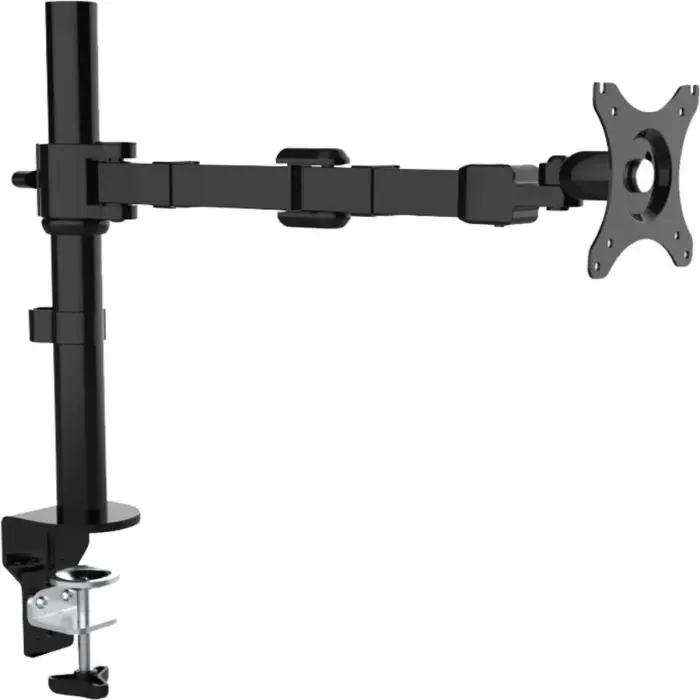
INSTR1300 Qikpac Carry Screen Mount

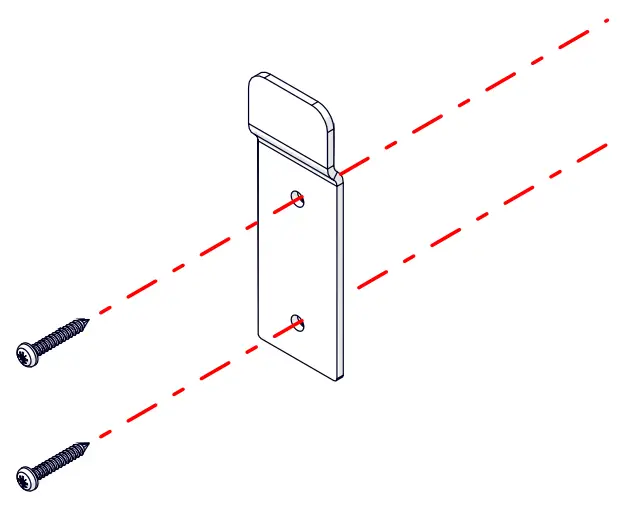
  1. Fit the bracket onto a surface using 2 x No6 pan head screws. Screw type and length dependent on surface
    oe electrics INSTR1300 Qikpac Carry Screen Mount
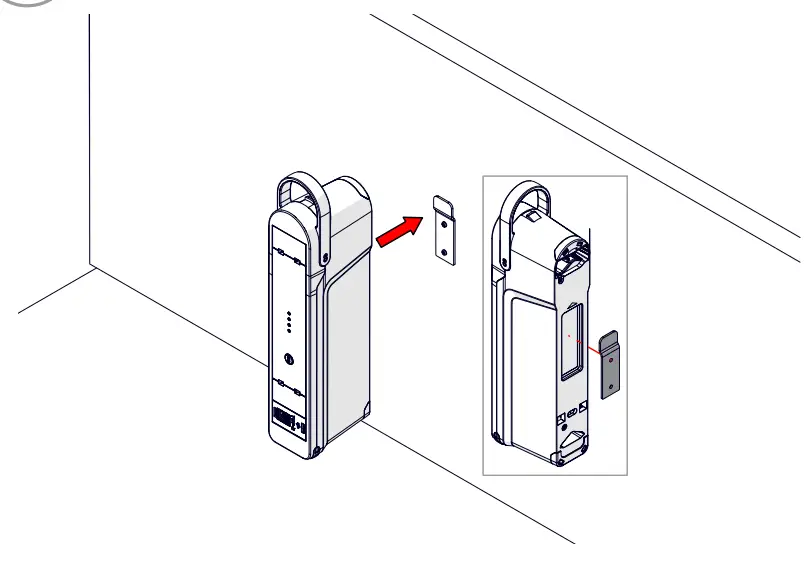
  2. Align QIKPAC CARRY with bracket
    oe electrics INSTR1300 Qikpac Carry Screen Mount - Fig
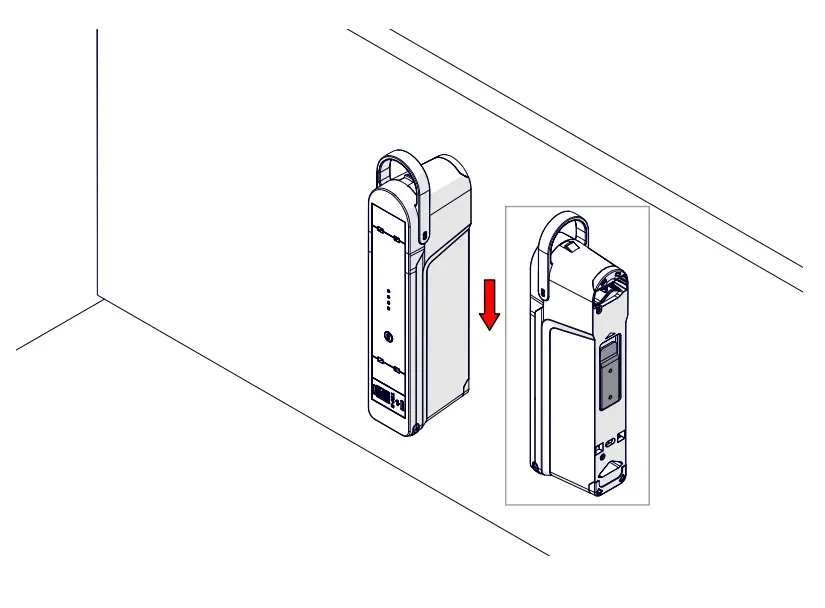
  3. Slide QIKPAC CARRY down onto the bracket
    oe electrics INSTR1300 Qikpac Carry Screen Mount -bracket
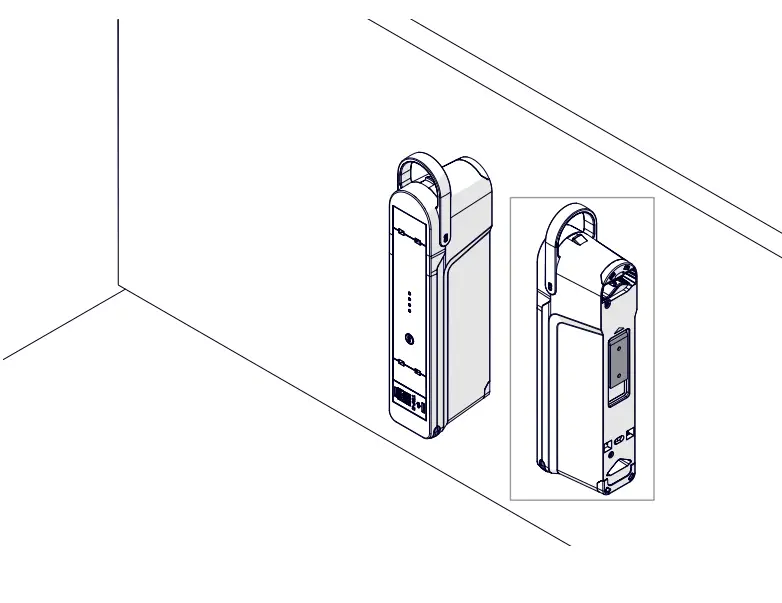
  4. oe electrics INSTR1300 Qikpac Carry Screen Mount -bracket 1

UK –[email protected] / +44 (0) 1924 367 255
AUS –[email protected] / 1300 ELSAFE (357 233)
DE –[email protected] / +49 (0)2261 958 3001
U.S.A –[email protected] / +1 (844)-927-0600

oe electrics Logo

Documents / Resouces

Download manual
Here you can download full pdf version of manual, it may contain additional safety instructions, warranty information, FCC rules, etc.


Related Manuals