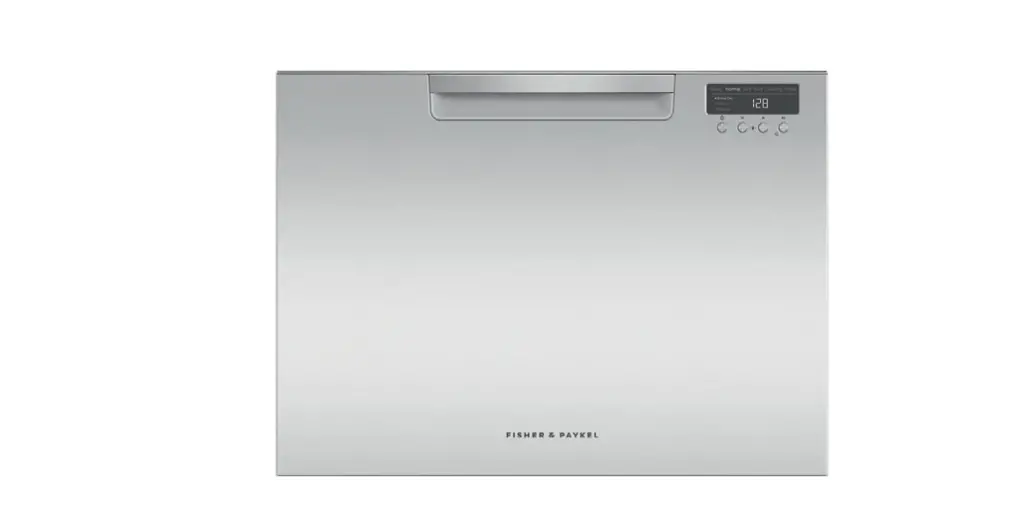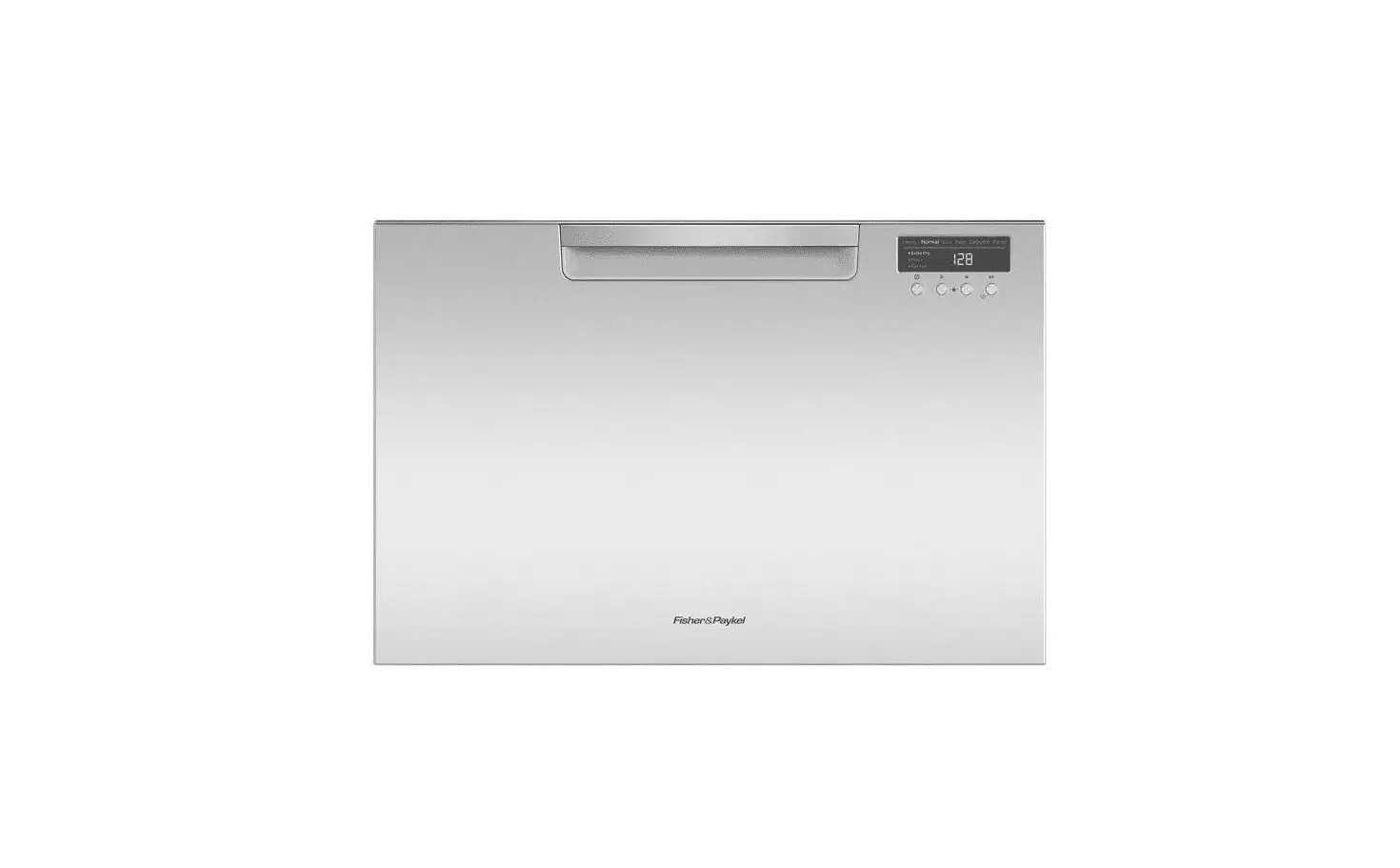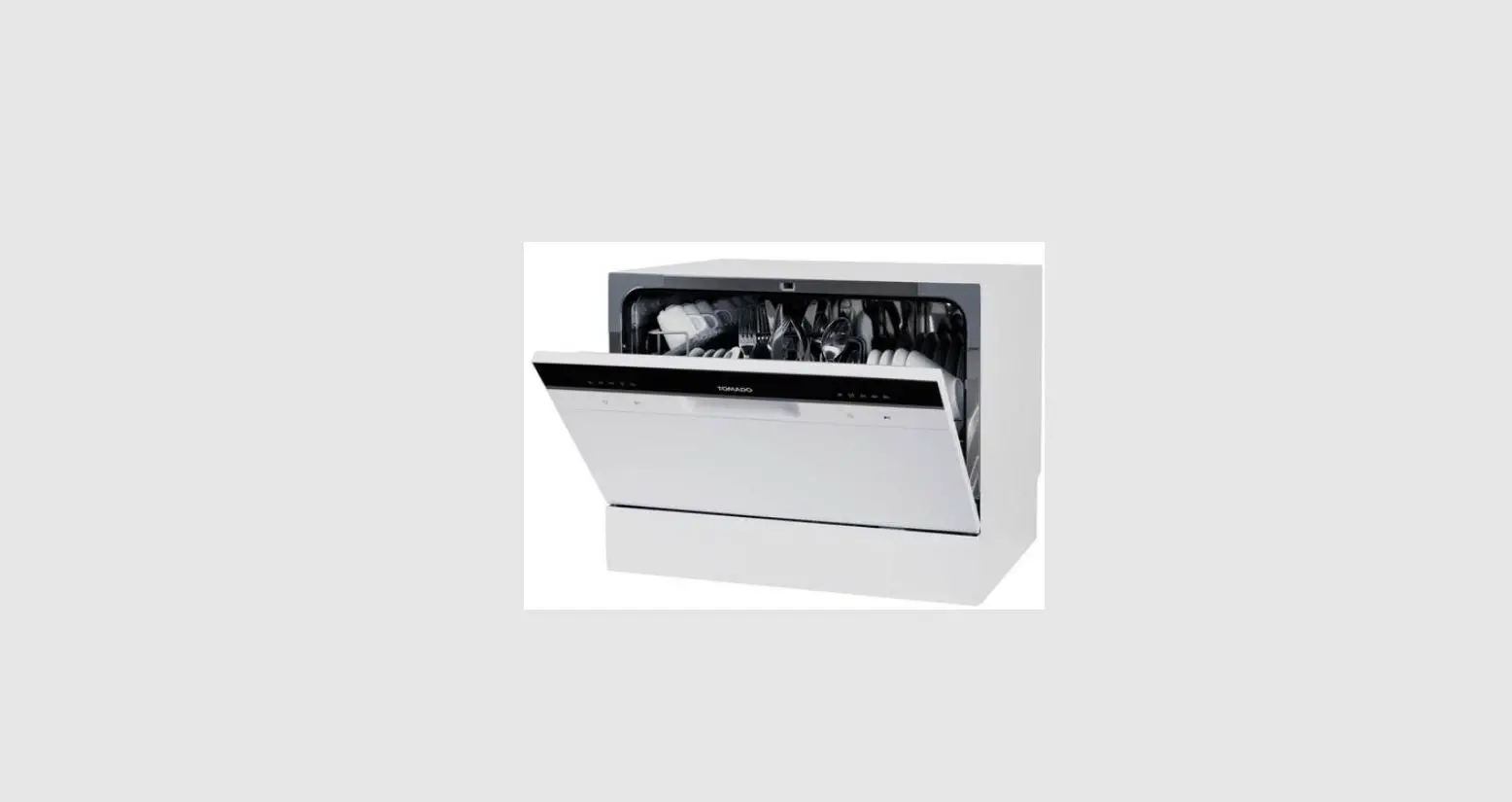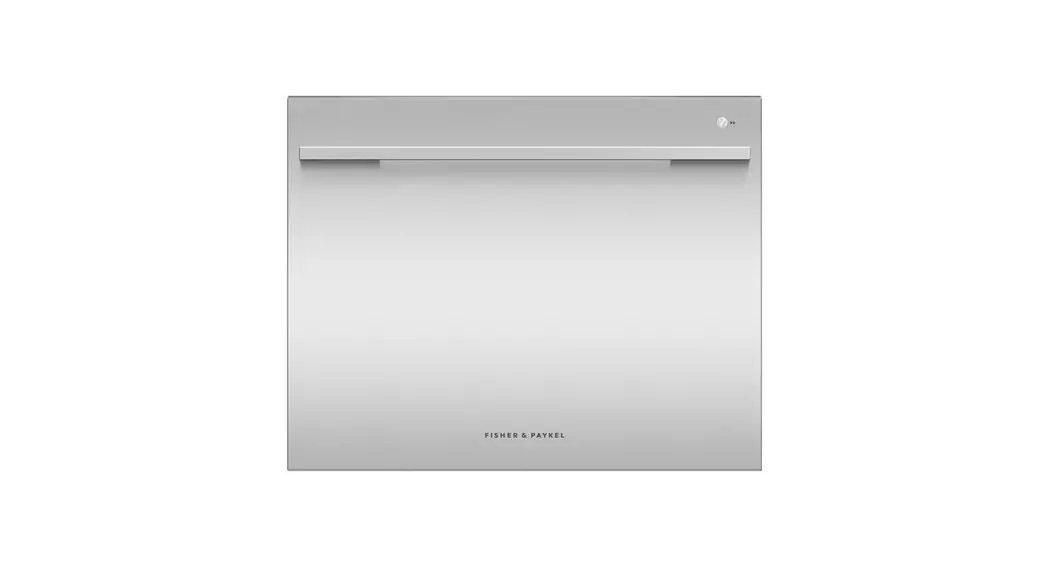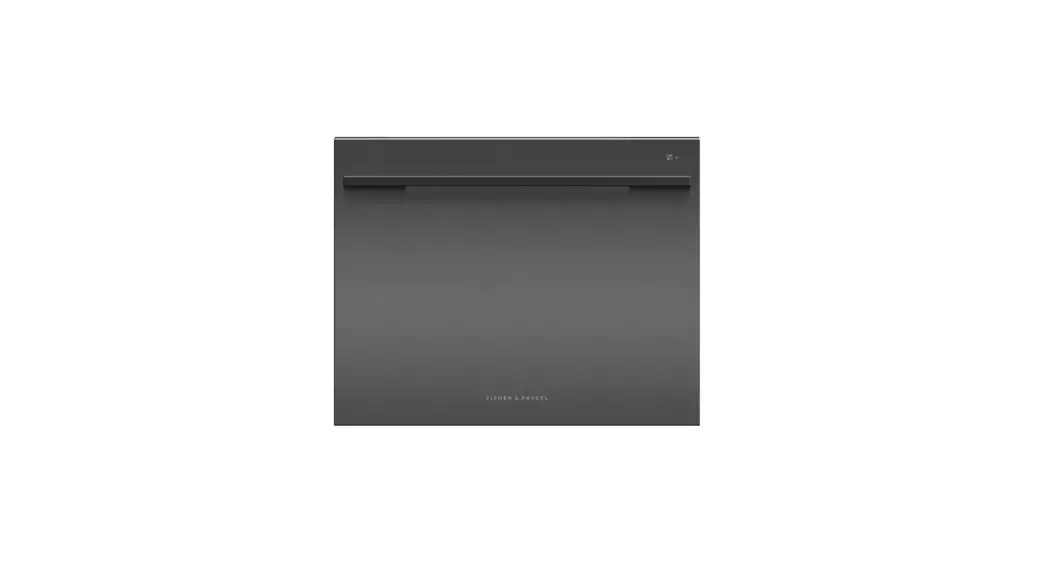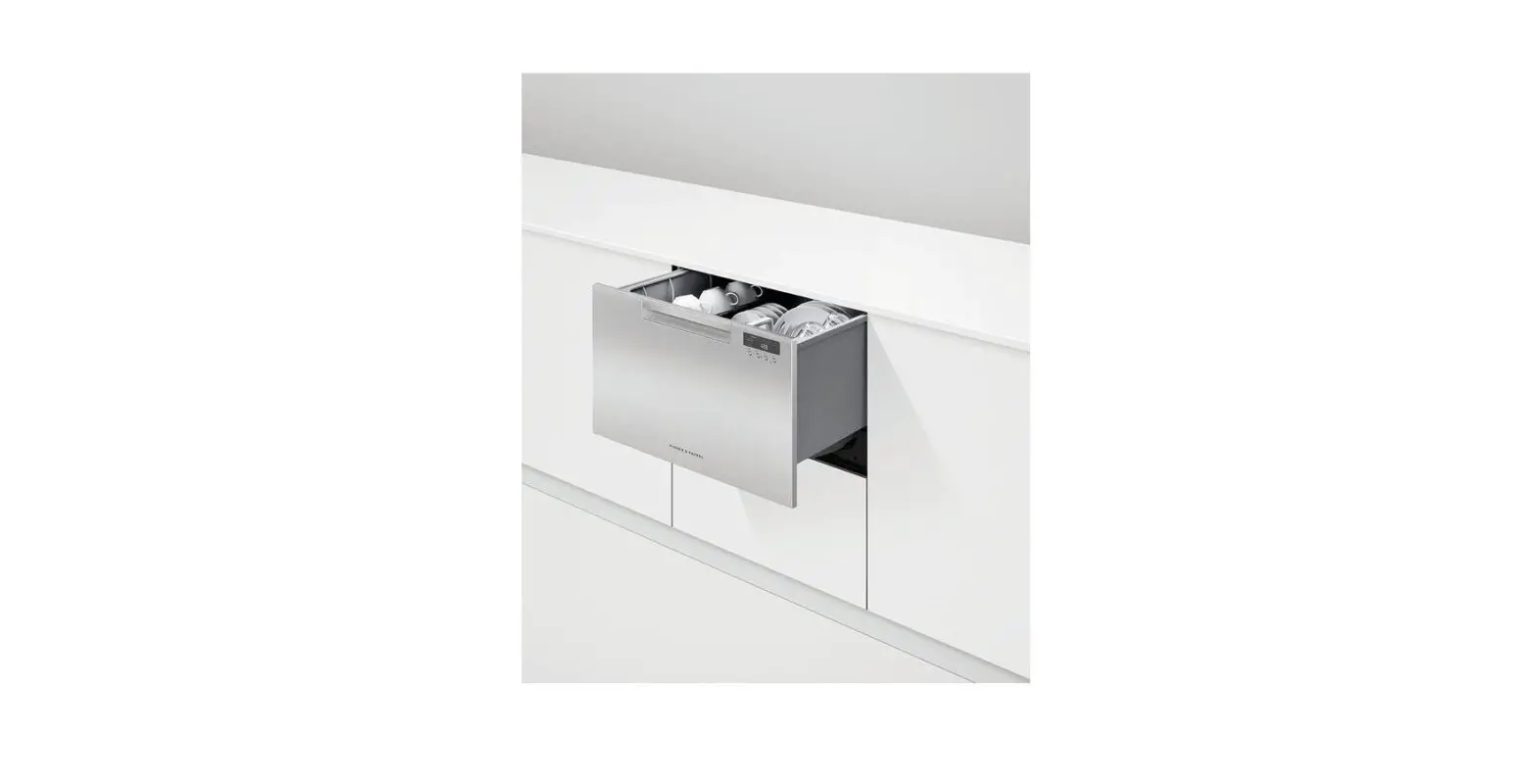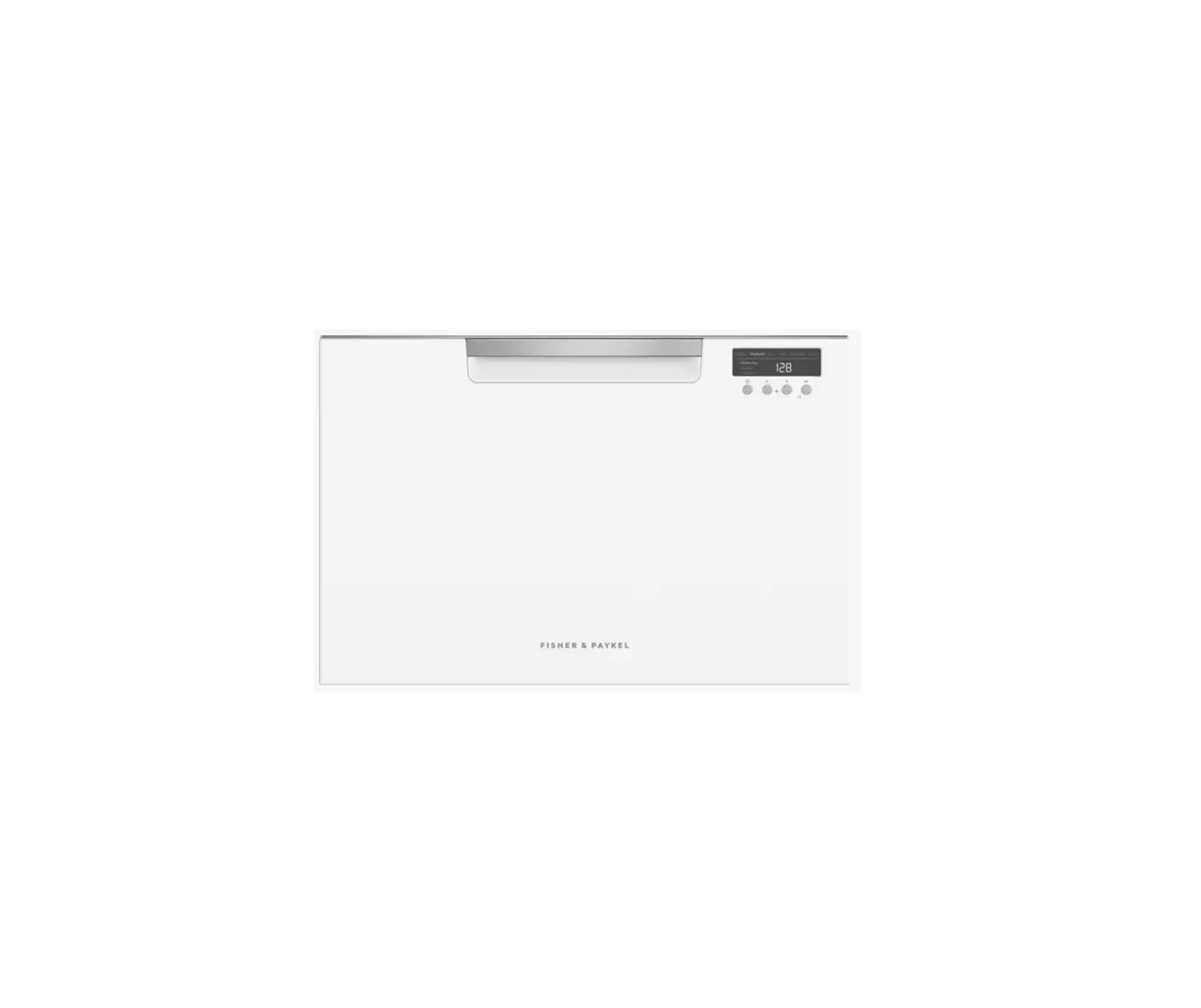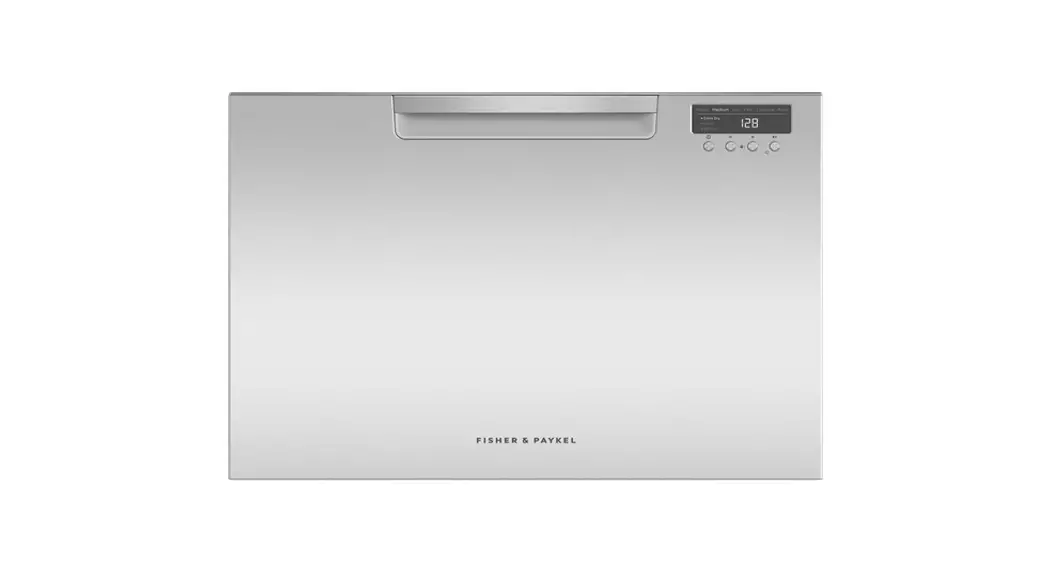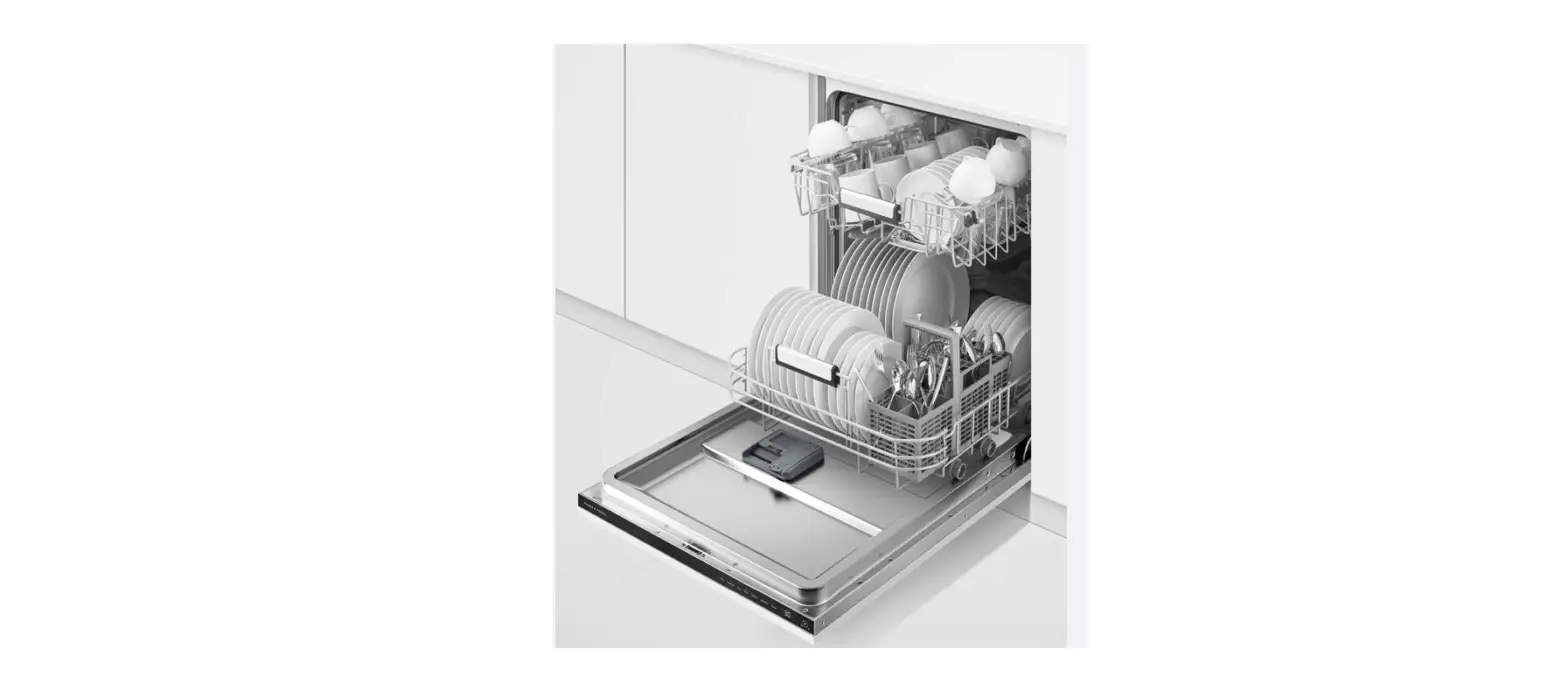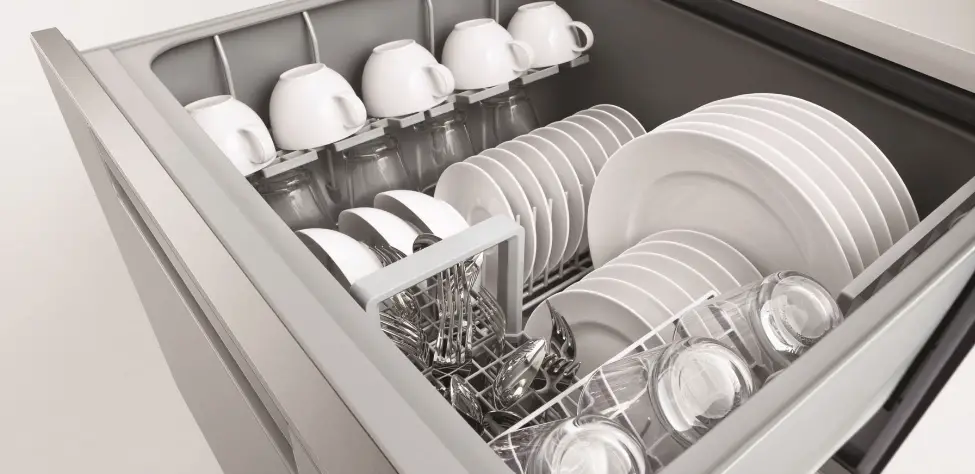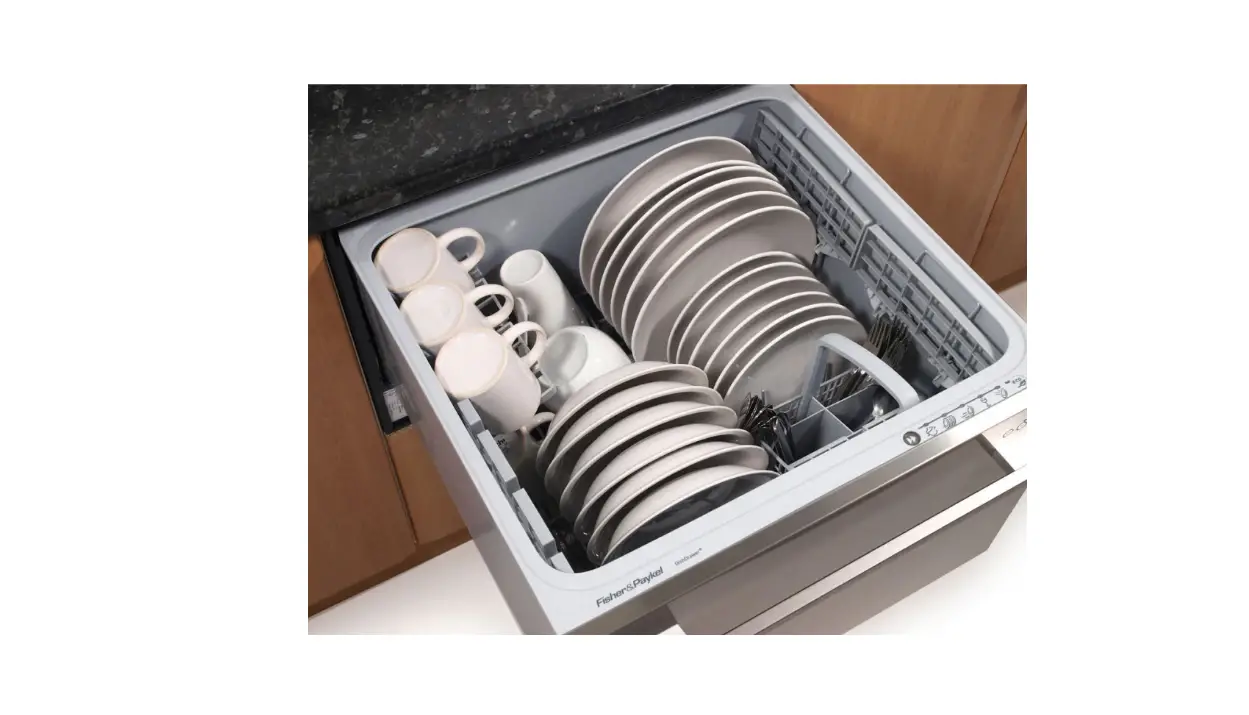

FISHER PAYKE DD60SHI7 Dishwasher
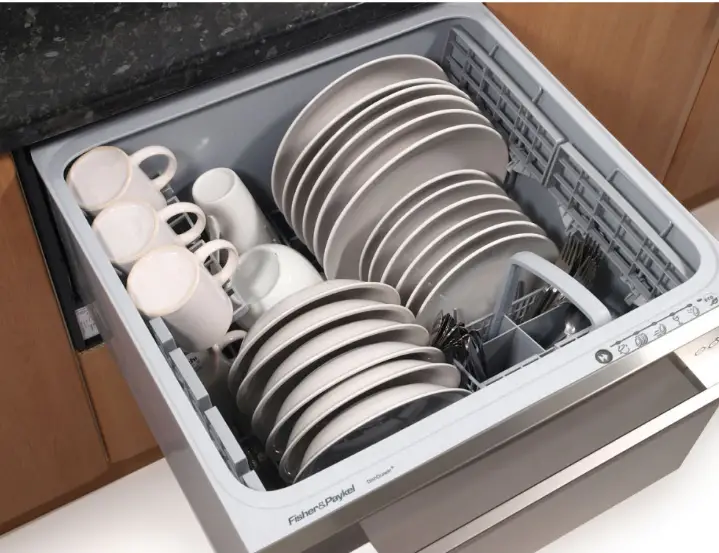
Operating Instructions – Dishwasher Fisher & Paykel DD60SHI7
Starting a wash
- Discard scraps off the crockery
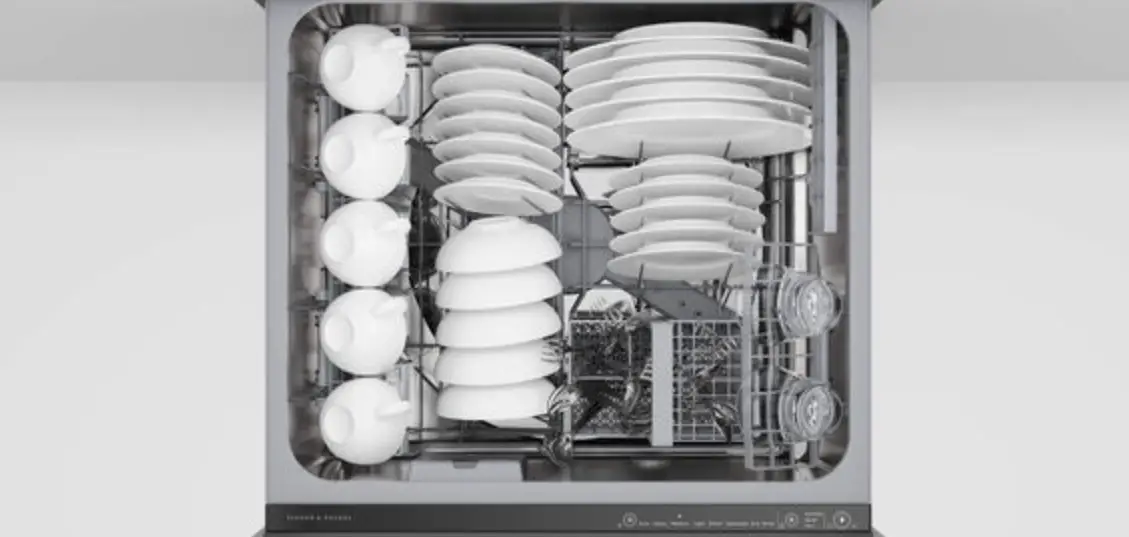
- Load dishes carefully
- Check spray arms are clear with nothing blocking their rotation
- Add detergent into the detergent dispenser and close the dispenser door.
- Select the wash program
 Power the dish washer on by pressing this button
  then select the wash programme using the arrows
Start the wash or set Delay start Close the drawer and press 
Wash programme controls 
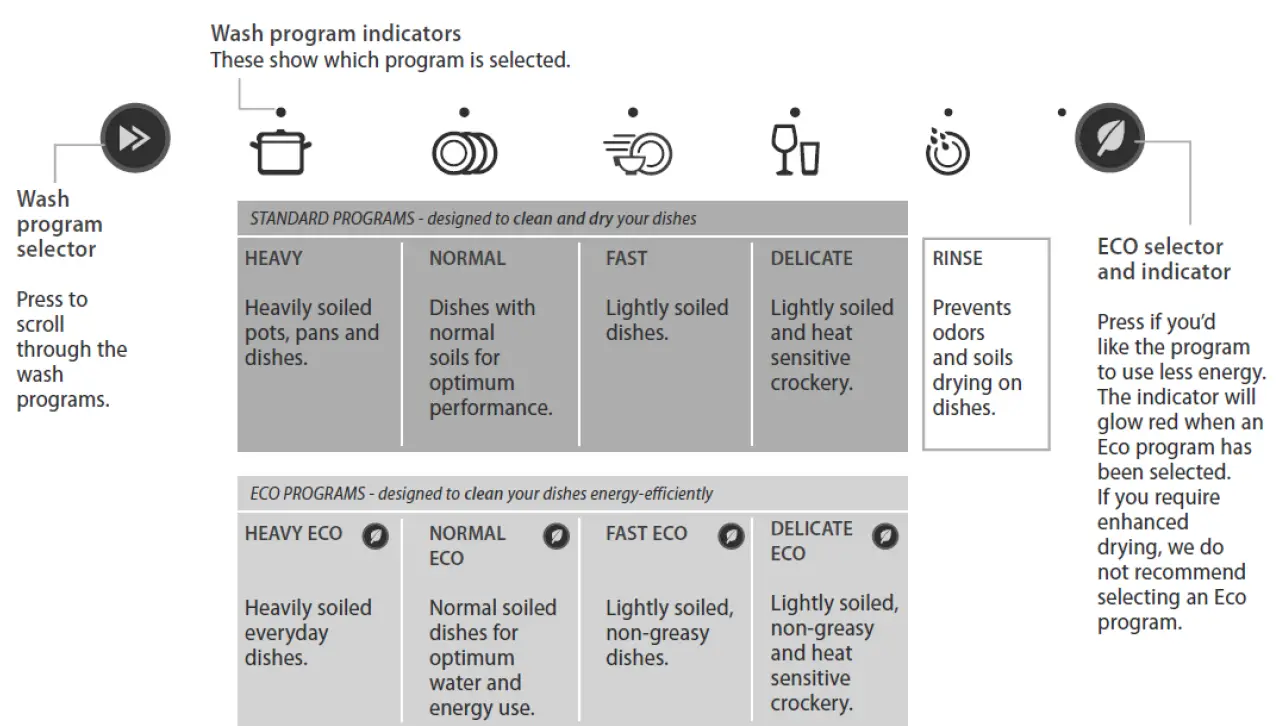
Main controls
Power on/off
Opening the drawer will automatically turn the dishwasher on for 30 seconds.
Start/Pause
Press to start, pause or resume a wash.
After pausing a wash, wait for 3 beeps before opening the drawer.
Keylock
Keylock disables all the buttons – helpful if cleaning the dishwasher. To activate, press and hold the button until you
hear one beep (3 seconds). The light above the button will glow steadily. To cancel, press and hold the button until the light above it goes out.
Child lock
Child lock locks the drawer and disables all the buttons, preventing unauthorised use by children. To activate, press and hold the key button until you hear two beeps (5 seconds). The light above the button will glow steadily. To cancel, press and hold the key button until the light above it goes out.
Cancel wash/Cancel delay start
Press  to cancel a wash that has already started or to cancel the delay start setting. If there is any water in the to cancel a wash that has already started or to cancel the delay start setting. If there is any water in the drawer, it will automatically drain before the dishwasher turns off.
Set Delay start
- Press and hold
 until the light above it changes from green to orange, then release. You are now in Delay start
 - Press
 briefly again repeating as many times as the number of hours you want to delay the start of a wash by.
 until the light above it changes from green to orange, then release. You are now in Delay start
 briefly again repeating as many times as the number of hours you want to delay the start of a wash by.
The dishwasher will emit a beep for every hour of delay time (1 to 12 hours). You have now set Delay start. The wash will start once the delay time is over, provided the drawer is closed.
After the wash
The dishwasher will beep six times to indicate the end of the wash programme. For best drying results, we recommend unloading the dishes once they have cooled.