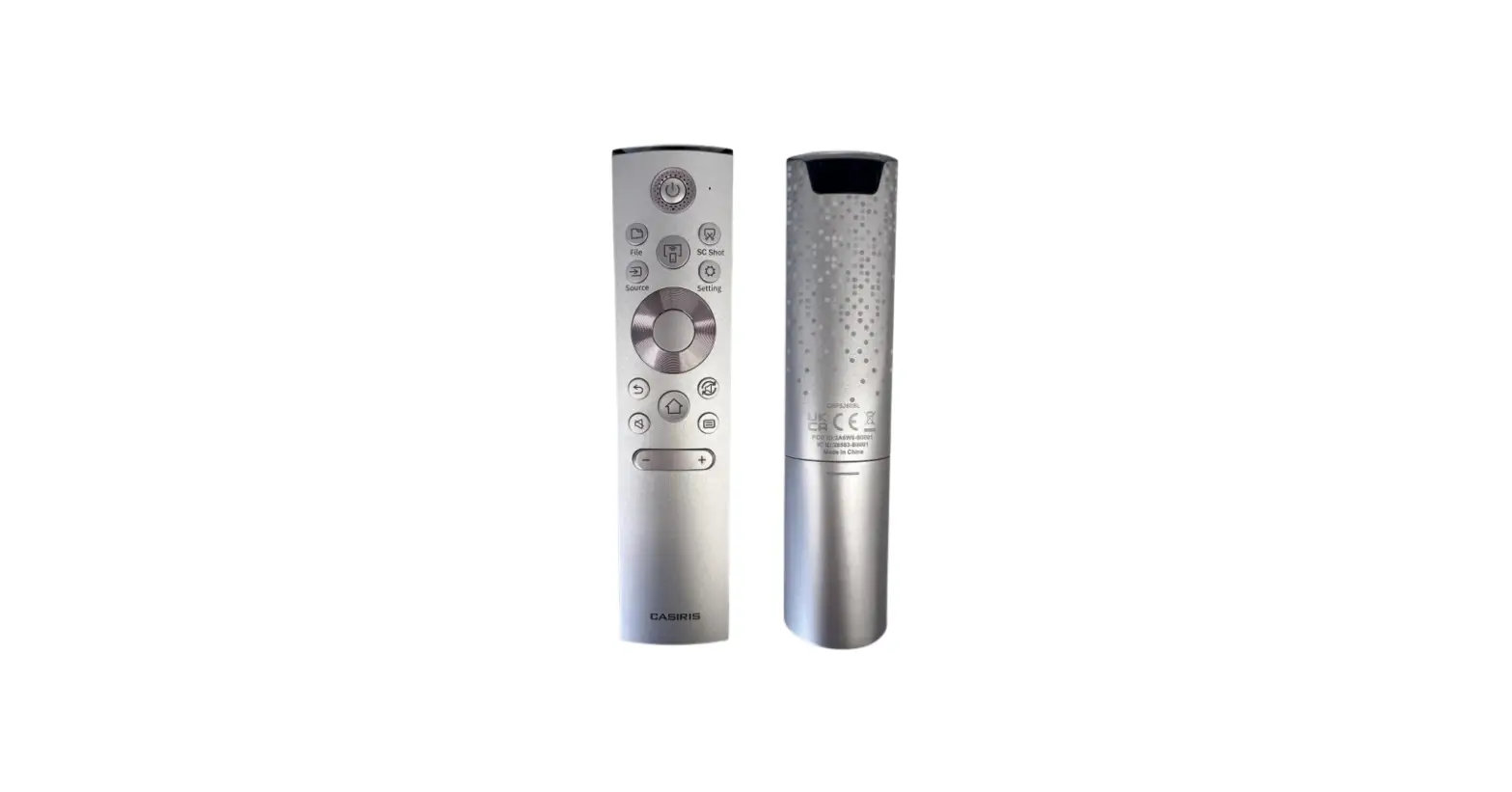
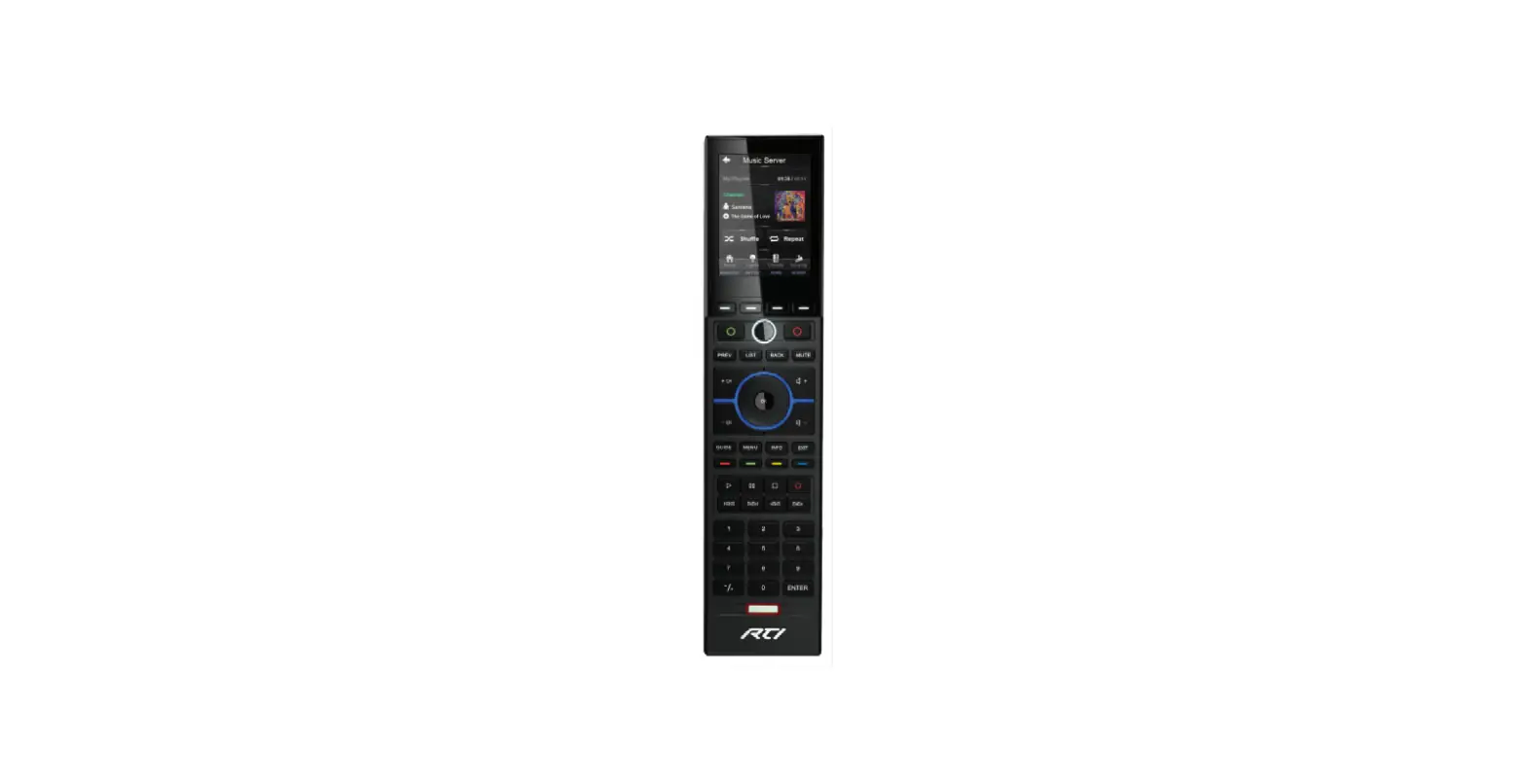
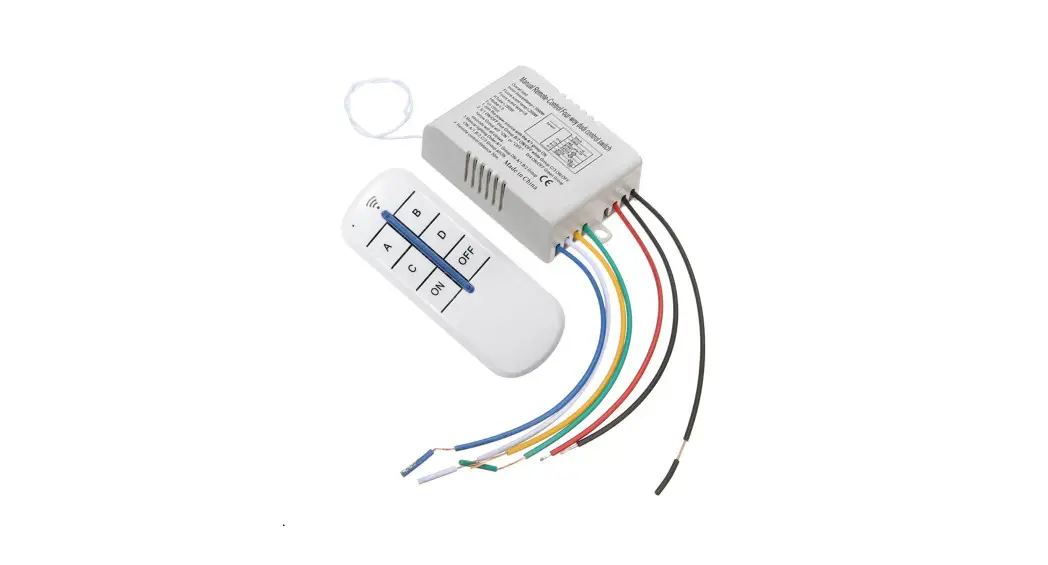
SD5BGX Remote Control
User Guide
QUICK START
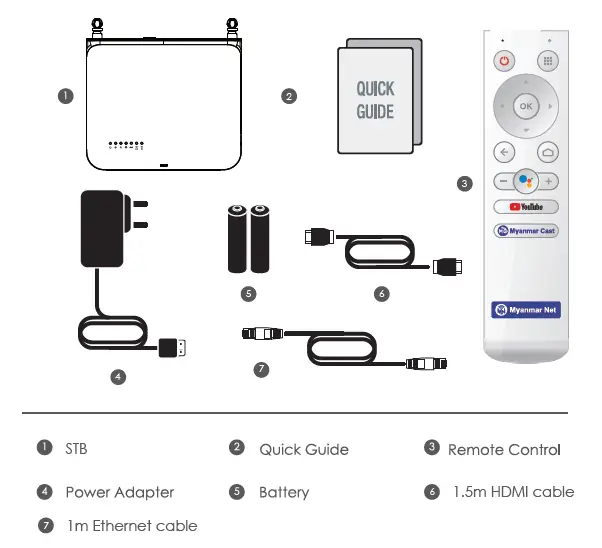
DEVICE INFORMATION
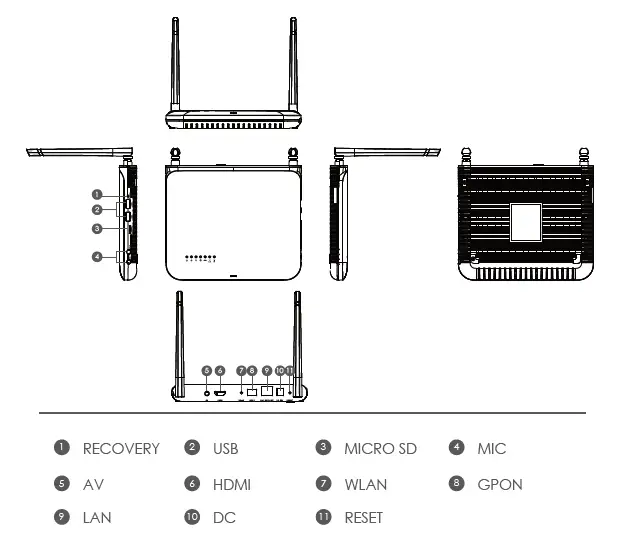
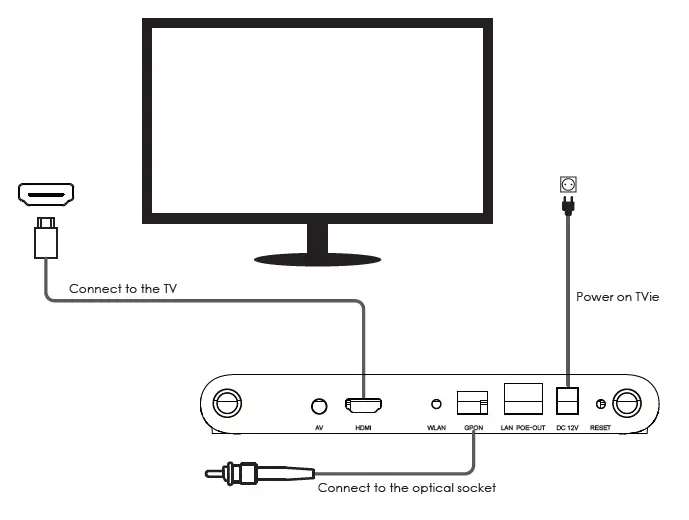
SETUP DIAGRAM
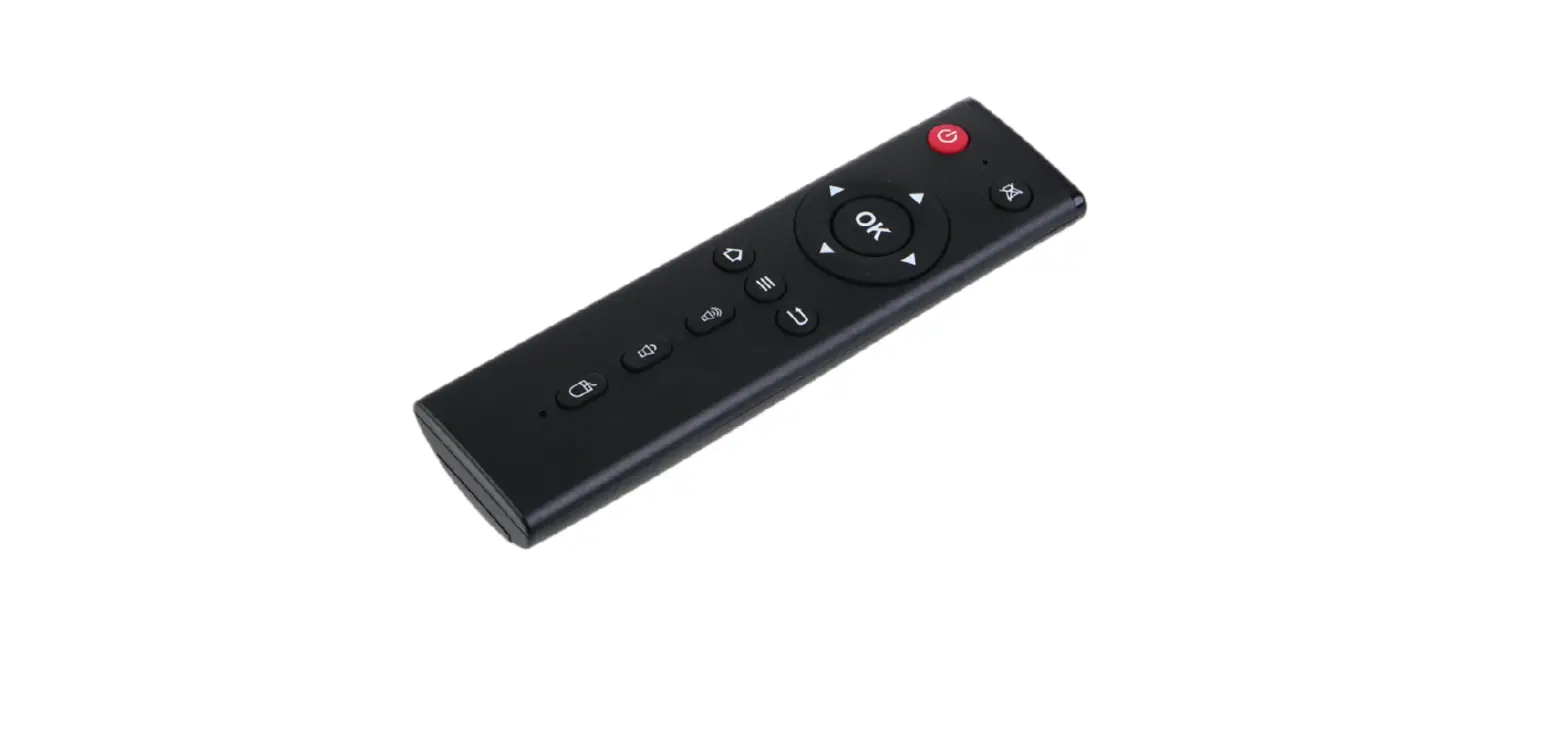
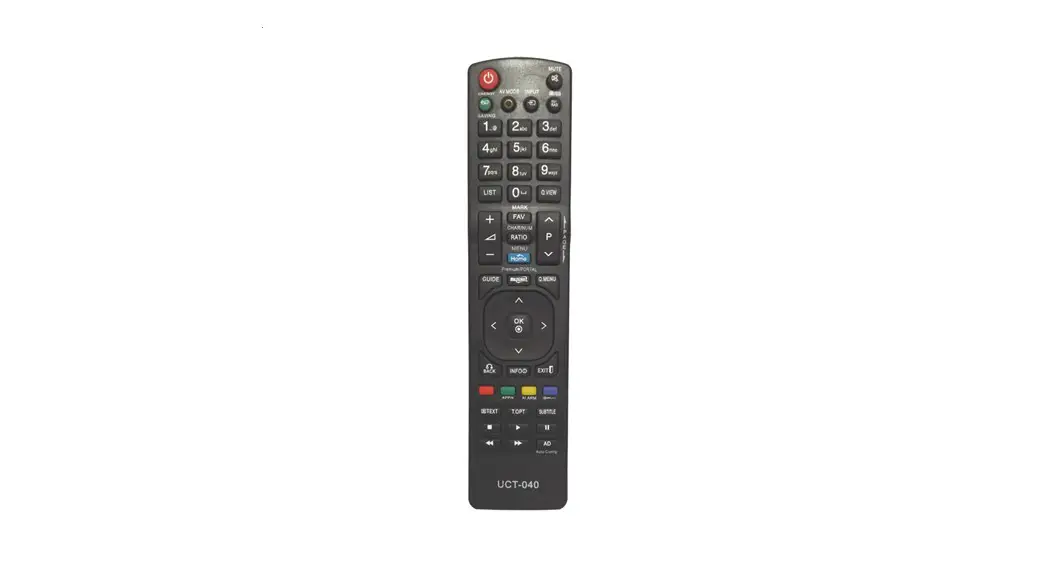
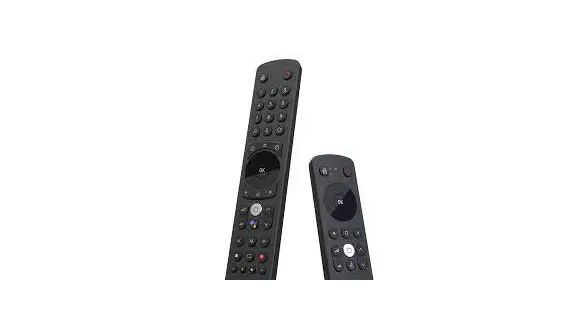
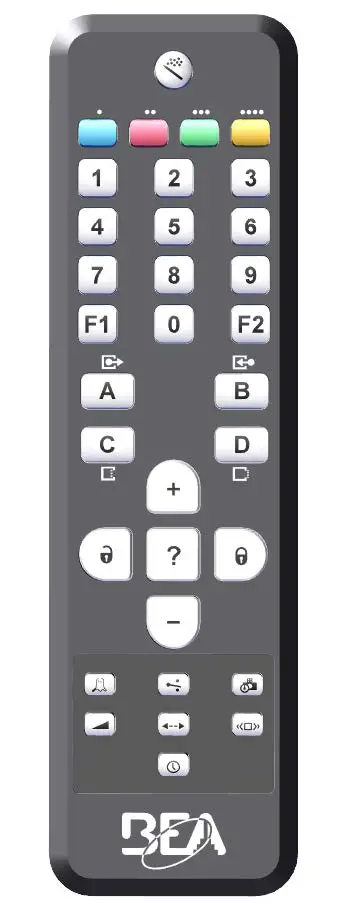
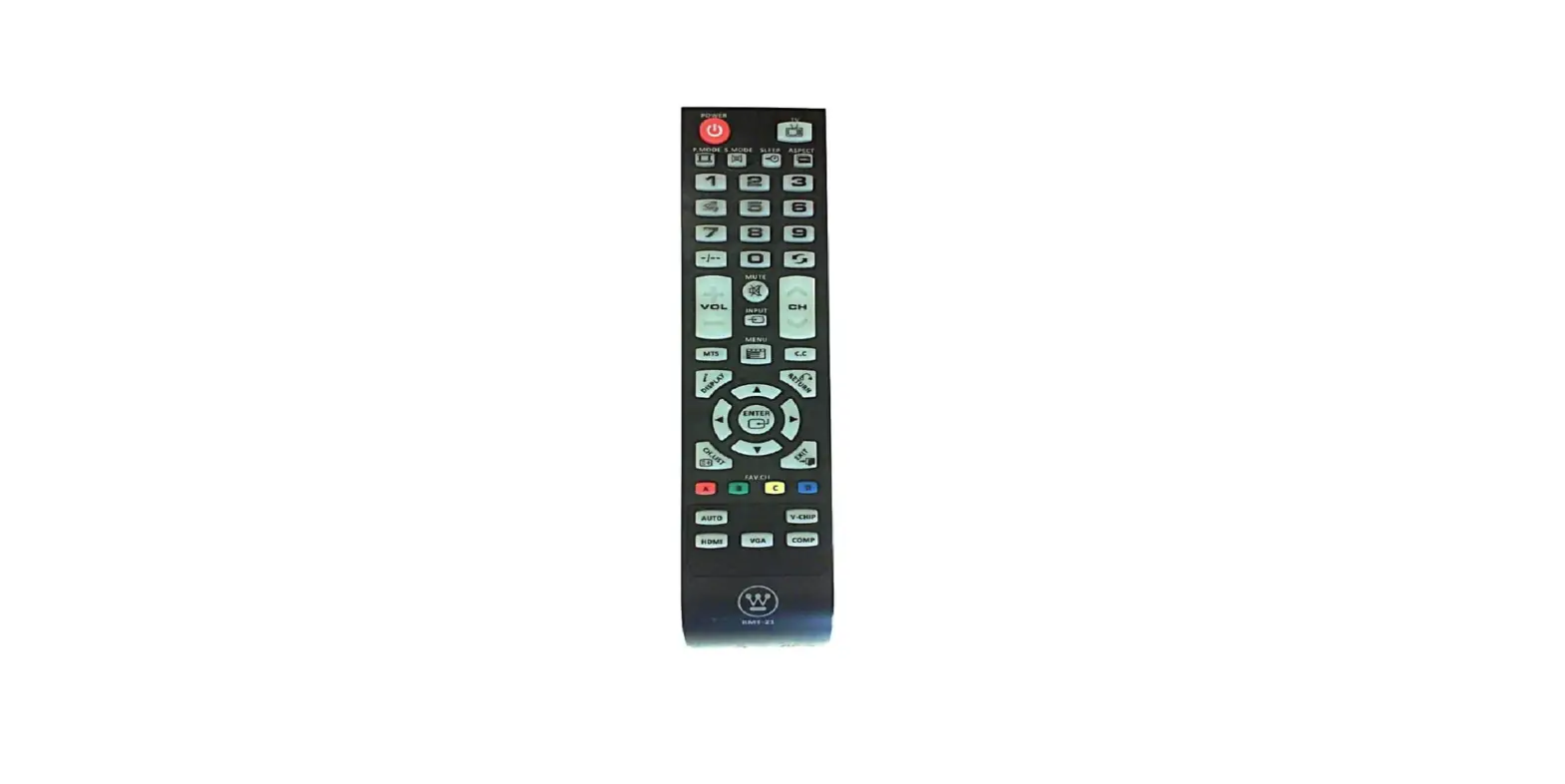
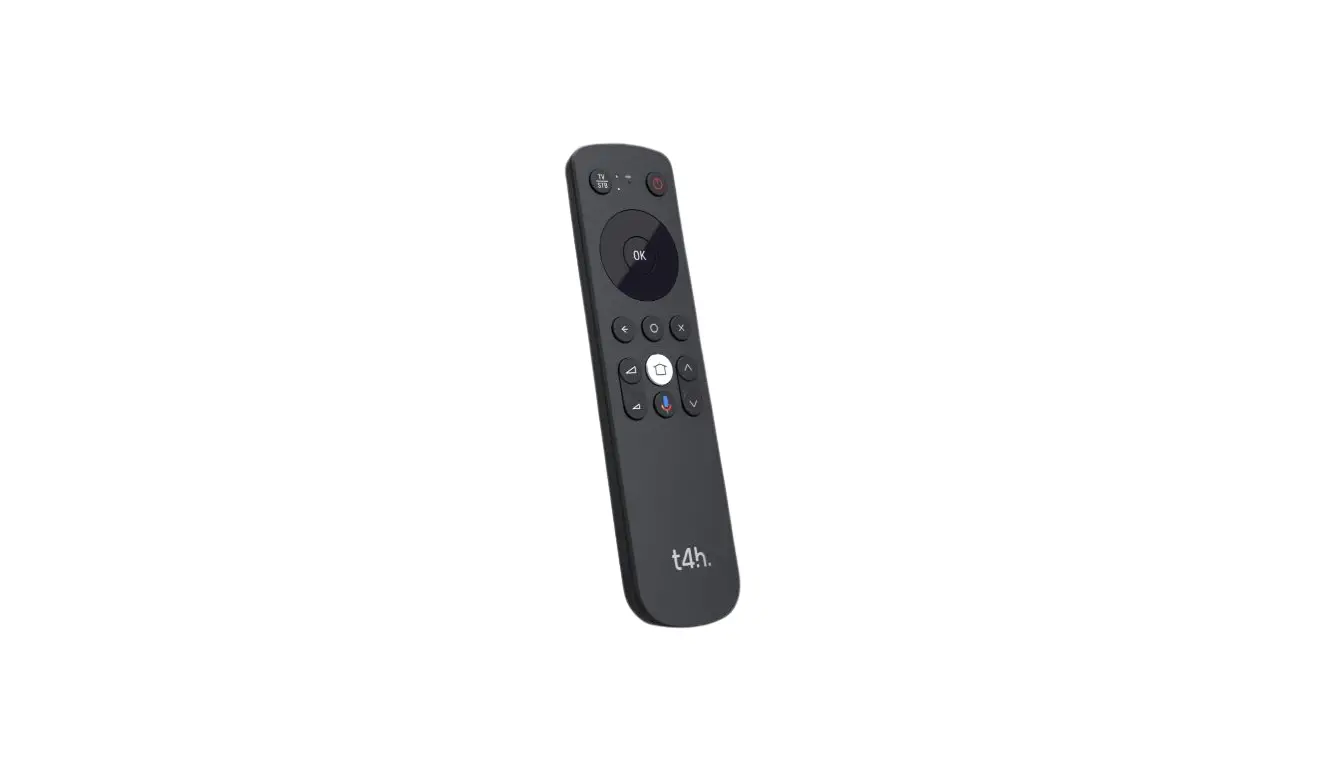
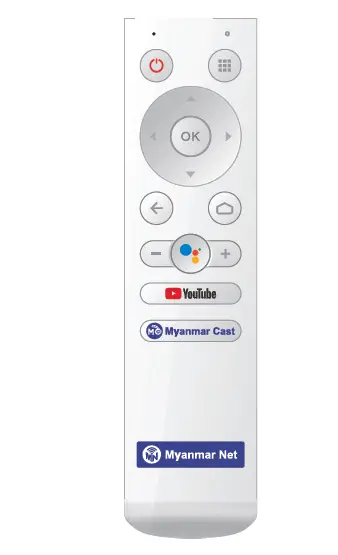
REMOTE CONTROL
Use 2*AAA Compliance with GB battery
Remove the back cover of RCU. According to the “+” and “-” pole to insert the batteries correctly. Put on the back cover.
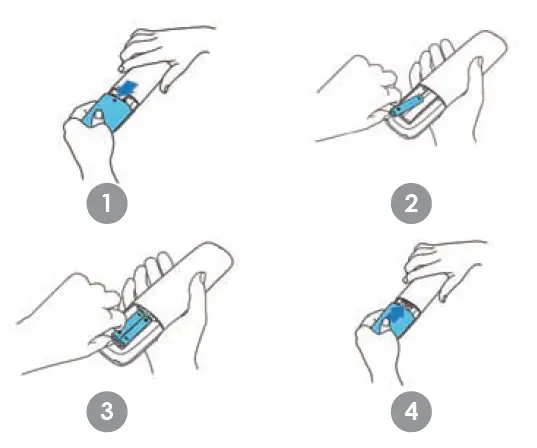
Note:
- Do not mixed use the old and new batteries.
- Please replace the batteries when the RCU under low power.
- Please remove the batteries when the RCU not used for a long time.
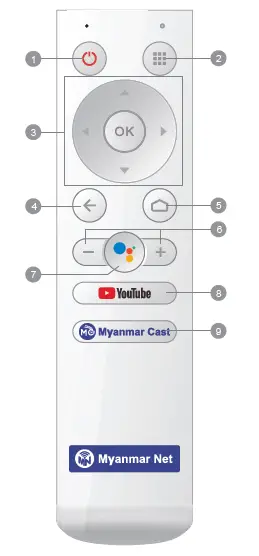
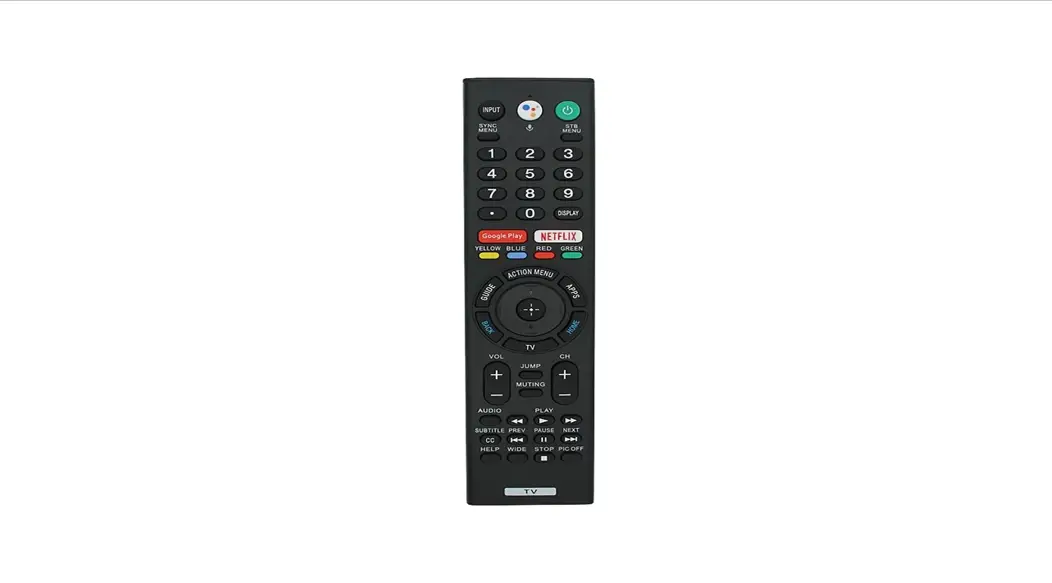
- Power: Power on/off the TVie.
- APPS: Open APPS list.
- Navigation buttons.
- Back: Return one step back.
- Home: Fast back to the home page.
- VOL Up/Down: To adjusts the sound volume up or down.
- Voice(Assistant): Enable voice recognition.
- YouTube: The shortcut key to open YouTube.
- Myanmar Cast: The shortcut key to open
ANDROID TV
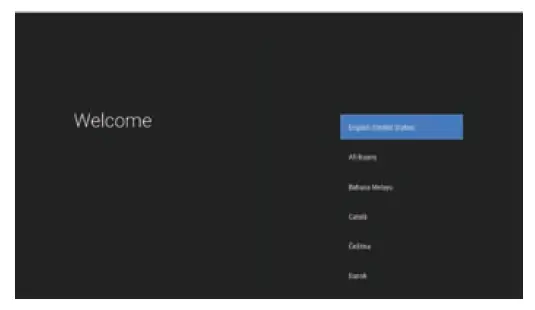
Complete the on-screen setup
Follow the on-screen instruction using your remote to navigate through the setup proces.
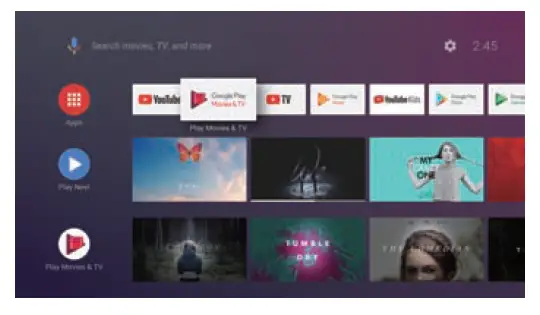
Android TV brings a world of content to your biggest screen. Easily search and watch blockbuster movies, stream apps, and ask questions to see answers from Google Search on the big screen.
SETUP ROUTER
- Power on TVie
- Connect to the optical cable
- Connect to the Computer/laptop via Ethernet cable
- Enter IP address “192.168.1.1” in the web browser
- Login in with administrator account
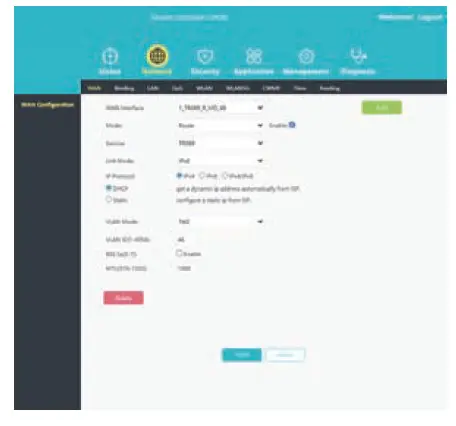
6. Go to Network >> WLAN to set 2.4G Wi-Fi; Go to Network >> WLAN5G to set 2.4G Wi-Fi; Then click “Apply” button to keep it.
SAFETY INFORMATION
 Notice: To prevent fire and eclectic shock, do not expose this receiver to rain w moisture. In .der to avoid any possible risk of electric shock. never attempt to open the unit. In case of the unit breaking down, repair of the shoo. be carried O. by qualified technician. No part of this unit should be repaired by users.
WARNING! Place the receiver in a well-ventilated location to prevent accumulation of internal heat.
- Protect the receiver from NO temperatures, humidity, water and dust.
- Do not place any objects that might damage your unit near it (e.g. liquid filled objects organdies).
Goodie. Google Play, YouTube, Android TV and other marks ore trademarks of Google LLC.