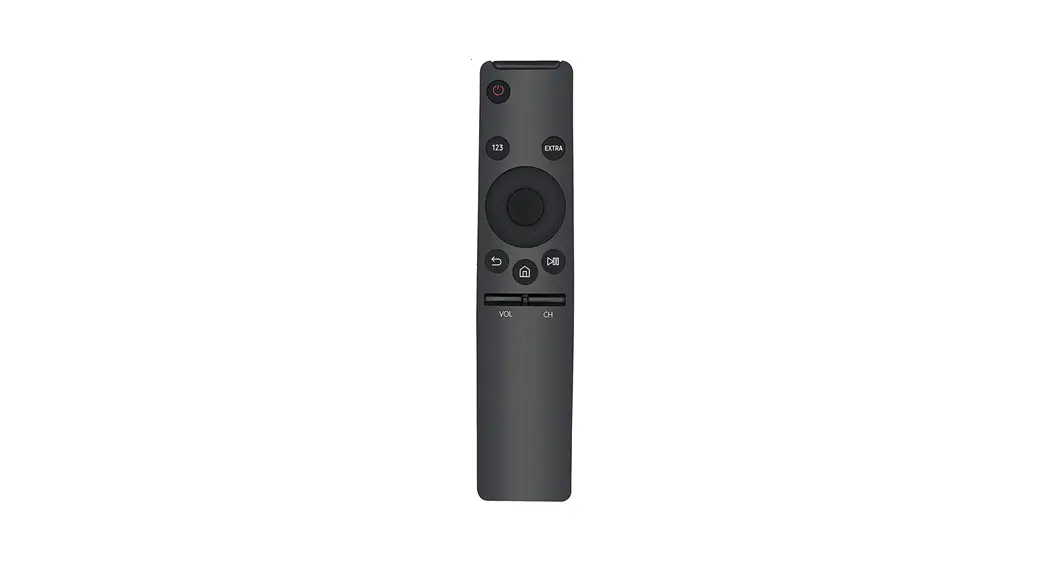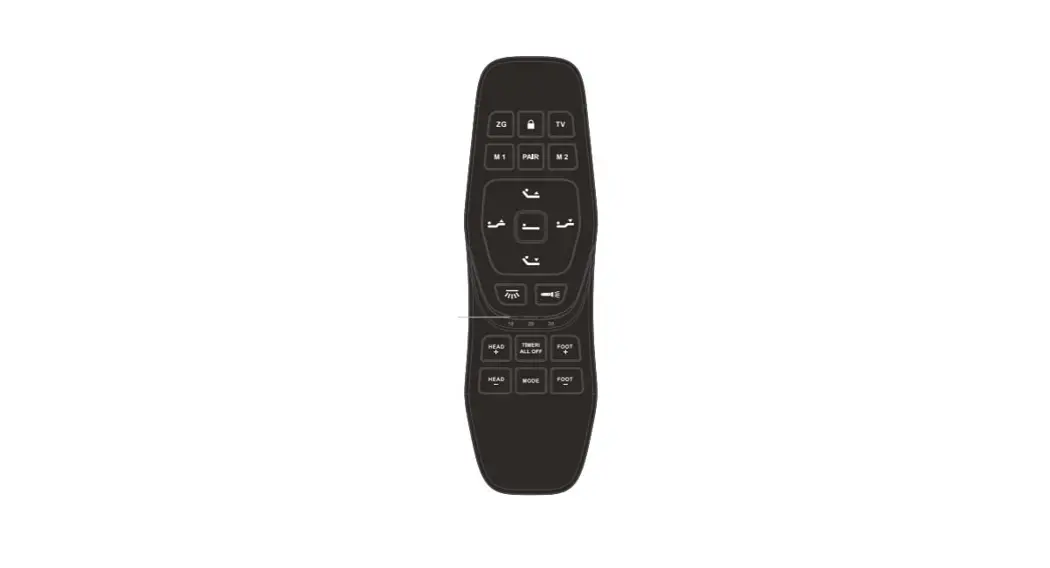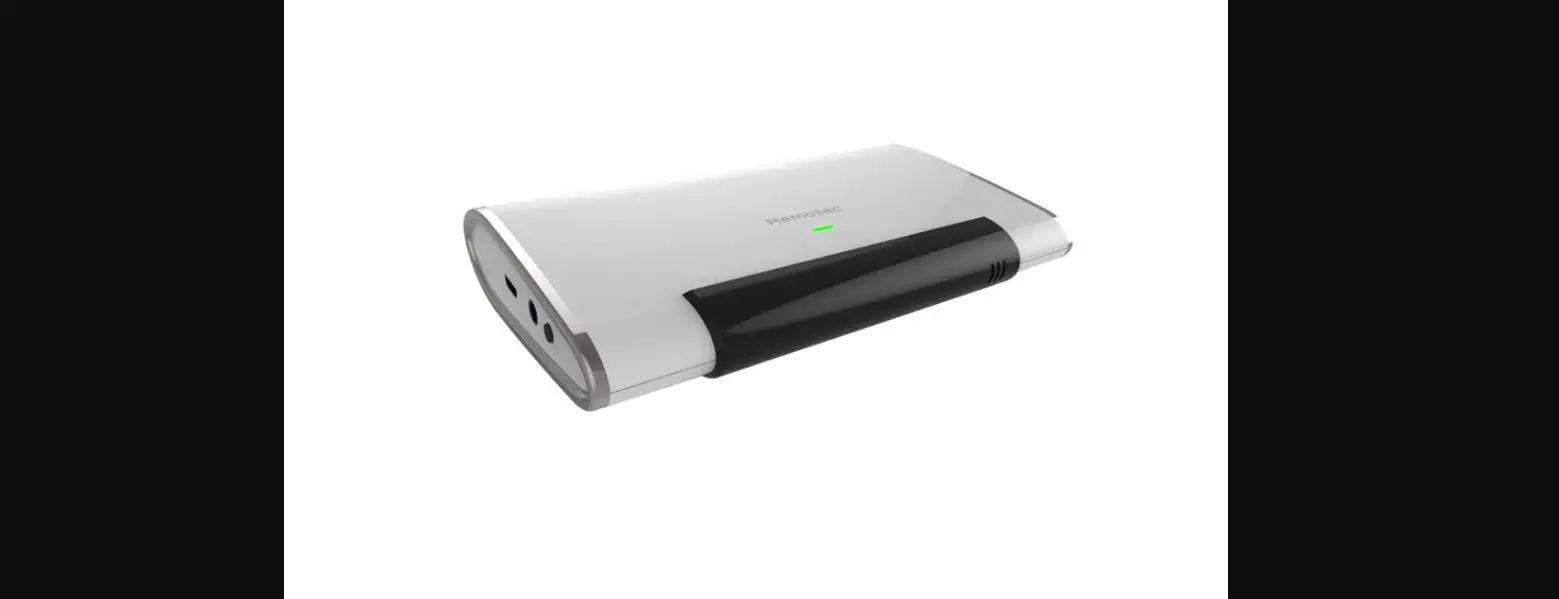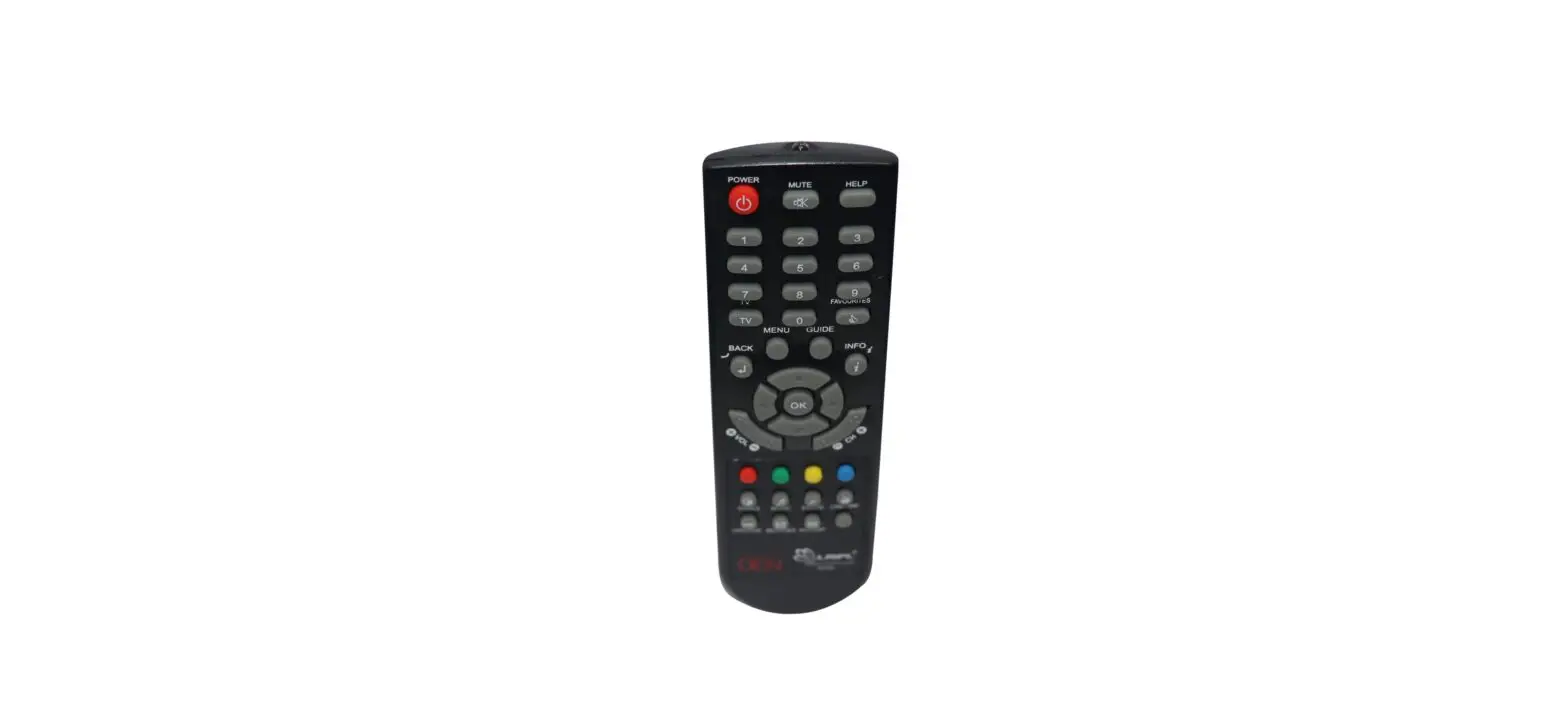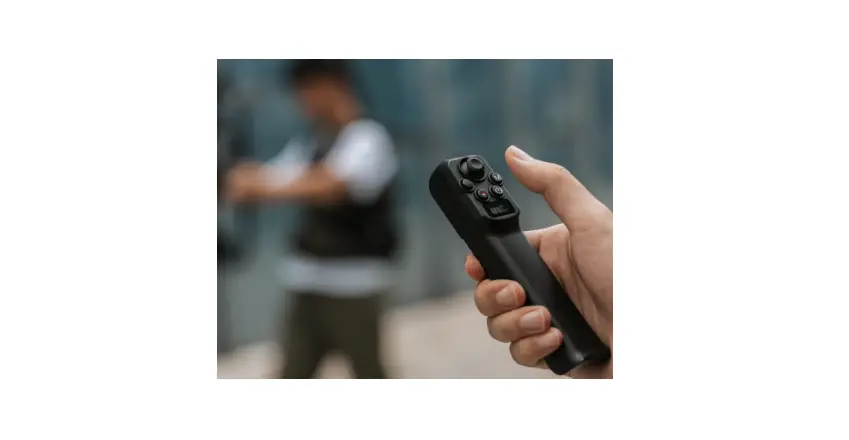

WOW 2AW68-SDMB047 Remote Control
WOWtv RCU Instructions
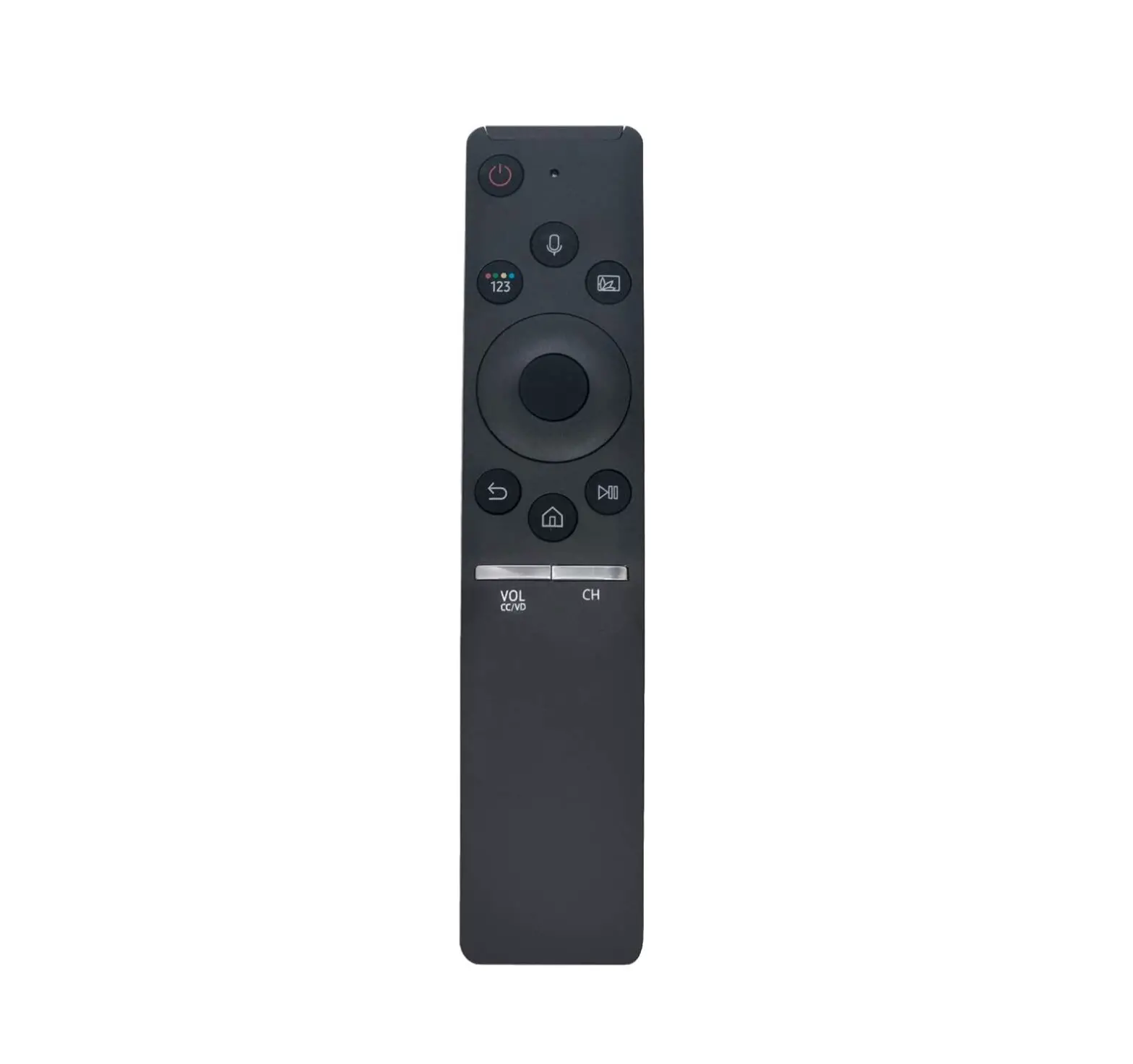
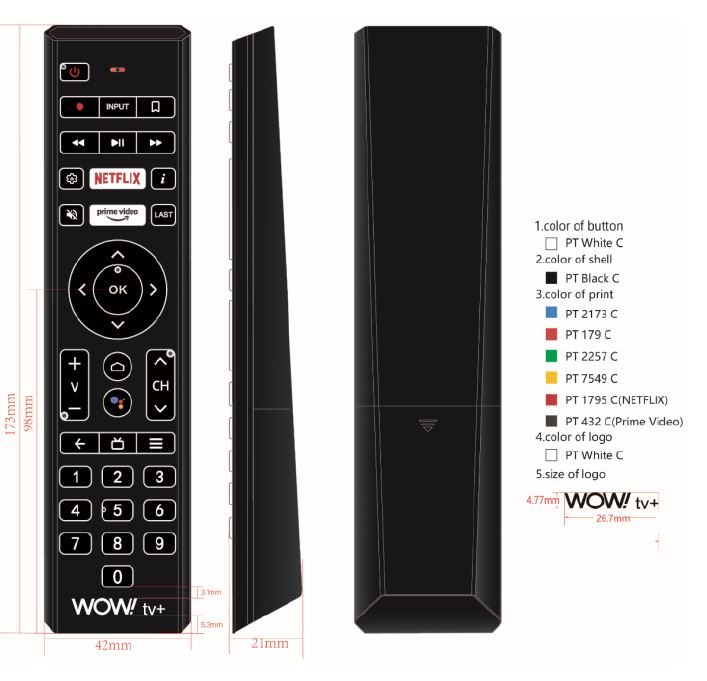
- When the WOWtv RCU is not connected to the set-top box, the infrared key value is sent; when the set-top box Bluetooth is connected, the WOWtv RCU sends the Bluetooth key value;
- “OK + up” is the switch key of TV/STB. In the TV state, the learned infrared code is sent to control the TV, and in the STB state, the Bluetooth code is sent to control the box.
- “power, mute, volume+/-, input” are SSU learning keys, among which “power, mute, volume+/-” are multiplexed.
- Infrared State: After the WOWtv RCU is powered on, press the button once and the indicator flashes once, until the button is raised or stops flashing after 1 minute. When using voice, the indicator is always on and the indicator is red.
- Pairing function: When the “OK” and ” Vol-” keys are kept down for three seconds, while the LED are blinking; WOWtv RCU distance>10m;
- Unpairing function: When pressing the “OK” and “Vol+” buttons simultaneously for three seconds, and the indicator light flashes 3 times, cancel Bluetooth pairing.
- Bluetooth WOWtv RCU to support the online upgrade, box on the power automatically detect the version of the remote, version less than the server push version automatically upgrade;
- Bluetooth device Name:WOW tv+ RCU.
- Support for “OK + back” upload bug report feature.
- Can play PAC Man games under Bluetooth.
- After the SSU study is successful, the learn button controls the TV.
other WOWtv RCU requirements:
- The pairing feature requires that no Bluetooth devices be scanned or not paired up (including a continuous press pairing key for a short period of time), verify that ensure no problem;
- BT Long connection: The remote does not actively disconnect the Bluetooth connection, disconnect if the return timeout to enter the deep sleep mode, the Next button to wake up the connection, no return to the problem, including the box power back, WOWtv RCU power back, static 2 hour back, please verify that times to ensure no problems;
- anti-jamming features require: there must be no problem with a very strong host WiFi throughput, make sure that the host side WiFithroughput is normal when the remote is connected;
- Performance requirements: Require support ≤10m, there must be no voice calls Cotton, lost and the WOWtv RCU button cotton, missing code or even key problems;
- Power Requirements: WOWtv RCU can be used consistently for at least 6 months or more.
Voice Control:
- Press the Voice key to start recording, the WOWtv RCU receives the voice engine issued stop recording instructions after stop recording;
- After entering speech mode, the WOWtv RCU actively quits speech mode after the 30S (this is mainly to save power).
- Voice protocol: Google Standard Agreement.
- The WOWtv RCU needs to support Bluetooth 5.0 devices
- The harmonic (THD) must be less than 5%@1KHz; in the frequency range of 200Hz to 8KHz, the amplitude is +/-5dB; 94dB SPL reference sound pressure level 1KHz;
- Support the WOWtv RCU MIC and other MIC (such as the recording button on the phone APK) alternately to switch voice input

- Interval is 20ms when voice is not used, and 10ms when voice is used; voice sampling is 8K.



LEDs Status:
- Keys:
- IR keys: red light, bright 100ms, out of 100ms, long press, and long flash;
- BT keys: Red light, bright 100ms, out of 100ms, long press, and long flash;
- Paring Status red light, bright 250ms, out of 250ms, BT connection successful or failed end, The discovery time was the 30s.
- Pairing successful: red light, turned on for 3s and extinguished;
- Paring fail red light, bright 500ms, out of 500ms, flashing 3 times;
- Low Power Status Low power Status: red light, bright 300ms, out of 300ms, flashing 5 times, Low electrical voltage of 2.4 V.
Voice:
Voice status: red light, always bright in the process of speech;
Backlight status After pressing the key, the backlight will be on for 3s. Pick up the WOWtv RCU and shake it, the backlight will be on for 3s.
Call package


WOWtv RCU test conditions and parameters
| NO. | Description Project | Technical Specifications | Note |
| 1 | Number of keys | 37 Keys | |
| 2 | WOWtv RCU size | 173*21*42mm | |
| 3 | Button Free Height | ≤2mm | |
| 4 | The height after the key action | ≥0.15mm |
| 5 | Key force | 160g | metal dome |
| 6 | Shell Plastic Material | ABS raw material (tasteless, no blending), thickness ≥2.0mm | |
| 7 | Shell Color | Solid color injection black, | |
| 8 | Screen printing | Acid-resistant and alcohol-resistant | |
| 9 | PCB Circuit board Material | ||
| 10 | PCB Cabling line width and spacing | ≥0.3mm | |
| 11 | Surface Coating Treatment | See the WOWtv RCU 《appearance and process requirements》 in detail | |
| Surface should be flat and firm, not allowed to have scratches, spot defects, flow hanging, peeling and breakage | |||
| 12 | Board Production requirements | All printed circuit boards shall be corrosion-resistant | |
| No flying lines are allowed | |||
| Solder joints full, no virtual welding, off welding, Lianxi | |||
| 13 | Key requirements | Key adhesive edge structure should be added “waterproof wall”, in order to achieve the key assembly, the finger buckle can not be out of the plastic shell button hole, key surface positioning through the hole using silicone rubber bag plastic design, so that the entire silicone button surface has no holes to ensure that the use of a long plate surface neat, silicone key need to be hard | |
| 14 | Conductive adhesive Material | Must use silicone material (no powder) and no pungent odor | |
| 15 | Metal Dome (pot slices) | WOWtv RCU all keys to use the metal Dome button, and the life must be ≥ 5million times, continuous press test number ≥3 million times, can restore to the original load |
Product Specifications
| NO. | Project | Specification parameter | Note |
| 1 | Operating temperature | 0~50℃ |
| 2 | Relative humidity | ≤95% | |
| 3 | Atmospheric pressure | 86~106Kpa | |
| 4 | Ambient illumination | Natural light or fluorescent lights 200± 50LX | |
| 5 | MCU | WNF171 | |
| 6 | Shell material | ABS | |
| 7 | Sample Color | Reference Customer Requirements Specifications | |
| 8 | Battery specification | AAA 1.5*2 | |
| 9 | Free Drop test | From a height of 0.8 m, the floor is free to fall in a wooden floor of not less than 3 cm in sequence, and three cycles. | |
| 10 | Electrostatic environment test | ±8KV | |
| 11 | High Temperature Storage test | 60℃ | |
| 12 | Low Temperature storage test | -20℃ | |
| 13 | Constant damp heat test | 40℃ Relative Humidity 90± 2% | |
| 14 | Temperature Cycle Change Test | ||
| 15 | Acceptance criteria MIL-STD-105E-LEVEL(Ⅱ)AQL | Heavy defects (AClass)aql=0.65 Light defect (C Class)aql=1.5 | |
| 16 | WOWtv RCU transport and storage conditions | In transit should avoid direct attack of rain or snow or strong impact. The WOWtv RCU should be stored at ambient temperature-20℃~+60℃, the relative humidity is not greater than the 80%, with no strong magnetic field, corrosive substances and other harmful gases |
| in the storehouse, the storage period is one year.After the product has been reassessed for more than one year, it can be brought into the market. |
Product Specifications(BLE Part)
| No. | Project | Describe | Note |
| 1 | Use battery | Alkaline Environmental Protection Battery | |
| 2 | Supply voltage | 2.2-3.6V | |
| 3 | Current description | ≤3mA standby power(Link to box) ≤5mA emission power consumption (general key) ≤25mA recording feature (voice function) | |
| 4 | Audio output | Mono,16K sampling rate,16bitPrecision Audio output | |
| 5 | Transmission Distance (Bluetooth) | ≥12m(no shelter around) | |
| 6 | Bluetooth protocol (Bluetooth) | Bluetooth 5.0 protocol | |
| 7 | Signal requirements (Bluetooth) | Meet the communication transmission distance requirements, while complying with the Bluetooth BQBCertification Requirements | |
| 8 | Voice requirements (Bluetooth) | The speech software recognition rate ≥ 90%(sentence), has the interference case: the speech recognition rate ≥85%(needs to confirm and the set-top box and the software normal state) | |
| 9 | Connection response (Bluetooth) | ≤200ms, this refers to the speed at which the connection is restored, the time interval at which the test begins broadcasting to the connected | |
| 10 | Another common Bluetooth device impact | HOST End Adapter driver, or affect the original Bluetooth universal device support, such as Bluetooth headset /Audio (HSP/HFP, A2DP, etc.), Bluetooth keyboard, Bluetooth mouse, game handles and so on. |
| 11 | Audio Transmision Requirements | No abnormal audio transmission, no obvious interference, loss of data, cutting amplitude and other phenomena | |
| 12 | Microphone Sensitivity | Sensitivity -42±3dB | |
| 13 | Microphone Signal-to-noise ratio | cannot be less than 58dB |
FCC
FCC Caution: Any changes or modifications not expressly approved by the party responsible for compliance could void the user’s authority to operate this equipment.
This device complies with part 15 of the FCC Rules. Operation is subject to the following two conditions:
- this device may not cause harmful interference, and
- this device must accept any interference received, including interference that may cause undesired operation.
This device and its antenna(s) must not be co-located or operating in conjunction with any other antenna or transmitter.
NOTE: This equipment has been tested and found to comply with the limits for a Class B digital device, pursuant to Part 15 of the FCC Rules. These limits are designed to provide reasonable protection against harmful interference in a residential installation. This equipment generates, uses and can radiate radio frequency energy and, if not installed and used in accordance with the instructions, may cause harmful interference to radio communications. However, there is no guarantee that interference will not occur in a particular installation.
If this equipment does cause harmful interference to radio or television reception,
which can be determined by turning the equipment off and on, the user is encouraged to try to correct the interference by one or more of the following measures:
- Reorient or relocate the receiving antenna.
- Increase the separation between the equipment and receiver.
- Connect the equipment into an outlet on a circuit different from that to which the receiver is connected.
- Consult the dealer or an experienced radio/TV technician for help.
The device has been evaluated to meet general RF exposure requirements. The device can be used in portable exposure conditions without restriction
FCC ID: 2AW68-SDMB047