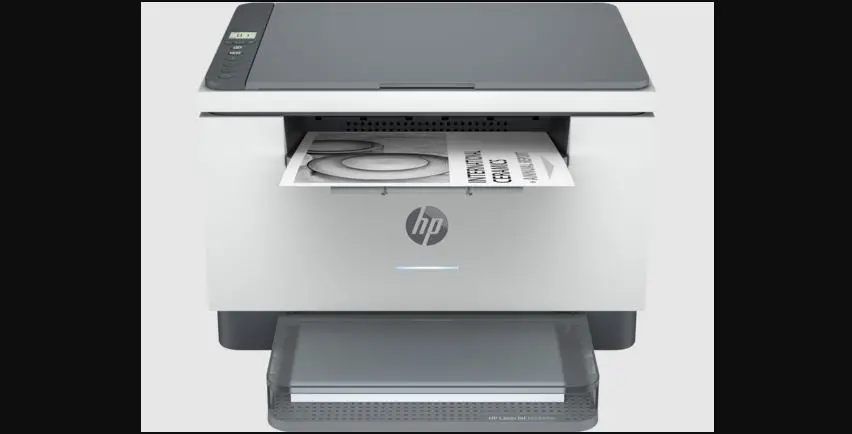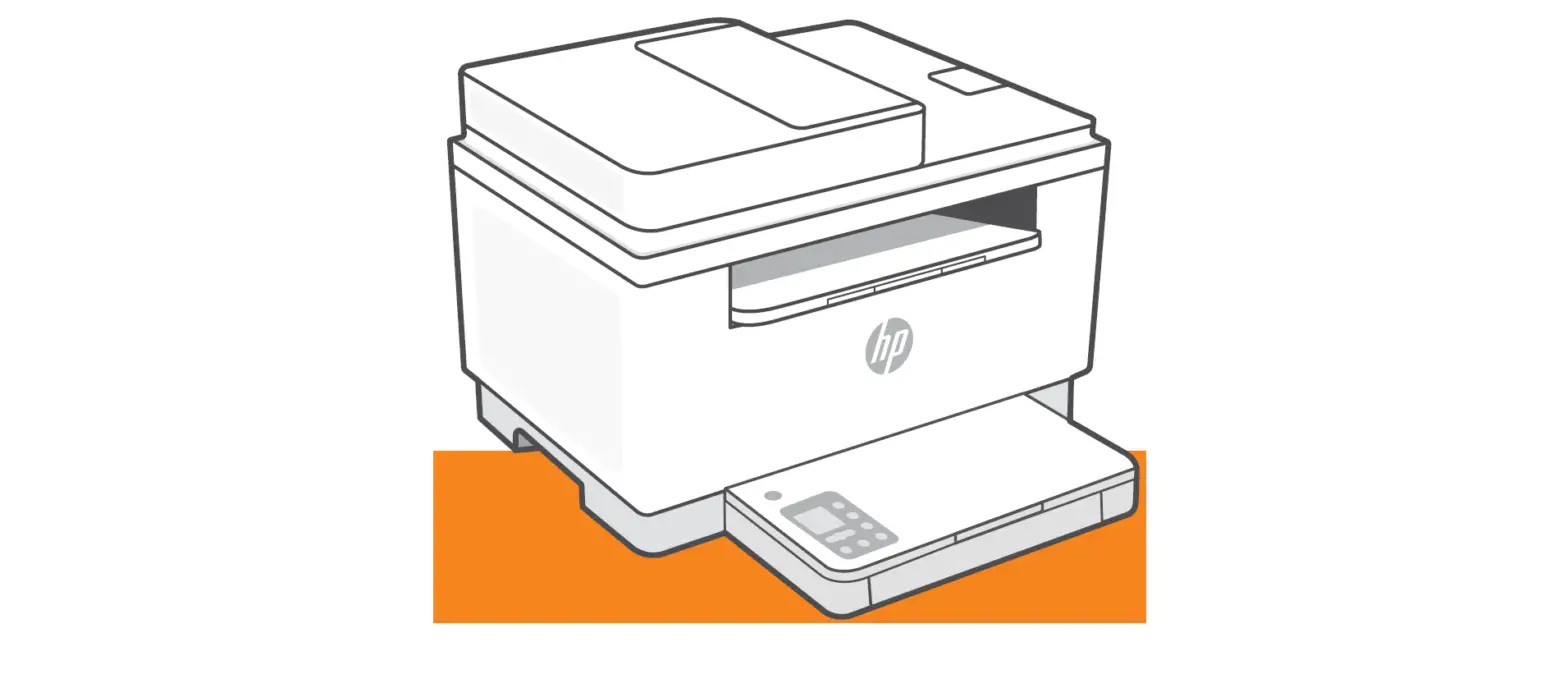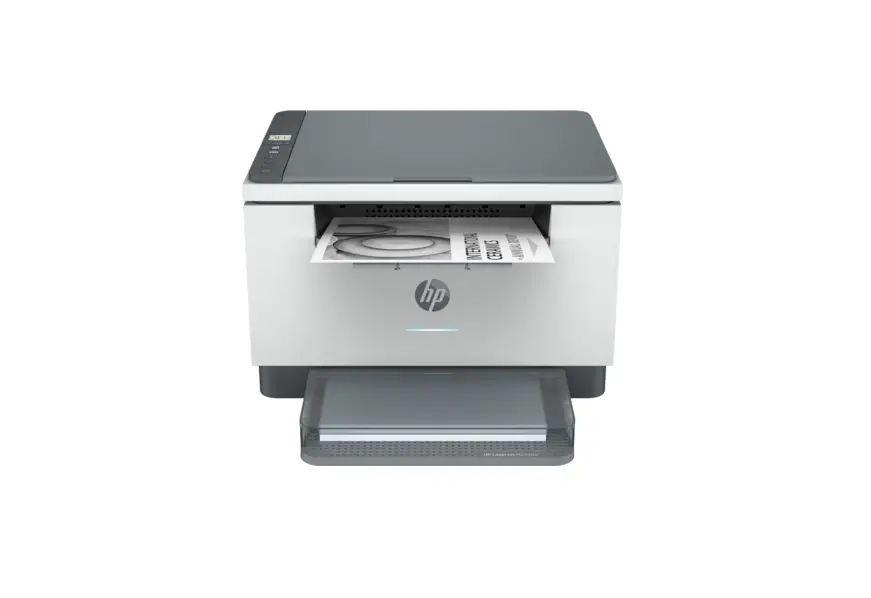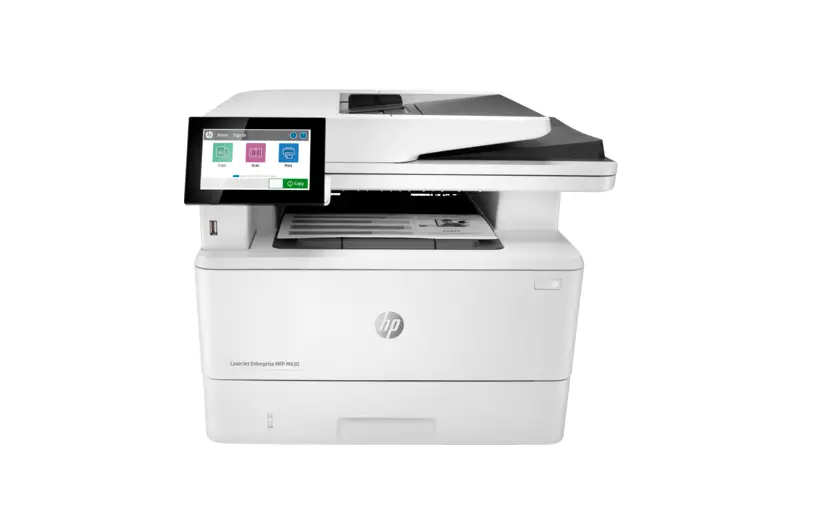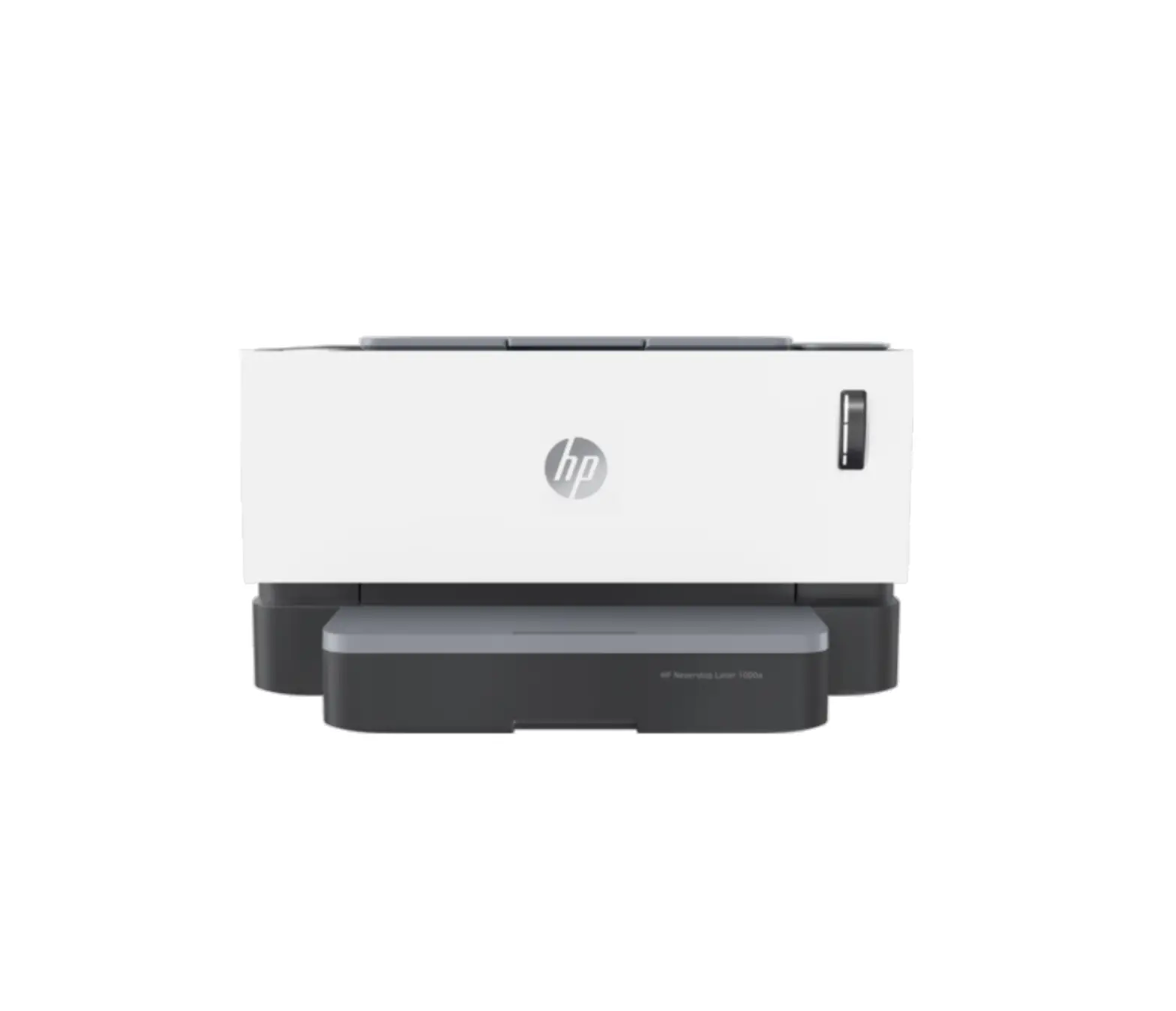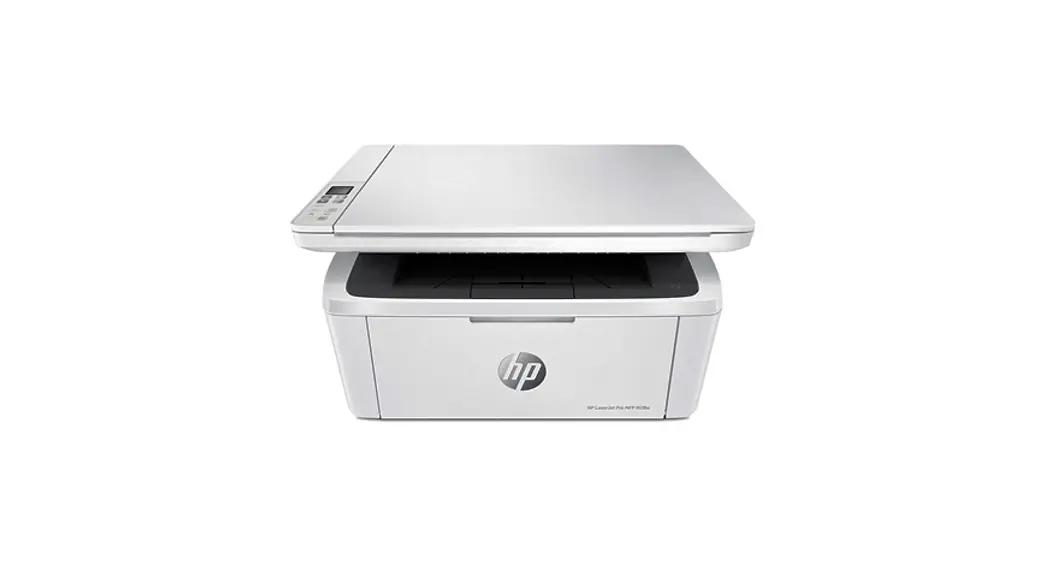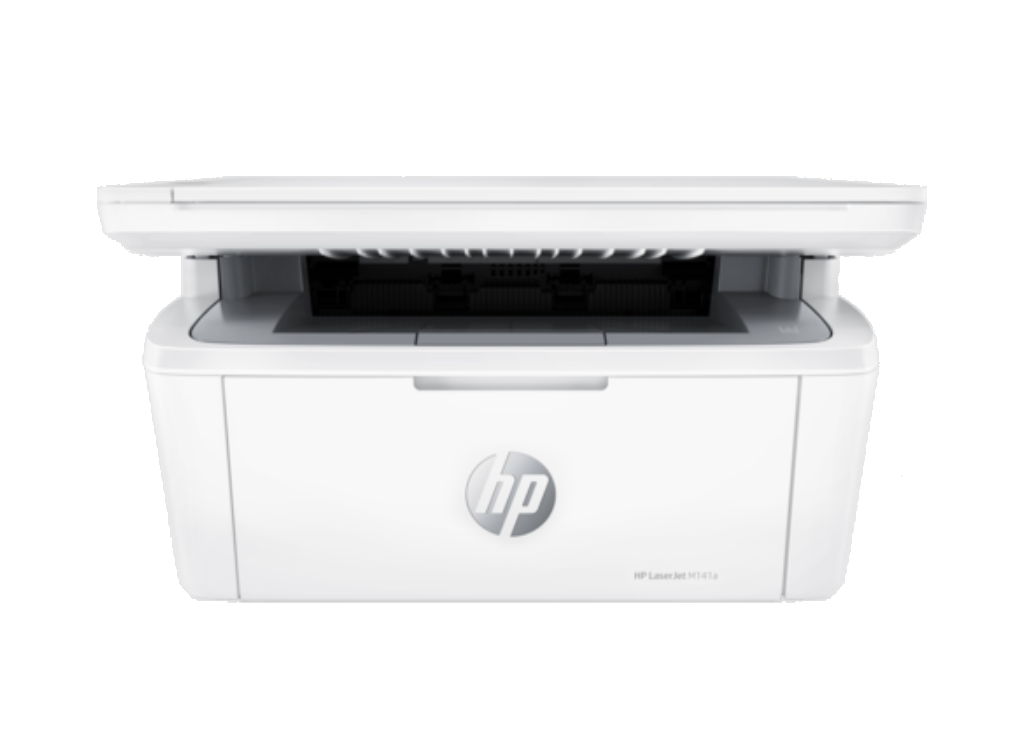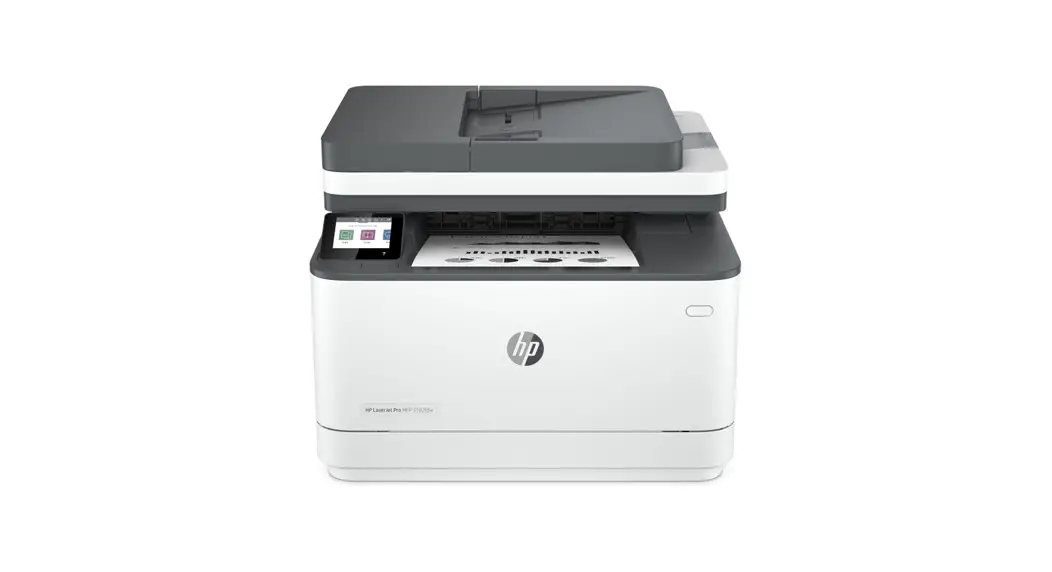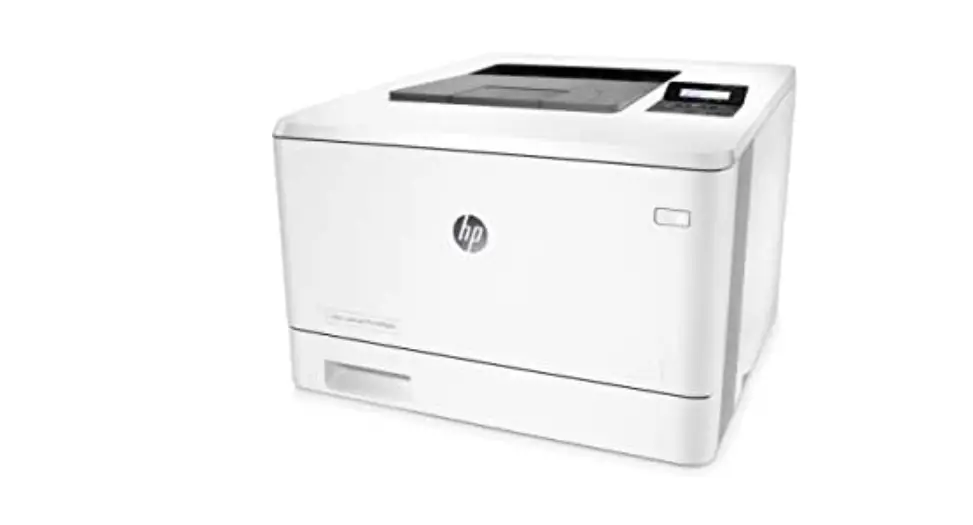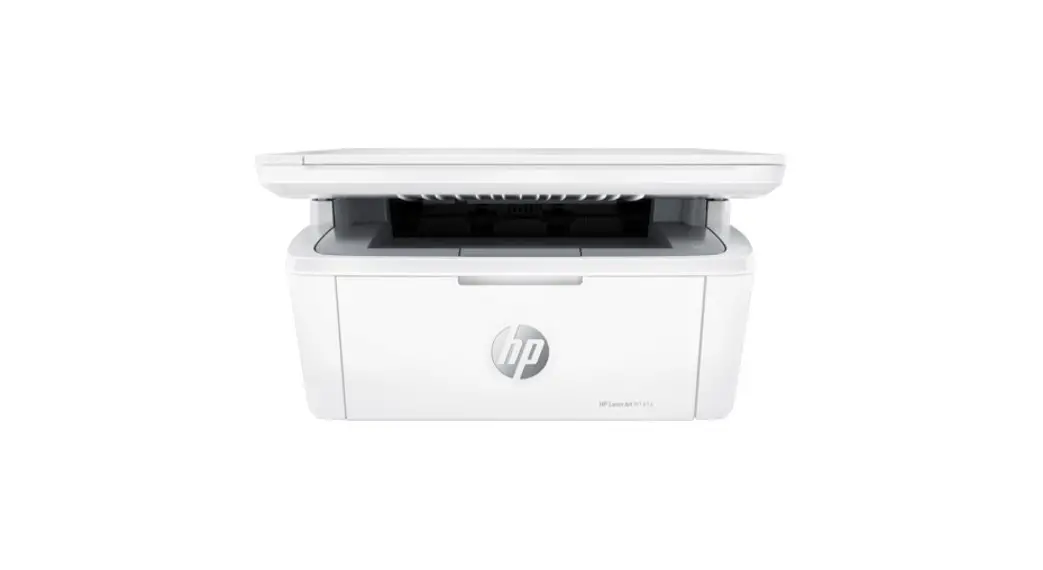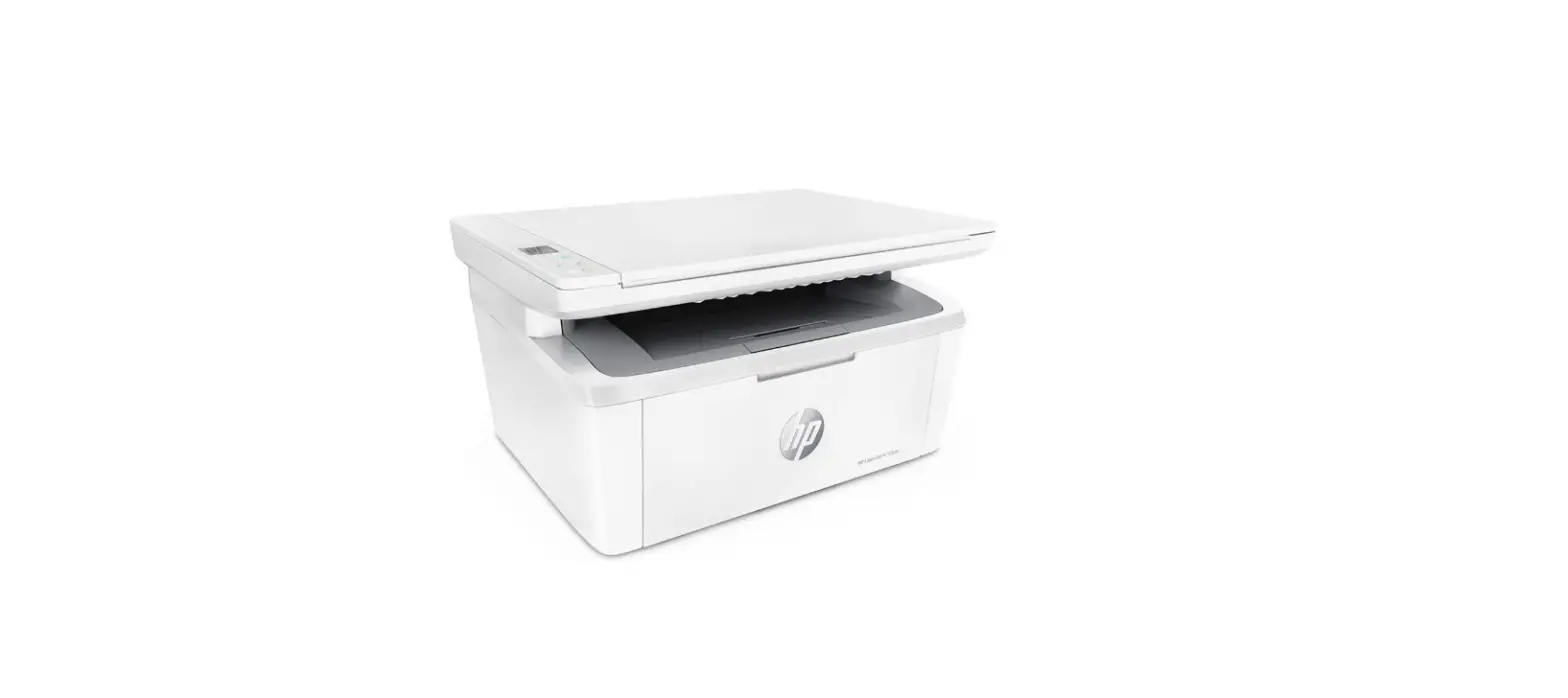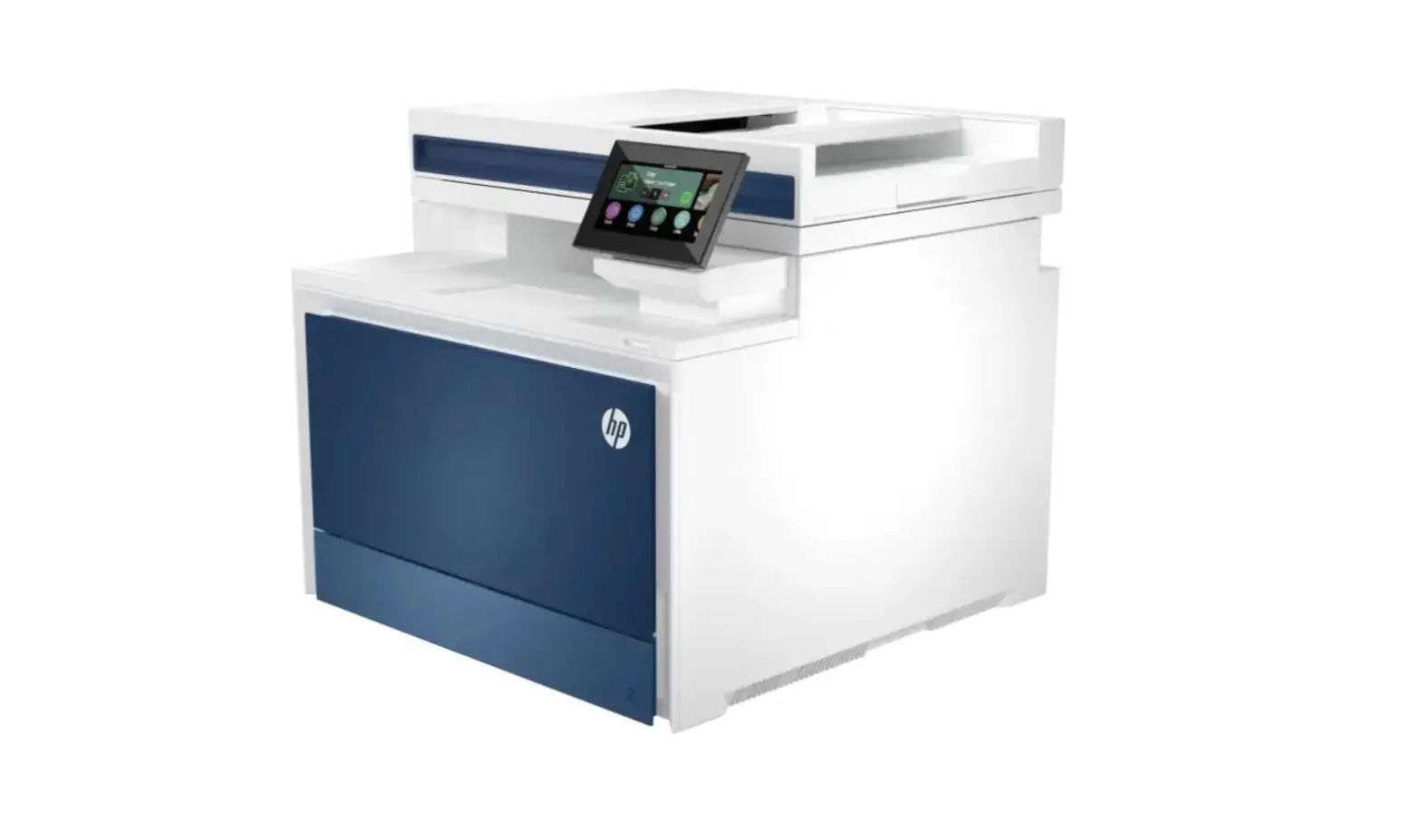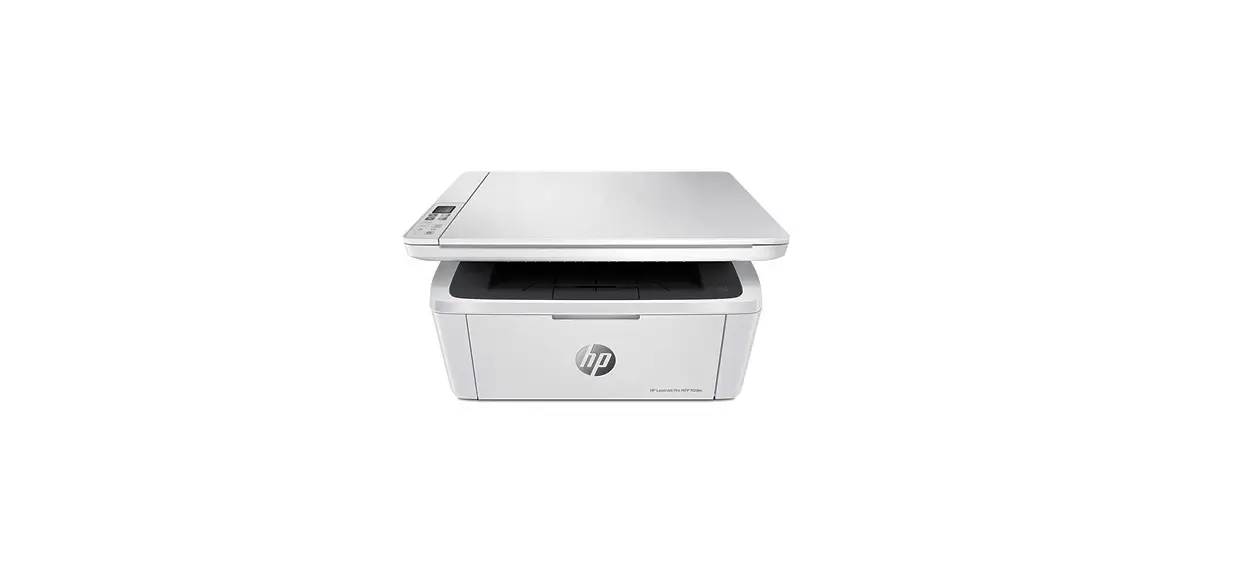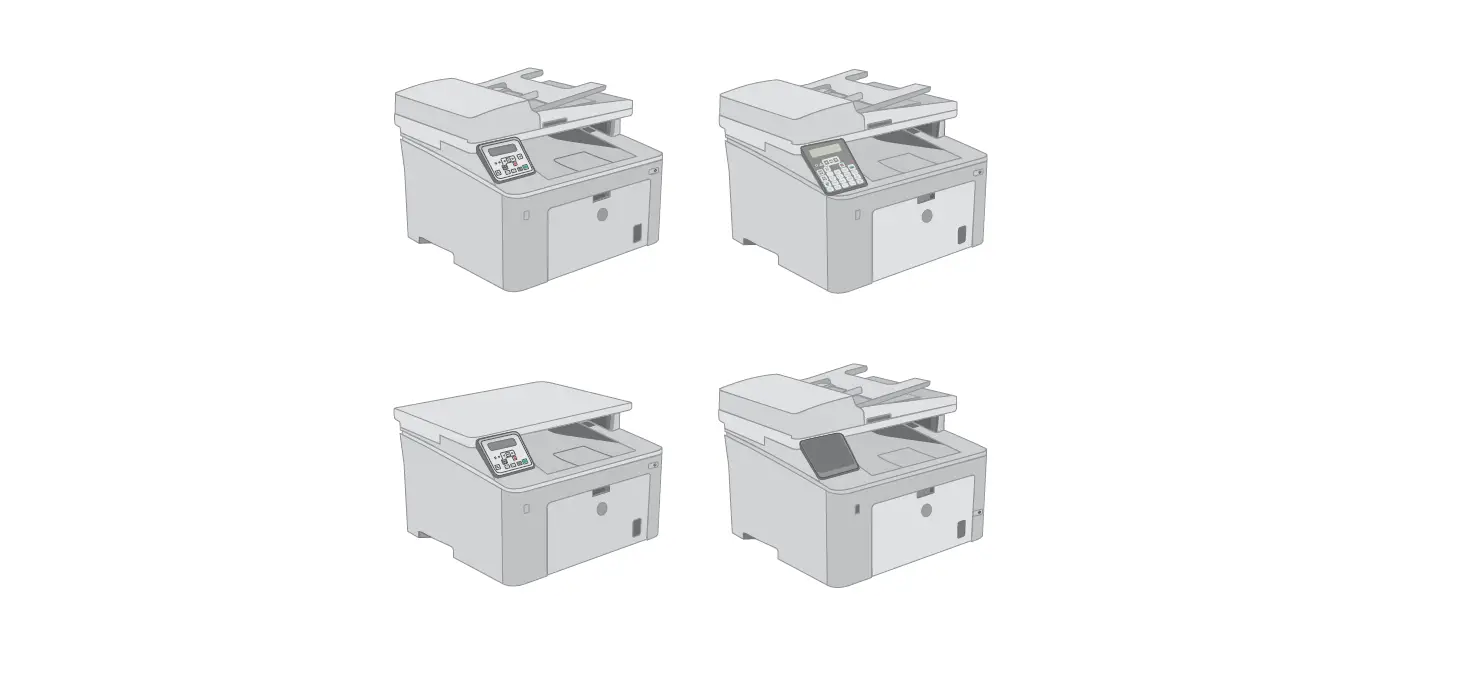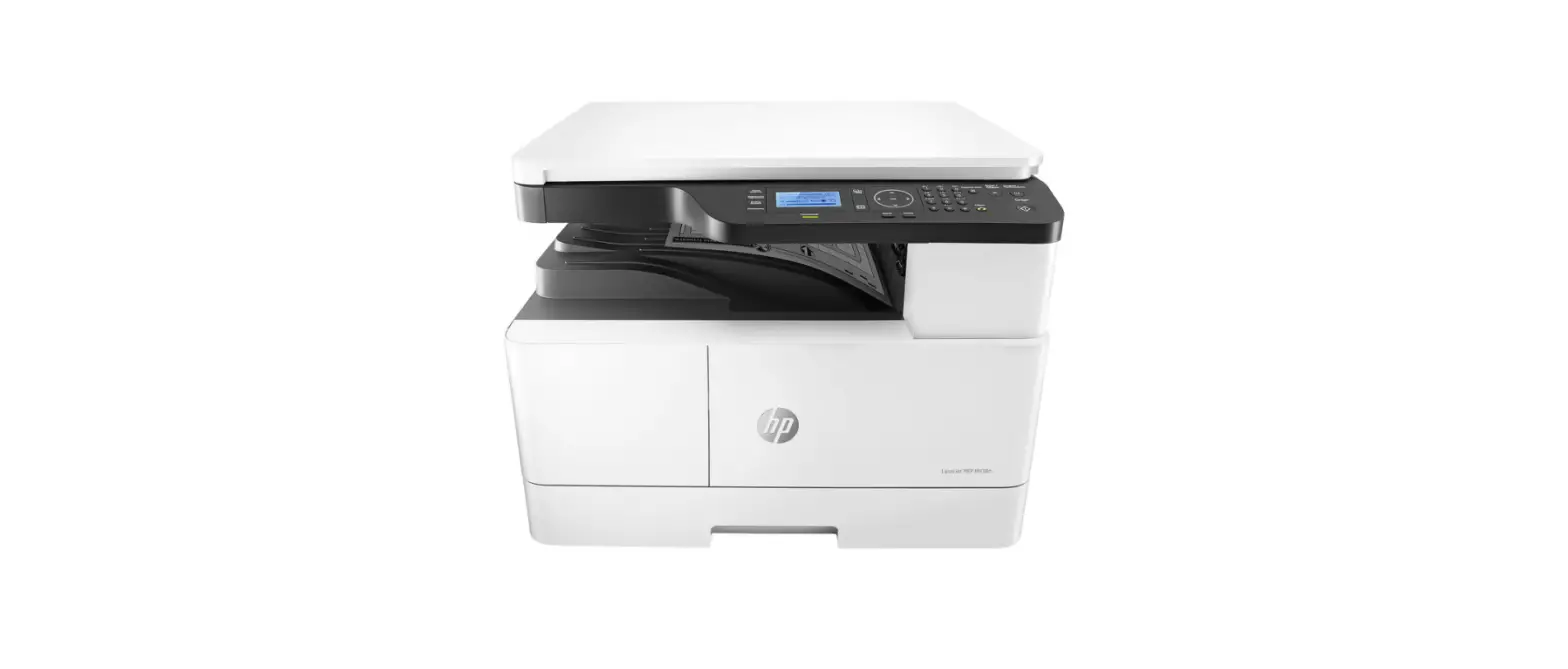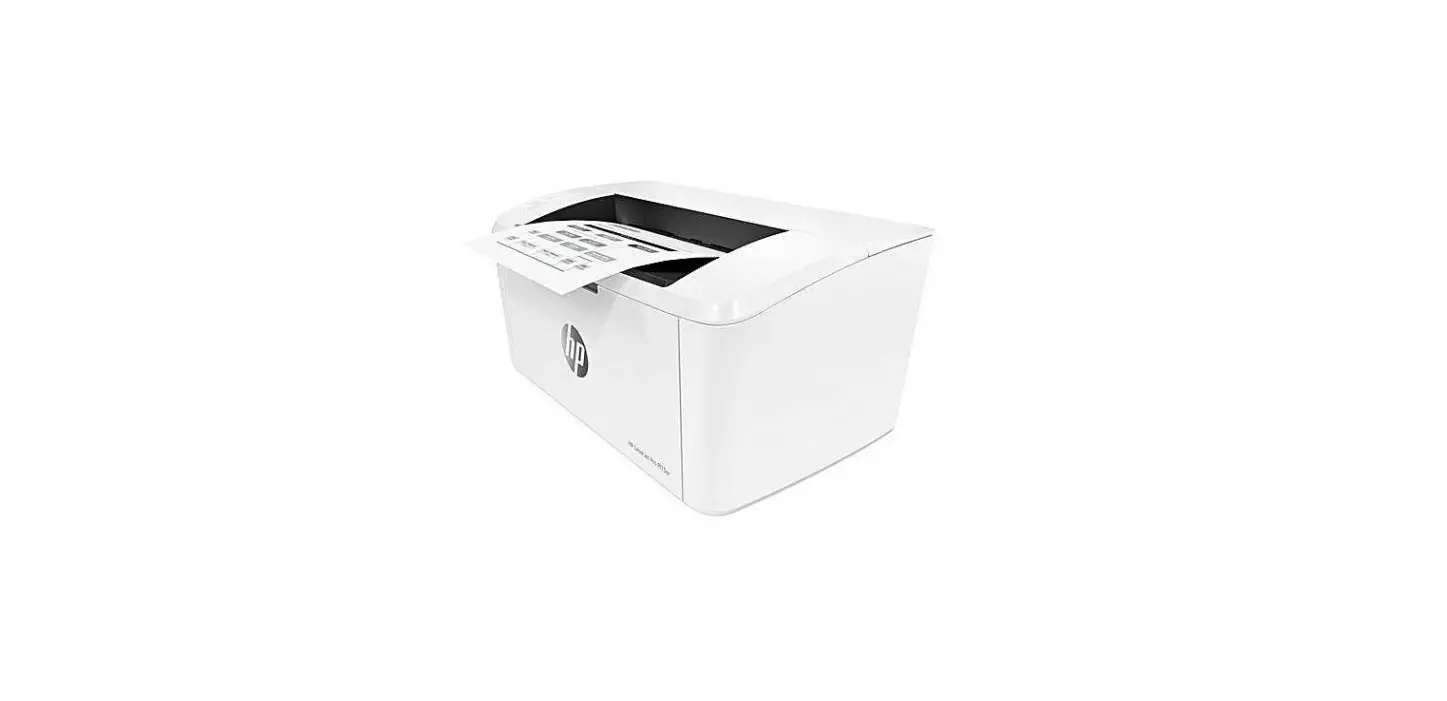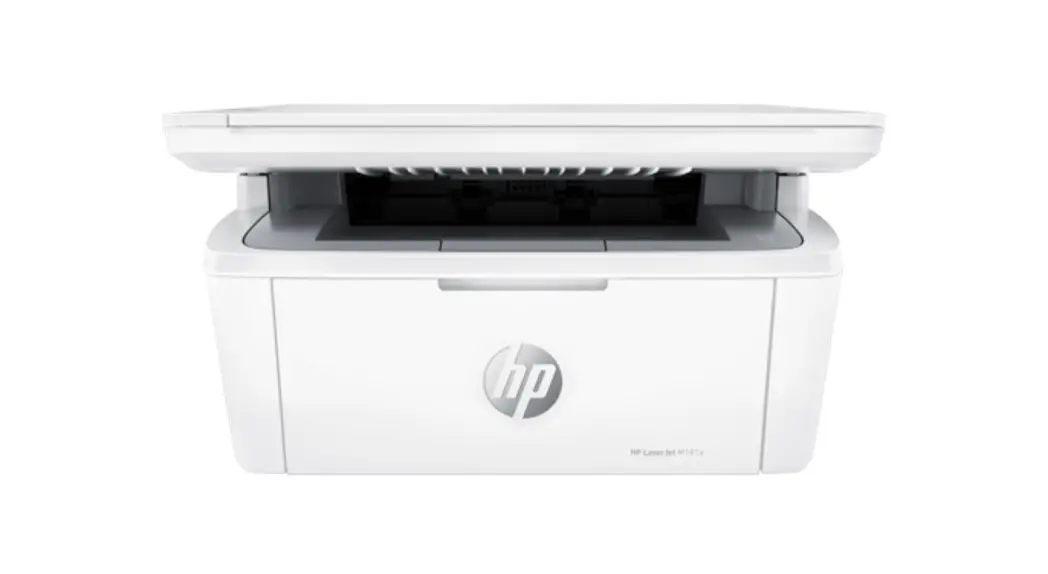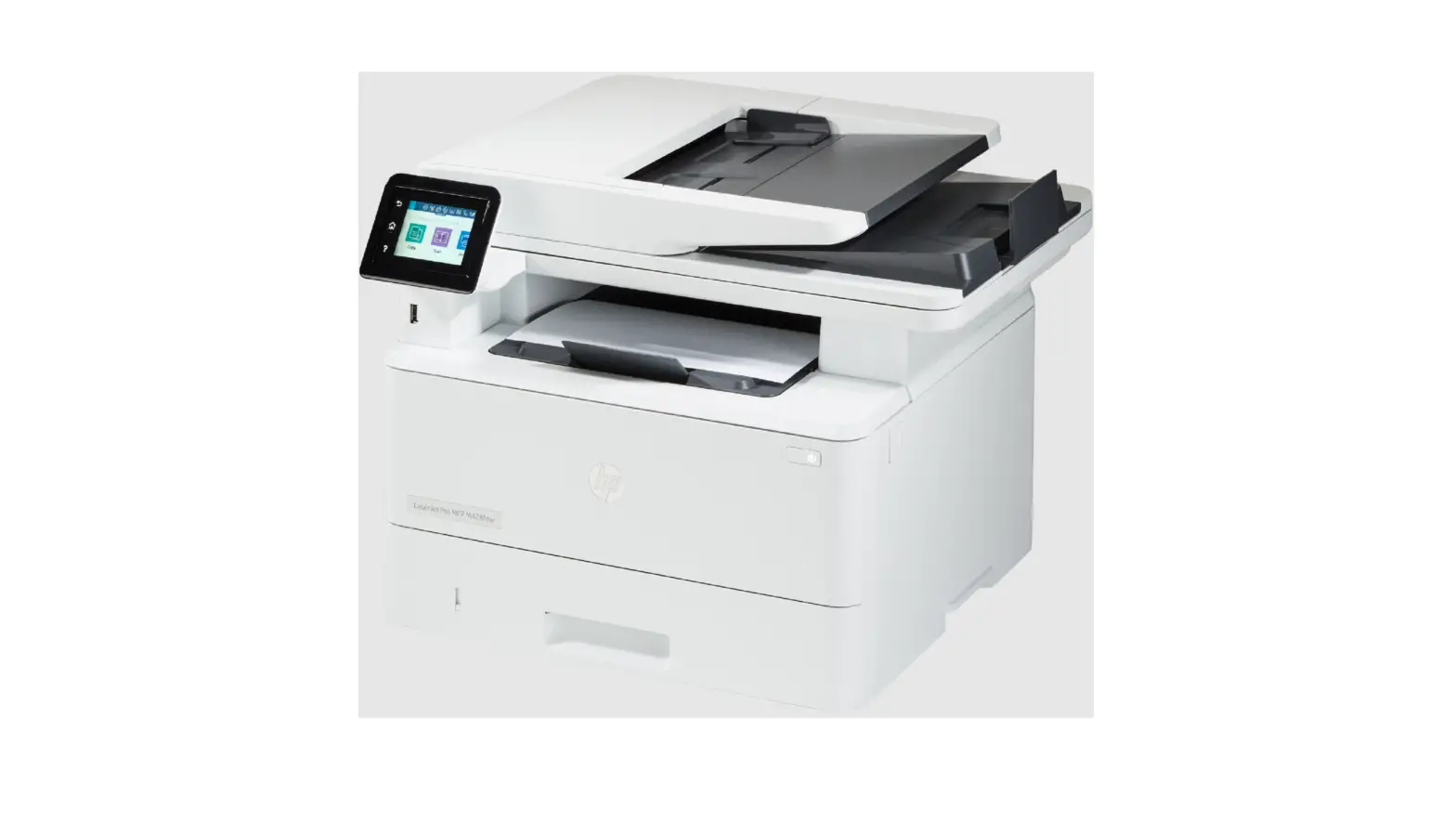

hp 260x Series LaserJet Tank MFP
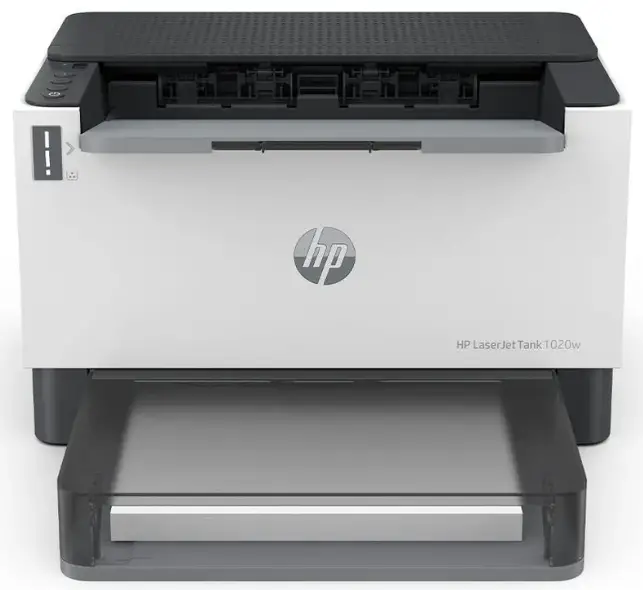
Printer features
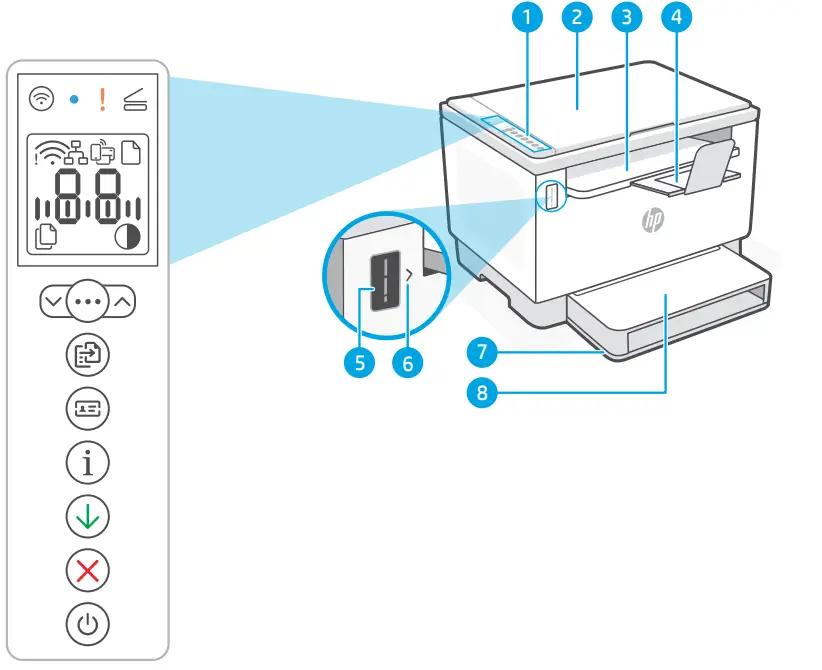
- Control Panel
- Toner gauge
- Scanner lid
- Refill toner indicator
- Toner access door / Output tray
- Paper tray
- Output tray extender
- Tray cover
(some models only)
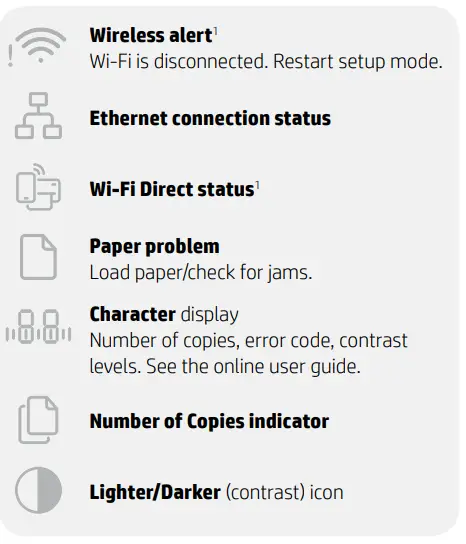
Display icons
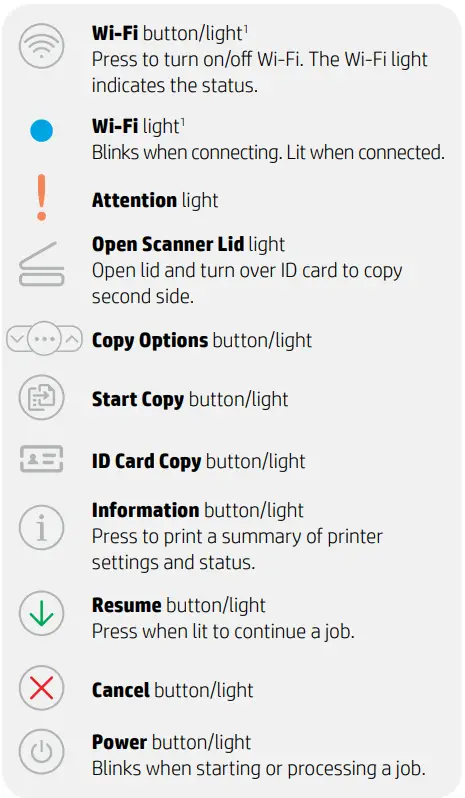
Button and lights
Check toner level
The printer is pre-filled with toner at purchase. HP toner refill kits (TRK) are available in 2 options: Standard and High capacity. The value of bars on the toner gauge are estimated toner levels and may vary slightly from the actual toner level. Check the toner gauge indicator to determine when to add toner. Purchase original HP toner packs from hp.com/buy/supplies or your local HP reseller.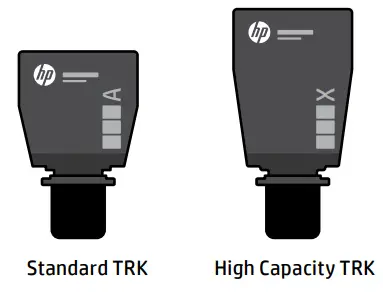
Toner level indicator states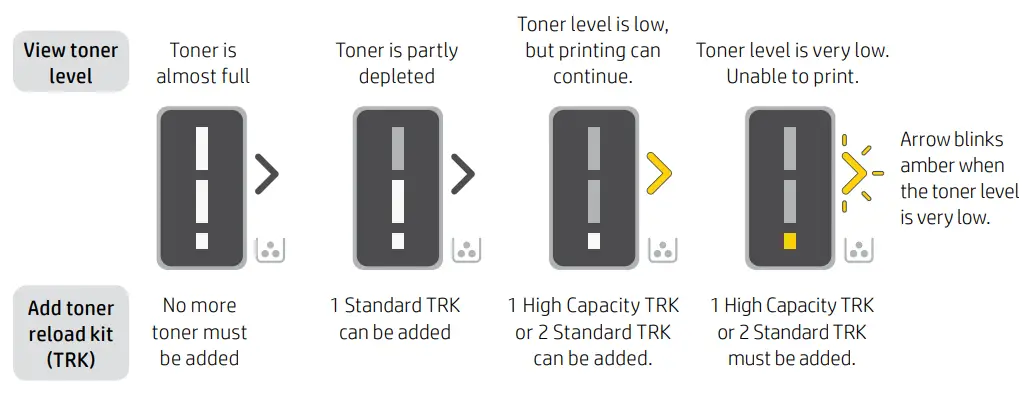
Toner can be added only when the port indicator shows an unlock icon . For more information, see the User Guide at hp.com/support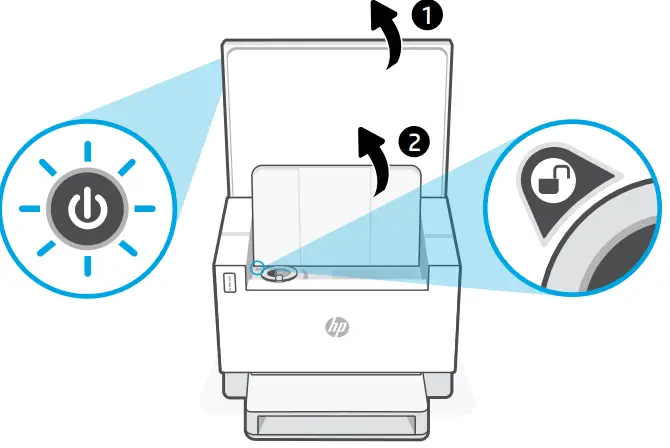
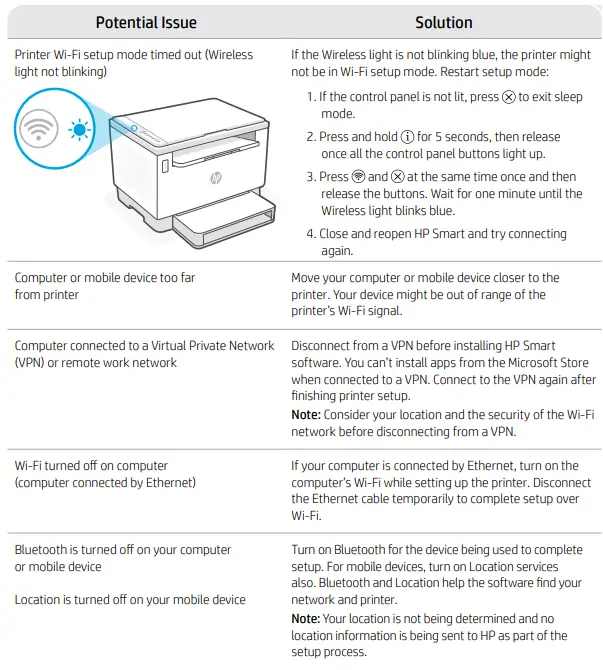
Help and tips for Wi-Fi and connectivity

© Copyright 2022 HP Development Company, L.P.
Microsoft and Windows are either registered trademarks or trademarks of Microsoft Corporation in the United States and/ or other countries. Mac, OS X, macOS, and AirPrint are trademarks of Apple Inc., registered in the U.S. and other countries. Android is a trademarks of Google LLC. iOS is a trademark or registered trademark of Cisco in the U.S. and other countries and is used under license.
 HP
HP