 3D Printing Industry Evangelist
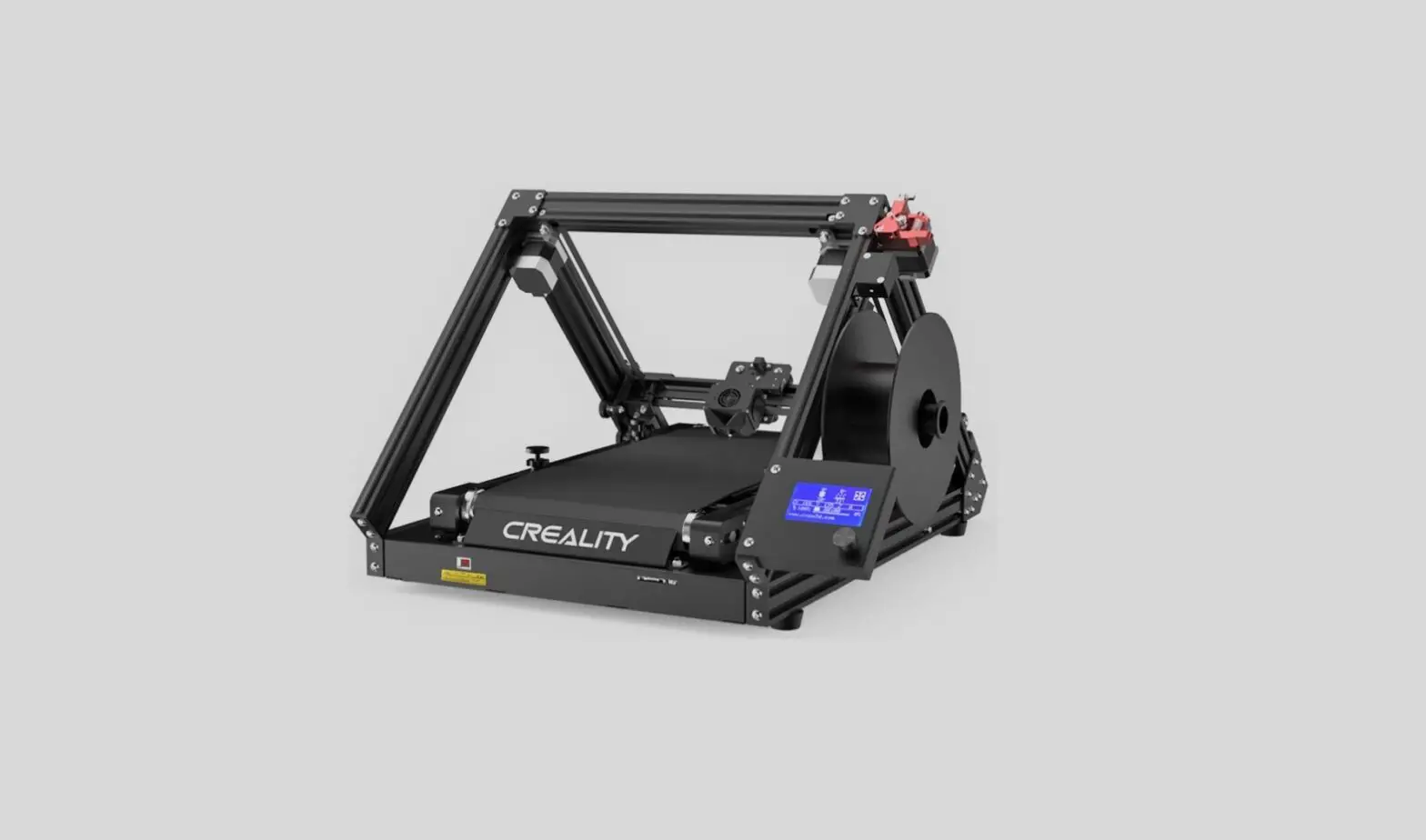
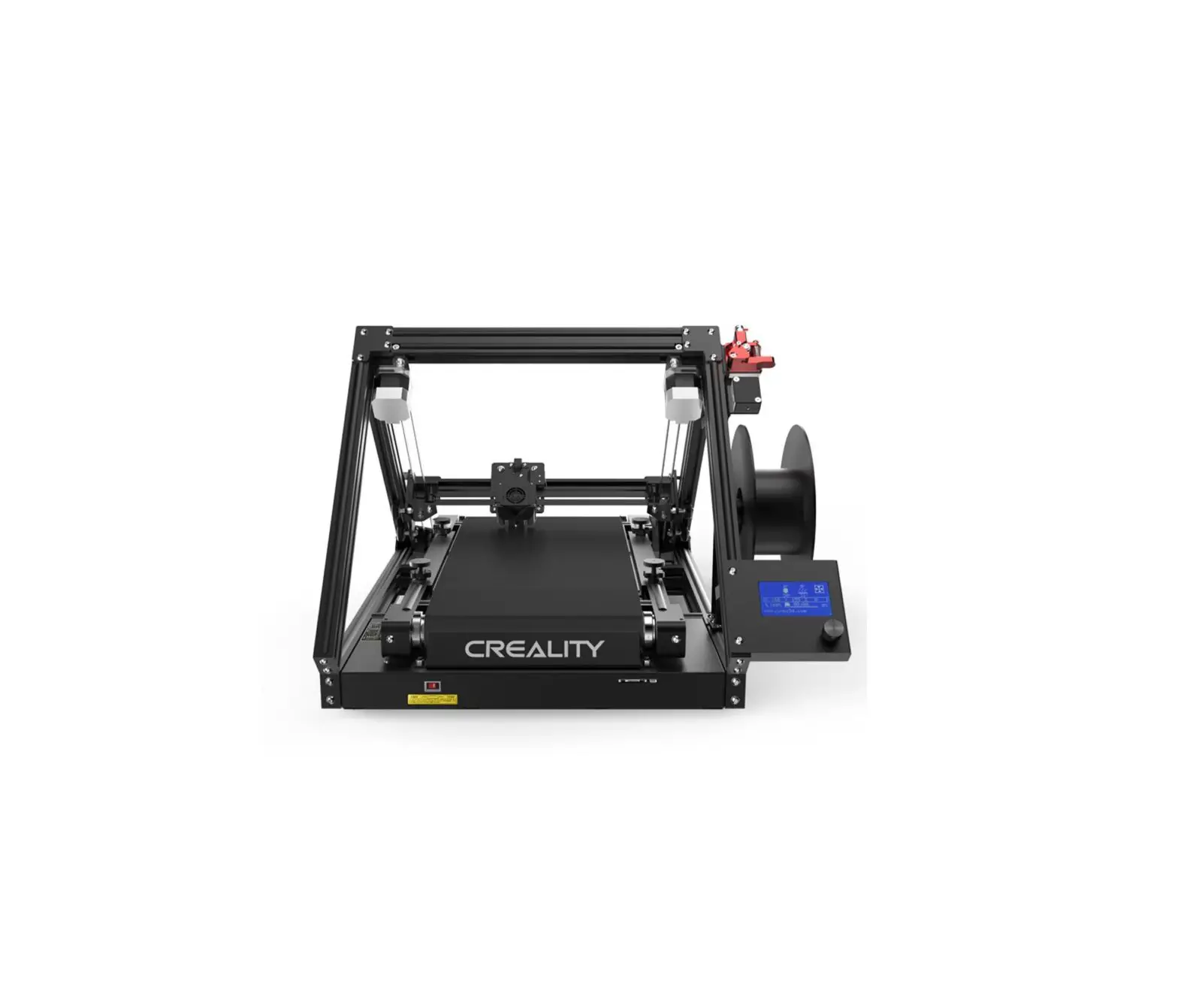
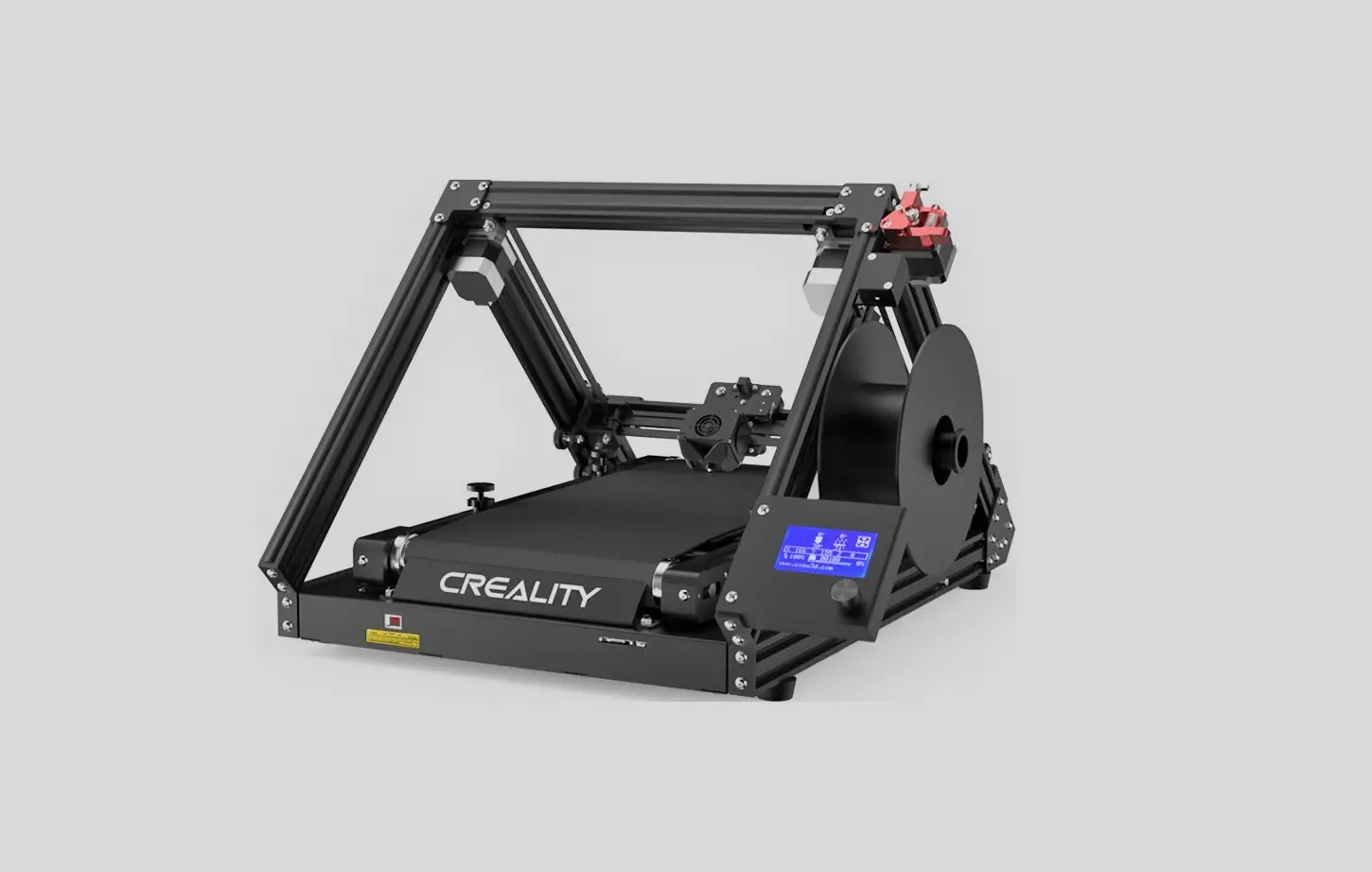
3DPrintMill Profile Support User Manual
3DPrintMill V1.0
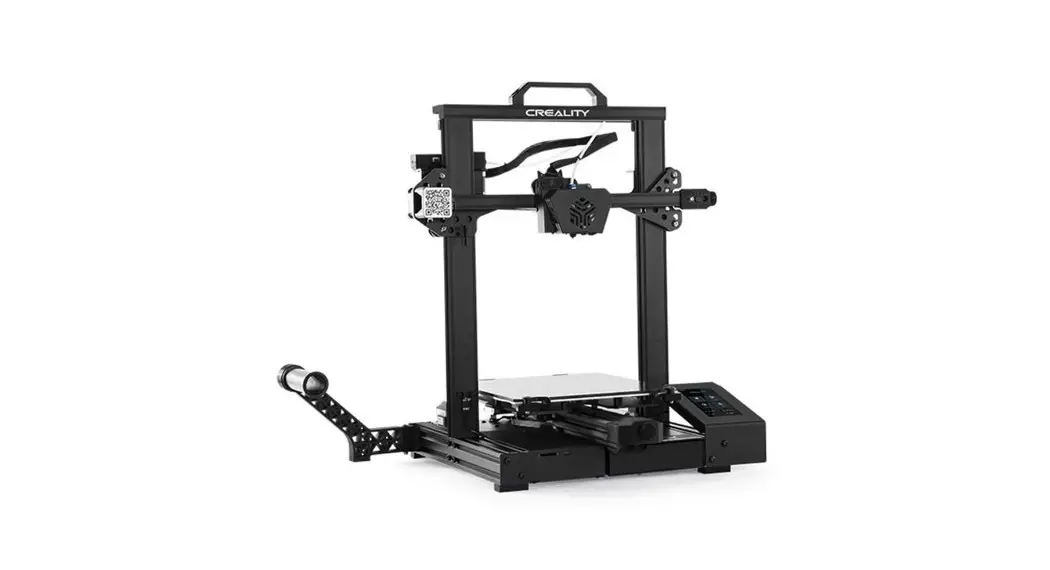
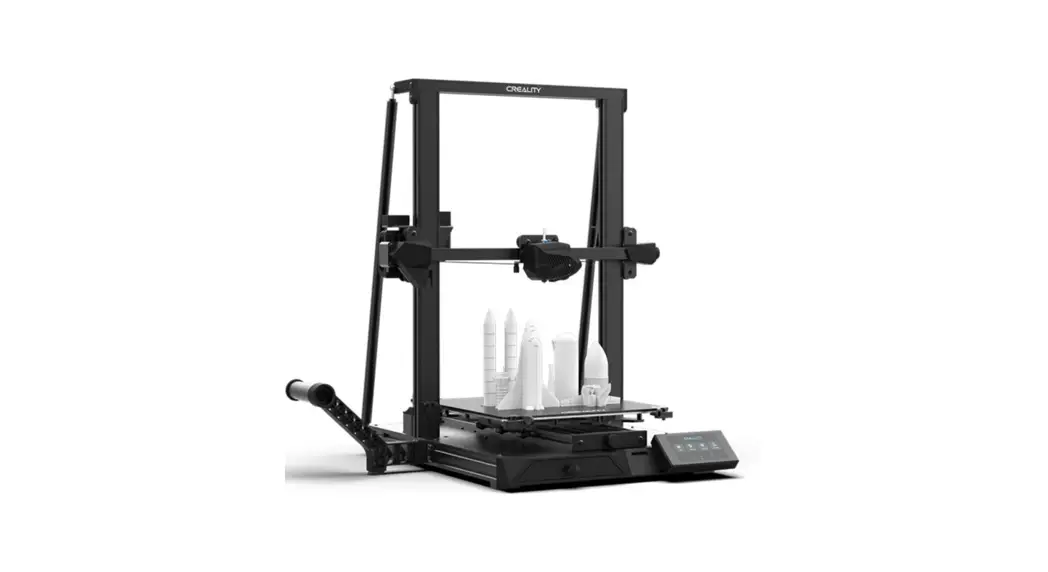
1. List of profile support parts.
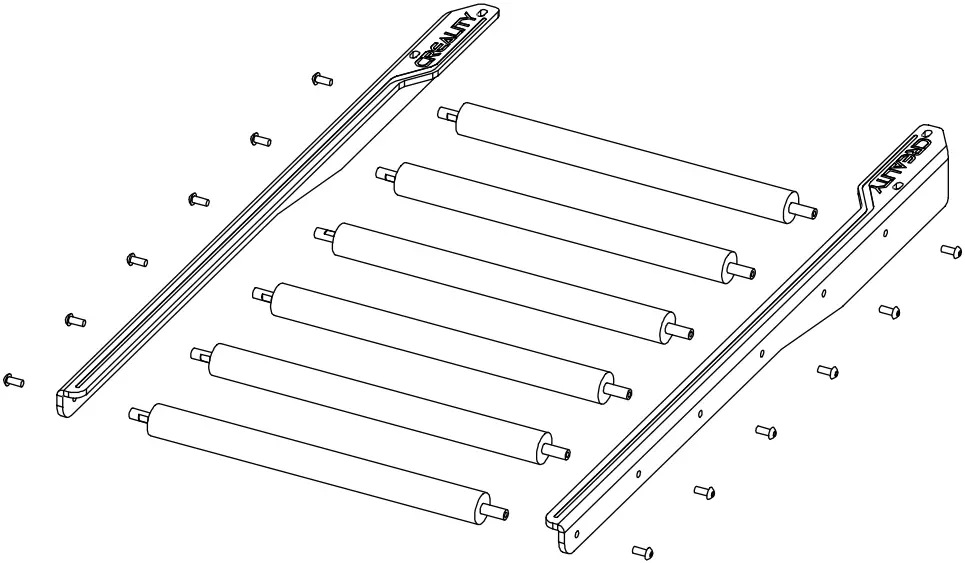
- Left bracket of roller X 1
- Right bracket of roller X1
- Rollers X 6
- M5*12 Socket head flat round head screw X12
2. Take out the profile seal on the model and install the bracket as shown in the picture.
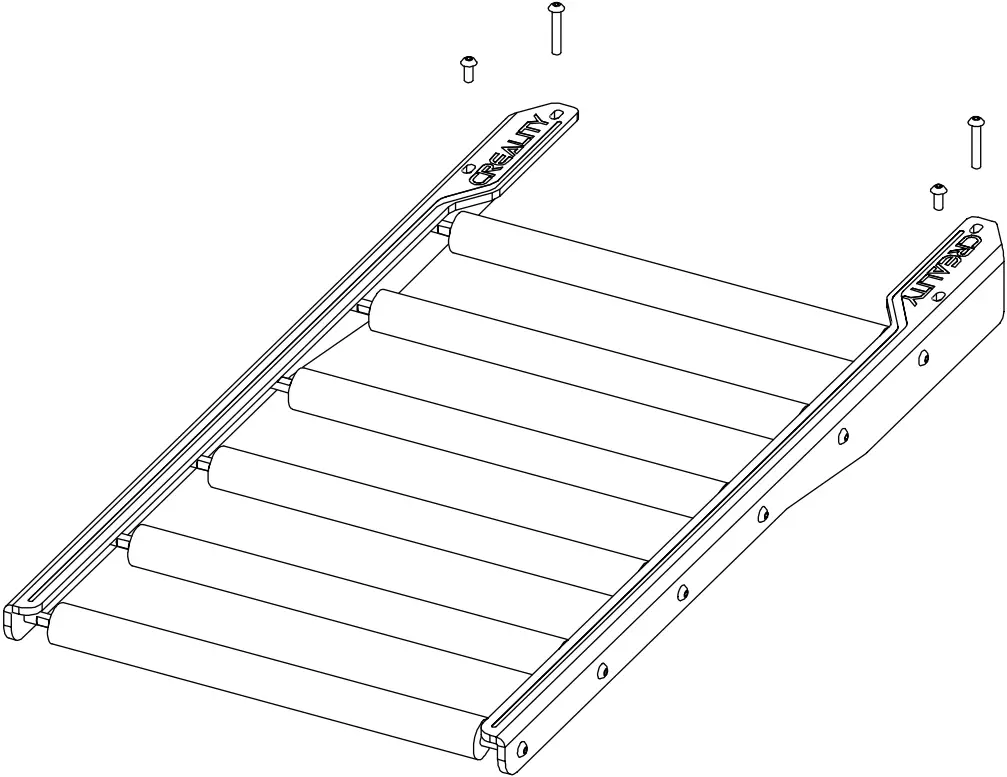
- M5*30 Hexagon socket round screw X2
- M5*12 Hexagon socket round screw X2
- subplate*2
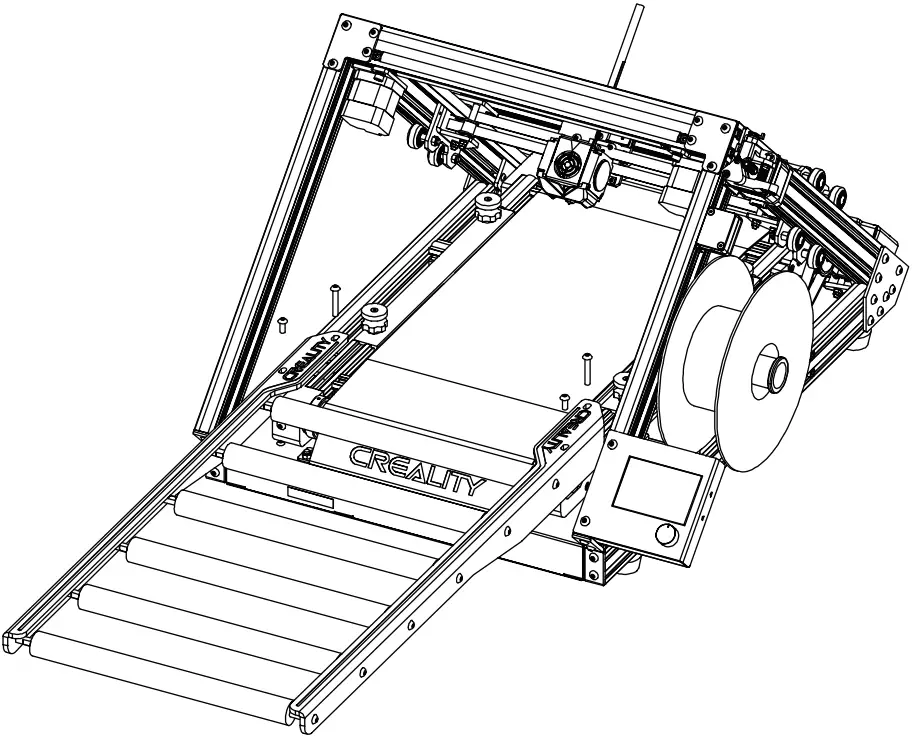
3. Install the assembled bracket onto the mounting hole reserved for 3D printer.
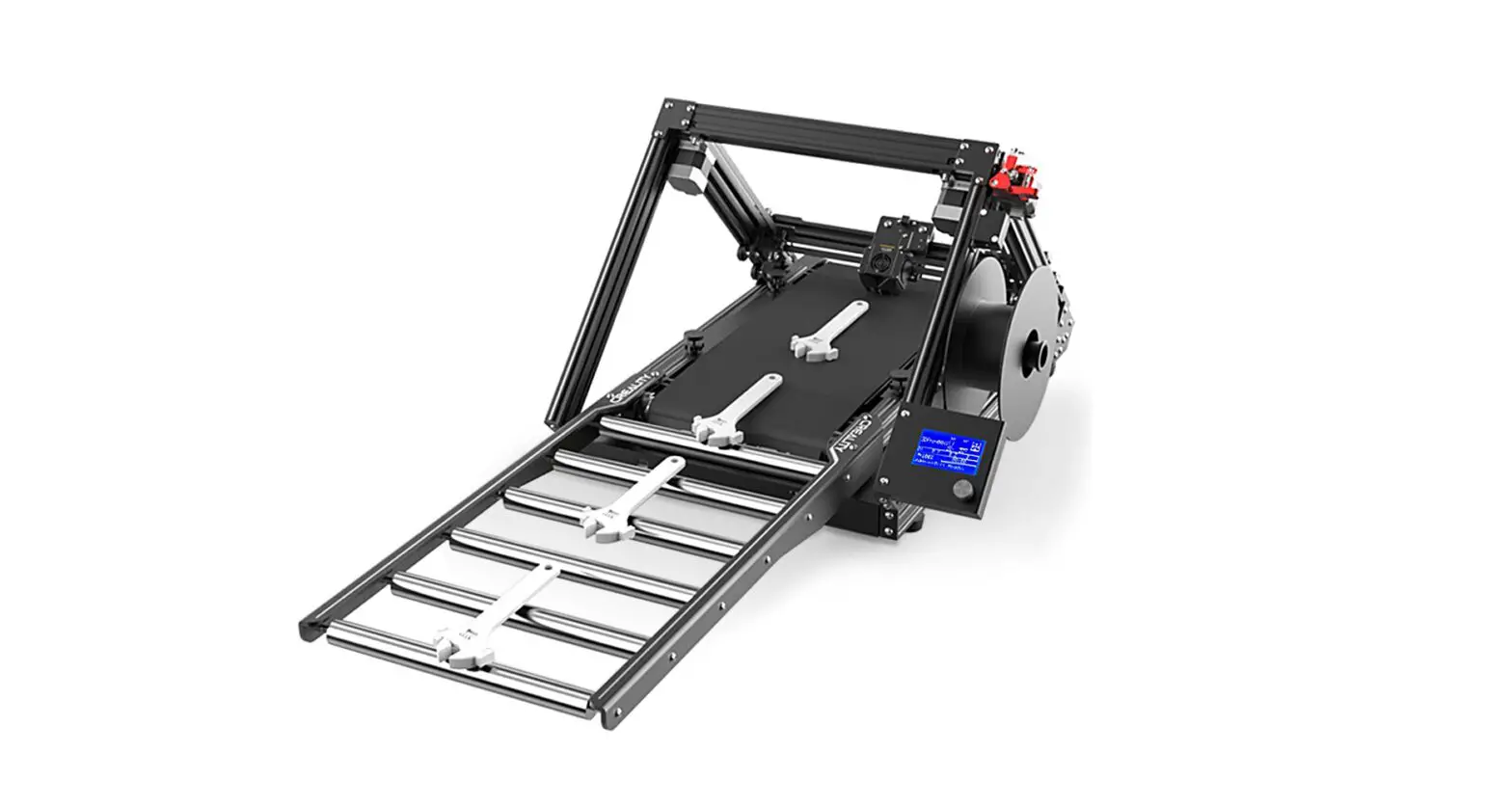
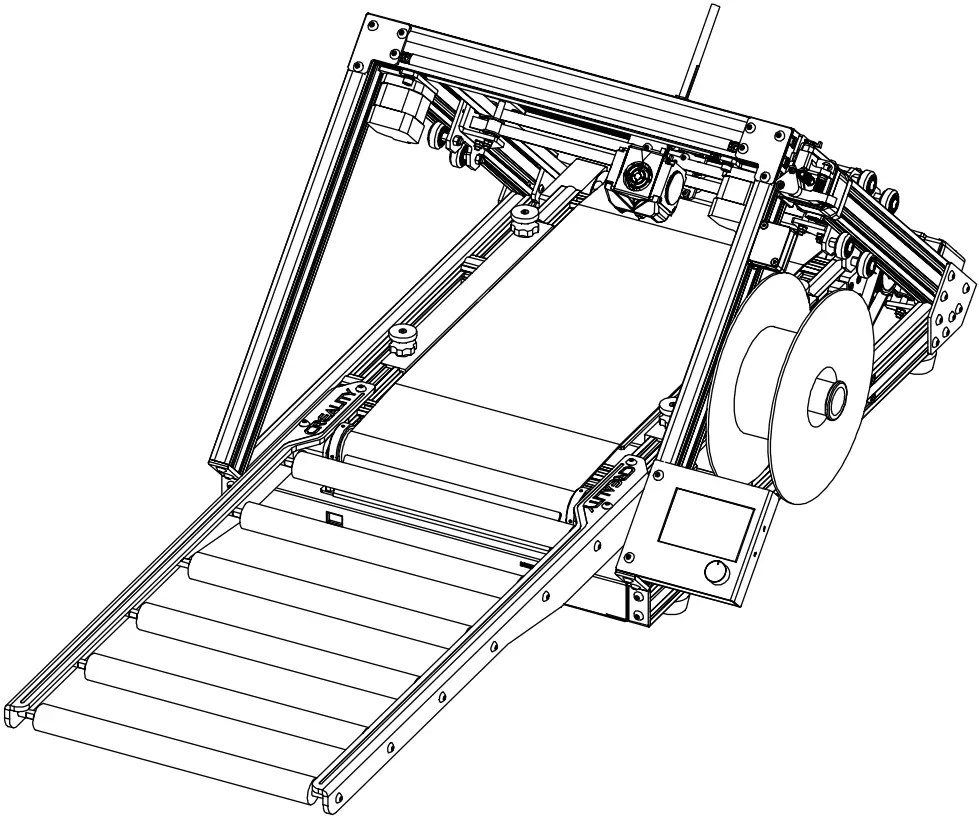
4. Renderings after installation.
 SHENZHEN CREALITY 3D TECHNOLOGY CO., LTD.
Add : 18F, JinXiuHongDu Building, Meilong Blvd.,
Longhua Dist., Shenzhen, China 518131
Official Website: www.creality.com Tel: +86 755-8523 4565
E-mail: [email protected] [email protected]