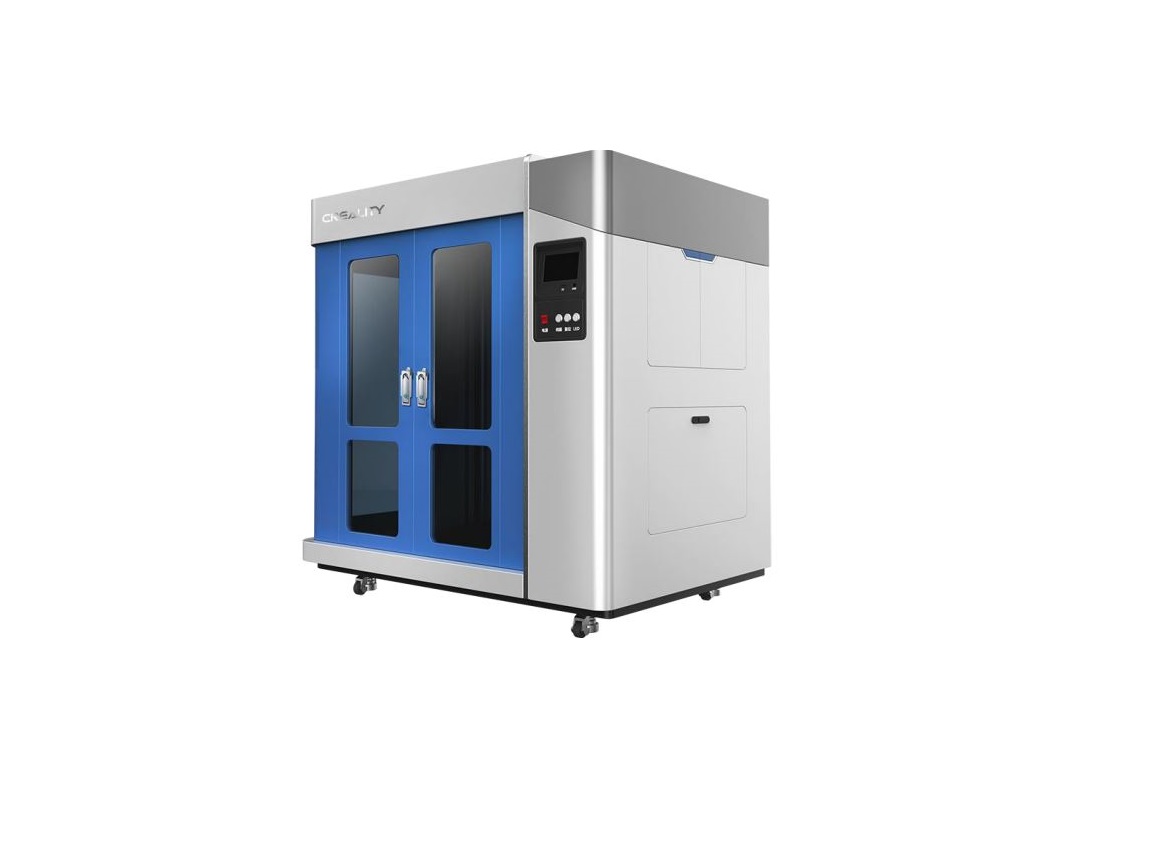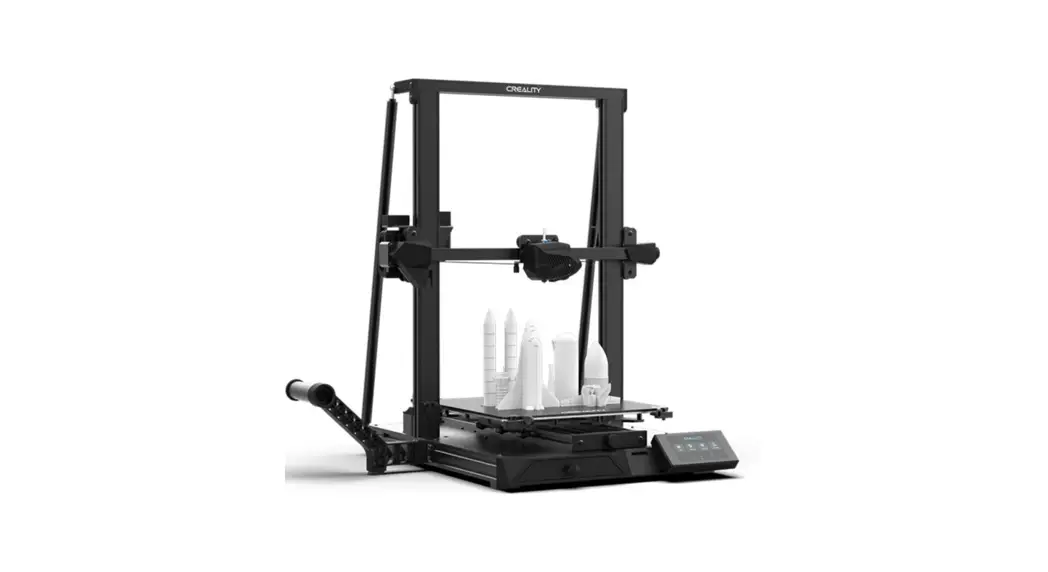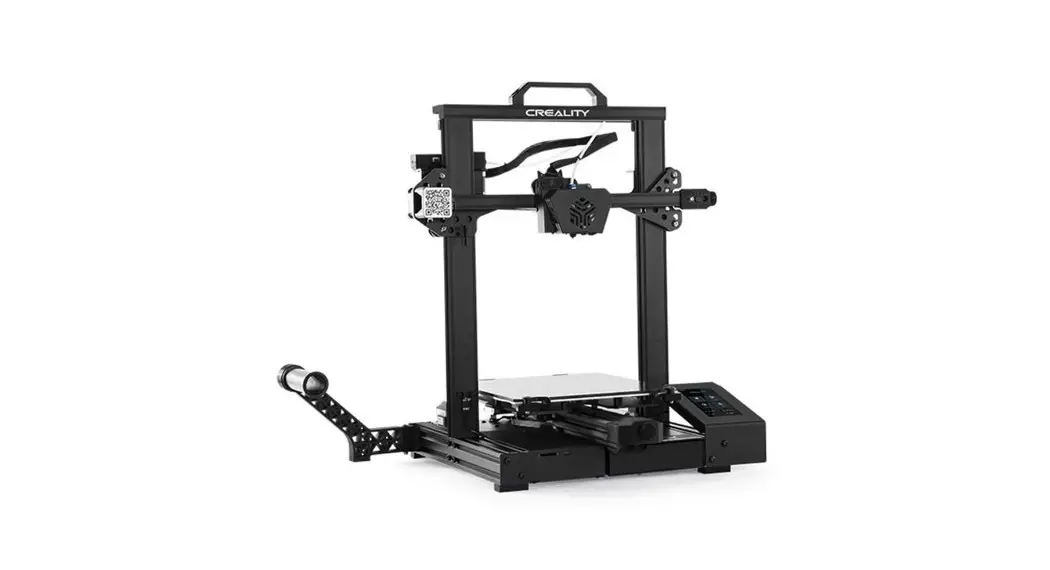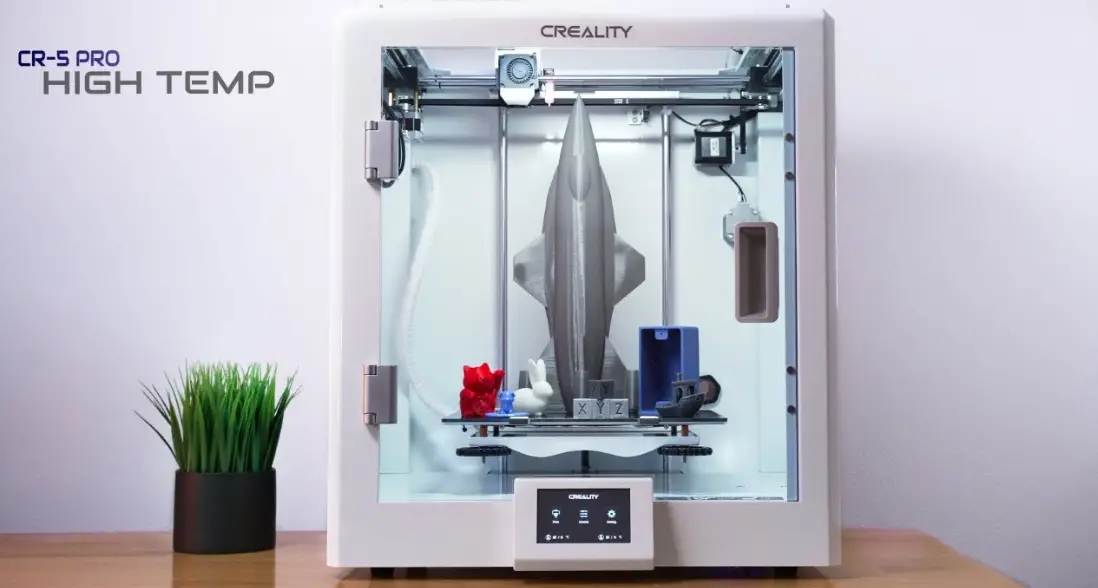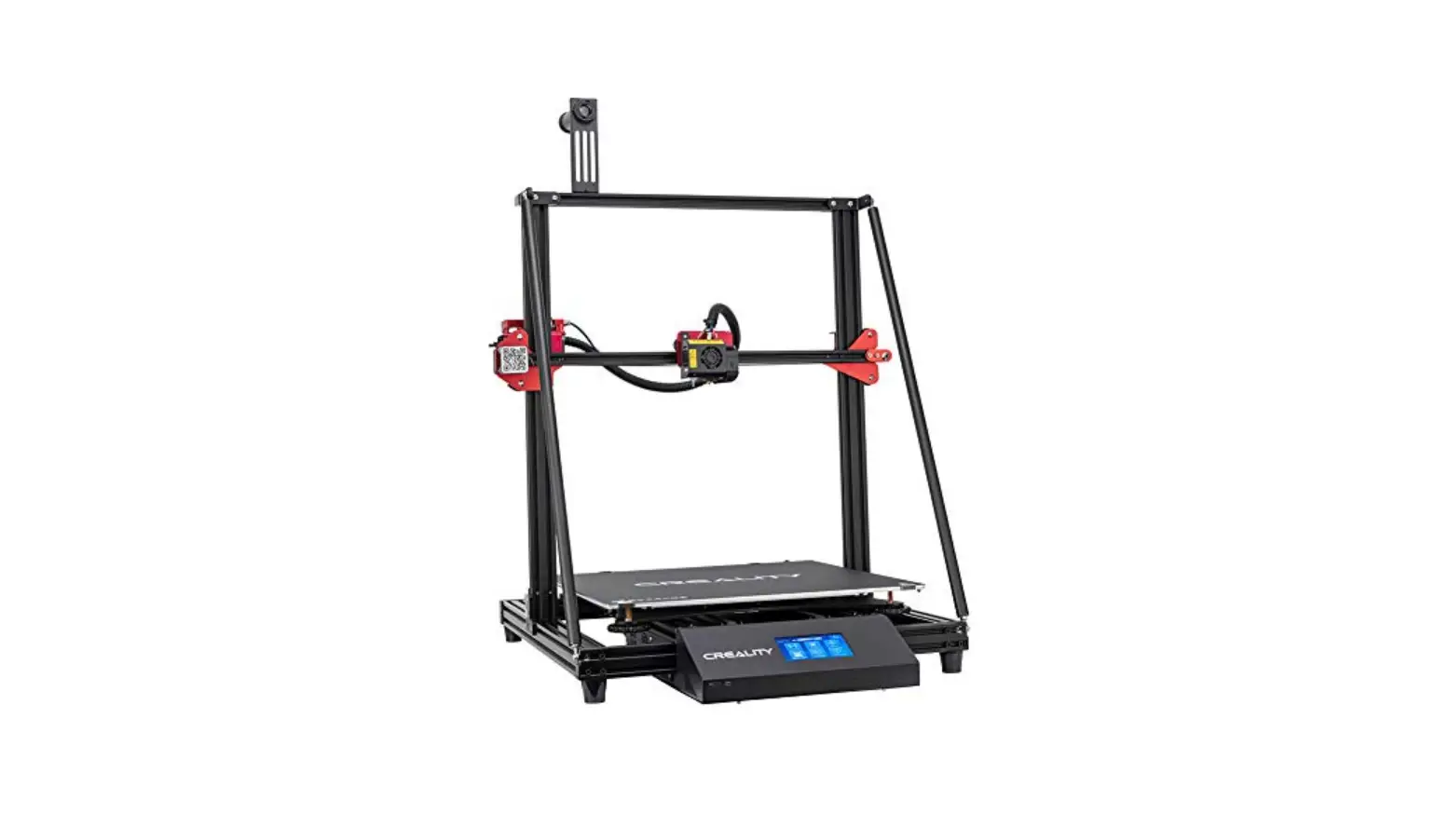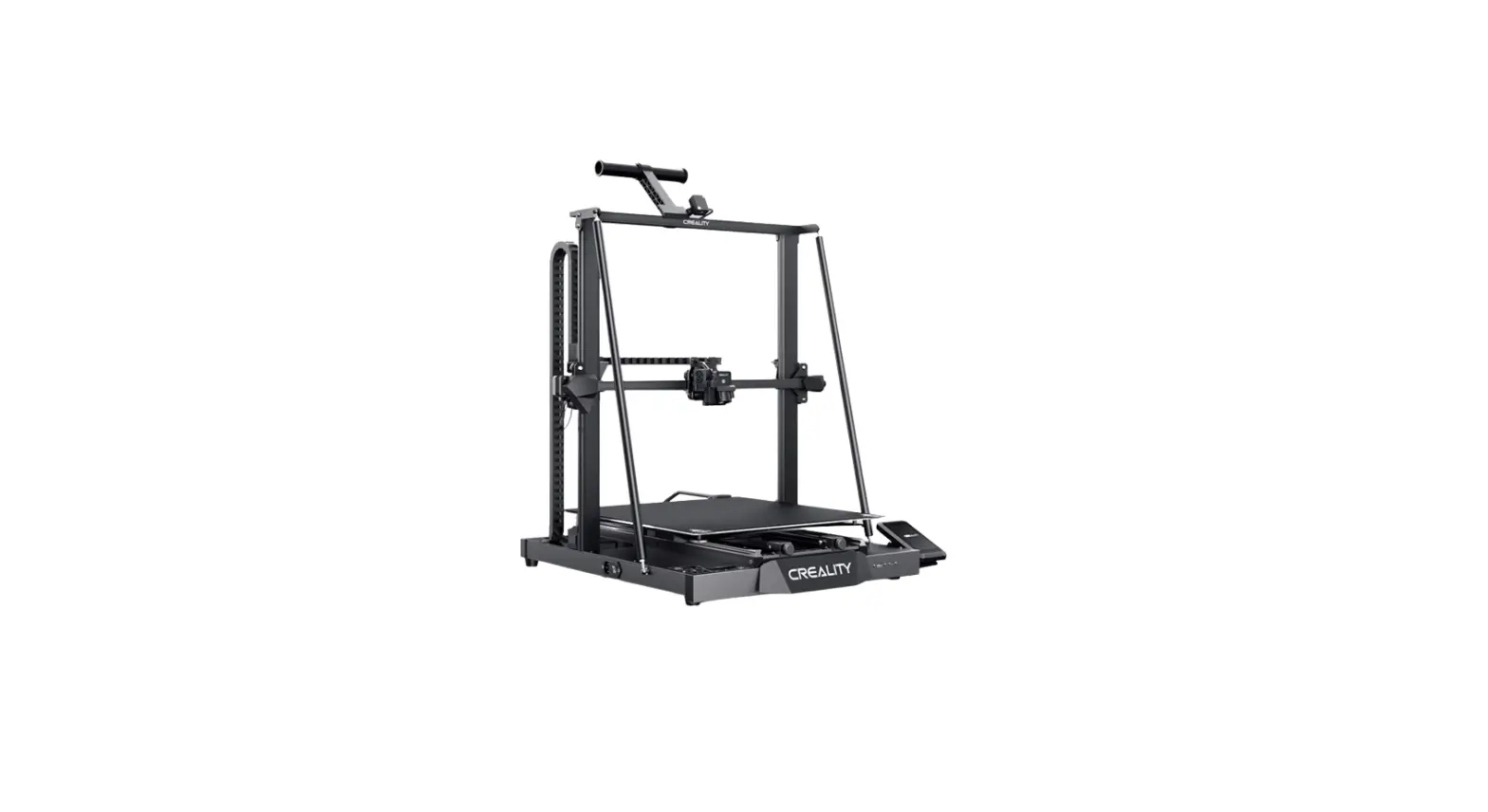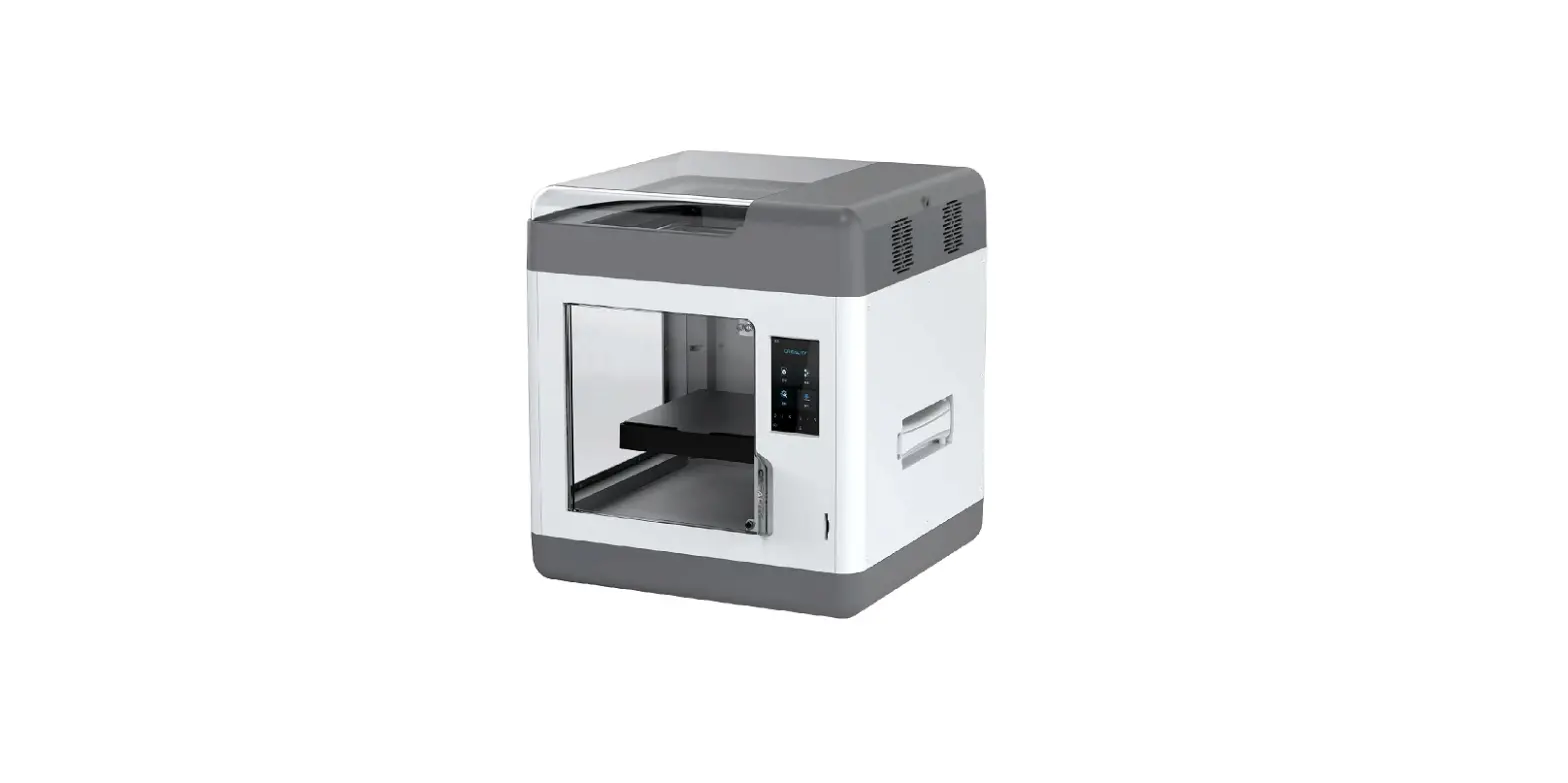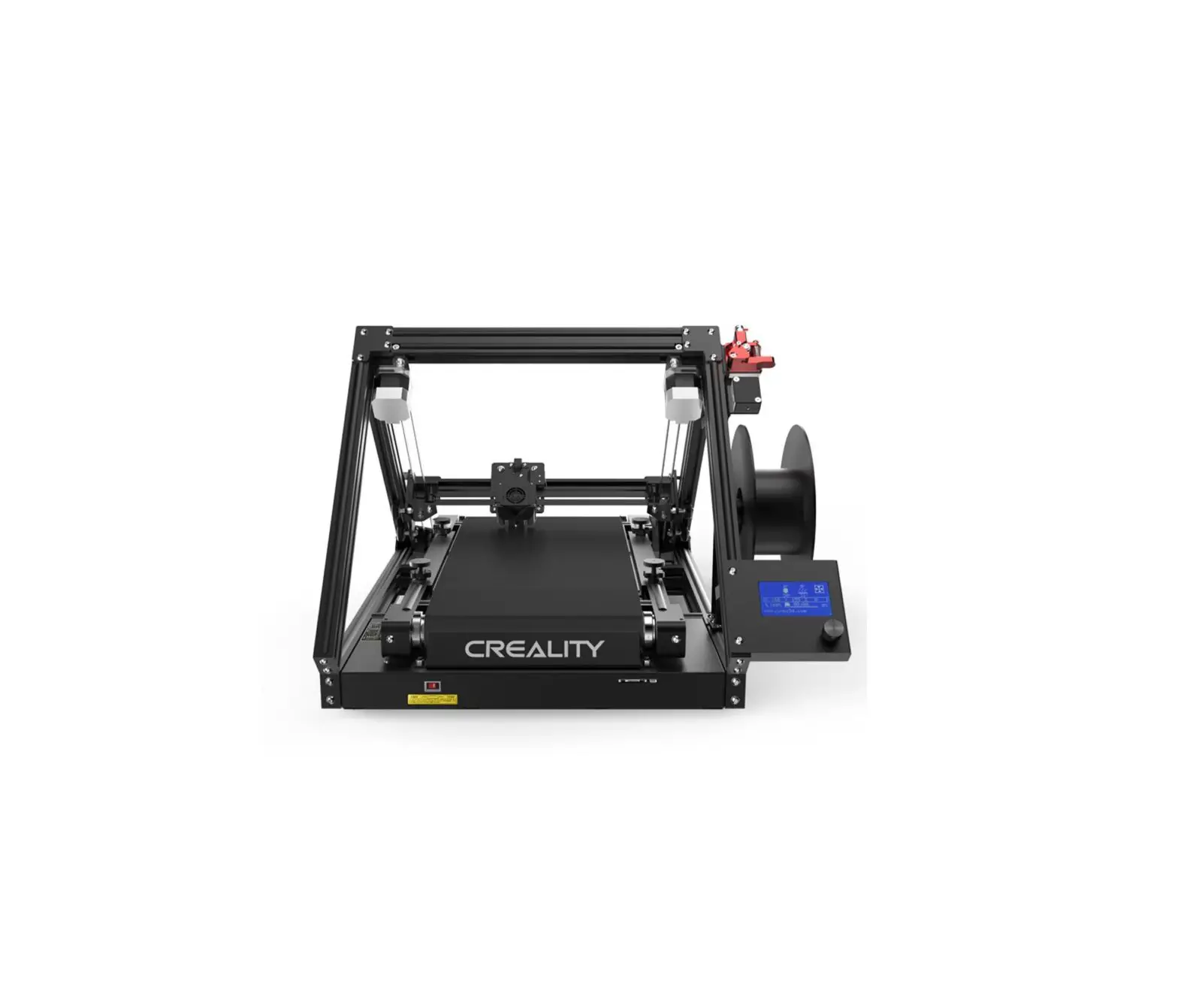
CREALITY 902146 Printmill 3D Printer
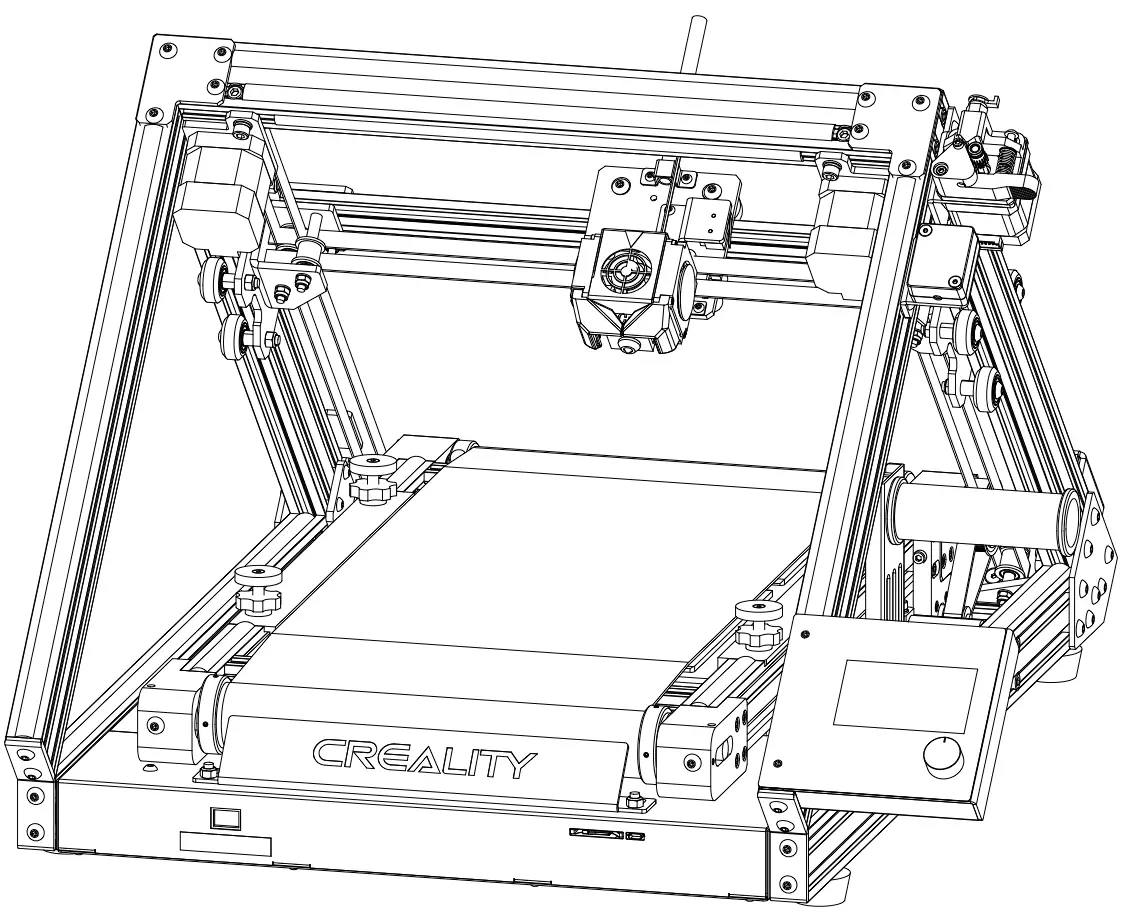
Dear Consumers,
Thank you for choosing our products. For the best experience, please read the instructions before operating the Printer. Our teams will always be ready to render you the best services. Please contact us via the phone number or e-mail address provided atthe end when you encounter any problem with the Printer.
For a better experience in using our product, you can also learn how to use the Printer in the following ways:
View the accompanied instructions and videos in the storage card.
Visit our official website www.creality.com to find relevant software/hardware information, contactdetails and operation and maintenance instructions.
NOTE
|
Introduction
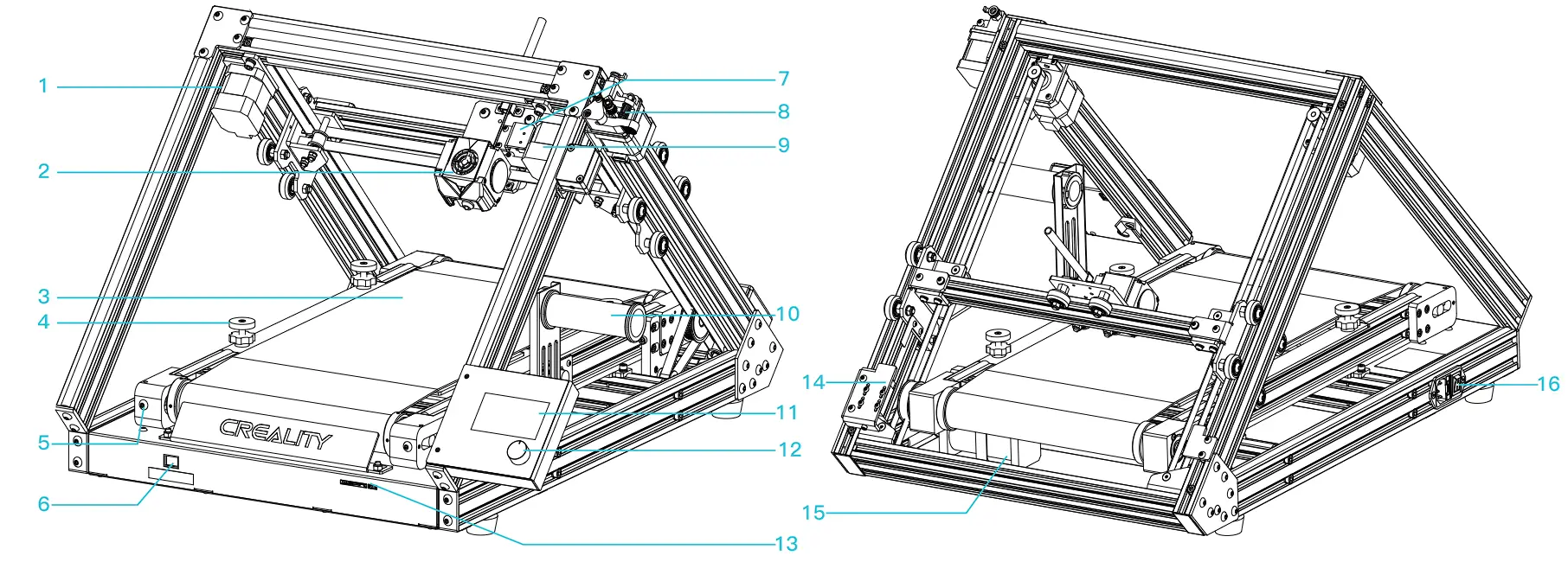
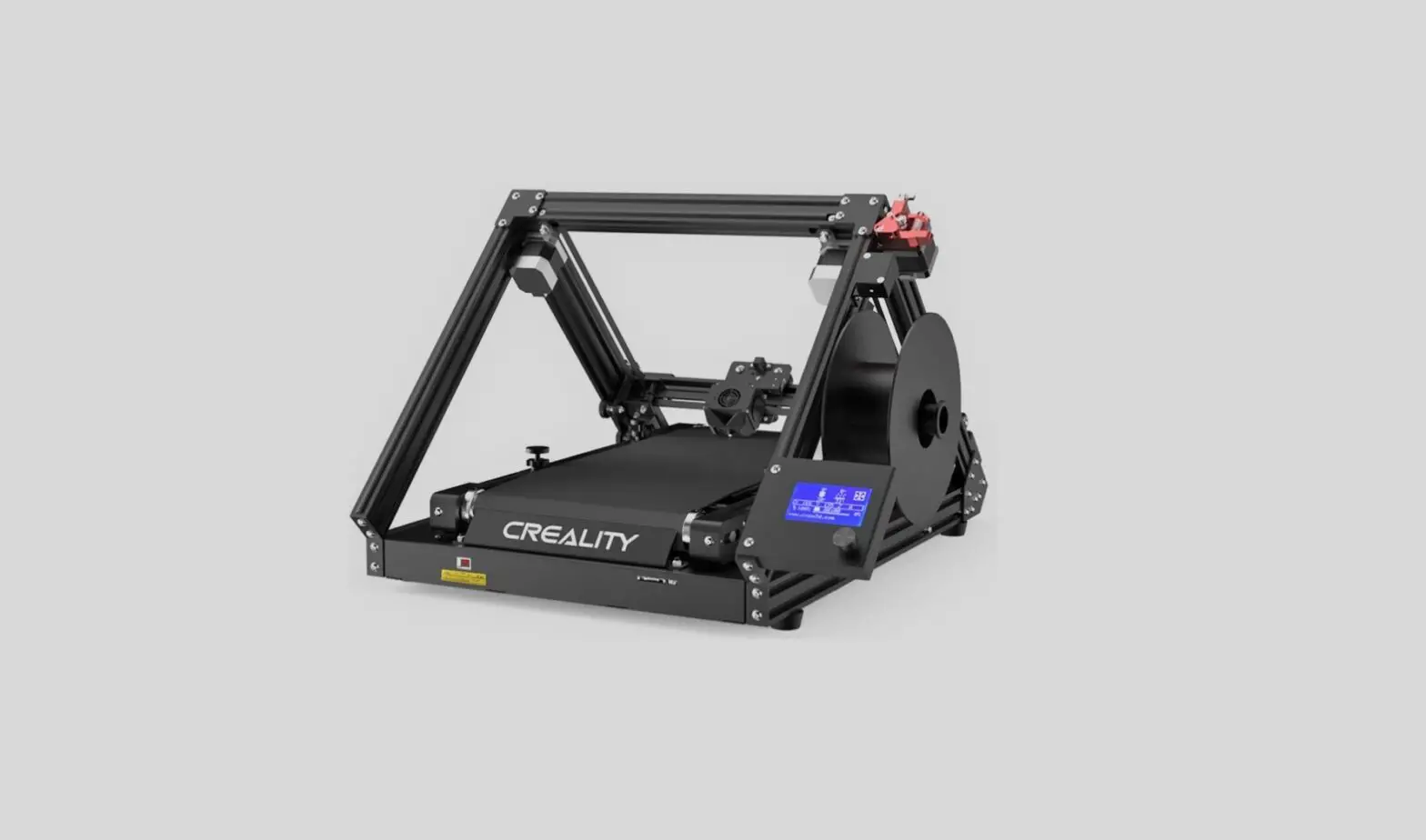
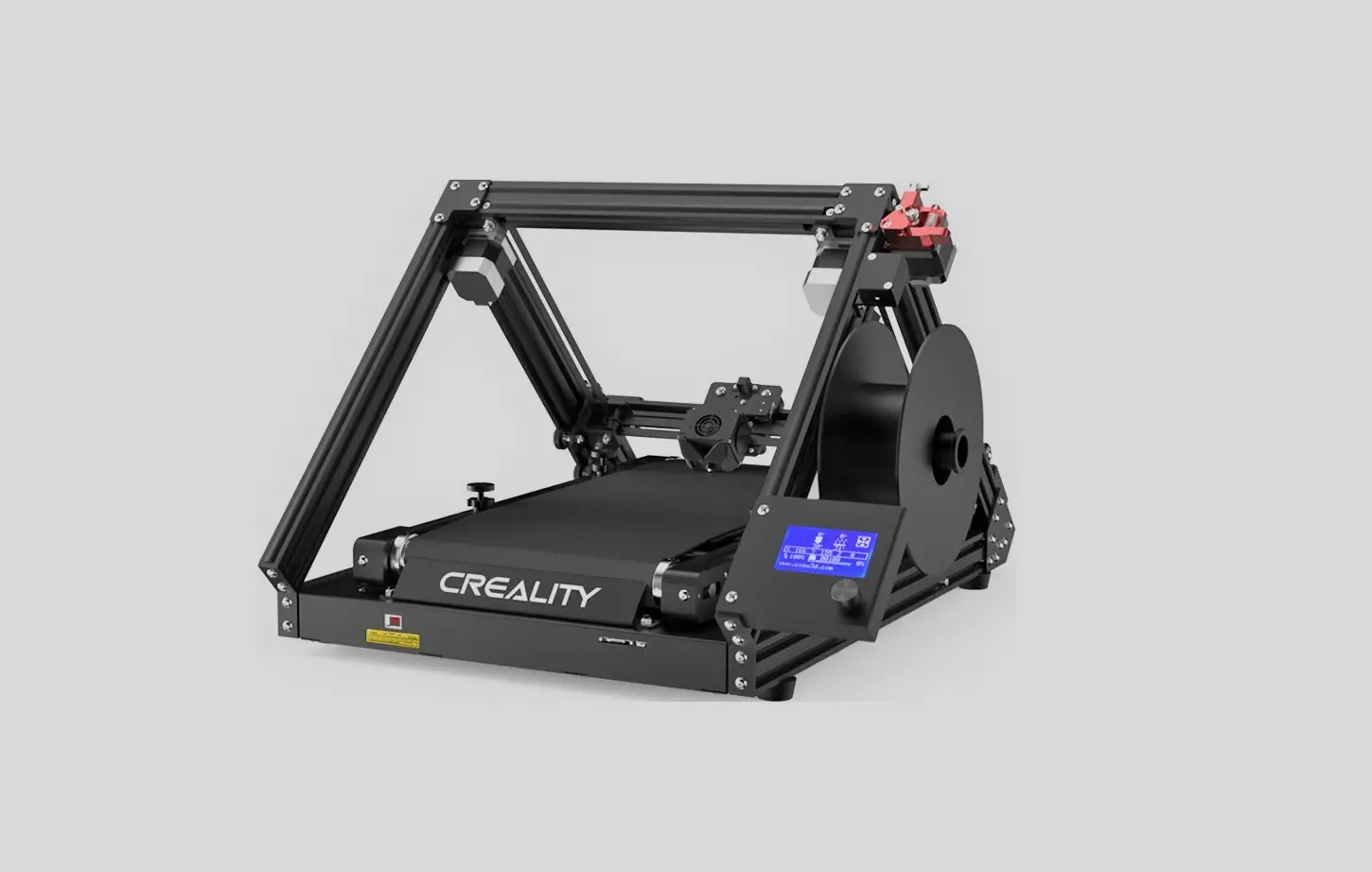
- X motor
- Nozzle kit
- Printing platform
- Bed leveling nut
- Belt tensioning screw
- Manual power switch
- X axis limit switch
- Extruder
- Y motor
- Material rack and material tube
- Knob screen
- Knob
- Memory card slot and USB socket
- Y-axis limit adjustment component
- Z axis belt motor
- Power cable connection
Parameters
| Basic Parameters | |
| Model | 3DPrintMill |
| Print size | *200*170mm| Infinite length*200*170mm (length*width*height) |
| Molding technology | FDM |
| Number of nozzle | 1 |
| Layer thickness | 0.1mm-0.4mm |
| Nozzle diameter | Standard 0.4mm |
| XY axis precision | ±0.1mm |
| Filament | PLA/TPU/PETG |
| File format | STL/OBJ/AMF |
| File transfer | USB/Memory card |
| Compatible slicing software | CrealityBelt |
| Power specification | Input:100-120/200-240V 50/60Hz Output:24V/14.6A |
| Total power | 350W |
| Hotbed temperature | 0-100°C |
| Nozzle temperature | 0-240°C |
| Resume printing function | Yes |
| Filament sensor | Yes |
| Dual z-axis screws | No |
| Language switch | English |
| Computer operating system | Windows XP/Vista/7/10 |
| Print speed | ≤180mm/s, 30-60mm/s normally |
Parts List
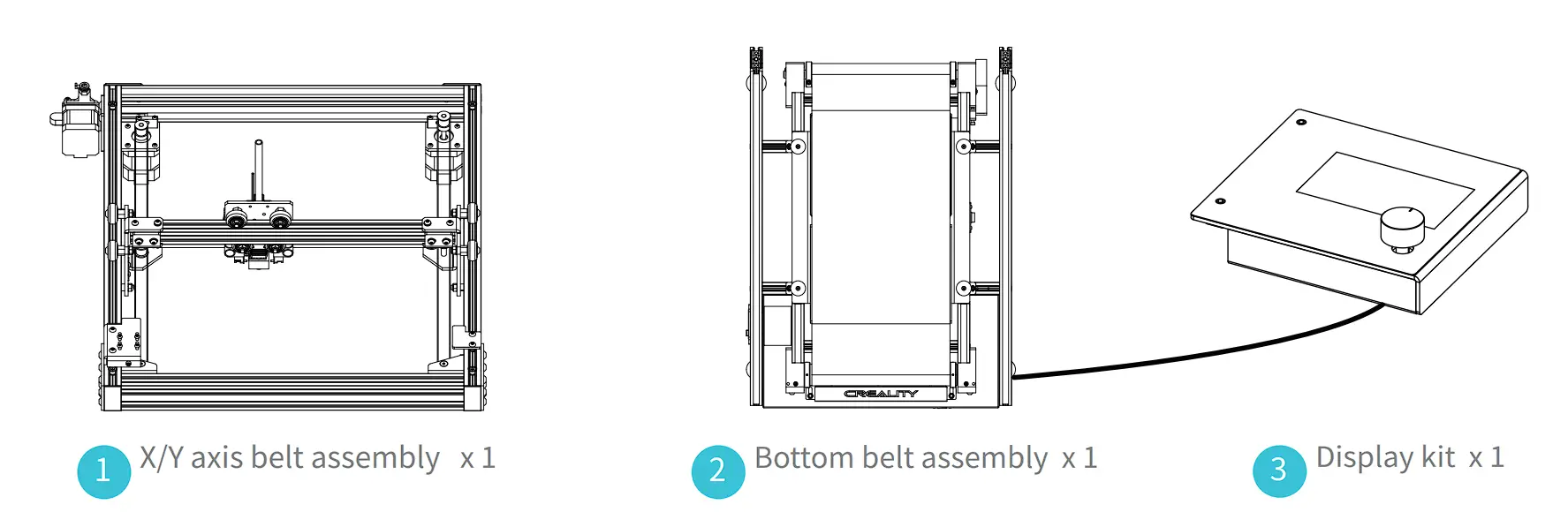
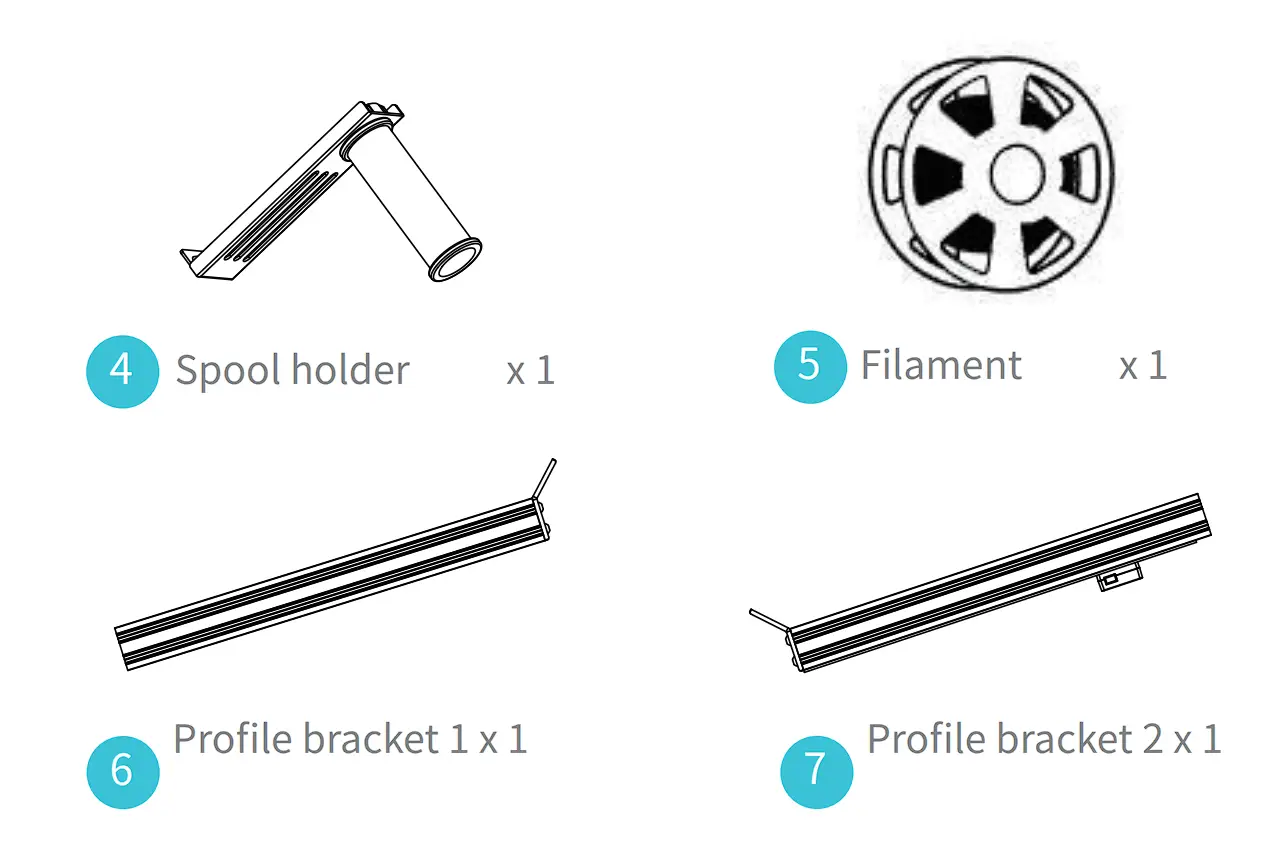
Accessory tool list
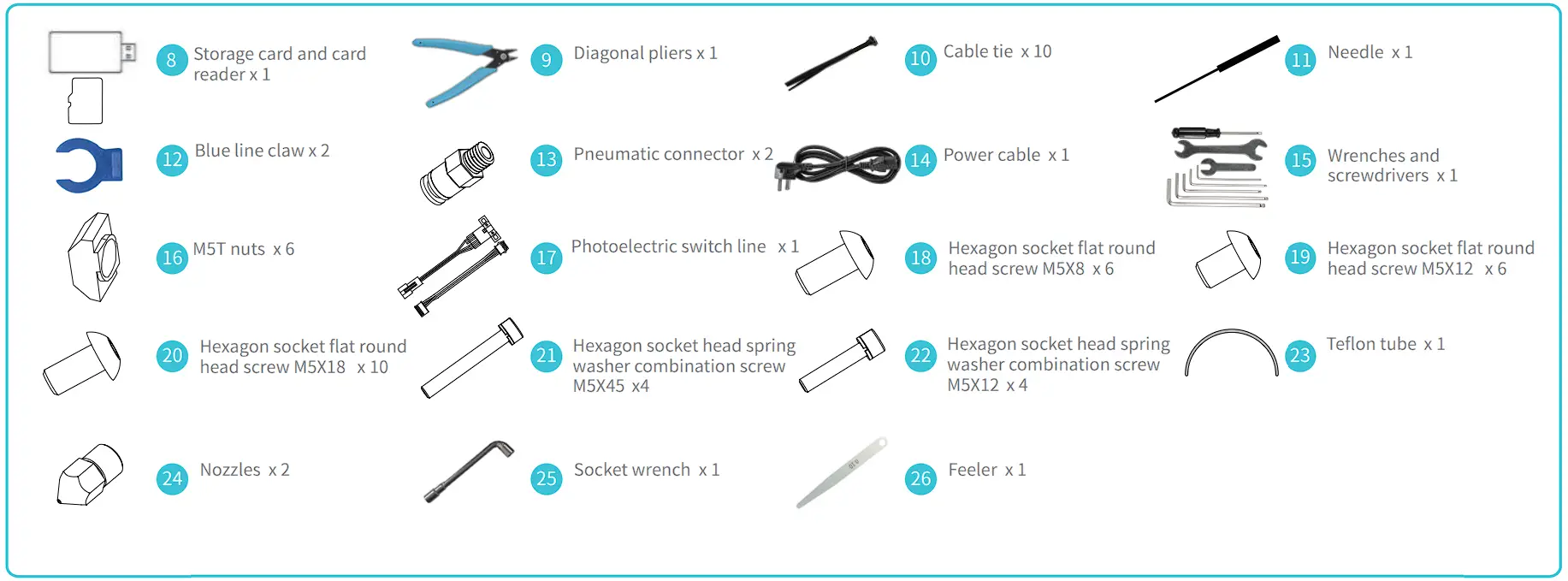
*Tips: the above accessories are for reference only, please refer to the physical accessories!
Install the profile bracket
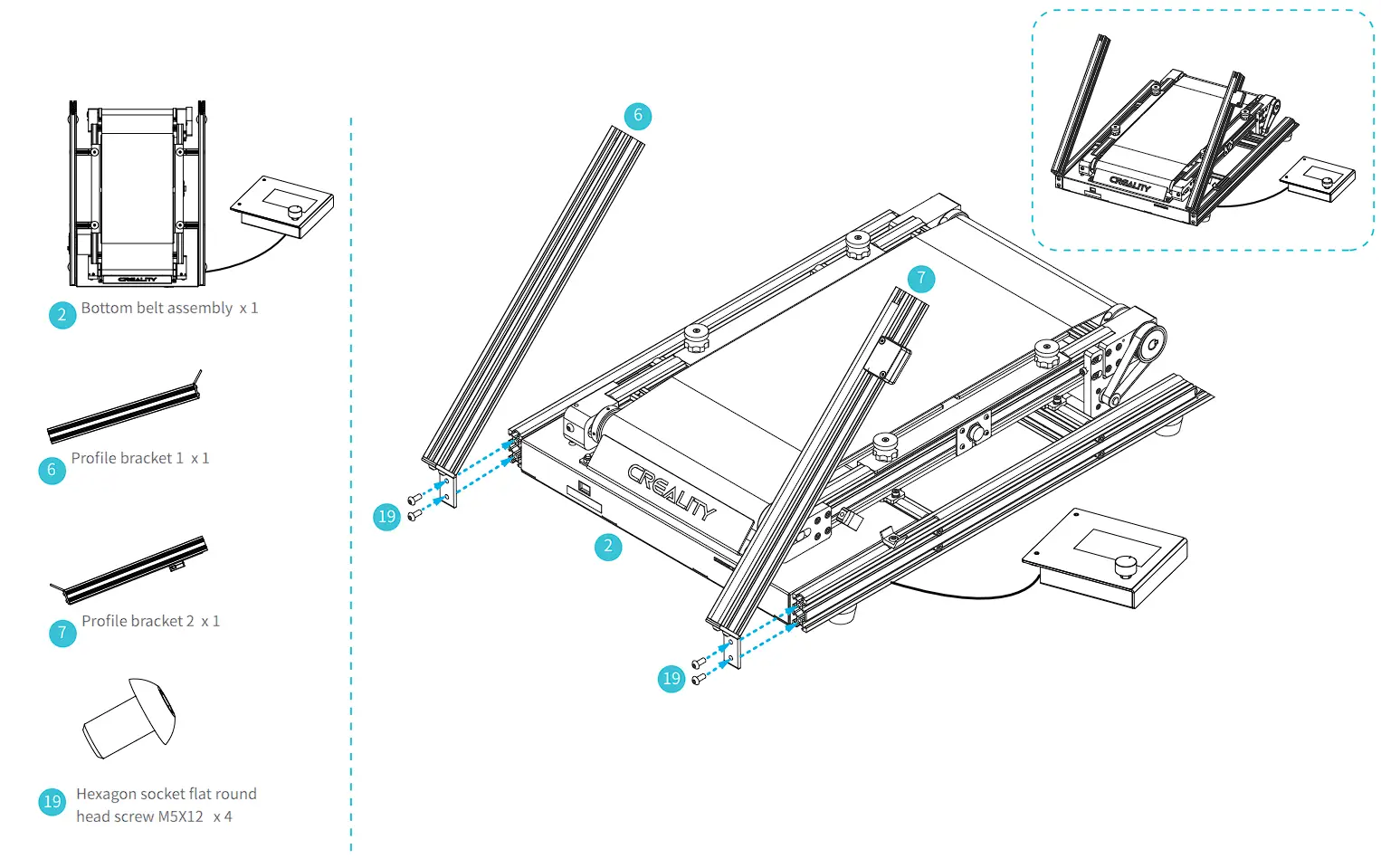
 | Step: Install the profile support 1 and profile support 2 to the bottom of machine with four hexagon flat head screws M5x12 (As shown in the figure above). |
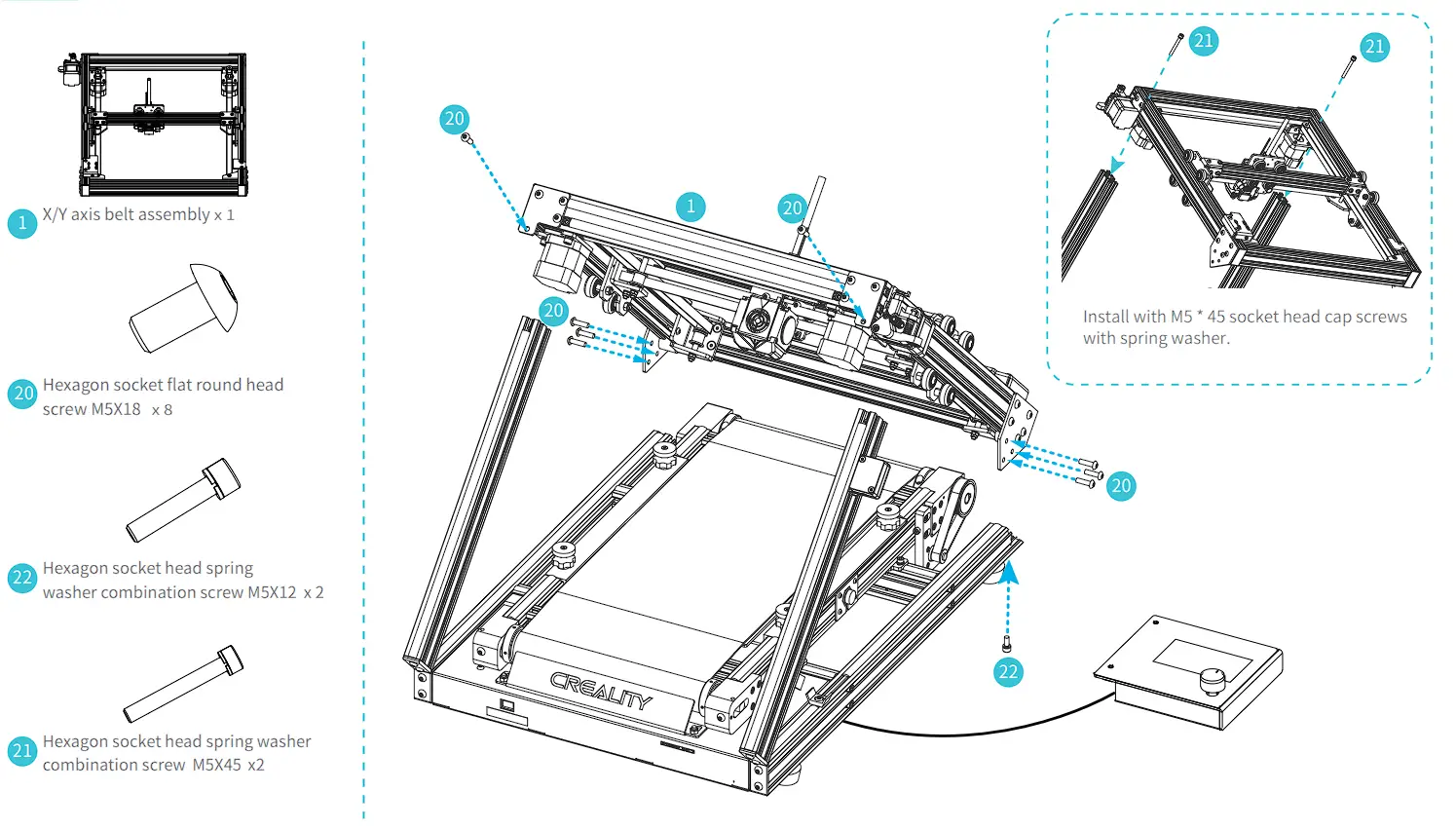
Install X/Y Axis Belt Assembly
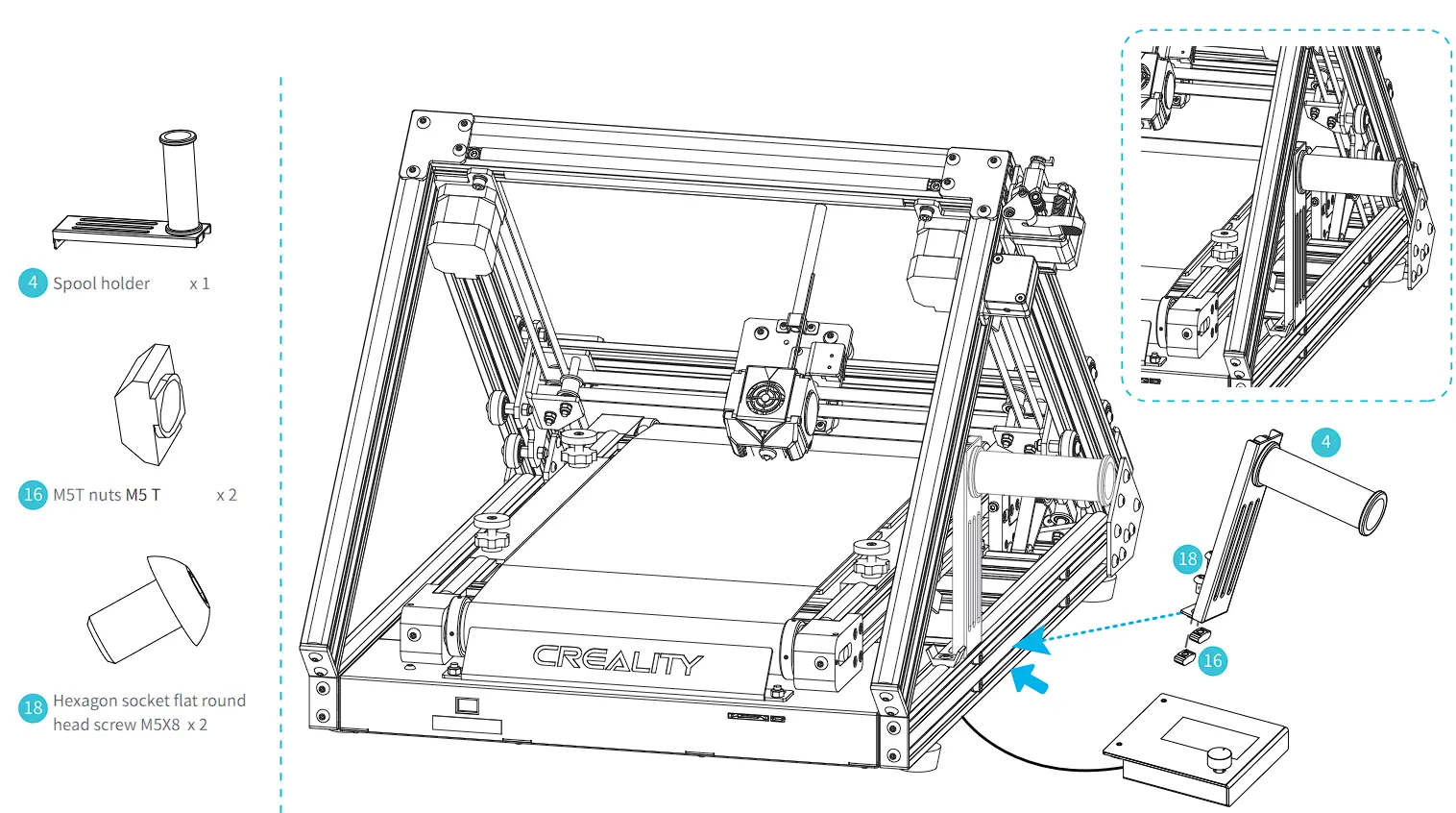
Install the Spool Holder
Install the Display
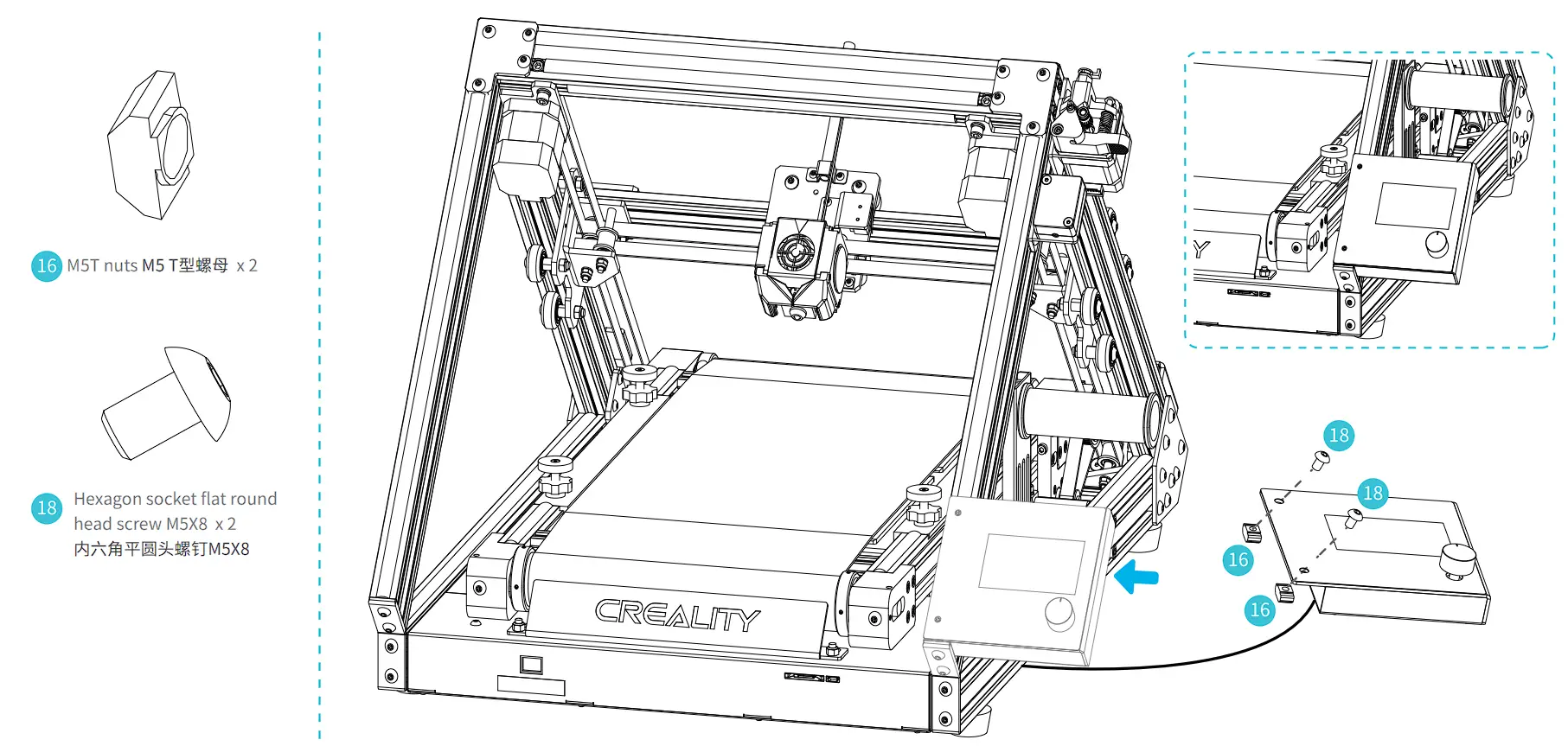
| Step: Lock the display assembly with two M5X8 flat head screws and two M5 T-nuts, as shown in the figure above; |
Cable Connection
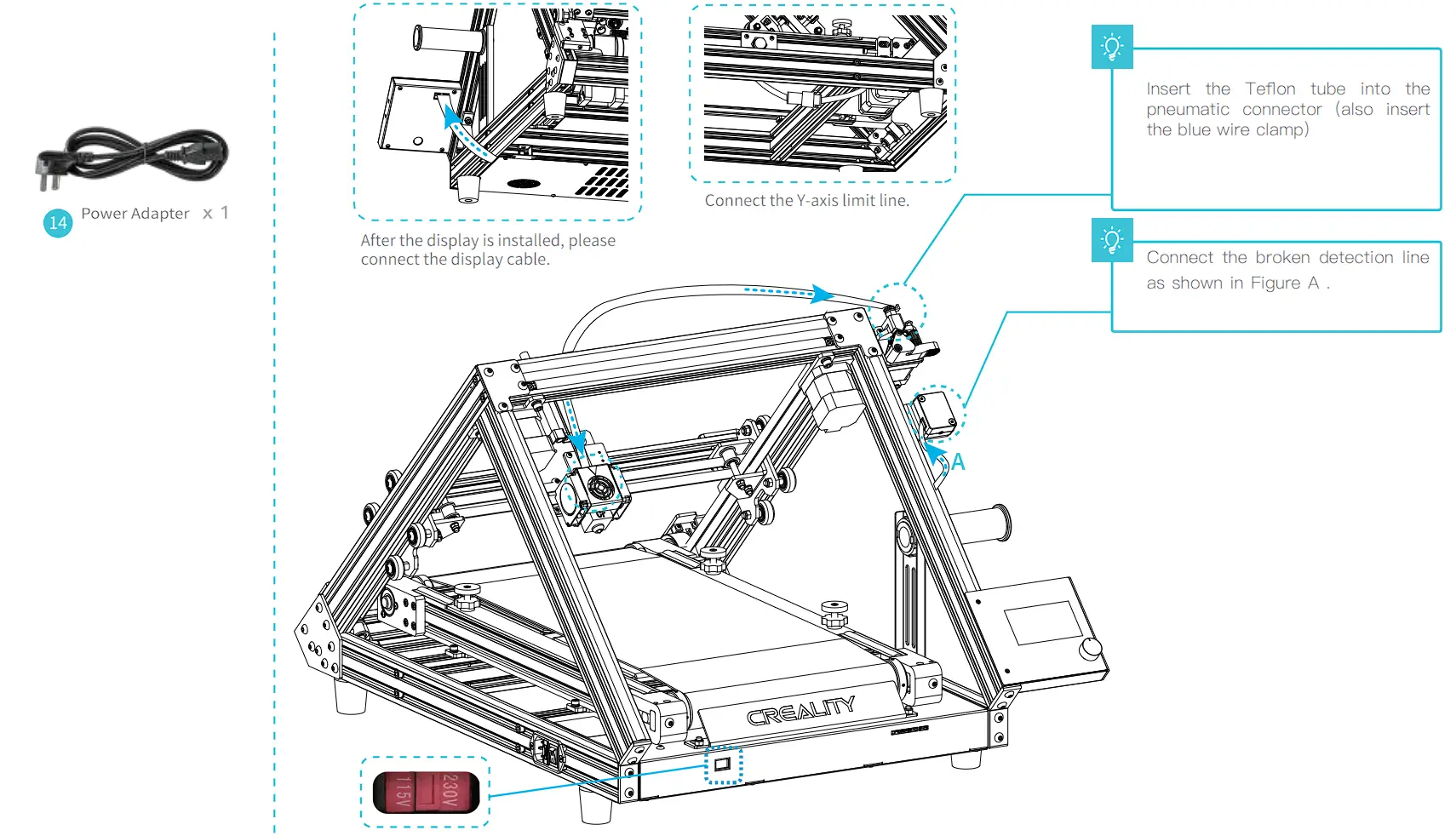
 | Caution
|
Leveling
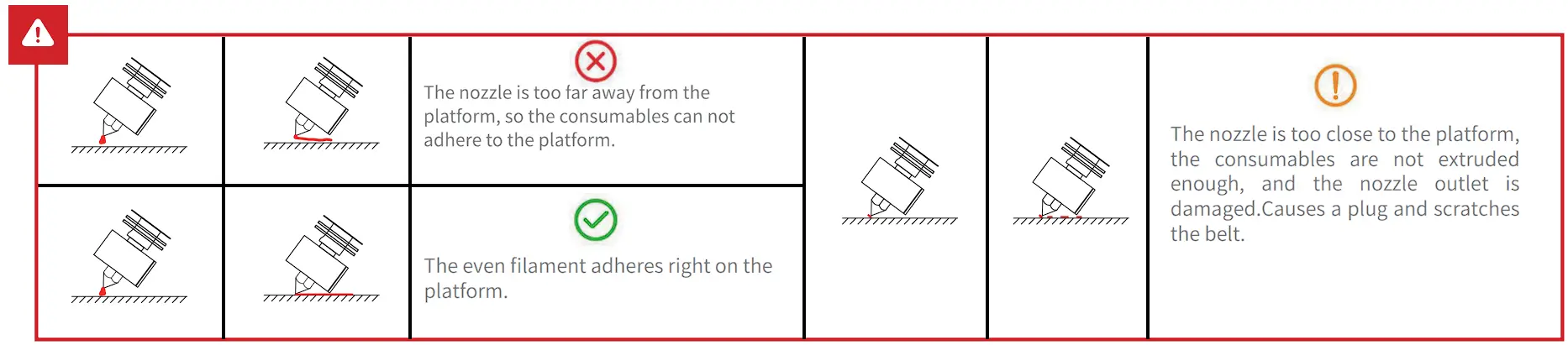
- First move the X axis to the contact part between the nozzle and the belt (slightly press the nozzle onto the belt ) .
- Push the two limit switches against the X sliding block to lock the limit;
- Press back on the screen to get the printer back to the origin; adjust the Y axis end-stop adjusting screw according to the position of the nozzle relative to the belt after back to the origin in order to make sure the nozzle contacting with the belt rightly; then tighten the Y axis end-stop screw, leveling finished:
- if there is any seam or over contact between the nozzle and the belt, adjust the leveling nut slightly.
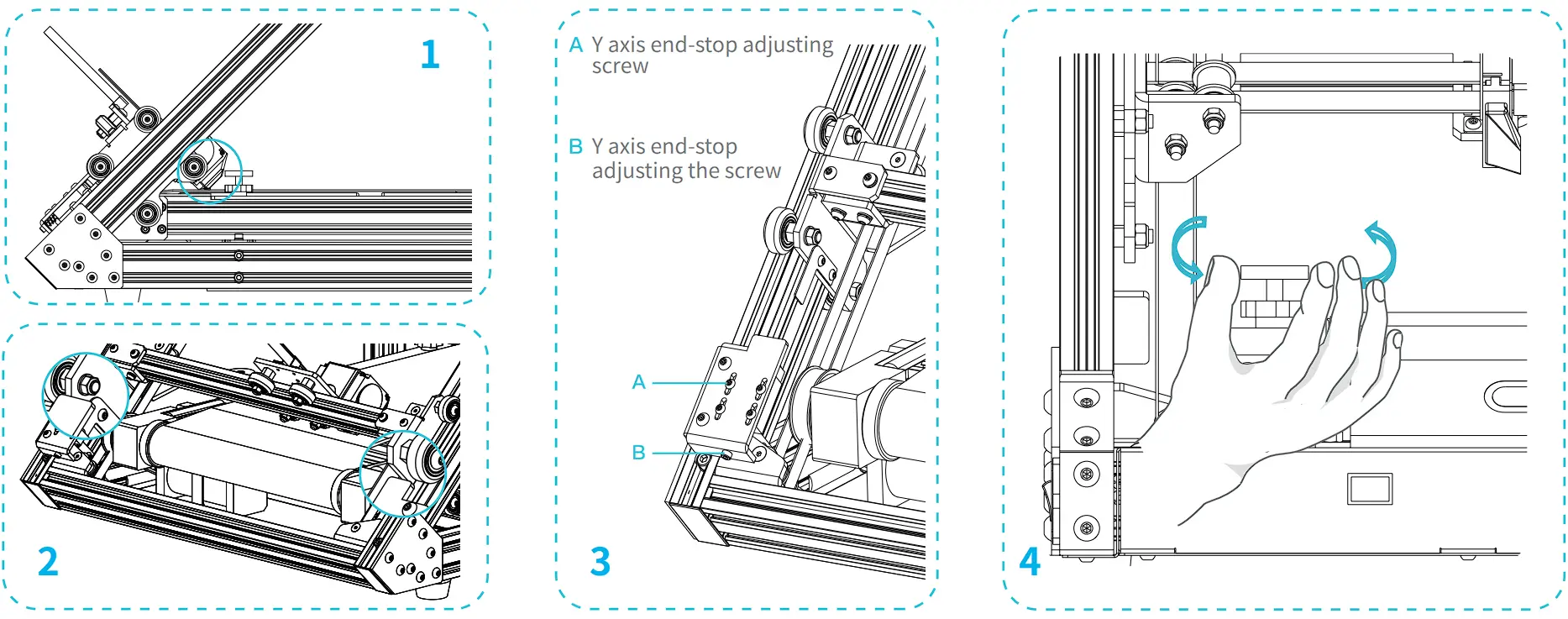
Preheating
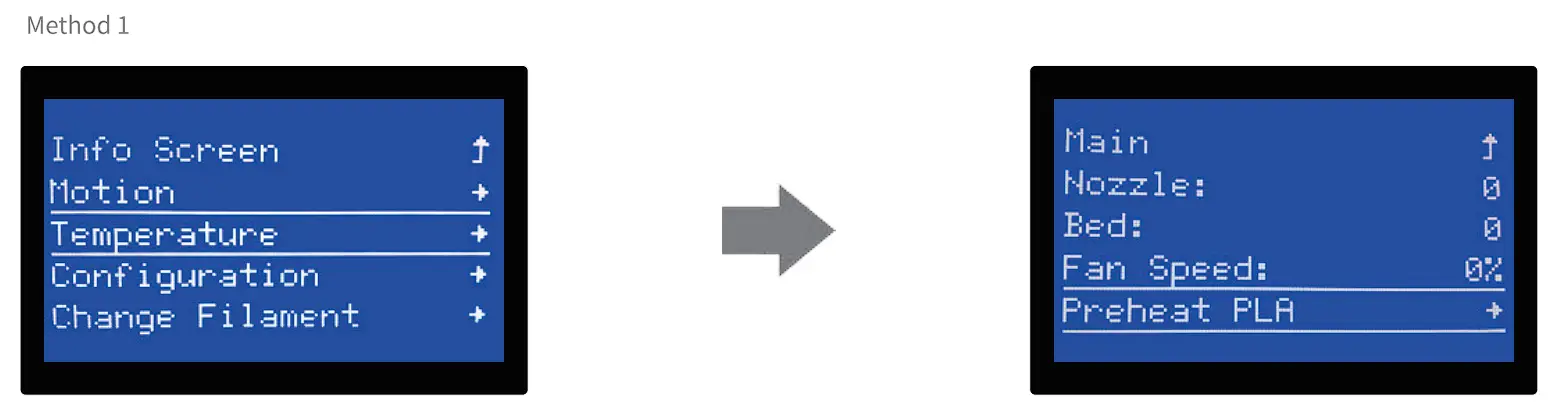
| Notes: The UI information is only for reference, the actual UI may be different. |
Preheating
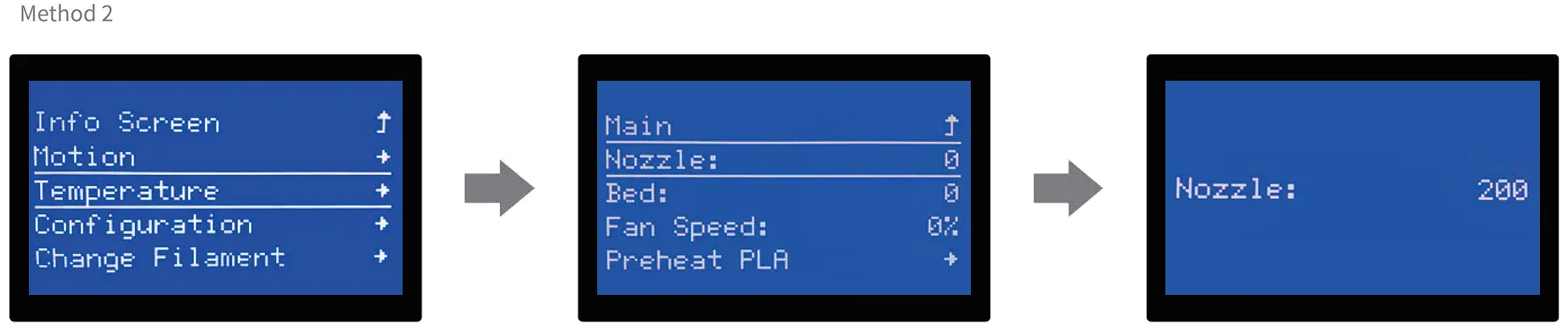
| Notes: The UI information is only for reference, the actual UI may be different. |
When you wait for the temperature to rise, hang the filament over holder.
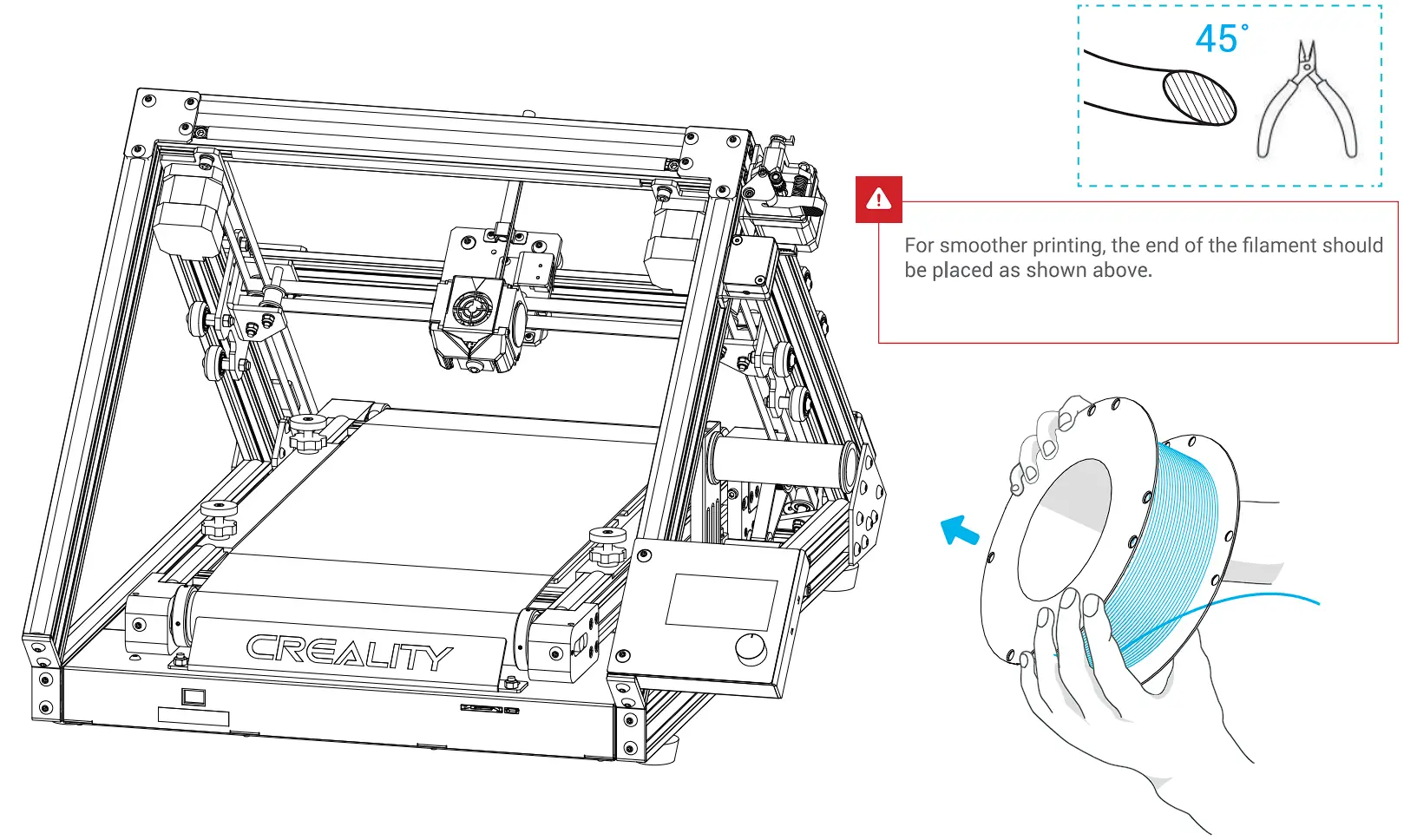
Load Filament
When the current temperature reaches the target temperature, press and hold the spring of the extruder and insert the consumables into the charging detection hole one by one, then insert the consumables into the small hole of the extruder until the nozzle position.
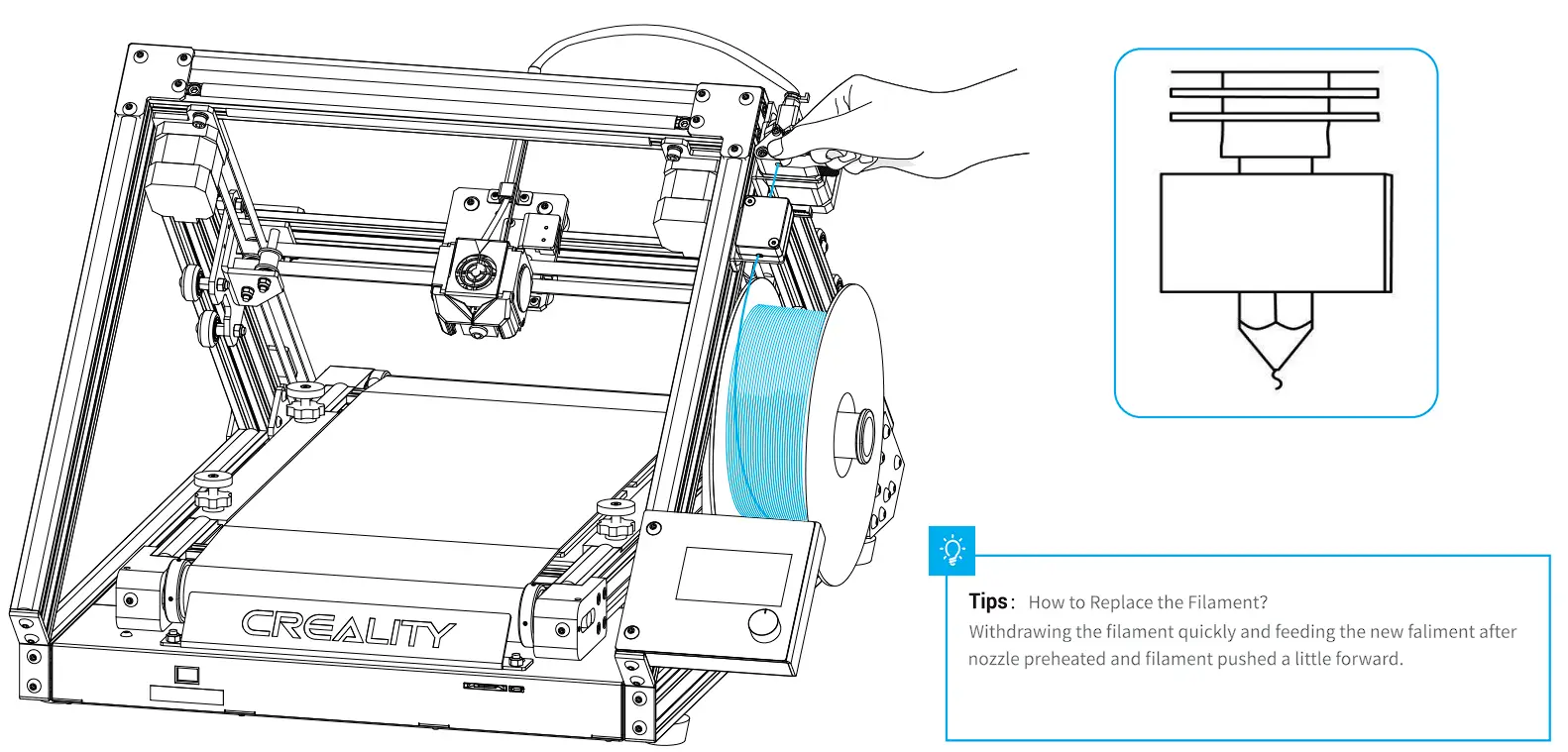
Start Printing
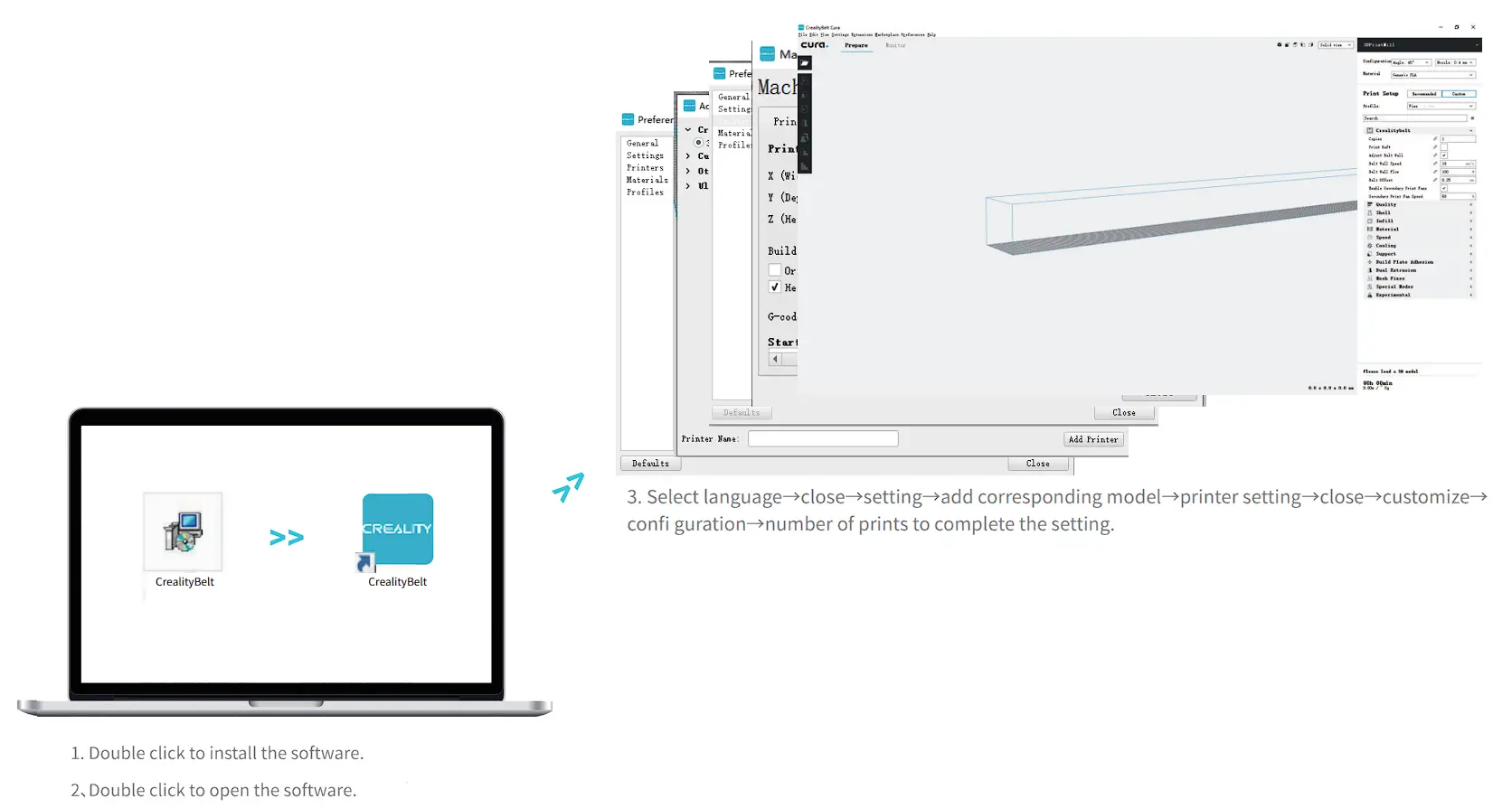
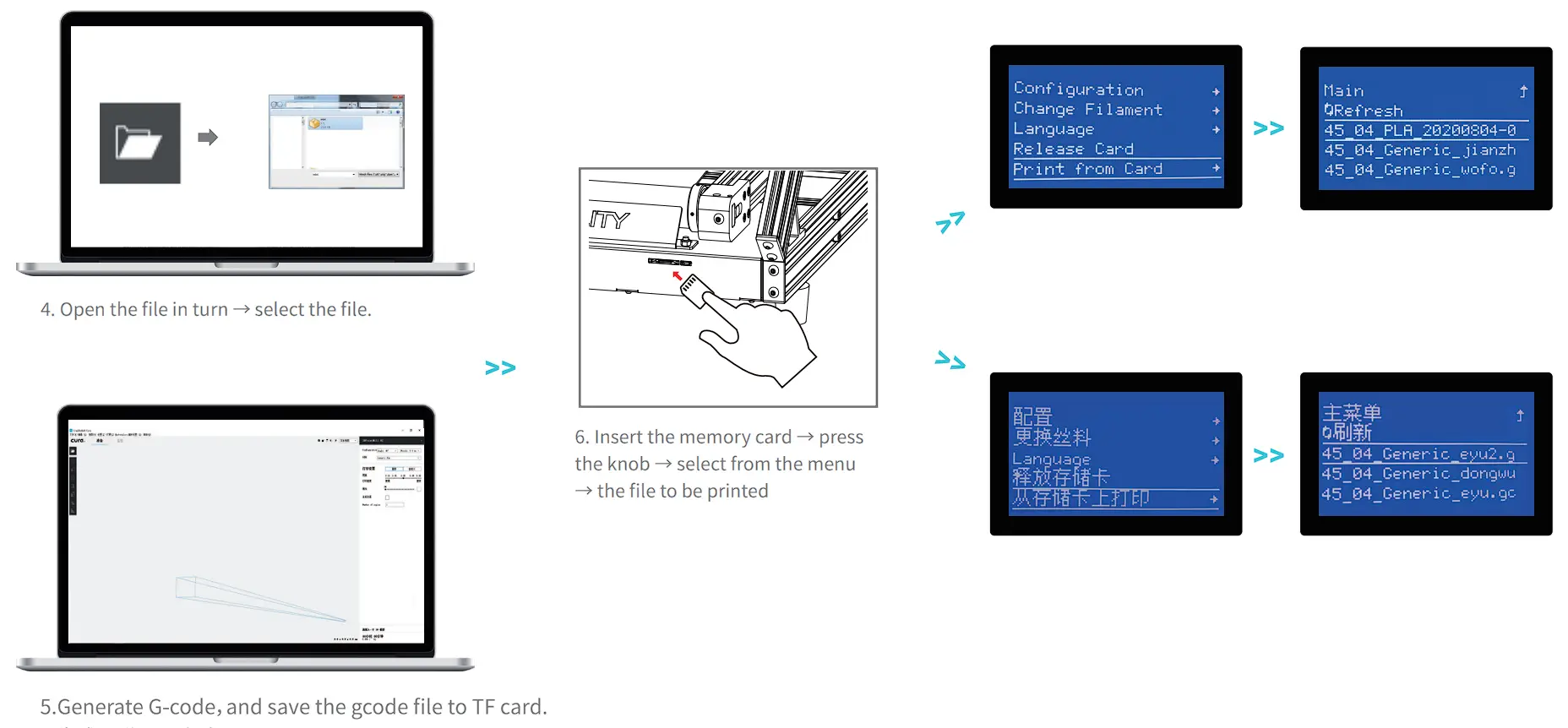
 | File names must be Latin letters or numbers, not Chinese characters or other special symbols |
| Notes: For details on the software instructions, please refer to the slicing software manual in the memory card! |
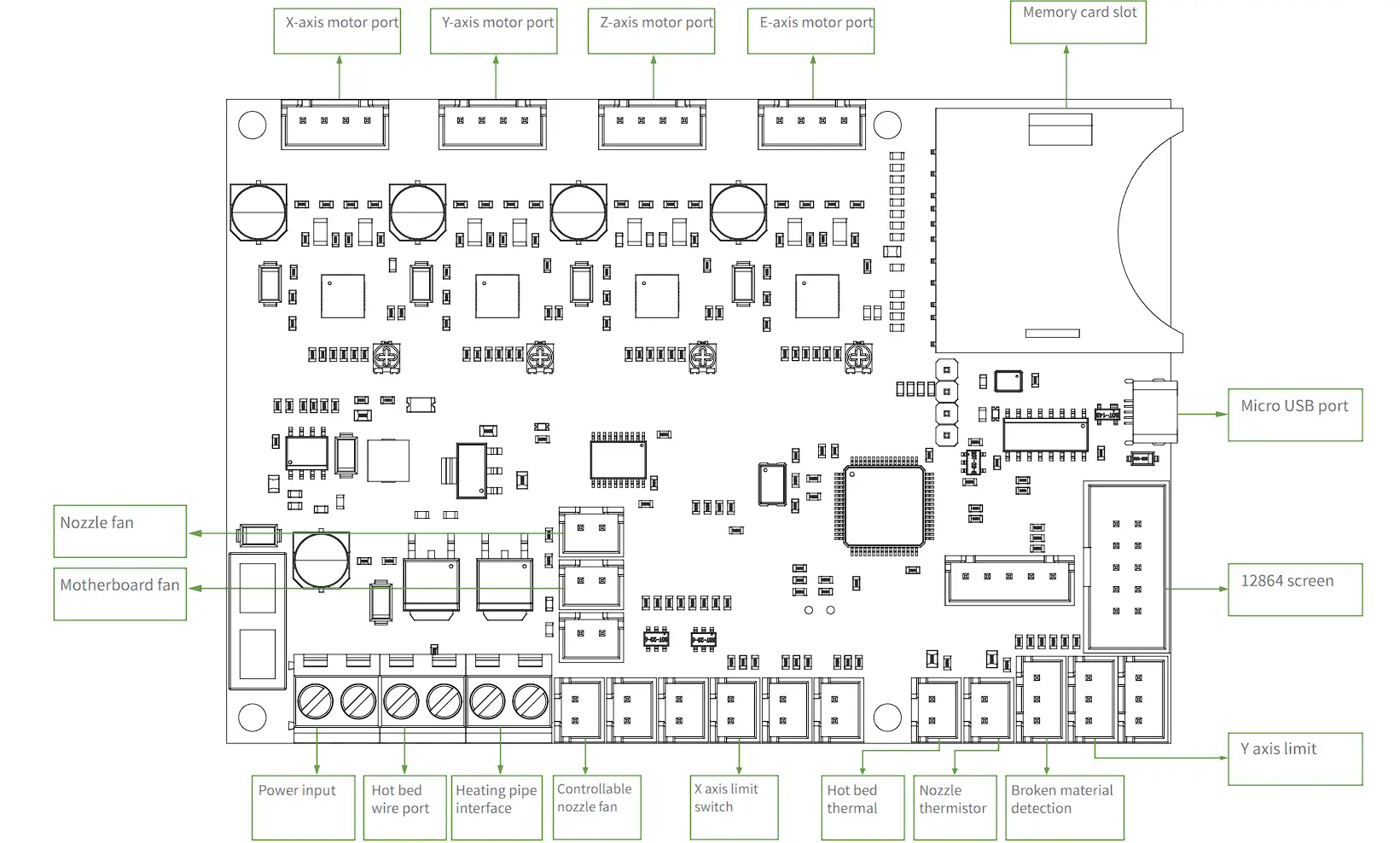
Circuit Wiring
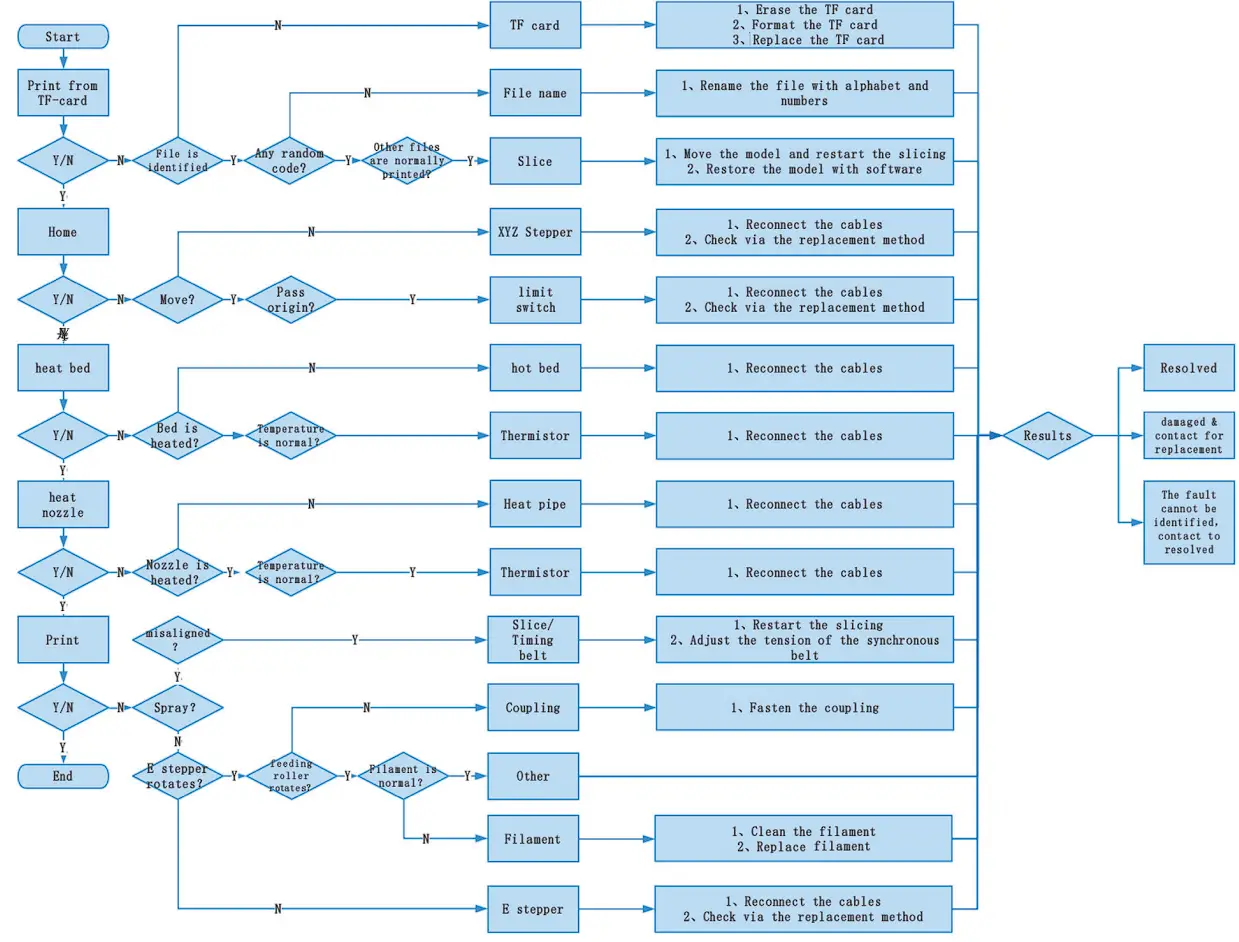
Trouble-shooting
Due to the differences between different machine models, the physical objects and the final images can differ.The final explanation rights shall be reserved by Shenzhen Creality 3D Technology Co., Ltd.
SHENZHEN CREALITY 3D TECHNOLOGY CO.,L TD.
11F & Room 1201, Block 3, JinChengYuan, Tongsheng Community,
Dalang, Longhua District, Shenzhen, China, 518109
Official Website: www.creality.com
Tel: +86 755-8523 4565
E-mail: [email protected] | [email protected]

 CREALITY - Official Website, Leading 3D Printer Supplier & Manufacturer