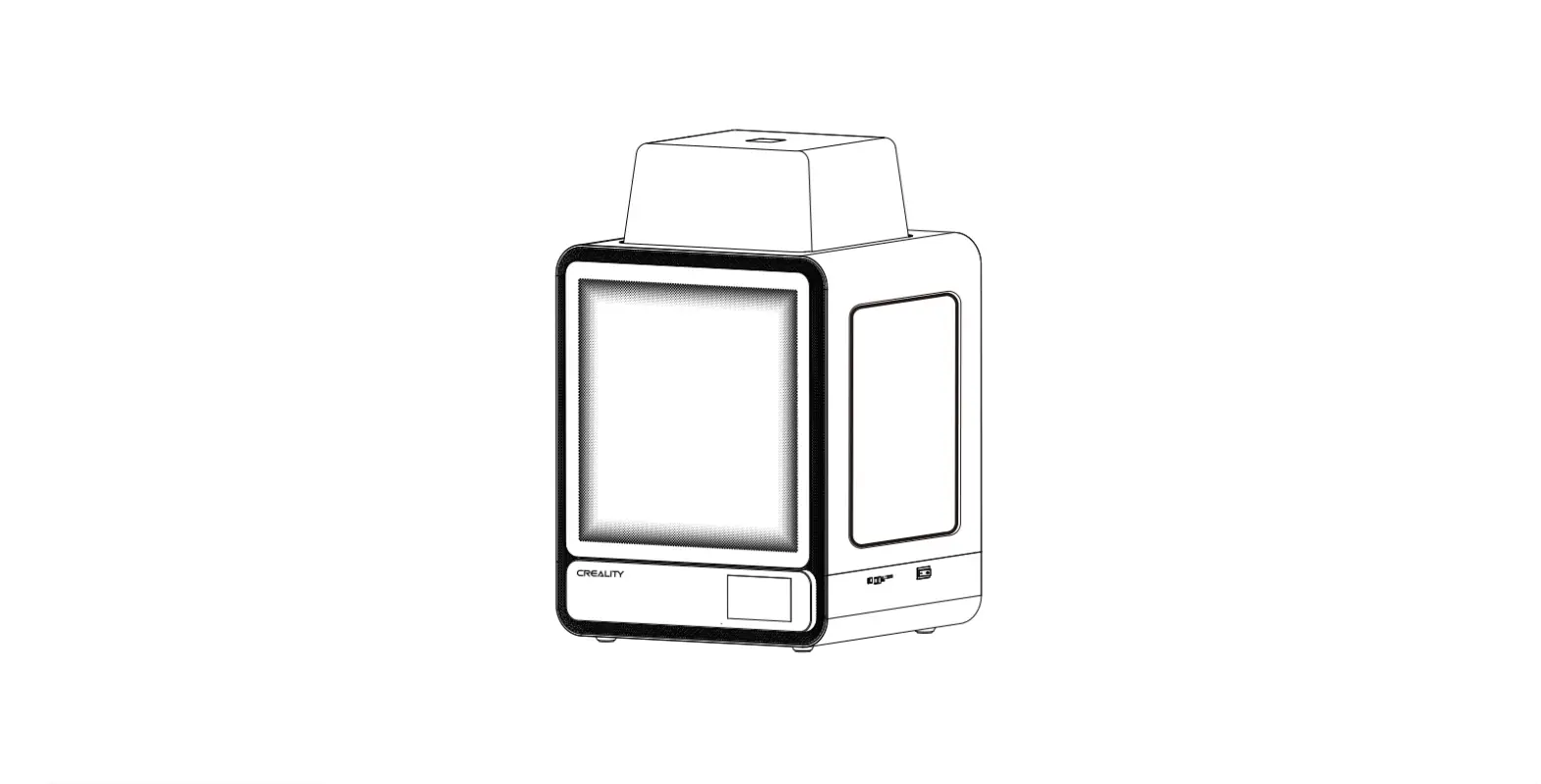
 CR-100 Guide Book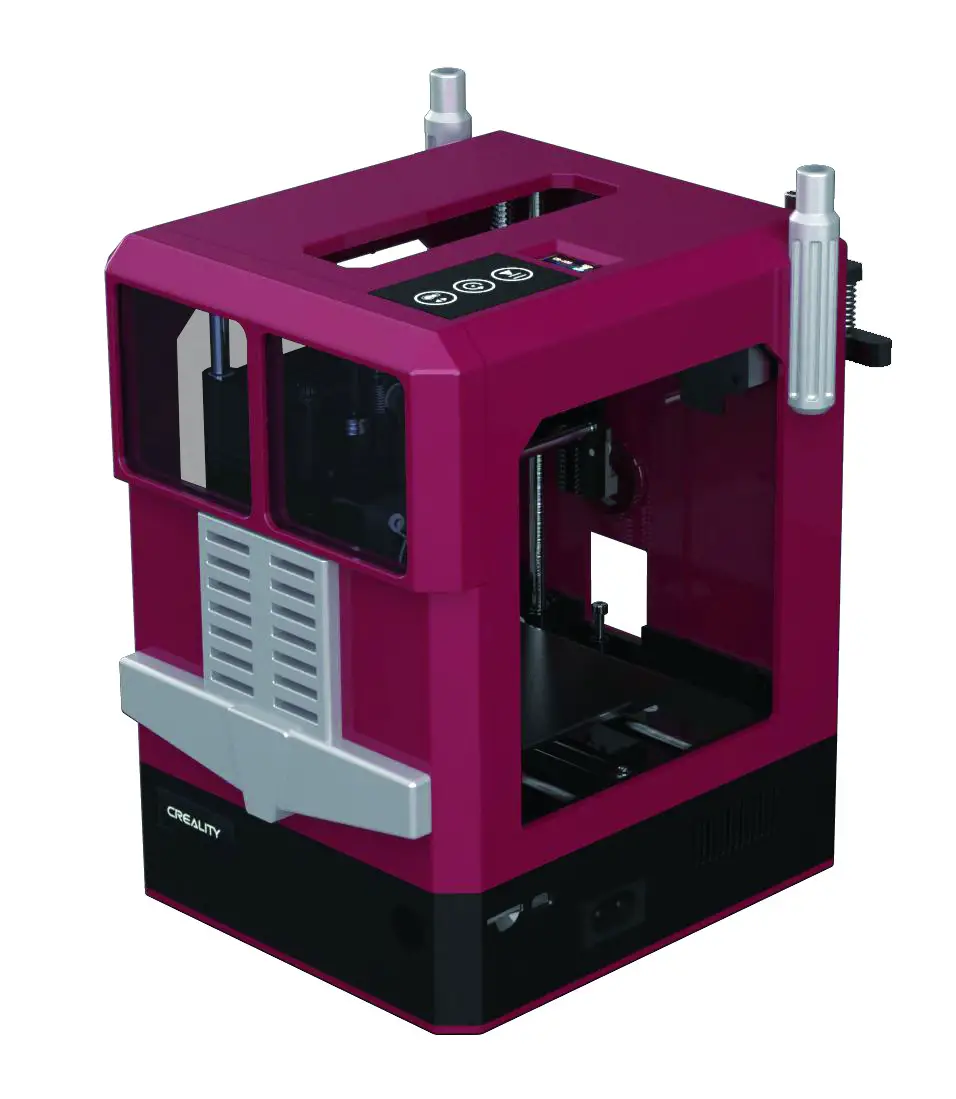
This guidebook is for standard CR-100.
Detailed instructions for users are available on the TF card.
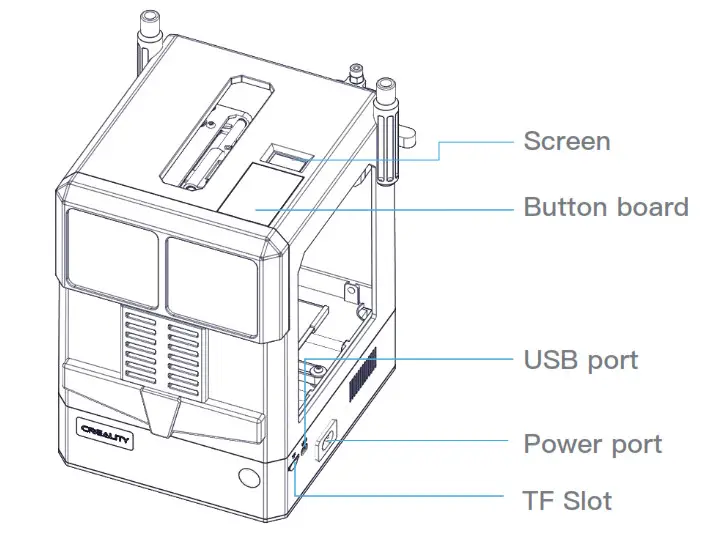
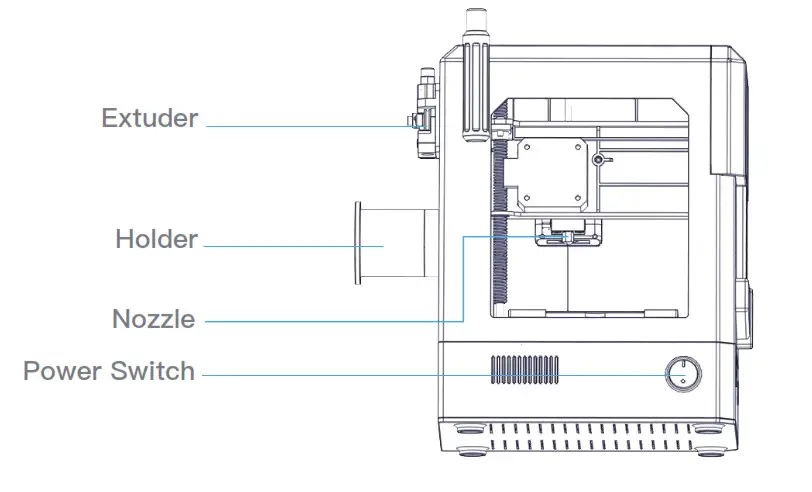
Parameter
| Model | CR-100 |
| Molding Tech. | FDM |
| Printing Size | 100*100*80mm |
| Printing Speed | c.180mm/s, Normal 30-60MM/S |
| Precision | t0.1 mm |
| Layer Thickness | 0.1-0.4mm |
| Nozzle Diameter | 0.4mm |
| Nozzle Temp. | 2000 |
| Printing Mode | TF card One-button Print, offline printing, Remote printing |
| File Format | stl, obj, amf |
| Slice Software | Creality Slicer/Cura/Simplify3D |
| Power Supply | Input:100-240V AC 1.2A 50/60Hz Output:DC 12V 5.0A |
| Total Power | 60W |
| Filament | (1)1.75mm PLA |
Function Description
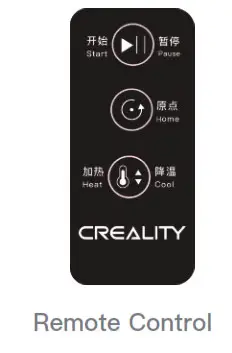 Start/Pause:
First Click :Start to Printing after
heating to 200℃
Second Click:Stop printing
Third Click:Continue Printing
Home:Return to origin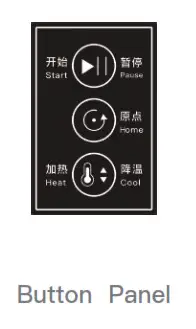 Heat/Cool:
First Click:Heating to 200℃。
Second Click:Stop to heat, Cooling to room temperature
Load Filament
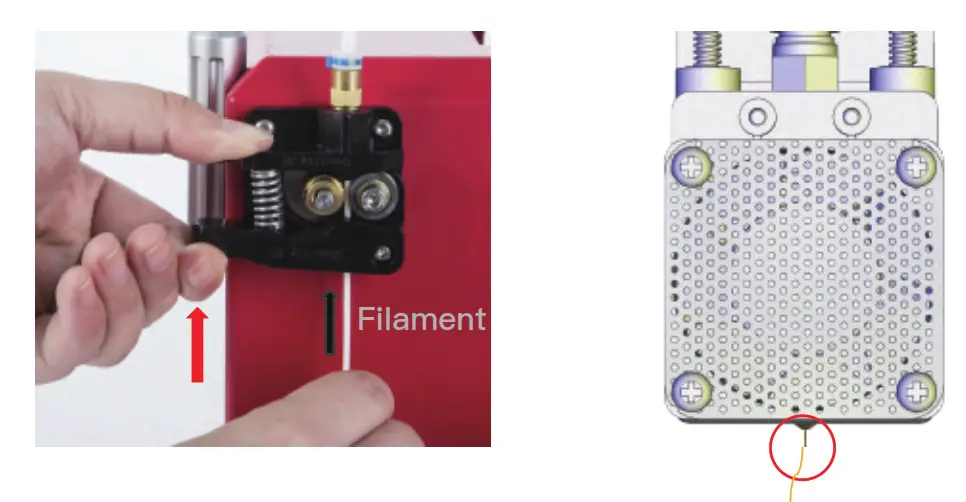 1. Pressing
  to heat,waiting the tempreature of nozzle to arrive 200℃.
2. Pressing the extrusion clamp, pass the filament through the extruder and PTFE tube into the nozzle, untill the filament overflow
*After heating, Press the extrusion clamp, pull out the filament to remove.
Installation Holder
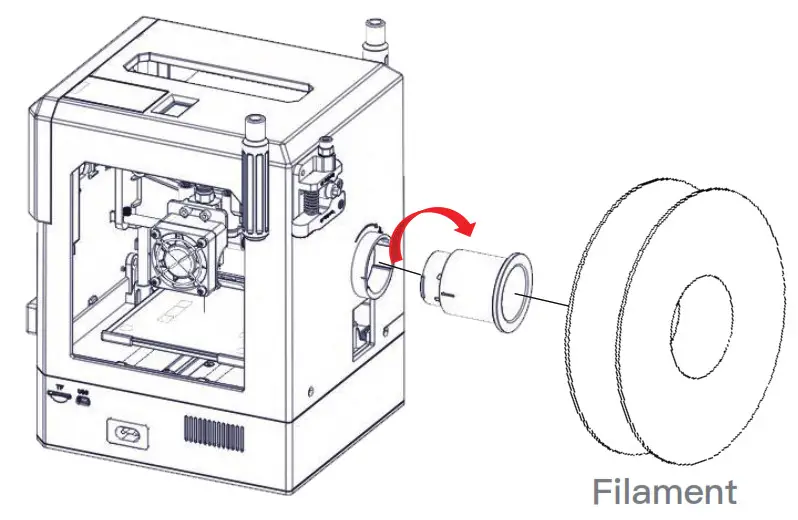
- Insert the holder into the mounting hole then turn it to the right to lock it.
- Put the filament on the holder.
Install Platform
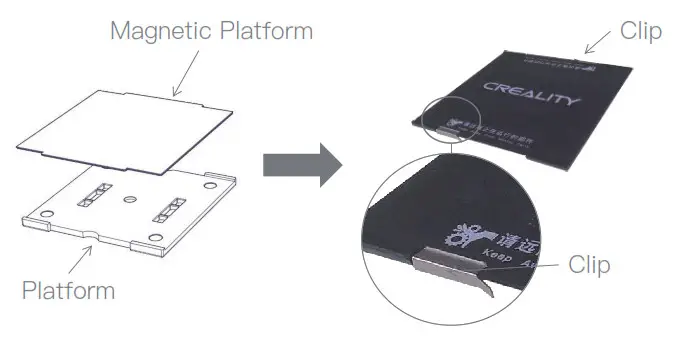 Place the magnetic platform on the printing platform, and fix it by clips.
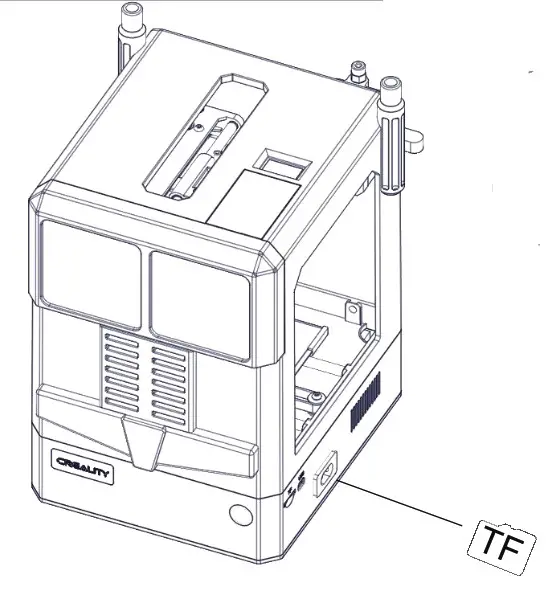
- Insert the TF card into the TF slot of the printer
- Click to wait for the nozzle to heat up to 200 ° C
- Model will be printed after 2 minutes
* It only will print the first model in the TF card
Note
 In case of emergency, please turn off the power of the 3D printer directly.
 Please use a 3D printer in a spacious, level, and well ventilated environment.
 It is recommended that using printer in the temperature of 8℃-40℃ and a humidity of 20% – 50%. outside this range may result in poor printing results.
 Do not disassemble the 3D printer without permission.
If you have any problems, please contact: [email protected] Run “User Guide” in the TF card for more usage information.