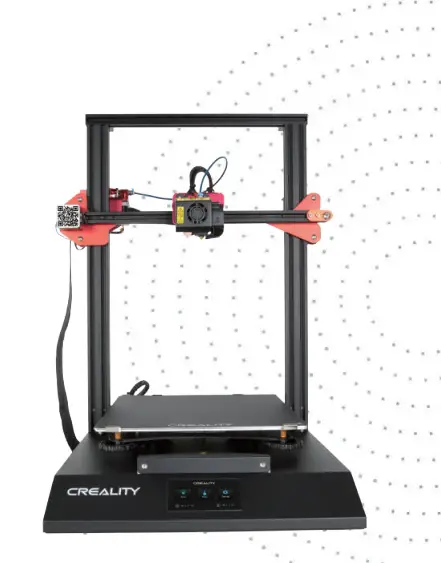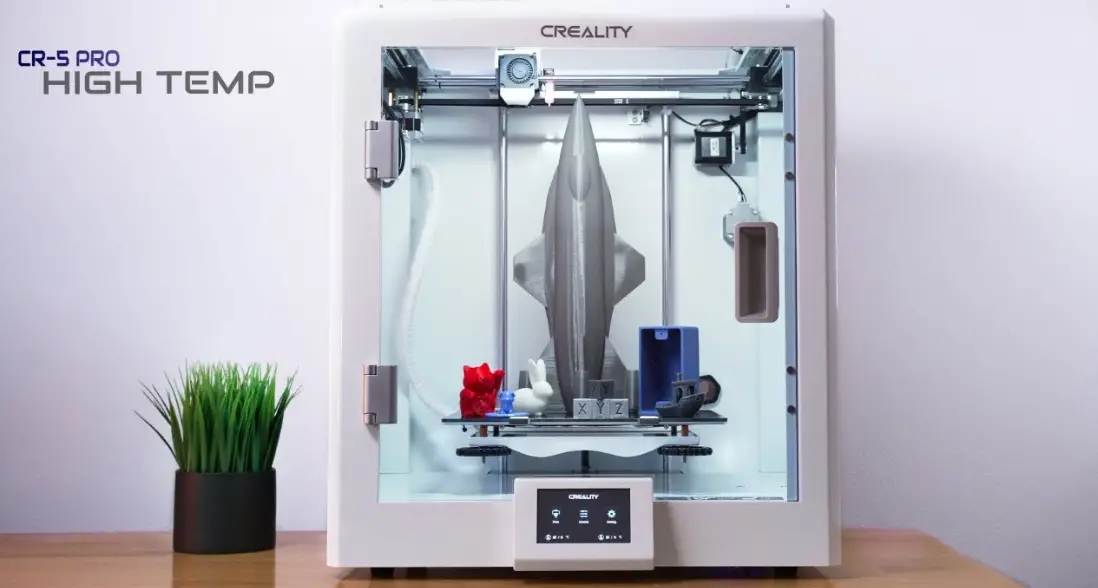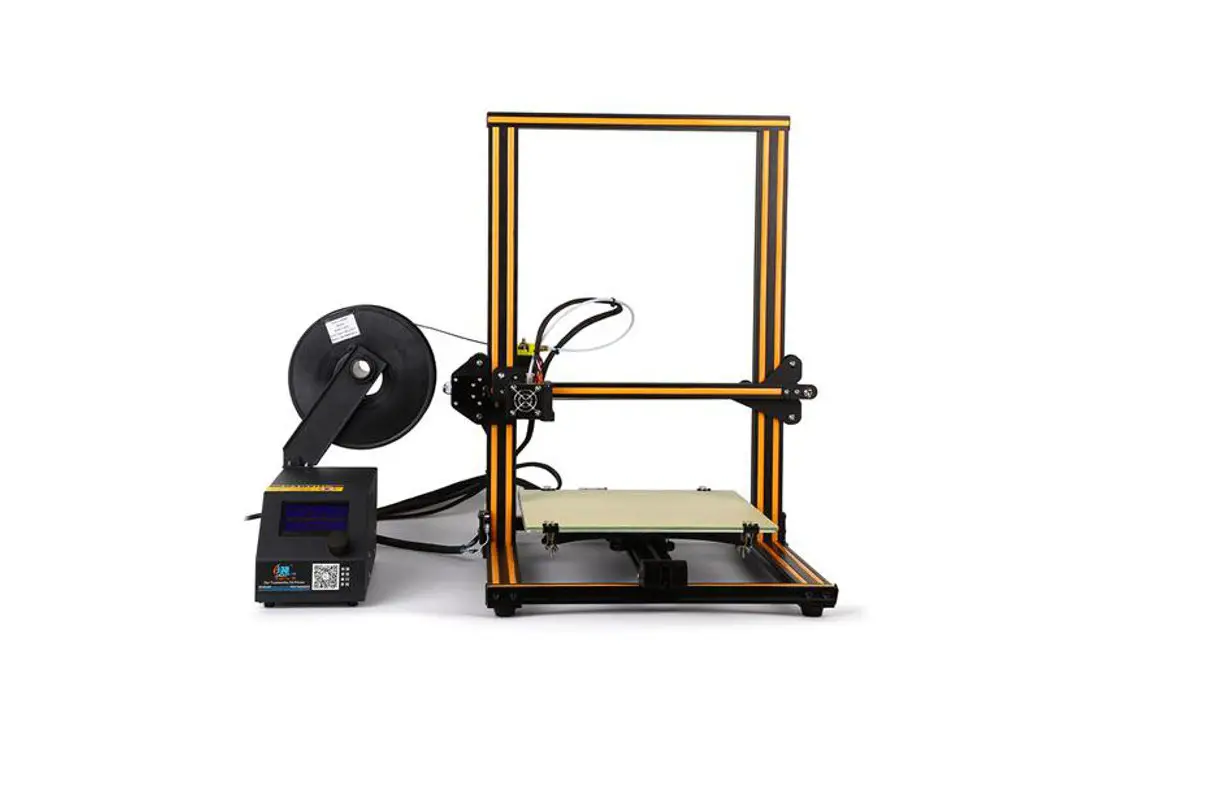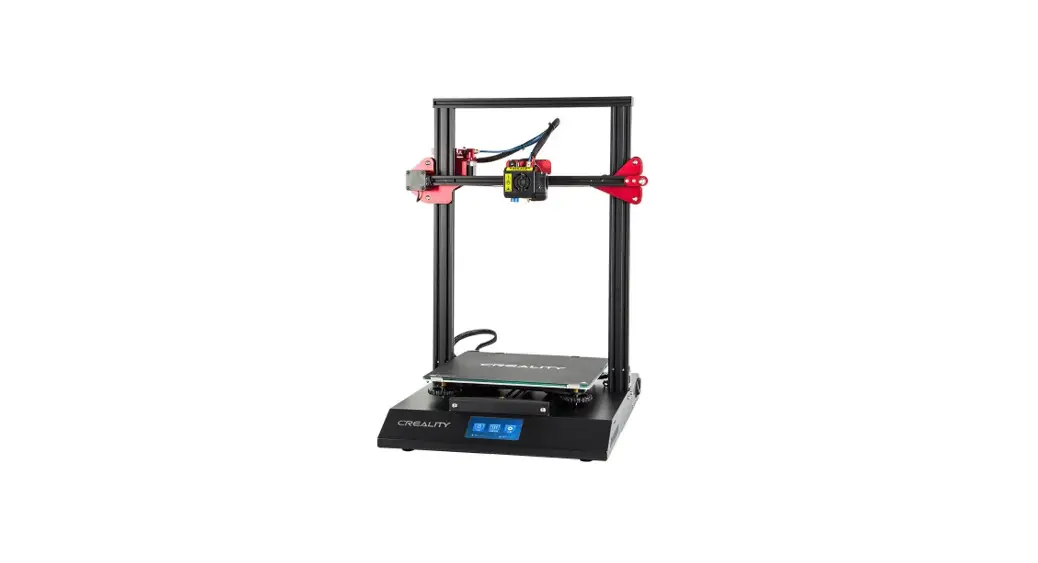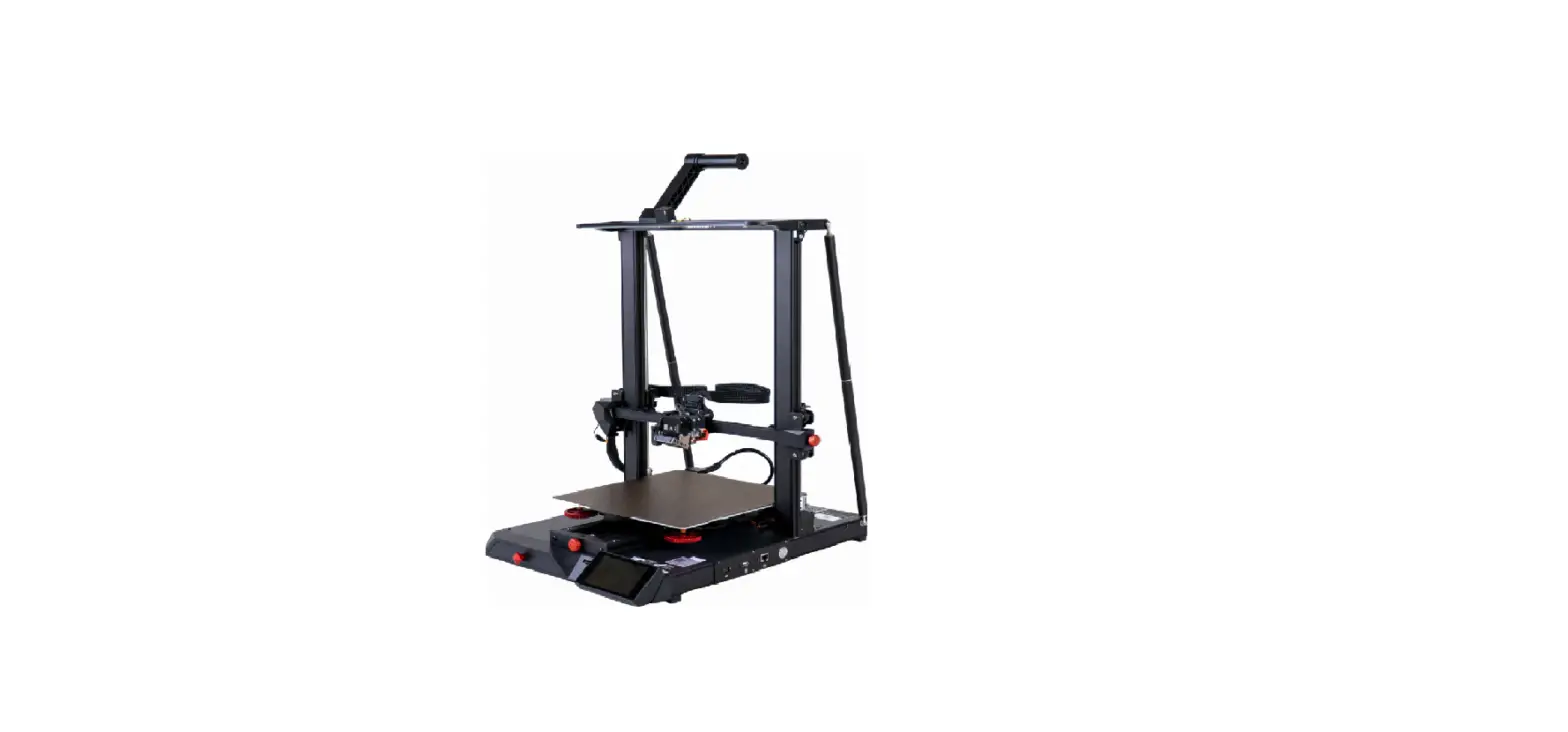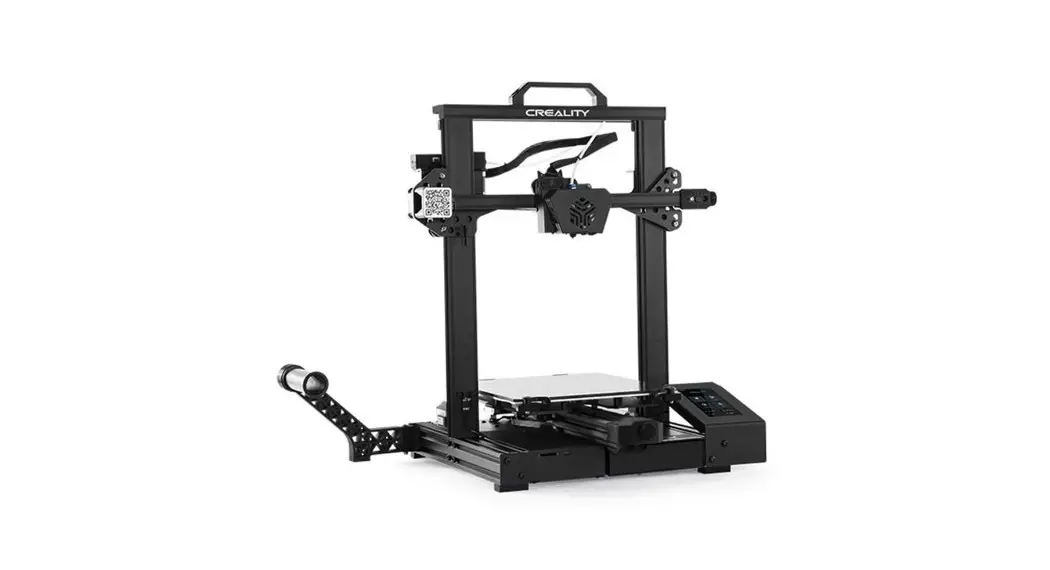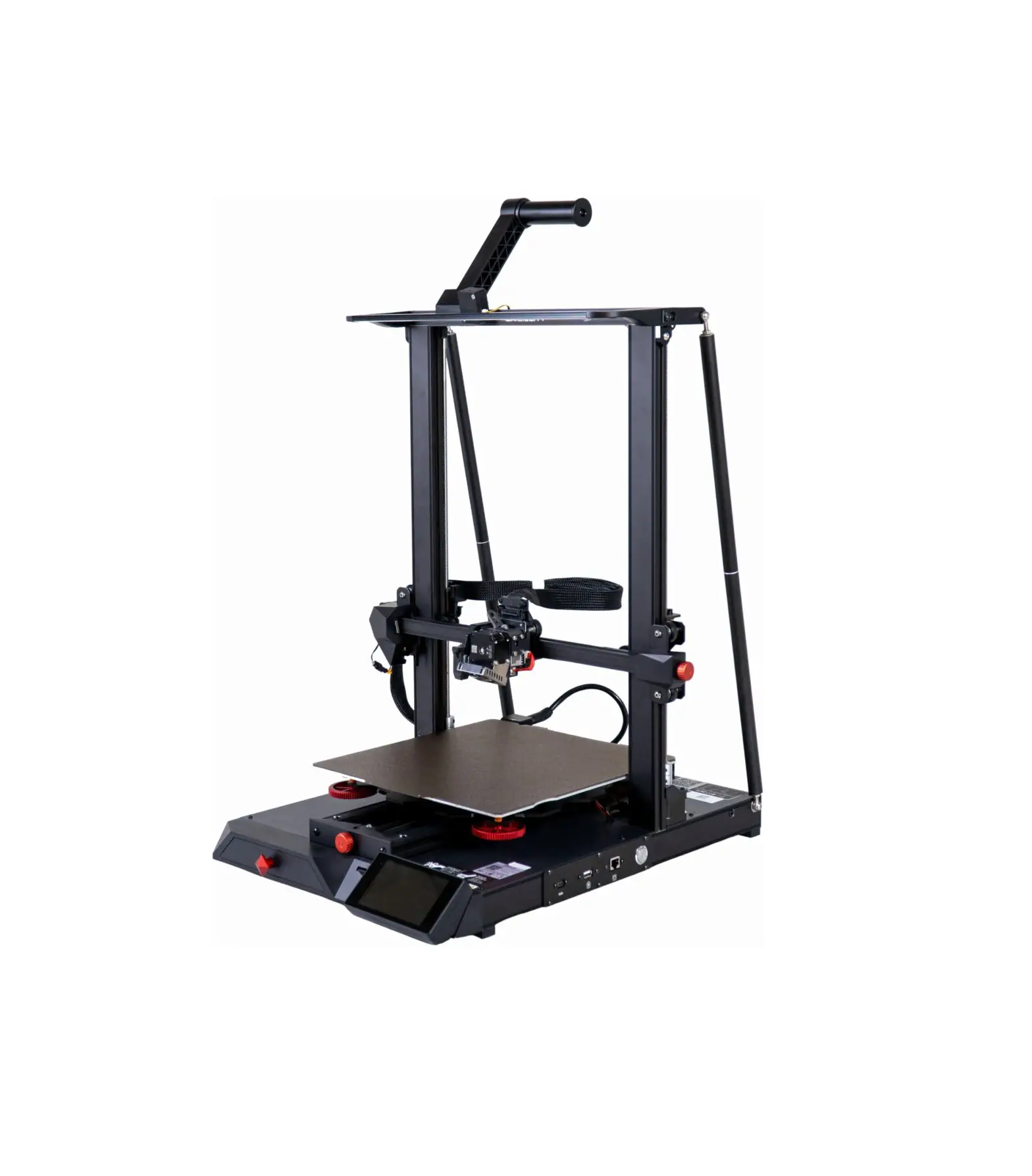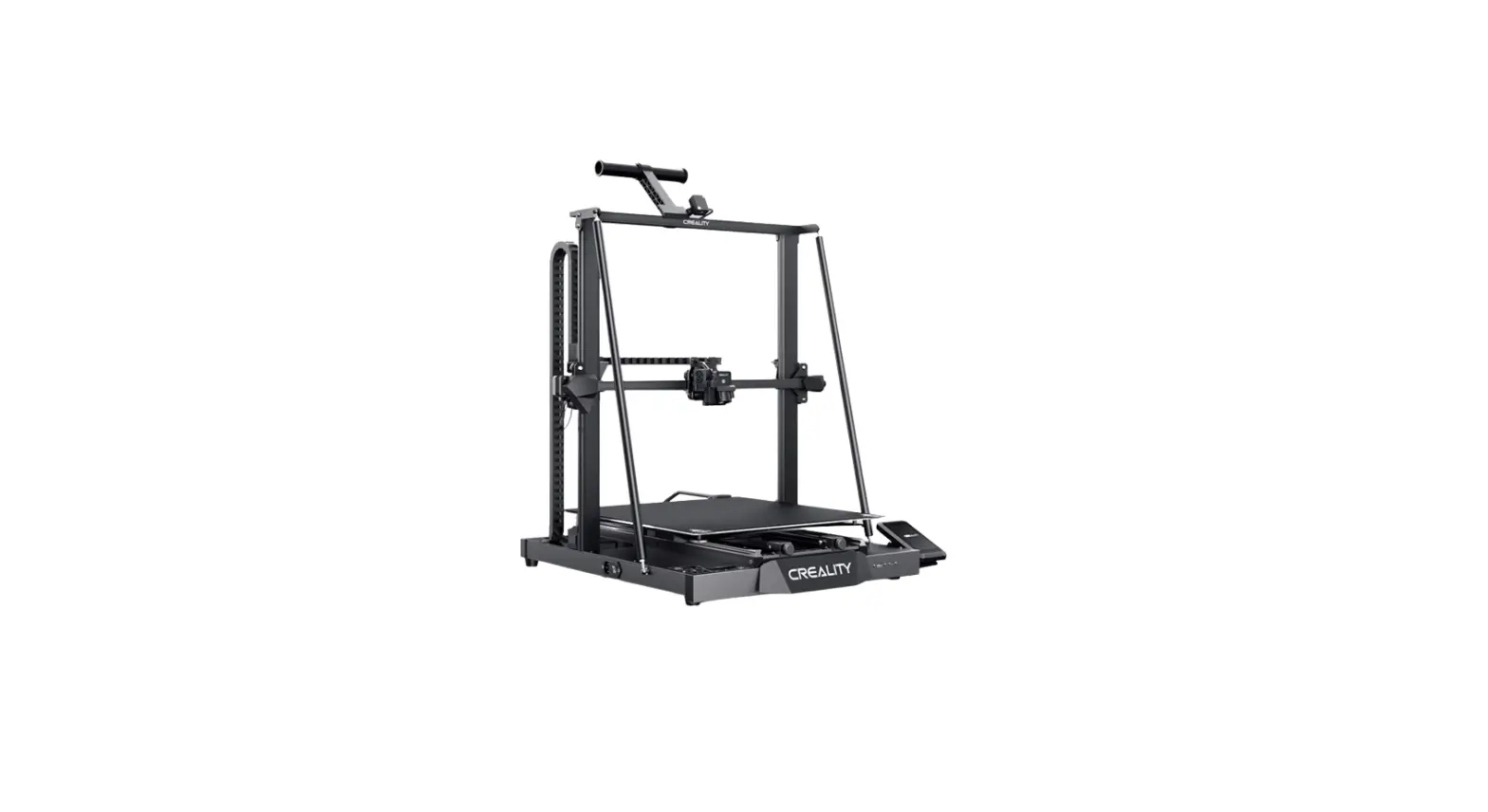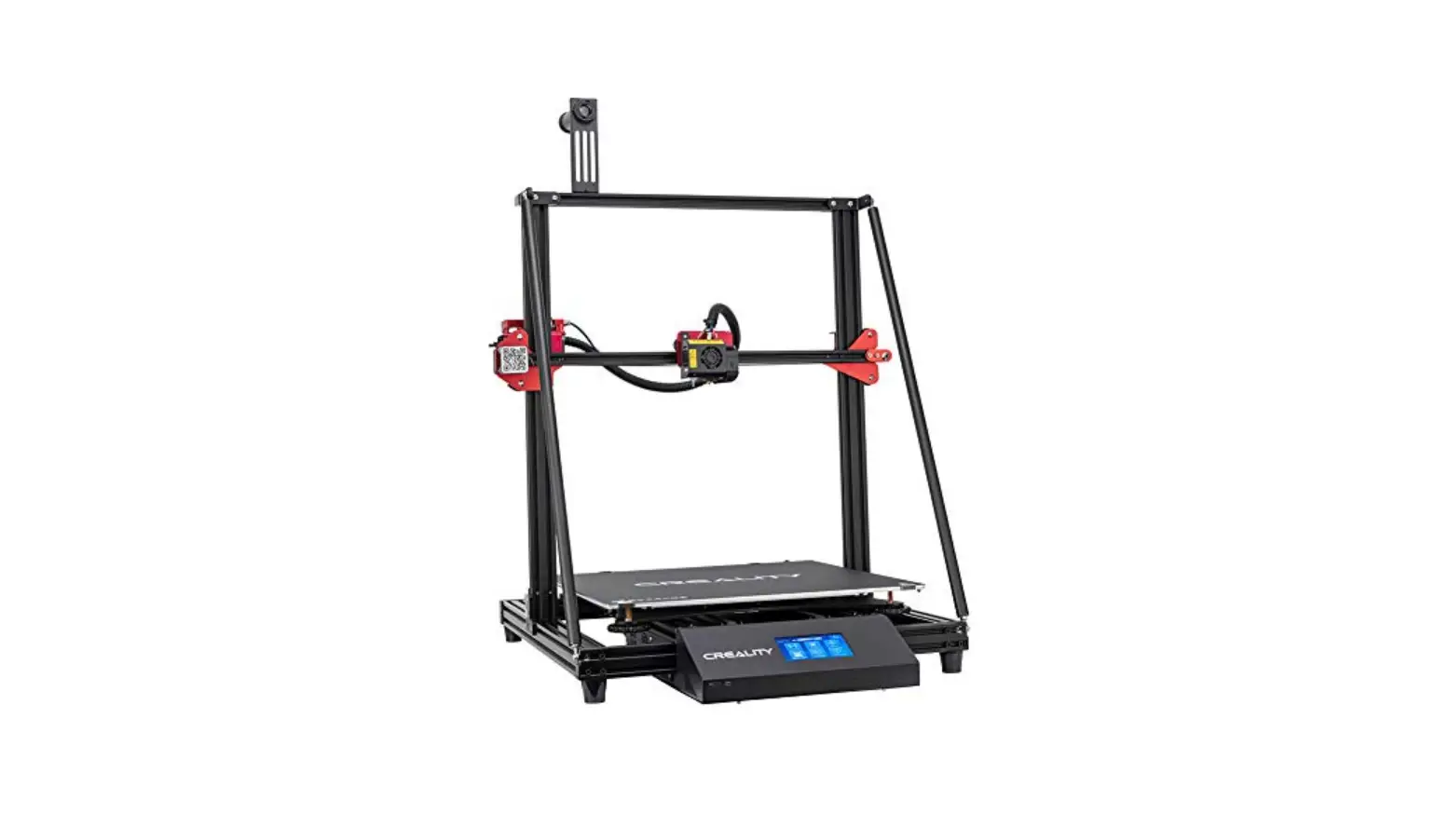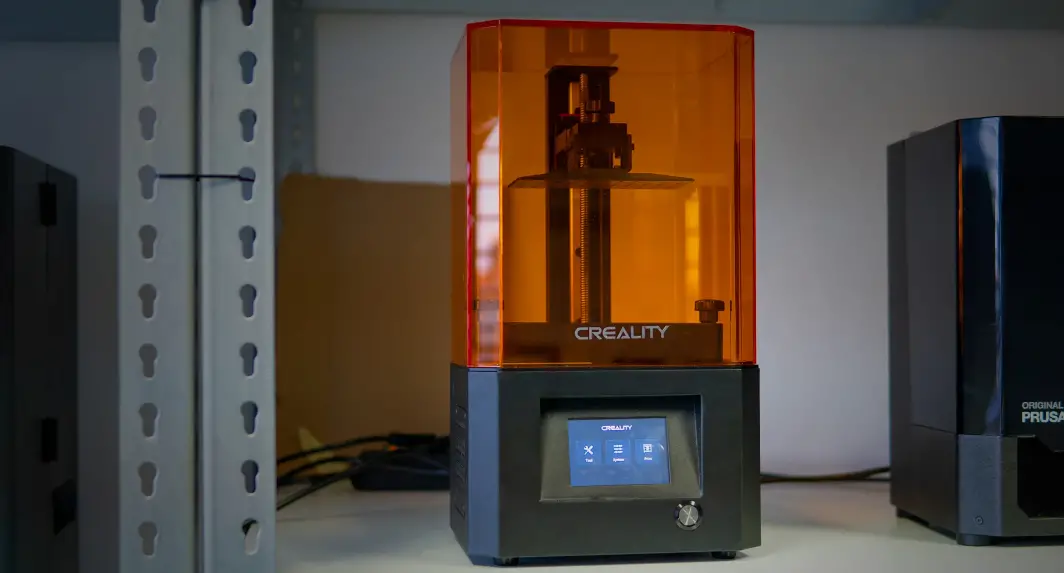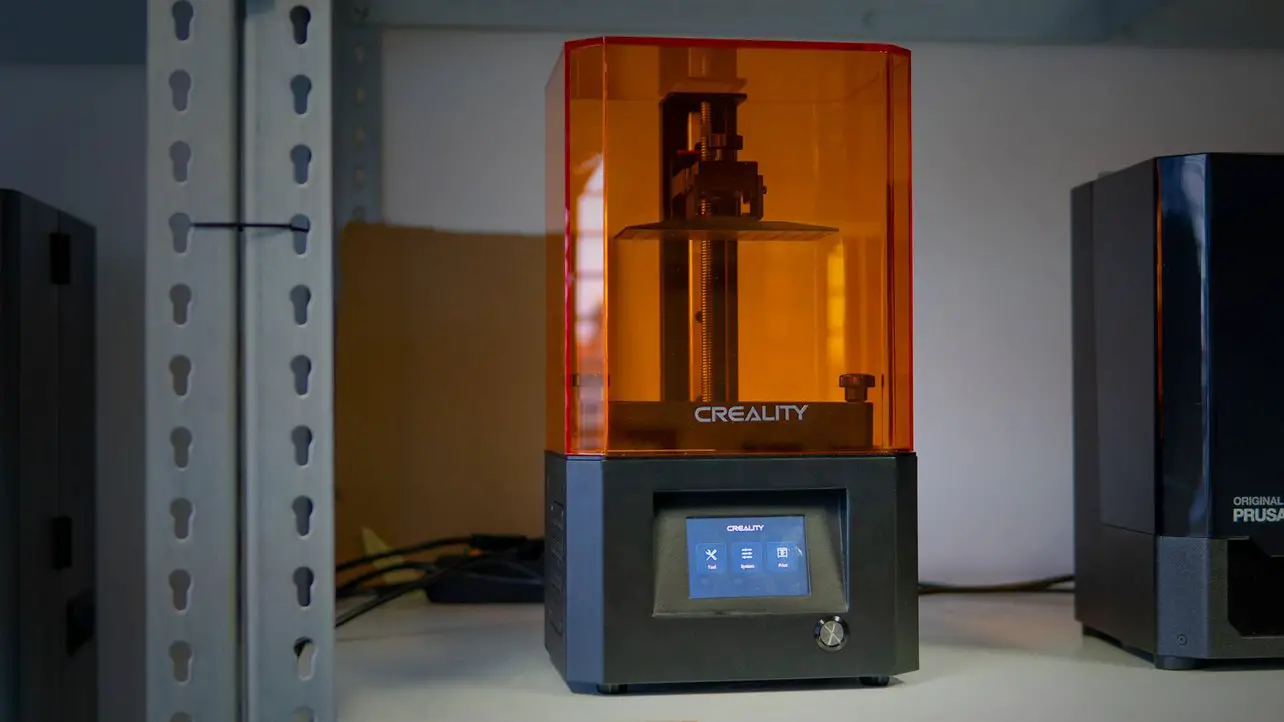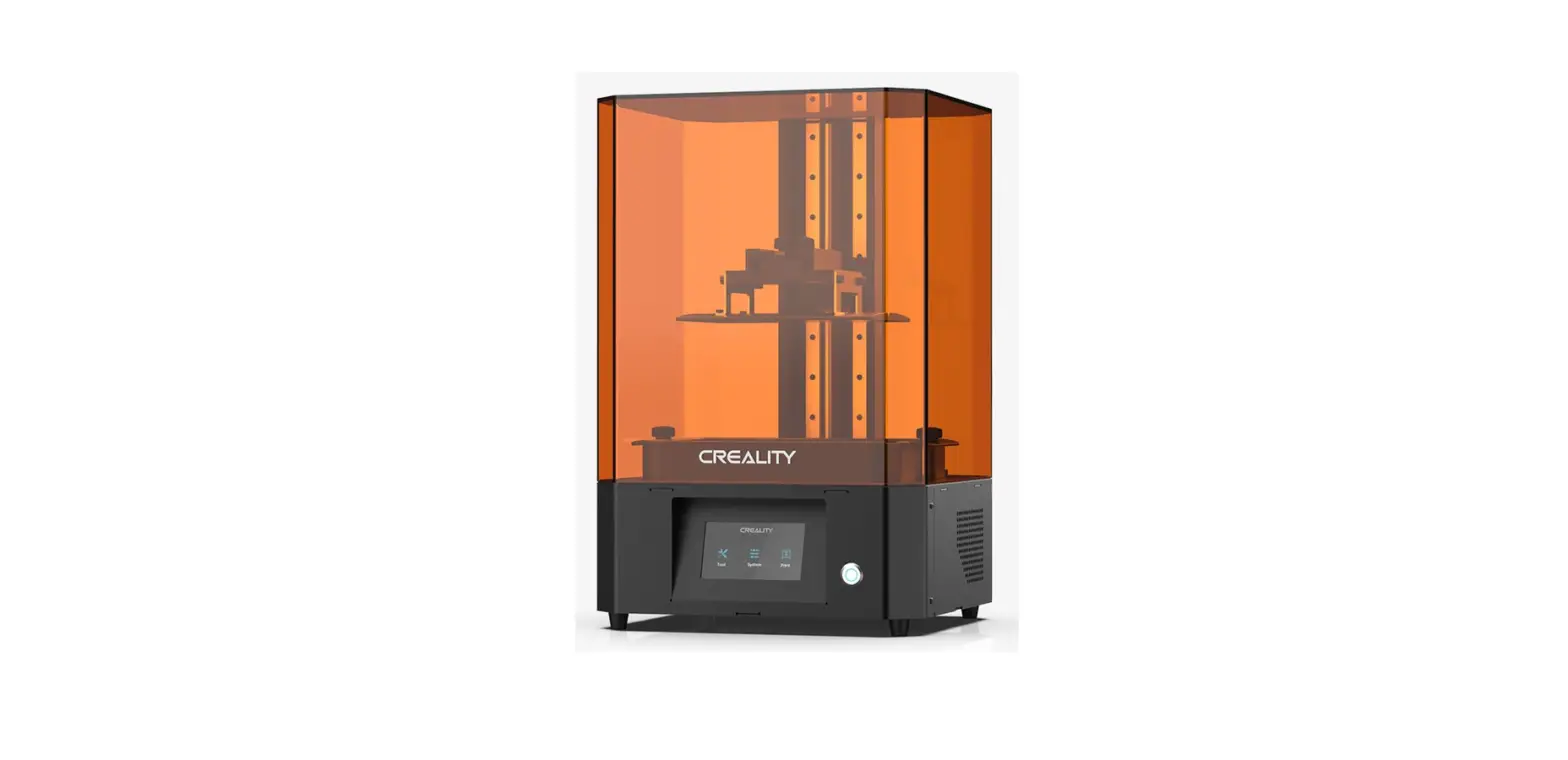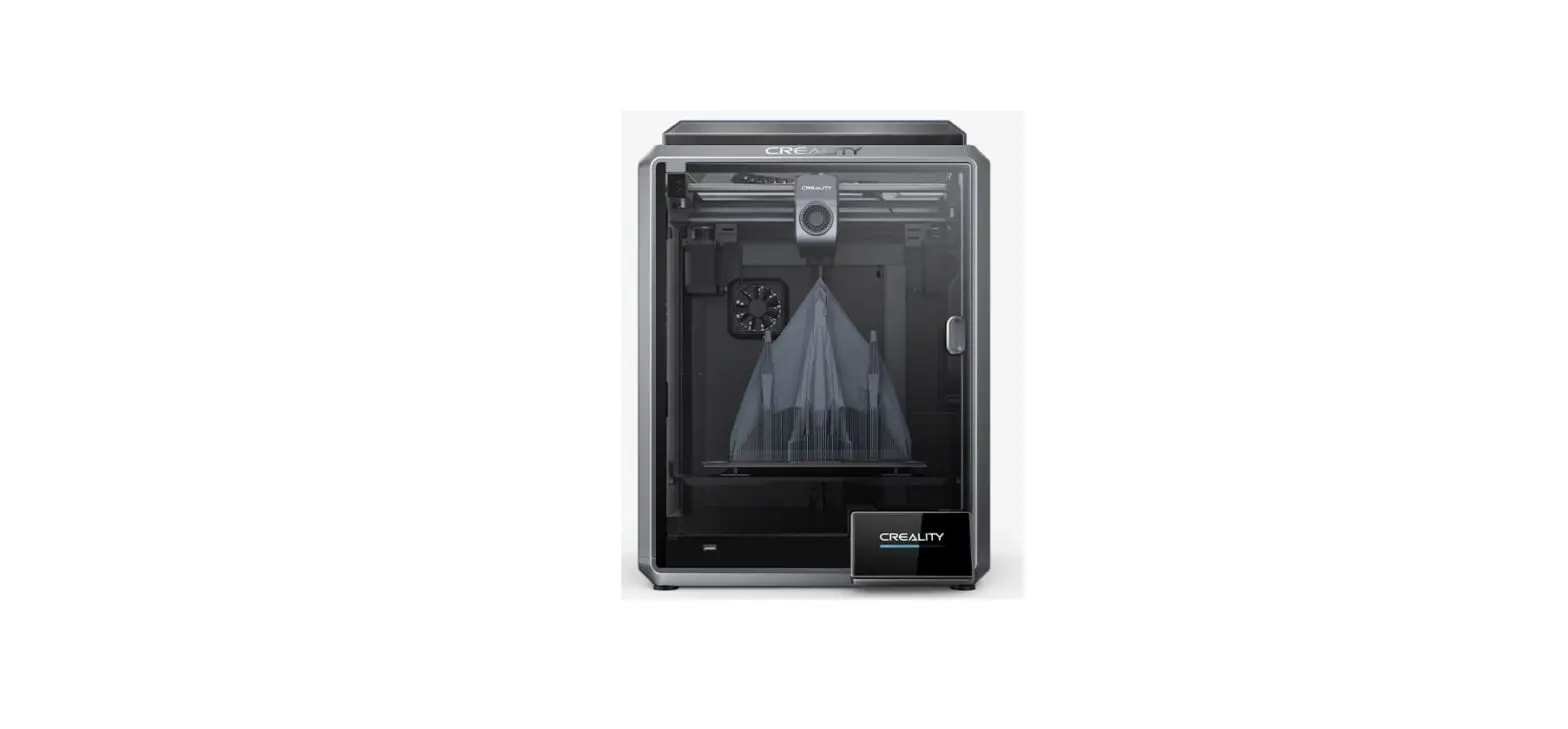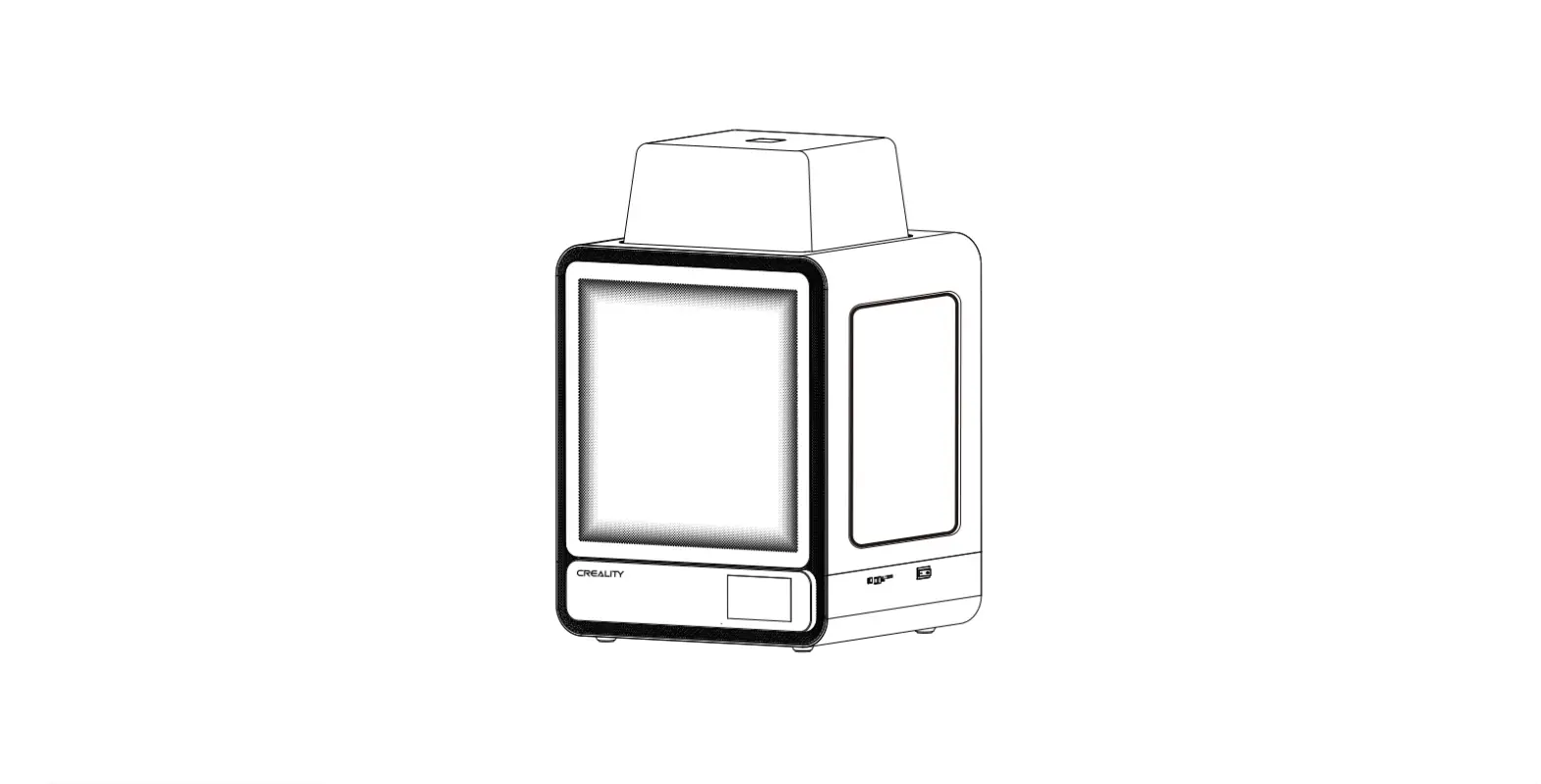

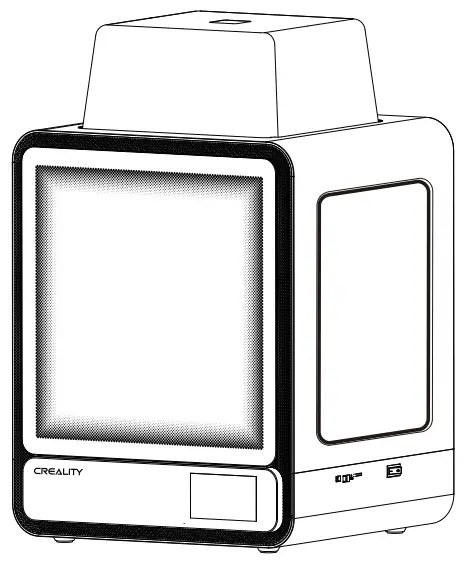
CREALITY CR-200B Pro 3D Printer
DEAR USERS,
- Thanks for choosing Creality 3D products. For your convenience, please read this quick guide carefully before use. You can obtain the relevant instructions and videos through the QR code, webpage link address, and USB disk before use, and follow the instructions strictly.
- Creality 3D team is always ready to provide high-quality services. No matter what problems you have during use, please contact us by the telephone and email provided at the end of the quick installation guide.
Method 1
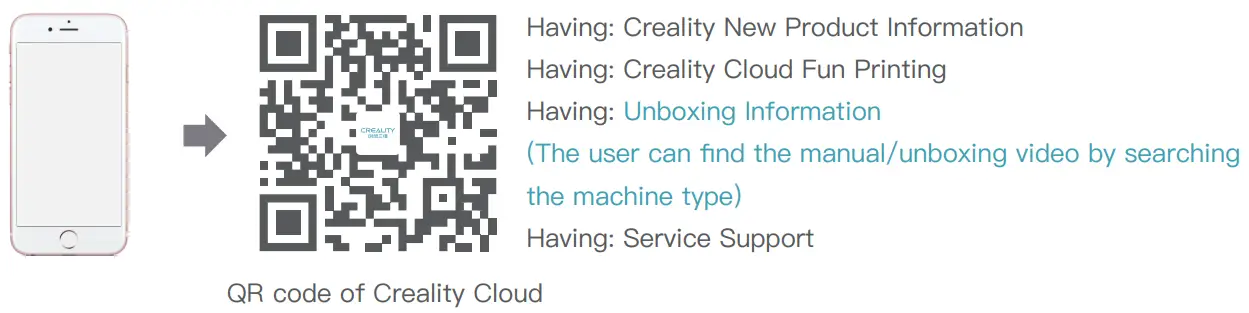
Scan the QR code of “Creality Cloud” by your mobile phone.
- If it is your first time using Creality Cloud, please register an account first and fill in the information according to the APP prompts;
- If you already have a Creality Cloud account, please log in directly.

Method 2
Log in Creality official website with a computer
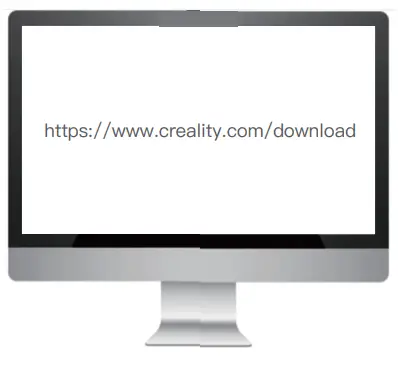
If it is more convenient for you to use a computer, log in to https://www.creality.com/download. You can also find the manual/unboxing video and related equipment usage information on the homepage by entering the machine type.
Method 3
USB Disk
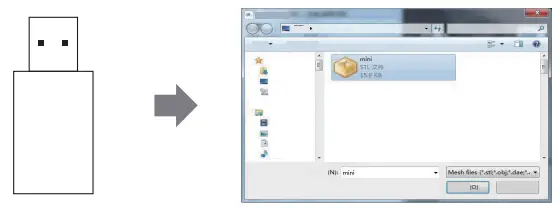
Open the package of the machine, you can find the USB disk from the toolbox, and get the product manual and related video materials through the computer.
(Note: The information on the USB Disk may not be the latest. It is recommended to use Method 1 and Method 2 to obtain the latest information.)
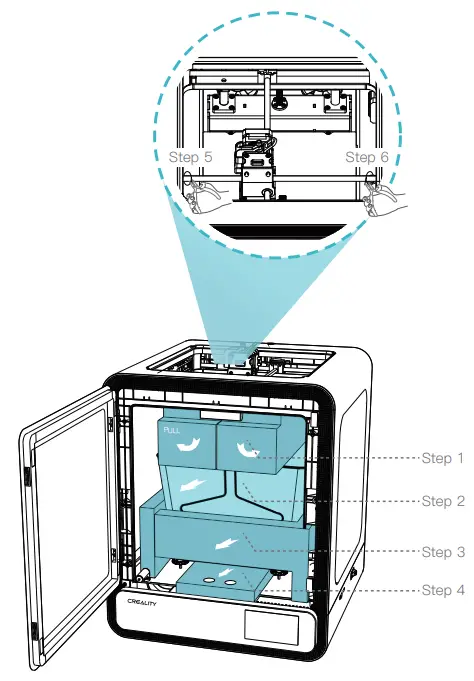
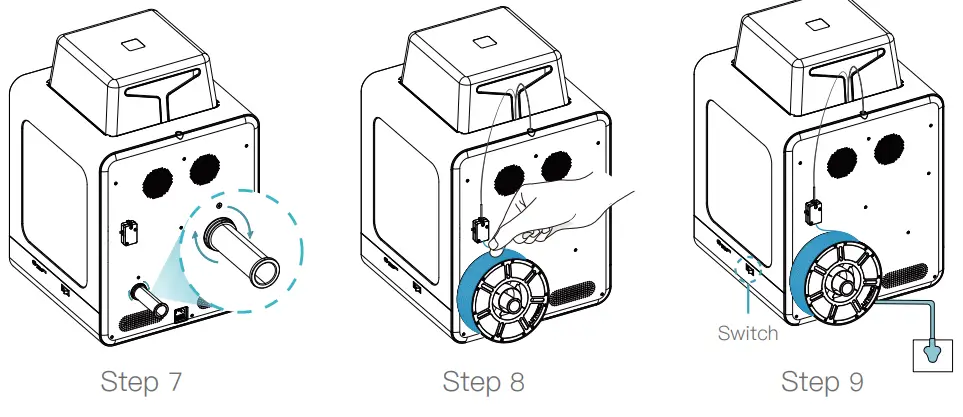
INSTALLATION INSTRUCTION
Basic Parameters
| Product Model | CR-200B Pro |
| Dimensions | 435*411*503 mm |
| Machine Weight | 16.5 kg |
| Max. Build Dimensions | 200*200*220 mm |
| Print Technology | FDM |
| Rated Voltage | 100-240V~, 50/60Hz |
| Rated Power | 350W |
| Ambient temperature | 10℃-30℃ / 50°F-86°F |
| Extruder | Sprite Direct Drive |
| Supported Filament | PLA/ABS/ASA/PETG |
| Max. Heated Bed Temperature | ≤110℃ |
| Max. Nozzle Temperature | ≤260℃ |
| User Interface | 4.3 inch touch screen |
| Print lnterface | USB Flash Disk/WIFI/USB Type-C |
| Power Loss Recovery | Yes |
| Filament Detection | Yes |
| Intelligent Door | Yes |
| Auto leveling | Yes |
| Built-In Live Camera | Yes |
Tip: For the device manual and unboxing instruction video, please refer to the information in the USB flash disk provided together with
the device or our official website link: https://www.creality.com/download.
Users should abide by the laws and regulations of the country and region where the equipment is located (place of use), abide by professional ethics, and pay attention to safety obligations. It is strictly forbidden to use our products or equipment for any illegal purpose.Our company is not responsible for the relevant legal responsibilities that the violator should bear.
Since each model is different, the actual product may be different from the picture. Please refer to the actual product. The final interpretation right belongs to Shenzhen Chuangxiang 3D Technology Co., Ltd.
ABOUT COMPANY
- 18F, JinXiuHongDu Building, Meilong Blvd., Longhua Dist., Shenzhen,
- China 518131
- Official Website: www.creality.com
- Tel: +86 755-8523 4565
- E-mail: [email protected]
- [email protected]
 CREALITY - Official Website, Leading 3D Printer Supplier & Manufacturer