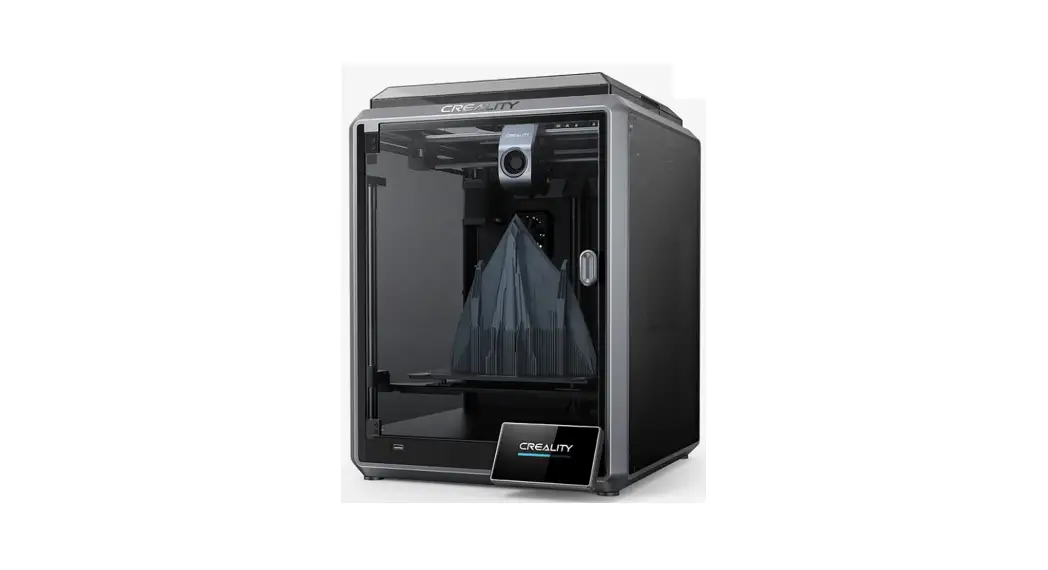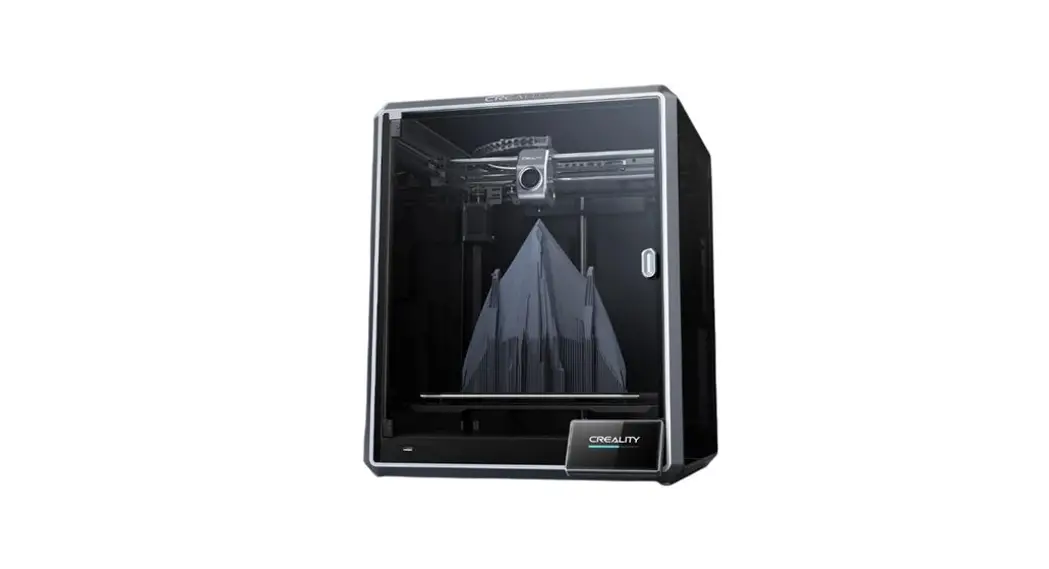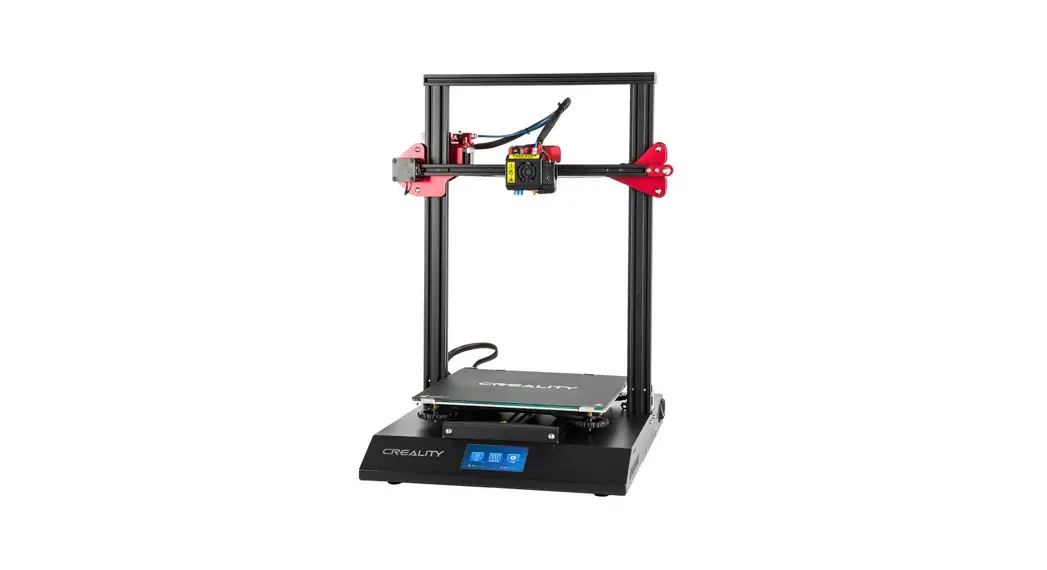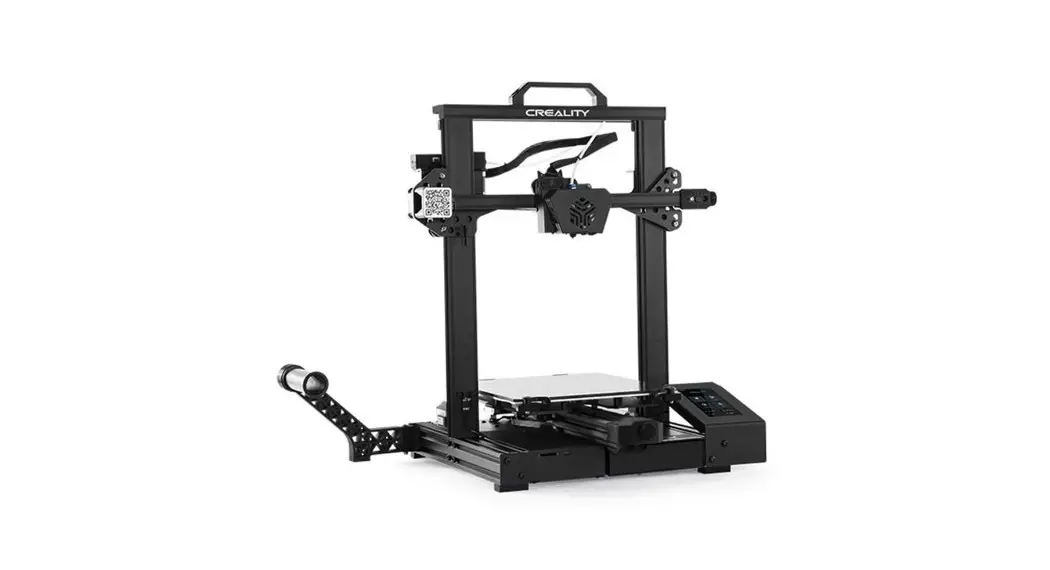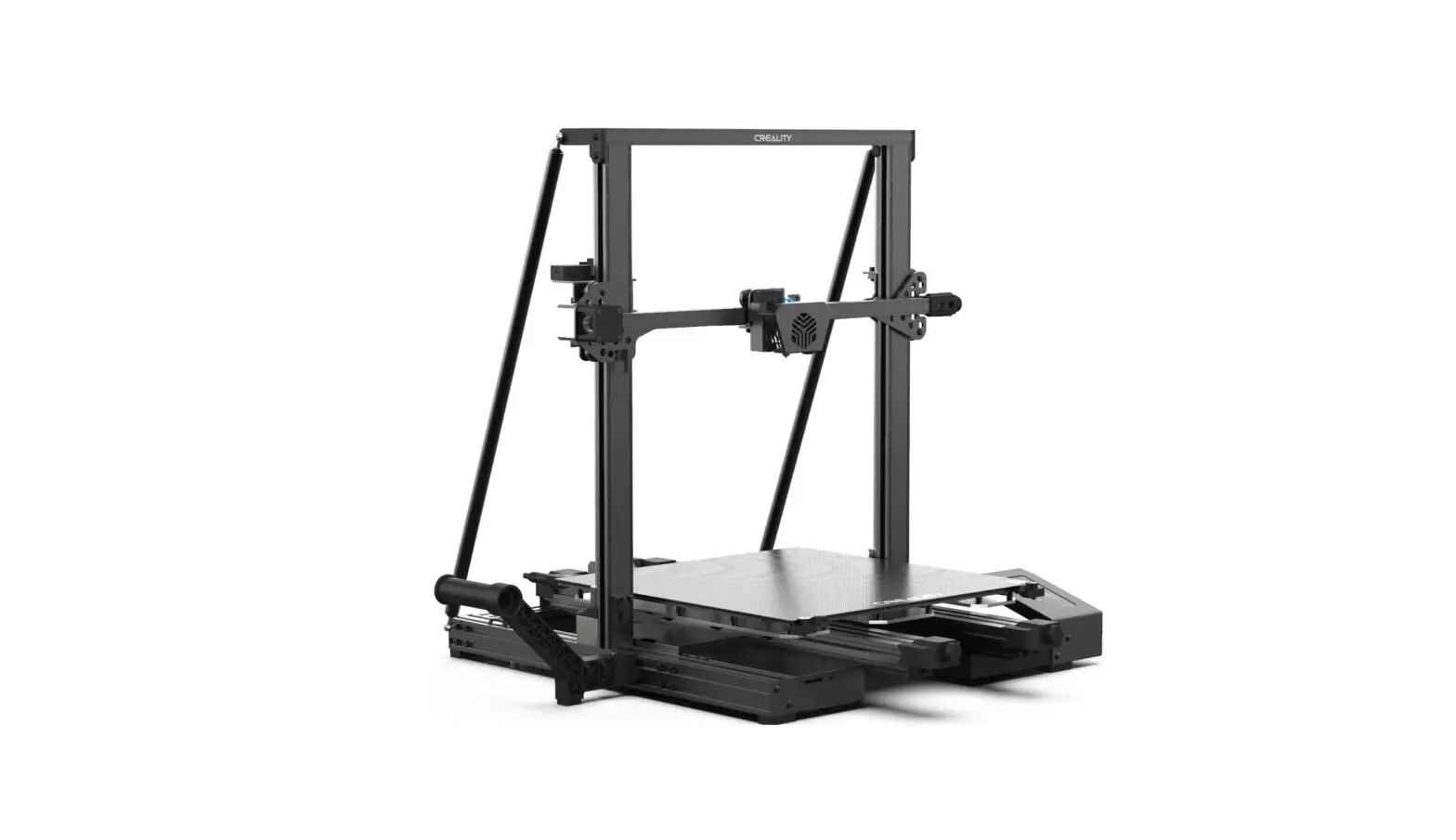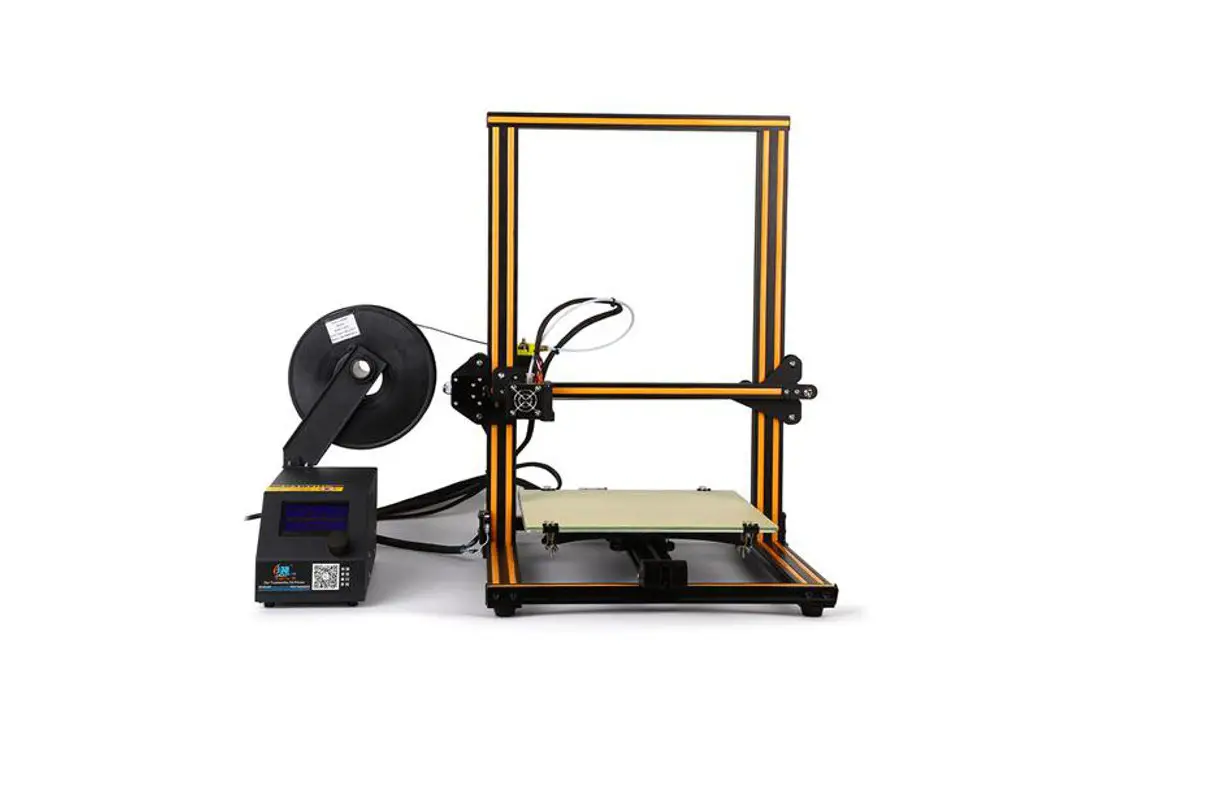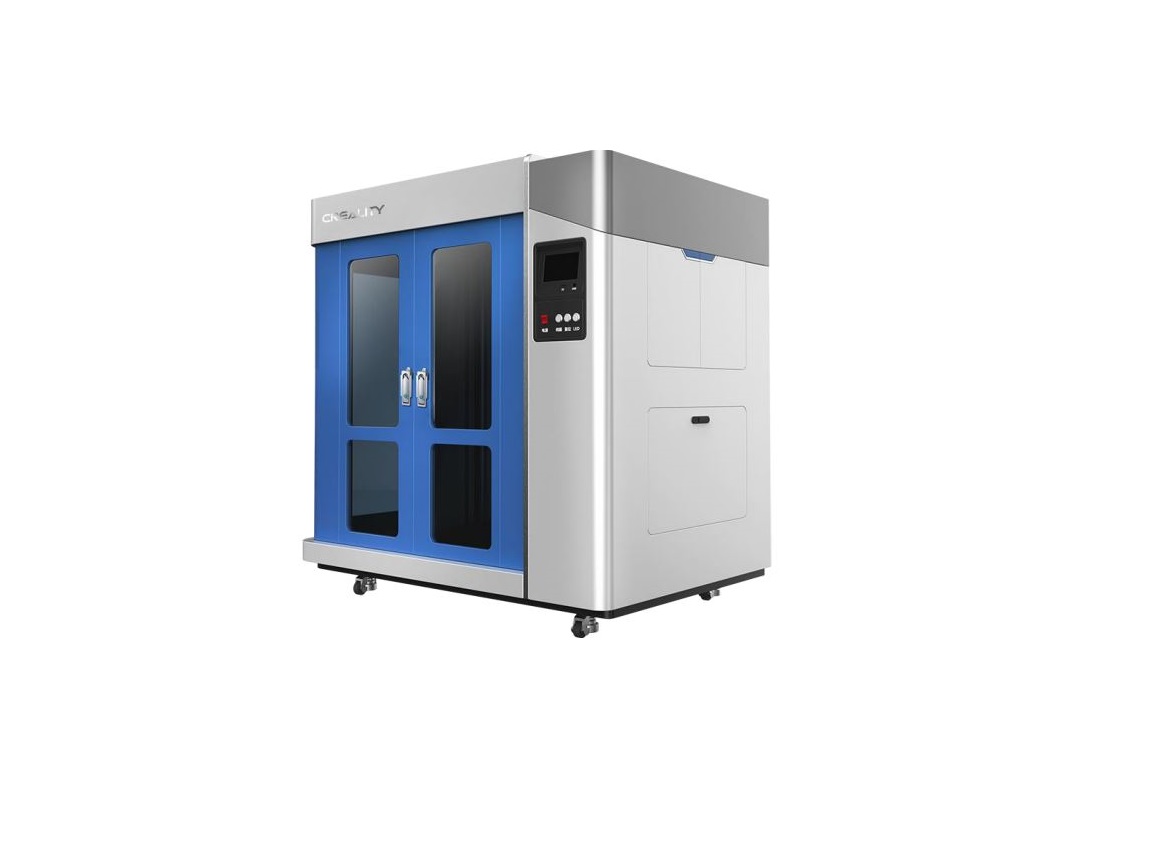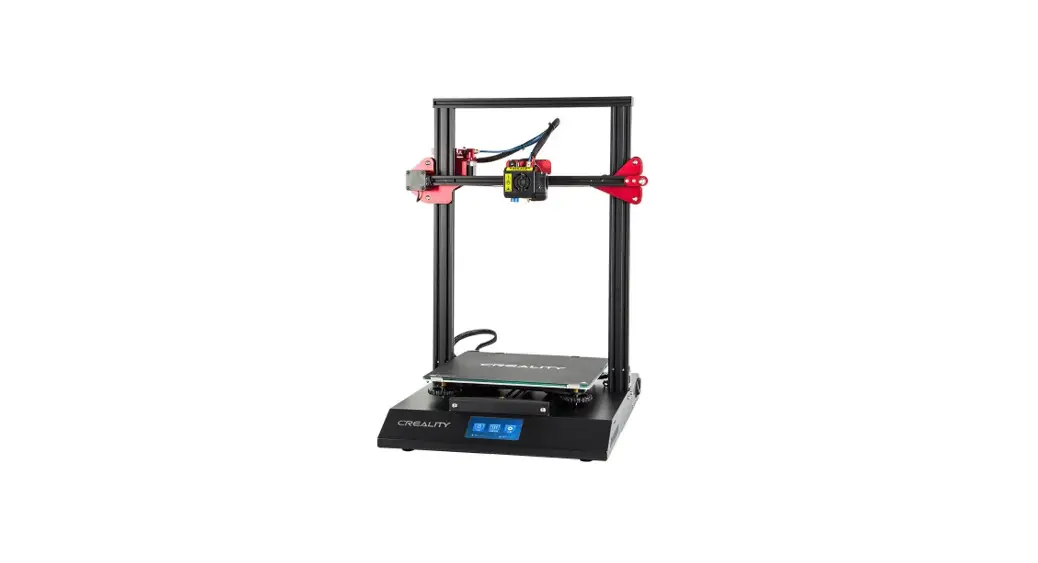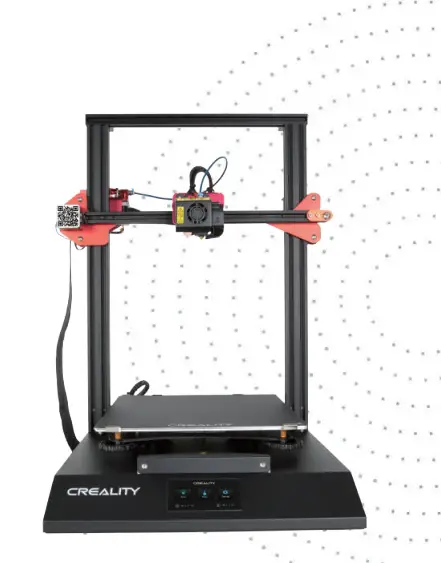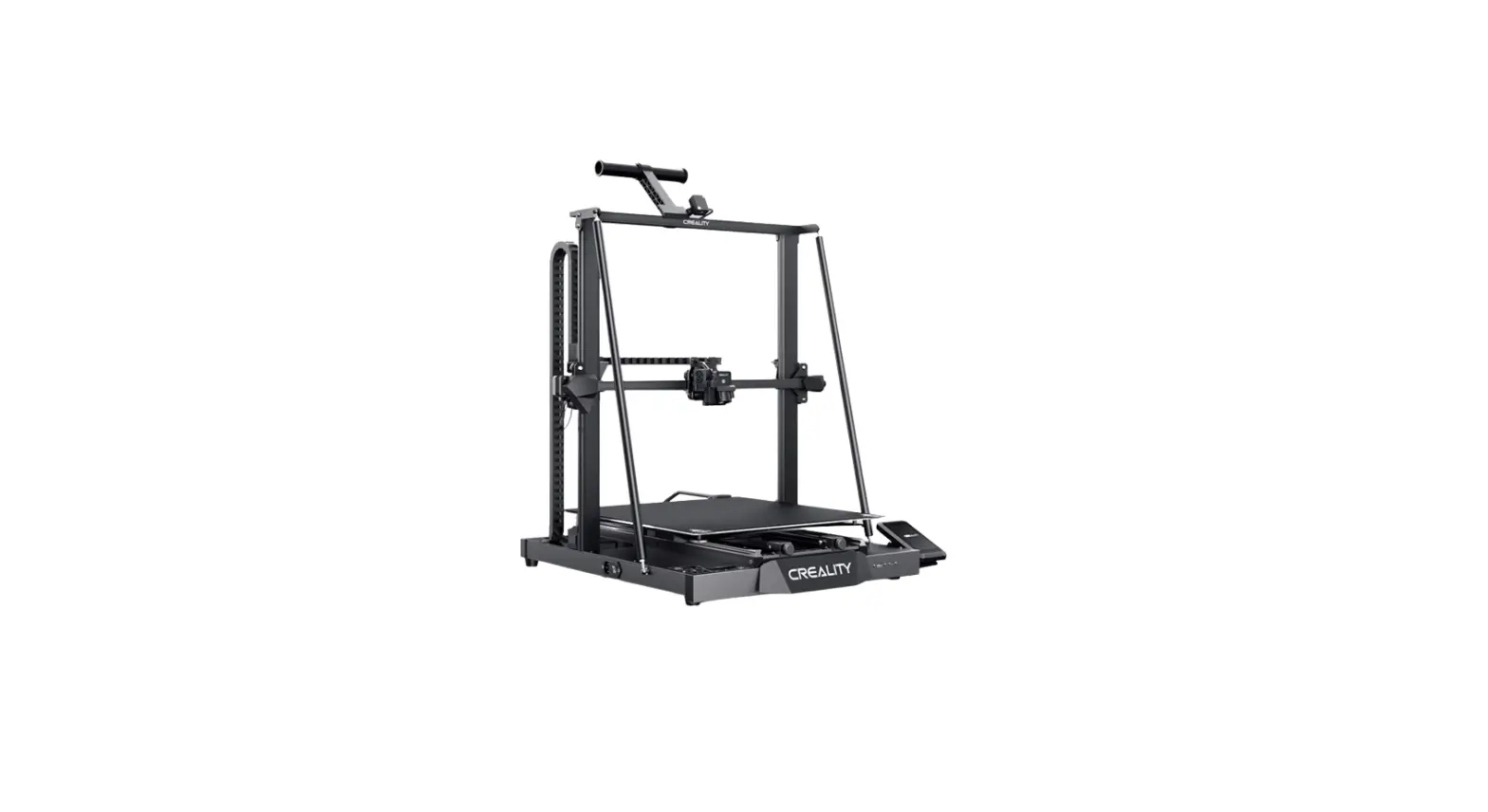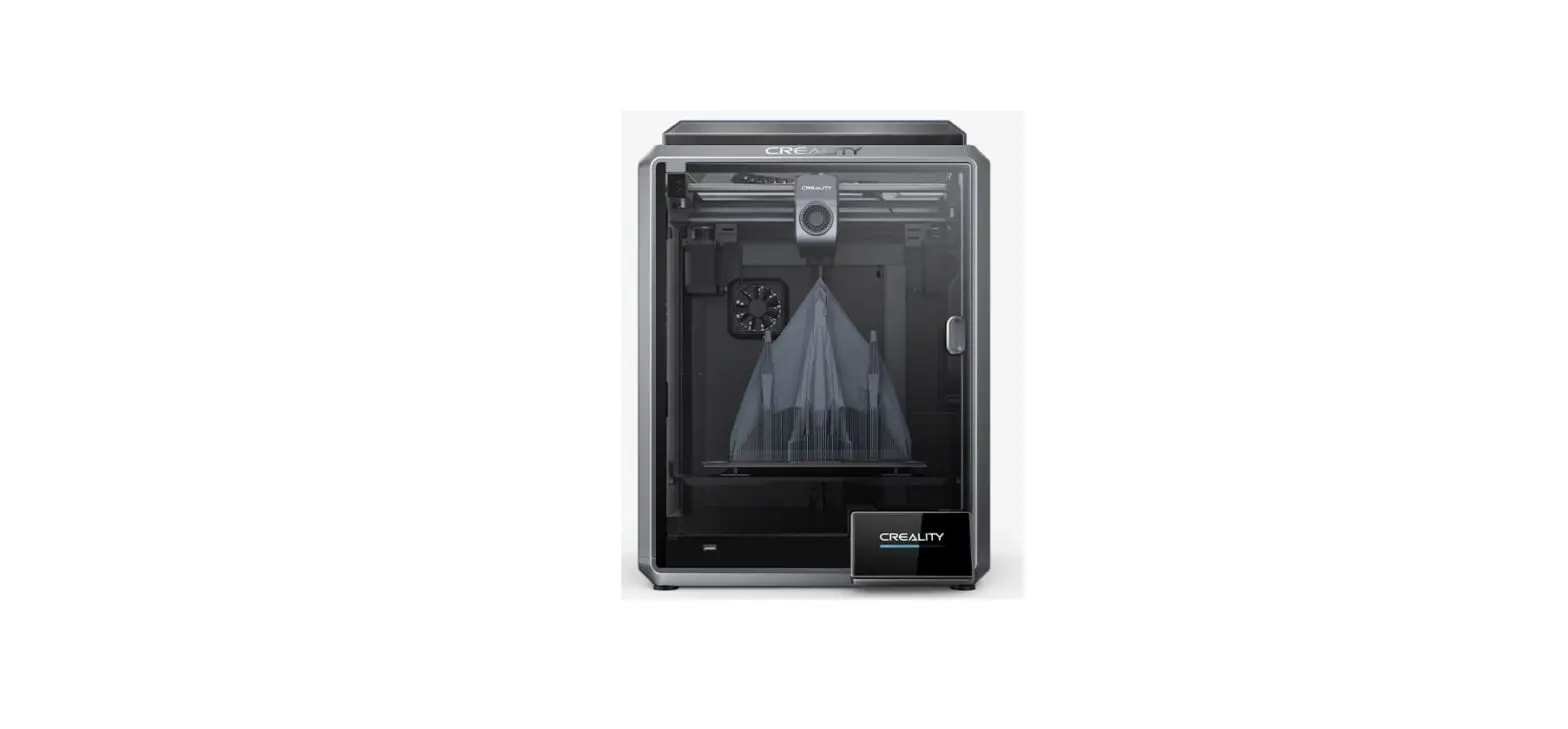

CREALITY 2AXH6K1 K1 Speedy 3D Printer
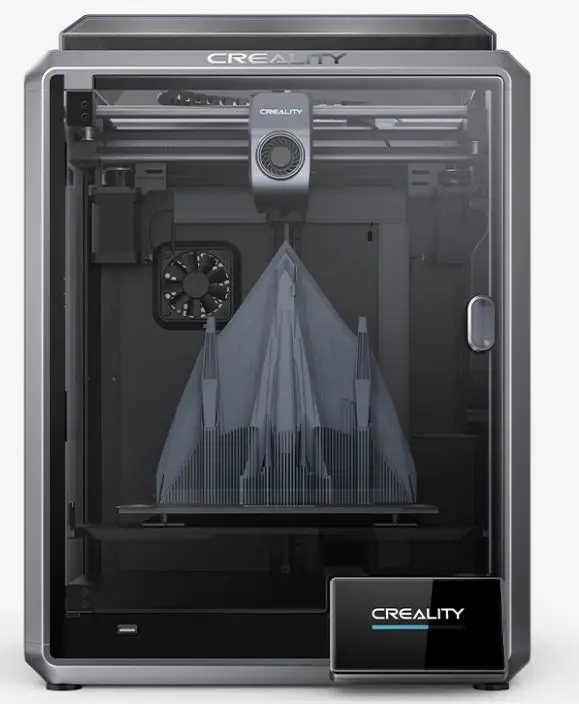
Unboxing
Install the Product
- Please perform the questions according to the diagram.
- Insert the filament into the dæpest part of the material barrel until it cannot be moved.


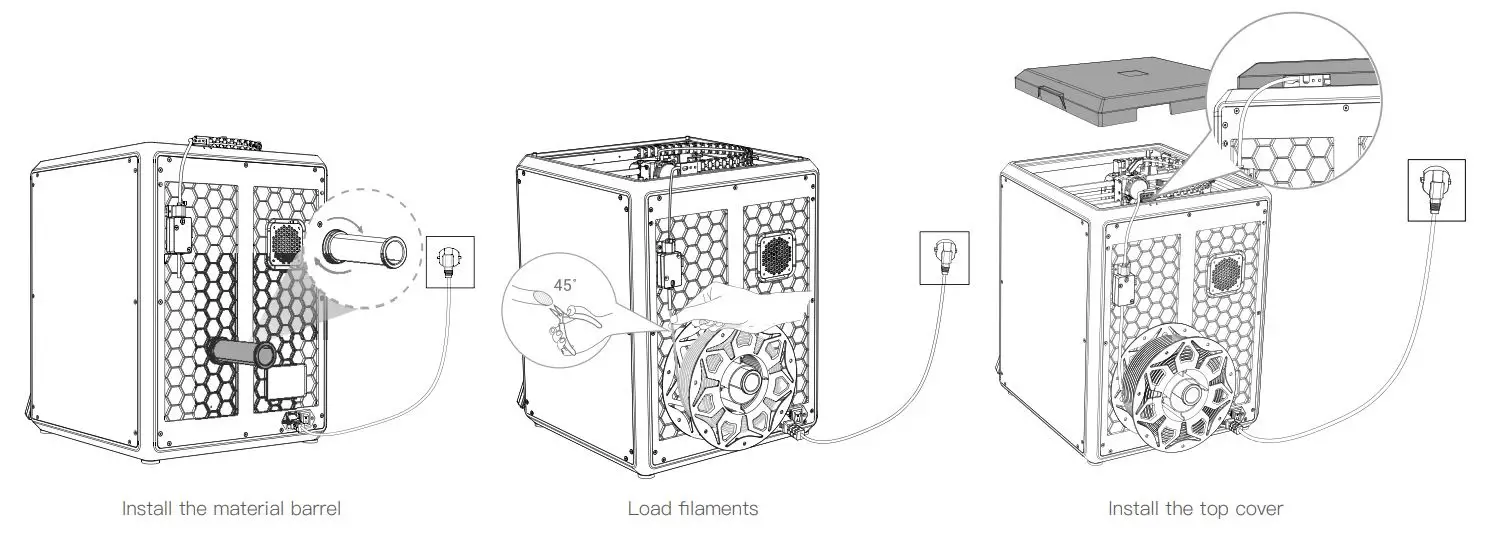
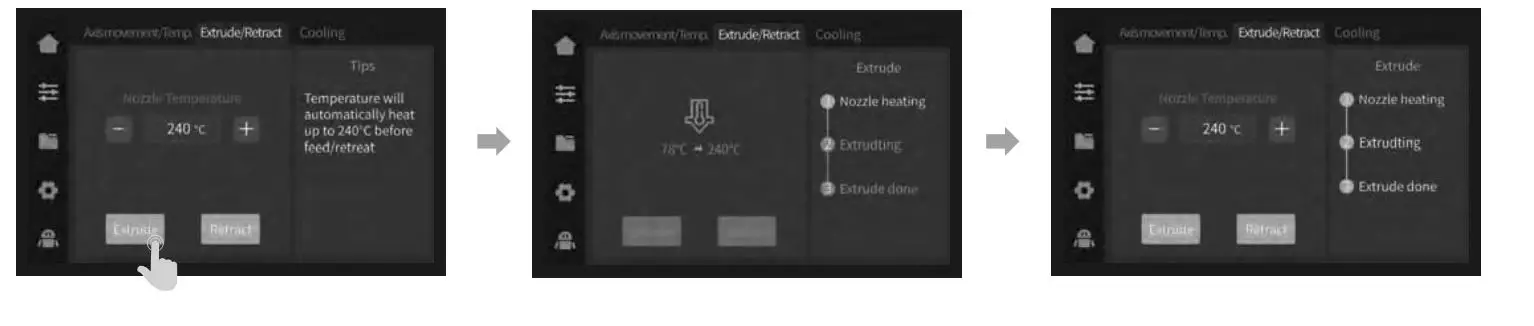
Power—on guide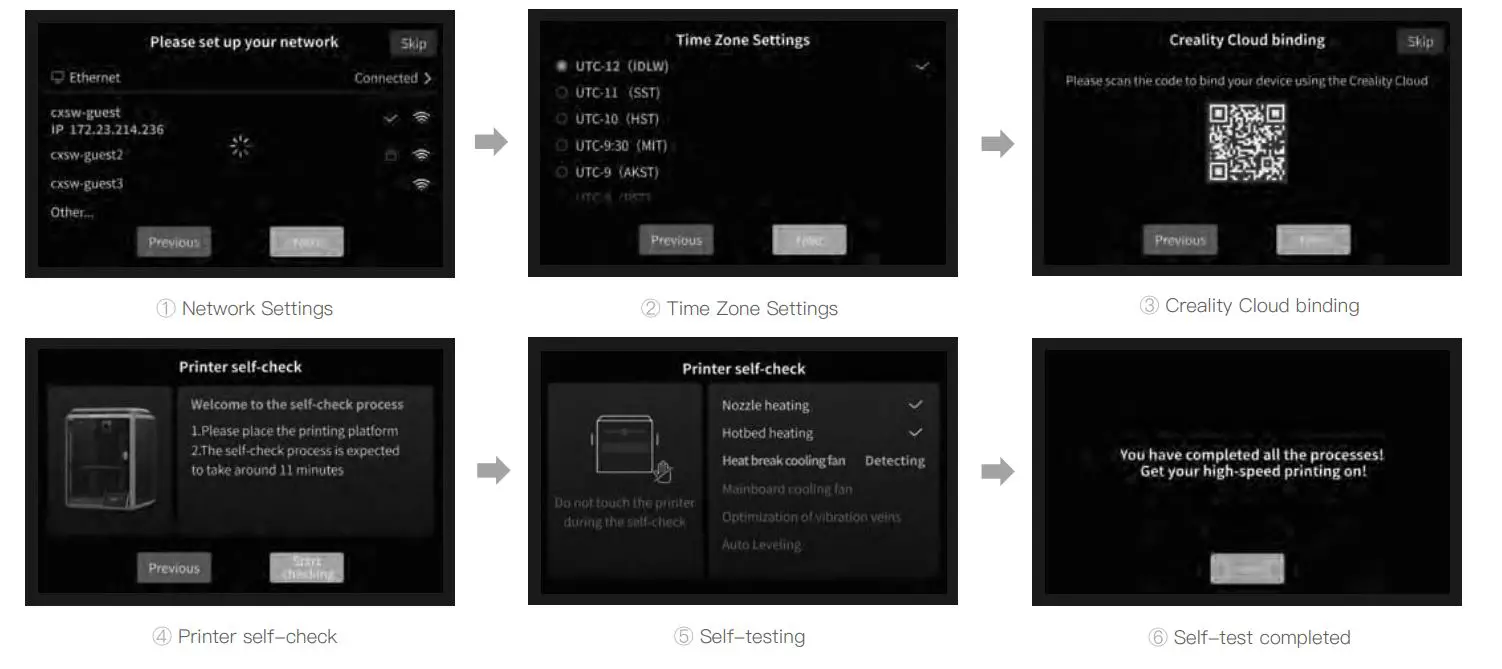
Reminder: When the printing time of the device exceeds 300 hours, or if the printing platform or nozzles have been replaced, the distance between the platform and nozzles may change that caused the first layer of the model may not stick firmly, resulting in the printing failure. Please calibrate the platform regularly.
Note: The current interface is for reference only. Due to the continuous upgrading of functions, it shall be subject to the latest firmware IJI published on the official website.
About the User Interface
Tunex Prepare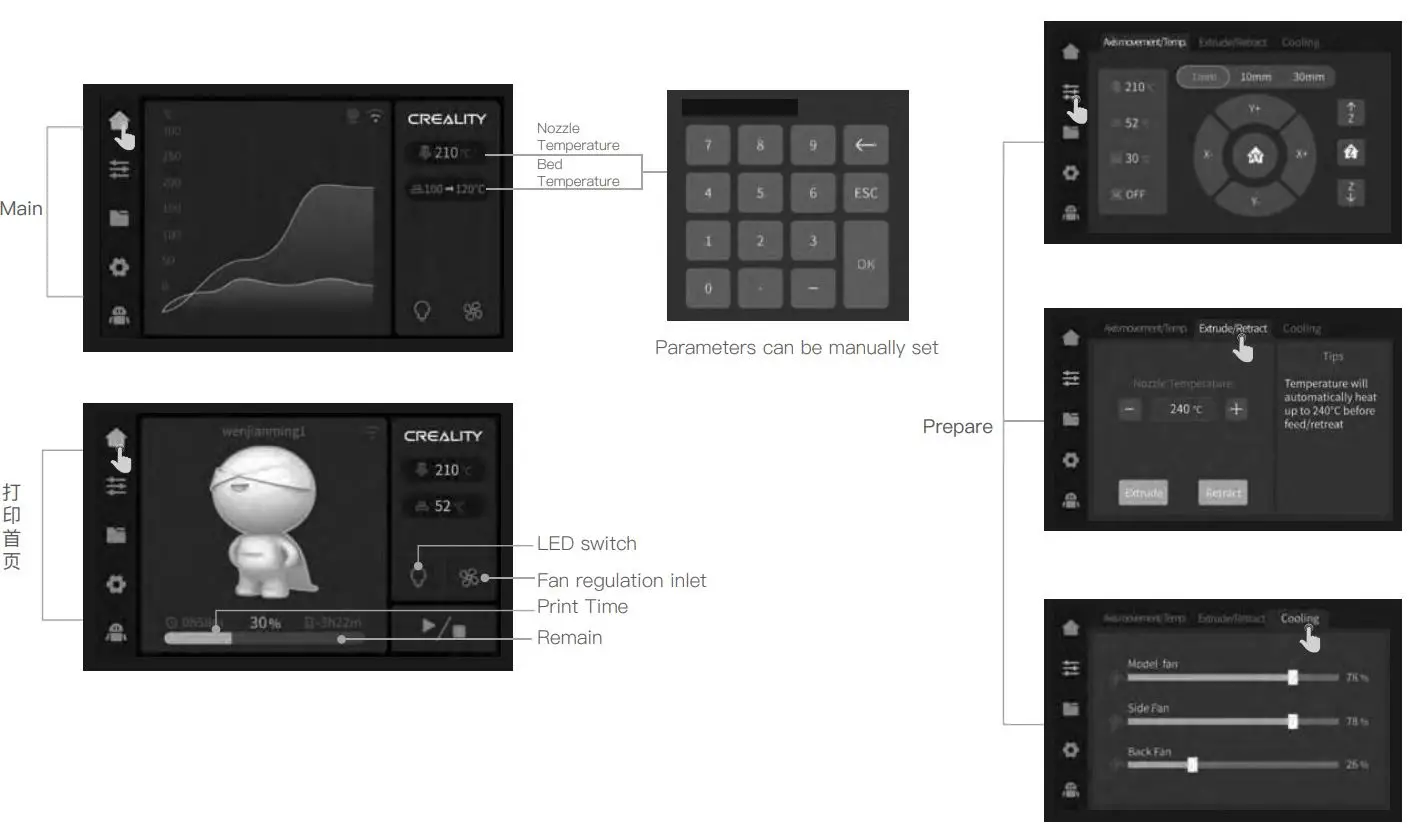
Note: The current interface is for reference only. Due to the continuous upgrading of functions, it shall be subject to the latest firmware IJI published on the official website.
Files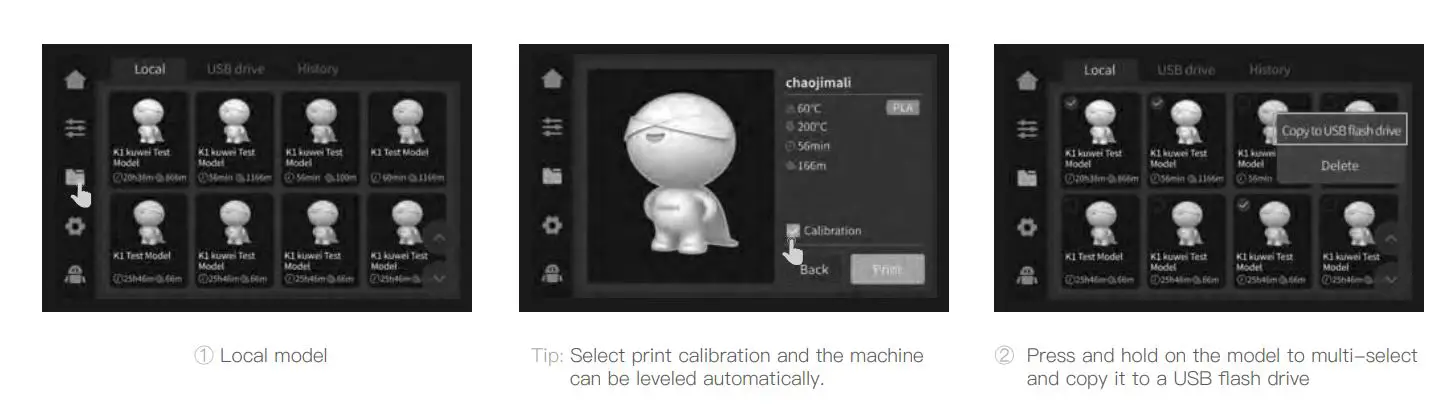
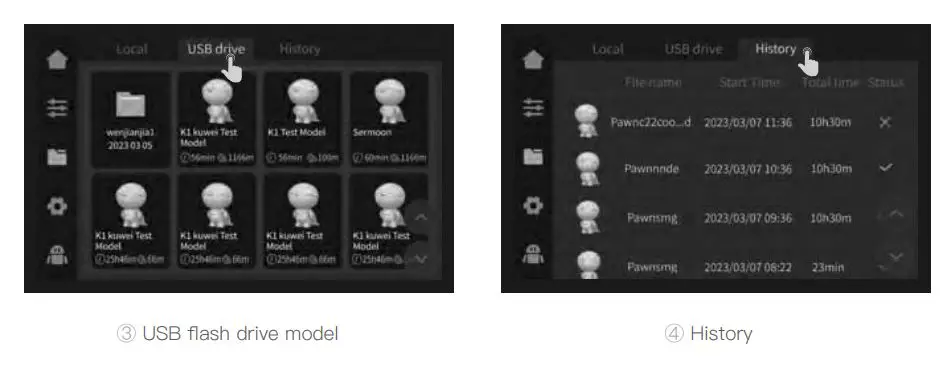
Note: The current interface is for reference only. Due to the continuous upgrading of functions, it shall be subject to the latest firmware Ul published on the official website.
Tunex Support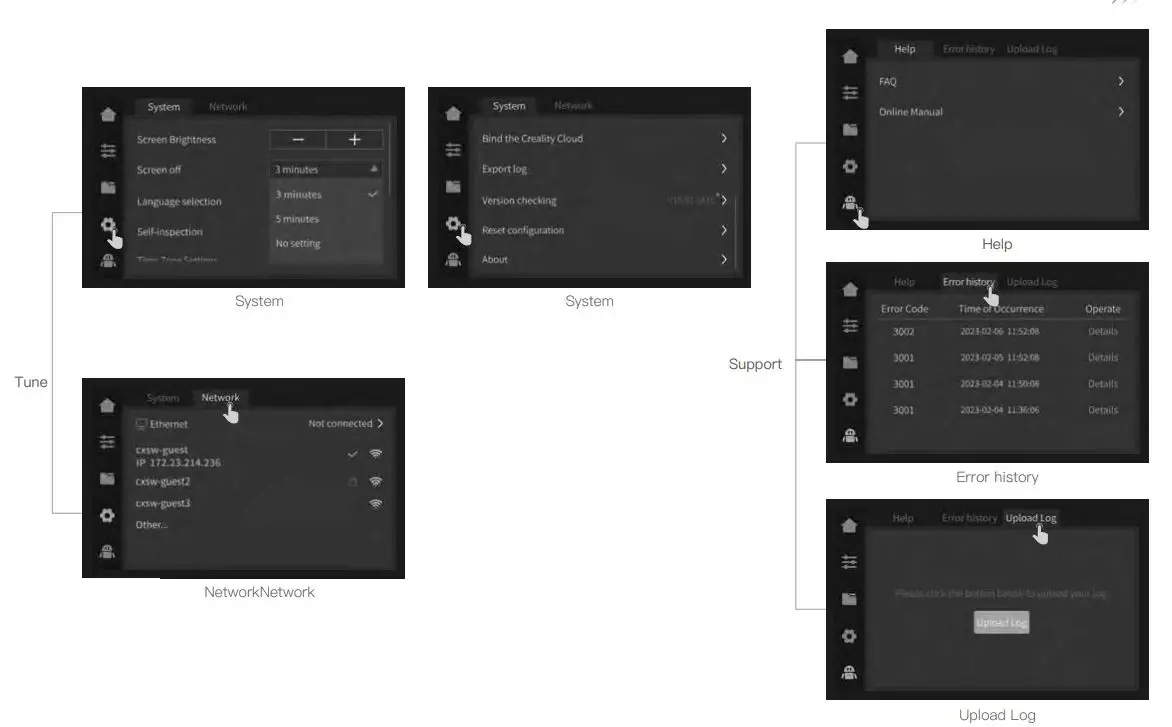
Note: The current interface is for reference only. Due to the continuous upgrading of functions, it shall be subject to the latest firmware Ul published on the official website.
First Printing
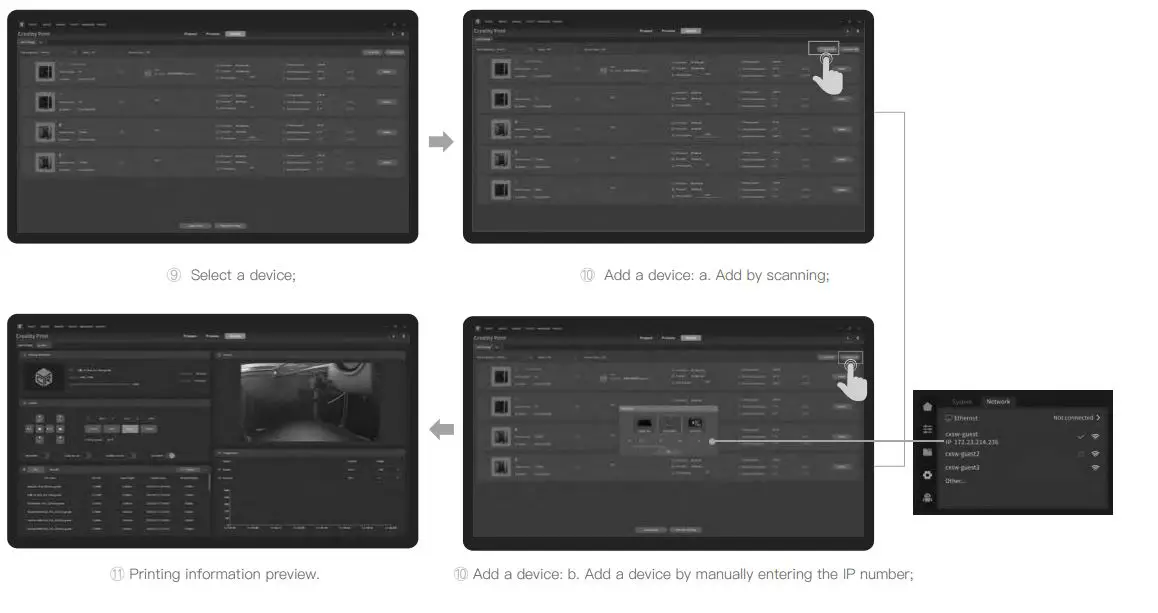
LAN Printing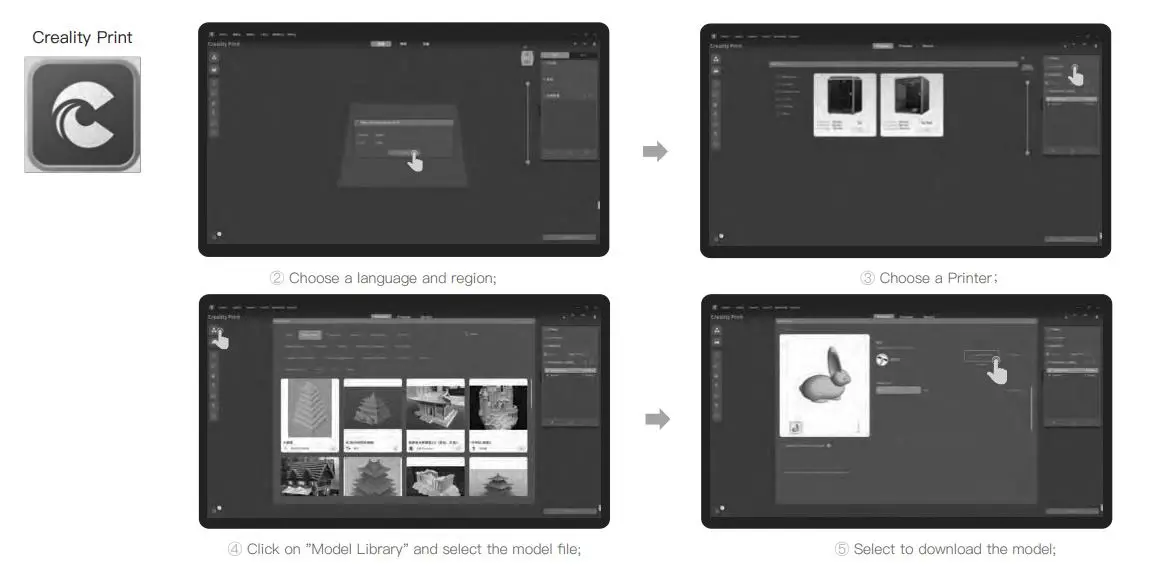
Download at (www.creality.com) or find the software on a USB flash drive and install it.
Note: The current interface is for reference only. Due to the continuous upgrading of functions, it shall be subject to the latest firmware IJI published on the official website.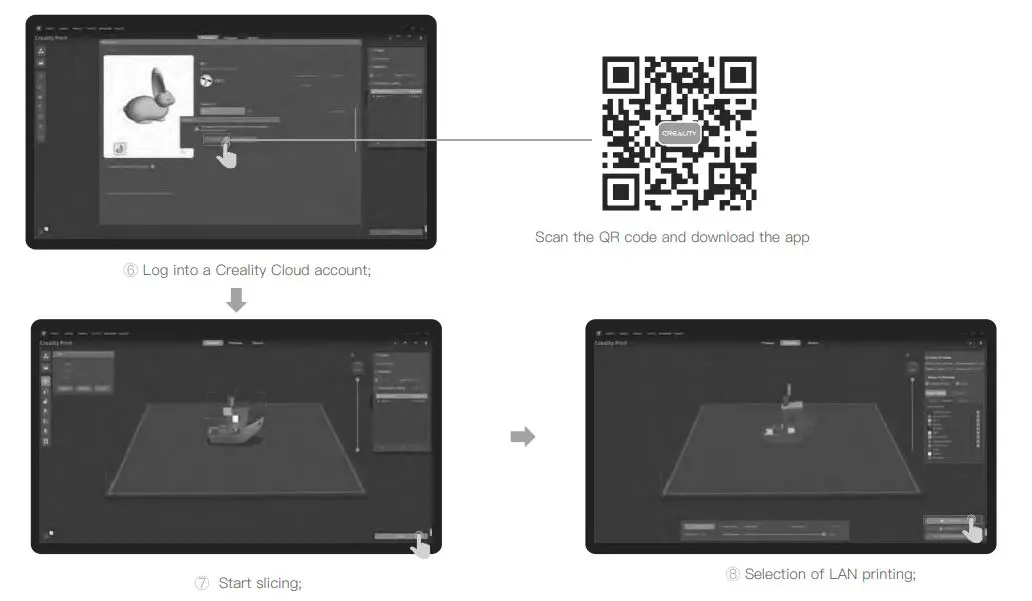
USB flash drive printing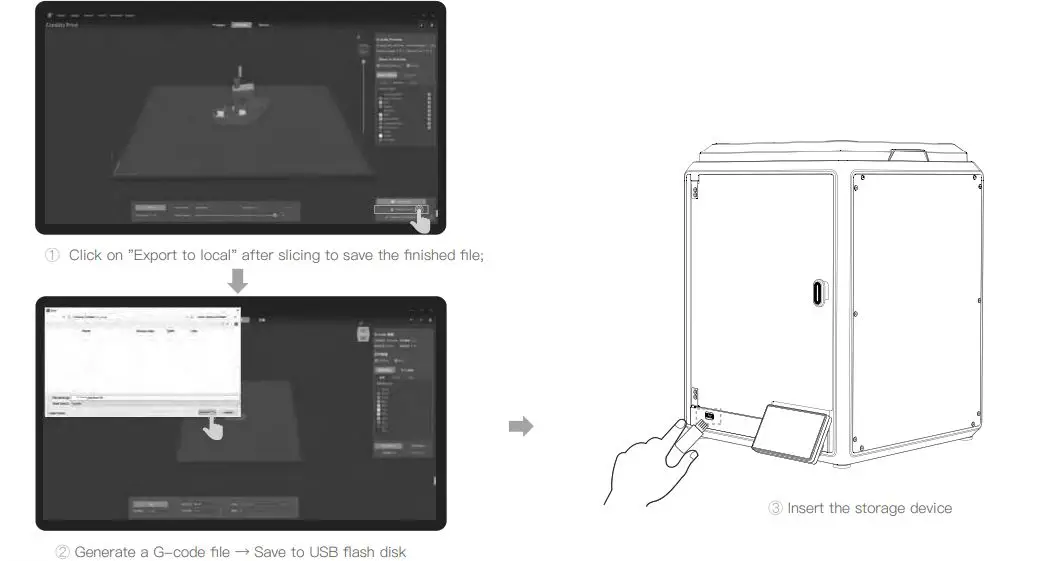
Note: The current interface is for reference only. Due to the continuous upgrading of functions, it shall be subject to the latest firmware IJI published on the official website.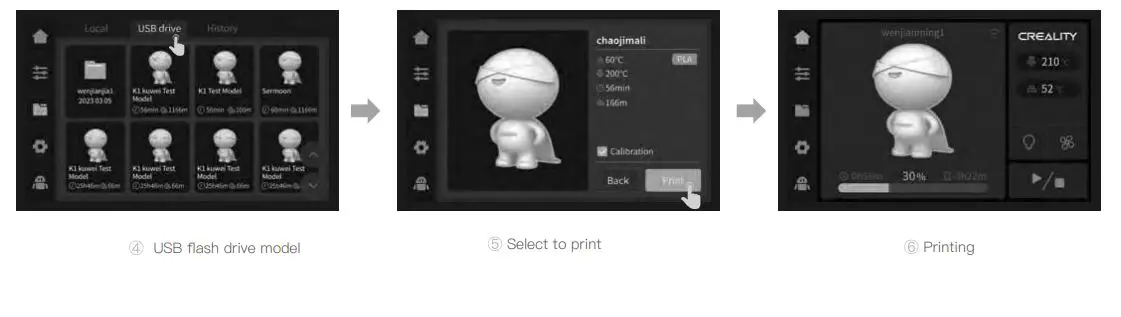
Functional Specification
Filament Retreat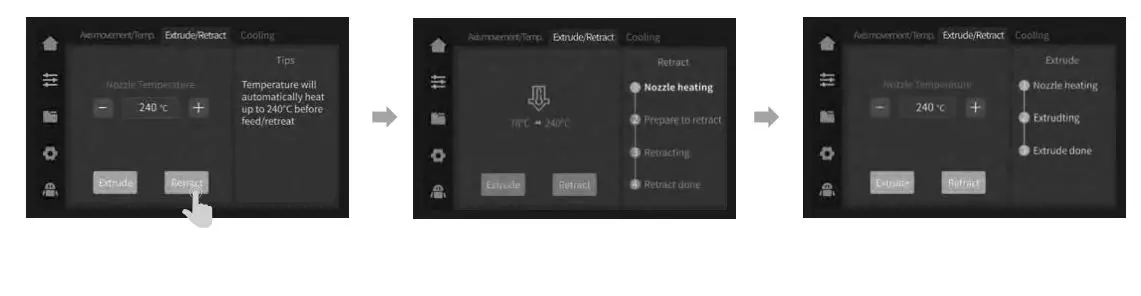
Note: The current interface is for reference only. Due to the continuous upgrading of functions, it shall be subject to the latest firmware Ul published on the official website.
Printing platform descriptions
The printing plat-fom is divided into tvvo sidæ, A and B, both of vhich are ready to print.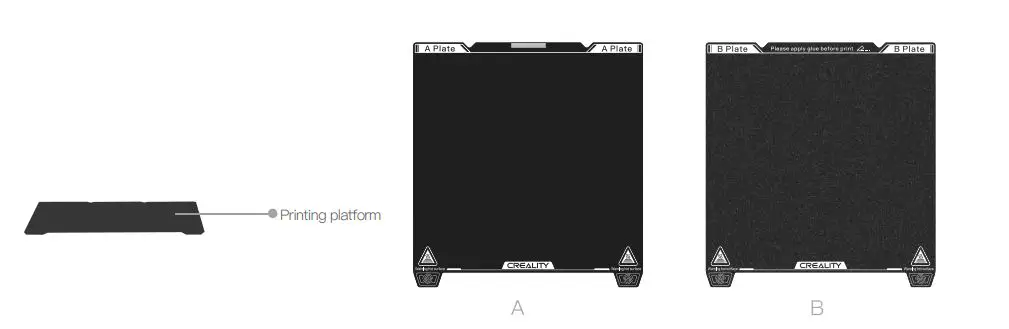
Tips:
- A Fine surface is suitable for printing all filaments.
- B Rough surface is suitable for printing both PLA and TPIJ filaments.
Tips and Routine Maintenance
In the event that any of the above problems arise and cannot be resolved:
- Please visit https://www.crealitycloud.com/product, click “Products” and select the right model, and then click “Related” to view the tutorials on after—sales service; Or contact our after—sales service center at +86 755 3396 5666, or send email to [email protected].
Maintenance Items
|
Machine cleanup | Maintenance instructions Clean the debris inside the machine to ensure that its operation is not affected. |
Before each print |
|
Hot end | Solution to extruder blockage: After preheating and removing the filaments, raise the temperature of the extruder and poke into the extruder from top to bottom using an extruder cleaner until the blocked filaments are poked out. | After extruder blockage |
| replace the no le. | cumulative print time per hours | |
| check if the wire output is normal, if not, please check if the extruder is blocked. | After each change of filaments | |
| Check the nozzle for filament residue, if so, heat the nozzle and remove it with a tool. | Before each print | |
| Printing platform | Check the surface of the platform for residual filaments and glue, if so, clean the surface of the platform. | Before each print |
| Motion mechanism | optic axis lubrication. | cumulative print time per hour |
| equipment self-test | Axis movement. optimisation of vibration veins. Auto Leveling. | cumulative print time per hours |
|
Filament replacement | Replacement of filaments of the same kind: follow the normal Retreat – Feed process. |
/ |
| Replacement of different filaments: Preheat the nozzle to reach the target temperature of the current filament; then retreat it, replace with the target filament, and preheat the nozzle to the higher filament extrude temperature of the two filaments; feed for 30s until the filament has been completely extruded, and finally set the nozzle temperature to the temperature of current filament nozzle. |
Error code descriptions
| Error code descriptions | Parameters |
| 1 | Motor drive exception |
| 2 | Internal errors |
| communication failure | |
| 4 | Not heated as expected |
| Hotbed temperature anomaly | |
| 6 | extruder failure |
| 7 | axis limit detection failure |
| 2 1 | Temperature anomaly in the temperature cavity |
| 2 2 | Exception for printing file coordinates |
| 2 | Vibration vein optimisation sensor failure |
| 2 4 | Fan anomaly |
| 2 | Network anomaly |
| Unknown exception |
Precautions for printing
Lubrication and maintenance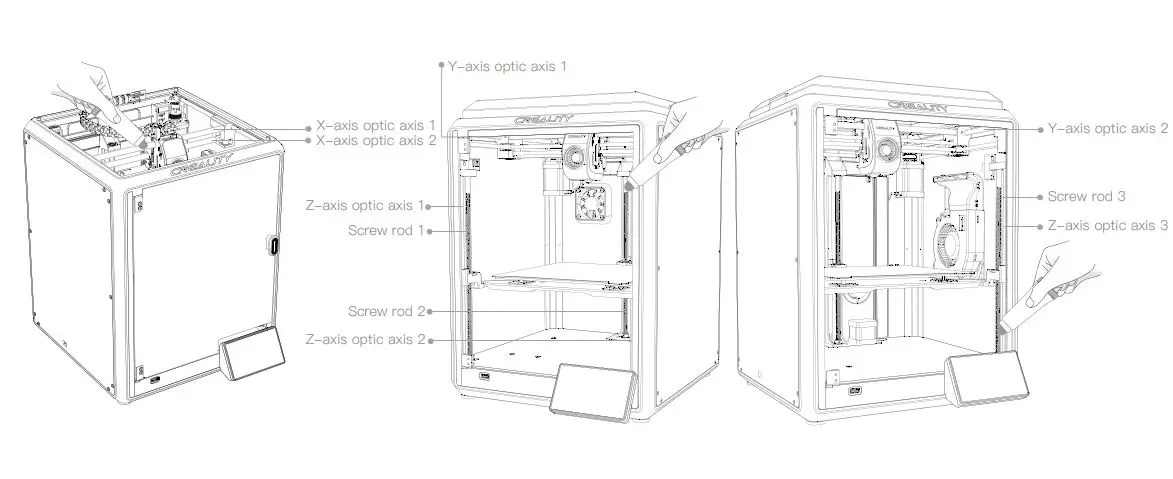
Tips: please grease and lubricate the designated areas regularly (as shown in the picture).
Precautions for printing
Use and maintenance of a flexible platform
- Together with the flexible platform after the printed model has been cooled down Remove from the device and partially bend the platform slightly to separate the model from the platform.(No excessive bending of the platform to prevent it from being deformed and unusable)
- The residue of the platform filaments can be scraped off with a blade. Be cautious of safety when using.
- When the first layer of the model is not glued, it is recommended to apply glue stick evenly on the surface of the platform.
Cleaning of debris inside the chasis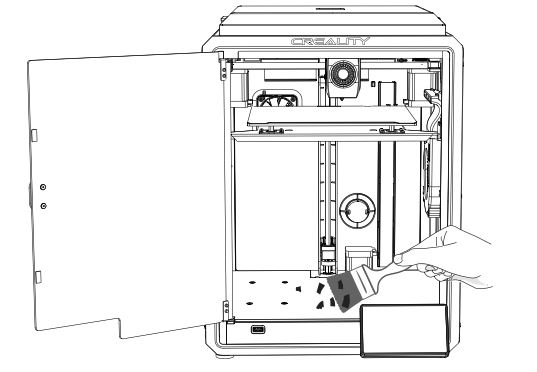
Reminder: Since the printing platform is quick—wear, it is recommended to replace the printing platform regularly to ensure that the first layer of the model adheres.
FCC Statement
Any Changes or modifications not expressly approved by the party responsible for compliance could void the user’s authority to operate the equipment.
This device complies with part 15 of the FCC Rules. Operation is subject to the following two conditions: (1) This device may not cause harmful interference, and (2) this device must accept any interference received, including interference that may cause undesired operation.
IMPORTANT NOTE:
Note: This equipment has been tested and found to comply with the limits for a Class B digital device, pursuant to part 15 of the FCC Rules. These limits are designed to provide reasonable protection against harmful interference in a residential installation. This equipment generates, uses and can radiate radio frequency energy and, if not installed and used in accordance with the instructions, may cause harmful interference to radio communications. However, there is no guarantee that interference will not occur in a particular installation. If this equipment does cause harmful interference to radio or television reception, which can be determined by turning the equipment off and on, the user is encouraged to try to correct the interference by one or more of the following measures:
- Reorient or relocate the receiving antenna.
- Increase the separation between the equipment and receiver.
- Connect the equipment into an outlet on a circuit different from that to which the receiver is connected.
- Consult the dealer or an experienced radio/ TV technician for help.
FCC Radiation Exposure Statement:
- This equipment complies with FCC radiation exposure limits set forth for an uncontrolled environment.
- This equipment should be installed and operated with minimum distance 20cm between the radiator& your body.
Since each model is different, the actual product may be different from the picture. Please refer to the actual product. The final interpretation right belongs to Shenzhen Creality 3D Technology Co., Ltd.
SHENZHEN CREALITY 3D TECHNOLOGY CO., LTD.
Add: 1 8th Floor, JinXiuHongDu Building, Meilong Road, Xinniu Community, Minzhi Street, Longhua District, Shenzhen City, China.
Official Website: www.creality.com
Tel: +86 755-8523 4565
E—mail: [email protected]