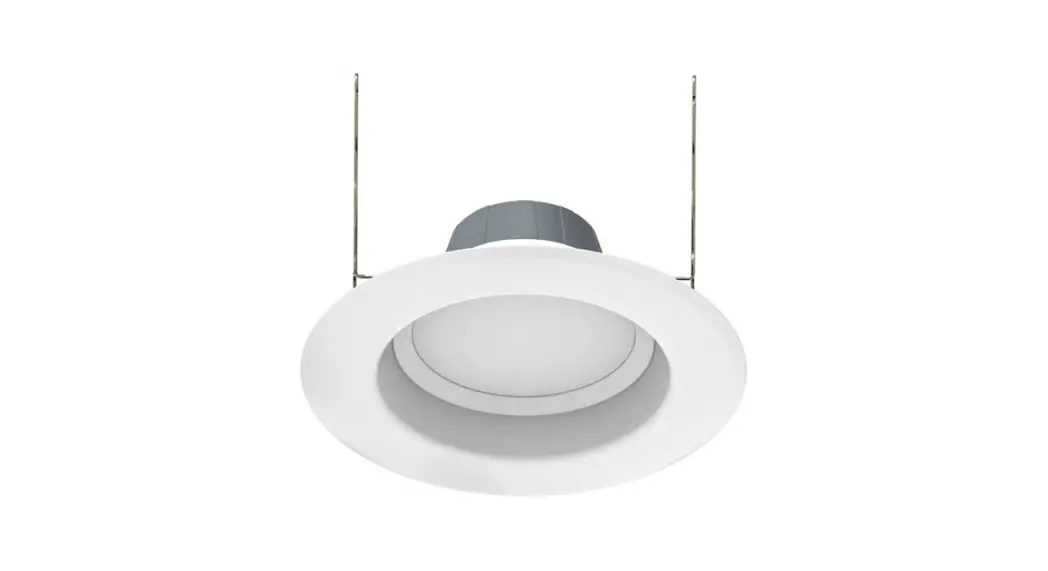
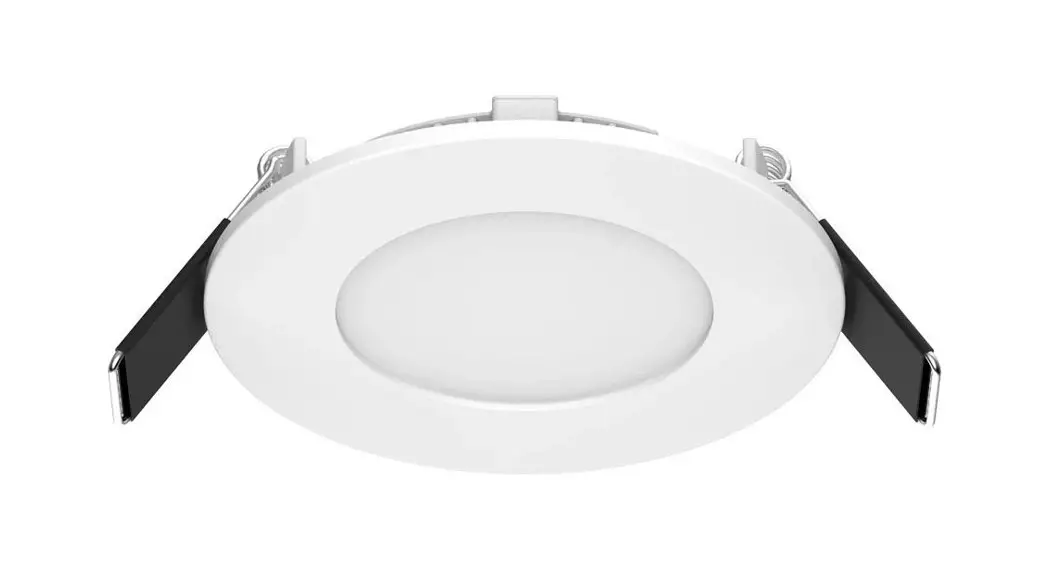
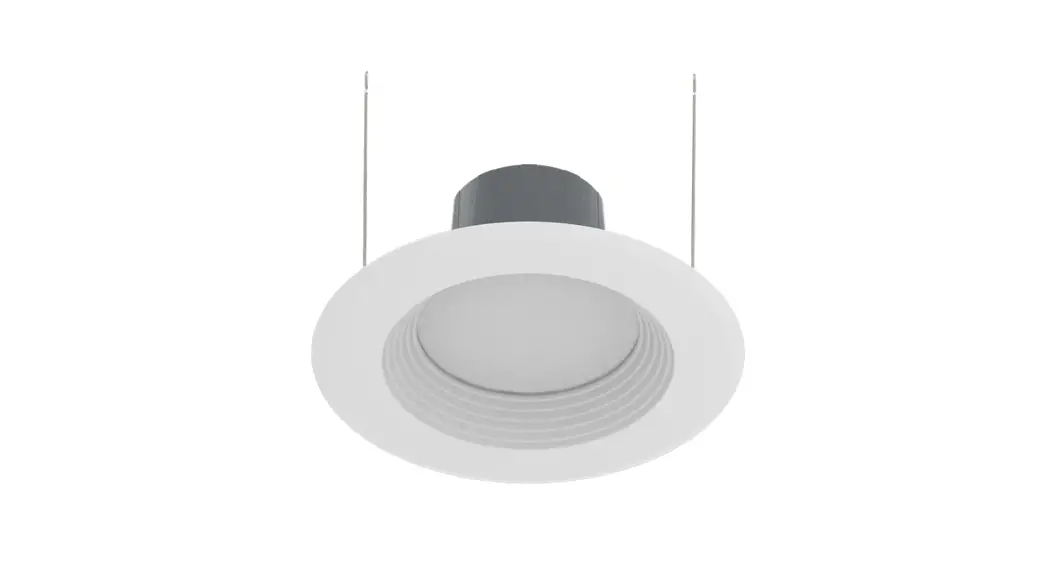
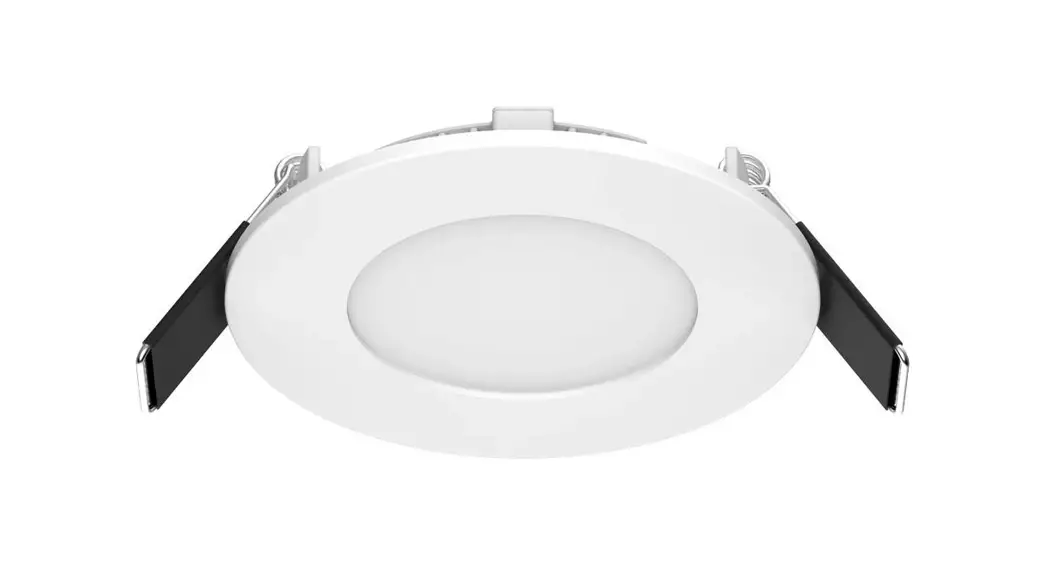
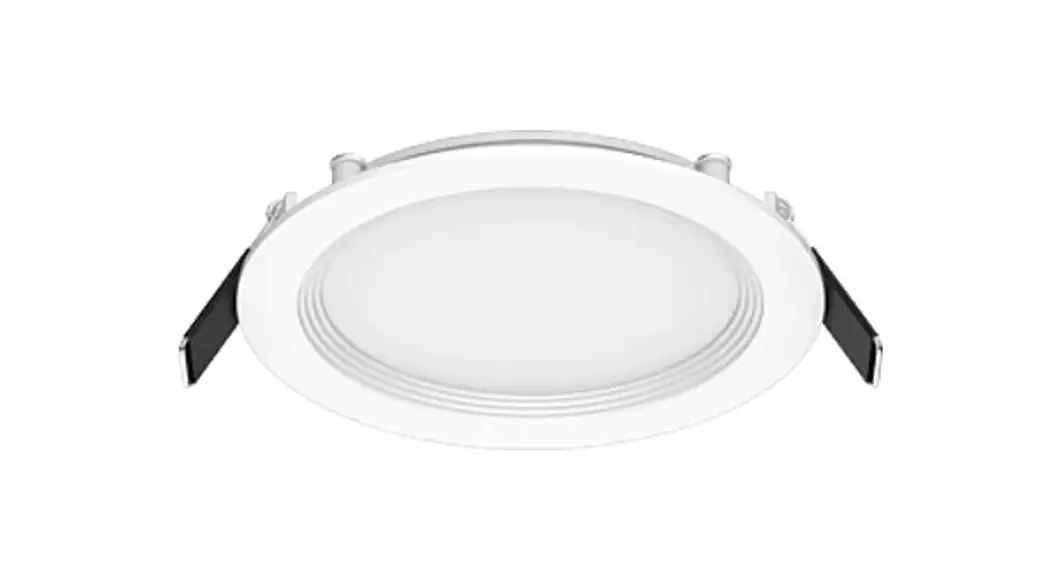
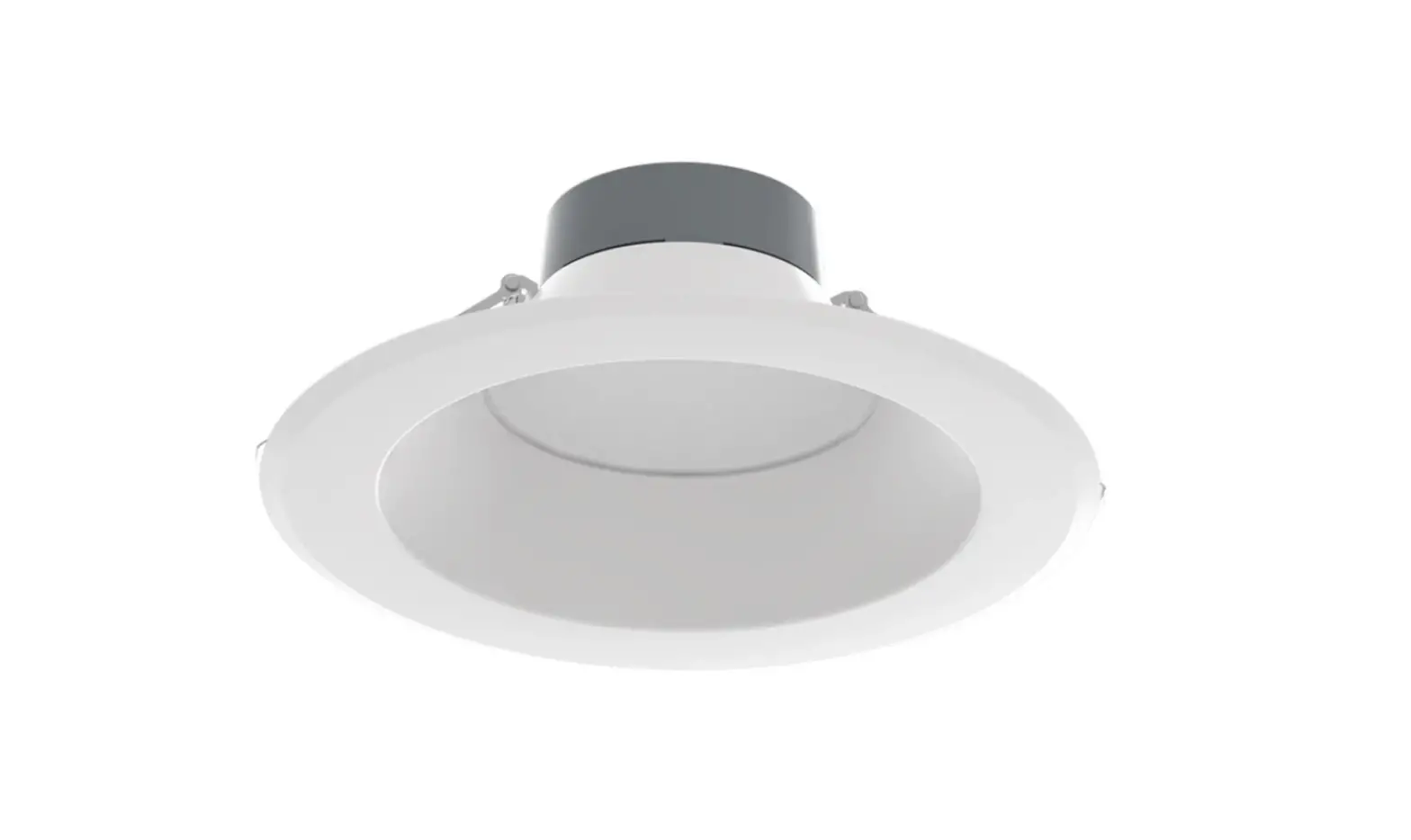
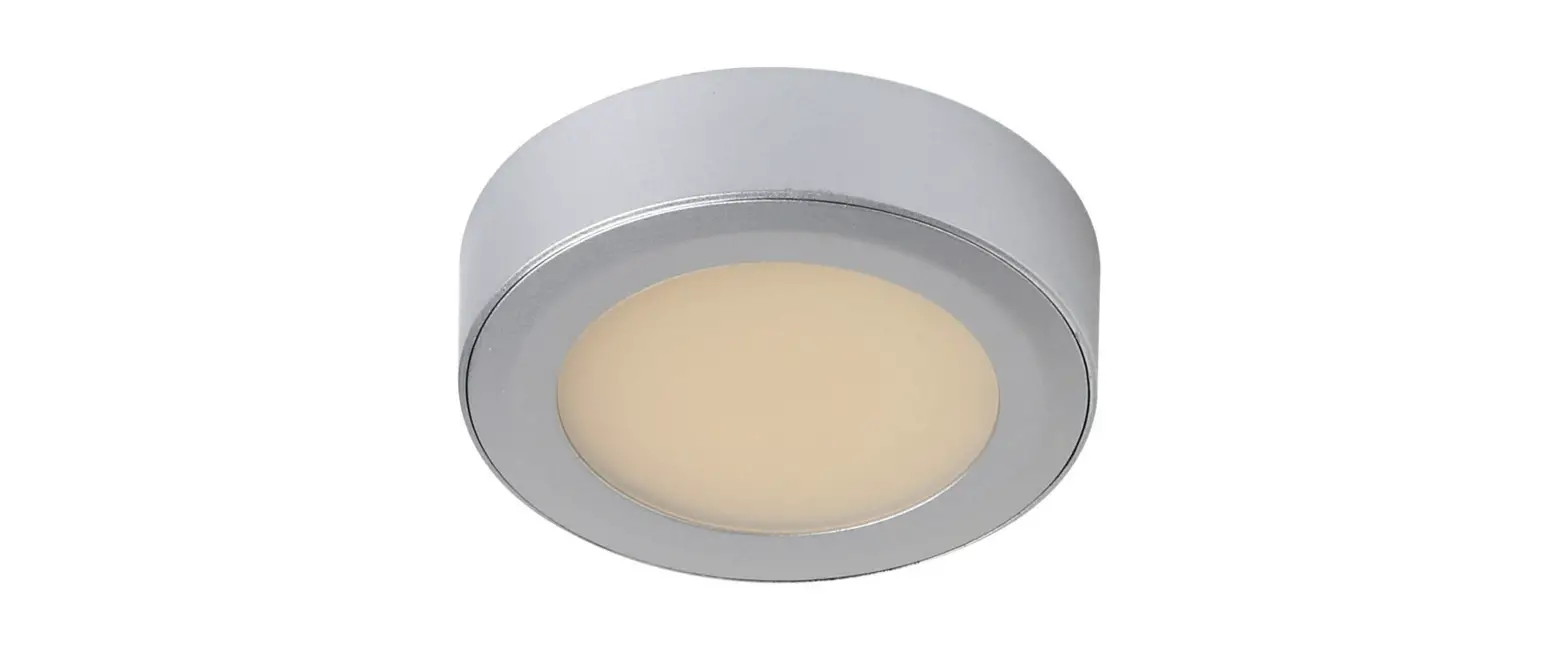
DSK34-4R129XX120WS Disk Downlight
Product Information:
The DISK34-4 DISK is a downlight luminaire that has been
modified to operate LED lamps. It is not compatible with
incandescent lamps. The luminaire comes with a disk, bracket,
screws, nuts, Lumi sticker, and optional accessories like E26
adapter, female connector, and friction clips. It is compatible
with most common 4 recessed housings, and the LAMPSOCKET E26 SET
Model# DSK34-4/ACC is needed for installation.
Important Safety Instructions:
- Power should be turned off at the fuse box before
installation. - Read all product labels and directions.
What’s in the Box:
- Disk (1)
- Bracket(1)
- Screws (4)
- Nuts (3)
- Lumi Sticker (1)
Optional Accessories:
- E26 adapter(1)
- Female connector(1)
- Screw (2)
- Friction Clips(2)
Tools Needed:
A screwdriver is needed for installation.
Dimensional Drawings:
Minimum lamp compartment dimensions for installation with J-BOX:
J-box Min Volume – 15.9 in3, Min Length: 3.2in, Height: 1.55in
Compatible with standard J-box. Minimum lamp compartment dimensions
for installation with Existing Housing: Dia: 4in, Height: 4.1in
Compatible with most common 4in recessed housings
Product Usage Instructions:
Installation with J-BOX (Mounting Diameter 2.7in)
- Turn off the power at the source to the J-box in which you are
installing the product. - Take out the lens from the disk.
- Connect the ground wire (Cooper) to J-box and the wires of
J-box to disk, white – white, black – black. - Fasten the disk to J-box with the two short screws provided in
the package. - Put the lens back into the disk.
Installation with J-BOX (Mounting Diameter 2.7in) using
Bracket
- Turn off the power at the source to the J-box in which you are
installing the product. - Take out the lens from the disk.
- Fasten the bracket to J-box with the two long screws provided
in the package. - Connect the ground wire (Cooper) to J-box and the wires of
J-box to disk, white – white, black – black. - Fasten the disk to the bracket with the two short screws
provided in the package. - Put the lens back into the disk.
Installation with Existing Housing
- Wire the disk with female connector. Insert the black wire into
the side marked(-) and the white wire into the side without a mark.
Make sure both wires are tightly secured. - Turn off the power at the source to the recessed housing in
which you are installing the product. - Take out the lens from the disk.
- Install the friction clip on the back of the disk.
- Put the lens back into the disk.
- Screw the E26 adapter into the socket. Then connect the male
connector of E26 adapter to the female connector of the disk.
Simply slide the trim and metal friction clips into the
housing.
DISK34 – 4″ DISK
DSK34-4R129XX120WS DSK34-4R129XX120BS DSK34-4R129XX120BRS DSK34-4R129XX120BNS DSK34-4R149XX120WS
IMPORTANT
TO PREVENT ELECTRICAL SHOCK, POWER SHOULD BE TURNED OFF AT THE FUSE BOX BEFORE INSTALLATION. SAFETY WARNINGS: Read all product labels and directions.
· THIS DEVICE IS NOT INTENDED FOR USE WITH EMERGENCY EXITS. · WARNING-Risk of fire or electric shock. Install this kit only in the luminaires that have the construction features and dimensions shown in the photographs and/or drawings and where the input rating of the retrofit kit does not exceed the input rating of the luminaire. · Do not make or alter any open holes in an enclosure of wiring or electrical components during kit installation. · WARNING To prevent wiring damage or abrasion, do not expose wiring to edges of sheet metal or other sharp objects. · Please examine all parts that are not intended to be replaced by the retrofit kit for damage and replace any damaged parts prior to installation of the retrofit kit. · Replace only with RAB Lighting Inc. Visit our website: RABLIGHTING.COM Call our experts at 888 722-1000 MODEL# DSK34-4R129XX120WS/DSK34-4R129XX120BS/DSK34-4R129XX120BRS/DSK34-4R129XX120BNS/DSK34-4R149XX120WS. · The recessed luminaire is intended for mounting only in a covered ceiling where only the led side of the luminaire will be
exposed to damp or dry locations. · INSTALLATION SHOULD ONLY BE PERFORMED AFTER POWER TO THE FIXTURE HAS BEEN DISCONNECTED. · These instructions shall be included on an information sheet packaged with each unit.
NOTE 1: This equipment has been tested and found to comply with the limits for a Class B digital device, pursuant to part 15 of the FCC Rules. These limits are designed to provide reasonable protection against harmful interference in a residential installation. This equipment generates, uses and can radiate radio frequency energy and, if not installed and used in accordance with the instructions, may cause harmful interference to radio communications. However, there is no guarantee that interference will not occur in a particular installation. If this equipment does cause harmful interference to radio or television reception, which can be determined by turning the equipment off and on, the user is encouraged to try to correct the interference by one or more of the following measures: –Reorient or relocate the receiving antenna. –Increase the separation between the equipment and receiver. –Connect the equipment into an outlet on a circuit different from that to which the receiver is connected. –Consult the dealer or an experienced radio/TV technician for help. NOTE 2: Any changes or modifications to this unit not expressly approved by the party responsible for compliance could void the user’s authority to operate the equipment.
WHAT’S IN THE BOX
Disk (1)
7 65 4
THIS SIDE FACING CEILING
Bracket(1)
7 65 4
Screws (4)
Nuts (3)
THIS LUMINAIRE HAS BEEN MODIFIED TO OPERATE LED LAMPS. DO NOT ATTEMPT TO INSTALL OR OPERATE INCANDESCENT LAMPS IN THIS LUMINAIRE
REPLACE ONLY WITH RAB Lighting Inc. RABLIGHTING.COM 888 722-1000 MODEL#
Lumi Sticker (1)
OPTIONAL ACCESSORIES
Our disk downlight is compatible with most common 4″ recessed housings, please purchase the LAMPSOCKET E26 SET Model# DSK34-4/ACC – including E26 adapter, female connector and friction clips) for installation in housings.
E26 adapter(1) Female connector(1) Screw (2) Friction Clips(2)
DISK34 – 4″ DISK
TOOLS NEEDED
Installation with J-BOX and Existing Housing A screwdriver is needed for installation.
DIMENSIONAL DRAWINGS
1″
MIN. LAMP COMPARTMENT DIMENSIONS
Installation with J-BOX J-box Min Volume – 15.9 in3, Min Length: 3.2in, Height: 1.55in Compatible with standard J-box
Installation with Existing Housing Min lamp compartment dimensions – Dia: 4in, Height: 4.1in Compatible with most common 4in recessed housings
6 1/8″
INSTALLATION WITH J-BOX (Mounting Diameter 2.7in)
1. Make sure the POWER IS TURNED OFF at the source to the J-box in which you are installing the product.
2. Take out lens from disk. (Fig.1)
Fig: 1
4. Fasten the disk to J-box with the two short screws provided in package. (Fig.3)
Fig: 3
3. Connect the Ground Wire (Cooper) to J-box and the wires of J-box to disk, white – white, black – black. (Fig.2)
Fig: 2
5. Put the lens back to disk. (Fig.4)
Fig: 4
Nuts
Black (line)
Black (line)
JBOX
Ground
Cooper (ground) DISK
White (neutral) White (neutral)
DISK34 – 4″ DISK
INSTALLATION WITH J-BOX (Mounting Diameter 2.7in)
1. Make sure the POWER IS TURNED OFF at the source to the J-box in which you are installing the product.
2. Take out lens from disk. (Fig.5) Fig: 5
4. Connect the Ground Wire (Cooper) to J-box and the wires of `J-box to disk, white – white, black – black. (Fig.7)
Fig: 7
3. Fasten the bracket to J-box with the two long screws provided in package. (Fig.6) Fig: 6
(3.5in)
5. Fasten the disk to the bracket with the two short screws provided in package. (Fig.8)
Fig: 8
7 65 4
7 65 4
THIS SIDE FACING CEILING
(3.5in)
7 65 4
THIS SIDE FACING CEILING
6. Put the lens back to disk. (Fig.9) Fig: 9
7 65 4 7 65 4
7 65 4
THIS SIDE FACING CEILING
DISK34 – 4″ DISK
INSTALLATION WITH EXISTING HOUSING
1. Wire the disk with female connector. (Fig.10) Insert the black wire into the side marked(-) and the white wire into the side without mark. Make sure both wires are tightly secured.
Fig: 10
5. Install the friction clip on the back of the disk. (Fig.13) Put the lens back to disk. (Fig.14)
Fig: 13
Fig: 14
2. Make sure the POWER IS TURNED OFF at the source to the recessed housing in which you are installing the product.
3. Take out lens from disk. (Fig.11)
Fig: 11
6. Screw the E26 adapter into the socket. Then connect male connector of E26 adapter to the female connector of the disk (Fig.15) Simply slide the trim and metal friction clips into the
ceilings. (Fig.17)
Fig: 15
Fig: 16
4. Fasten the bracket to disk with the two short screws provided in package. (Fig.12) Pay attention to the direction of bracket.
Fig: 12
7 65 4
7 65 4
THIS SIDE FACING CEILING
Fig: 17
v
© 2022 RAB LIGHTING Inc.
Cranbury, New Jersey 08512 USA
DSK344IN-0622
Easy Answers
 Welcome to RAB