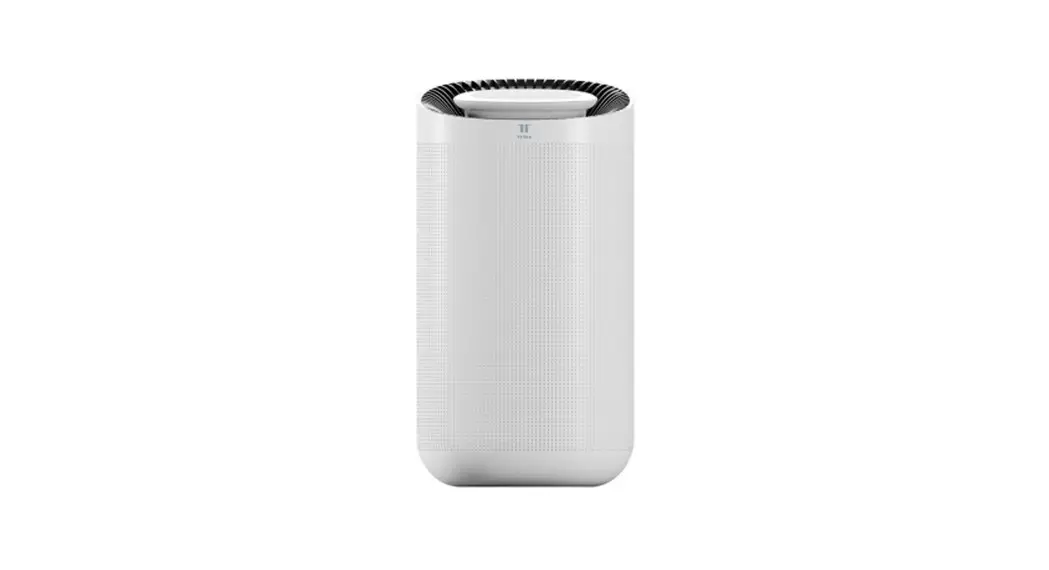
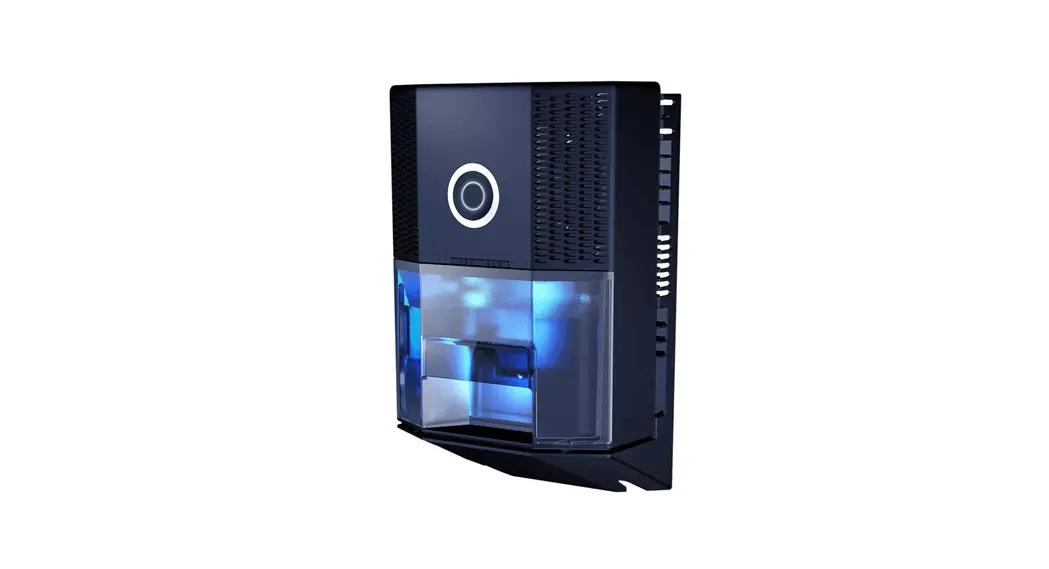
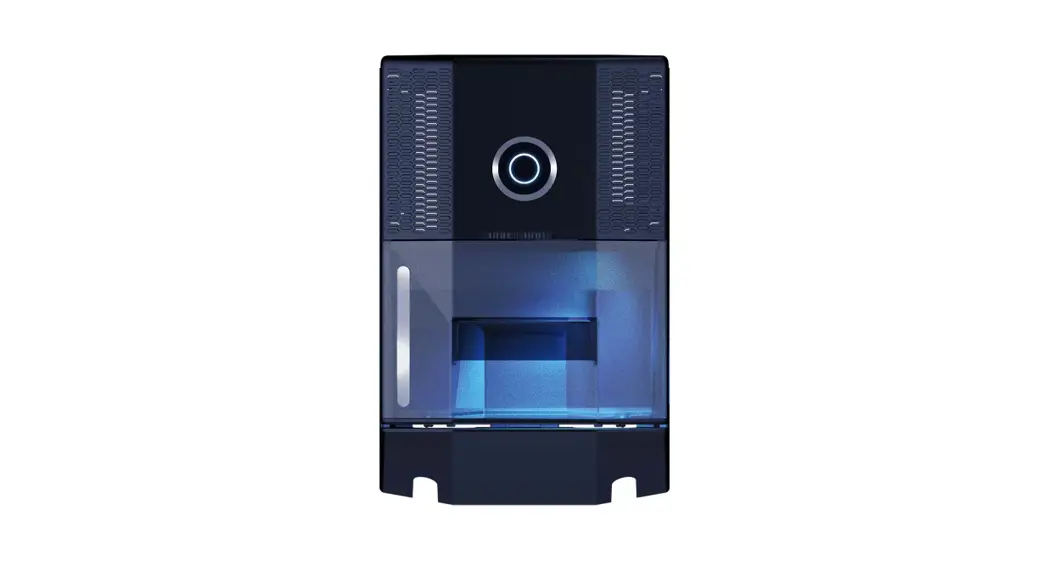
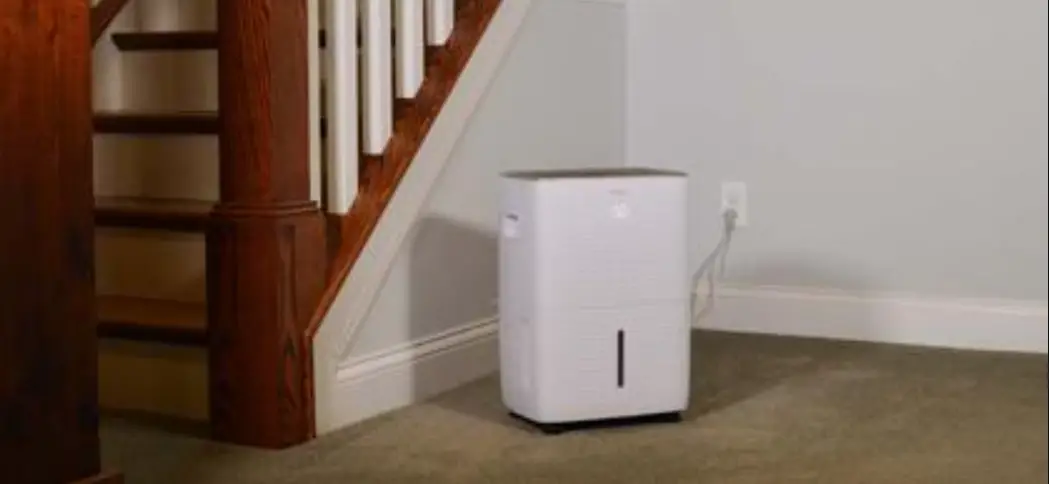
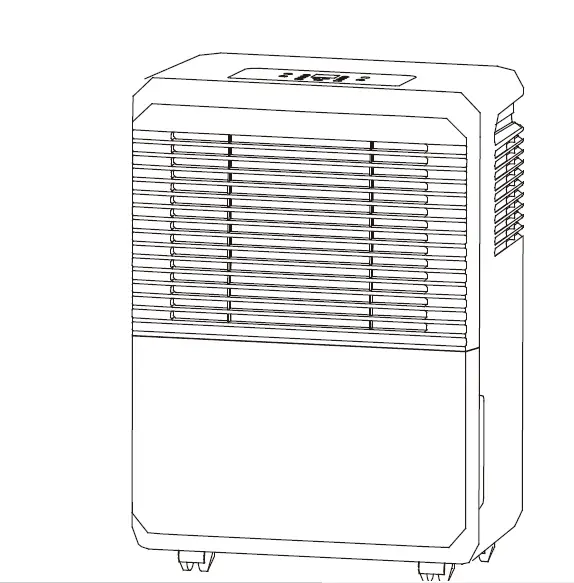
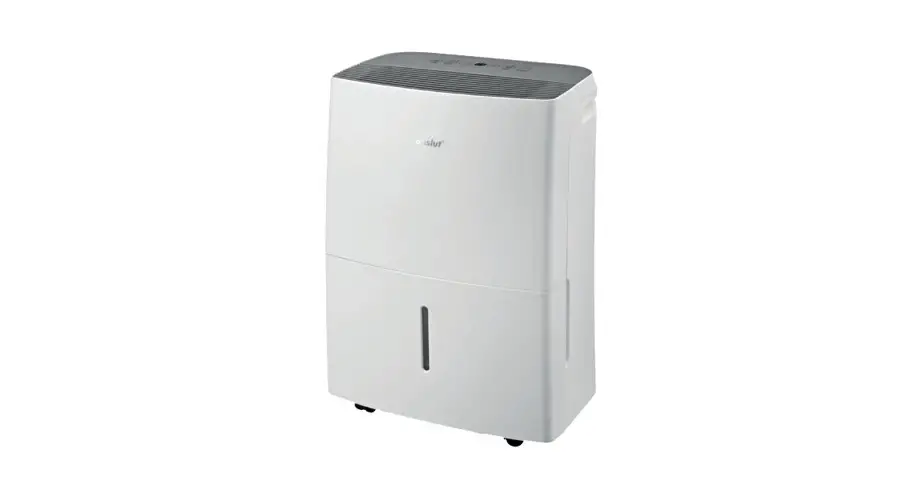
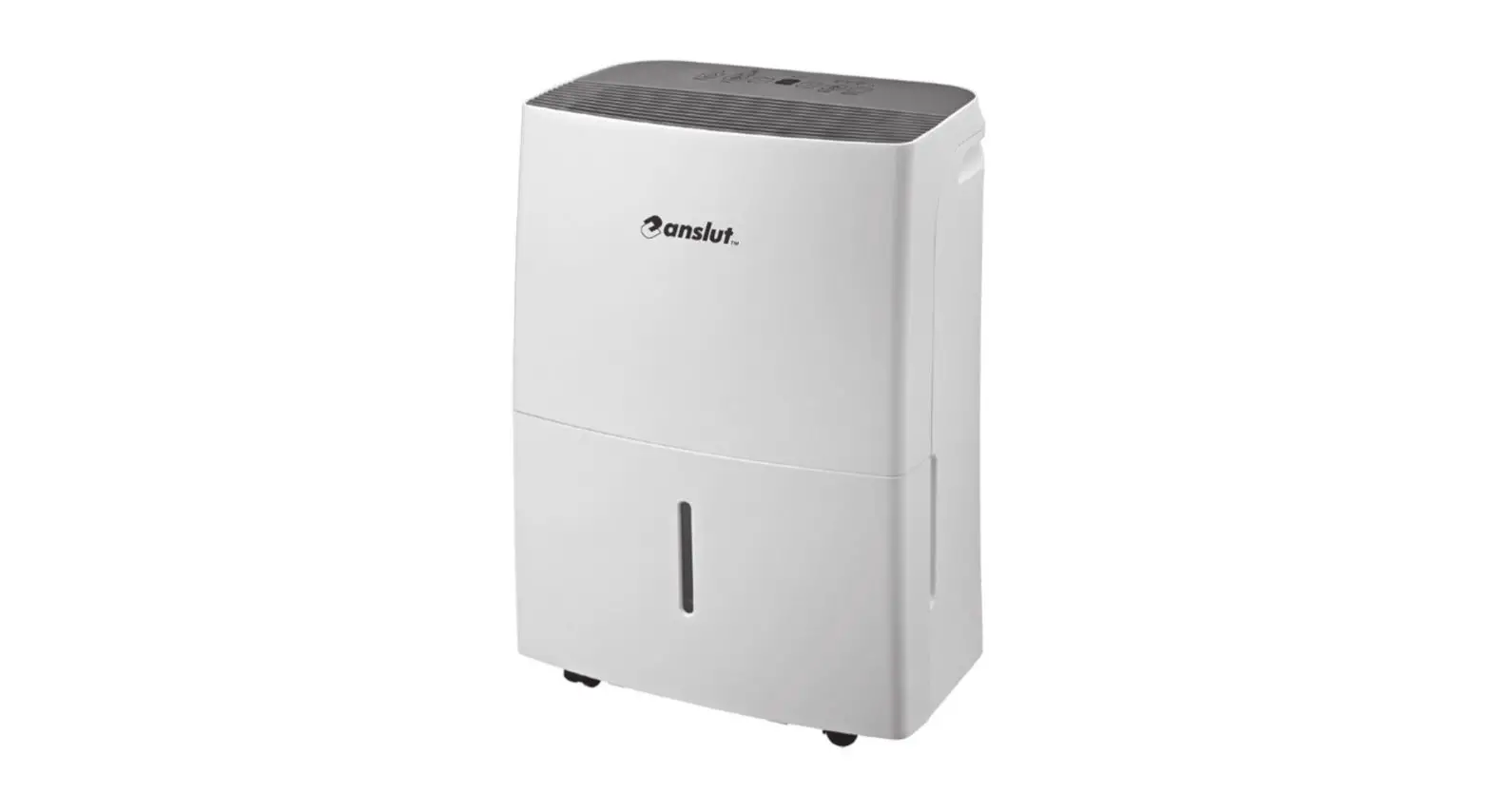
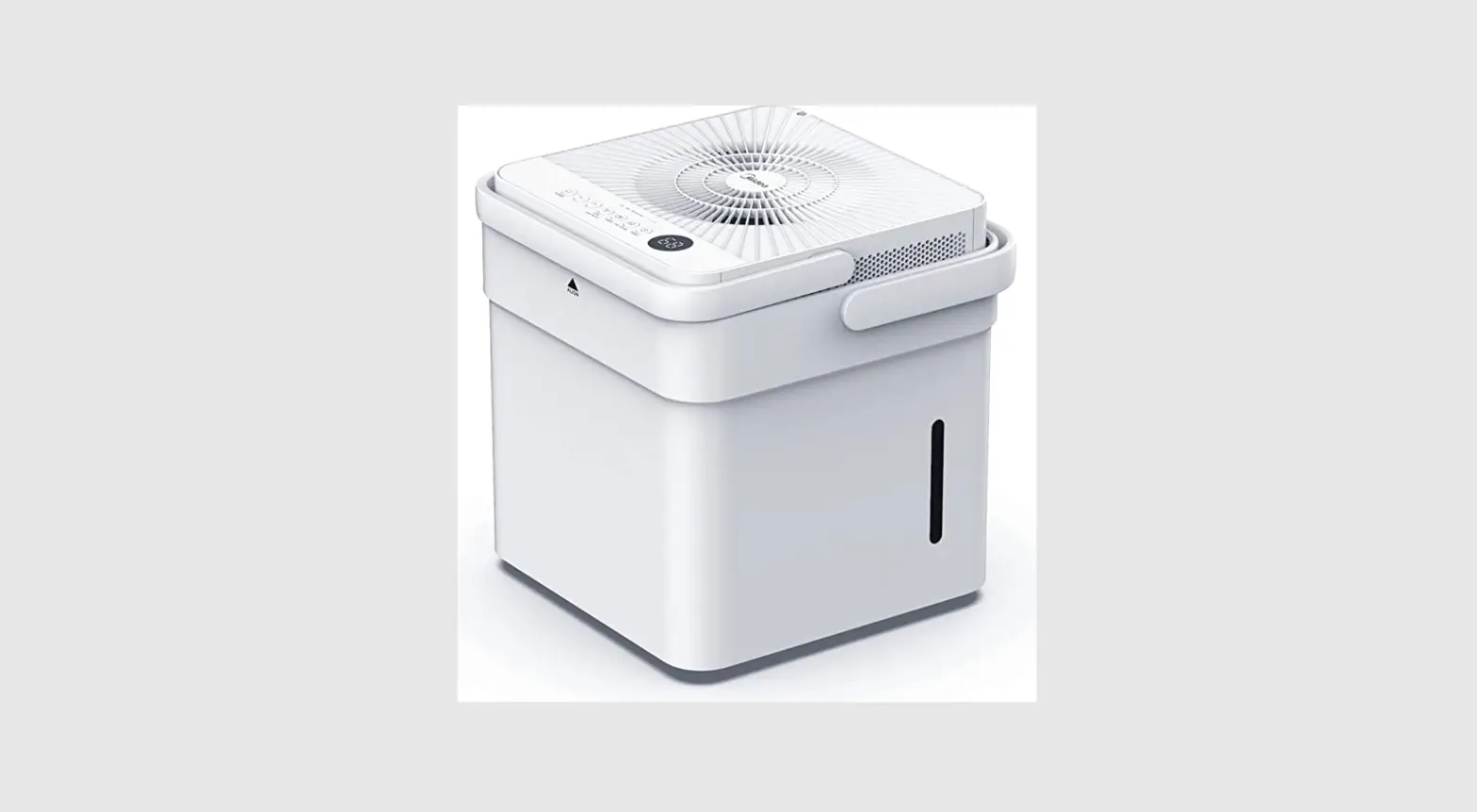
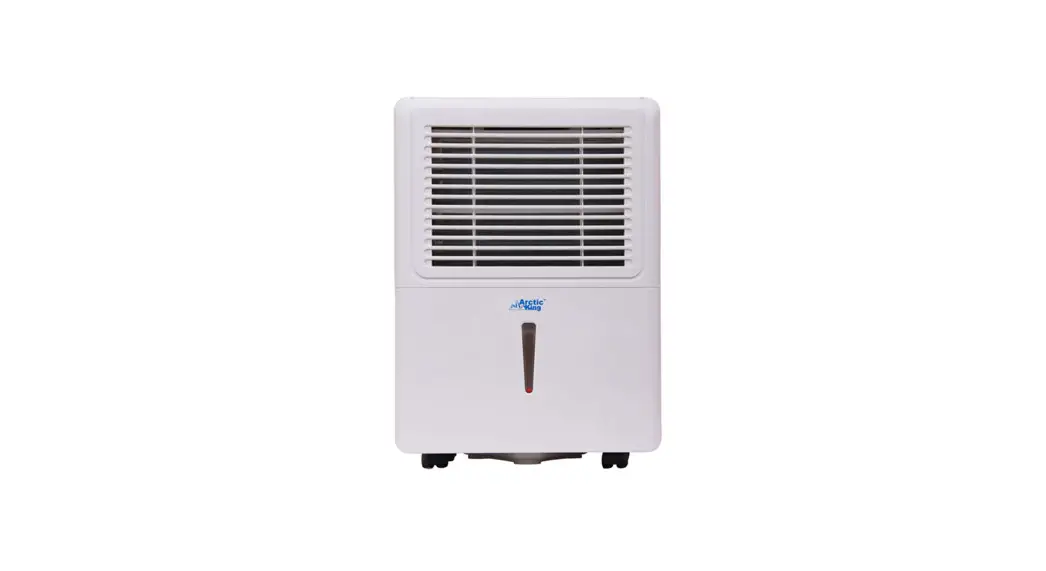
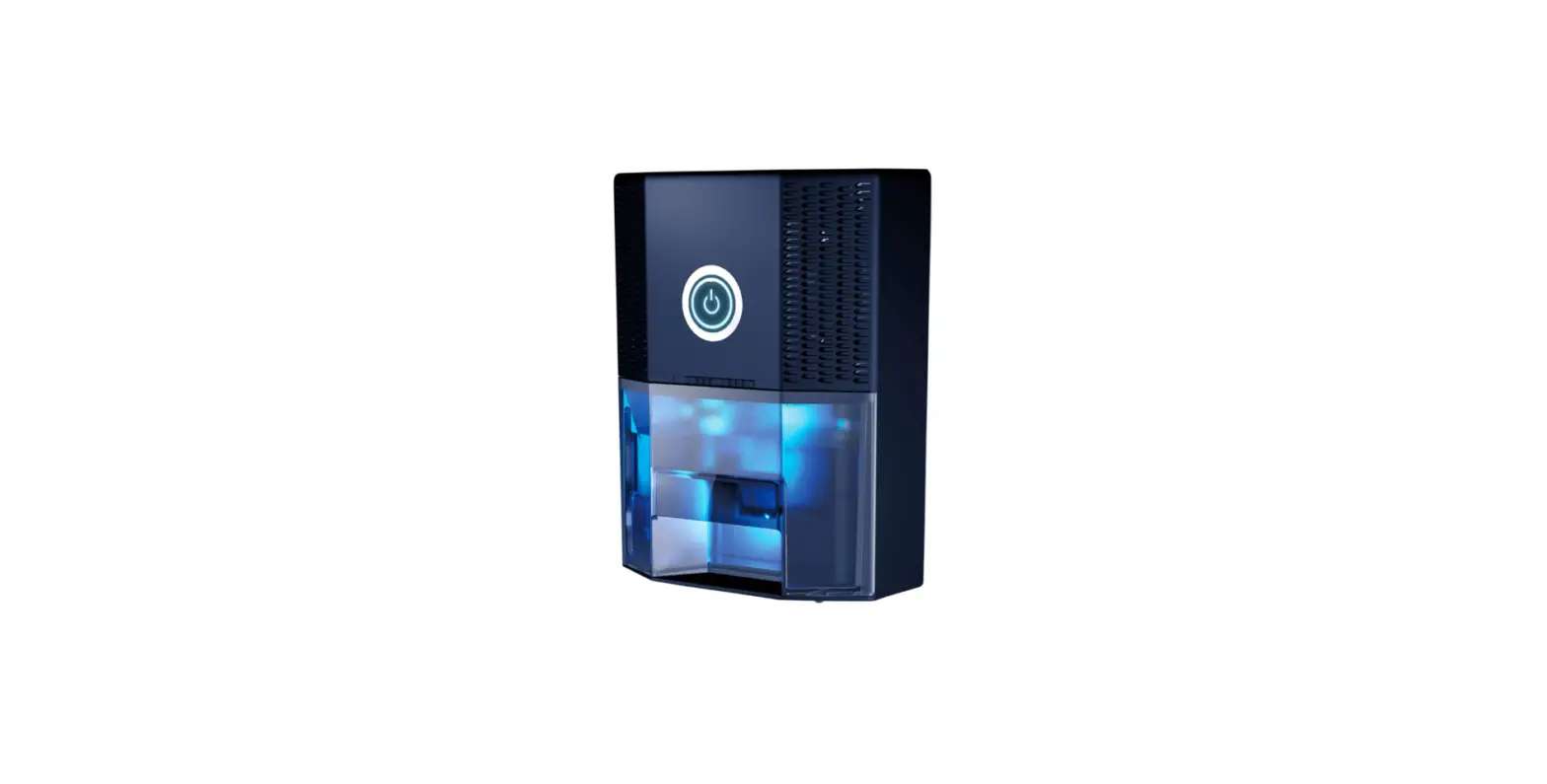
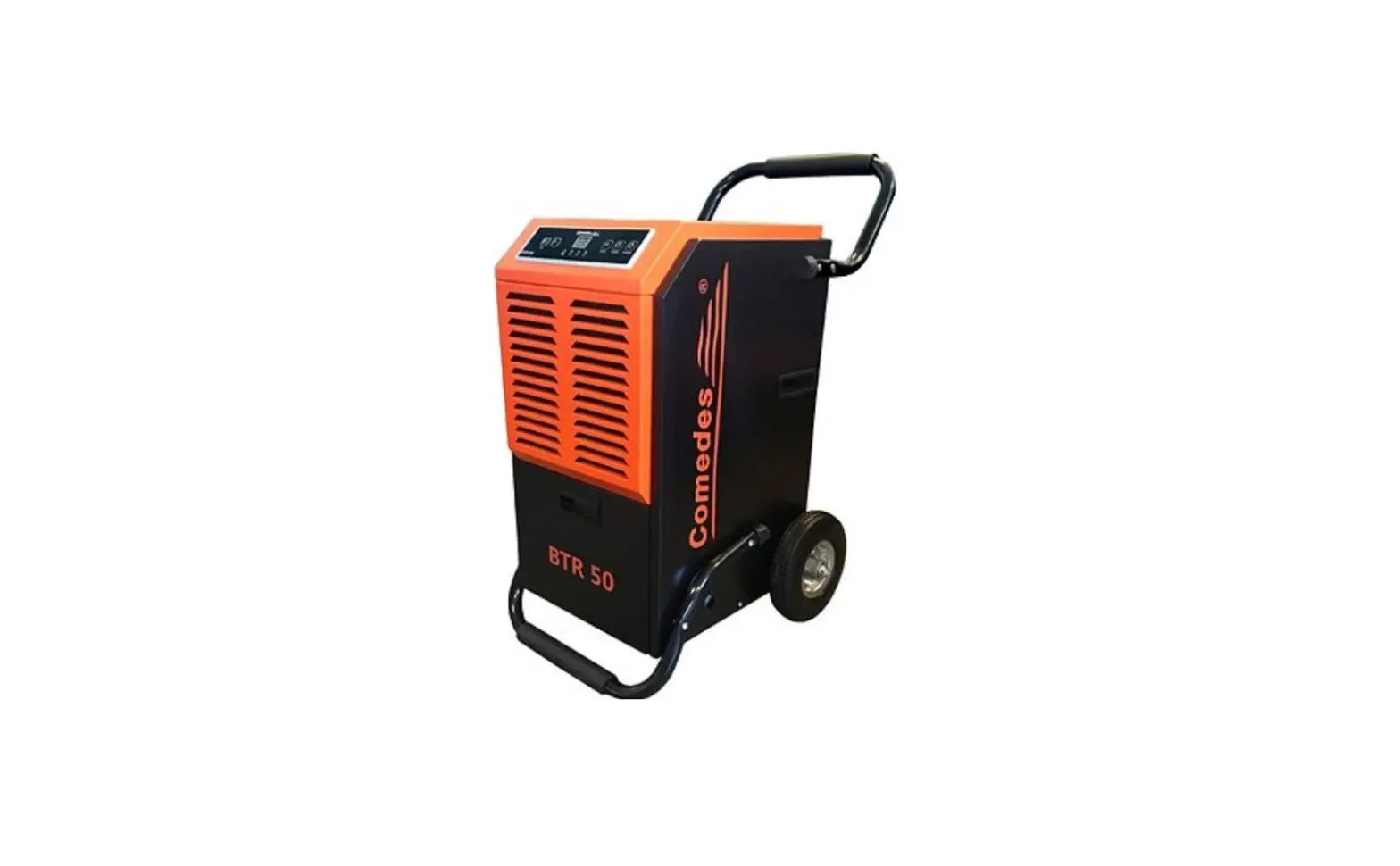
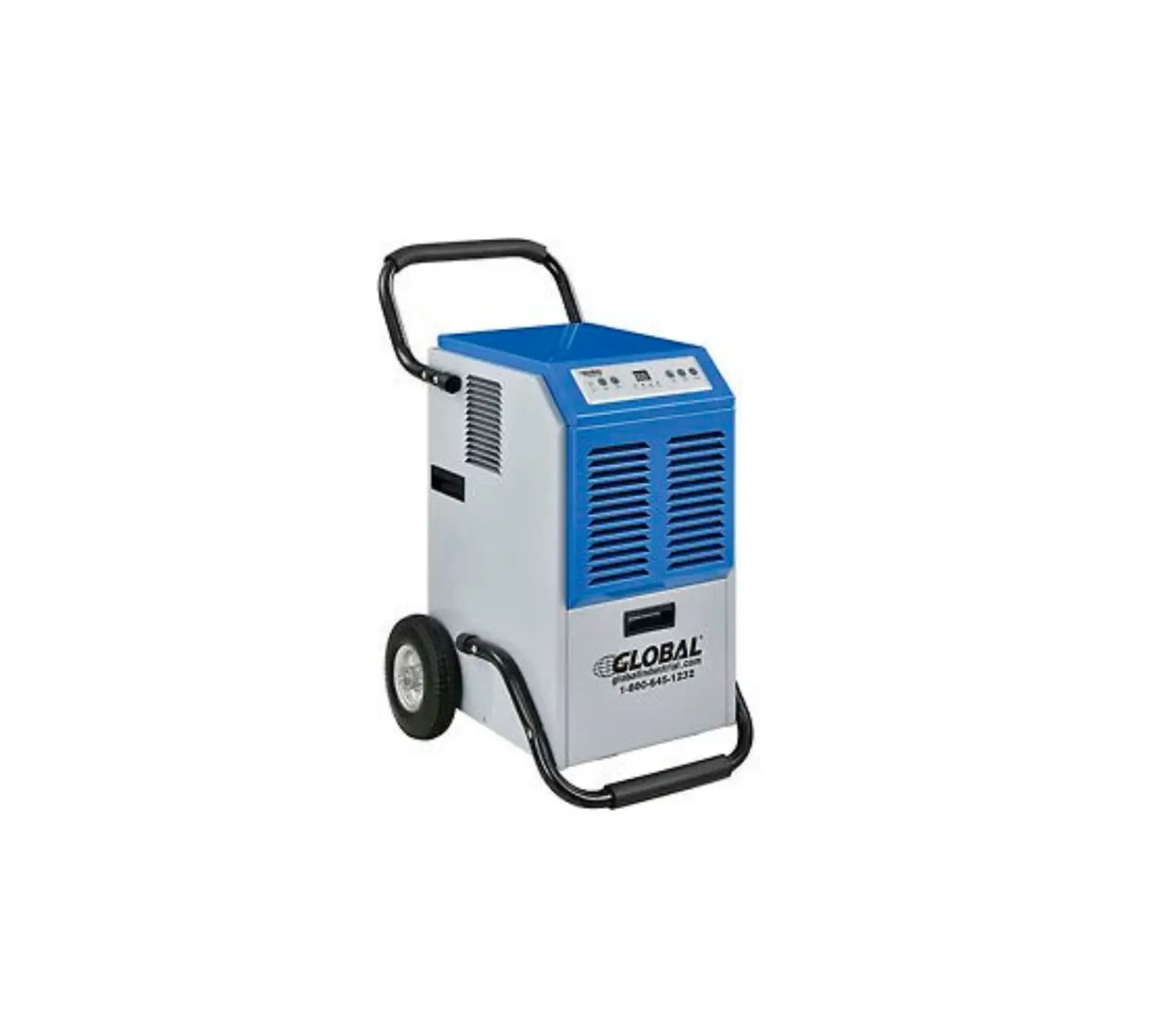
Virgo 2-IN-1 Dehumidifier
Product Overview
The Virgo 2-in-1 Dehumidifier is designed to provide both
household dehumidification and air purification. It helps to remove
excess moisture from the air while also purifying it, making the
air cleaner and healthier to breathe.
Specifications
- Model: Virgo
- Functions: Dehumidification and air purification
- Indoor use only
- Age restriction: Suitable for children aged 8 years and above
and persons with reduced mobility
Use Instructions
- Before using the dehumidifier, read the user manual carefully
and keep it for future reference. - Do not operate the dehumidifier with wet hands or place it near
a water source. - Do not put your hands or any objects into the air outlet of the
dehumidifier. - Avoid placing heavy weights at the air outlet or sitting
directly in front of it. - Do not put flammable or explosive gases near the dehumidifier
and keep it away from any heat source. - Do not turn off the machine directly through the power switch,
except when not in use for a long time. In case of any issues, cut
off the power supply immediately. - If there is a thunderstorm, cut off the power supply to the
dehumidifier. - Do not replace or connect the power cord without authorization
or use it in parallel with other high-power electrical
appliances. - Do not disassemble, modify, repair, or clean internal devices
without authorization. - When cleaning the machine, stop it and turn off the power
switch. - Do not use the unit in areas exposed to direct sunlight, near a
source of fire, or where oil or water is likely to splash. - Never insert your fingers or any objects into the air outlet
and keep the unit upright during transport and storage. - Supervise children to ensure they do not play with the
dehumidifier. - If the supply cord is damaged, it must be replaced by the
manufacturer, its service agent, or similarly qualified
persons. - If strange sounds, smells, or smoke comes from the unit, unplug
it immediately.
Troubleshooting
If you experience any issues with your Virgo 2-in-1
Dehumidifier, please refer to the troubleshooting section of the
user manual for guidance. If the issue persists, contact the
manufacturer or an authorized service agent for assistance.
Cleaning and Maintenance
Regular cleaning and maintenance of your dehumidifier is
important to ensure its optimal performance and longevity. Please
refer to the user manual for instructions on how to clean and
maintain your Virgo 2-in-1 Dehumidifier.
Warranty
The Virgo 2-in-1 Dehumidifier comes with a warranty. Please
refer to the user manual for details on the warranty coverage and
how to make a claim.
Safety Precautions
The user manual contains important safety precautions to prevent
personal injury or property loss. Please read them carefully and
observe all precautions listed in the manual.
Thank you very much for using our products. Please read the user manual carefully before use and keep it for future reference.
HOUSEHOLD DEHUMIDIFICATION AND AIR PURIFICATION 2-IN-1 DEHUMIDIFIER
Model: Virgo
TABLE OF CONTENTS
Important Matters
01
Product Overview
11
Specifications
12
Use Instructions
15
Troubleshooting
20
Cleaning and Maintenance
22
Warranty
24
Safety Precautions
This page records the main topics of safety precautions to prevent personal injury or property loss of users and others. Please read them carefully and observe the precautions recorded here.
1. Do not operate this machine with wet hands, or flush the dehumidifier directly with water, or place this machine near the water source.
2. Do not put your hands into the air outlet or the inside of it; Do not place heavy weights at the air outlet of this machine or sit directly at the air outlet.
3. Do not throw or place any objects into the dehumidifier. 4. Do not put flammable and explosive gases in the place where the dehumidifier is used, and please
keep this machine away from any heat source. 5. It is forbidden to turn off the machine directly through the power switch; and when the machine is
not in use in a long term, please turn off the power switch. 6. In case of anything untoward (eg. the machine gives off burning smell), the machine must be
stopped from running with the power supply cut off. 7. The power supply must be cut off during thunderstorms. 8. It is forbidden to replace the power cord without authorization, or connect the power cord midway or
use it in parallel with other high-power electrical appliances. 9. It is forbidden to disassemble, modify, repair or clean internal devices without authorization. 10. When cleaning the machine, please stop it and turn off the power switch. 11. The appliance is for indoor use only. 12. Do not use the unit on a socket under repairs or not installed properly 13. Do not use the unit, follow these precautions:
A: Near to source of fire. B: An area where oil is likely to splash. C: An area exposed to direct sunlight. D: An area where water is likely to splash. E: Near a bath, a laundry, a shower or a swimming pool.
01
14. Never insert your fingers, rods into the air outlet. Take special care to warn children of these dangers.
15. Keep the unit upward while transport and storage, for the compressor locates properly. 16. Children should be supervised to ensure that they do not play with the appliance. 17. If the supply cord is damaged, it must be replaced by the manufacturer, its service agent or
similarly qualified persons in order to avoid a hazard. 18. This appliance can be used by children aged from 8 years and above and persons with reduced
physical, sensory or mental capabilities or lack of experience and knowledge if they have been given supervision or instruction concerning use of the appliance in a safe way and understand the hazards involved. Children shall not play with the appliance. Cleaning and user maintenance shall not be made by children without supervision. 19. The appliance shall be installed in accordance with national wiring regulations. 20. Details of type and rating of fusesT, 250V AC,6.3A. 21. Recycling. This marking indicates that this product should not be disposed with other household wastes throughout the EU. To prevent possible harm to the environment or human health from uncontrolled waste disposal, recycle it responsibly to promote the sustainable reuse of material resources. To return your used device, please use the return and collection systems or contact the retailer where the product was purchased. They can take this product for environmentally safe recycling. 22. Contact authorized service technician for repair or maintenance of this unit. 23. Do not pull, deform. or modify the power supply cord or immerse it in water. Pulling or misuse of the power supply cord can result in damage to the unit and cause electrical shock. 24. Compliance with national gas regulations shall be observed. 25. Keep ventilation openings clear of obstruction. 26. Any person who is involved with working on or breaking into a refrigerant circuit should hold a current valid certificate from an industry-accredited assessment authority, which authorizes their competence to handle refrigerants safely in accordance with an industry recognized assessment specification.
27. Servicing shall only be performed as recommended by the equipment manufacturer. Maintenance and repair requiring the assistance of other skilled personnel shall be carried out under the supervision of the person competent in the use of flammable refrigerants.
28. Do not operate or stop the unit by inserting or pulling out Die power plug, it may cause electric shock or fire due to heat generation.
29. Unplug the unit if strange sounds, smell, or smoke comes from it.
Notes: 1. If any parts damage, please contact the dealer or a designated repair shop. 2. In case of any damage, please turn off the air switch, disconnect the power supply, and contact the
dealer or a designated repair shop; 3. In any case, the power cord shall be firmly grounded. 4. To avoid the possibility of danger, if power cord is damaged, please turn off the air switch and
disconnect the power supply. It must be replaced from the dealer or a designated repair shop.
03
STORAGE AND DISPOSING OF THE UNRT
Please recycle or dispose of the packaging material for product in an environmentally responsible manner.
Never store or ship the air cond itioner upside down or sideways to avoid damage to the compressor.
Dispose of this appliance in accordance with Federal and Local regulations.Refrigerants must be evacuated beforedisposal.
WARNING
Risk of Fire or Explosion. This unit contains flammable refrigerantAdditional safety precautions must be followed.
Do not use means to accelerate the dlefrosting process or to clean, other than those recommended by the manufacturer.
The appliance shal be stored in a roam without conttiniuously operating ignition sounces(for exaimple: open flames ,an operating gas appliance or an operating ellectric heater.
Do not pierce or bum refrigerant tubing.Be awrare that refrigeraints may not contain an odor.
Keep ventilation openings cllear of obstruction.
when handling. installing, and operating the appliance. care should be taken Io avoid dlamage to the refrigoraint tubing.
Do not drill hollas in the unit.
Maintenance, cleaning. and service should only be performed by techinicians proporly trained and qualified in the use of sammable refrigerants.
Dlispose of air conditioner in accordance with Federall and Locall Regulations. Flammable refrigerants imrequirespecial disposal procedures. Contact your local authoritiesfor the enwironmentally safe disposal of your air conditioner.
04
Transportation, marking and storage for units that employ flammable refrigerants Transport of equipment containing flammable refrigerants Attention is drawn to the fact that additional transportation regulations may exist with respect to equipment containing flammable gas. The maximum number of pieces of equipment or the configuration of the equipment, permitted to be transported together will be determined by the applicable transport regulations. Marking of equipment using signs Signs for similar appliances used in a work area generally are addressed by local regulations and give the minimum requirements for the provision of safety and/or health signs for a work location. All required signs are to be maintained and employers should ensure that employees receive suitable and sufficient instruction and training on the meaning of appropriate safety signs and the actions that need to be taken in connection with these signs. The effectiveness of signs should not be diminished by too many signs being placed together. Any pictograms used should be as simple as possible and contain only essential details. Disposal of equipment using flammable refrigerants See national regulations. Storage of equipment/appliances The storage of equipment should be in accordance with the manufacturer’s instructions. Storage of packed (unsold) equipment Storage package protection should be constructed such that mechanical damage to the equipment inside the package will not cause a leak of the refrigerant charge. The maximum number of pieces of equipment permitted to be stored together will be determined by local regulations.
05
IMPORTANT MATTERS
Please read the user manual carefully before use and keep it for future reference.
Danger
1. Please keep the product away from water, other liquids or flammable detergents, to avoid electric shock and fire.
2. Do not spray any flammable materials such as pesticides or perfume around the product.
3. Do not damage or refit the power cord or plug.
1. Do not refit, tie, twist, bend or heat the power cord.Do not place it under heavy objects or bend it at the part near the plug when using it.
2. Fire or electric shock may be caused due to damage. (Keep the pets away from the power cord to avoid scratches or bites)If the flexible power cord is damaged, it must be replaced by a professional from the manufacturer, its maintenance department or similar department to avoid danger.
Warning
Improper operation may cause fatal or serious injury.
Warning
Improper operation may cause injury or damage to your house and property, etc.
4. Do not put fingers or sticks into the air inlet or outlet.
Injury or malfunction may be caused as the fan inside the machine rotates at high speed.
Forbid No Water
Disassembly Prohibited Please Strictly Follow
Keep Away from Fire Source
The meanings of icons in this manual and on this machine are as shown above.
5. Do not attempt to repair, disassemble or refit this machine.
Otherwise, it may cause fire and/or electric shock accidents. For maintenance matters, please consult the original purchase point or Invitop Service Center.
Safety Warning
1. Do not plug/unplug the power cord to turn on/off the machine. Otherwise, it may cause fire/electric shock accidents.
2. Do not use extended power cord or multi-socket terminal board. Otherwise, it may cause fire, electric shock or malfunction.
06
6. Do not place the machine near a heating device (stove or heater, etc.). Otherwise, the resin may melt and cause fire.
Hot
07
7. Please wipe the dust on the power plug, and then plug it securely. If the plug is not properly plugged in, dust will accumulate in the gap, thus causing fire and/or electric shock accidents.
8. Please use the power socket compatible with the rated voltage of the product. The use of non-rated AC socket may cause illness or unpredictable accidents.
9. In case of any abnormality (such as burning odor), please turn off this machine and unplug the power cord. If you continue to operate the machine with abnormal conditions, it may cause fire, electric shock or malfunction. At this time, please consult the original purchase point or Invitop Service Center.
10. Please read the installation instructions carefully before installing this machine. Otherwise, it may cause loss due to improper operation.
11. Do not move the machine while it is running.
12. Do not use clothes, curtains and other items to cover the air inlet and outlet or air deflector. Otherwise, it will cause poor air circulation and fire or heat.
13. Do not stand on or lean against the dehumidifier. For this machine may overturn and cause injury.
14. Do not place vases and other water containers on the dehumidifier. Otherwise, water leakage into the interior will damage the electrical insulation and cause electric shock or fire accidents due to short circuit.
15. Do not lean the machine against obstacles or walls. Please keep a distance of more than 20cm from the machine to its rear and to its left and right, and a distance of more than 50cm from the machine to its top and to its front.
08
16. Do not use the dehumidifier in narrow places such as wardrobe and furniture. Otherwise, it will cause poor air circulation and fire or heat.
17. Do not make the air supply outlet directly face toward the combustion device. Otherwise, it may cause incomplete combustion of the combustion device.
18. Do not use the dehumidifier in high temperature or flammable and explosive places. Drugs and solvents emitted into the air may damage this machine, thus resulting in performance degradation.
19. Please power off the machine before cleaning and maintenance (Do not use alcohol, gasoline, benzene and other chemical solvents). Otherwise, it may cause electric shock accidents.
20. Do not drain water continuously if the temperature around the water pipe is below zero. Otherwise, the water in the pipe may freeze and prevent the water from flowing out of the tank, thus resulting in water leakage out of this machine and damage surrounding objects.
Hot
21. Do not remove the foamed plastics from the floating body. Otherwise, the floating body will not be able to detect the water level, resulting in water leakage, and may damage surrounding objects or cause electric shock or leakage accidents.
22. Do not clean this machine with water. Do not use this machine in places where it may come into contact with water.
The machine may leak electricity when it comes into contact with water, which may cause fire or electric shock accidents.
09
23. Do not make the air supply outlet directly face toward people. Otherwise, it may cause discomfort and dehydration if the body is exposed to air for a long time.
24. Please unplug the power cord, empty the tank to air dry it, and then place it for two days when the machine is not in use for a long time. Otherwise, it may cause fire or electric shock accidents due to electric leakage.
25. Please place this machine in a stable horizontal place. The use of non-rated voltage AC socket may cause fire and/or electric shock accidents.
26. Please empty the tank first, and then hold the handle firmly to move this machine.
27. In case of continuous drainage, please be sure to place the water pipe well, so that it can drain freely. Otherwise, the water in the tank may leak out and damage the surrounding objects.
28. If it is drained continuously or used unattended for a long time, please check it every two weeks. If the filter net or the water pipe is blocked by foreign matters or dirt, it may cause overheating or water leakage.
PRODUCT OVERVIEW
Control Panel
Air Purifying Filter (Optional)
Air Inlet Grille
Body
Casters (Optional)
Water Pipe (Optional)
Water Tank
10
11
Specifications
Model Dimension Weight Noise Effective Area
WIFI Indicator (Optional) Relative Humidity Display
Relative Humidity Indicator Running Indicator
Power ON/OFF Relative Humidity Setting
12
Virgo 295x295x560mm
12Kg <45dB <30m2
Timer Indicator
Child Lock Indicator and Water Tank Full Indicator Windspeed Indicator
Fan Speed/Child Lock Timer
PRODUCT OVERVIEW
Power ON-OFF Button: Control power on/off Fan Speed/Child Lock Button: Set the running fan speed of the machine: High (H), Low (L), Sleep Long press 3 seconds to activate or cancel child lock function Humidity Setting Button: 40%, 60%, 80%, Cont (continuous dehumidification). Set the target environmental humidity. Timer Button: Set the shutdown time: 2H, 4H, 8H, Long press the timer key to activate the WiFi function. WIFI Indicator: The flashing indicator indicates that the machine is networking (Only the machine with WIFI function will have this indicator).
Timer Indicator: When the indicator is on, it corresponds to the scheduled shutdown time of the machine, with 2H, 4H and 8H optional. Relative Humidity Display: Display the ambient humidity value of the machine. It will display L0 if the humidity is smaller than 40%RH, and display HI if the humidity is greater than 80%RH.
13
Child Lock Indicator and Sleep Indicator: When the water tank full indicator is on, the machine will stop. All buttons are locked. Running Indicator: When the running indicator is on, it indicates that the machine is working. Humidity Button Set the humidity value in 40%, 60%, 80% or Cont. Fan Speed Indicator: When the corresponding indicator light is on, it indicates that the Fan is running, with H, L and Sleep options. Relative Humidity Indicator: When the relative humidity setting button is switched, the corresponding relative humidity indicator will be on, and the machine will dehumidify according to the set relative humidity value (40%, 60%, 80%, Cont).
BASIC OPERATIONS
1. Plug the machine power cord into the power socket, and then plug it into the power supply. The buzzer will beep for three times.
15
2. Press power ON/OFF button.
After the buzzer beeps once, the machine will enter into the continuous dehumidification state.In this state, the running indicator and the continuous dehumidification function indicator are on, the double-digit display screen shows the ambient humidity value, and the fan motor runs. Dehumidification Humidity Settings
Power Button
1. The machine is in the normal running state when the running indicator is on. 2. Four humidity setting modes (40%, 60%, 80%, Cont) are available, and the indicator will
be on when the machine runs in the corresponding mode.
USE INSTRUCTIONS
Air Quality Indicator (Optional):
After the machine is powered on for 30s, it will be in the reservation state. At this time, the four full-color lights at the bottom of the control panel will gradually change for 30s (in the order of blue, cyan, green, yellow, orange, red and purple).
Air quality control results are as follows:
The ambient light turns blue when the air quality is good. The ambient light turns yellow when the air quality is normal. The ambient light turns red when the air quality is poor.
When the machine is in sleep mode, the full-color lights goes out and the machine enters sleep mode.
15
WIFI OPERATION (OPTIONAL)
Download and Sign Up
1. Scan the QR code on the right and download the “Smart Life” APP. You can also search “Smart Life” to install the APP in the APP Store.
2. Open the “Smart Life” APP, click “Sign Up” and sign up your “Smart Life” account with your phone number or email. Next, log in to the APP.
3. Open the “Smart Life” APP, click “Add Device” or “+” on the upper right of the APP homepage, and enter the “Add Device” page. At present, two ways are available to manually add and search devices.
Add Devices in Default Mode (Recommended):
In the “Manually Add” interface, select the corresponding product category to enter the default mode. After entering the WiFi password on the mobile APP end, select “Next”. In the startup state, long press the machine timing/WiFi button, at this time, the WiFi indicator will flash quickly. The device supports two network configuration modes: Click ” ” in the top right corner of the default interface to select the default mode and the compatible mode.
Make sure your smart device is powered up and your phone is connected to a Wi-Fi network. If the WiFi indicator of the machine does not flash after power on, long press the (timeing/WiFi) button for more than 5s until the WiFi indicator flashes quickly again (about twice per second), which means that the device is already available for configuration. And then select the “Indicator in Quick Flash”, and click “Next”. When “Successfully Add 1 Device” appears, the connection has been completed and your device will be listed in your APP list.
1. Control devices in compatible mode: If the connection fails in the default mode, users can also add devices in compatible mode. Long press the (timing/WiFi) button for 5s until the indicator flashes slowly, which indicates that the device has been configured in compatible mode.
16
2. Select other methods in the top right corner of the mobile APP afterwards, select the “Compatible Mode” and click “OK. The indicator flashes slowly”. And then click “Next” to go to the WLAN setting interface of the phone, and connect the Wi-Fi network “SmartLife_XXXX”.
3. Go back to the “Smart Life” APP and the connection will start automatically. When “Successfully Add 1 Device” appears, the connection has been completed and your device will be listed in your APP list. Now, you can control your smart device through the mobile APP anytime and anywhere (Make sure that both your phone and smart device are connected to the network, and that your router name is changed to SmartLife_XXX).
INTELLIGENT DETECTION
High and Low Ambient Temperature Protection:
1. When the temperature and humidity sensor at the machine air inlet detects that the current ambient temperature is greater than or equal to 42¥, the digital tube will keep flashing slowly and display “L3”, and all loads will be turned off. At this time, the machine can be restored after power on again.
2. When the temperature and humidity sensor at the machine air inlet detects that the current ambient temperature is less than or equal to 0¥, the digital tube will keep flashing slowly and display “L4”, and all loads will be turned off. At this time, the machine can be restored after power on again.
Refrigerant Leakage Protection:
The compression dehumidifier will be subject to refrigerant leakage detection every 8min when it is working. If the suspected refrigerant leakage is detected for five consecutive times, only C8 on the digital tube is flashing, and the compressor and the fan motor on the machine stop. At this time, all buttons do not work, and the buzzer will not beep.
Cautions: When the machine is under refrigerant leakage protection, it is necessary to unplug the power
cord from the power socket to u nprotect, and power on again to start the machine. If the protection is activated due to a malfunction of the machine, it can be used normally after
troubleshooting (Power on again after unplugging the power cord). 17
Compressor Stop/Start Protection:
During the operation of the machine, when the whole machine is not powered down, the compressor, after shutdown, will be delayed for 3min before starting again (At this time, the wind speed is adjustable). Category I: Within 3min from the last shutdown, the compressor is in the forced shutdown state, and it can be started only after it is beyond 3min from the last shutdown. Category II: The compressor can be started immediately after it is beyond 3min from the last shutdown.
Cautions: If the whole machine is powered down, the compressor can be started immediately after it is
powered on again anytime. If the machine is in dehumidification or refrigeration operation, you need to take out the tank and
then put it back or turn it off and then turn it on again, and the dehumidification will not start until 3min later.
Water Tank Full Automatic Protection:
1. When the machine is working, if the tank is full, the compressor and the fan motor will stop working, and only the tank full indicator will be on. 2. Take out the tank and pour out the water. 3. Put the tank back, and the machine will restart according to the state before the tank is full (Dehumidification will not start until 3min later).
Fault Detection of Temperature and Humidity Sensor:
1. When the temperature sensor of the evaporator coil is in an open or short circuit state, the digital tube will display E1 and flash. At this time, the machine functions normally. The compressor will work for 30min first and then stop for 10min, and repeat this cycle. It will return to normal automatically after troubleshooting. Cautions:
When the temperature sensor of the evaporator copper tube of the machine is in an open or short circuit,the buttons of the machine can still operate normally. In this case, the machine can still work, but the effect will be slightly worse. 18
2. When the components of the temperature and humidity sensor are in an open or short circuit state or unable to connect, the digital tube will display E2 and flash. At this time, other buttons except the humidity button will function normally, and it will be enter the Cont mode by default. It will return to normal automatically after troubleshooting.
Fault Detection of Temperature and Humidity Sensor:
1. When the temperature sensor of the evaporator coil is in an open or short circuit state, the digital tube will display E1 and flash. At this time, the machine functions normally. The compressor will work for 30min first and then stop for 10min, and repeat this cycle. It will return to normal automatically after troubleshooting.
Cautions:
When the temperature sensor of the evaporator copper tube of the machine is in an open or short circuit, the buttons of the machine can still operate normally. In this case, the machine can still work, but the effect will be slightly worse.
2. When the components of the temperature and humidity sensor are in an open or short circuit state or unable to connect, the digital tube will display E2 and flash. At this time, other buttons except the humidity button will function normally, and it will be enter the Cont mode by default. It will return to normal automatically after troubleshooting.
Automatic Defrosting:
1. When the temperature sensor fixed on the evaporator copper tube detects that the temperature is less than -10¥, the machine will enter the automatic defrosting procedure. (The machine will start automatic defrosting after 30min of dehumidification) At this time, the digital tube will display HS, and the machine will automatically return to normal after the end of defrosting.
2. When the frost on the evaporator surface has melted, and its temperature is greater than or equal to 2¥ and the defrosting time is more than or equal to 10min, the defrosting action stops and the dehumidification function activates.
Filter Replacement Reminder:
1. When the whole machine has been running for 2,200h in total, the power indicator will flash at
the frequency of 1s/time, reminding that the filter needs to be replaced. If the filter has been
19
replaced, you can long press the power button to reset.
Fault Detection of Temperature and Humidity Sensor:
When the power keeps on after pressing the ON/OFF button to shut down, the machine will remember how it worked before shutdown after pressing the ON/OFF button again.
When the power is cut off after pressing the ON/OFF button to shut down, the machine will work in the initial default mode after pressing the ON/OFF button to power on again. When the power is cut off while the machine is working, the machine will work in the initial default mode after pressing the ON/OFF button to power on again.
TROUBLESHOOTING
In case of the following circumstances, please refer to the following solutions:
Category
Display
Fault Cause
Corresponding Product State
The machine can still work, the digital tube d
E1
Coil temperature sensor or related circuit fault
isplays “E1” and flashes, and all buttons function normally. It will return to normal
automatically after troubleshooting.
The components of the The machine can still work, the digital tube
temperature and humidity displays “E2” and flashes, other buttons
E2 sensor are in an open or except the humidity button (Cont by default)
short circuit state or
function normally. It will return to normal
unable to connect
automatically after troubleshooting.
Digital tube
Too high air inlet L3 temperature (42¥)
Too low air inlet L4 temperature (0¥)
HS
The machine enters defrosting mode
C8 Refrigerant leakage
The digital tube displays “L3” and flashes, the compressor stops, and the wind rotor runs at low wind speed.
The digital tube displays “L4” and flashes, the compressor stops, and the wind rotor runs at low wind speed.
The digital tube displays “HS”, indicating t hat the machine is defrosting.
The machine stops, and the digital tube displays “C8” and flashes. At this time, none of these buttons work. It can return to normal after troubleshooting and power on again.
Power indicator Flash HEPA filter net replacement reminder
The machine works normally, and all buttons function normally.
20
Solutions Check the corresponding c ircuit of coil temperature sensor and replace it
Check the components of the temperature and humidity sensor or replace them
It needs to be powered on again before it can be used normally
Normal. After defrosting, the display will return to normal automatically
Return to normal only after power on again
Refer to the filter net replacement reminder
Condition
Hot air discharged
No water in the tank (Small dehumidification capacity)
Causes and Solutions
The dehumidified air will pass through the heating elements, so it will discharge hot air (without refrigeration function). This is not a fault.
Are the temperature and the humidity too low? When the indoor temperature and humidity are too low, the dehumidification ability decreases. Please confirm the current humidity (Because it is dry and with low humidity in winter, the water in the tank is reduced). This is not a fault.
Does the power plug fall off?
Countermeasure: Plug the power plug into the socket.
Are the air outlet and inlet blocked? Countermeasure: Remove the objects blocking the air outlet and inlet.
Machine stop (no air)
Difficult to reach the set humidity
The current humidity display value of the dehumidifier is different from that of other humidometers Air with odor
Water Tank full indicator ON
Is the tank full? Countermeasure: Empty the tank and put it back. Is the tank installed correctly? Countermeasure: Re-install the tank.
Dehumidification indicator ON
Is the machine defrosting? Countermeasure: Wait for the end of defrosting, and it will return to normal afterwards.
Is the room too big? Do you open doors and windows frequently? Countermeasure: Please try to use it in a closed room.
Are you using a gas stove and other devices discharging water vapor?
The humidity varies from place to place even within the same room. Please use the humidity display value as a reference.
When the temperature of the heat exchanger and the cooler is abnormal, it may emit odor temporarily. This is not a fault.
Susurrus
This is the sound of refrigerant flowing. In case of starting operation, switching operation and stopping operation, the refrigerant sound may be emitted before the refrigerant cycle gets stable.
Noisy
Too much noise
Is the machine tilted or unstable due to improper positioning?
Is the filter net blocked? Countermeasure: Refer to the steps in “Maintenance” for cleaning. When used in a narrow space or room, the machine may emit too much noise. Countermeasure: Pleaseput a cushion on it.
21
CLEANING AND MAINTENANCE
Wipe the tank and the body with a soft cloth and store the machine in a ventilated and dry environment to prolong its service life. (Do not use corrosive detergents)
If the filter net is blocked by dust, the dehumidification effect will be worse. Please clean it every 2 weeks or so.
1. Take out the filter net. 2. Clean it with a vacuum cleaner. 3. Install the filter net.
1
2
3
Continuous Drainage
When the machine needs to drain continuously, use a proper flexible rubber hose to connect to the drainage hole through the hole of the tank. When the machine is running continuously, the tank will not hold water. This machine can run continuously without causing shutdown protection because the tank is full of water.
Extend the continuous drainage pipe from the continuous drainage outlet into the machine, and then insert the continuous drainage pipe from the tank port into the continuous drainage hole. In case of continuous drainage, the drainage pipe should be placed flat on the ground. Any part of the drainage pipe should not be folded or warped, and the outlet end of the drainage pipe should not extend below the liquid level of other containers, otherwise, unsmooth drainage or even failure to drainage may occur.
22
23
WARRANTY
The warranty (free repair) of the commodity under warranty shall start from the date of purchase. 1. In case of any quality problem, the commodity under warranty may be returned to our company for
handling. It should be specially noted that, This warranty card will not be reissued if it is lost. Please keep it properly. This warranty card is only valid in the People’s Republic of China (Temporarily not available in Hong
Kong, Macao and Taiwan). 2. Within the following period from the date of purchase, the warranty is valid in case of any damage
caused by Chinese manufacturing processes or components and parts under normal use. Whole machine (except filter net and consumable parts): 3 years; compressor: 5 years.
Accessories: the filter net and consumable parts are provided at a cost (not covered by warranty) 3. In case of any one of the following circumstances, even within the warranty period, no free warranty
can be provided, but paid repairs are still available. Please note: The product is beyond the scope of warranty; The product is not used according to the requirements of the user manual; The user failed to present this warranty card and valid purchase invoice; The product bar code or model is inconsistent with that on the warranty card; The product is damaged due to incorrect operation, abnormal power supply, accidents (such as
falling) or human factors; The product is damaged due to transport, loading and unloading on the way of the customer’s
return for repair; Faults or damages are caused by reasons other than the design, technology, manufacturing
and quality of the product. The product is disassembled or repaired by personnel not authorized by our company; The information recorded on the warranty is inconsistent with or altered from the physical
identification of the commodity. 4. These free warranty clauses are only applicable to the occasions where consumers’ living needs
can be satisfied, instead of business (such as industrial and commercial) usage. 5. Special Instructions In order to safeguard the legitimate rights and interests of customers, our implements the “Three
Guarantees” policy based on national regulations. Consumers can return, replace or repair the machine within the “Three Guarantees” period. For the machine whose warranty period has expired, the customer can contact our after-sales service department if they want to order spare parts by mail.
24
SPECIFICATIONS
REGIONS
CHINA
EUROPE
SOUTH KOREA NORTH AMERICA JAPAN
Model
Virgo-RCS12 (Y)-N7-G
Virgo-RCS12 (Y)-N7-1
Virgo-RCS12 (Y)>N3-2
Daily Dehumidifica 12L/D(30 C,RH80%) 12L/D(30 C,RH80%) 12L/D(30 C,RH80%) -tion Capacity
Nominal Dehumidif -ication Capacity
0.29kg/h(27 C, RH60%)
0.29kg/h(27, RH60%)
0.29kg/h (27, RH60%)
Effective Area Dehumidification Mode
18-30
18-30
18-30
40%,60%,80%,Cont 40%,60%,80%,Cont 40%,60%,80%,Cont
Water Tank Capacity
3.2L
3.2L
3.2L
Moving Mode
Portable
Portable
Portable
Noise Decibel Timing Wind Speed
45db(A) 2h4h8h HMSleep
45db(A) 2h4h8h HMSleep
45db(A) 2h4h8h HMSleep
Refrigerant
R290
R290
R134a
Rated Voltage
220/50HZ
220/50HZ
220V 60HZ
Rated Power Maximum Power
158W 205W
158W 205W
172W 230W
Net Weight
12kg
12kg
12kg
Gross Weight
13kg
13kg
13kg
Dimension
295*295*560
295*295*560
295*295*560
Virgo-RCS12 (Y)>N3-3
Virgo-RCS12 (Y)-N3-6
12L/D(30 C, RH80%) 12L/D(30 C, RH80%)
0.20kg/h (18.33°C, RH60%)
18-30
0.29kg/h(27 C, RH60%)
18-30
40%,60%,80%,Cont 3.2L Portable
45db(A) 2h4h8h HMSleep R134a 115V,60HZ 154W 242W
12kg 13kg 295*295*560
40%,60%,80%,Cont 3.2L
Portable 45db(A) 2h4h8h HMSleep R134a 100V 50/60HZ 178W 208W
12kg 13kg 295*295*560
Child Lock
Power Off Memory
Functions
Tank Full Alarm Windshield
Purify
Standard Configuration
Standard Configuration Standard Configuration
Standard Configuration
Optional
Standard Configuration
Standard Configuration Standard Configuration
Standard Configuration
Optional
Standard Configuration
Standard Configuration Standard Configuration
Standard Configuration
Optional
Standard Configuration
Standard Configuration Standard Configuration
Standard Configuration
Optional
Standard Configuration
Standard Configuration Standard Configuration
Standard Configuration
Optional
WIFI Casters
Optional Optional
Optional Optional
Optional Optional
Optional Optional
Optional Optional
25
1
2
3
4
1
5
6
7
8
9
10
1
2
2
3
4 Thank you very much for using our products. Please read the user manual carefully before use and keep it for future reference.
3
HOUSEHOLD DEHUMIDIFICATION AND AIR PURIFICATION 2-IN-1 DEHUMIDIFIER
Model: Virgo
4
5
5
TECHNICAL REQUIREMENTS
Molde : Taurus
1120g ,148.5*148.5 mm
1. Carton material:
, document size:
mm.
2; 2. The printing pictures and texts should be clear, and the surface printing
Mark Signature subarea File No Frequency Treatment process
6
quality and processing technology must meet the requirements of material
Design
Proportion
11
Drawing No.
Version
Material name
Material
V0
Taurus
100g
6
description
Audit
Material coding
Craft
Date
2022.2.18
Total 1 pages, page 1 ,
PGUANGDONG INVITOP TECHNOLOGY CO.,LID.
1
2
3
4
5
6
7
8
9
10