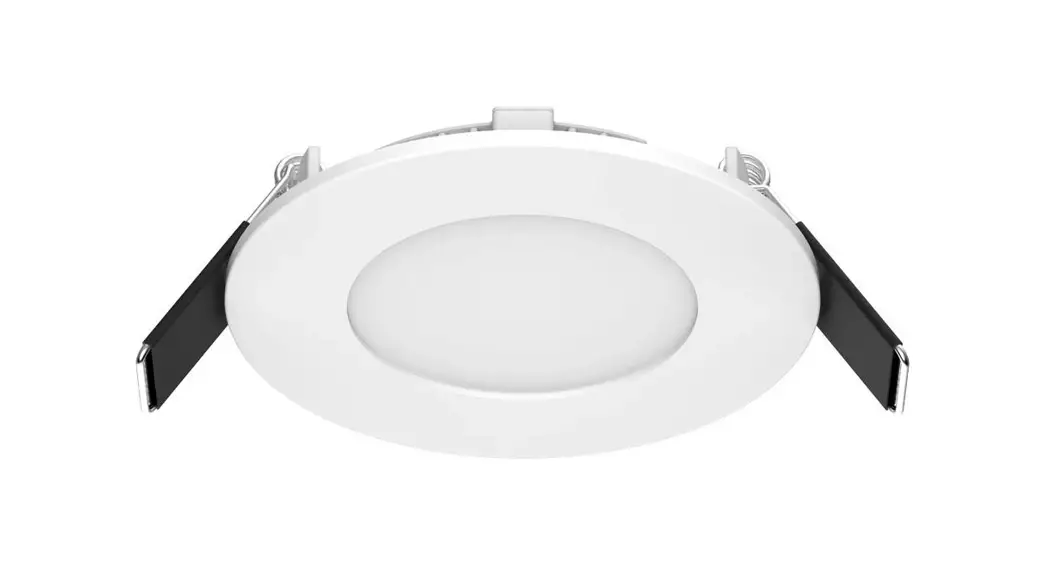
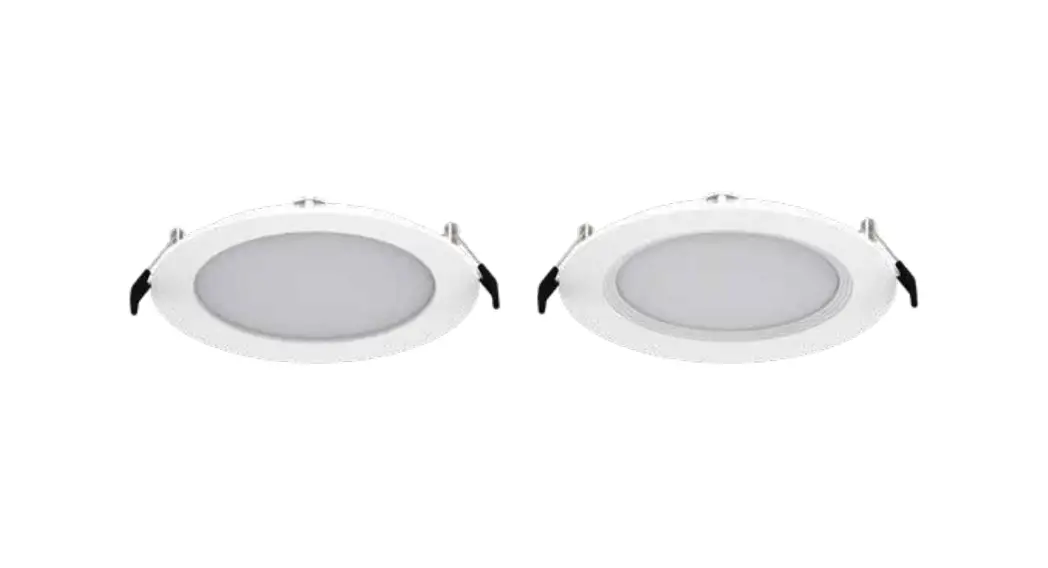
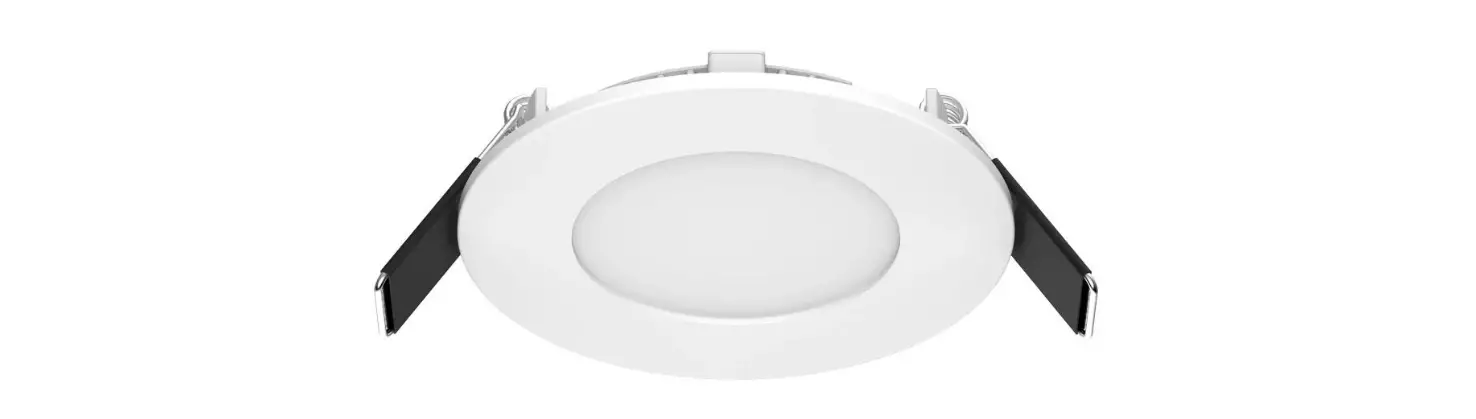
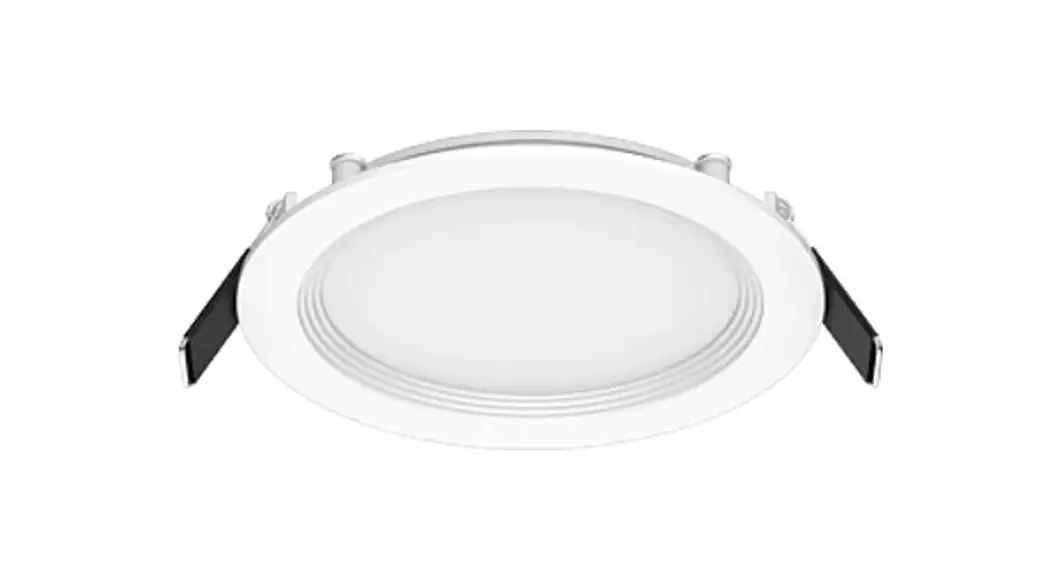
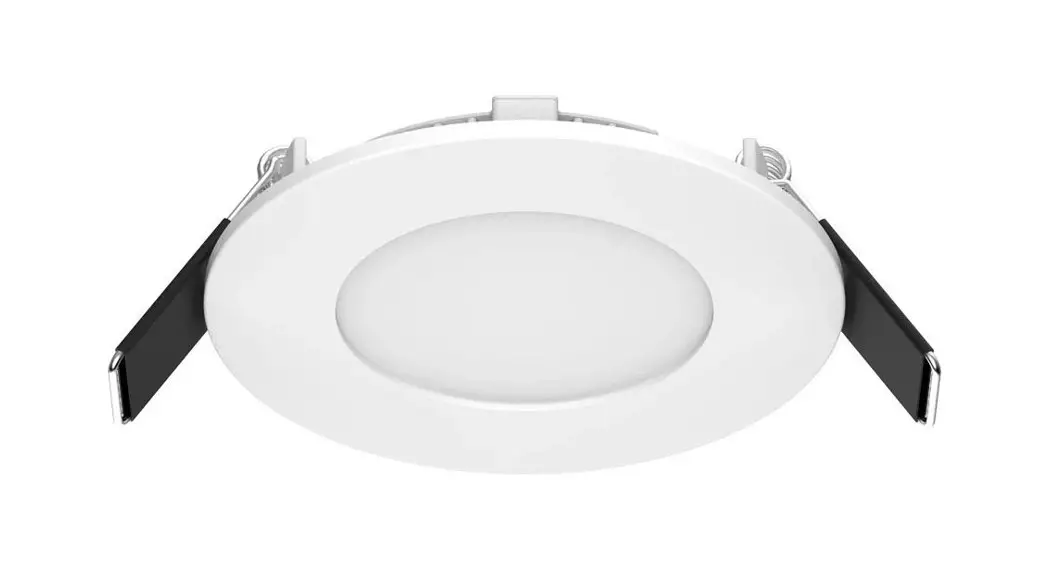
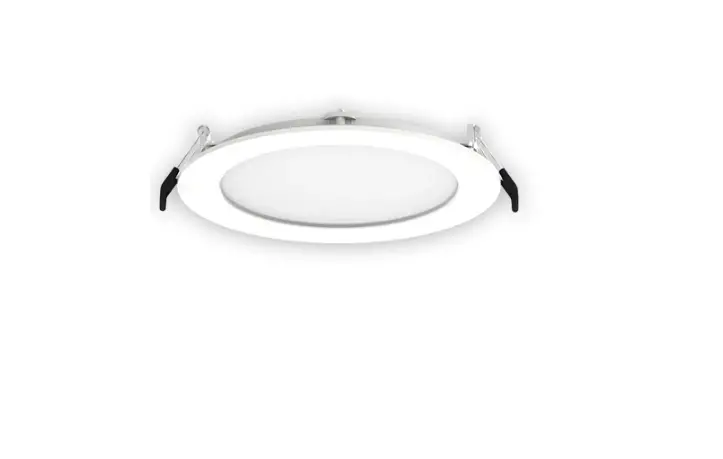
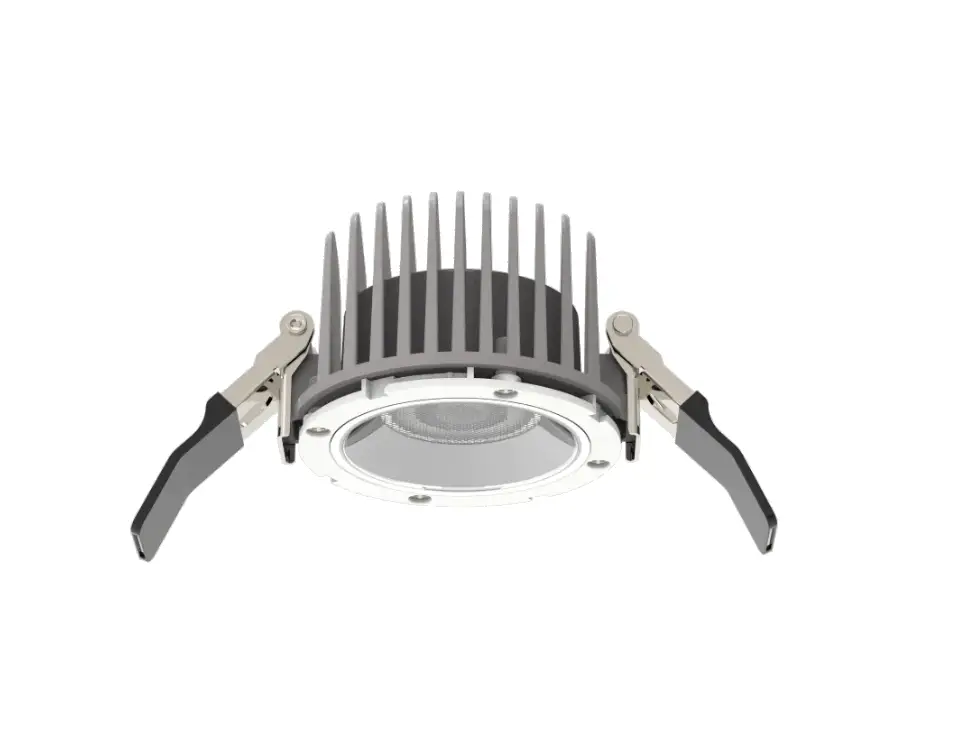
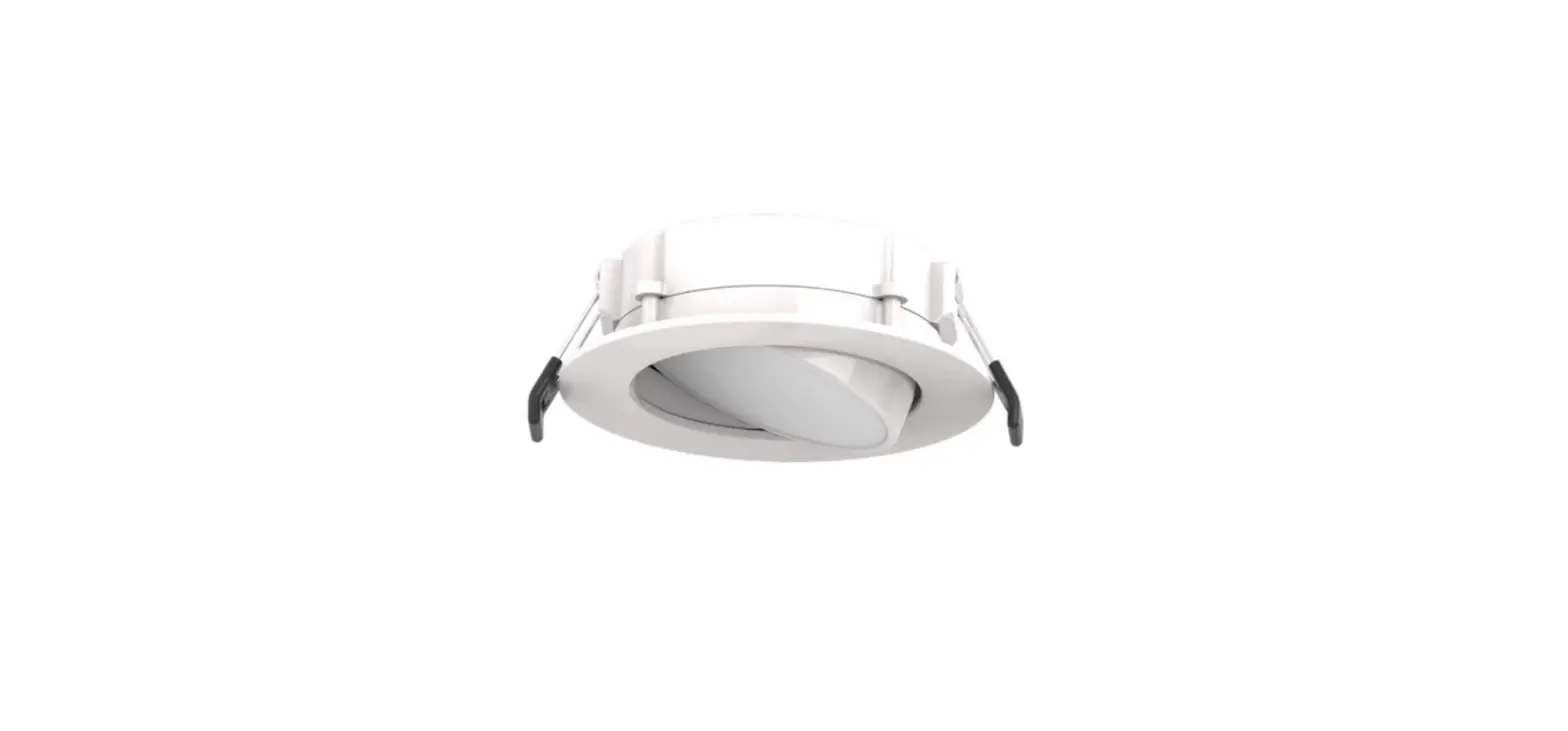
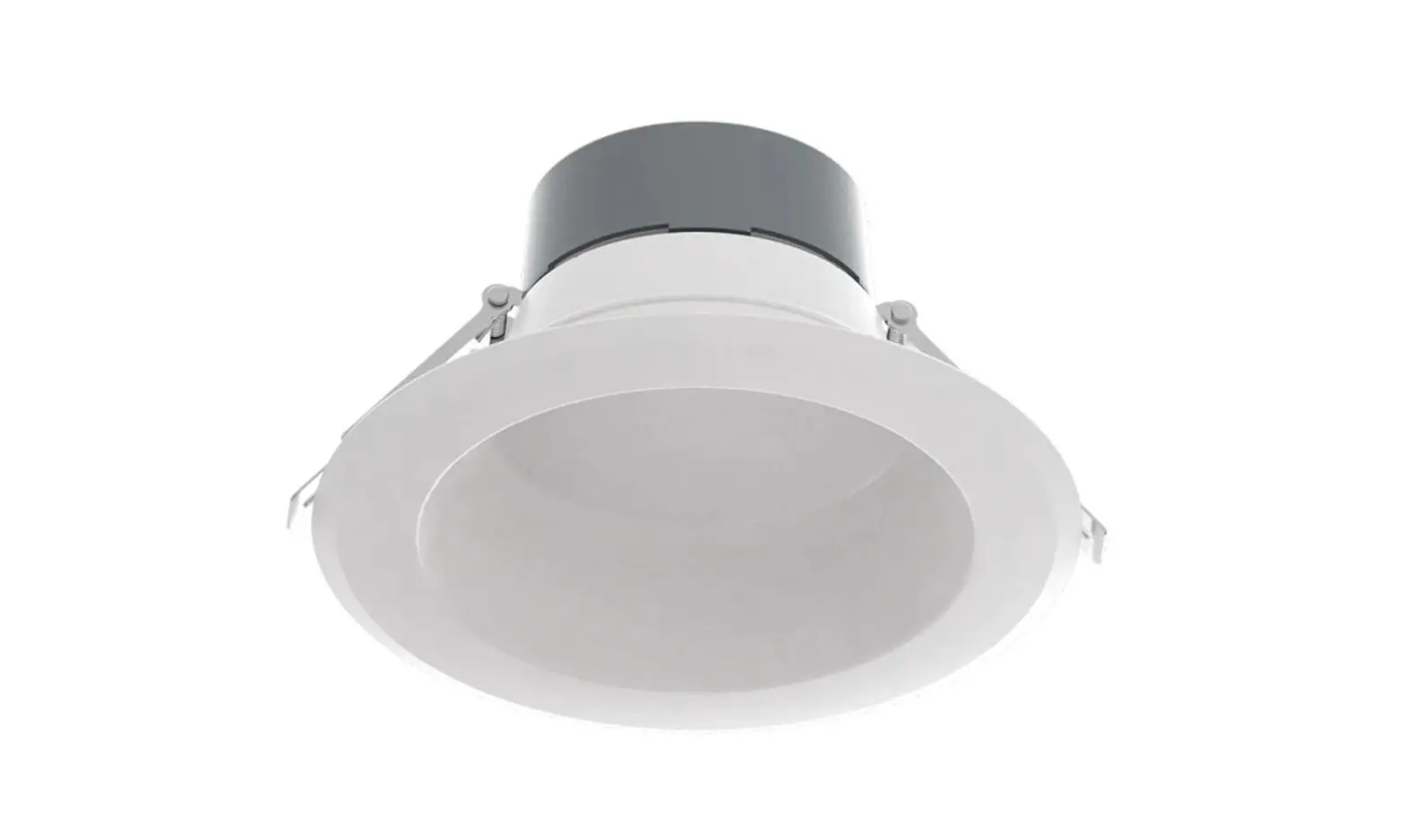
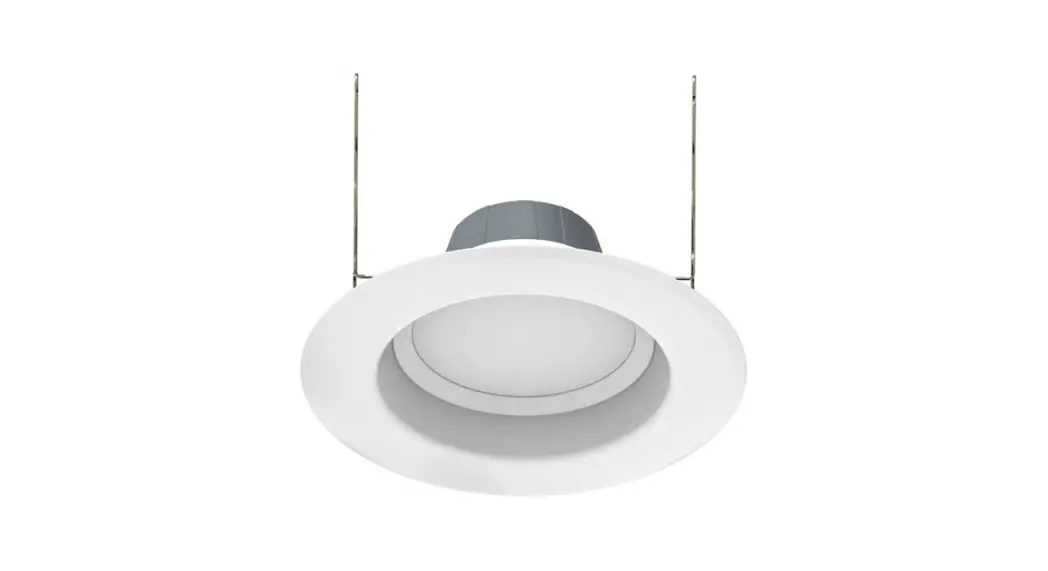
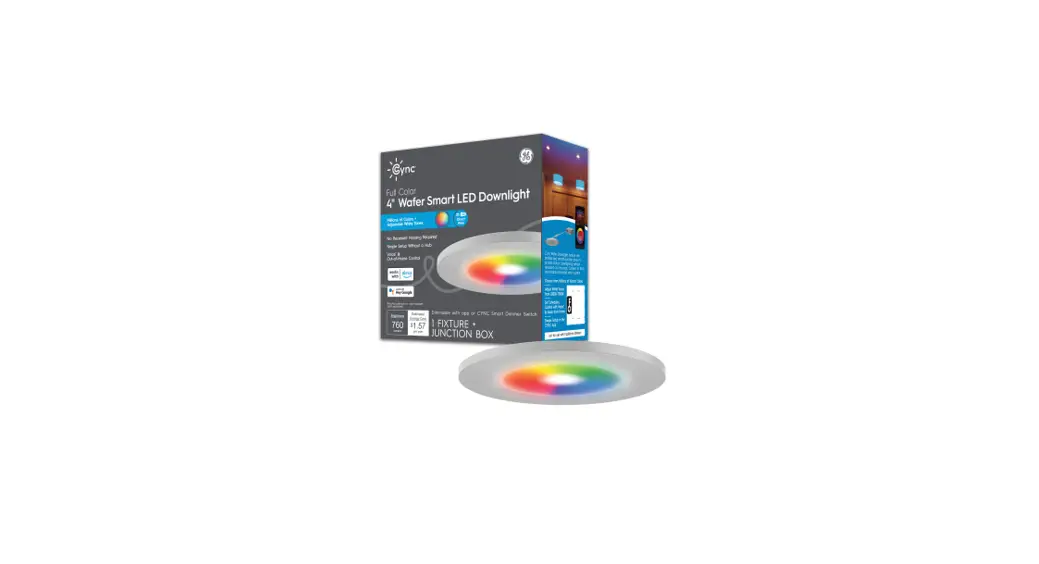
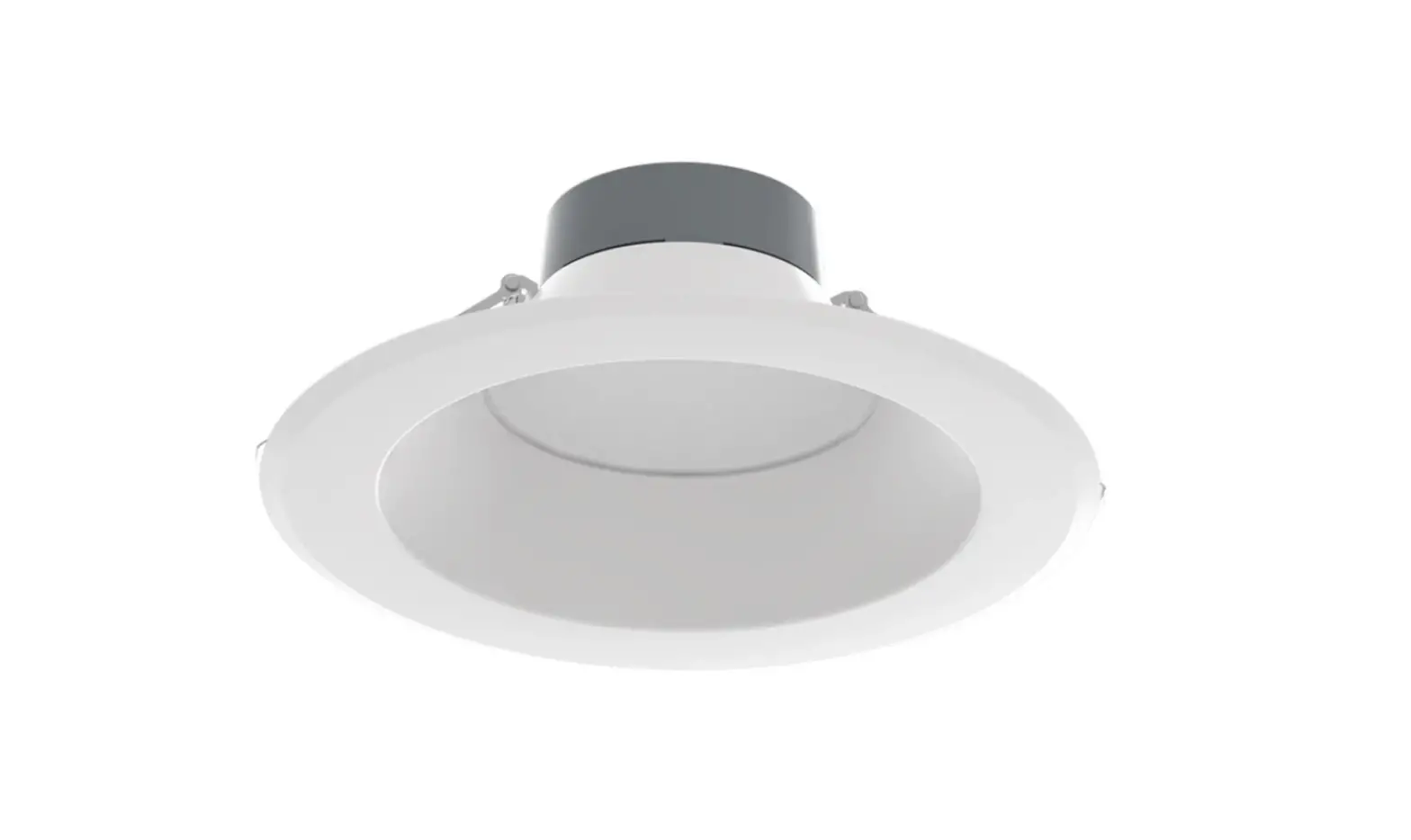
DAISYKIT4 FA Wafer Downlight Kit
Product Information:
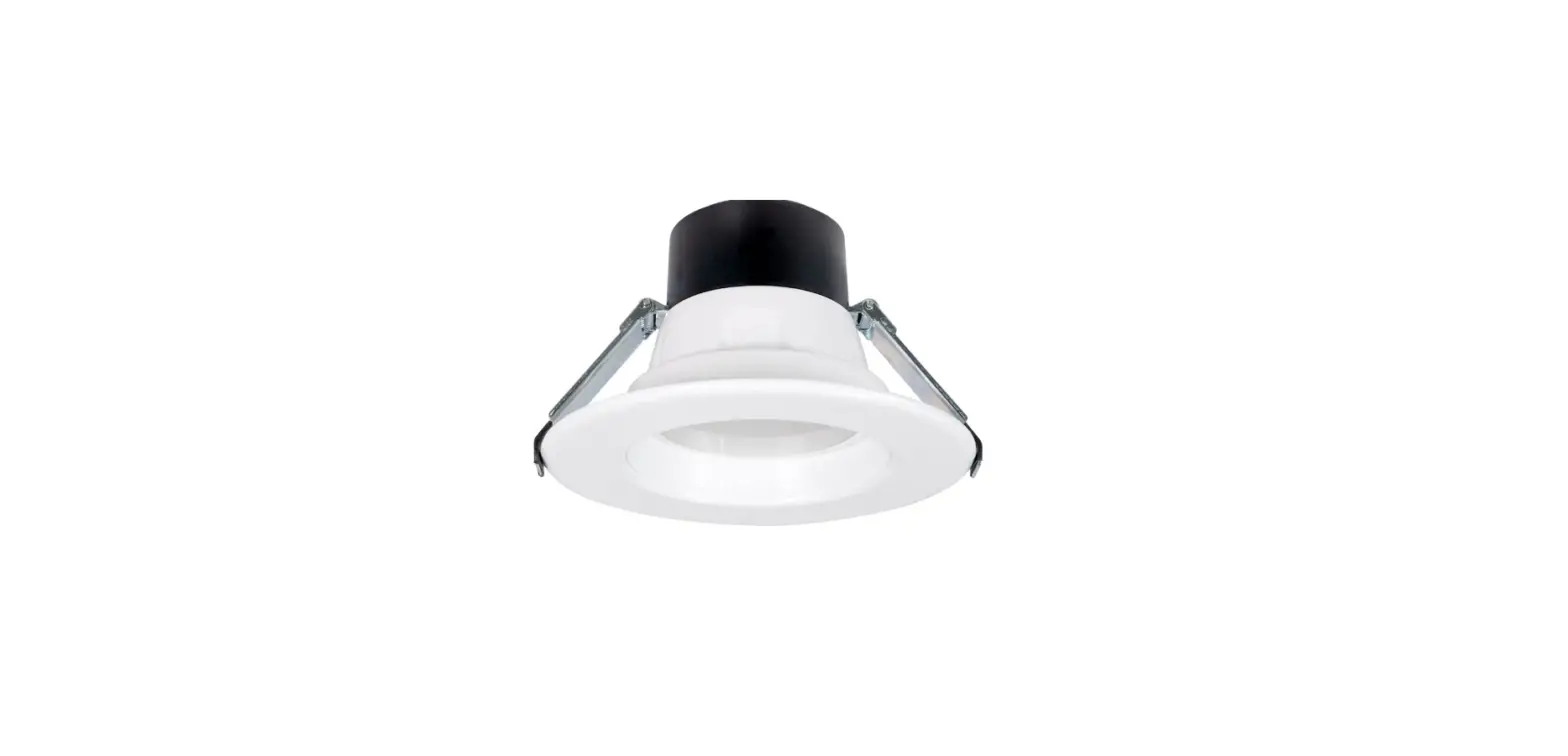
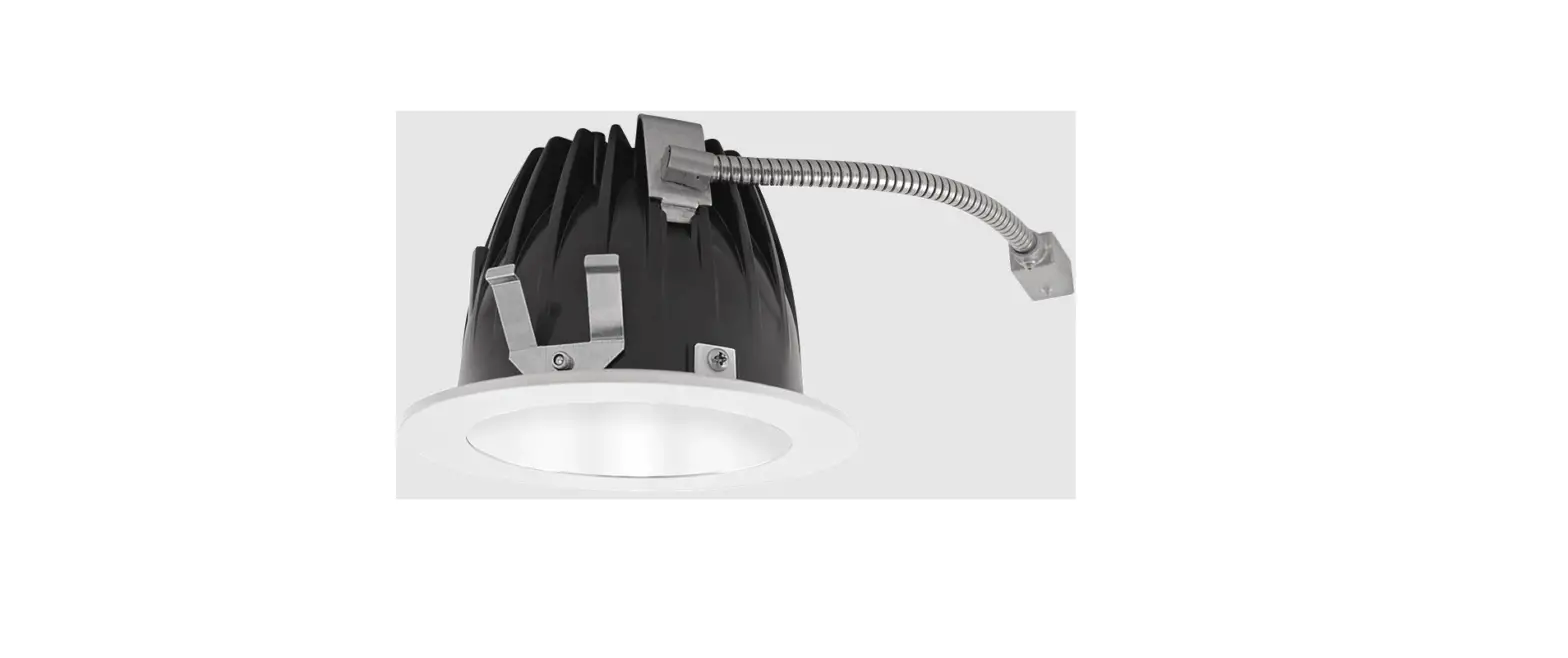
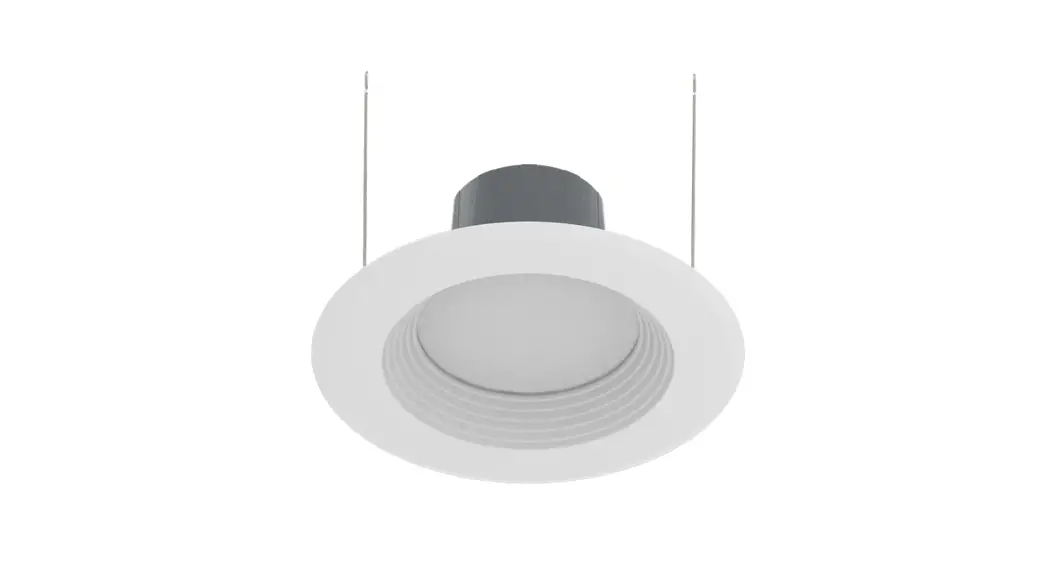
The Daisy Chain FA Wafer Downlight Kit is a lighting fixture
that allows for easy installation of multiple downlights. It comes
in different variants: DAISYKIT4, DAISYKIT4B, DAISYKIT6, and
DAISYKIT6B. The kit includes fixtures, a driver box, a template, a
mounting plate with a nailer bar, a mounting plate, connectors, a
50ft AWG16 cable, a cable termination cap, and optional
accessories.
The diameter of the fixture is XX mm.
Important safety precautions include turning off the power at
the fuse box before installation and reading all product labels and
directions to prevent electrical shock and ensure safe
operation.
Product Usage Instructions:
- Turn off the power from the electrical panel before
installation. - Determine the number of downlights to be installed and
carefully measure where each fixture will be placed. Use the
template provided in the box to cut a hole in the ceiling. - Open the driver box and remove the knockout(s). Insert the
electrical supply cable through the knockout and secure it with a
wire terminal. Wire the driver box following the color codes:
white-white, black-black, green-green/ground. - Connect the 50ft cable to the low voltage cable. Tie a knot
during installation to prevent the outside tension from falling
off. Wire nut the pink input wire with dim- and the purple input
wire with dim+. If the yellow wire is not in use, cap it with a
wire nut. - Place the power supply through the opening in the ceiling.
- Route the low voltage cable to additional fixture locations.
Pull enough slack through each hole to make connecting the fixtures
easier. - Attach the termination cap to the end of the 50ft cable. Use
the reusable cable tie to bundle the remaining cable and store it
in the ceiling. - Separate the connector, cable, and fixture.
- Separate the connector by rotating the bottom piece
counterclockwise. - Slide either edge of the cable into the slot of the connector’s
top. - Allow the fixture to hang freely and align the metal pin on the
bottom piece (attached to the light) with the metal insert in the
top. - Push together and rotate the bottom piece clockwise onto the
top until secure. - Select the desired CCT (Correlated Color Temperature).
- Connect the fixture to the connector.
- Lift both retention tabs upward and push until the trim sits
flush against the ceiling.
Please note that the maximum number of connected wafers is 10
for 4-inch downlights and 8 for 6-inch downlights.
For installation, you will need a screwdriver and a pair of
wirecutters.
INSTRUCTIONS
Daisy Chain FA Wafer Downlight Kit
DAISYKIT4 DAISYKIT4B DAISYKIT6 DAISYKIT6B
IMPORTANT
TO PREVENT ELECTRICAL SHOCK, POWER SHOULD BE TURNED OFF AT THE FUSE BOX BEFORE INSTALLATION. SAFETY WARNINGS: Read all product labels and directions.
input rating of the luminaire.
local codes. Do not make or alter any open holes in an enclosure of wiring or electrical components during kit installation. · WARNING To prevent wiring damage or abrasion, do not expose wiring to edges of sheet metal or other sharp objects. · INSTALLATION SHOULD ONLY BE PERFORMED AFTER POWER TO THE FIXTURE HAS BEEN DISCONNECTED. · These instructions shall be included on an information sheet packaged with each unit. · This device complies with Part 15 of the FCC Rules. Operation is subject to the following two conditions: (1) this device may not cause harmful interference, and (2) this device must accept any interference received, including
interference that may cause undesired operation.
WHAT’S IN THE BOX
OPTIONAL ACCESSORIES
Fixture (6)
Driver Box (1)
DIAMETER: XX mm
Template (1)
DLPLATE/WFR3468/NB
Mounting plate with nailer bar
DLPLATE/WFR3456
Mounting plate
Connector (6)
50ft AWG16 Cable (1) Cable Termination Cap (1)
TOOLS NEEDED
This Daisy Chain Wafer requires very few tools for installation. A screwdriver and a pair of wirecutters will help to install.
INSTRUCTIONS
Daisy Chain FA Wafer Downlight Kit
INSTALLATION INSTRUCTIONS
1. Turn power OFF from the electrical panel before installation.
2. Determine how many downlights will be installed with the Power Supply. Carefully measure where each fixture will be installed, use template inside box to cut hole in ceiling. (Fig.1) Fig: 1
INSTALLATION INSTRUCTIONS (cont’d)
5. Place the Power Supply thru the opening. (Fig.4) Fig: 4
IMPORTANT NOTE: Maximum connected wafer is 10 pcs (4-inch) and 8 pcs (6-inch).
3. Open the driver box and remove the knockout(s). Insert the electrical supply cable through the knockout and secure with a tFeigrm: 2inal. Wire driver box (Fig.2) , white-white, black – black, green – green/ground. Fig: 2
4. Connect the 50ft cable to the low voltage cable, tie a knot during installation to prevent the outside tension from falling off. Wire nut the pink input wire with dim-, the purple input wire with dim+. If the yellow wire is not in use, cap it with wire nut. (Fig.3) Fig: 3
6. Route the low voltage cable to additional fixture locations. Pull enough slack through each hole to make connecting the fixtures easier. (Fig.5) Fig: 5
F
7. Attach the termination cap to the end of the 50ft cable. Use the reusable cable tie to bundle the remaining cable and store it in the ceiling. (Fig.6) Fig: 6
8. Separate connector, cable, and fixture. (Fig.7) Fig: 7
v
INSTRUCTIONS
Daisy Chain FA Wafer Downlight Kit
INSTALLATION INSTRUCTIONS (cont’d)
9. Separate the connector by rotating the bottom piece counterclockwise. (Fig.8)
Fig: 8
INSTALLATION INSTRUCTIONS (cont’d)
13. Select desired CCT. (Fig.12) Fig: 12
10. Slide either edge of the cable into the slot of the connector’s top. (Fig.9)
Fig: 9
14. Connect the fixture to the connector. (Fig.13) Fig: 13
11. Allow the fixture to hang freely, align the metal pin on the bottom piece (attached to the light) with the metal insert in tFhieg:t2op. (Fig.10)
Fig: 10
F
15. Lift both retention tabs upward. Push until the trim sits flush against the ceiling. (Fig.14) Fig: 14
12. Push together and rotate the bottom piece clockwise onto the top, until secure. (Fig.11)
Fig: 11
v
2023
Cranbury, New Jersey 08512 USA
Daisy Chain Wafer Downlight FA
Easy Answers