
CONNECTIVITY GUIDE
cnMatrix™ TX 1K Tower/
WISP Switches Port
Connectivity Guide
TX 1K Tower WISP Switches Port Connectivity
CAMBIUM NETWORKS’ CNMATRIX SWITCHES ENHANCE PERFORMANCE, SECURITY, AND END-USER SATISFACTION WHILE REDUCING COSTS. THE TX1K TOWER/WISP SWITCH SERIES IS A FULLY INTEGRATED SOLUTION WITH AUTOMATED CONFIGURATION THAT SIMPLIFIES TOWER DEPLOYMENT AND IMPROVES EFFICIENCY.
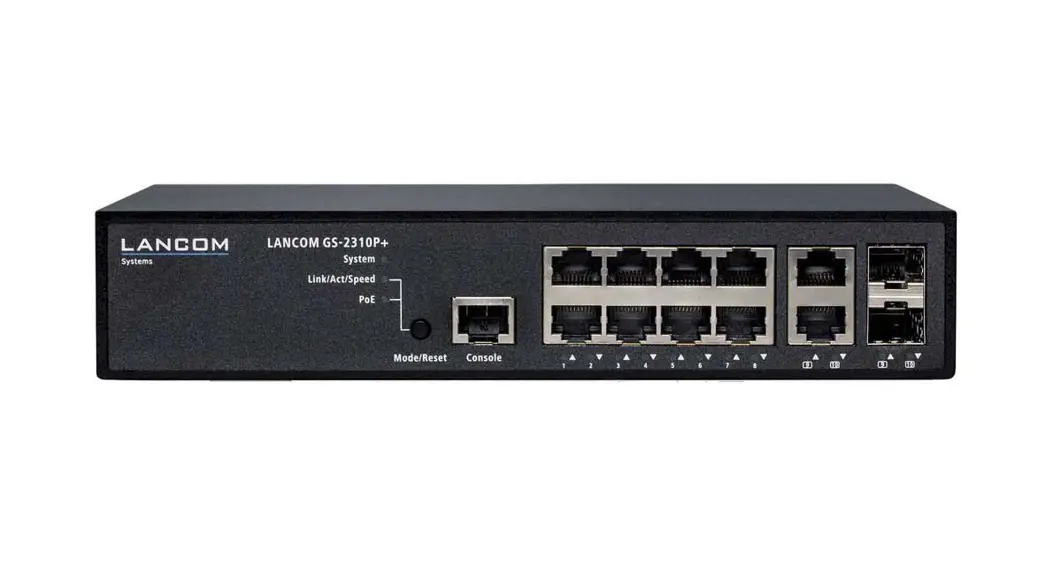
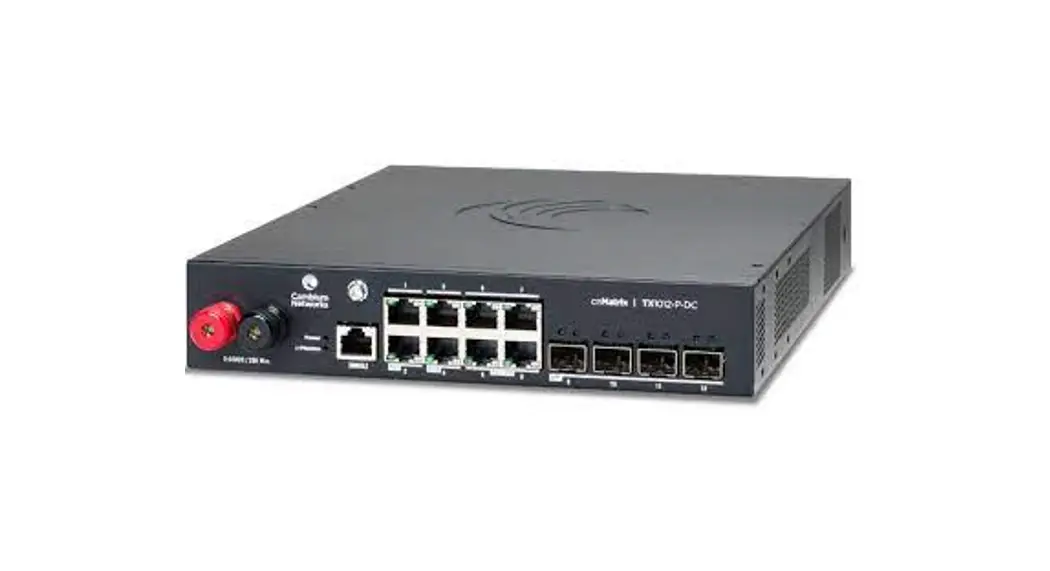
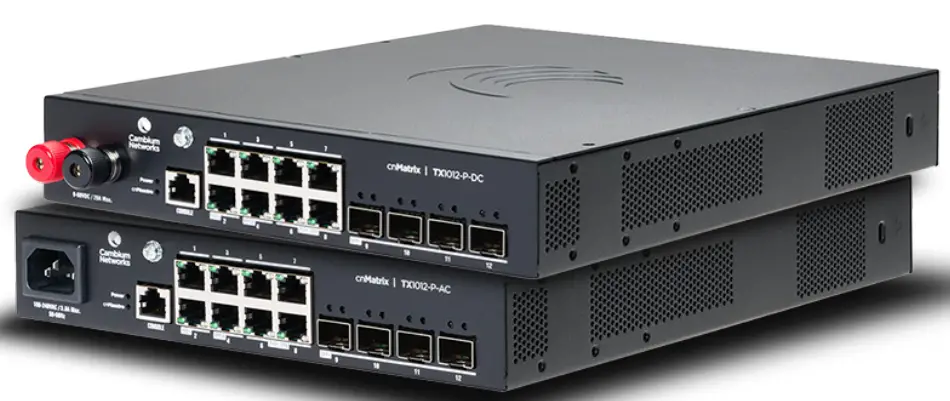
Our cnMatrix TX 1K switch series is a new family of switches that are purpose-built for wireless ISP (WISP) tower deployments. Designed based on the specific needs of wireless ISPs, the cnMatrix TX series of switches provides a fully integrated switching solution that simplifies deployment operations while improving network performance. The TX 1K series of switches supports many types of PoE and enables you to connect a wide variety of both Cambium products as well as third-party devices. This guide will help you understand the PoE capabilities of the switch and the necessary configurations.
The TX 1K series of switches supports many types of PoE and enables you to connect a wide variety of both Cambium products as well as third-party devices. This guide will help you understand the PoE capabilities of the switch and the necessary configurations.
These TX 1K switches support:
- 802.3af/at/bt standards-based PoE (up to 90W)
- 54V Passive PoE (up to 90W)
- 24V Passive PoE (up to 30W)
In most cases, zero configuration is possible to get the device to power up correctly using PoE. This is especially true when the ‘Auto Detect’ mode is enabled. The ‘Auto Detect’ mode is enabled by default but can be disabled if desired. By default, the PoE mode of a port is set to ‘802.3af/at/bt’ mode. Most devices can be powered up when the port is in this mode. However, some devices need to be in one of the ‘Passive PoE’ modes. In some cases, the ‘Auto Detect’ mode will automatically change the port’s PoE mode for you. For example, the PMP 450m requires the port to be in a passive mode (hybrid). You can leave the port in the default ‘802.3af/at/bt’ mode and the auto-detect feature
will automatically configure the port mode for proper connectivity.
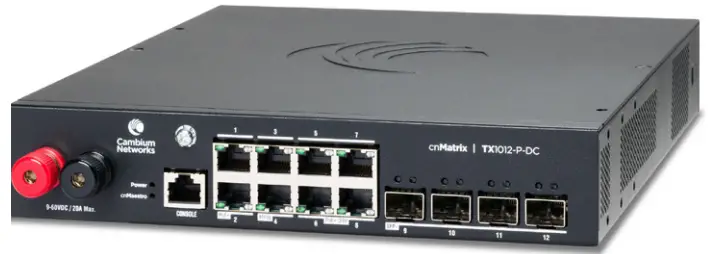
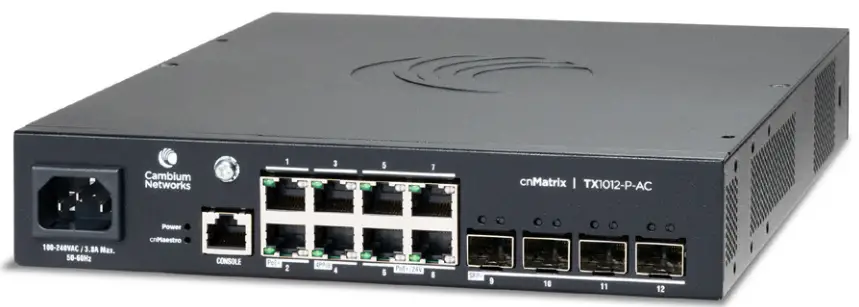
For these TX 1K switches, the ports have the following PoE capability:
- Ports 1 and 2 support:
- 802.3af/at/bt (up to 30W)
- Ports 3 and 4 support:
- 802.3af/at/bt (up to 90W)
- 54V Passive mode (up to 90W)
- Ports 5-8 support:
- 802.3af/at/bt (up to 30W)
- 54V Passive mode (up to 30W)
- 24V Passive mode (up to 15W)
Please note, the TX 1K switches do not support devices that require reverse polarity power. Some older devices do require this. In this case, you will need to use a power injector.
For detailed configuration commands for PoE or any other capability of the switch via the CLI, Web GUI and cnMaestro, please see the appropriate document.
The table below gives examples for Cambium radios.
| Series | Radio | Powers via PoE | Required PoE Mode Setting of Port | Ports | |
| With Auto-Detect Enabled | With Auto-Detect Disabled | ||||
| CANOPY 450 | 450m AP – 5Ghz | Yes | 802.3 (default mode) | Hybrid | Ports 3 or 4 |
| 450m AP – 3Ghz | No (Requires DC) | NA | NA | NA | |
| 450i AP | Yes | 802.3 (default mode) | 802.3 (default mode) | Any Port | |
| 450 AP | No (old Canopy power) | NA | NA | NA | |
| 450b MicroPoP AP | Yes | 802.3 (default mode) | 802.3 (default mode) | Any Port | |
| 450b Connectorized AP | Yes | 802.3 (default mode) | 802.3 (default mode) | Any Port | |
| CANOPY 450 PTP | PTP 450b BHM | Yes | Passive 24V | Passive 24V | Ports 5-8 |
| PTP 450b Retro BHM | Yes | Passive 24V | Passive 24V | Ports 5-8 | |
| PTP 450 BHM | No (old Canopy power) | NA | NA | NA | |
| ePMP SERIES | ePMP 2000 AP | Yes | 802.3 (default mode) | 802.3 (default mode) | Any Port |
| ePMP 3000 AP | Yes | 802.3 (default mode) | 802.3 (default mode) | Any Port | |
| PTP 550 BHM | Yes | 802.3 (default mode) | 802.3 (default mode) | Any Port | |
| POINT TO POINT | PTP 650 BHM | Yes | Passive 54V | Passive 54V | Ports 3 or 4 |
| PTP 670 BHM | Yes | Passive 54V | Passive 54V | Ports 3 or 4 | |
| PTP 700 BHM | Yes | Passive 54V | Passive 54V | Ports 3 or 4 | |
| LICENSED POINT TO POINT | PTP 820C | Yes | Passive 54V | Passive 54V | Ports 3 or 4 |
| PTP 820E | Yes | Passive 54V | Passive 54V | Ports 3 or 4 | |
| PTP 820S | Yes | Passive 54V | Passive 54V | Ports 3 or 4 | |
| PTP 850C | Yes | Passive 54V | Passive 54V | Ports 3 or 4 | |
| PTP 850E | Yes | Passive 54V | Passive 54V | Ports 3 or 4 | |
| cnWave | V1000 | Yes | 802.3 (default mode) | 802.3 (default mode) | Any Port |
| V3000 | Yes | 802.3 (default mode) | Hybrid | Ports 3 or 4 | |
| V5000 | Yes | 802.3 (default mode) | Hybrid | Ports 3 or 4 | |
Cambium Networks’ full range of solutions are available through its global network of partners.
ABOUT CAMBIUM NETWORKS
Cambium Networks delivers wireless communications that work for businesses, communities, and cities worldwide. Millions of our radios are deployed to connect people, places, and things with a unified wireless fabric that spans multiple standards and frequencies of fixed wireless and Wi-Fi, all managed centrally via the cloud. Our multi-gigabit wireless fabric offers a compelling value proposition over traditional fiber and alternative wireless solutions. We work with our Cambium-certified ConnectedPartners to deliver purpose-built networks for service provider, enterprise, industrial, and government connectivity solutions in urban, suburban, and rural environments, with wireless that just works.
cambiumnetworks.com
©2022 Cambium Networks, Inc.
3800 Golf Road, Suite 360
Rolling Meadows, IL 60008
 Cambium Networks | Wireless Solutions that Just Work