 SYSTEMS
 Hardware Quick Reference
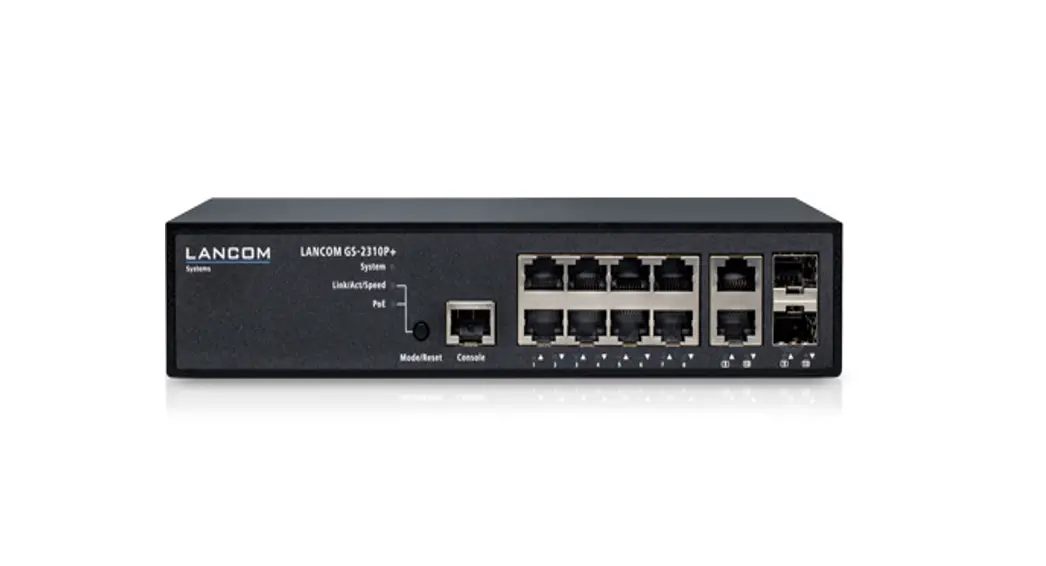
LANCOM GS-2310
GS-2310 10-Ports Network Switch
LANCOM GS-2310
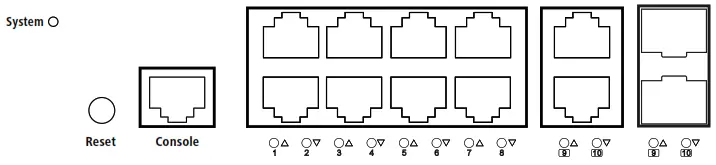
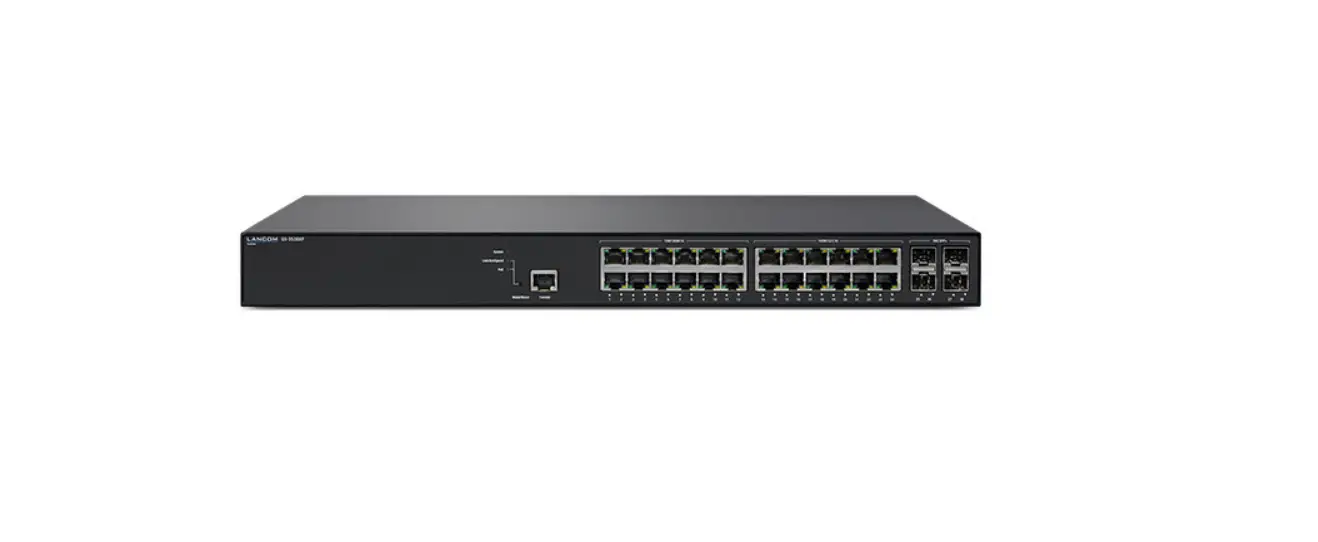
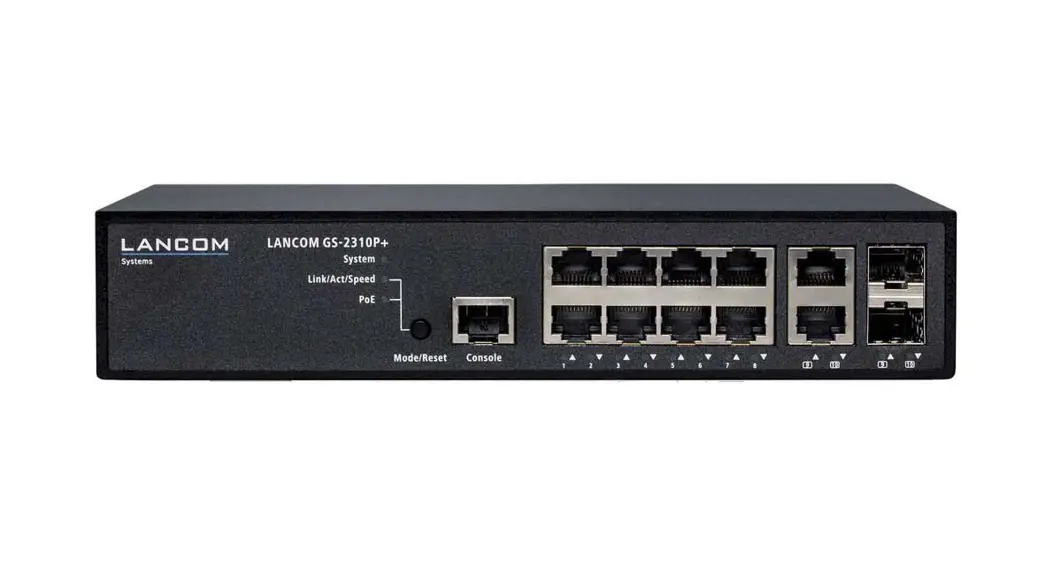
- Configuration interface (Console)
Connect the serial interface via the included serial configuration cable to the serial interface of the device you want to use for configuring/monitoring the switch.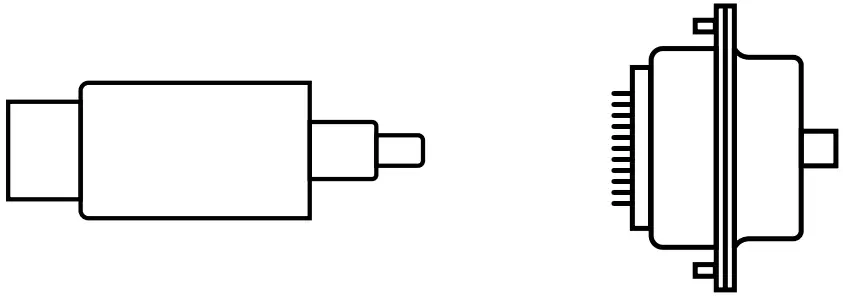
- TP Ethernet interfaces
Use Ethernet cables to connect the interfaces ETH 1 to ETH 8 to your PC or a LAN switch.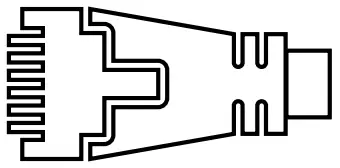
- TP Ethernet interfaces (combo ports)
Use Ethernet cables to connect the interfaces ETH 9 and ETH 10 to your end device or another LAN switch.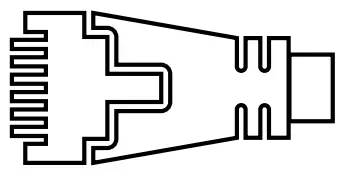
- SFP interfaces (combo ports)
Insert suitable LANCOM SFP modules into the SFP combo ports 9 and 10. Choose cables that are compatible with the SFP modules and connect them as described in the module’s document stations.
- Power connector (device back side)
Supply power to the device via the power connector.
Please use the IEC power cable supplied or a country-specific LANCOM Power Cord.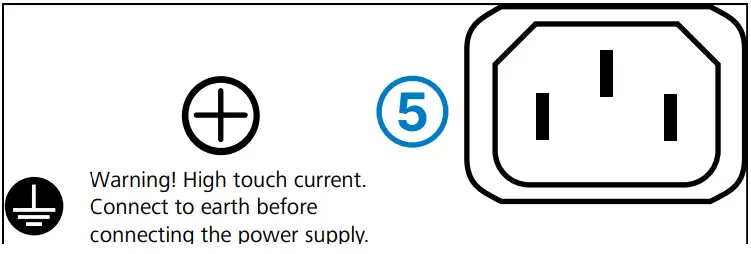
Before initial startup, please make sure to take notice of the information regarding the intended use in the enclosed installation guide!
Operate the device only with a professionally installed power supply at a nearby power socket that is freely accessible at all times.
 Please observe the following when setting up the device
→The power plug of the device must be freely accessible.
→ For devices to be operated on the desktop, please attach the adhesive rubber footpads
→Do not rest any objects on top of the device
→Keep all ventilation slots on the side of the device clear of obstruction
→Mount the device into a 19” unit in a server cabinet using the provided screws and mounting brackets.
→Please note that support service for third-party accessories is excluded.
Mounting & connecting
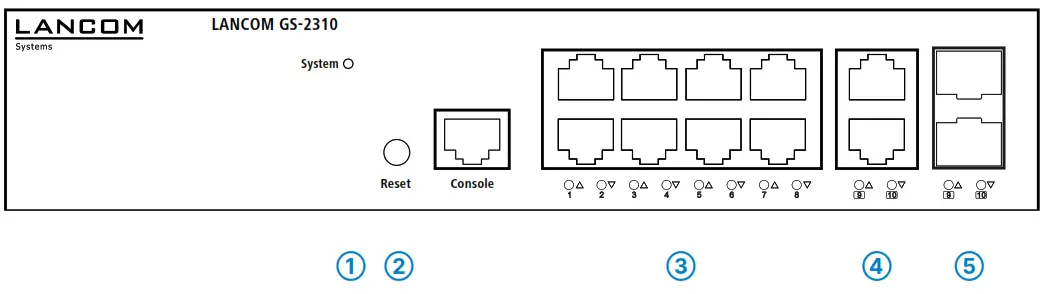
| ➀ System | |
| System: off | Device powered off |
| System: green | Device operational |
| ➁ Mode/Reset button | |
| 5 seconds pressed | Restart the device |
| 10 seconds pressed | Reset and restart the device |
| ➂ TP Ethernet ports (combo ports) | |
| Off | Port inactive |
| Green | Link 1000 Mbps |
| Orange | Link ≤ 100 Mbps |
| ➃ SFP ports (combo ports) | |
| Off | Port inactive |
| Green | Link 1000 Mbps |
| Orange | Link ≤ 100 Mbps |
Hardware
| Power supply | Internal power supply unit (110–230 V, 50-60 Hz) |
| Power consumption | max. 7.9 watts |
| Environment | Temperature range 0–40°C; humidity 10–90%; non-condensing |
| Housing | Robust metal housing with removable mounting brackets, network connectors on the front |
| Number of fans | None; fanless design without rotating parts, high MTBF |
Interfaces
| ETH8 | TP Ethernet-Ports 10/100/1000 Mbps 2 Combo-Ports (TP/SFP) 100/1000 Mbps (SFP) and 10/100/1000 Mbps (TP) 10 concurrent ports in total |
Package Content
| Mounting brackets | Two 19” brackets for rack mounting |
| Cable | IEC power cord, serial configuration cable 1.5 m |
Hereby, LANCOM Systems GmbH | Adenauerstrasse 20/B2 | D-52146 Wuerselen, declares that this device is in compliance with Directives 2014/30/EU, 2014/35/EU, 2011/65/EU, and Regulation (EC) No. 1907/2006. The full text of the EU Declaration of Conformity is available at the following Internet address: www.lancom-systems.com/doc
 DoC - LANCOM Systems GmbH