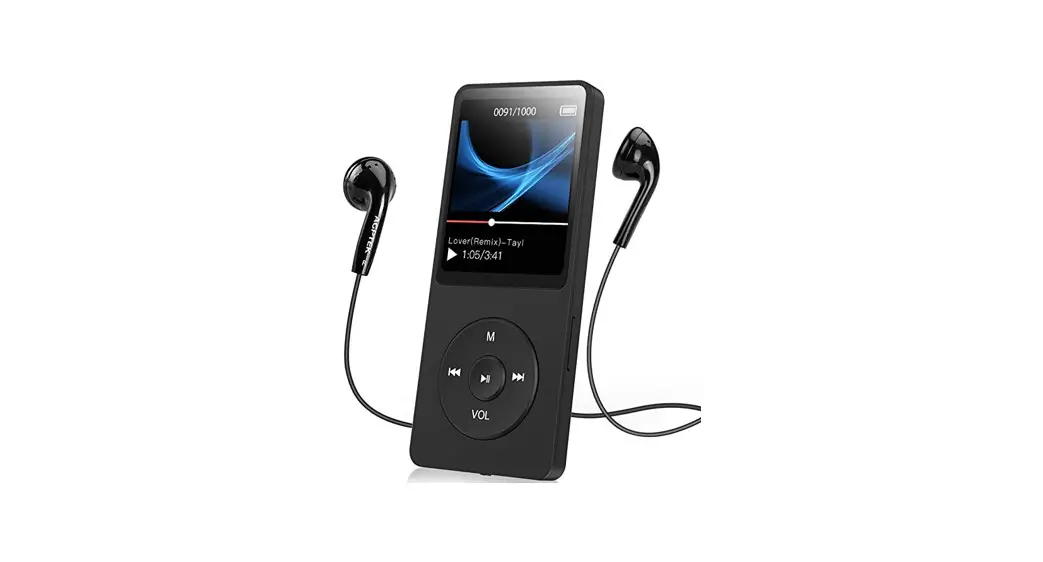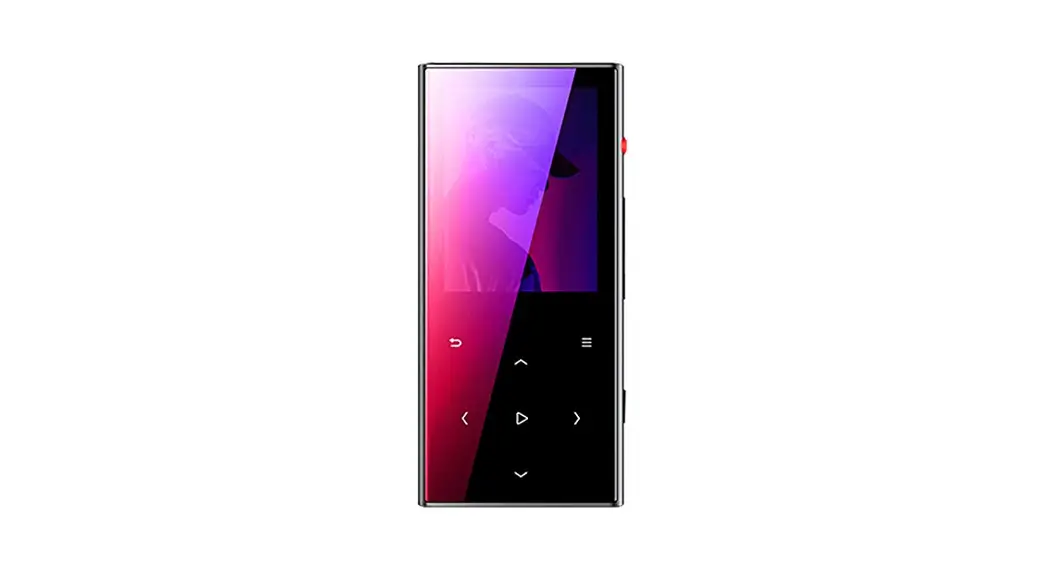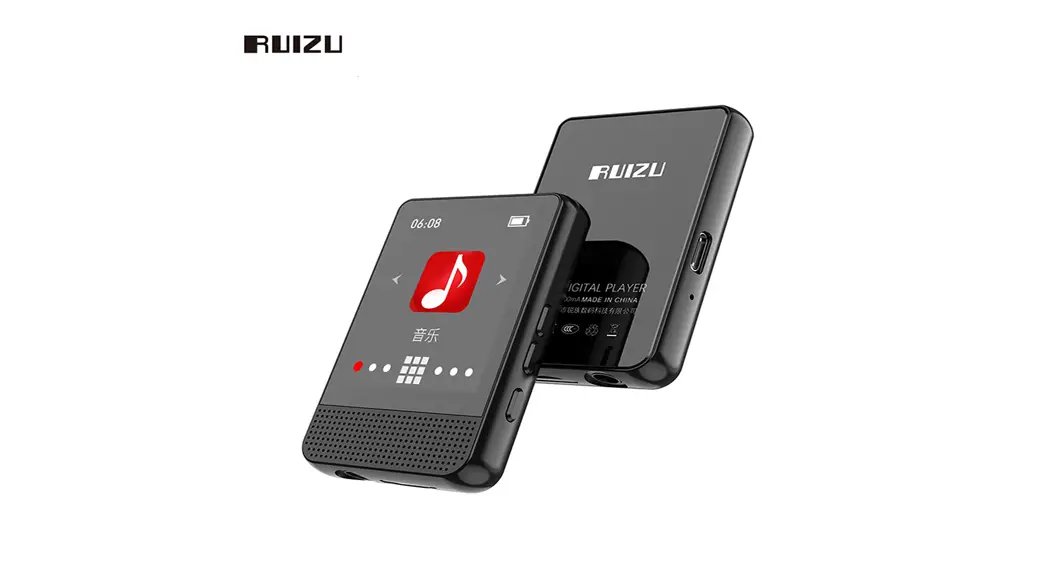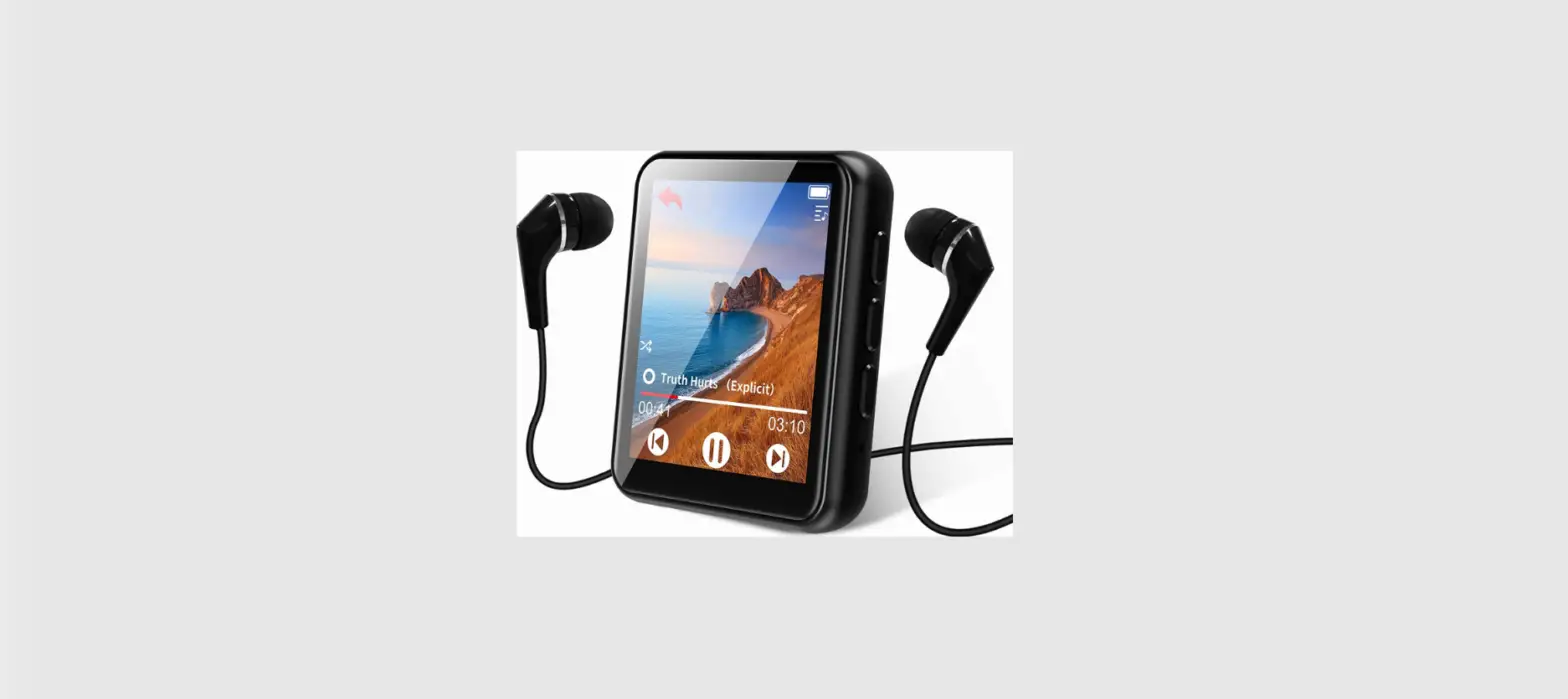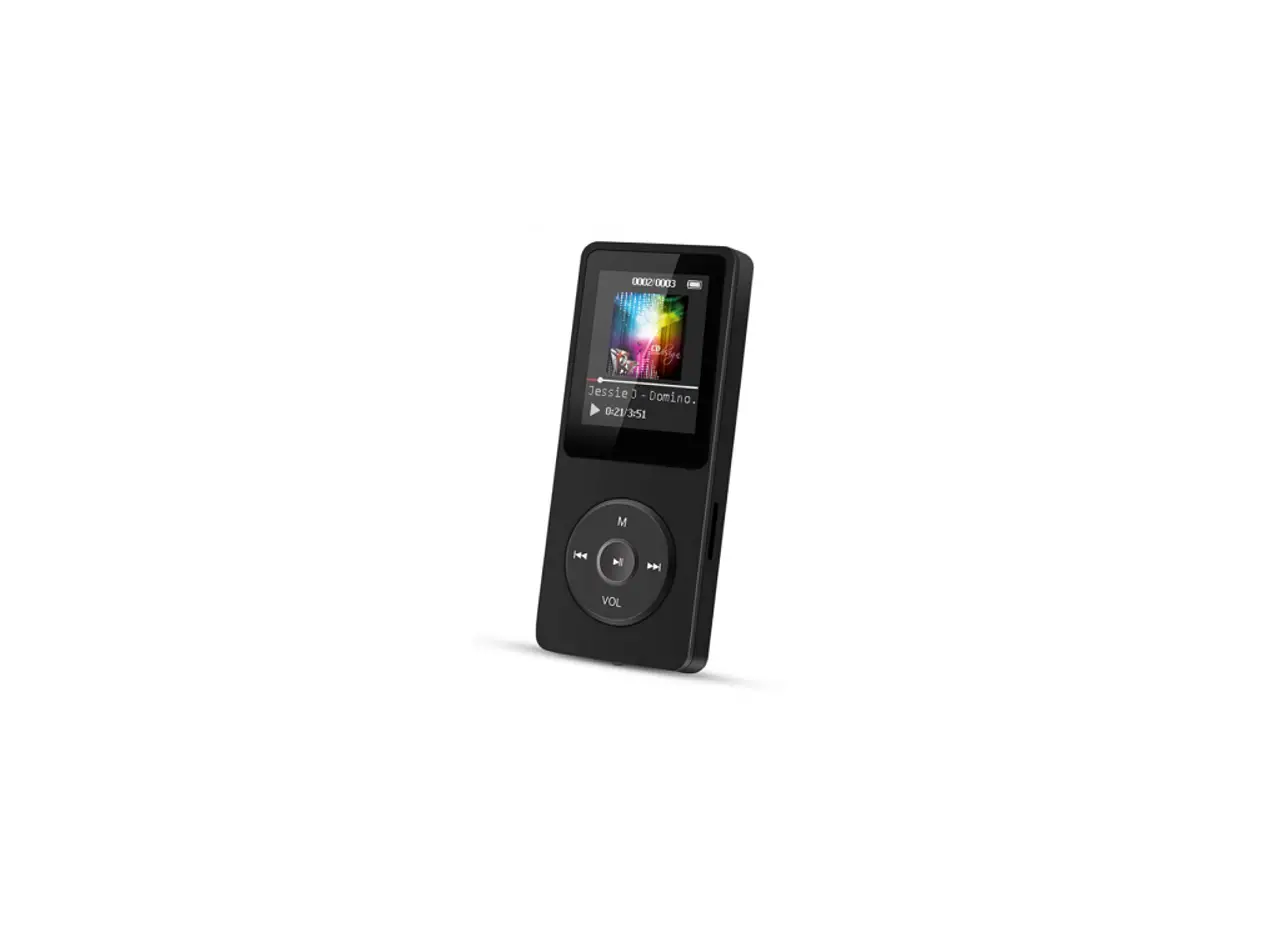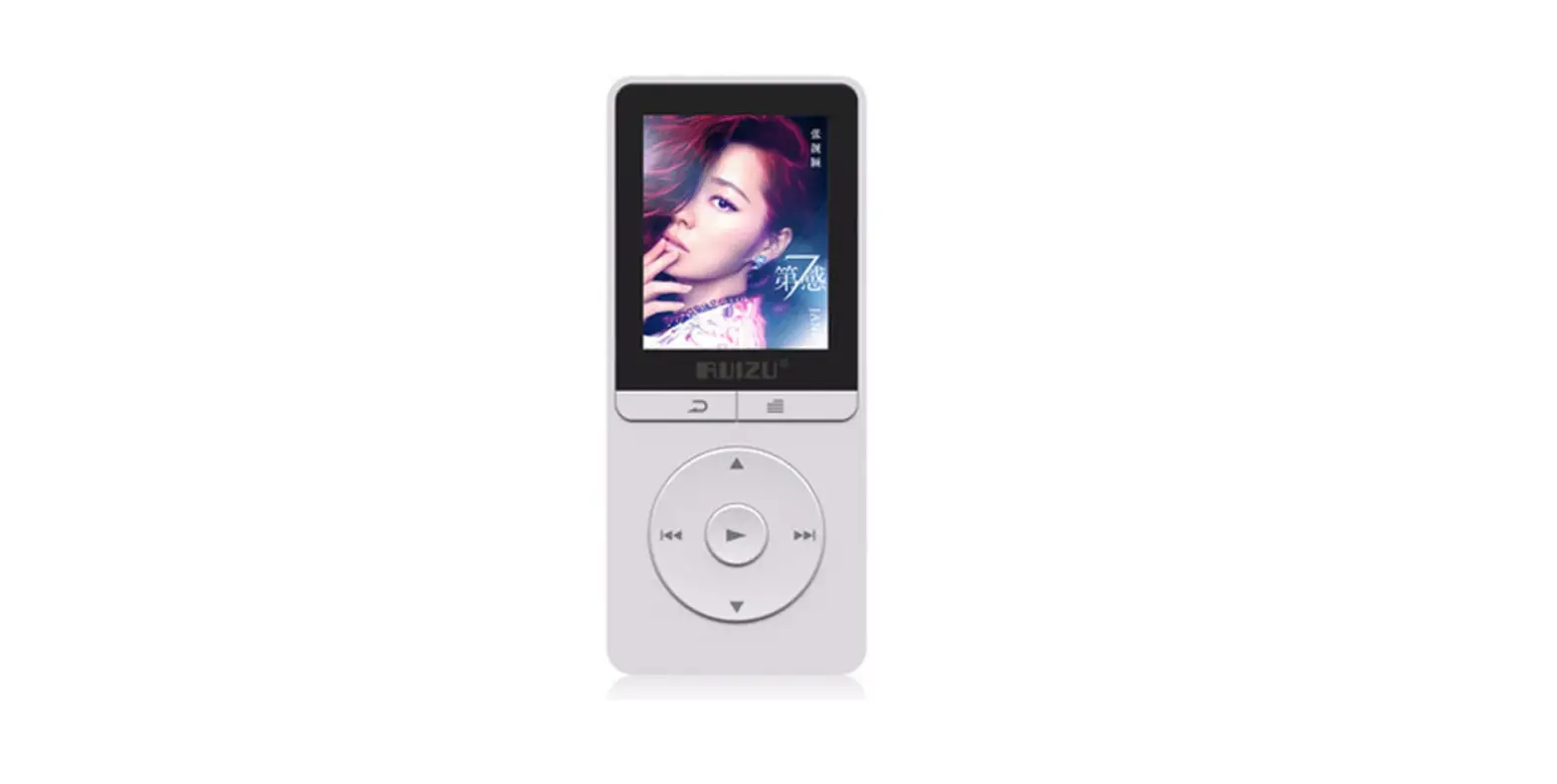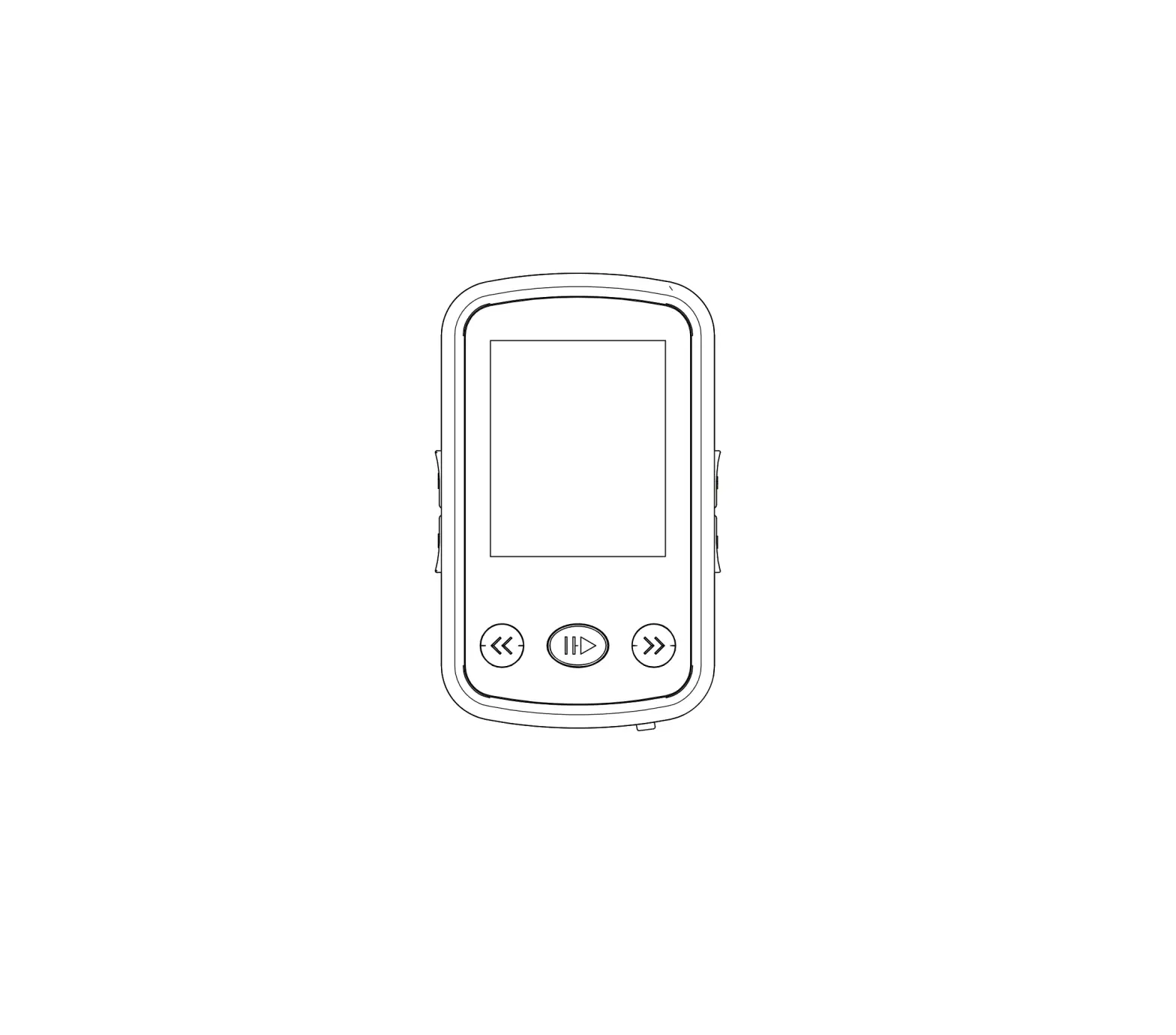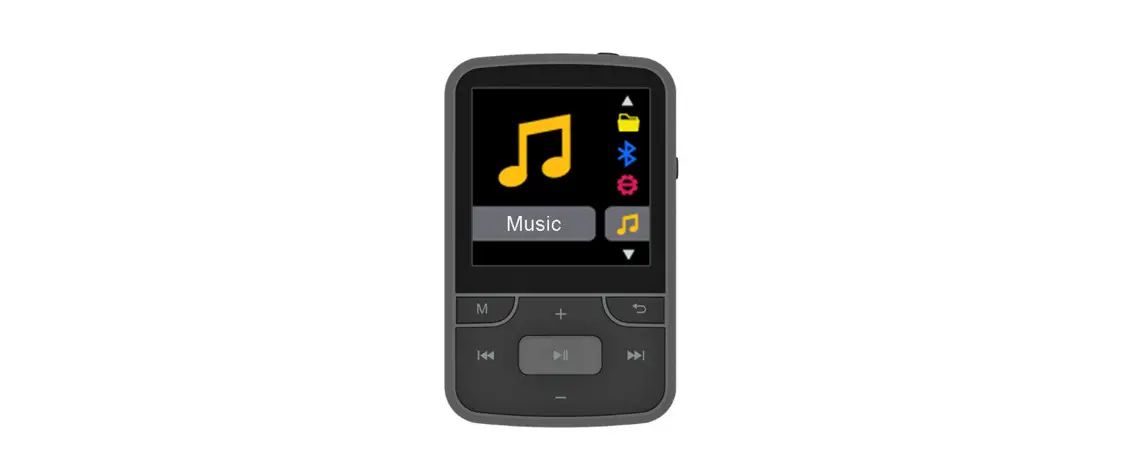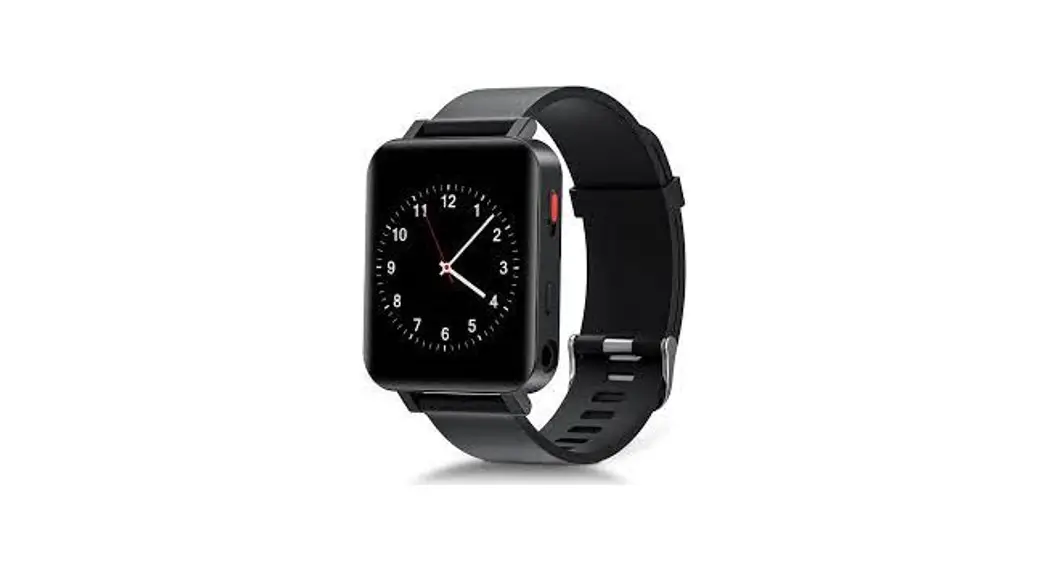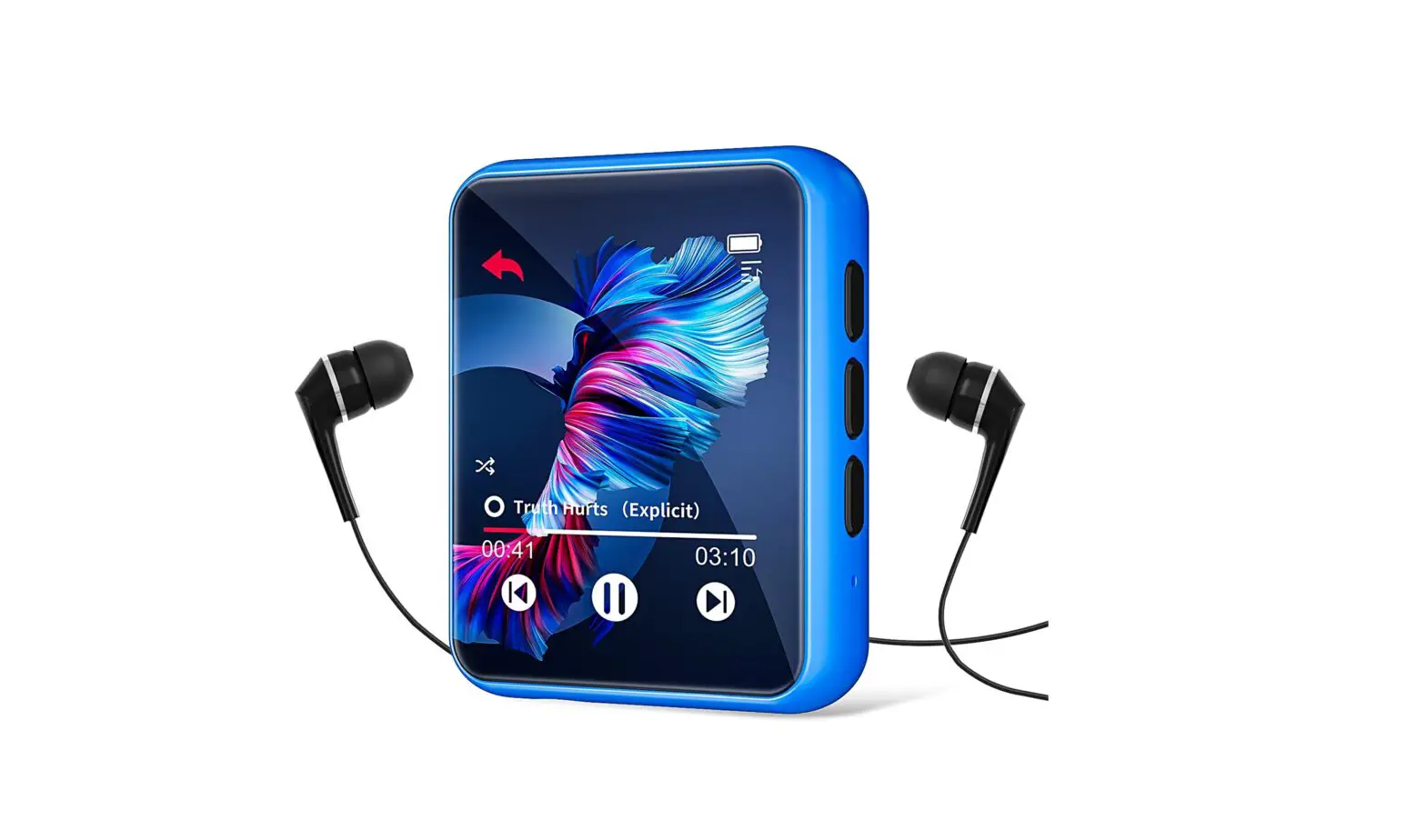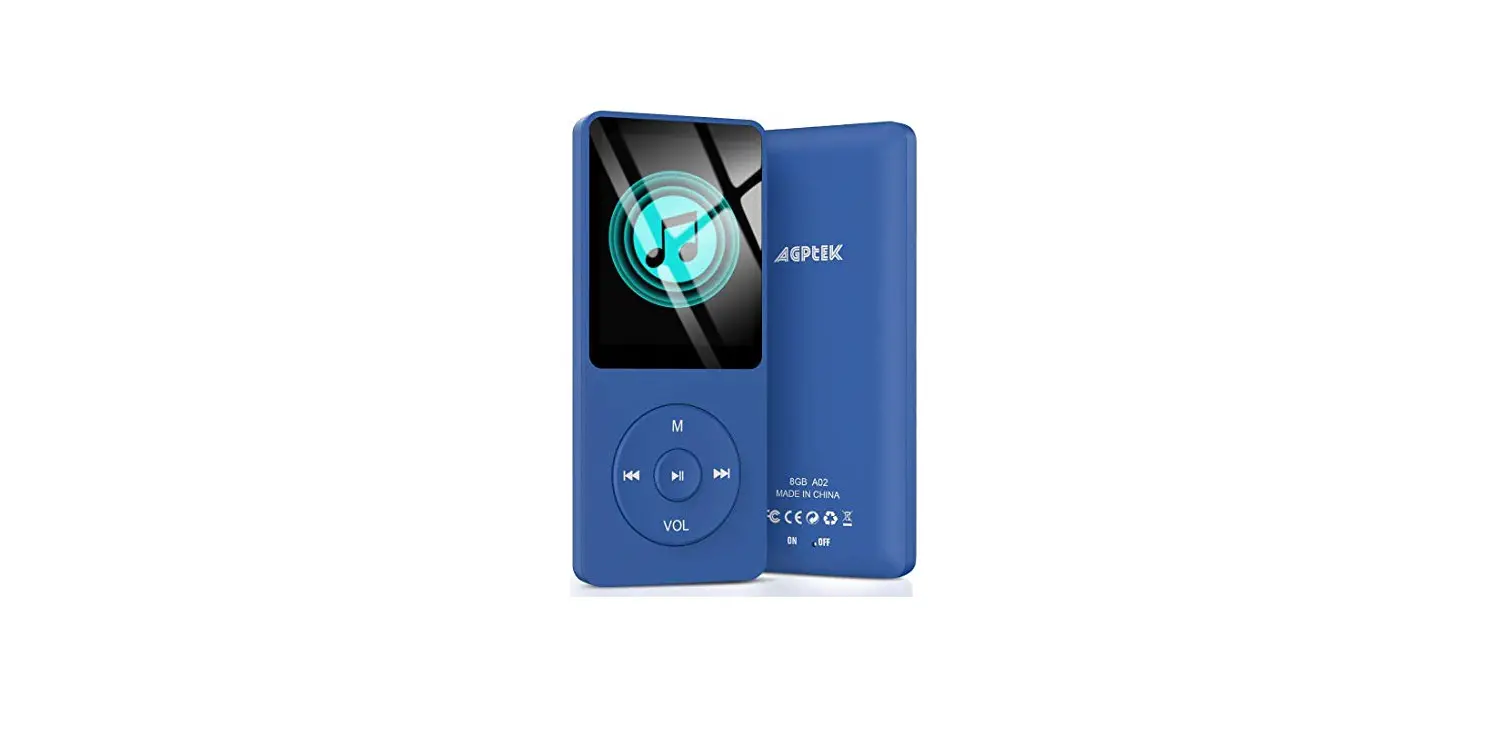
 MA1 Innioasis S1 MP3 Player
User Manual
MA1 Innioasis S1 MP3 Player
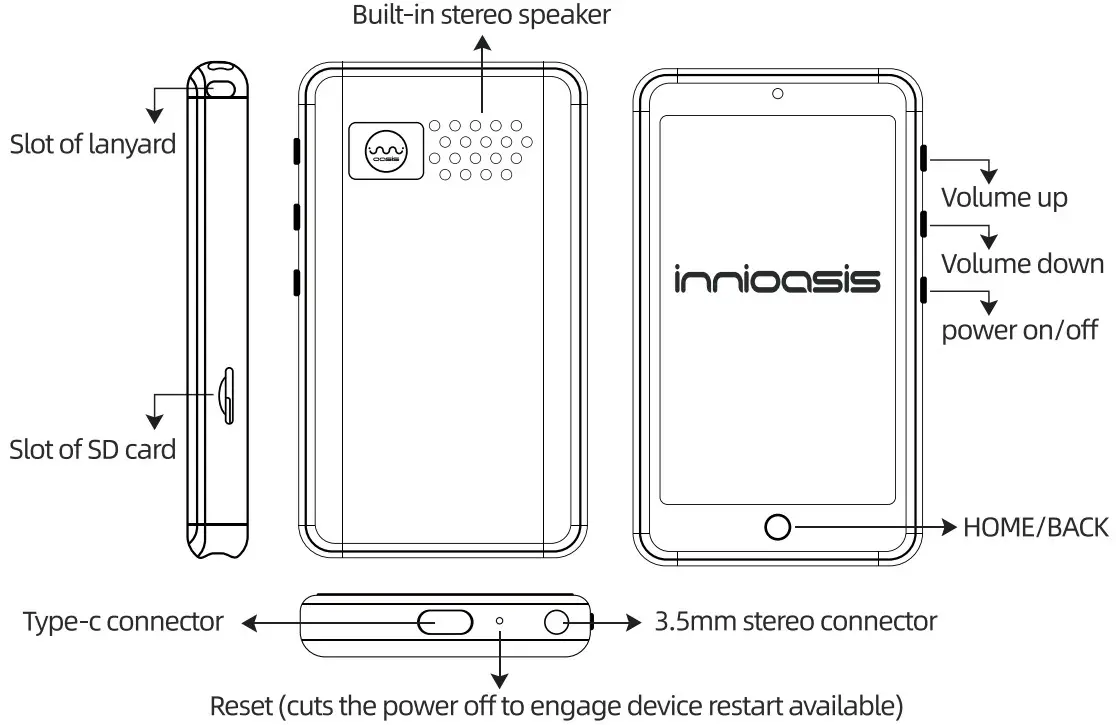
In the Box
S1 digital MP3 player x 1
User manual x 1
TYPE-C cable x 1
Specification
Bluetooth 4.2 wireless technology
Capacity: 1GB RAM + 8GB ROM (2GB for system used)
Display: 4-inch
Battery: 5V=1 A, wired charging up to 150 minutes
Video playback: Up to 5 hours (wired headphone connecting)
Audio playback: Up to 25 hours (wired headphone connecting)
Audio attachment support: MP3, FLAC, OGG, M4A, APE, WMA…
Video attachment support: MP4, AVI, MIN, RM, RMVB, VOB, 3GP…
Image attachment support: JPEG, BMP, GIF…
E-book attachment support: TM, EPUB, PDF, MOBI, DOC…
FM radio: 87.5 MHz to 108 MHz
Connection and Powering
- USB connection
Make MP3 connecting to laptop via TYPE-C cable, which will be read as a SD card, then have your music files copied to MP3 folder. - Bluetooth connection
a. S1 device: Settings>»Bluetooth>»turn on
b. Repeat a option on your Android phone
c. SEARCH FOR DEVICES on 51 device
d. Make your both devices(S1 and Android phone) connected, and selecting your files(music, pictures, videos) for send. - Powering MP3 Enable powering MP3 with any TYPE-C cable connected to phone charge adaptor (wired) or computer/laptop.
Music
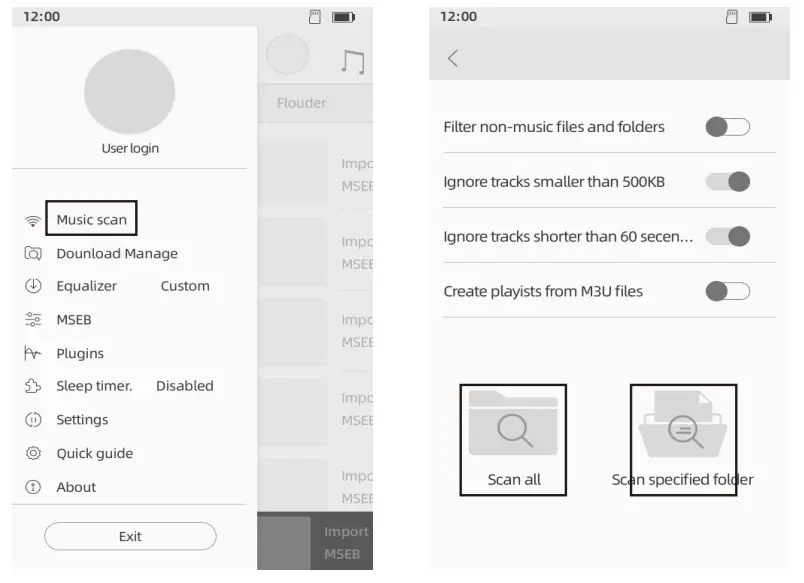
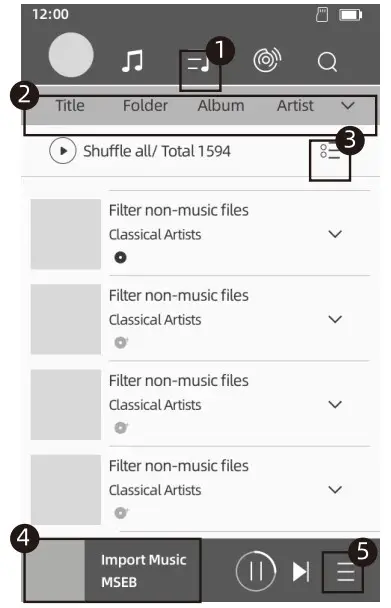
- Music scan: Scan music in all folders or specified folder.

- Page of management:
- Favourite / Recently / Playlist
- TYPES of Play order
- Bulk music management: create playlist, add to favourite,
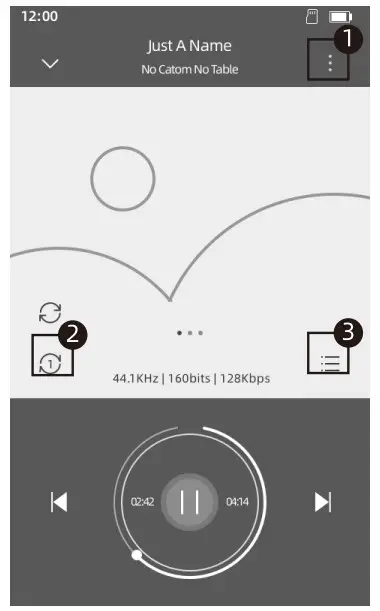
- Details of play bar
- Play queue

- Details of play bar: 4
- Playlist / favourites add
- Play model change
- Play queue

Video
Video files would be find as folder view when App opened. Function symbols while a file is playing: — Rotate the screen
 — Lock the operation function for prevent touch incorrectly
 — Decoder choice.
 — Choose the audio track you want, if available. If you select “Disable” , there will be no sound when playing the video.
 –Click to switch to the next video; Long press, a pop-up menu will let you choose the playback mode: Loop one, Loop all, Shuffle.
 –Click to switch to the previous video.
 — Play/Pause
 — Switch the viewing size: Fit to screen, Stretch, CROP 100% full screen
Gallery
- Three modes of view are able to select – Albums, Locations, Times
- 3-dots menu for bulk management of files.
- Press
 for editing when a photo is watching.
 - Photos are available for share to other device with Bluetooth by
 pressed.
 for editing when a photo is watching.
 pressed.
FM Radio
 — All list of found channels.
 — Quit for FM Radio.
 — Add/move current channel to favorites.
 — Search channels, Speaker playing, Record current channel.
E-book
3-dots menu:
- Recent list – Find books you have read recently.
- My Shelf – Import books from folder to Shelf view.
- My Files — Find your local folders
- Net Library – Unavailable.
- Bookmarks – Manage all Bookmarks, Notes, Highlights…
Function symbols from reading page:
 — Screen of orientation switch
 — Day/Night mode switch
 — TTS voice speaking activate
 — Automatic scrolling activateChapters — Manage the chapters and bookmarks of the book.
 Bookmark — Add a new bookmark.
 Brightness – Brightness adjust.
 Font Size — Font size adjust.
 Search — Finding words in the current book.
 Visual Options — Provide more options as font, font size/ color/style, background color, paragraph spacing, line spacing, etc.
 Control Options — Page operation and screen control.
 Auxiliary settings — Selection of full screen mode, screen awake, automatic scrolling mode.
 Options — Adjustment and control options. It is equivalent to the shortcut button of the menu in the upper right corner of the page.Quit — Exit the e-book
Recorder
Function symbols from page: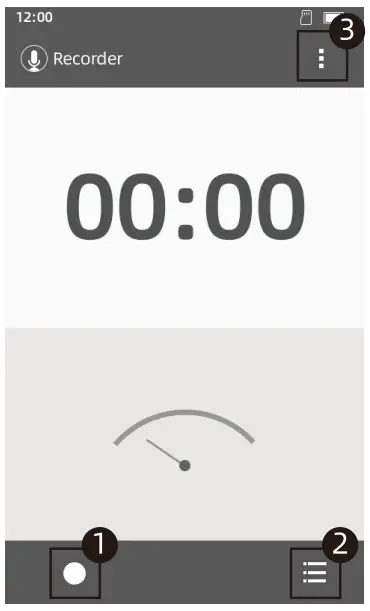
- Start recording
- Record files
- Settings for Voice quality, recording mode
Clock
Function symbols of page: –Add/editing alarm clock
 — Add/editing cities time
 — Add/editing Turner
 — Add/editing Stopwatch STOPMICH
lip: Please turn to setting page “Date and time” if TIME of device adjustment needed.
Calendar
Function symbols of page — For view of Day, Week, Month, Agenda switch — For new event, refresh, search, clear events, go to, settings options
Scientific calculator
Function symbols of page: — Settings
 — History
 — Scientific symbols
File manager
 — Add new folder — Search files Long press on file/folder: copy, delete, cut, rename, details.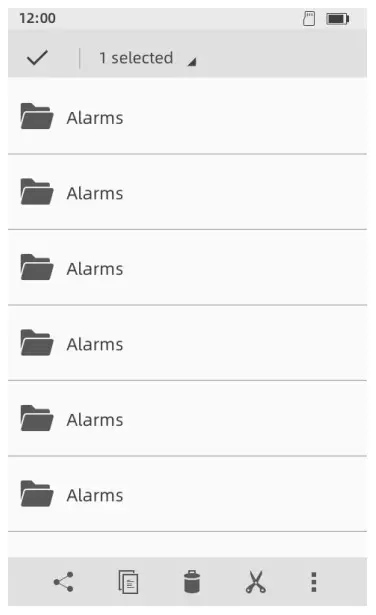
Setting
Setting Bluetooth Switch on/off.
Sound – Volumes adjustment, sound types.
Display – Wallpaper, Brightness, Sleep timer, font size.
Storage – Space of device.
Disable App – FM, Recorder, E-book, Video are able to disable.
Factory data reset – Clean all data and reset device.
Language & input – Select your display language.
Reset locked – password setting of reset device, if you don’t want somebody restore APPS without you are aware.(Once system has reset, a new reset pass word is required.) Date &time – Setting time on main page.
Scheduled power on & off – Auto power on/off.
About device – Detail of system code.
Warranty
Thank you for value your business with us. Please enjoy the following services.
Period of Warranty: One Year Warranty from the date of order.
Scope of Warranty: Si device only, nor the accessories Warranty terms:
- Quality issue caused by product will be earned a replacement or refund.
- Accessories are not included in the warranty, such as USB cable, earphones, etc.
- The following conditions are not covered by the warranty
• Out of the warranty period.
• It has been disassembled or repaired privately by the customer.
• Man-made damage, accidental damage or deformation.
• Failure caused by installation and use in abnormal environments such as high temperature, high pressure, and humidity
• Damage caused by natural disasters such as lightning strikes, floods, and earthquakes.
Support needs
Any question, concern and advice please reach out to us
E-mail: [email protected]
Online support: https://www.facebook.com/JiuYunCSS/
Reply Guaranteed: Three business days.