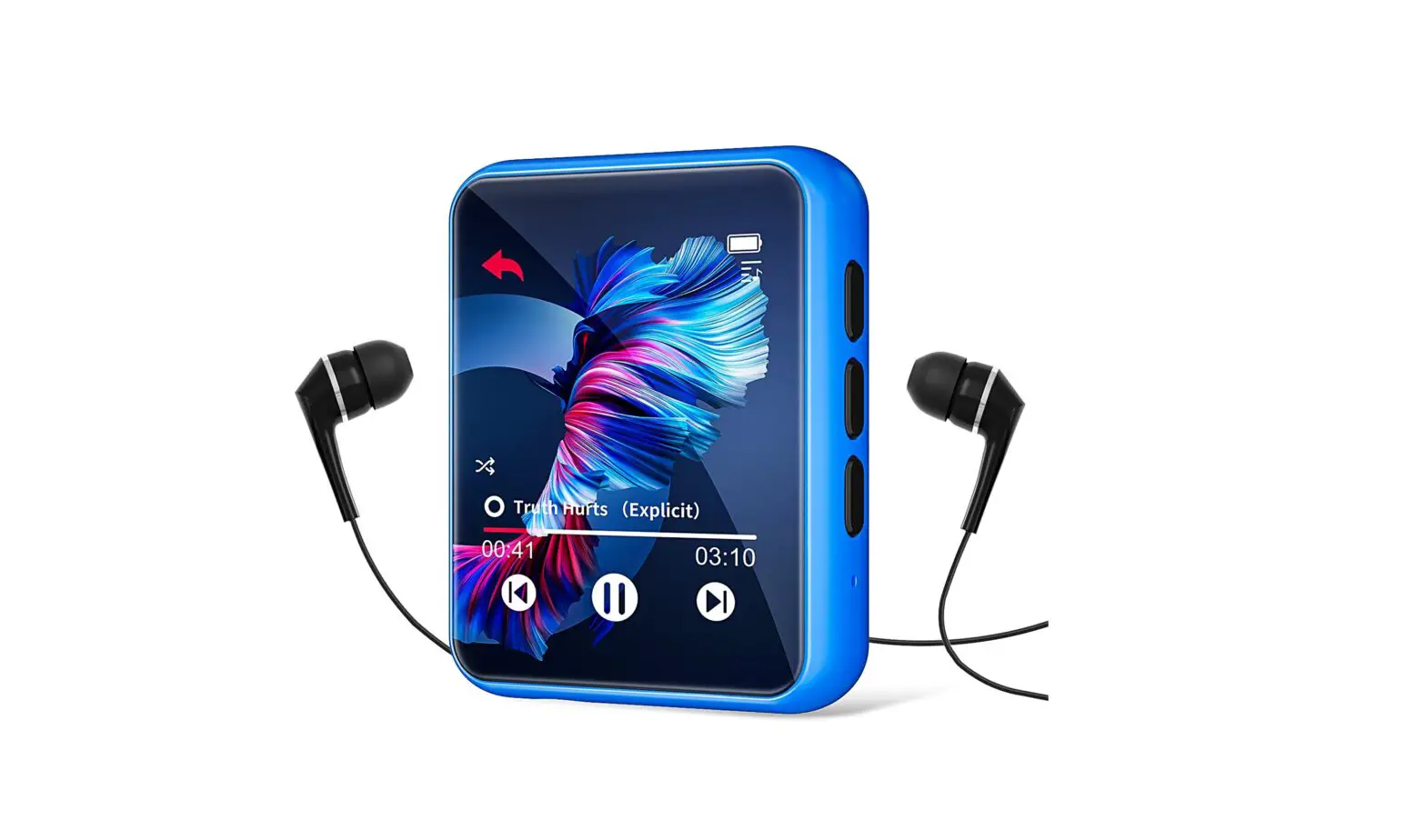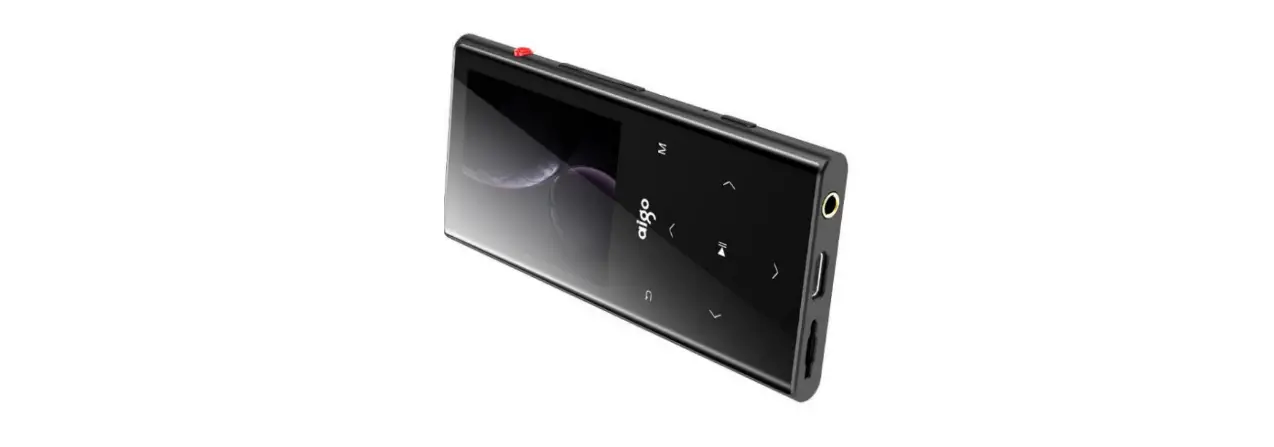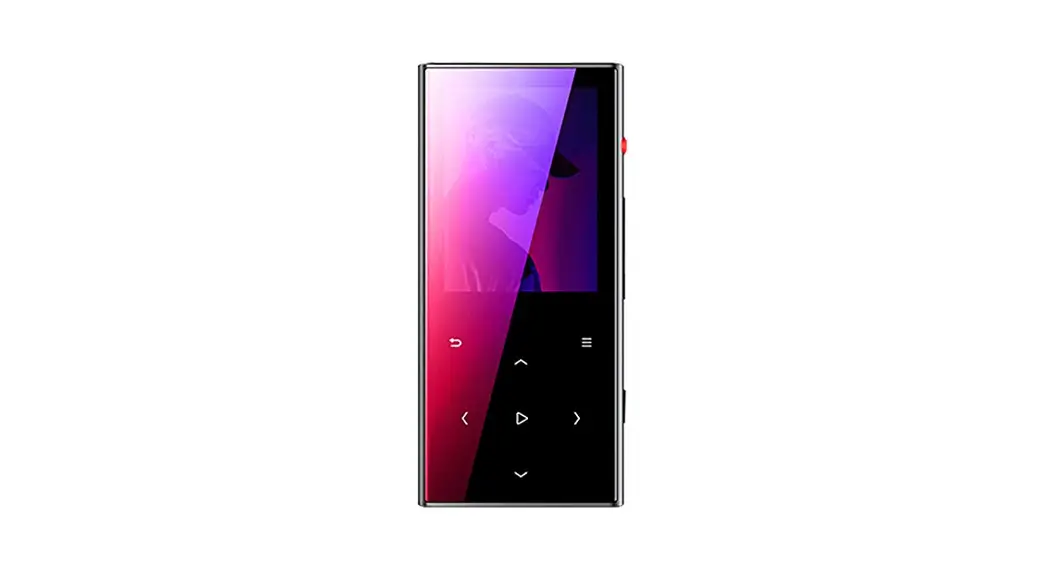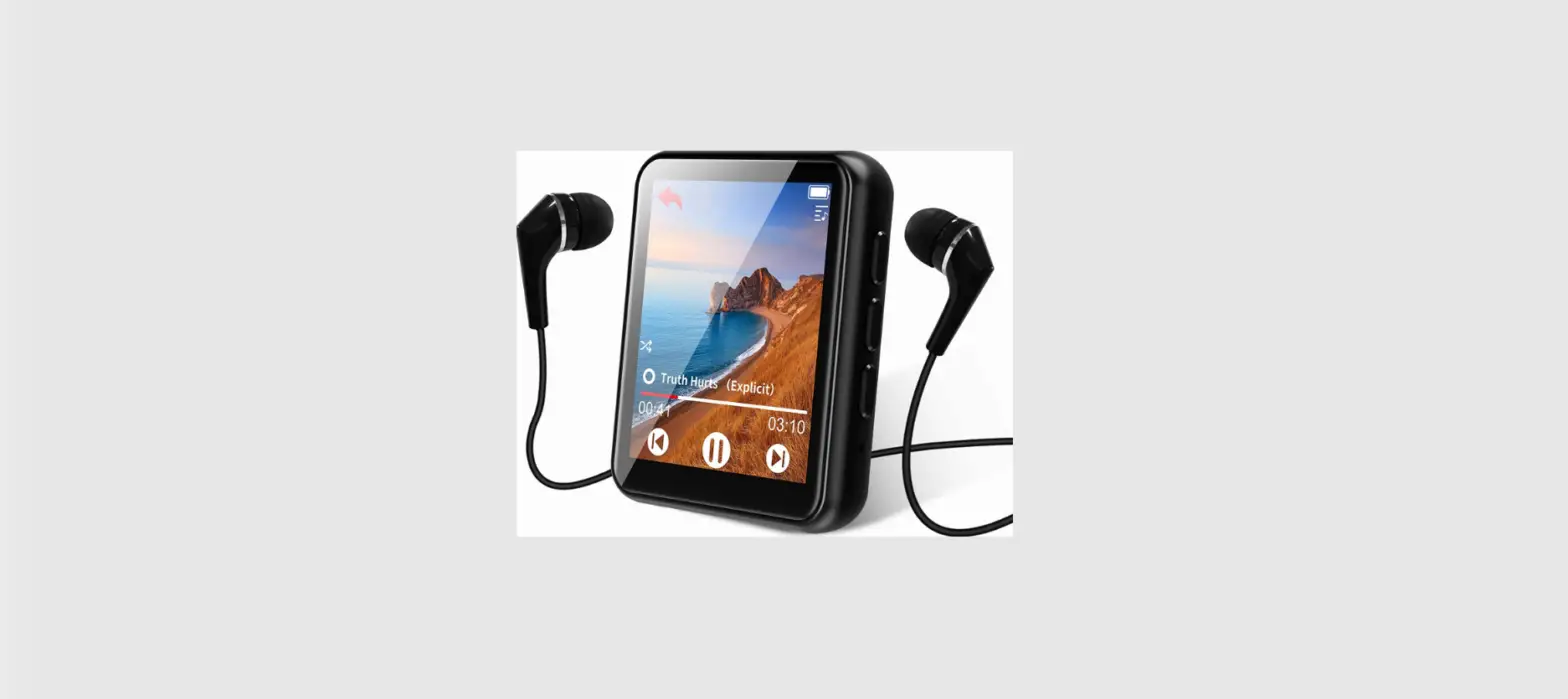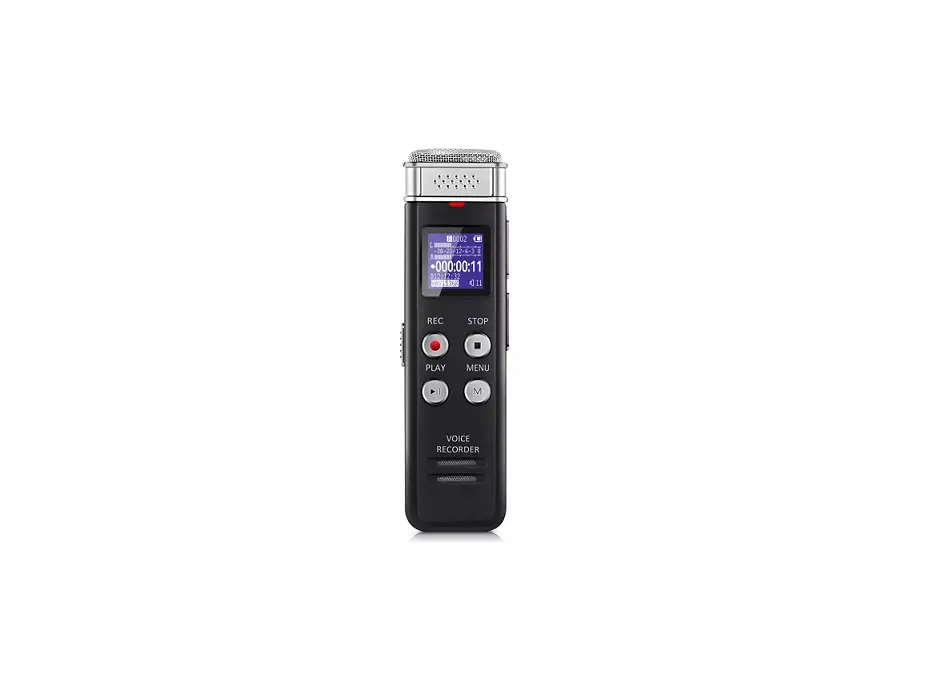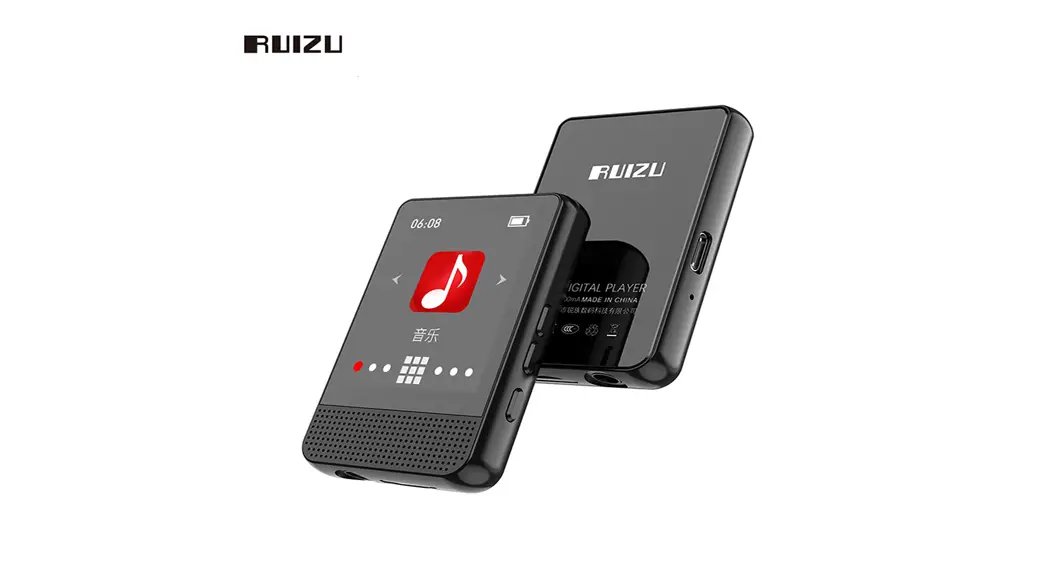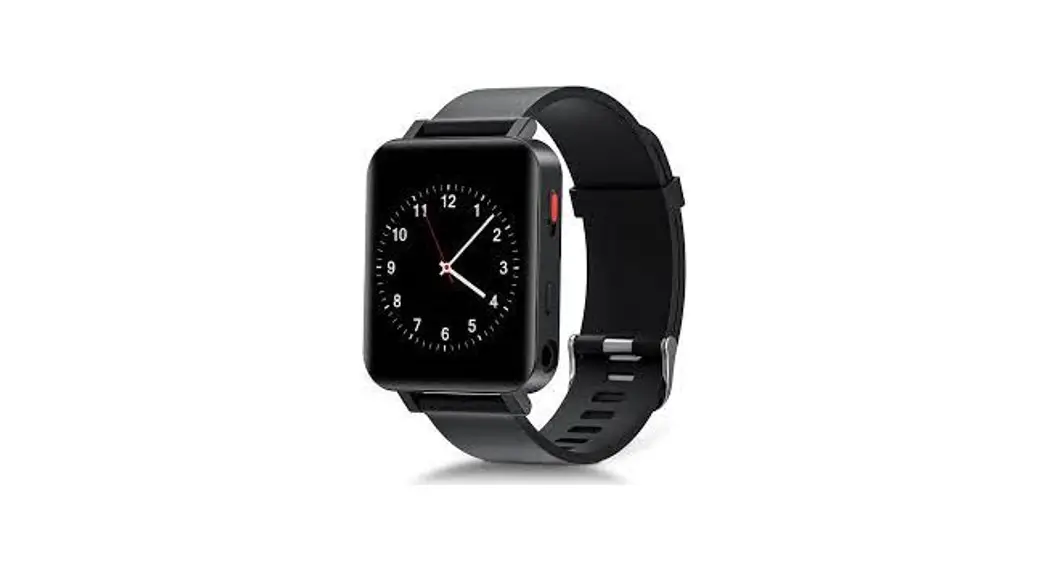
 M1 32GB Digital Voice Recorder mp3 player
User Manual
 Introduction
 Introduction
Thank you for choosing our products.
We wish you a great music experience and encourage you to write to us at Seller Central regarding any questions. suggestions or comments you may have.
Getting Started
Getting to Know the unit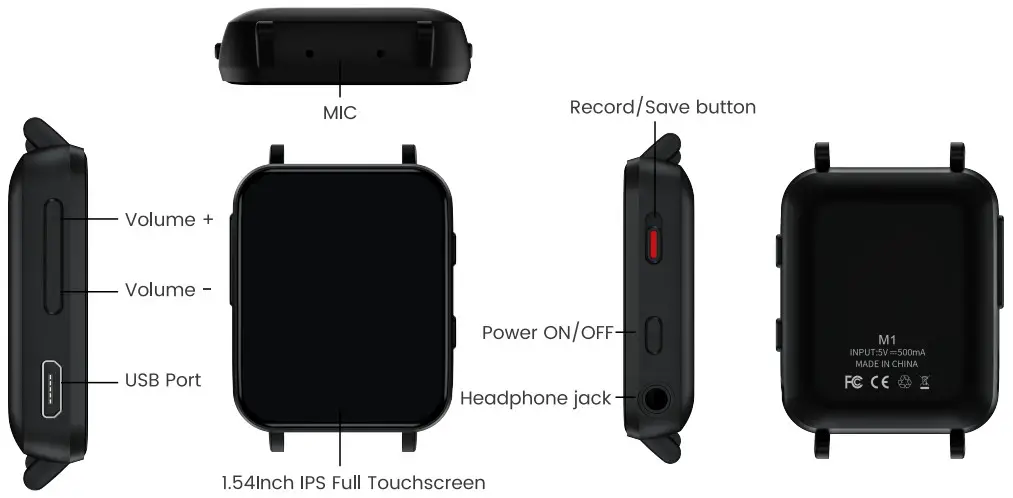 Charge
Using the supplied USB cable. connect your computer or wall charger to the USB port on the unit. 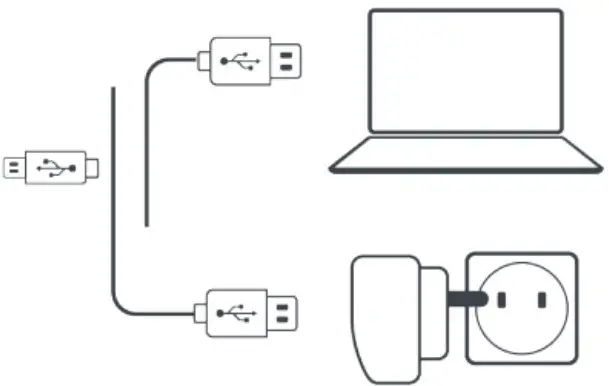 While charging check the battery icon on the top right corner of the unit indicates as follows
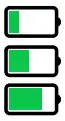 The power bar moves from left to right: charging
 Full power and stop moving. fully charged
Attention: Use only the 5v/500mA charger for charging or it may lead to product failure
Switch the Unit on/off
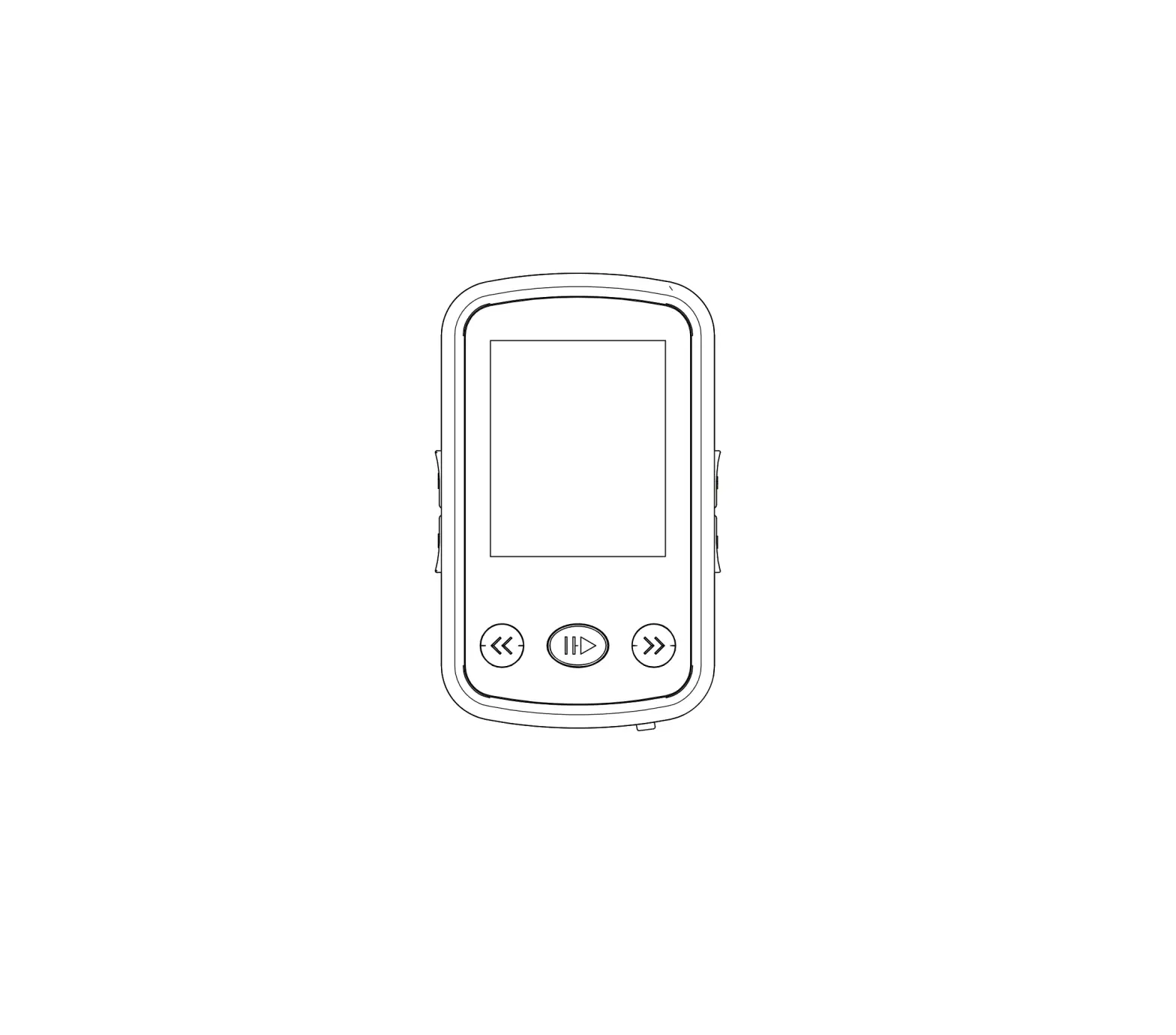
To switch on: Tap on the button  for 3s
To switch off: Tap on the button, the screen shows Power Off’ confirming that your unit is switching off.
Basic Audio Functions
Volume up Tap on the button +
Volume down Tap on the button –
Data Transfer
Using the supplied USB cable. connect your computer and copy over media files as if it was a flash driver or use music management software such as Windows Media unit to transfer the hies (not work for iTune).
Attention:
If your computer cannot detect the unit. pis update your USB driver or try another cable. If it doesn’t help, pls email to Seller Central to get help
Back
While the music is being played, Tap on the buttonL  to exit.
Main Functions
The unit makes it easy for you to listen to music in a convenient and joyful manner.
Music
Tap on the icon of Music, then you’ll find the related lists: 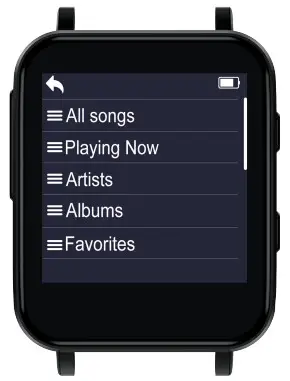
- Music Control
Icon Operation Function 
Tap on the button Exit 
Tap on the button Play the Music 
Tap on the button Pause the Music 
Tap on the button Play the Previous Song 
Tap on the button Play the Next Song Hold the button Rewind the currently playing song Hold the button Fast forward the currently playing song 
Tap on the button Change the play speed from -9-+9 
Tap on the button Add the song to the list of your favorite song 
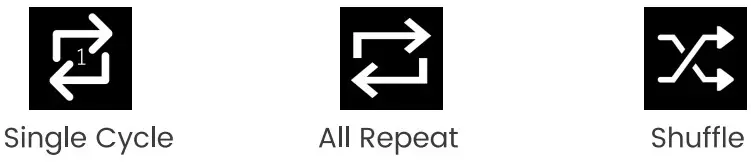
Tap on the button Enter the settings menu of the song - Playback Mode

- Music Formats
Music Format Bitrate Sampling Rate MP3 8Kbps-320Kbps 8MHz-48MHz WMA 5Kbps-384Kbps 8MHZ-48MHz APE 800Kbps-1000Kbps 8MHz-48MHz WAV 32Kbps-384Kbps 8MHZ-48MHz FLAC 1000Kbps-1200Kbps 8MHz-48MHZ


Bluetooth 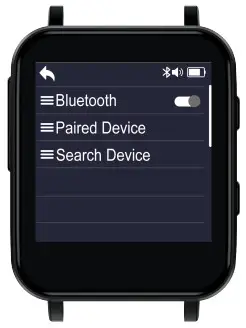
How to pair the device with Bluetooth speaker or Bluetooth headset?
- Turn on the Bluetooth speaker or Bluetooth headset and open the Bluetooth mode.
- Turn on the Bluetooth mode of the device, and start to search for the Bluetooth device around
- After successful search. choose the Bluetaoth device to start to pair with Bluetooth speaker or Bluetooth headset.
Attention:
1. It cannot pair with Smart Phones
Recorder
One-key recording and saving of the recording button on the right of the device. And a related list will show as follows: 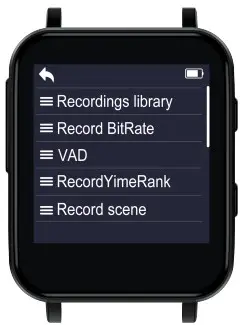 Recording library: View/Play saved recording hies.
Record BitRate: WAV format including three bit rates: 512kbps/1536kbps/3072kbps
VAD: Voice Activated Recording In the recording state. when the surrounding sound reaches about 65 decibels it will automatically record (Not recommended to use this function in important environments)
RecordTimeRank: Including 30, 60 and 120 minutes When its turned on. the recording will be automatically saved during the recording process when the set time is reached
Record scene: Including OFF Meeting, Interview, Teaching, Station” You can choose the recording scene as you wish Timing recording: Set recording time and period
E-Book
Tap on the icon and all thee-book hies will be listed in the menu. 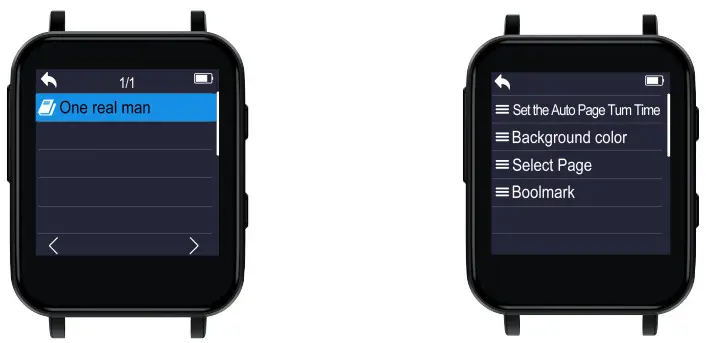 Attention , ONLY TXT hies are supported ..
Folder 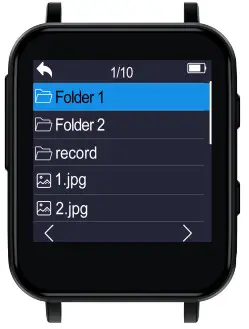
Attention:
- ts memory will be sorted by edit time, the first file be dropped in will be listed at the top
- If you renamed the file or do some other modifications, the file goes to the bottom of the list. This trick only works for Folder’ not ‘Music
- Don’t forget to add a bookmark when you use audio book
Settings:
Tap on the icon and a related list will show 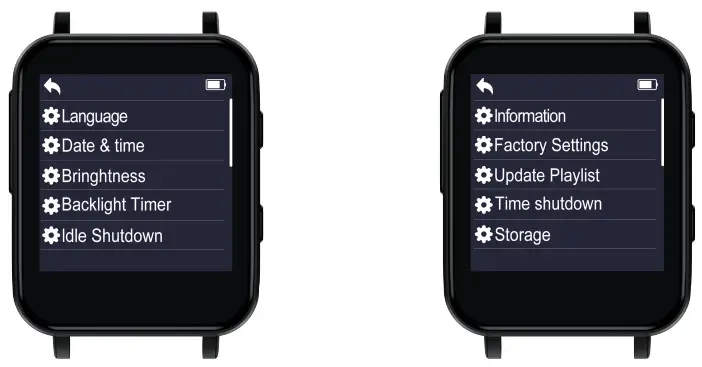
Language: Choose the language as you wish
Date & Time: Set the date&time, Tap OK to confirm
Brightness: Set the brightness from 10 – 100. Tap OK to confirm.
Backlight Timer: Set Screensaver, backlight time,etc.
Idle shutdown: Turn on/off or Set shutdown time, Tap OK to confirm (It means if there is no operation, the music player will shutoff automatically.)
Information: Show information about system of the device.
Factory Setting: Reset to Factory Default (Please backup all hies before you reset it)
Update Playlist: Update the playlist you just edited.
Time Shutdown: Turn on/off or Set shutdown time, Tap OK to confirm
Storage: Show information about disk space
Specifications
| Screen Size | I 5 Inch IPS HD Screen |
| Screen Resolution | 240 X 240 |
| Weight | 1.700z (48g) |
| Dimension | 1.651.340.04 Inch (42340.9 mm) |
| Bluetooth Version | 5.2 AVRCP/A2DP |
| Audio format | MP3/WAV/APE/WMA/FLAC |
| Recording format | WAV |
| E-Book | TXT |
| Battery | 3.7 V/240 mAh |
| Charging time | 1-3 hours |
| Lyric Format | LRC |