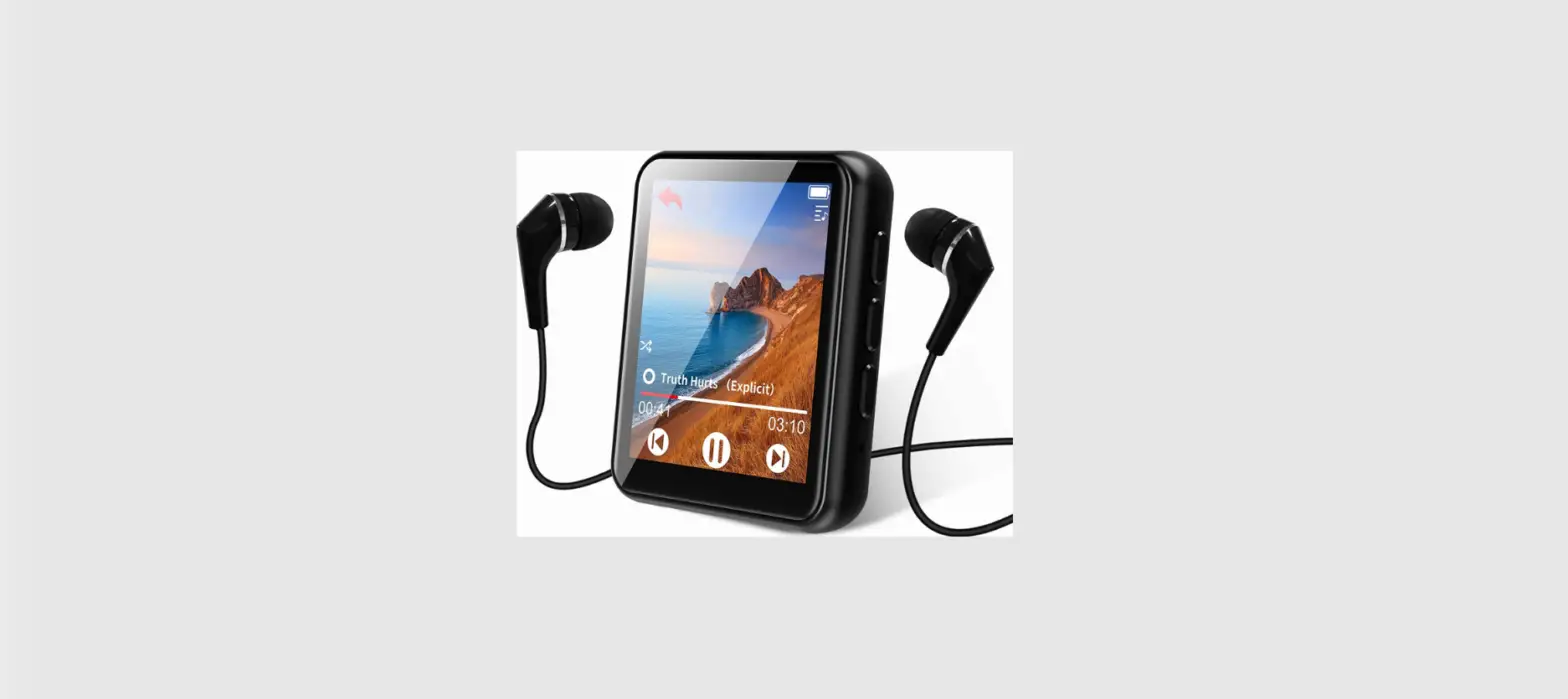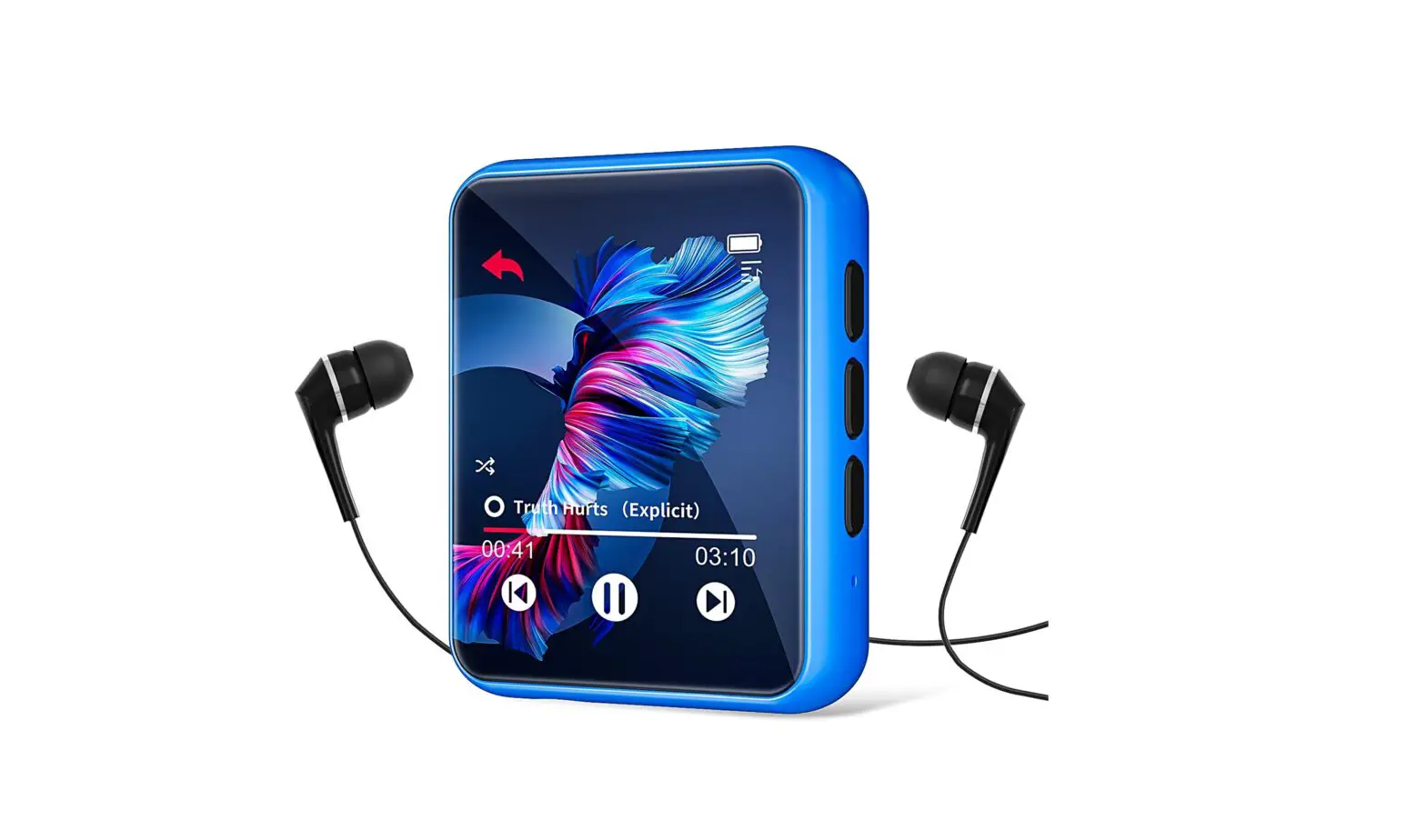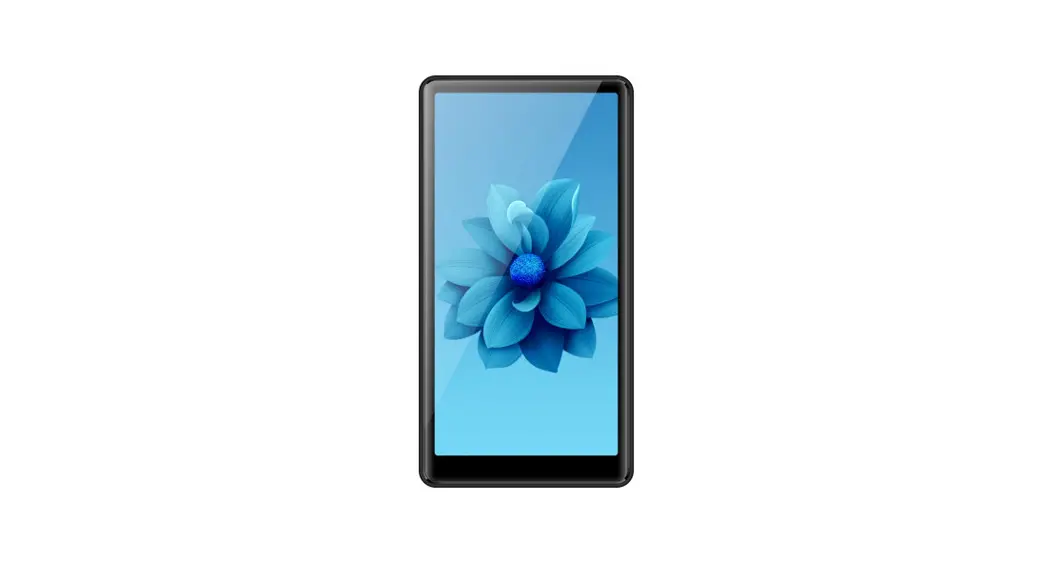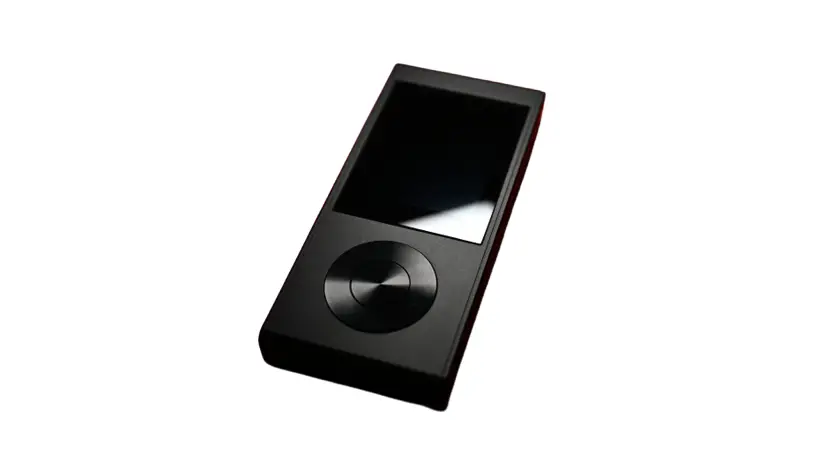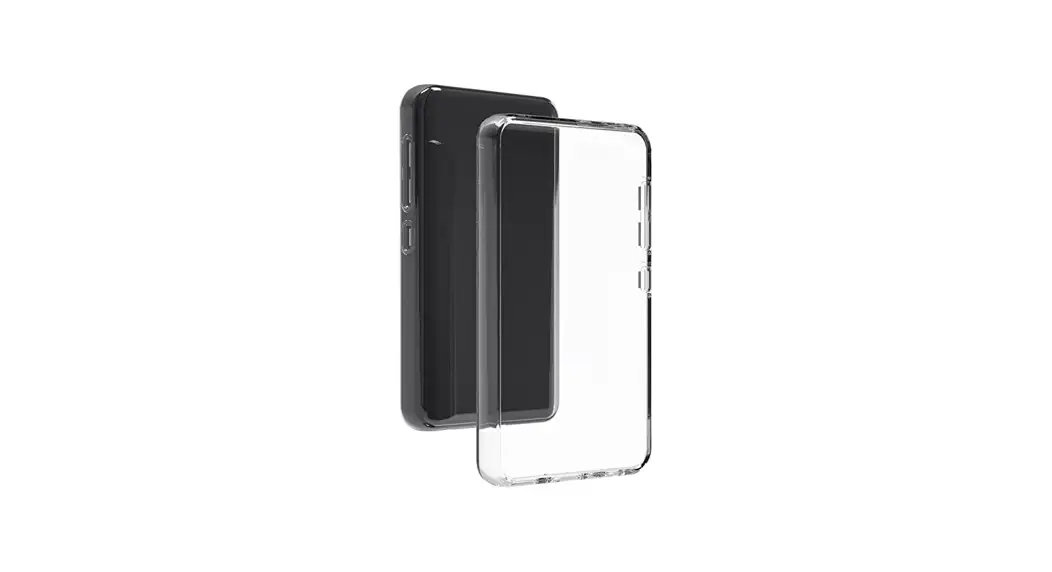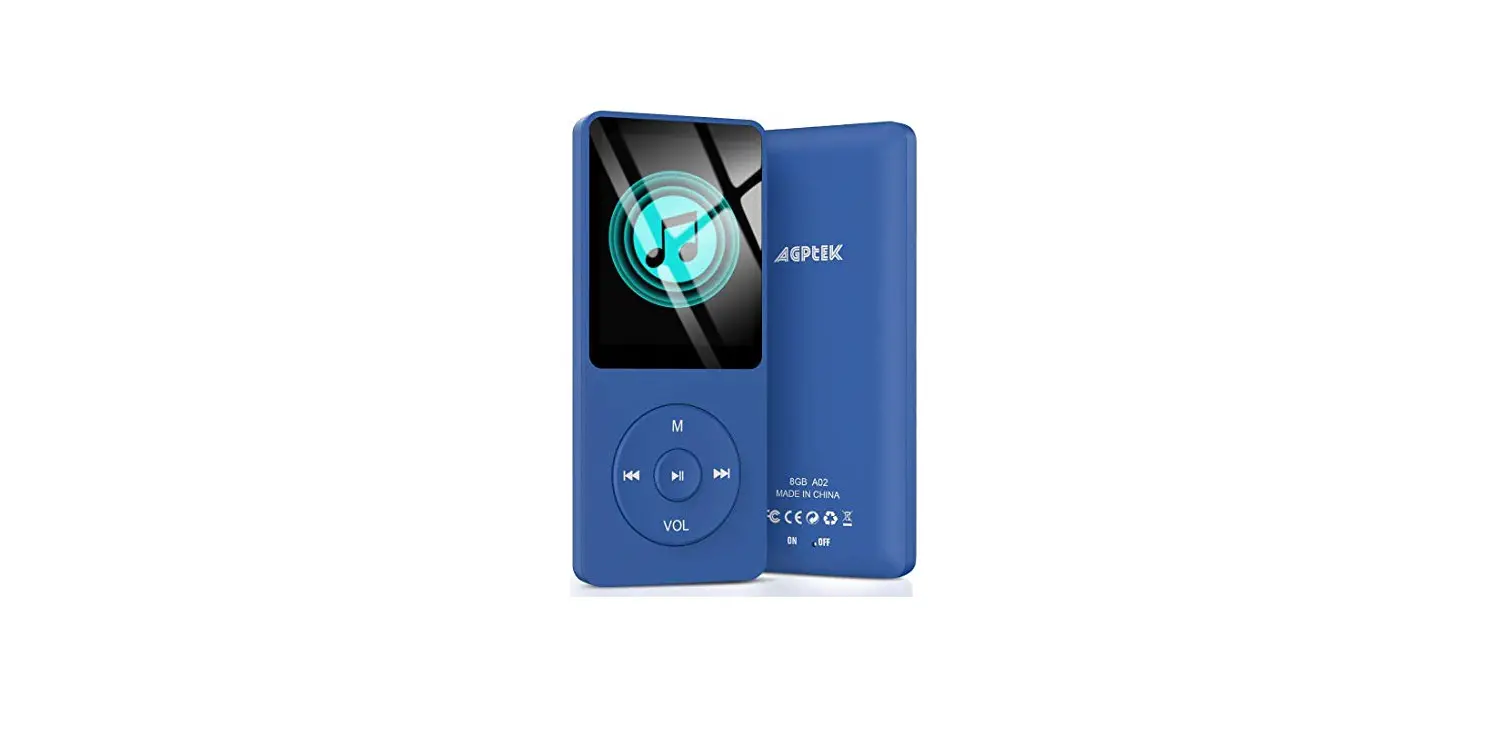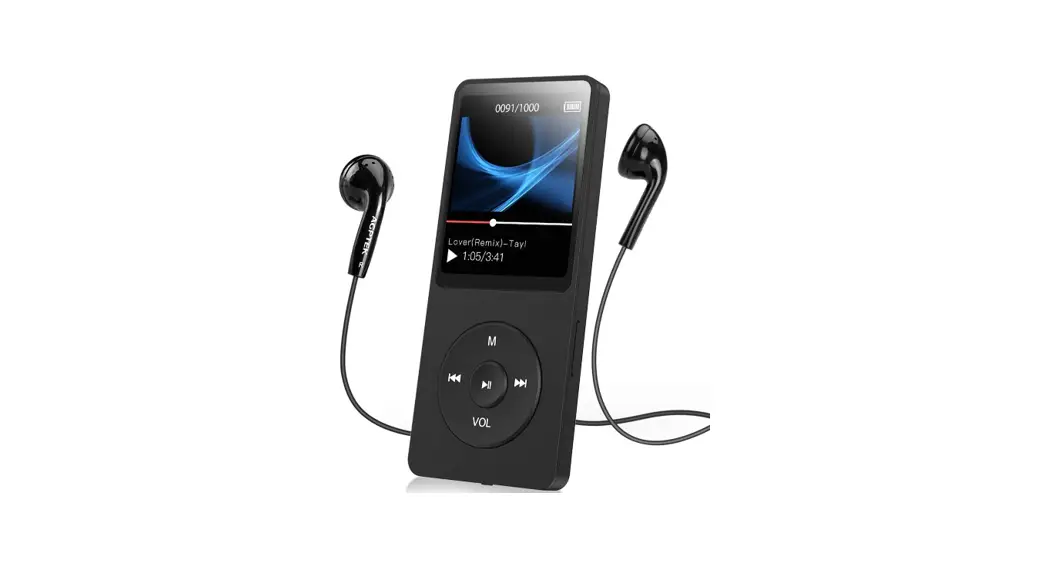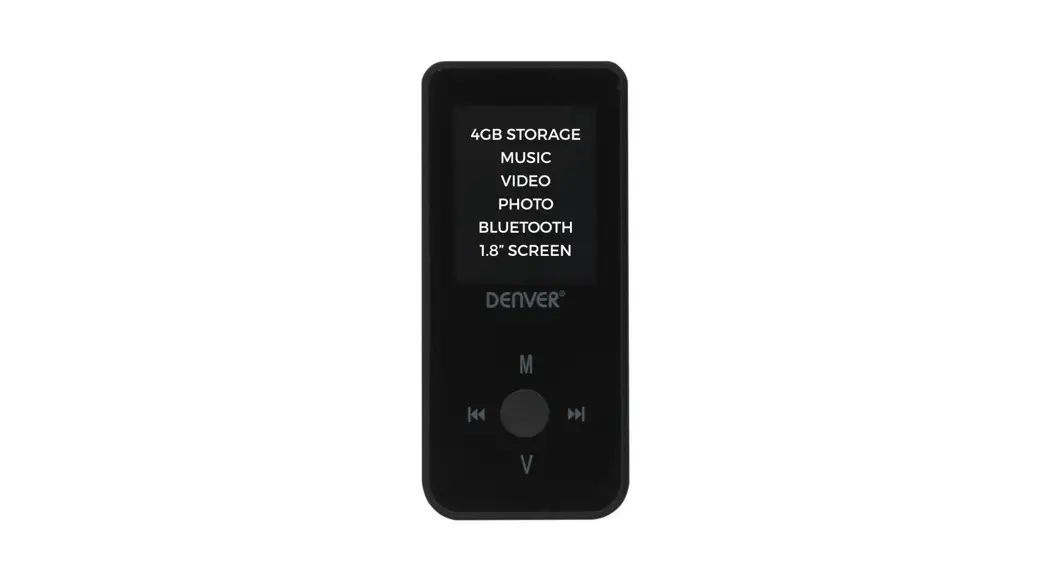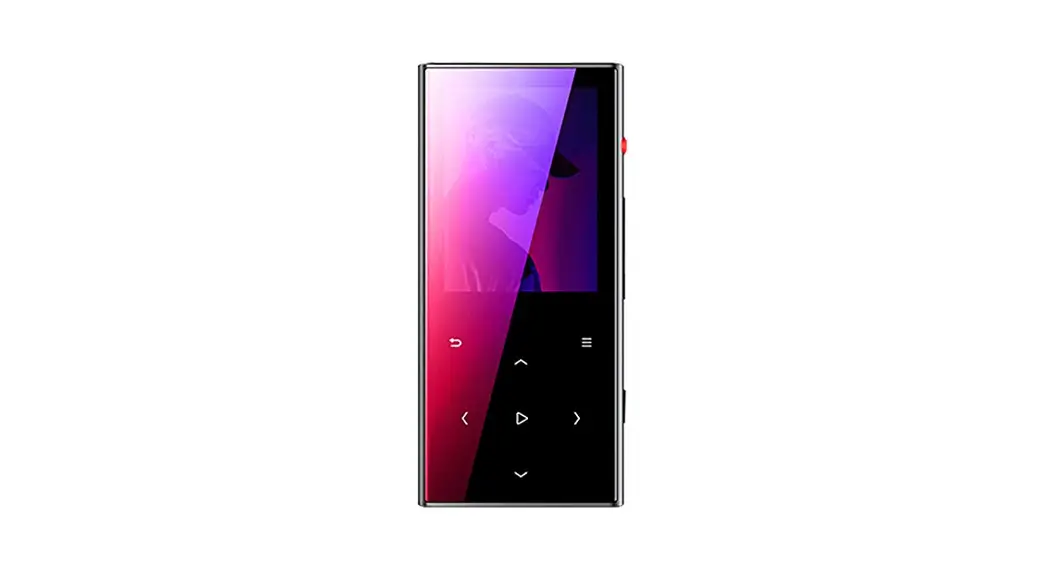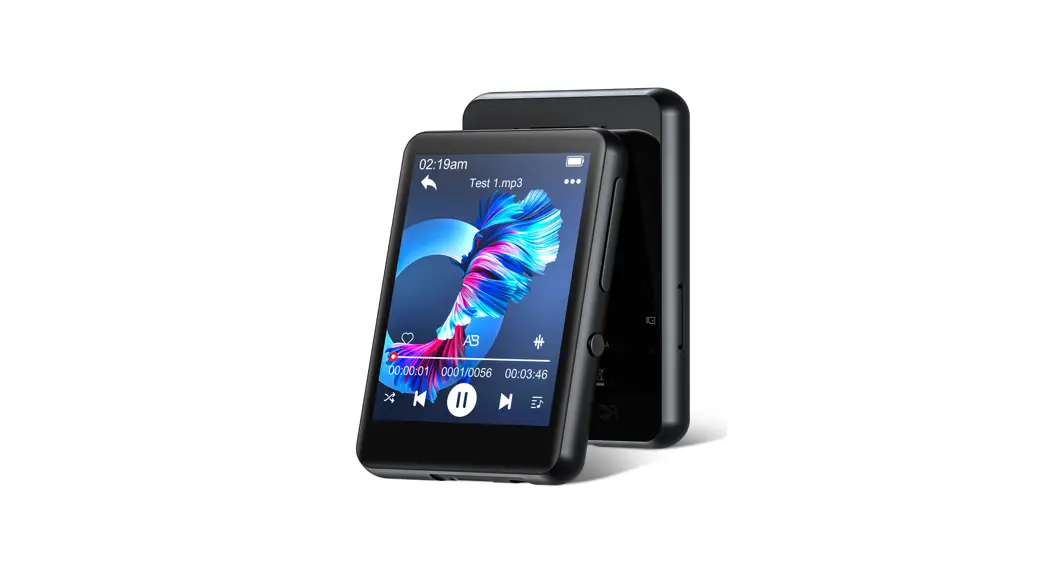
 M4 Music Player
User Manual
M4 Music Player
Thank you for purchasing Our JOLIKE Music Player
Please read the manual carefully before using the device If you have any question, please contact our customer Service: [email protected]
Introduction
Thank you for choosing the JOLIKE M4 Music Player!
We wish you a great music experience and encourage you to write to us at [email protected] regarding any questions, suggestions or comments you may have
Getting Started
Getting to Know Your M4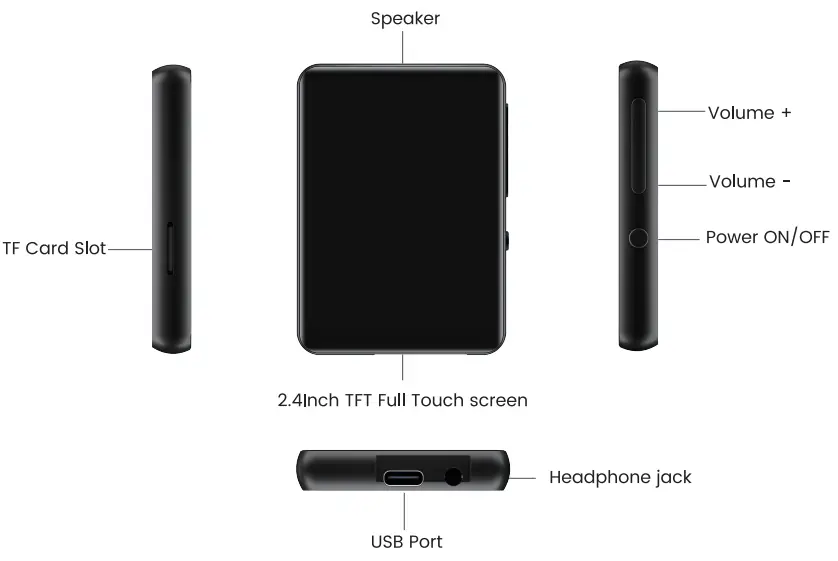
Charging the M4
Using the supplied USB cable, connect your computer or wall charger to the USB port on your M4.
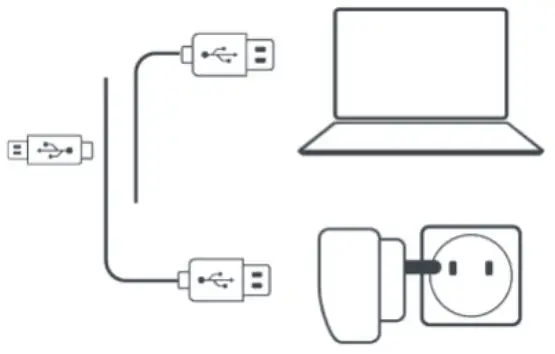
While charging, check the battery icon on the top right corner of M4, indicates as follows·
The power bar is moving from one to four: Charging
Four grid power and stopped moving: Full Charged
Attention Use only the 5v/500mA charger for charging or it may lead to product failure.
Switch the Unit on/Off
To switch on. Tap on the button  for 3s
To switch off: Tap on the button , the screen shows”Power Off confirming that your unit is switching off.
Basic Audio Functions
Volume up· Tap on the button +
Volume down: Tap on the button
Data Transfer
Using the supplied USB cable connect your computer and copy over media files as if it was a flash driver or use music management software such as Windows Media Player to transfer the hies (not work for iTunes).
Attention:
If your computer cannot detect the MP3 Player, pls update your USB driver or try another cable. If it doesn’t help, pls email to [email protected]
Back
while the music is being played, Tap on the buttonL to exit.
Main Functions
M4 makes it easy for you to listen to music in a convenient and joyful manner
Music
Tap on the icon of Music, then you’ll find the related lists:
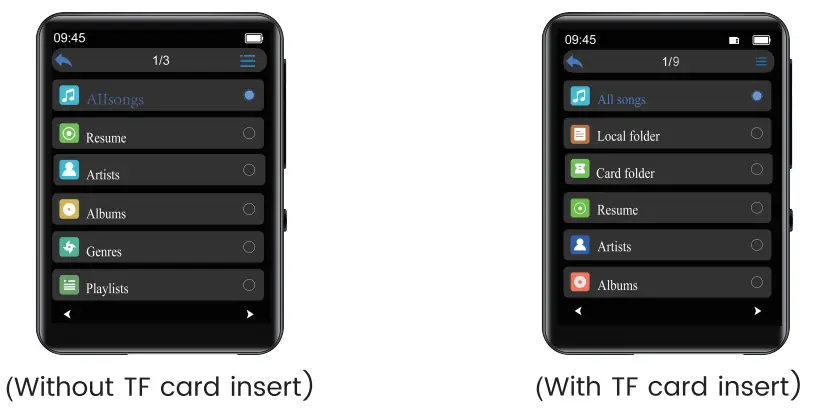
- Playback Mode

- Music control
Icon Operation Function 
Tap on the button Exit Tap on the button Select each option from menu list Tap on the button Play the Music Tap on the button Pause the Music Tap on the button Play the Previous Song Tap on the button Play the Next Song Hold the button Rewind the currently playing song Hold the button Fast forward the currently playing song Tap on the button Add the song to the list of your favorite song Tap on the button Enter the settings menu of the song Tap on the button Enter the Equalizer setting interface Tap on the button Get back to the playlist - Music Formats
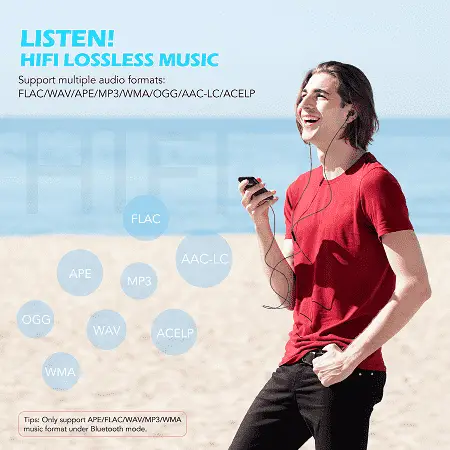
Music Format Bitrate Sampling Rate MP3 8Kbps-320Kbps 8MH2-48MHZ WMA 5Kbps-384Kbps 8MHZ-48MHZ APE 800Kbps-1000Kbps 8MHZ-48MHZ WAV 32Kbps-384Kbps 8MHZ-48MHZ FLAC 1000Kbps-1200Kbps 8MHZ-48MHZ ACC-LC 8Kbps-320Kbps 8MHZ-48MHz


Movie
Tap on the icon of Movie and the lists pop up.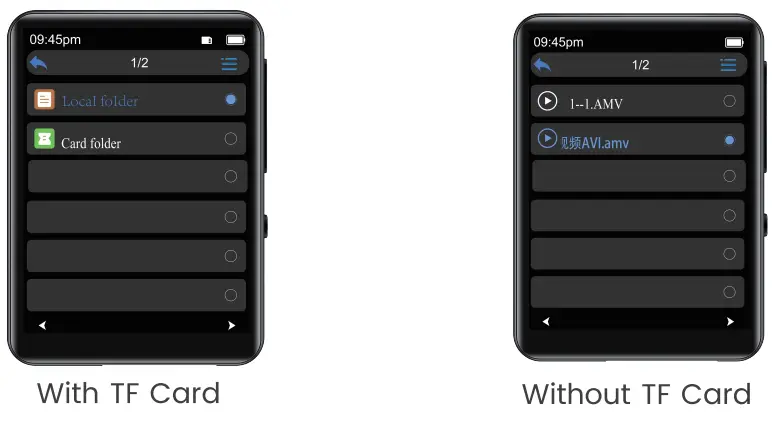
FM Radio
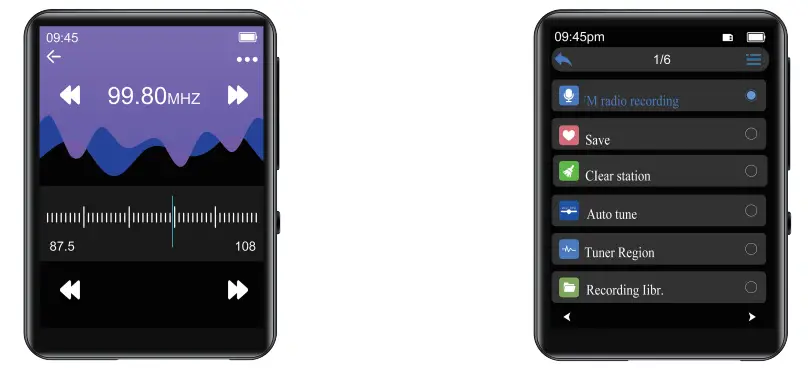
- FM Recording
Tap on the FM icon. check the menu of settings and choose the option “Start FM radio recording
- How to choose the FM Band?
Enter the settings menu of FM Tap on the ‘Tuner Region
Common Band: 87 5 MHZ – 108.0 MHZ
Japan Band: 76MHZ – 90MHZ
Euro Band 87.5 MHZ – 108.0 MHZ

Bluetooth
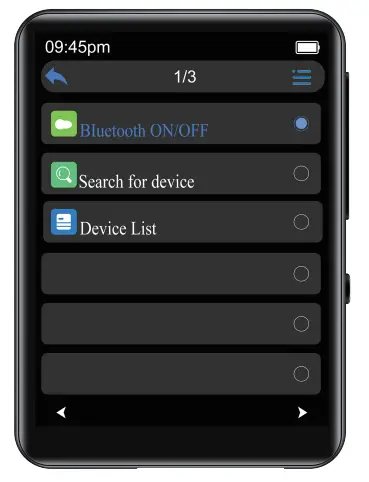
How to pair M4 with Bluetooth speaker or Bluetooth headset?
- Turn on the Bluetooth speaker or Bluetooth headset and open the Bluetooth mode.
- Turn on the Bluetooth mode of M4, and start to search for the Bluetooth device around
- After successful search. choose the Bluetooth device to start to pair with Bluetooth speaker or Bluetooth headset
Attention
- M4 cannot pair with Smart Phones
- The ACC-LC music format is not supported under the Bluetooth playing mode.
- When listen to radio by Bluetooth wired headphones are needed as radio antenna
E-Book
Tap on the icon and all thee-book hies will be listed in the menu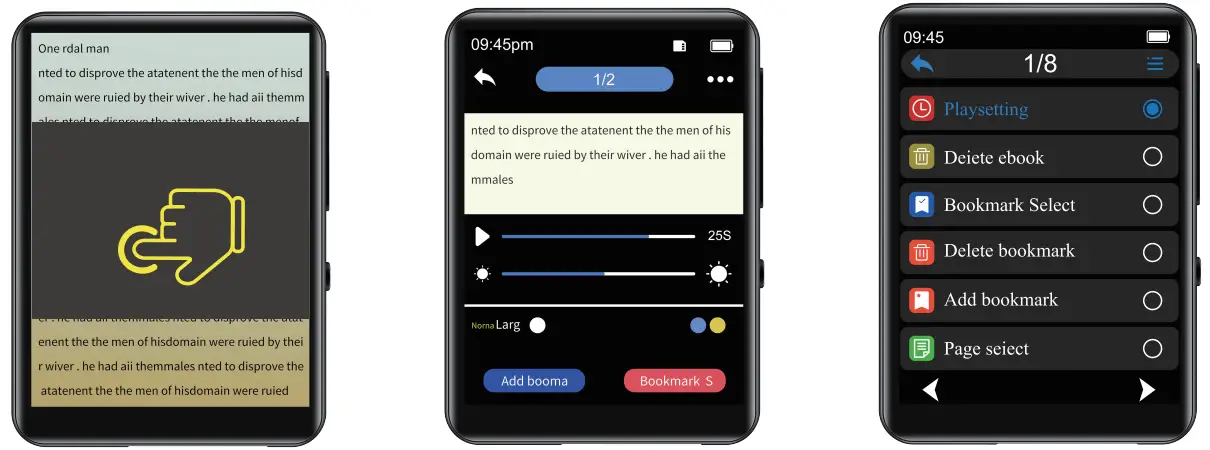
Attention ONLY TXT hies are supported
Settings
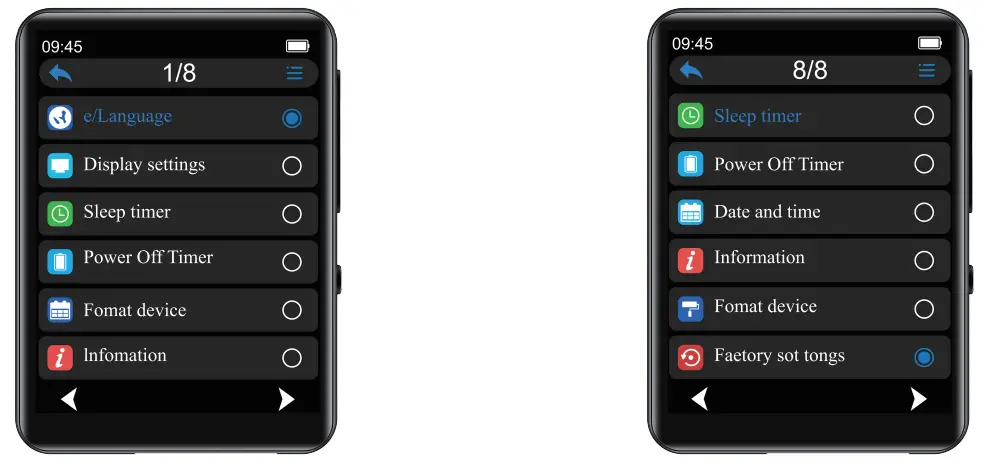
Visit www.jolike.com.cn/ to get tutorials
Folder
Attention
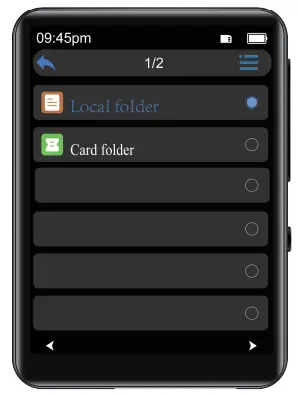
MP3 and SD card’s memory will be sorted by edit time, the first file be dropped in will be listed at the top.
If you renamed the file or do some other modifications, the file goes to the bottom of the list. This trick only works for Folder not “Music
Don’t forget to add a bookmark when you use audio book.
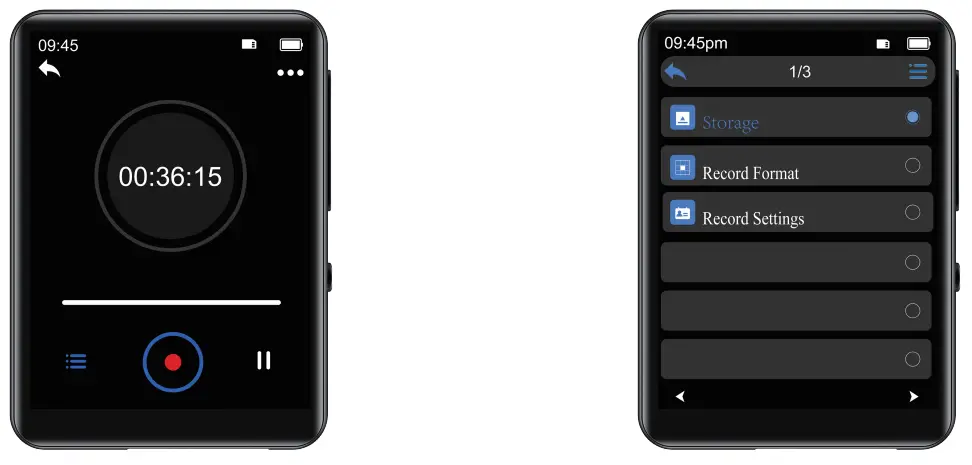
Recorder
Recorder is a good helper for class, speech, meeting
Additional Functions
Photo, Stopwatch, Alarm, Calendar Theme
| Screen Size | 2 4 Inch |
| Screen Resolution | 240320 1FT |
| Dimension | 1932.680.40Inch (496810mm |
| Weight | 2 33oz(66g) |
| Flash memory | 32GB |
| Audio format | MP3/WAV/APE/WMA/FLAC/ACC-LC |
| Video format | AMV / AVI |
| Recording format | MP3/WAV |
| Battery | 5v/500mAh |
| Charging time | 1-3hours |
| SD card expansion | 64GB |
| Lyric Format | LRC |
Support
For additional information www.jolike.com.cn
 [email protected]
Address. A306 Room Building B, Western Silicon Valley
Baoan District, Shenzhen City, China