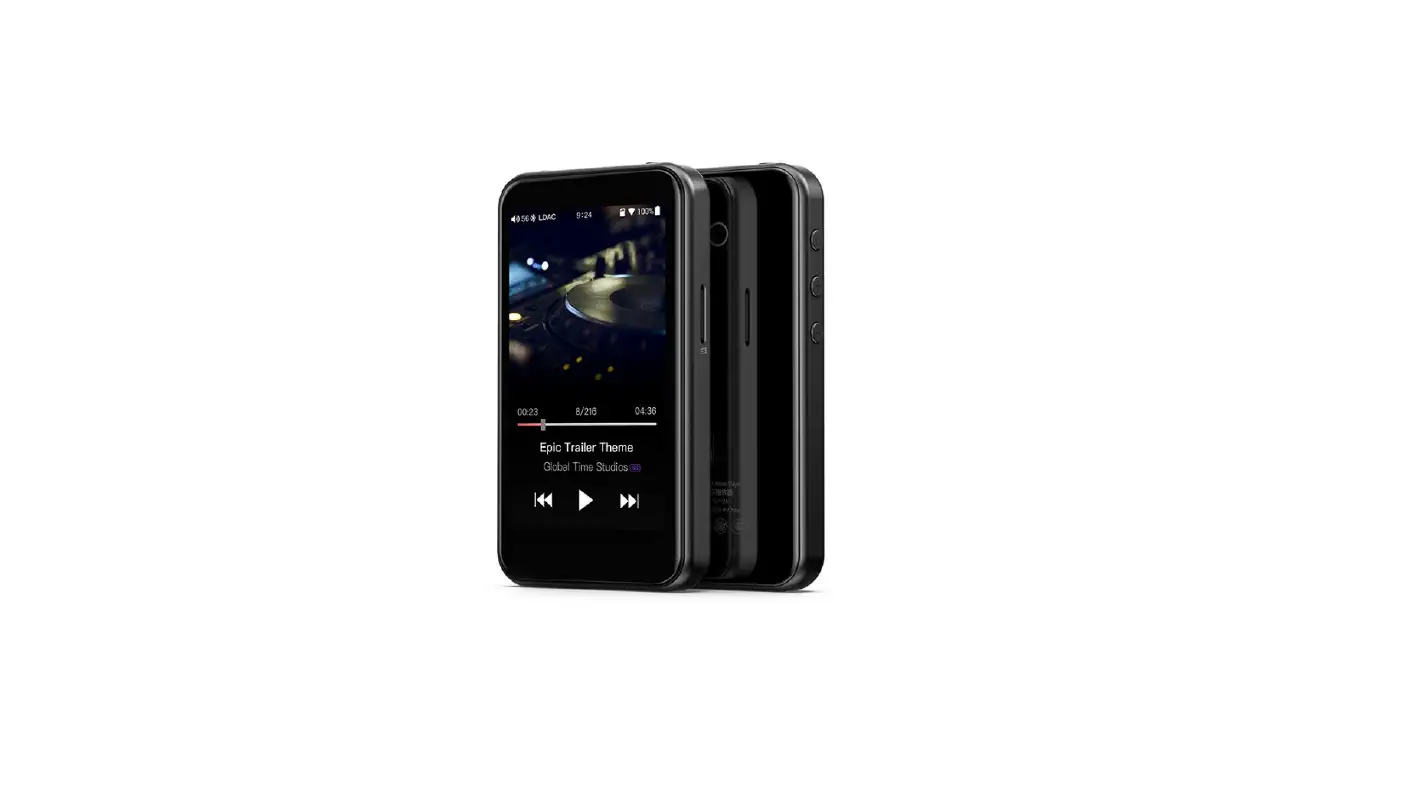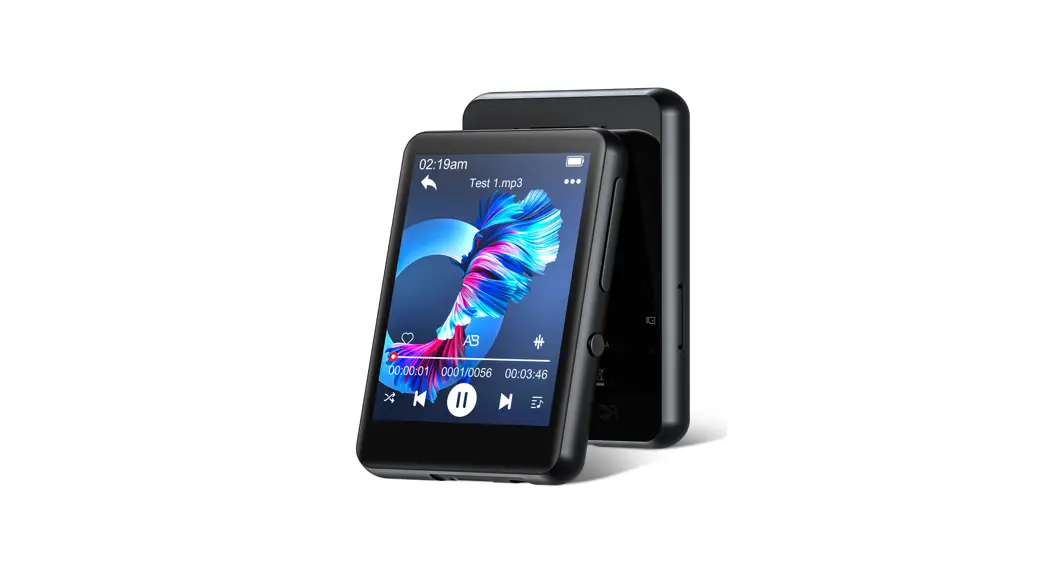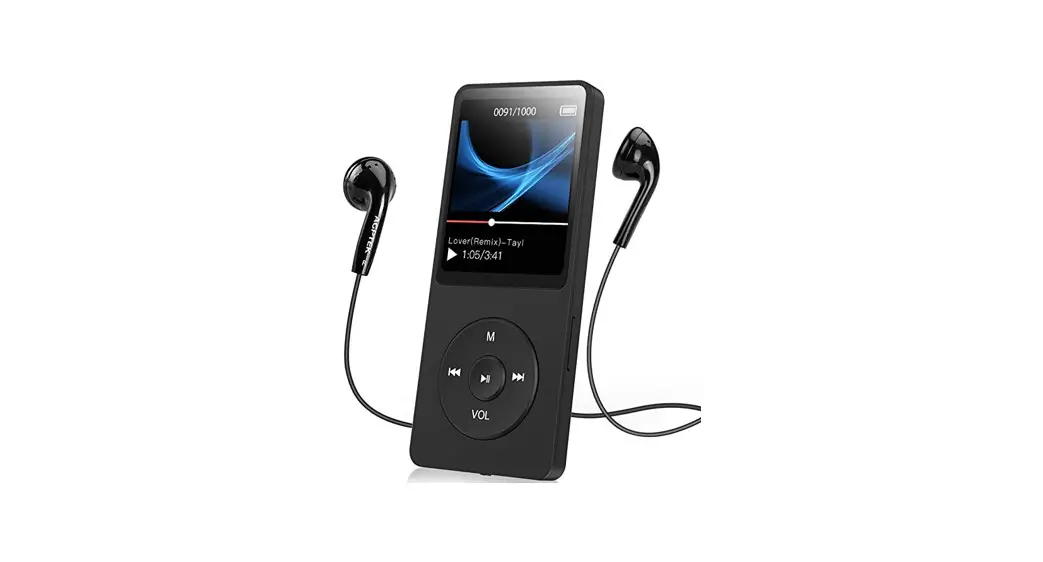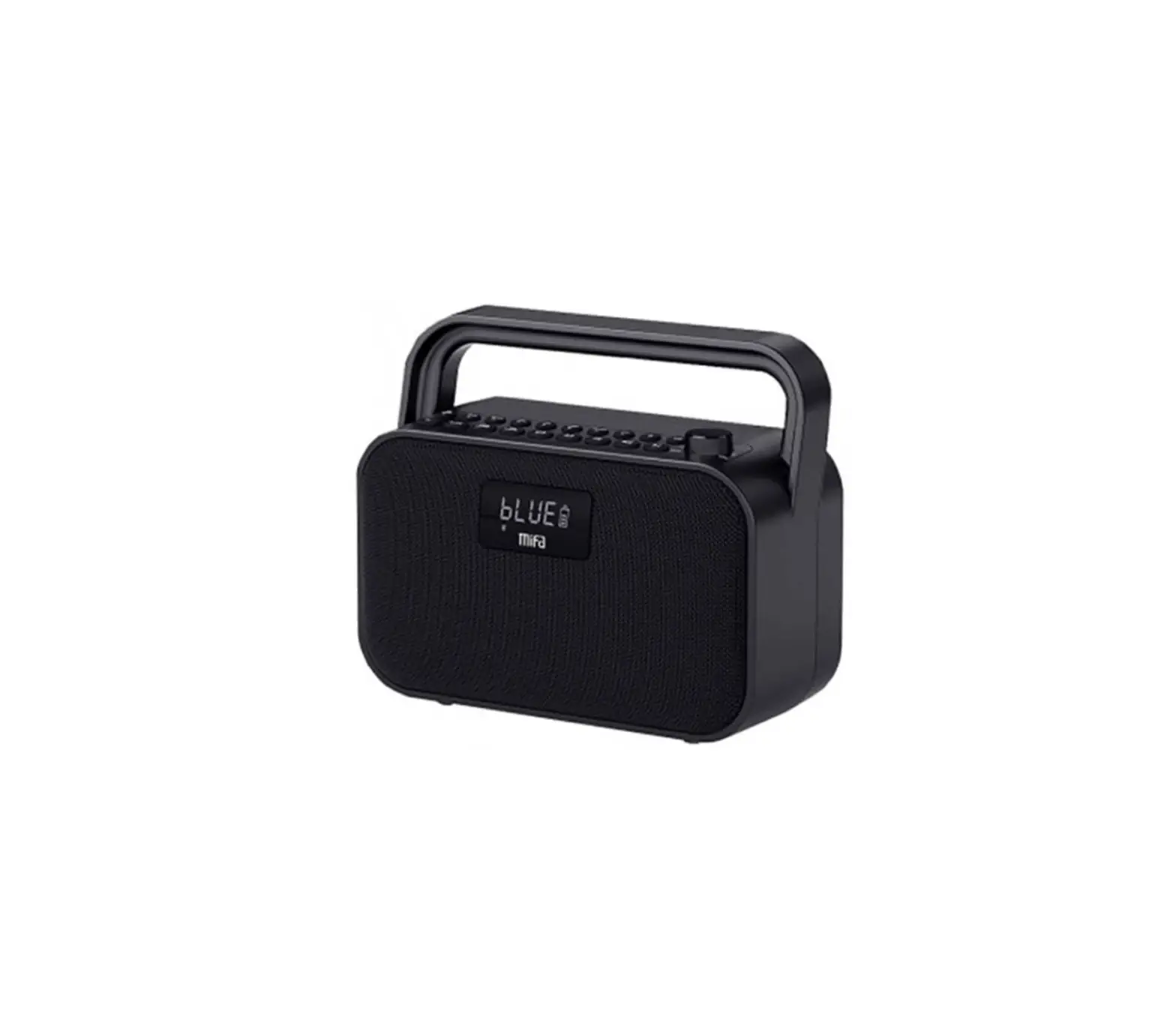
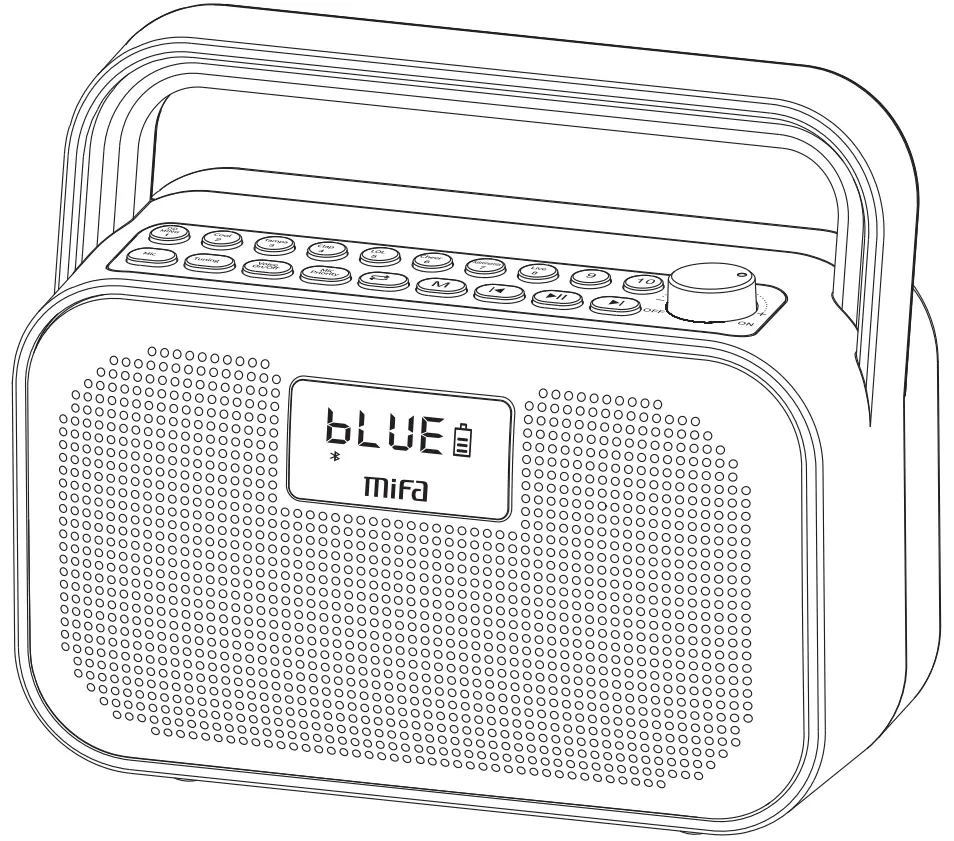
mifa M680 Music Player
Warnings

- Please carefully read this user manual first.
- For the first use, a full follow is recommended.
- Please use and store the product at room temperature/normal atmospheric temperature.
- Do not throw and drop the product to avoid damages.
- Do not use this product near a heat source, such as radiators, heat regulators, stoves or other heat generating devices (including amplifiers) .
- Do not plug the opening of the Music Player, do not plug the object into the Music Player vent or slot
- Do not throw it to avoid the damage caused by falling.
- Please use charger with the rated voltage of the Music Player charger.
- If the connector does not match your device, please contact the vendor.
- Please turn the Music Player to the proper volume to avoid damage to your hearing.
- Regardless of any cause of the equipment damage, it must be repaired promptly by professional maintenance personnel, unauthorized dismantling will invalidate the warranty.
- If the battery is improperly replaced, there is a risk of explosion. Only the same or equivalent type of battery can be replaced.
- Warning that batteries (battery packs or battery packs) should not be exposed to conditions such as sunlight, fire, or similar overheating.
Packing details
- M680 Music Player 1pc

- Wireless Microphone 1pc

- User manual 1pc

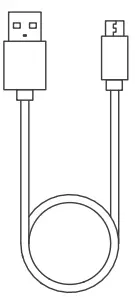
- Micro USB cable (Charging) 1pc

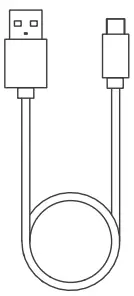
- USB Type-C Charging cable 1pc

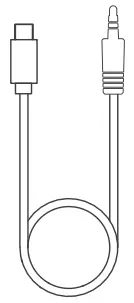
- Live/Audio cable 1pc

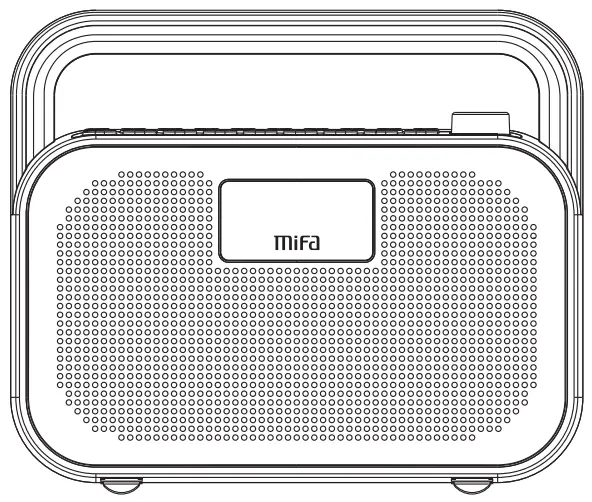
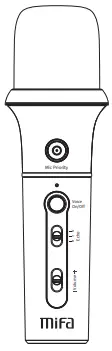
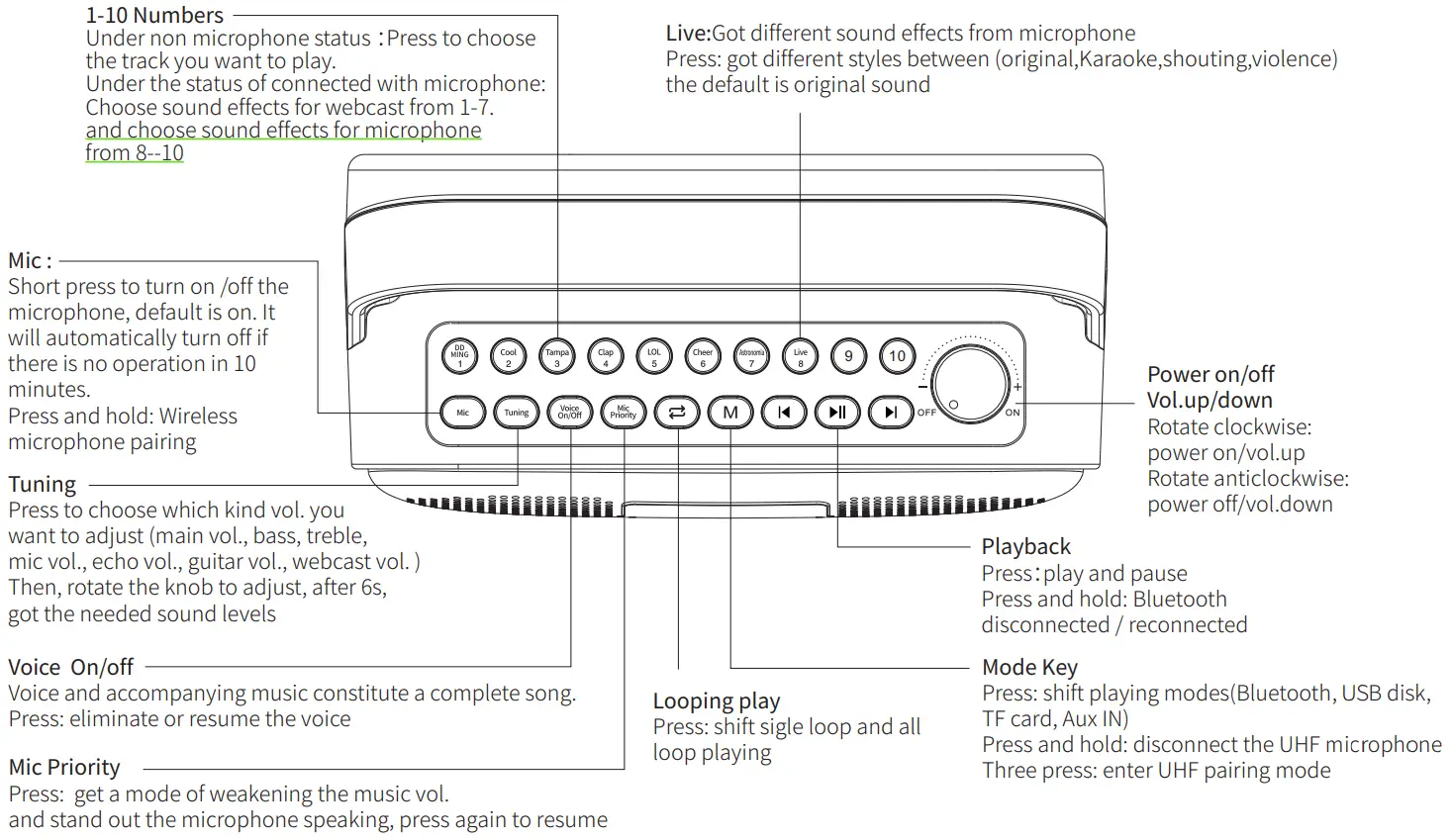
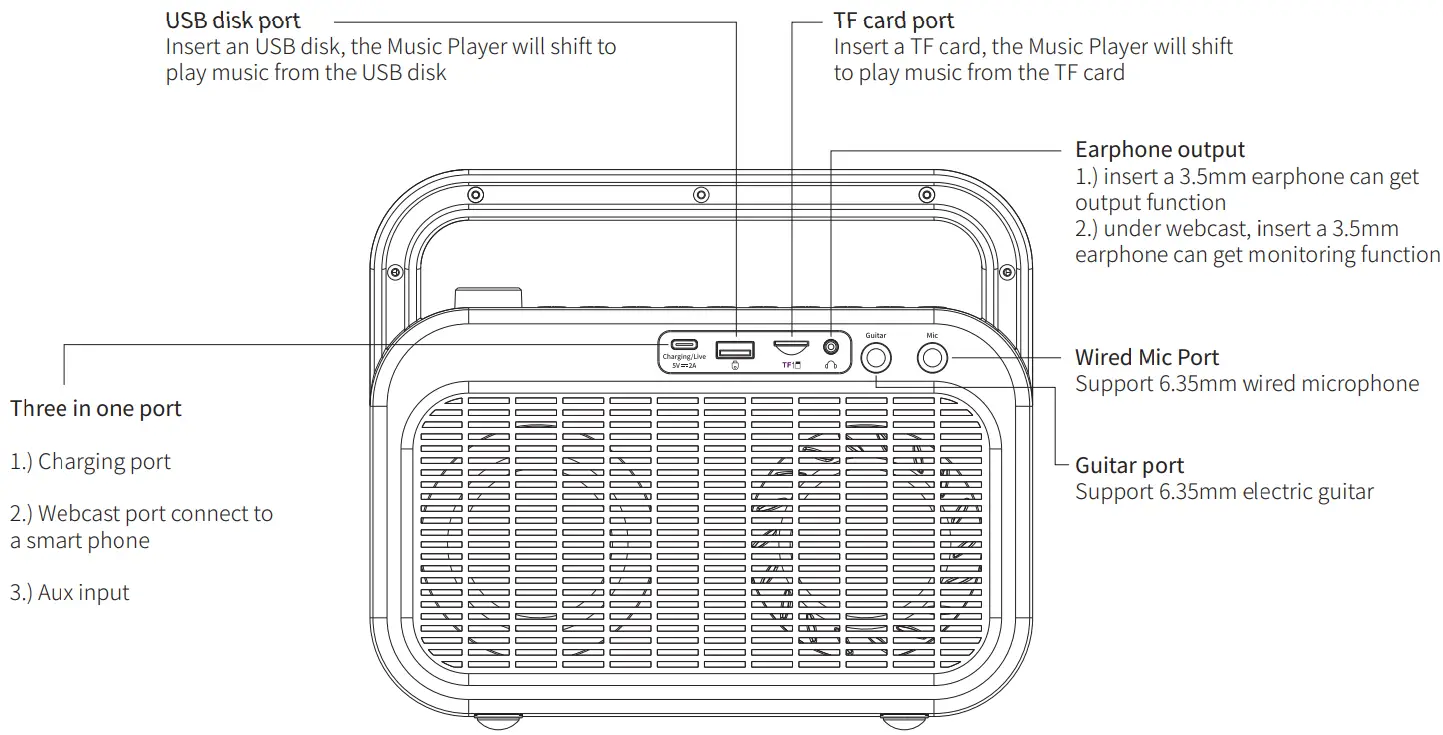
Ports’ function indicator
Bluetooth connection
- Power on
Rotate knob clockwise will enter Bluetooth pairing mode, The word “BLUE” is flickering on the display. - Bluetooth connecting
Go to smart phone’s Bluetooth setting page, Search and tap to connect under the pairing name of Mifa_M680 The word “BLUE” stays on the display. - Press and hold
 can disconnect or reconnect the current smart phone.
 can disconnect or reconnect the current smart phone.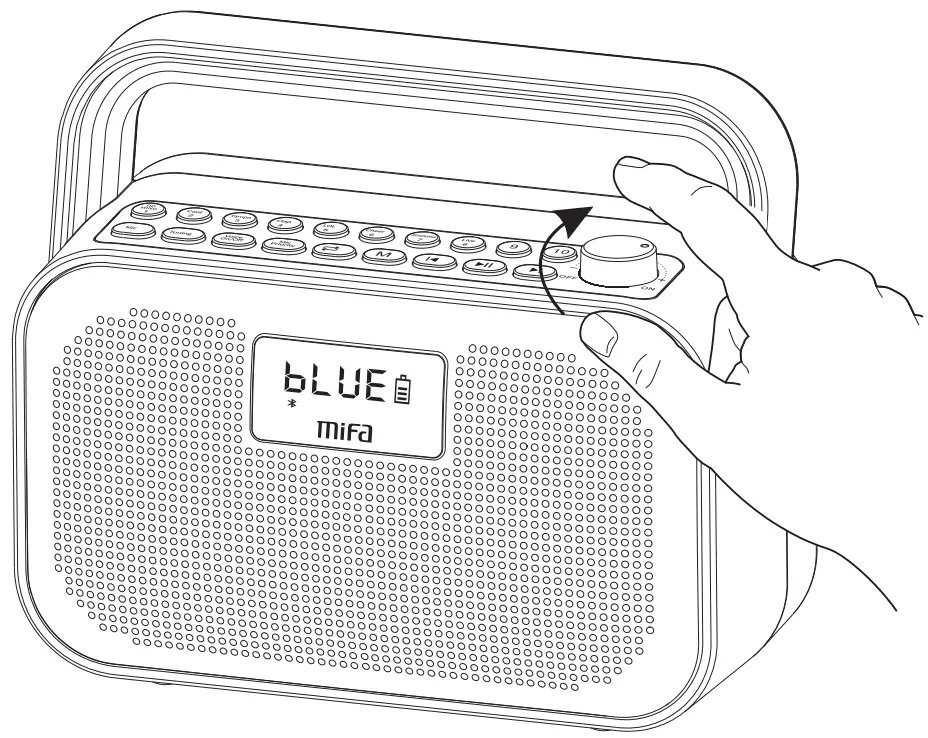
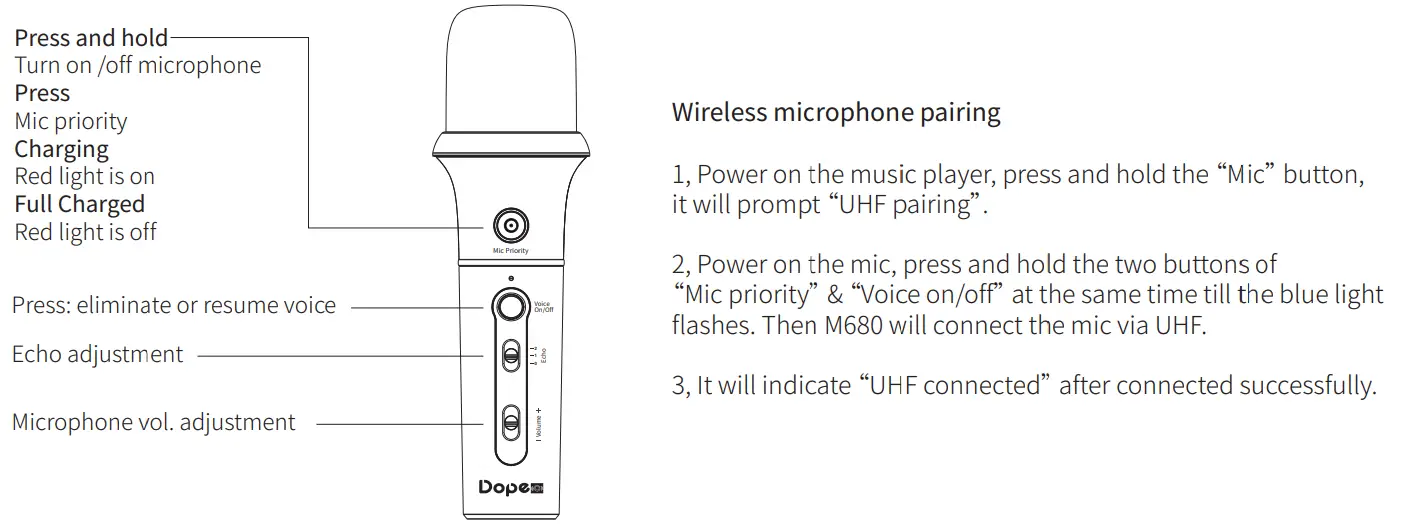
Microphone function and connection
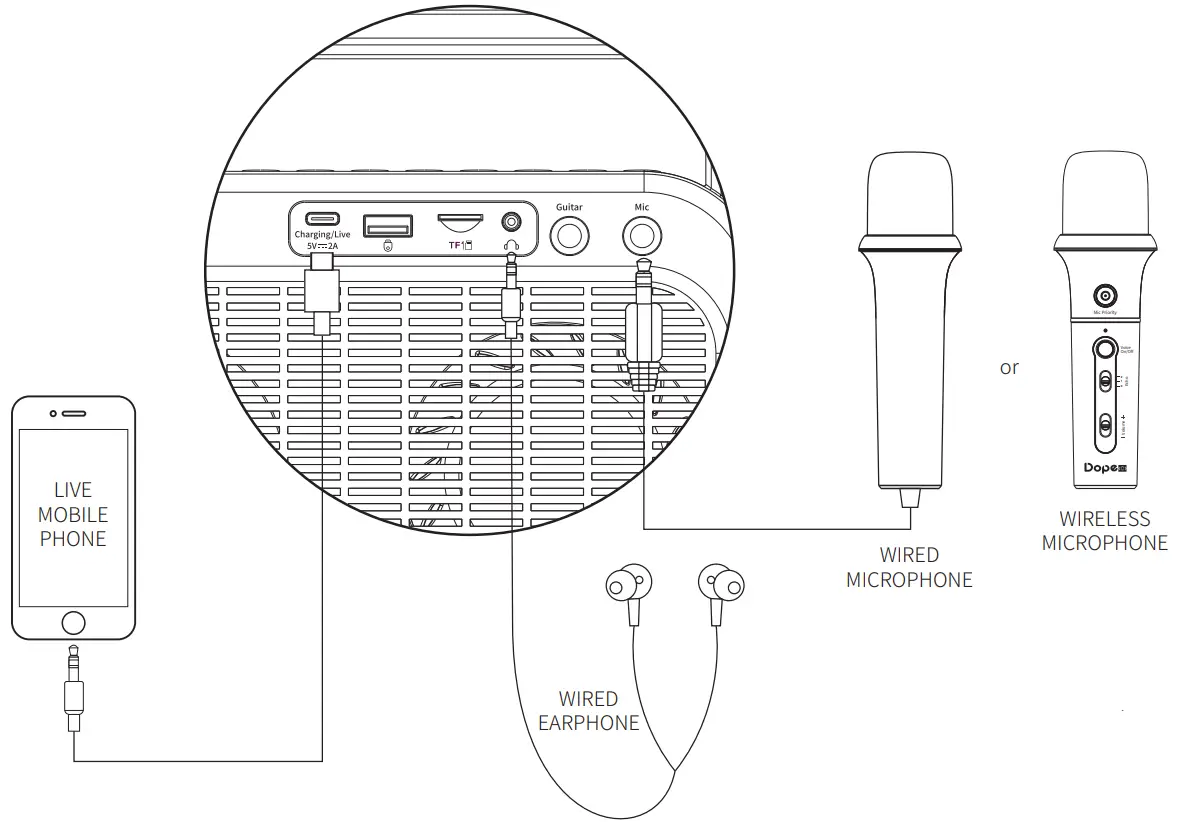
Live connection
Remarks
- Have to connect microphone before having live streaming
- Have to connect microphone before having sound effects of pressing the buttons from 1–7
- Accompanying music can be from the playback of Bluetooth, USB disk, TF card
Technical Specification
| Basic | |
| Type | Music Player |
| Storage | Up to 32GB TF card and USB disk |
| Power supply | Built-in 7.4V/3600mAh lithium battery |
| Recommend DC 5V-2A adapter to charge | |
| Technical | |
| Trumpet | 3 inch Full Range Trumpet x 2 90mm radiator x 2 |
| Frequency response | 70Hz~18KHz |
| Bluetooth version | 5.0 |
| Vol. adjustment | Knob |
| Bass/treble dustmen | Press tuning button and rotate knob to adjust |
| USB Version | 2.0 |
| Audio formats | Supports: MP3, WMA, WAV,APE, FLAC |
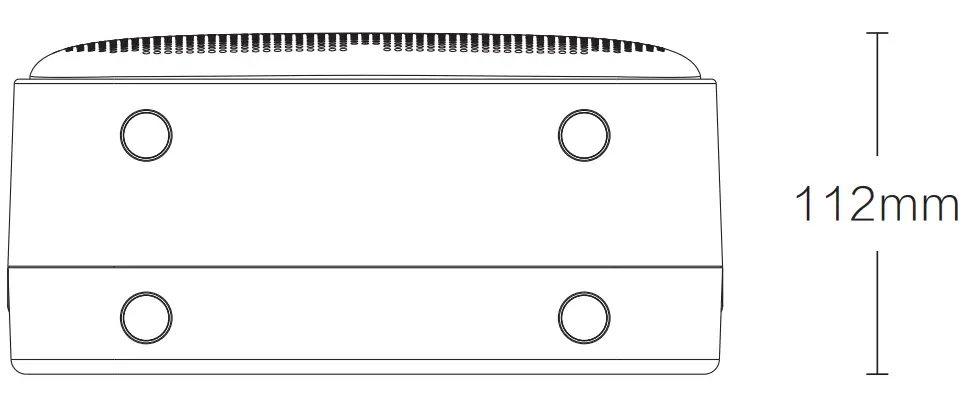
Product Size:235×198×112mm
Product weight:1745g±10g(Including built-in Lithium battery)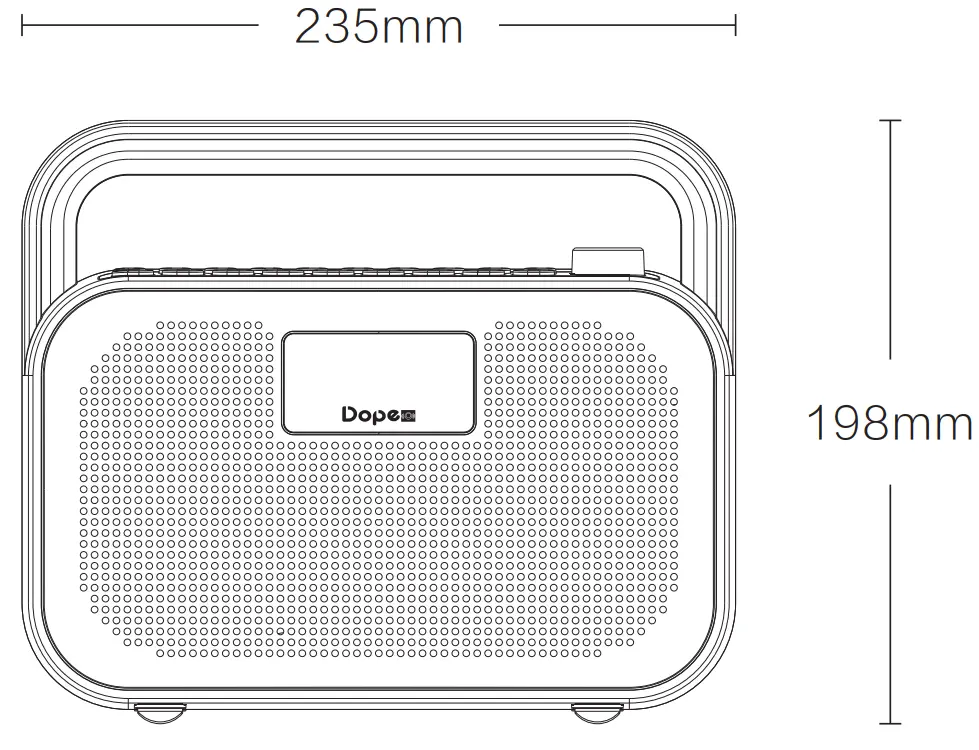
FAQ
| FAQ | Recommended Solutions |
| Can not pair | 1.) Restart M680 |
| 2.) Input”0000″ if need pin code | |
| Discontinuity | 1.) Check whether it is under effective distance(10m) 2.) Or any barrier stop the signal |
| Fail to play with USB disk and TF card | 1.)Ensure the storage of USB disk & TF card are FAT32 format |
| 2.)Ensure the aduio formats are MP3, WMA, WAV,APE and FL | |
| No Sound | Check whether it is at pause status or minimum vol. |
| Microphone no sound | 1.)need connected wireless mic or wired mic well |
| 2.)Check whether it is at minimum vol. | |
| Two different sound during webcast | Try to take off the monitoring earphone |

 Home - Mifa-Player