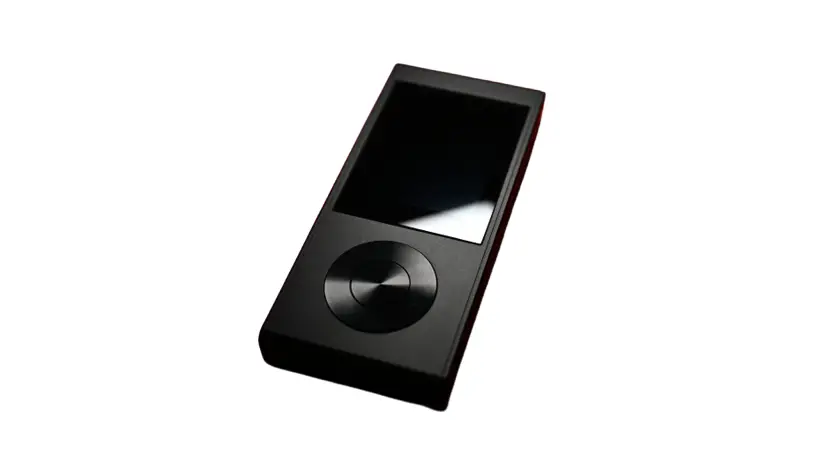
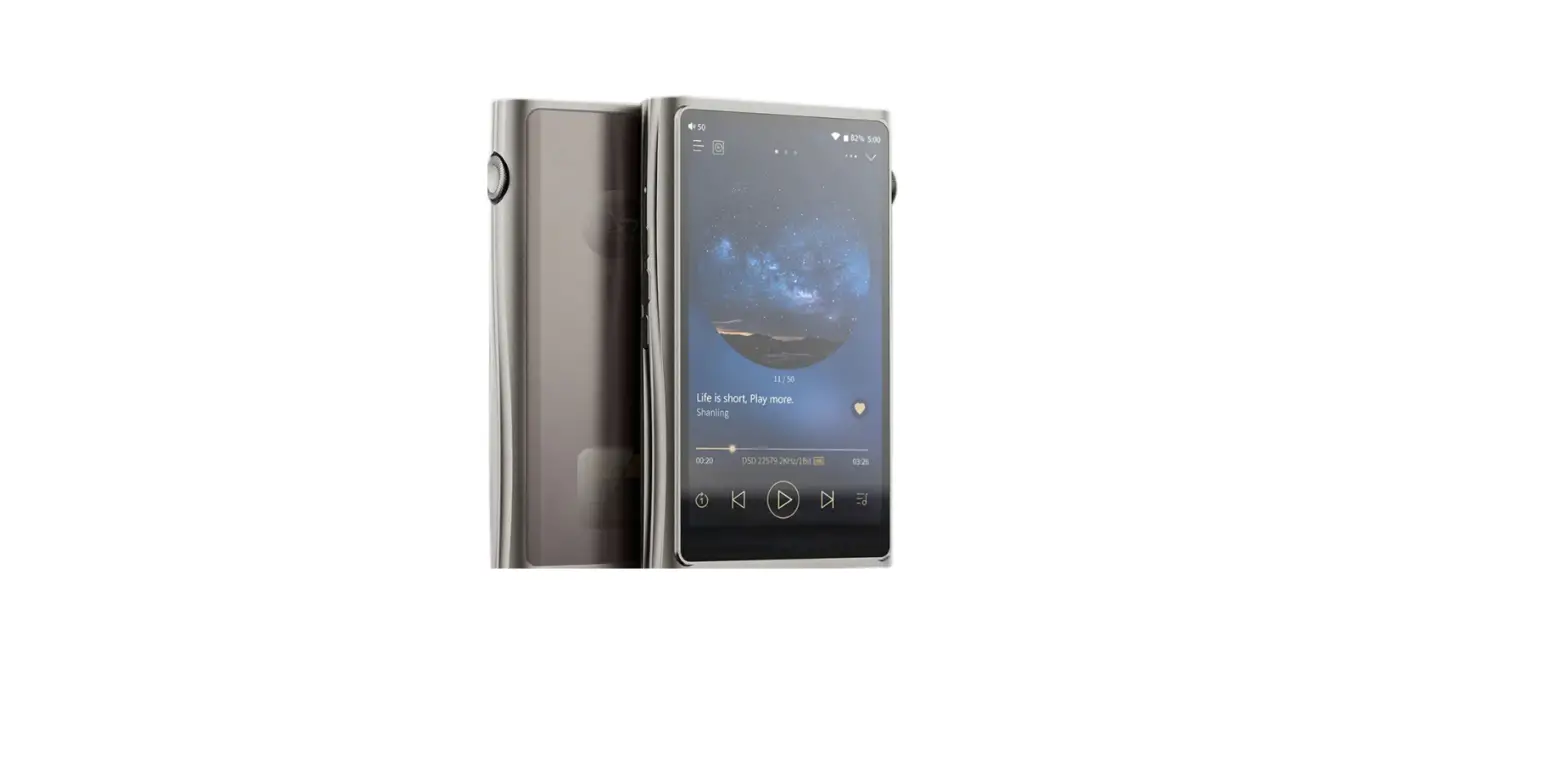
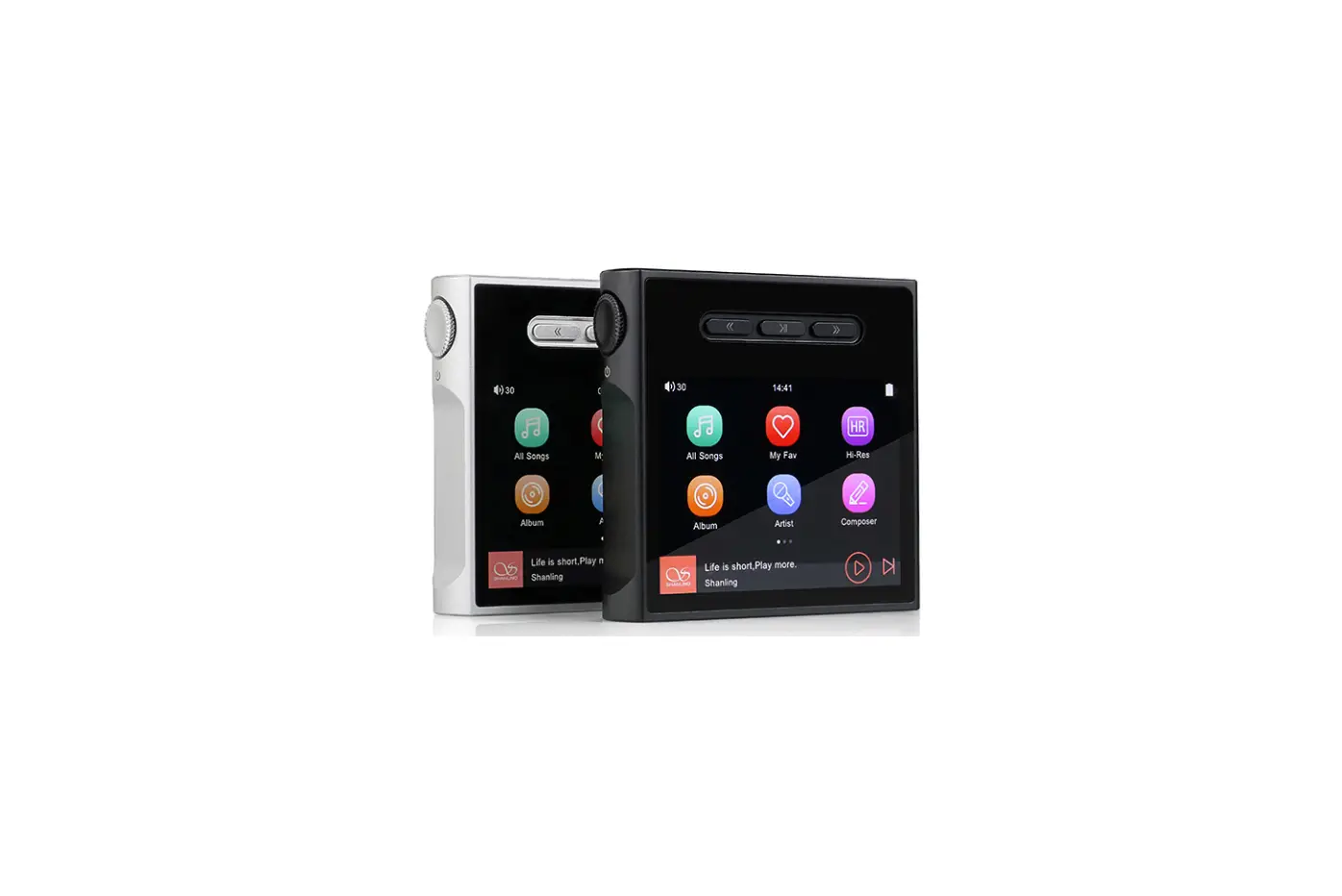
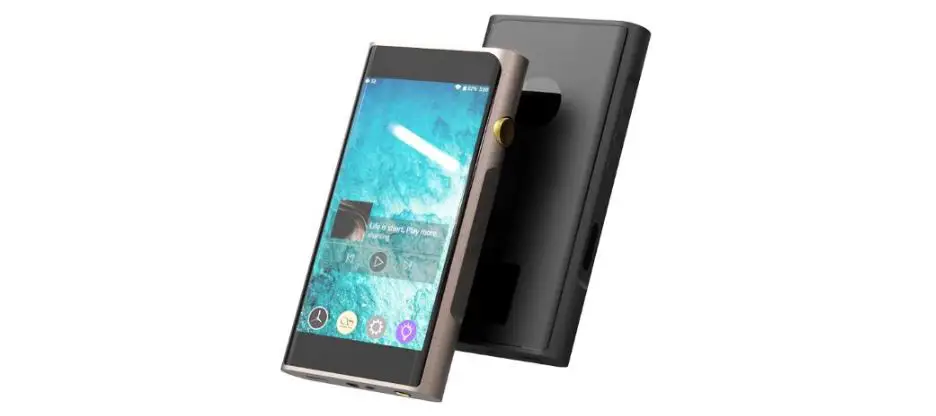
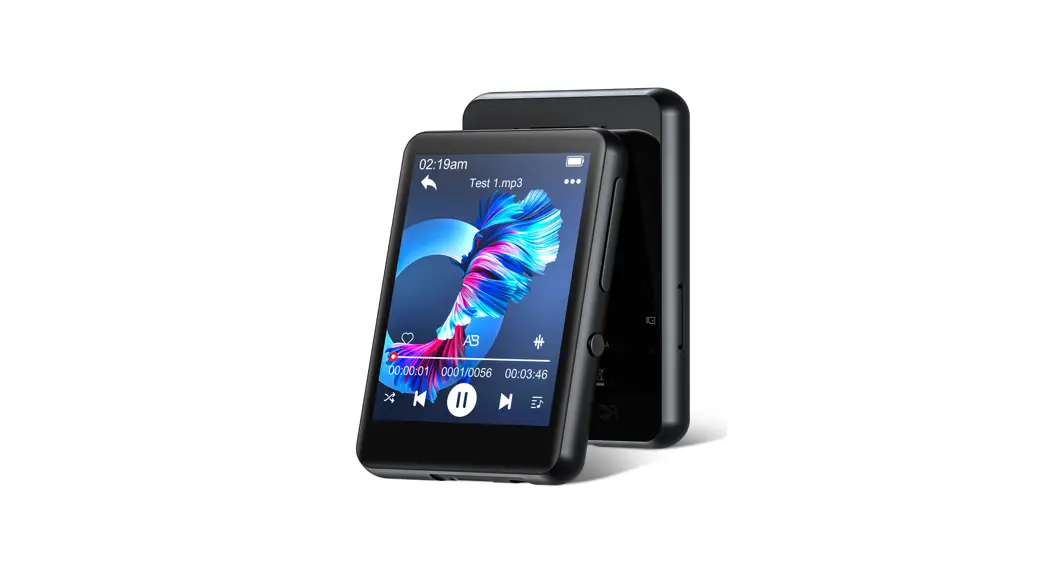
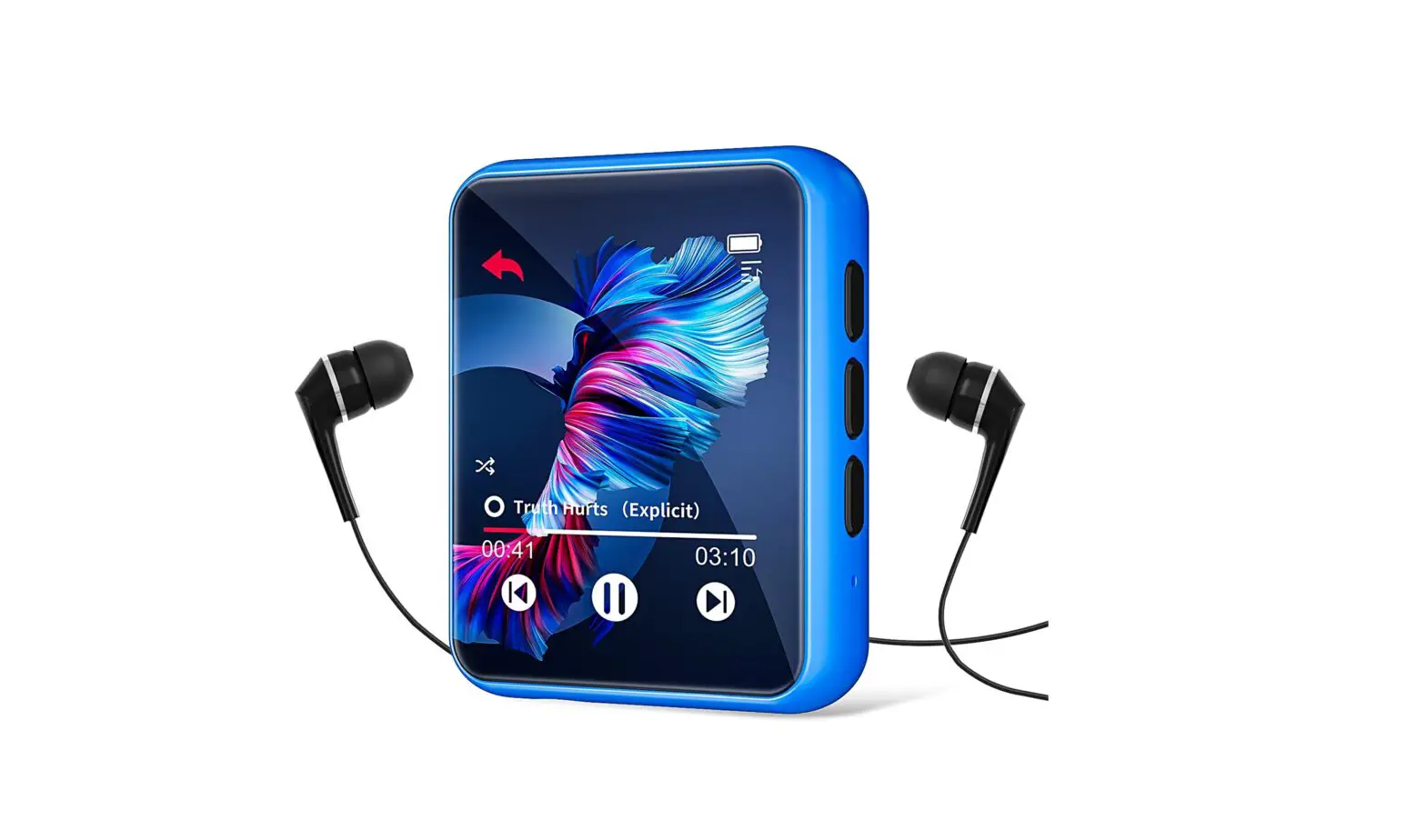
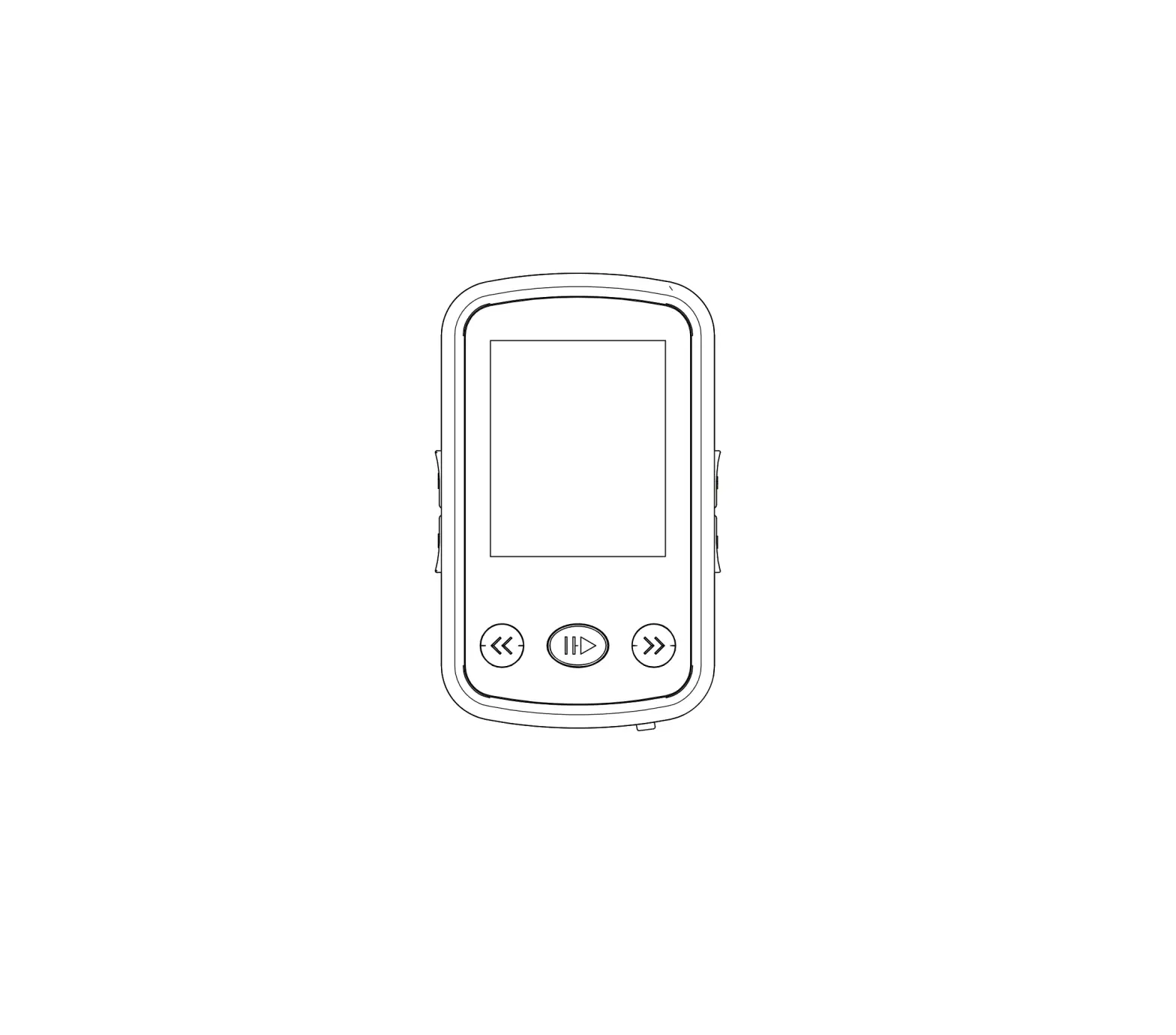
M0 Pro Ultra Portable Music Player
Product Information
- Product Name: M0 Pro
- Model Number: Q/SLSM 001-2018
- Compliance: RoHS 2.0, SJ/T 11364, GB/T 26572 X
- Supported Memory Card: Micro SD (up to 2TB)
- USB Port: Type-C USB
- Headphone Output: 3.5mm / Balanced Headphone Output (Via
Adapter) - Display: 1.4 Inch Touch Screen (240 x 240)
Product Usage Instructions
Security Instructions:
- Do not repair, disassemble, or modify the device without
permission. - Avoid using the device in extremely hot, cold, dusty, or humid
circumstances. Keep it away from liquids. - The device may get warm during charging.
- Avoid dropping, scratching, or crashing the device against hard
objects. Also, avoid violent vibration or impact. - Listen to music at a proper volume to protect your hearing and
the sound system. Turn down the volume before plugging in
headphones. - Do not clean the device with chemicals or detergents to prevent
damage to the surface and top coating. - Do not disconnect the device during formatting or file transfer
to avoid program errors. - The USB port is for data transmission or charging. Avoid using
the device while it is charging. - Regularly charge the device when not in use to maintain battery
life. - Only replace the battery with ones of the same type as the
original to prevent the risk of explosion. - Avoid exposing the battery to sunlight, fire, or extreme
heat. - Download update files from the official website
(https://en.shanling.com) and update the device according to the
instructions.
Names of Parts:
- Micro SD Card Slot
- Type-C USB Data Port
- 3.5mm Headphone Output / Balanced Headphone Output (Via
Adapter) - 1.4 Inch Touch Screen (240 x 240)
- Volume Control Wheel
- Power/Lock Button
Micro SD Card Insertion:
- Lift the card cover by pulling on the marked edge of the card
cover. - Insert the card in the same orientation as pictured. Press
until the card clicks into place.
Operation Instructions:
Power ON / OFF / Screen Locking:
- To power on: Press and hold the power button for 2
seconds. - To power off: Press and hold the power button for 2
seconds. - To lock the screen: While the device is powered on, short press
the power button. To unlock, press the power button again.
Volume Control:
Turn the volume control wheel clockwise to increase the volume
and counterclockwise to decrease it.
Touch Screen Operation:
Use the touch screen for various functions:
- Click: Go to the next menu or confirm.
- Right slide: Swipe right to return to the previous menu.
- Long press: In any interface, long press to return to the main
menu.
0 Pro
Quick Start Guide
1.
2.
3. 4.
5.
6.
7. /
8. USB
9.
10. 11. 12. CCC
13. –M0 Pro
: Q/SLSM 001-2018
(Pb) (Hg) (Cd) (Cr,VI) (PBB)
(PBDE)
PCBA
SJ/T 11364
GB/T 26572 X
GB/T 26572 “X”RoHS 2.0
Micro SD Type-C USB
microSD
USB/DAC
3.5mm/ ()
1.4 (240 x 240)
/
microSD
USB/DAC
microSD
USB/DAC
Micro SD
// 1. : 2 2. : 2 3. :
DC5V 2AUSB
Micro SD 1. Micro SD2TB 2. Micro SDMicro SD
3.5mm
USB 1.
a. “””USB” “USB”
b. TF c. “”””
TF””
2. a. “””USB” “DAC” b. “USB”(MAC ) c.
USB www.shanling.com
1. 2.
Micro SD 1. – – M0 Pro
TF 2. ” – “””
1. DC5V 2A 2. 3. “”10
4. 5.
1 1 USB AType-C1 1
ENGLISH
Security Instructions
1. Don’t repair, disassemble or modify the device without permission.
2. Please don’t use this device in extremely hot, cold, dusty or humid circumstances. Avoid any exposure to liquids.
3. This device might get warm during charging.
4. Prevent device from falling, friction, or crashing against hard objects during use, otherwise surface scratch, battery disconnection, data loss or other hardware damages will be caused. Please also avoid violent vibration or impact.
5. Please enjoy the music in a proper volume to avoid impairing your hearing and damaging the sound system. Before plugging your headphones into the device, please firstly turn down the volume.
6. Don’t clean this device with chemicals or detergents, otherwise its surface and top coating may be damaged.
7. Don’t disconnect this device during formatting or transferring files. otherwise, a program error may occur.
8. The USB port is only for data transmission or charging. Please try to avoid using this device when it is charging.
9. When this device is not in use, please charge it regularly to guarantee battery life.
10. Please replace the battery only with ones of the same type as the original ones, as improper replacement will bring the risk of explosion.
11. Never expose battery to sunlight, fire or other extremely hot circumstances.
12. P l e a s e d o w n l o a d u p d a t e f i l e f r o m o u r o f f i c i a l s i t e https://en.shanling.com, and update accordingly to the instruction.
Names of Parts
Micro SD Card Sot
microSD
USB/DAC
Type-C USB Data Port
3.5mm Headphone Output/
Balanced Headphone Output (Via Adapter)
1.4 Inch Touch Screen (240 x 240)
Volume Control Wheel Power/Lock Button
microSD
USB/DAC
Lift the card cover by pulling on the marked edge of the card cover.
microSD
USB/DAC
Insert the card in the same orientation as pictured. Press until the card clicks into the place.
Operation Instructions
Power ON / OFF / Screen Locking
1. Power on: press and hold power button for 2 seconds, then device turns on.
2. Power off: Press and hold power button for 2 seconds, then device power off.
3. Screen lock: while the device is powered on, short press power button to lock screen and turn off display. Press power button again to unlock device.
Volume Control
Turn the wheel clockwise to increase the volume, turn the wheel counterclockwise to decrease the volume.
Touch Screen Operation
User can control multiple functions by sliding, clicking or long pressing. Click: Go to the next menu or confirm. Right slide: Swipe right to return to the previous menu. Long press: In any interface, long press to return to the main menu.
Charging
It is recommended to use DC5V 2A adapter for charging. The charging icon and the battery level will be displayed on the LCD display when the device is charging with the USB cable.
Micro SD Card Port
1. The port is only for the standard Micro SD card and supports a capacity up to 2TB.
2. Insert the Micro SD card into the card slot in the indicated direction and press it gently until it locks inside. Press again to remove the card.
Headphone Output Interface
The device uses special 3.5mm output. Normal single-ended headphones can be used directly. For Balanced headphones, a special adapter is needed.
USB Port
1. Data exchanging
a. After booting up the device and entering the “System” interface, select the “USB Mode” option and set to the “USB” status.
b. After connecting to a computer, user can start to manage songs on the TF card.
c. After disconnecting, go to “System”, choose “Update Music” and click on “Update Music”. This will load all information about music files on TF card and will all files in “My Music” tab.
2. Digital audio signal transmission
a. After booting up the device and entering the “System” interface, select the “USB Mode” option and set to the “DAC” status.
b. Install the USB Driver on the computer before connecting player (Drivers only needed for Windows).
c. Make sure to set M0 Pro as the active sound device on your computer.
USB drivers download: Visit download section on our official website to downloads the latest USB drivers for your device: en.shanling.com
Firmware Update
1. When updating the firmware, please make sure that device is fully charged.
2. Do not do operate the device during the update process.
Micro SD Card Update
1. Please download the firmware update from the Shanling official website. Copy the latest firmware file to the card, it must be placed into the root directory of the card.
2. In the “System”, select “System Update”. Update selection box will appear, press “Yes”, latest firmware will be update automatically.
Common Problems
1. It is recommended to use DC5V 2A adapter. Using the adapter with higher voltage may damage M0 Pro.
2. Unable to start M0 Pro, it may be caused by low power or exhausted battery, please recharge and then start up again.
3. If the device is not responsive, press down the power button for 10 seconds. This should force the device to shut down. Then power it on again.
4. If there is noise from headphones, headphone’s output interface may not be connected correctly, please try to insert it again.
5. When there is no sound, try to use different pair of headphones or different cable and make sure the system volume is set correctly.
Attached Accessories
Quick start guide: 1 Warranty card: 1 USB A to Type-C cable: 1 Front protective film: 1
1. 2.
3.
4.
5.
6.
7. MicroSD MicroSD
8. USB
9.
10.
11.
12. https://en.shanling.com
M0 Pro
MicroSD Type-C USB
microSD
USB/DAC
3.5mm/ ()
1.4 (240 x 240)
/
microSD
USB/DAC
microSD
USB/DAC
Micro SD
/ 1. :
2. : 2
3. :
: : :
DC5V,2A
MicroSD
1. MicroSD2TBMicroSD
2. MicroSDMicroSD
3.5mm3.5mm
USB 1.
a. USBUSB
b. MicroSD
c. MicroSD –
2. DAC a. USBDAC b. USB (Mac PC )
c.
USB https://en.shanling.comUSB
1.
2.
MicroSD
1. https://en. shanli ng.com MicroSD
2.
1. DC5V,2A
2. 0
3. 10
4.
5.
1 1 USB A to Type-C1 1
/Company: Shenzhen Shanling Digital Technology Development Co.,Ltd.
/Address : 10 No.10, Chiwan 1 Road, Shekou Nanshan District of Shenzhen City, China.
QQ/QQ Group:
667914815; 303983891; 554058348
/Telephone: 400-630-6778
/E-mail:
/Official Website: www.shanling.com
(): 08:00-12:00; 13:30-17:30
,, Due to continuous improvement, every specification and design is subject to change at any time without further notice.
 Shenzhen Shanling Digital Techno
 深圳山灵数码科技发展有限公司