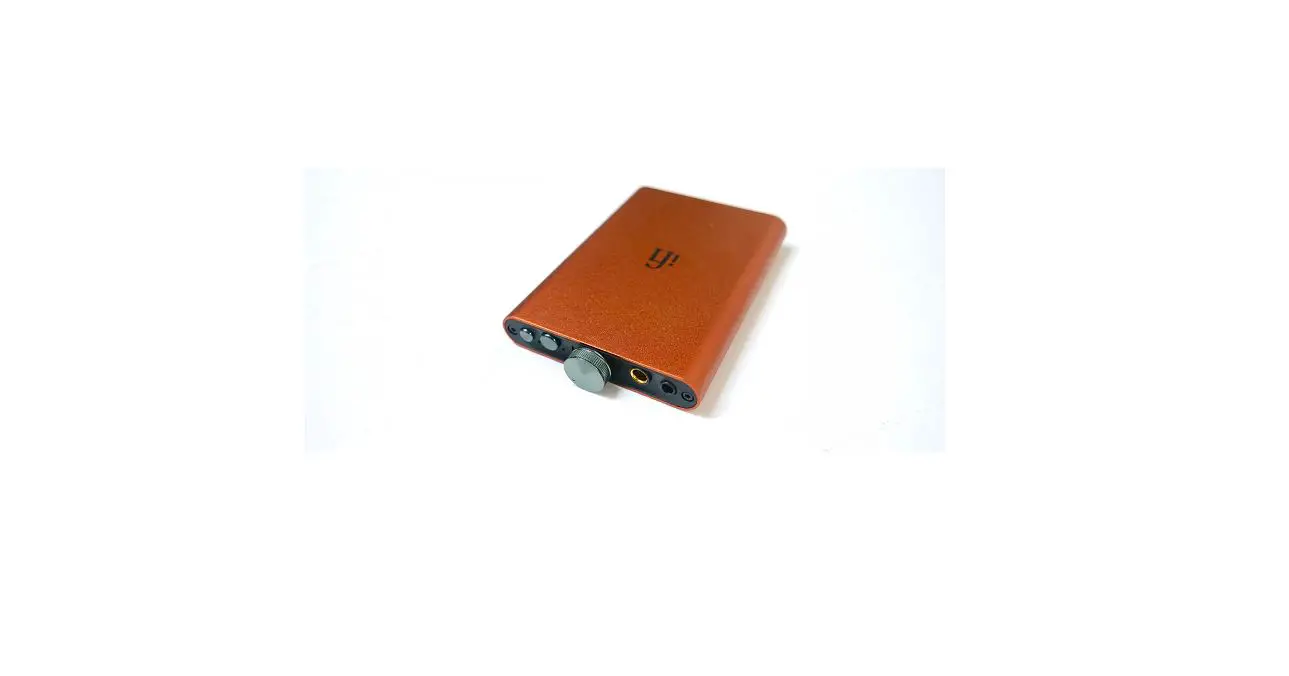
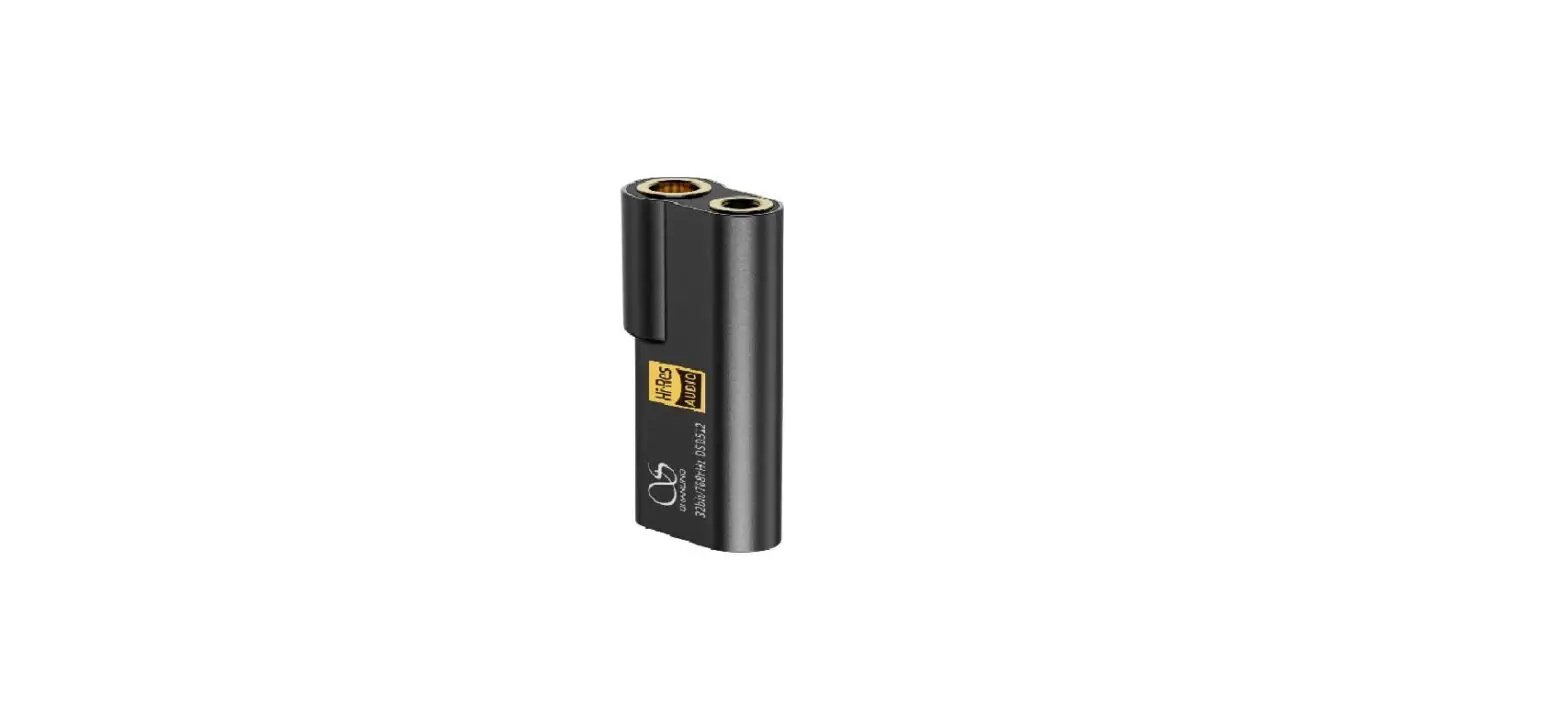
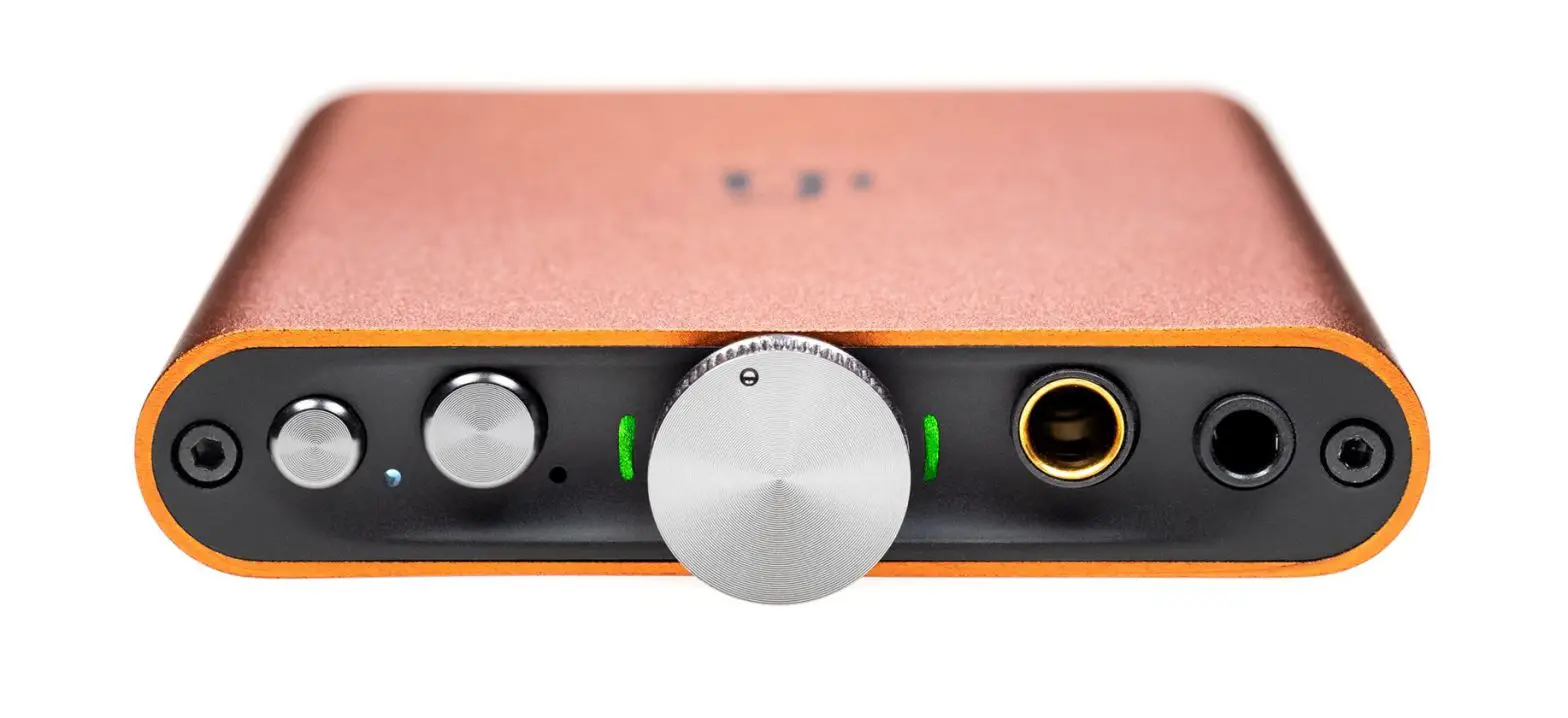
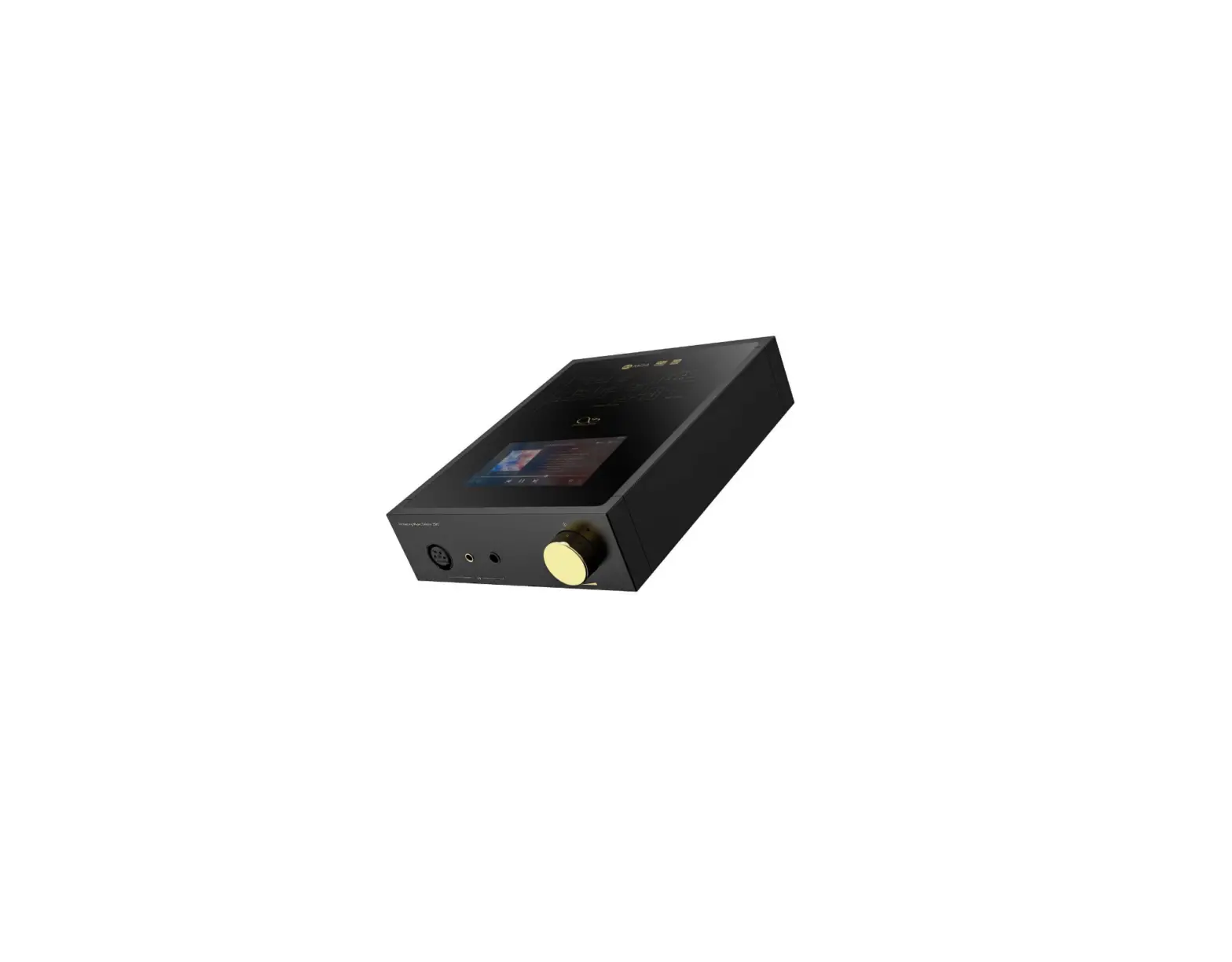
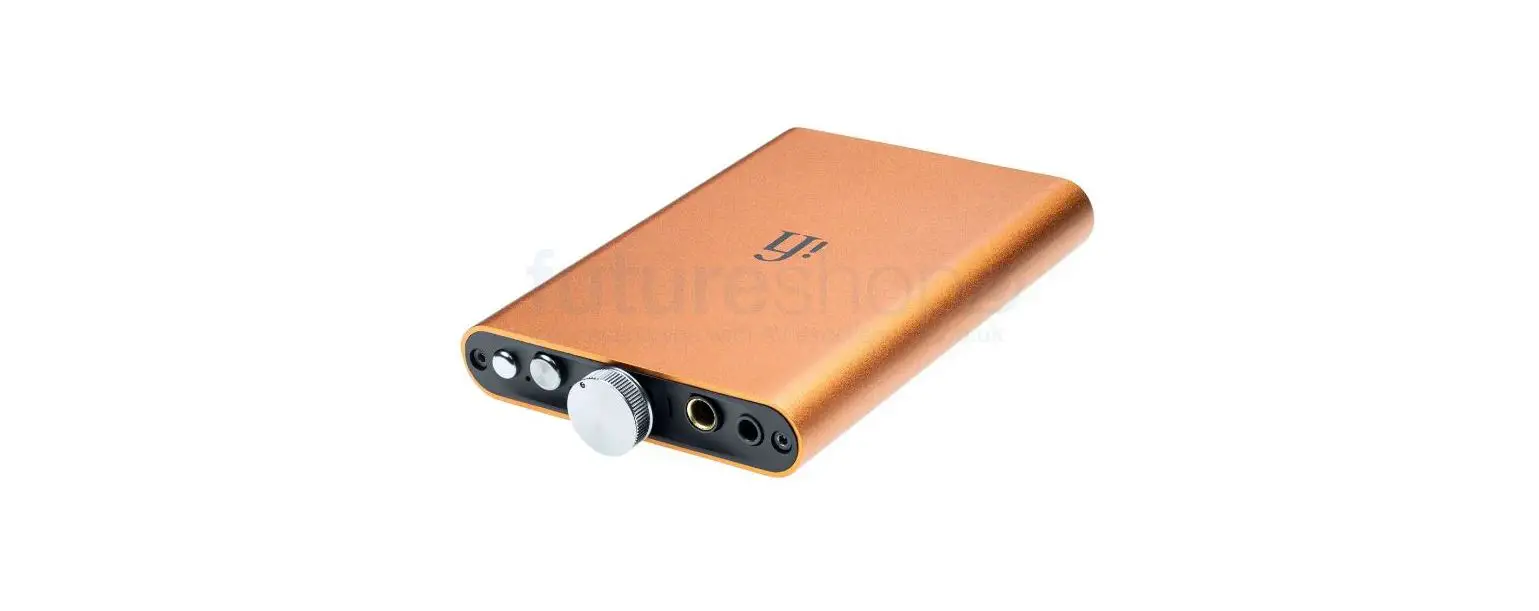
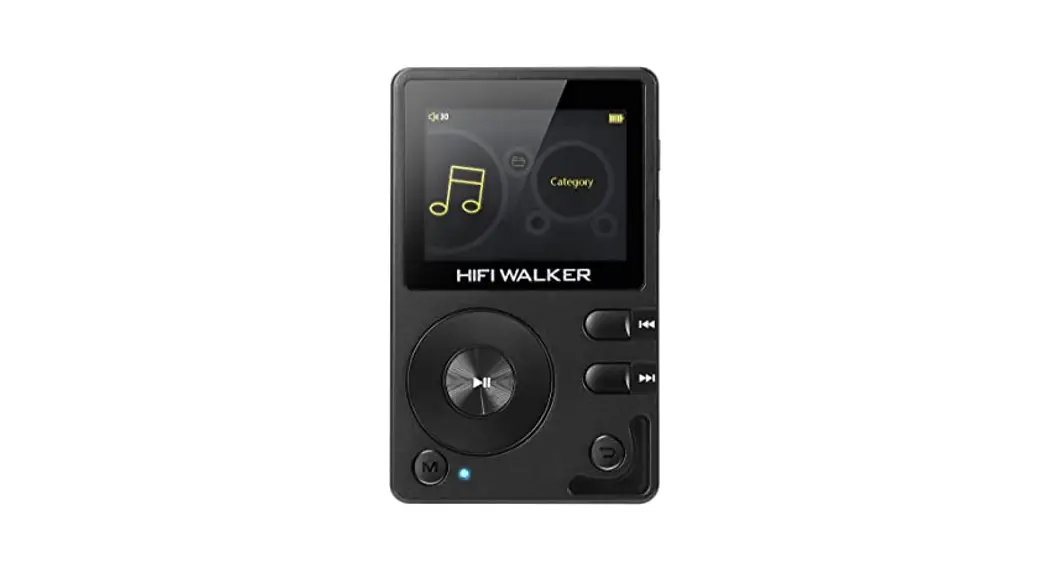
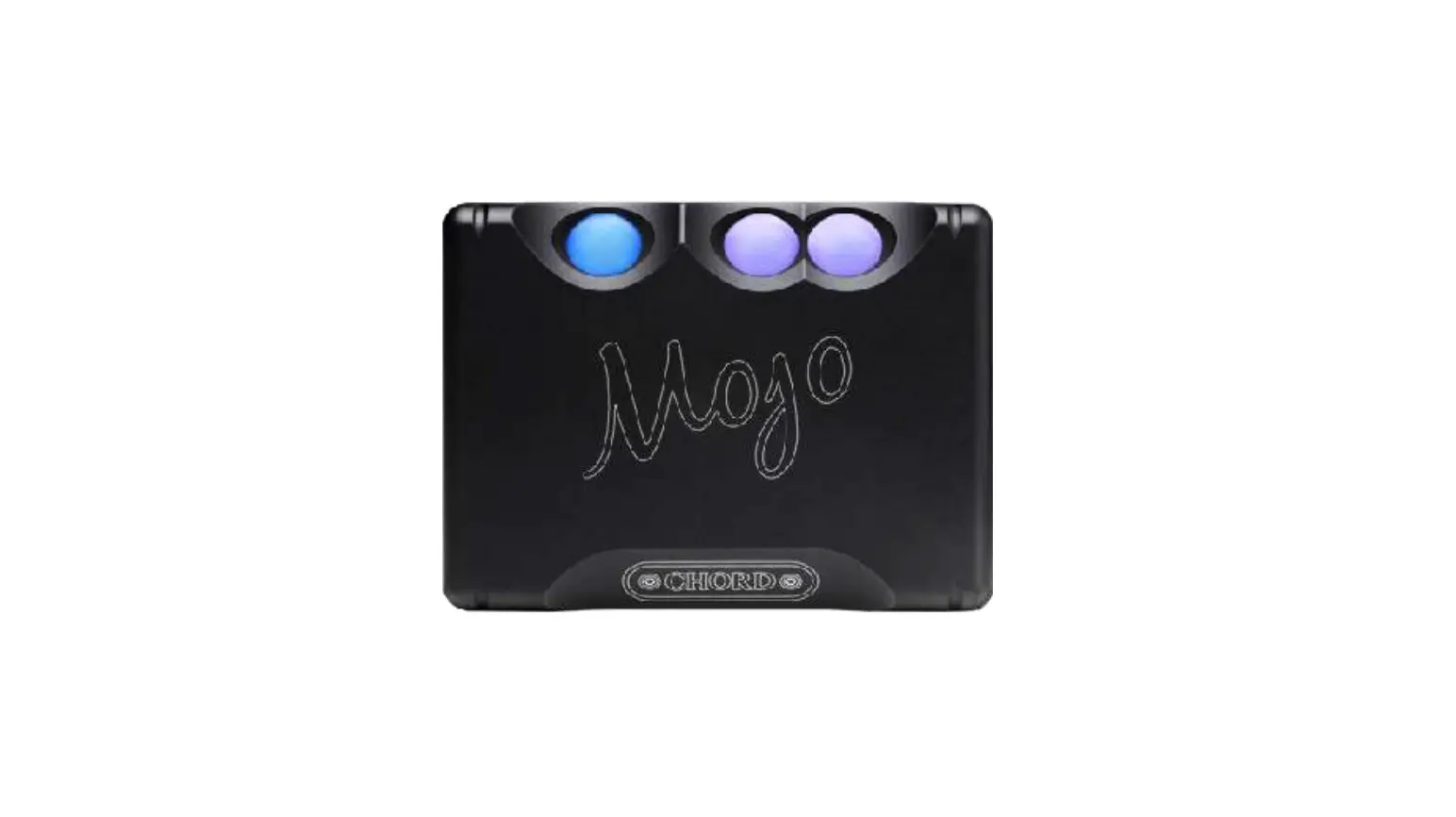
H7 High End Portable DAC AMP Player
Product Information:
- Product Name: H7 Portable DAC/AMP
- Model Number: Q/SLSM 001-2018
- Compliance: RoHS 2.0, SJ/T 11364, GB/T 26572
- Inputs: USB, Micro SD, Digital In
- Outputs: Line Out (L/R), RCA, 4.4mm Balanced Headphone, 3.5mm
Single Ended Headphone, 6.35mm Single Ended Headphone - Features: MQA Support, OLED Display, Multifunctional Control
Wheel
Product Usage Instructions:
Security Instructions:
- Do not repair, disassemble, or modify the device without
permission. - Avoid using the device in extreme hot, cold, dusty, or humid
conditions. Keep it away from liquids. - The device may become warm during charging.
- Avoid dropping, scratching, or impacting the device against
hard objects. Vibrations or impacts can cause surface scratches,
battery disconnection, data loss, or other hardware damages. - Listen to music at a proper volume to avoid hearing impairment
and damage to the sound system. Always turn down the volume before
plugging in headphones. - Do not clean the device with chemicals or detergents to prevent
damage to the surface and top coating. - The USB port is for data transmission or charging purposes.
Avoid using the device while it is charging. - Regularly charge the device when not in use to ensure battery
life. - Replace the battery only with ones of the same type as the
original to avoid the risk of explosion. - Avoid exposing the battery to sunlight, fire, or extremely hot
conditions.
Names of Parts:
- Charging Indicator
- Sampling Frequency Indicator
- MQA Indicator
- 1.44 Inch OLED Display
- Multifunctional Control Wheel
- Power Button / Volume Control Wheel
- 4.4mm Balanced Headphone Output
- 3.5mm Single Ended Headphone Output
- 6.35mm Single Ended Headphone Output
- Digital Input
- Micro SD Card Slot
- Analog Output (L/R)
- Type-C USB Charging Port
- Type-C USB Data Port
Operation Instructions:
Power On/OFF:
- To power on the device, hold down the VOLUME wheel for 2
seconds. - To power off the device, hold down the VOLUME wheel for 2
seconds.
- To enter the Settings menu, hold down the CONTROL wheel for 2
seconds. - Press the CONTROL wheel to move to the next setting.
- Turn the CONTROL wheel left or right to adjust the currently
selected setting.
All-Time Function:
- Standard Playback Interface
- Card/Bluetooth Playback Interface
- Settings Menu
- Reset Setting
- Screen Saver
Quick Start Guide
1. 2.
3. 4.
5.
6.
7. USB
8.
9. 10. 11. CCC
: Q/SLSM 001-2018
(Pb) (Hg) (Cd) (Cr,VI) (PBB)
(PBDE)
PCBA
SJ/T 11364
GB/T 26572
X GB/T 26572
“X”RoHS 2.0
MQA
MQA KHz CHG
VOLUME
1.44OLED
/ 4.4mm
3.5mm
6.35mm
MQA KHz CHG
Micro SD
DIGITAL IN
USB/DAC
CHARGE
L LINE OUT R
RCA
Type-C USB
Type-C USB
H7 POLO33
CONTROL/VOLUME
· VOLUME2/ · CONTROL2
· CONTROL · VOLUME · VOLUME · VOLUME/
SD/ · CONTROL · CONTROL · CONTROL · VOLUME/ · VOLUME · VOLUME · VOLUME/
· CONTROL · CONTROL() · CONTROL() · CONTROL2 · VOLUME1
2 · VOLUME
/ 1. : 2 2. : 2
CONTROL2
“Rotate:0″”Rotate:180″
QC3.0USBUSBCHARGE CHG
USB5 CONTROL
Micro SD 1. Micro SD2TB 2. Micro SD
6.35mm3.5mm4.4mm
USB 1. USB”USB/DAC” 2. CONTROL2
“Switch mode:off””UAC2.0” 3. “USB”(MAC
) 4. USB www.shanling.com
Bluetooth 1. “BT” 2. iPad
3. “Shanling H7” 4.
1. 2.
Micro SD 1. – – H7
TF 2. CONTROL2
“SystemUpdate”
APP
Eddict Player APP
Eddict Player
(CHG)
(KHz)
44.1/48kHz 88.2/96/176.4/192kHz 352/384/705/768kHz DSD64/128/256/512
MQA
MQA
MQA
MQA MQA Studio MQA Rendering
(KHz)
(MQA)
1. 2. “”10
3. 4.
1 1 USB AType-C1 USB Type-C to C1 3.5mmRCA1 1
ENGLISH
Security Instructions
1. Don’t repair, disassemble or modify the device without permission.
2. Please don’t use this device in extremely hot, cold, dusty or humid circumstances. Avoid any exposure to liquids.
3. This device might get warm during charging.
4. Prevent device from falling, friction, or crashing against hard objects during use, otherwise surface scratch, battery disconnection, data loss or other hardware damages will be caused. Please also avoid violent vibration or impact.
5. Please enjoy the music in a proper volume to avoid impairing your hearing and damaging the sound system. Before plugging your headphones into the device, please firstly turn down the volume.
6. Don’t clean this device with chemicals or detergents, otherwise its surface and top coating may be damaged.
7. The USB port is only for data transmission or charging. Please try to avoid using this device when it is charging.
8. When this device is not in use, please charge it regularly to guarantee battery life.
9. Please replace the battery only with ones of the same type as the original ones, as improper replacement will bring the risk of explosion.
10. Never expose battery to sunlight, fire or other extremely hot circumstances.
Names of Parts
Charging Indicator Sampling Frequency Indicator MQA Indicator
MQA KHz CHG
1.44 Inch OLED Display Multifunctional Control Wheel
VOLUME
Power Button / Volume Control Wheel
4.4mm Balanced Headphone Output
3.5mm Single Ended Headphone Output
6.35mm Single Ended Headphone Output
MQA KHz CHG
Digital Input Micro SD Card Slot
DIGITAL IN
USB/DAC
CHARGE
L LINE OUT R
Analog Output
Type-C USB Charging Port
Type-C USB Data Port
Product Decryption
H7 is a portable DAC/AMP, with a range of digital inputs and analog outputs. Including 3 different headphone outputs.
CONTROL & VOLUME Wheels Function
All-Time Function
· Hold down the VOLUME wheel for 2 seconds to power the device ON/OFF. · Hold down the CONTROL wheel for 2 seconds to enter the Settings menu.
On Standard Playback Interface
· Turn the VOLUME wheel left to decrease volume. · Turn the VOLUME wheel right to increase volume. · Double press the VOLUME wheel to lock/unlock the controls. · Press the CONTROL wheel to switch input.
On Card/Bluetooth Playback Interface
· Turn the CONTROL wheel left to switch to previous song. · Turn the CONTROL wheel right to switch to next song. · Press the CONTROL wheel to switch input. · Press the VOLUME wheel to Pause/resume playback. · Turn the VOLUME wheel left to decrease volume. · Turn the VOLUME wheel right to increase volume. · Double press the VOLUME wheel to lock/unlock the controls.
In Settings Menu
· Turn the CONTROL wheel left or right to adjust the setting of currently displayed setting.
· Press the CONTROL wheel to move to the next setting.
Reset Setting
· Go to Settings menu and press the CONTROL wheel until “Reset” is displayed. Press the VOLUME wheel to reset all settings.
Screen Saver
· Go to Settings menu and press the CONTROL wheel until Version of firmware is displayed. Double press the VOLUME wheel to enter screen-saver mode.
Operation Instructions
Power On/OFF
1. Hold down the VOLUME wheel for 2 seconds to power the device ON. 2. Hold down the VOLUME wheel for 2 seconds to power the device OFF.
Setting Menu
1. Hold down the CONTROL wheel for 2 seconds to enter the Settings menu. 2. Press the CONTROL wheel to move to the next setting. 3. Turn the CONTROL wheel left or right to adjust the setting of currently
displayed setting.
Screen Rotation
In settings menu, allowing to flip the orientation of the screen..
Volume Control
Turn the wheel to decrease or increase volume.
Charging
Device supports standard USB chargers. For faster charging, it’s compatible with Qualcomm QC3.0 quick charge. When USB cable is connected to CHARGE port, CHG indicator on the display will light up red. Indicator will turn off when charging is completed.
Input Switch
Press the CONTROL wheel to switch between 5 different input options. USB DAC Bluetooth Optical Coaxial MicroSD card Playback.
Micro SD Card Port
1. The port is only for the standard Micro SD card and supports a capacity up to 2TB.
2. Insert the Micro SD card into the card slot in the indicated direction and press it gently until it locks inside. Press again to remove the card.
Headphone Output
Offering 3.5mm & 6.35mm Single-ended and 4.4mm Balanced headphone outputs. Please select correct output depending on the headphone’s connector.
USB Input
1. Connect USB cable to the USB/DAC port. 2. Make sure that the “Switch mode” is turned off in Setup menu.
Allowing device to work correctly in UAC2.0 mode. 3. For Windows, please download our dedicated drivers. No drivers are
needed for other systems. 4. Make sure to set H7 as the active sound device on your computer.
USB drivers download: Visit download section on our official website to downloads the latest USB drivers for your device: en.shanling.com
Bluetooth Input
1. Press the CONTROL wheel and switch the H7 to BT input mode. 2. Go to Bluetooth settings on your phone and search for H7 in list of
available devices. 3. It will be displayed as “Shanling H7”. 4. H7 will automatically reconnect next time you switch it Bluetooth
input mode.
Firmware Update
1. When updating the firmware, please make sure that device is fully charged.
2. Do not do operate the device during the update process.
Micro SD Card Update
1. Please download the firmware update from the Shanling official website. Copy the latest firmware file to the card, it must be placed into the root directory of the card.
2. Go to Settings menu and press the CONTROL wheel until “System Update” is displayed. Press the VOLUME wheel to start the firmware update.
APP Control
Download the EDDICT PLAYER app for further control of the H7, including the Micro SD playback.
Eddict Player
Status Indicator
Charging Indicator
State Charging Finished Charging
Indicator Color (CHG) Red Off
Showing current sampling frequency during playback
Sampling Requency 44.1/48kHz
88.2/96/176.4/192kHz 352/384/705/768kHz DSD64/128/256/512
Indicator Color (KHz) Blue Yellow Purple Green
MQA Indicator State MQA
MQA
MQA MQA Studio MQA Rendering
Indicator Color
(KHz)
(MQA)
Green
Blue
Blue
Magenta
Common Problems
1. Unable to start H7, it may be caused by low power or exhausted battery, please recharge and then start up again.
2. If the device is not responsive, press down the power button for 10 seconds. This should force the device to shut down. Then power it on again.
3. If there is noise from headphones, headphone’s output interface may not be connected correctly, please try to insert it again.
4. When there is no sound, try to use different pair of headphones or different cable and make sure the system volume is set correctly.
Attached Accessories
Quick start guide: 1 Warranty card: 1 USB A to Type-C cable: 1 USB Type-C to C cable: 1 3.5mm to RCA coaxial cable: 1 Storage pouch: 1
MQA (Master Quality Authenticated) is an award-winning British technology that delivers the sound of the original master recording. The master MQA file is fully authenticated and is small enough to stream or download.
The H7 includes MQA technology, which enables you to play back MQA audio files and streams, delivering the sound of the original master recording. The H7 Sample Rate Indicator (kHz) glows green or blue to indicate that the unit is decoding and playing an MQA stream or file, and denotes provenance to ensure that the sound is identical to that of the source material. It glows blue to indicate it is playing an MQA Studio file, which has either been approved in the studio by the artist/producer or has been verified by the copyright owner. It glows magenta to indicate that the unit is rendering an MQA stream or file. This delivers the final unfold of the MQA file.
Visit mqa.co.uk for more information.
MQA and the Sound Wave Device are registered trade marks of MQA Limited © 2016
1. 2.
3.
4.
5.
6. 7. USB 8. 9. 10.
R 018-220461
MQA
MQA KHz CHG
VOLUME
1.44OLED
/
4.4mm
3.5mm
6.35mm
MQA KHz CHG
MicroSD
DIGITAL IN
USB/DAC
CHARGE
L LINE OUT R
Type-C USB
Type-C USB
H7 33
CONTROL/VOLUME
· VOLUME2/ · CONTROL2
· CONTROL · VOLUME · VOLUME · VOLUME/
SD/Bluetooth · CONTROL · CONTROL · CONTROL · VOLUME/ · VOLUME · VOLUME · VOLUME/
· CONTROL · CONTROL · CONTROL · CONTROL2
· VOLUME 1 2
· VOLUME
/ 1. ()2
2. ()2
CONTROL2
Rotate RotateRotate:0Rotate:1802 LED
QC3.0USB CHG
USBBluetooth
5CONTROL
MicroSD
1. MicroSD2TBMicroSD
2. MicroSD
6.35mm3.5mm4.4mm
USB/DAC 1. USB”USB/DAC”
2. “Switch mode” “Switch mode””UAC2.0”
3. “USB”
MAC OS 4.
USB https://en.shanling.comUSB
Bluetooth
1. “BT” 2. Bluetooth
iPadBluetooth 3. “Shanling H7”
4. Bluetooth
1.
2.
MicroSD
1. https://en. shanli ng.com MicroSD
2. CONTROL2 “System Update”
Eddict Player H7
Eddict Player QRDL
LED()
(CHG)
44.1/48kHz
88.2/96/176.4/192kHz 352/384/705/768kHz DSD64/128/256/512
(KHz)
MQA MQA
MQA
MQA MQA Studio MQA Rendering
(KHz)
(MQA)
1. 0
2. 10
3.
4.
1 1 USB A to Type-C1 USB Type-C to C1 3.5mm-RCA1 1
/Company: Shenzhen Shanling Digital Technology Development Co.,Ltd.
/Address : 10 No.10, Chiwan 1 Road, Shekou Nanshan District of Shenzhen City, China.
QQ/QQ Group:
667914815; 303983891; 554058348
/Telephone: 400-630-6778
/E-mail:
/Official Website: www.shanling.com
(): 08:00-12:00; 13:30-17:30
,, Due to continuous improvement, every specification and design is subject to change at any time without further notice.
 Shenzhen Shanling Digital Techno
 Homepage | Experience the best sound with MQA | MQA
 深圳山灵数码科技发展有限公司