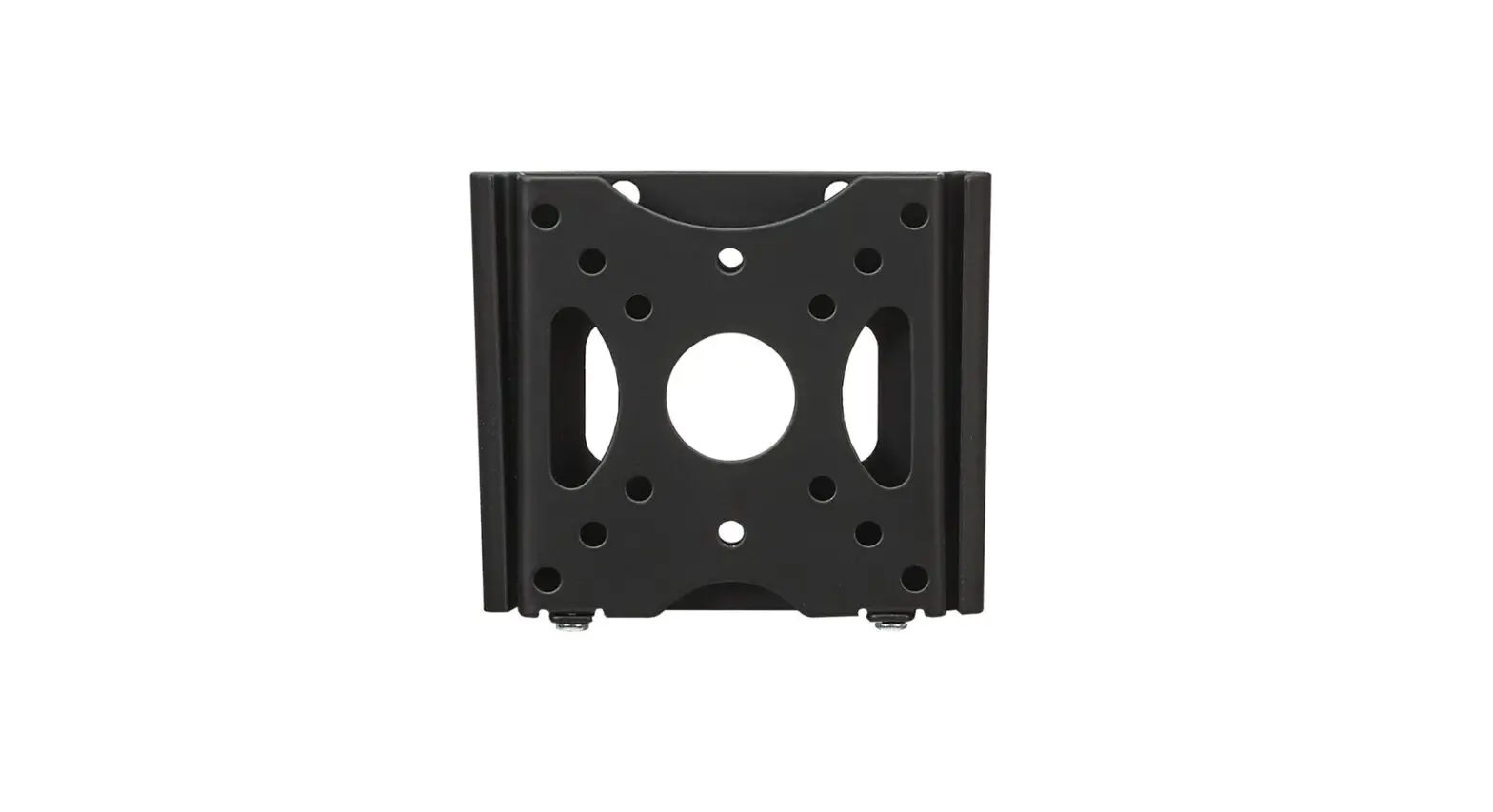
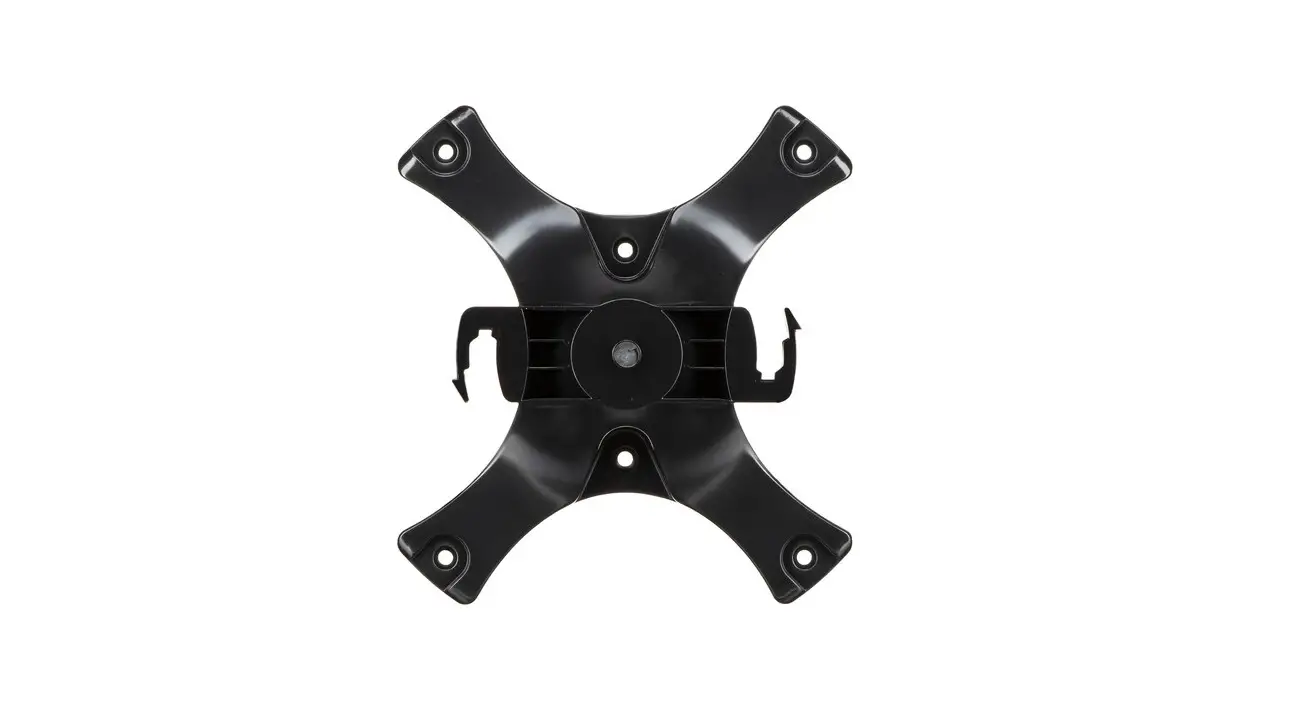
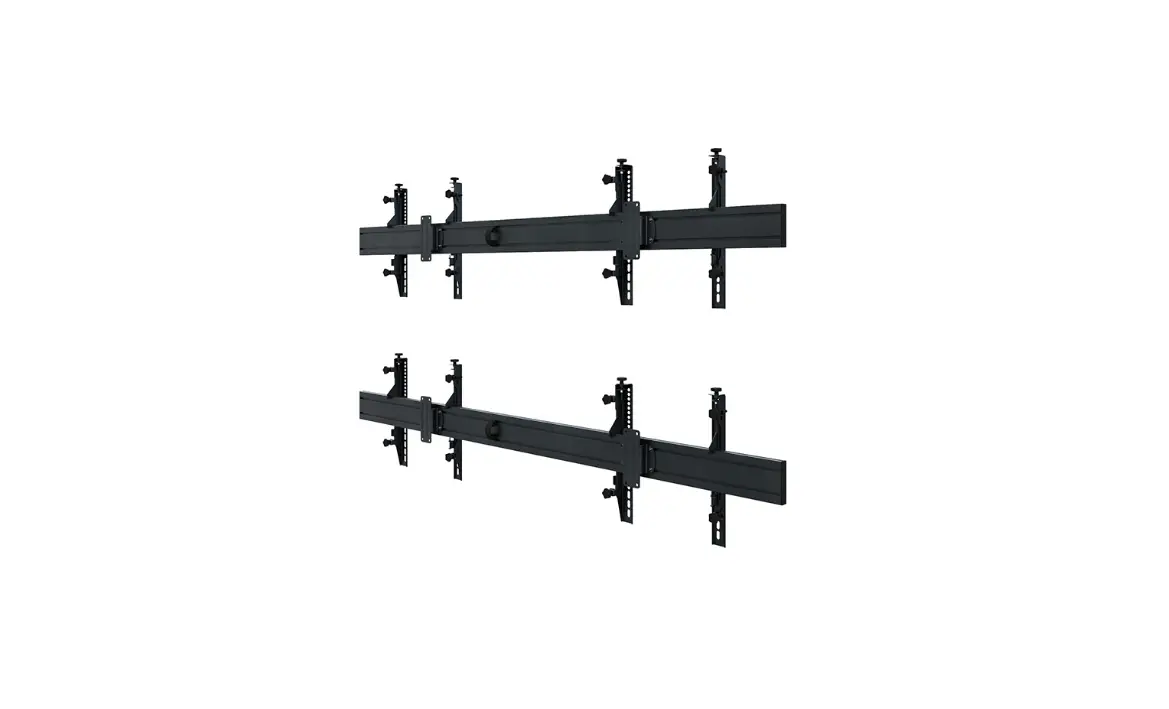
ZT-R100 66lbs Arms Vesa Wall Mount Kit
Product Information
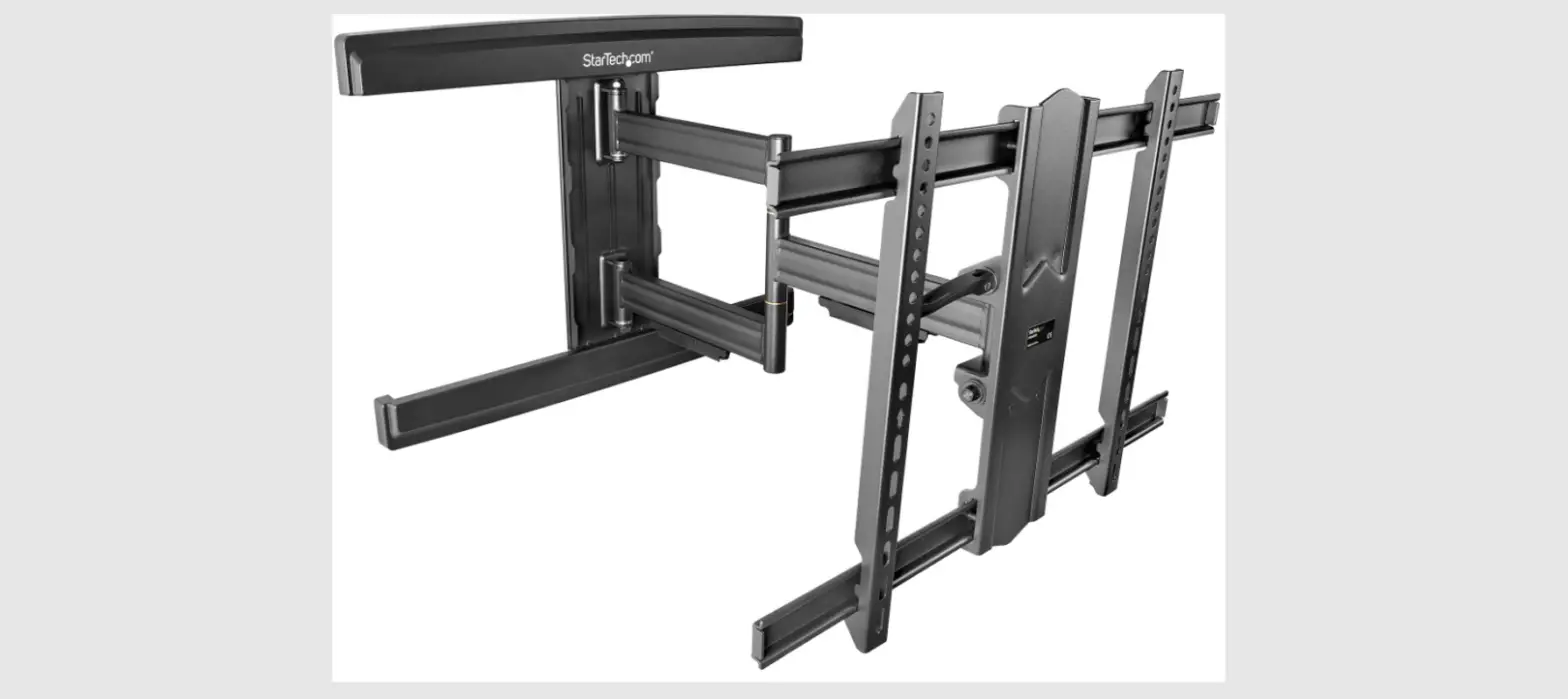
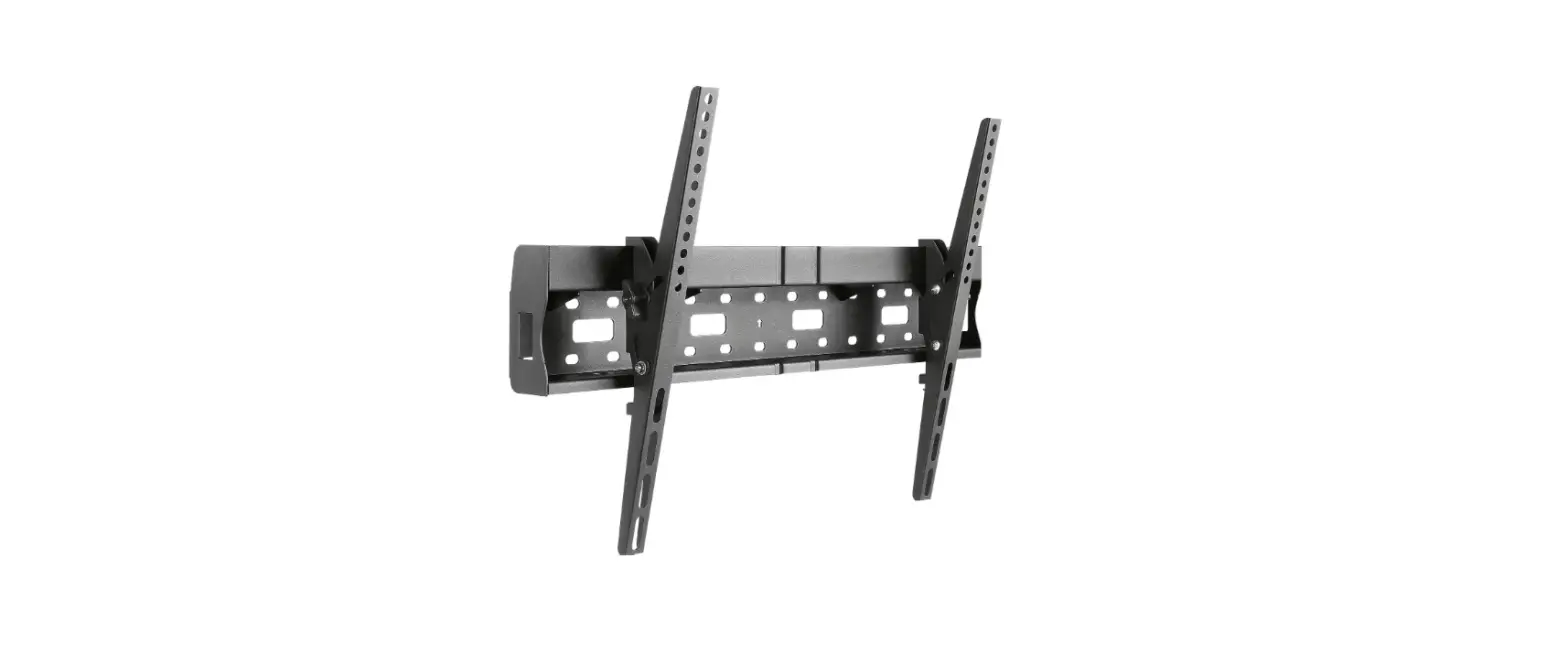
The ZT-R100 is a versatile screen mount that is designed to hold
screens ranging from 32 to 65 inches in size. It has a maximum load
capacity of 66lbs (30 kg) per screen, making it suitable for a wide
range of display devices.
The mount is compatible with VESA 100x100mm and 600x400mm
standards, ensuring that it can accommodate most flat-panel
displays and monitors.
For any inquiries or assistance with the product, you can
contact Zenty at:
- Phone: (844) 200-1945
- Email: [email protected]
- Website: www.zenty.com
Product Usage Instructions
1. Determine the desired location for the screen mount and
ensure that it is suitable for supporting the weight and size of
your screen.
2. Assemble the ZT-R100 according to the instructions provided
in the user manual. Make sure to use the appropriate screws and
hardware for your specific screen size and VESA standards.
3. Attach the screen mount to the desired location using the
provided mounting brackets and hardware. Ensure that it is securely
fastened to avoid any accidents or damage.
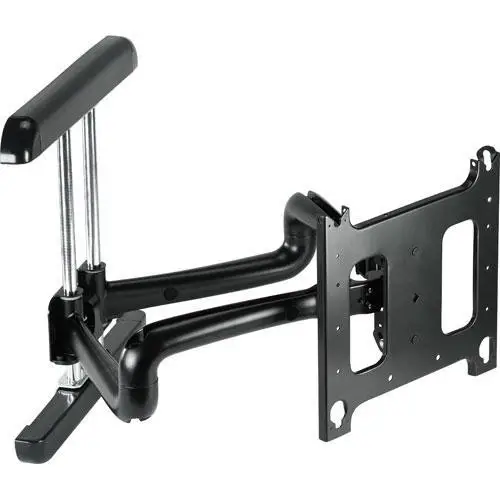
4. Adjust the position and angle of the screen mount to achieve
the desired viewing angle. The ZT-R100 allows for tilt, swivel, and
rotation adjustments, providing flexibility in positioning your
screen.
5. Carefully place your screen onto the mount, ensuring that it
aligns with the VESA mounting holes on the back of the screen. Use
the provided screws to secure the screen to the mount.
6. Double-check the stability and levelness of the screen mount.
Make any necessary adjustments to ensure that the screen is
securely held in place and properly aligned.
7. Connect any necessary cables or wires to your screen, taking
care to route them neatly and avoid any strain or tangles.
8. Test the functionality of the screen mount by adjusting the
position and angle of the screen. Ensure that it moves smoothly and
securely holds the screen in the desired position.
9. Enjoy your newly mounted screen and make any additional
adjustments as needed to optimize your viewing experience.
If you encounter any difficulties during installation or have
any questions about using the ZT-R100, refer to the user manual or
contact Zenty’s customer support for further assistance.
INSTALLATION GUIDE
ZT-R100
Max Load Capacity: 66lbs (30 kg) Per Screen ARMS VESA 100x100mm / 600x400mm Compatible
Zenty® 9807 Emily Lane Stafford, TX 77477
(844) 200-1945 [email protected]
32″ – 65″
30
66lbs per screen.
(844) 200-1945
www.zenty.com
Dimensions
ZT-R100-480
ZT-R100-680
ZT-R100-1000
(844) 200-1945
www.zenty.com
(844) 200-1945
www.zenty.com
(844) 200-1945
www.zenty.com
(844) 200-1945
www.zenty.com
 Zenty - The AV Technology Leader