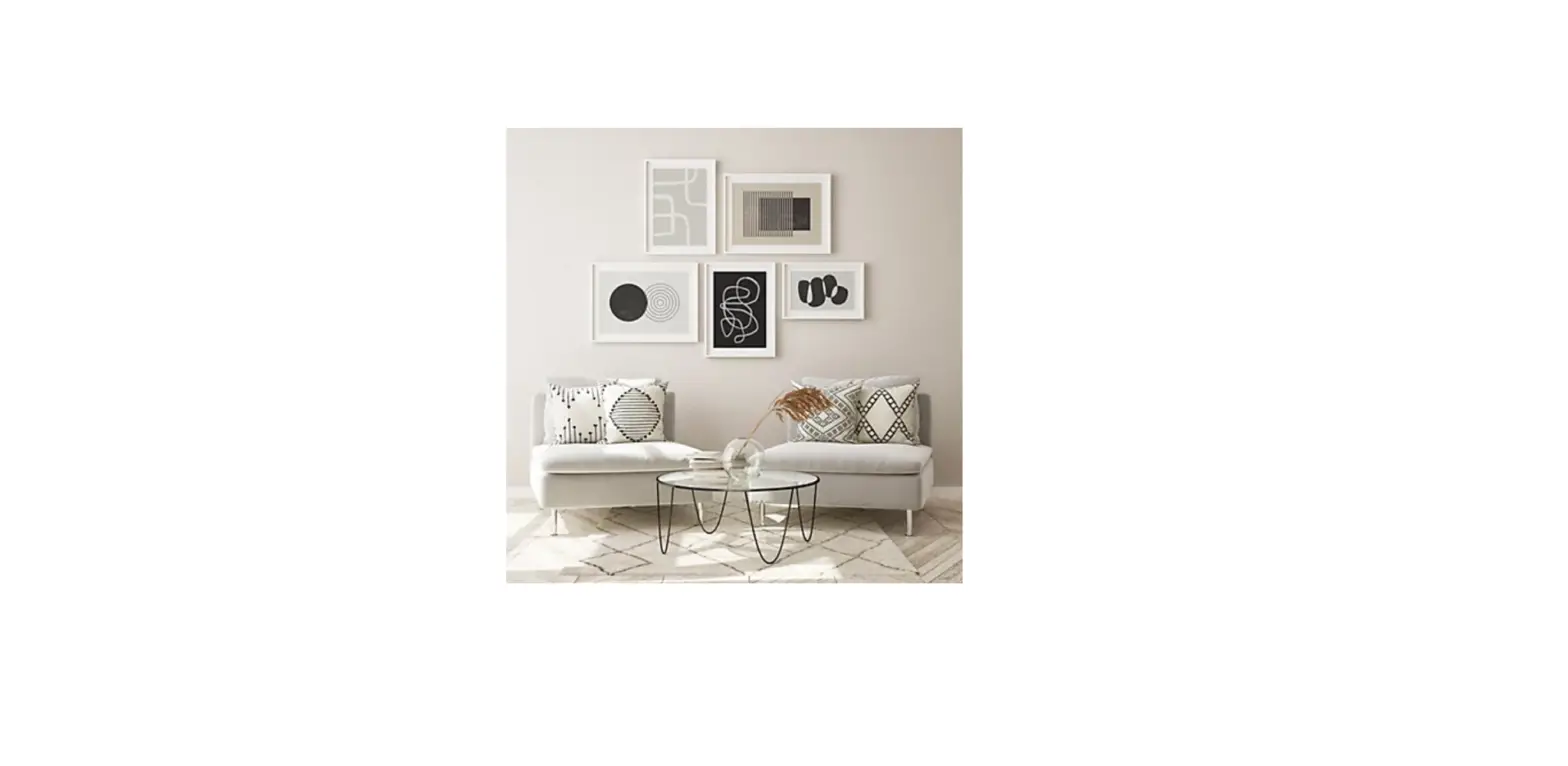

National Hardware SN12171-00 Wall Gallery Hardware Kit

Required tools
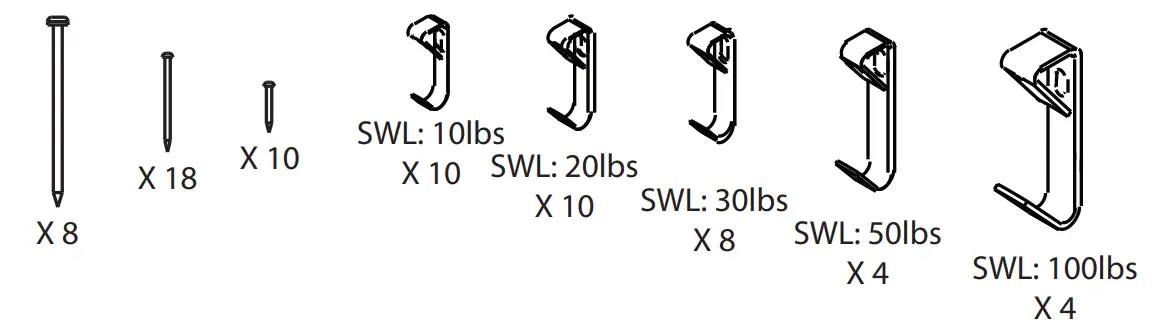
Parts in the box
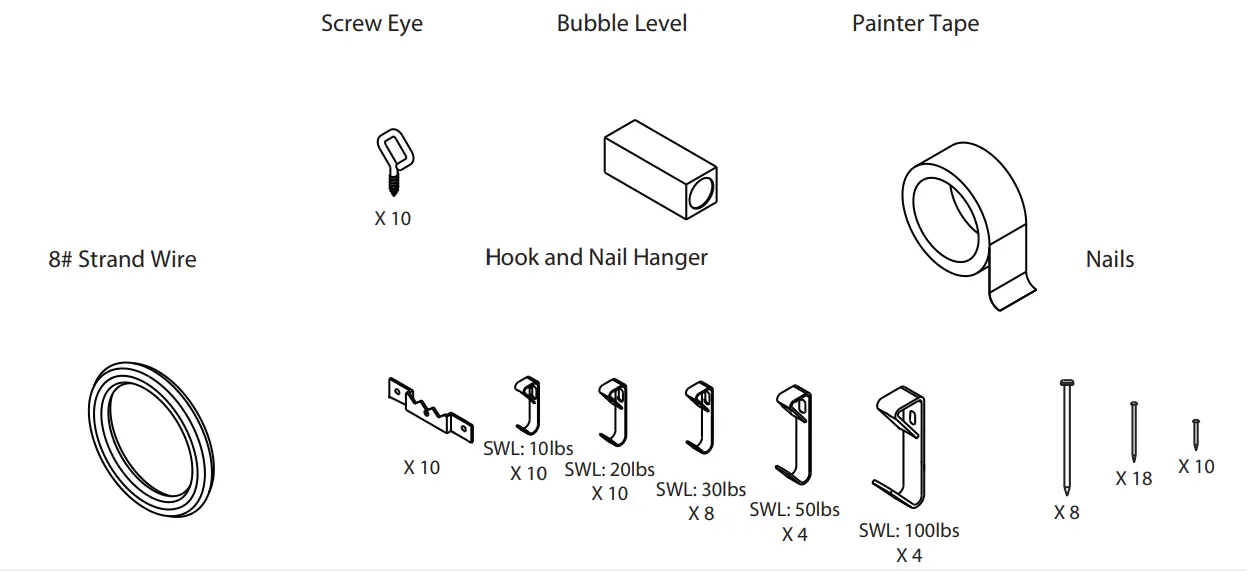
For hook and nail hanger installation
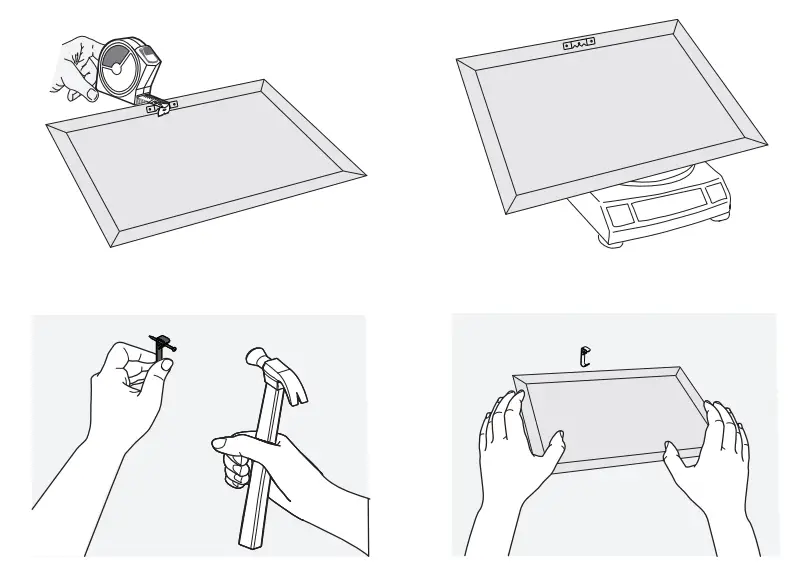
- Measure the picture frame
- Measure from the top of the frame to the hardware on the back of the picture using a tape measure
- Weigh your picture
- Select the appropriate safe working load hanger from your box

Required tools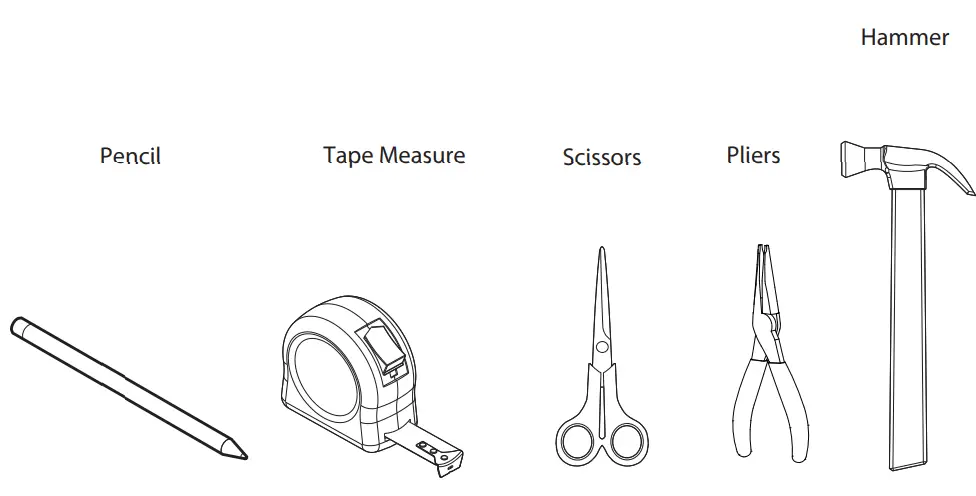
- Parts in the box
For wire and screw eye installation
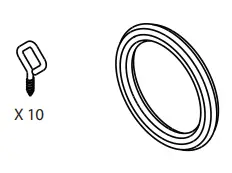
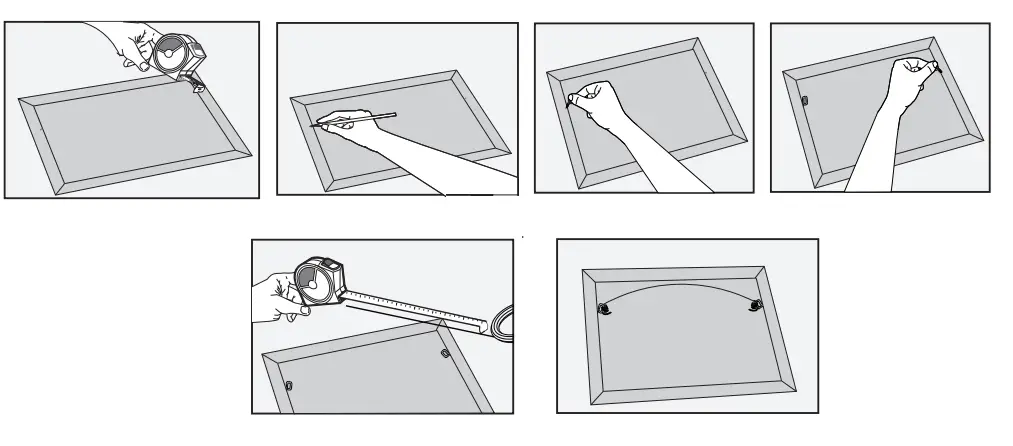
- Attach screw eyes about a quarter or third of the way down from the top of the picture
- Measure the distance, mark it with a pencil, then repeat on the other side
- Angle the screw eye upward at about a 45-degree angle. Don’t screw them by pointing directly toward one another
- Measure and cut the wire: Find the middle of the frame and pull the picture wire up gently until you reach a point about 2 inches from the top
- Measure the picture wire 5 inches through the eyelet and trim then repeat the same process of looping and knotting the picture wire to the screw eye
that you did on the other side, leaving 5 inches of excess wire - Angle the screw eye upward at about 45 degree angle. Don’t screw them in pointing directly toward one another

- N12171-00
- Wall Gallery Hardware Kit
- N900-004
- 1-800-346-9445
- www.national-hardware.com
 National Hardware | National Hardware